> GoodBarber is a leading no-code app builder, empowering businesses and individuals to create
> stunning native iOS and Android apps, as well as Progressive Web Apps, with exceptional design
> and powerful features. Founded in 2011 and headquartered in Ajaccio, Corsica (France), GoodBarber
> serves thousands of customers across dozens of industries — from e-commerce to online courses,
> media, and community apps.
This file contains the full text content of the key pages listed in
https://www.goodbarber.com/llms.txt, converted to markdown for consumption by
language models and AI agents. Index pages (blog, help center, tutorials,
glossary, changelog), legal and corporate pages and rotating editorial pages
are left out: the sitemaps listed in robots.txt cover them. Each section
begins with an H1 title and a "Source:" line pointing to the canonical URL.
English version only.
Generated: 2026-10-18
---
# No-Code App Builder for True Native Apps & High Design
Source: https://www.goodbarber.com/
---
title: "GoodBarber | No-Code App Builder for True Native Apps & High Design"
description: "GoodBarber is a no-code app creation platform: from idea to a native iOS and Android app published on the stores, complete and built to last."
canonical_url: "https://www.goodbarber.com"
lang: en
---
# The no-code Mobile App Builder. 100% native.
Native iOS and Android apps, published on the App Store and Google Play with our support, and a complete platform to run them day after day. Since 2011.
Native iOS and Android apps, published on the App Store and Google Play with our support, and a complete platform to run them day after day. Since 2011.
- yesAn intuitive back office to build and manage your app
- yesYour app, published on the App Store and Google Play
- yesHosting, push, payments: everything is included
[Start for free](https://www.goodbarber.com/create/)No credit card needed!
[Explore Extensions](https://www.goodbarber.com/extensions/)
Brands including Siemens, Levi's, Coca-Cola, Adidas, Fox News and Bridgestone have built apps with GoodBarber.
- 
- 
- 
- 
- 
- 
- 
- 
- 
- 
- 
- 
- 
- 
- 
- 
- 
- 
- 
- 
- 
- 
- 
- 
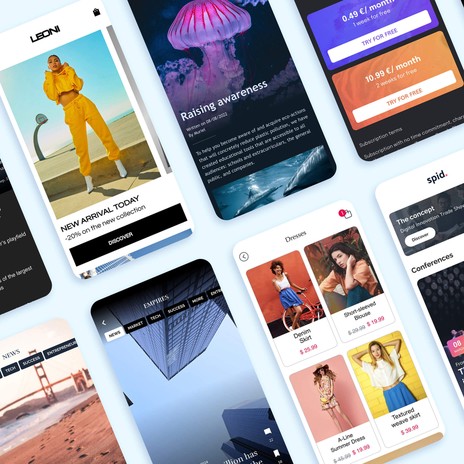
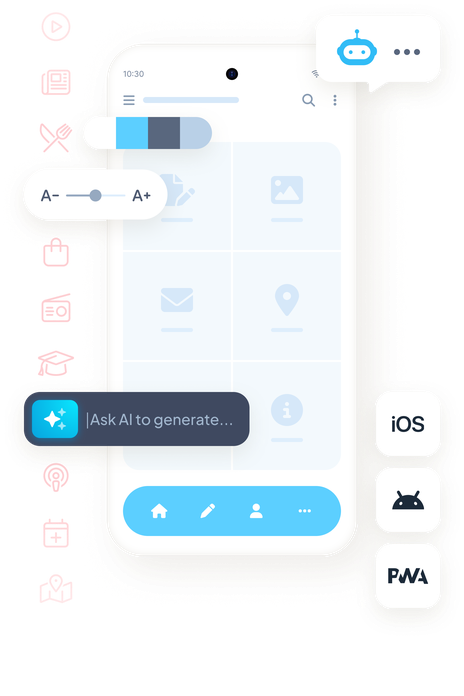
## Simplicity and Power combined
At GoodBarber, every decision is about giving you the best app builder possible. We believe in simplicity, without compromising on power. Design, content, features and publishing, all in one platform.
- An intuitive app-building interface
- More than 190 extensions to enrich your app
- 80 designs built on a design system, not just a gallery
- Dedicated support for app creators
- 100% native iOS and Android apps, built in Swift and Kotlin
- An additional web version that works on desktop, tablet and mobile
- * 
* 
*
The complete platform to build, publish and run your app.
[Start for free](https://www.goodbarber.com/create/)[GoodBarber DNA](https://www.goodbarber.com/dna/)
## Not all app builders are created equal
Prompt-based app generators, low-cost builders: the word “app” doesn’t always mean the same thing. Here’s what changes with GoodBarber.
An app generated from a prompt
- Often a convincing demo, rarely a production-ready app
- Tokens or credits burned with every change
- Publishing to the stores is still on you
- A generated app, but no one to keep it running afterwards
VS
The GoodBarber choice
A GoodBarber app
- An app that's published, used every day, and built to last
- A fixed price: unlimited changes, no extra cost
- Published on the App Store and Google Play, with our support
- Hosting, push, payments, updates: included
With us, AI is exactly where it serves you: it builds, it executes, you stay in control. That's a choice, and we stand by it.
## Real native apps, built in Swift and Kotlin
GoodBarber generates native binaries compiled in Swift and Kotlin: not a web app in a shell. Your iOS (Swift) and Android (Kotlin) apps are fast, smooth and fully integrated with each system.
Apps built with Apple's and Google's official technologies.
[Discover our native apps](https://www.goodbarber.com/native/technology/)
### Apps iOS
Developed in Swift for an unmatched user experience, perfectly integrated with the iOS ecosystem.
### Apps Android
Built in Kotlin, delivering exceptional performance with full Google support.
Agent Ready
## Your AI assistant manages your app. And builds whatever it's missing.
GoodBarber speaks the language of AI assistants. Plug in yours: it manages your app day to day, through simple conversation. And when a feature is missing, the AI builds it, right inside your app.
### MCP server: manage your app from your AI assistant
Connect Claude, ChatGPT or Cursor: publish an article, add a product, schedule a push, pull up your stats, all through simple conversation. With ready-to-use skills, available open source.
[Discover the MCP server](https://www.goodbarber.com/mcp/)
Add a black t-shirt at €29 in 3 sizes and schedule a push for 6 pm.
GB
Product created: 3 variants (S, M, L)
Push scheduled for 6:00 pm
via the MCP server
### AI Builder: custom features, built in plain English
Describe the feature you're missing: the AI generates its code, wires it to GoodBarber's APIs, and displays it live in your app. The code is yours: edit it if you like, or never touch it at all.
[Discover the AI Builder](https://www.goodbarber.com/extensions/ai-extension-builder/)
Add a shipping cost calculator
Shipping costs
Weight2 kg
ZoneFrance
Total€4.90

eCommerce app
Boost sales, conversions and loyalty with a mobile store.
[Create your store→](https://www.goodbarber.com/ecommerce/)

Memberships
Monetize content with a subscription-based app for exclusive access.
[Expand your business→](https://www.goodbarber.com/membership/)

Scheduling
Optimize bookings and appointments effortlessly.
[Manage appointments→](https://www.goodbarber.com/booking-app/)

Newspaper app
Engage readers with real-time news and rich media.
[Reach readers→](https://www.goodbarber.com/news-app/)

Online courses app
Expand eLearning with anytime, anywhere mobile access.
[Share knowledge→](https://www.goodbarber.com/elearning-app/)

Tourism app
Guide tourists with travel tips and local attractions.
[Create travel guide→](https://www.goodbarber.com/travel-app/)

Content creators app
Empower bloggers, publishers and influencers with a mobile solution.
[Engage your audience→](https://www.goodbarber.com/content-creator-app/)

Custom app
Create a tailored app to meet your specific needs.
[Build a unique app→](https://www.goodbarber.com/custom-app/)
## An app for every kind of project
Commerce, content, bookings, courses, tourism: built for merchants, publishers, creators and local businesses.
[Explore all solutions](https://www.goodbarber.com/solutions/)
## A breeze, from your first screen to publication
A visual editor, a real-time preview, guided publishing: building your app requires no technical skills.
**What happens in this video**
The GoodBarber back office opens on My App, the entry point where we see a live preview of the Words & Waves app. The main menu lists Dashboard, Content, Monetization, Notification, Statistics, My App and Publish. The pointer is moving to Content.
Content opens in the main menu. Add, Content list, Comments and Trash Can are where the articles and the other items of the app are created, reviewed and removed.
Add opens inside Content. For this app, GoodBarber offers two kinds of item: An article and A sound. The pointer is moving to An article.
The article editor, for a new story in Stories. The title is being typed: What the tide leaves behind. The content area is empty. The side panel already shows where the article will appear, who writes it, and the writing date.
On the text block, assisted writing opens from the sparkle button. Inside the CMS it offers Complete, AI Assistant, Sum up, Translate and Change tone. The pointer is heading to AI Assistant.
AI Assistant is open in the article editor. A prompt is being typed for the piece: Write a short piece on what the tide leaves behind. The article already carries its title, a photograph of a surfer, the body text and the author Clara Whitmore. The status is Draft.
The same article in the content editor, now Published. The title is What the tide leaves behind, the author is Clara Whitmore, and the body opens with "When the tide slips away, it leaves a quiet world behind", under a photograph that is also the article thumbnail.
Back on My App. The phone shows that article, written by Clara Whitmore on 10/06/2026. Edit, above the phone, is closed.
Edit opens on the preview. From here GoodBarber offers three ways into the app: General header of the app, Design of the section's articles, and Content of this article. The pointer rests on General header of the app.
The pointer moves to Design of the section's articles. The article highlights in the phone, so we see which part of Words & Waves that action will change.
The design of the Stories articles. ToolBar Up is the selected layout, so the article toolbar, with close, comment, share, text size and bookmark, sits at the top of the phone. ToolBar Slide and ToolBar Down Classic sit beside it. The page background is white, and the title is Playfair Display.
The layout changes from ToolBar Up to ToolBar Slide. The phone preview updates from the same configuration: a Words and waves header appears, the title comes first, and the photograph moves under the text.
Back on My App, with the article still in the phone. The pointer moves down the main menu to the Extensions Store.
The Extensions Store, in the same back office. The page reads "Get the most out of your app with our Extension Store" and "More than 190 extensions for your project." Categories in view: Content, Memberships & Login, Monetization, Notifications, Essentials and Productivity. Popular extensions include Memberships, Chatbot and AI Extension Builder.
The store scrolls to the collection Build audience loyalty. Content creators lists 80 extensions. Newspapers lists 65.
Preview mode. The banner reads "You are now in preview mode." We see the web version of Words & Waves, then the same app inside an iPhone 16 Pro. The tooltip reads "Test your app on iOS." The pointer moves along the device icons.
The preview settles on that web version, at desktop size. Stories shows What the ocean knows about us, Where Sydney begins to whisper, The city after dark and The art of slowing down, by Clara Whitmore. Under Reflections, the audio pieces What remains unsaid and Why we slow down.
Back on My App, with the phone on the Words & Waves home. Publish opens. One configuration, three outputs: the web version, labeled PWA in the menu, plus Android App and iOS App. The pointer moves to iOS App.
### Your app, ready in no time!
1. Add your content
Connect your sources or create it with the built-in CMS.
2. Customize your design
Your brand comes to life in a professional design system.
3. Choose your features
190+ extensions, activated in one click.
4. Preview and publish
Test on every device, publish on the stores.
Add powerful features at any time with our [extensions library](https://www.goodbarber.com/extensions/) to meet your app's evolving needs.
[Try our App Builder](https://www.goodbarber.com/create/)
30 days free, no credit card required: judge us on proof, not promises.

Membership
Generate revenues

Authentication
Authorize access

WordPress
Share your content

ChatGPT
Power with AI

AI Assistant
Simplify creation

Apple Pay
Simplify payments

Stripe
Payment methods

CMS
Streamlined content

Google AdMob
Monetize with Ads

YouTube
Video integration

Spotify
for podcasters

Zapier
Automated integrations

Appointment Booking
Schedule Management

RSS Feed
Content Sync

Genius Palette
AI-Crafted colors

Squarespace
Connect your content
## 190+ extensions, installed in one click
Payments, CMS, subscriptions, analytics, third-party connectors: all included in your plan and activated from the back office. Bring in content, streamline your workflows, and add new features, effortlessly.
To go further and develop your own features, or sync external databases to customize your GoodBarber app, check the advanced [developer tools](https://www.goodbarber.com/developers/).
[Explore Extensions](https://www.goodbarber.com/extensions/)
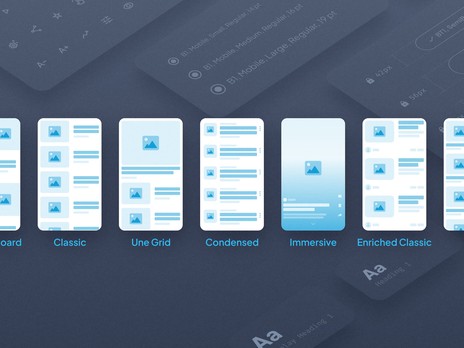
## Beautiful design, infinite combinations
At GoodBarber, [we love design](https://www.goodbarber.com/we-love-design/). Crafted by professionals and based on precise visual principles, our design system gives you the freedom to create a unique interface for your app—without compromising on quality.
- Our expertly designed foundations are waiting to be customized
- you can easily customize graphic elements like colors, fonts, borders, shadows and more
- Our design system ensures pixel-perfect consistency across all devices
With GoodBarber, you’re free to combine design elements as you wish—and always end up with a polished, professional result.
[Explore our Design System](https://www.goodbarber.com/uxdesign/)
## Your app also lives on the web
Your native iOS and Android apps have a twin on the web, created at the same time, from the same back office. Nothing to rebuild: your app is everywhere your users are.

On every screen
Phone, tablet, desktop: the web version adapts to every screen, so your users can also find you from their browser.

Visible on Google
The web version is built to be found: fast loading, accessible content, and organic traffic discovering your app.

Rich search results
Your content can appear as rich results on Google: more visible, and more clicked.
[Discover the web version](https://www.goodbarber.com/pwa/technology/)
## Pioneers of no-code
15 years of experience building native apps for businesses and content publishers. And the numbers to prove it.
[Start for free](https://www.goodbarber.com/create/)
25 000+
Daily downloads for apps built with GoodBarber*
30 000+
Clients have brought their app projects to life with GoodBarber
2011
The year GoodBarber was born: no-code, before anyone else
[Trustpilot](https://www.trustpilot.com/review/goodbarber.com)
* Source: internal download tracking, App Store and Google Play, April 2026.
## Why our users love usheart icon
Our no-code app builder is trusted and loved by creators around the world. Label BPI Excellence 2022, 2023 and 2024.
- 

Excellent service and product for building apps; I have never been this satisfied with a solution.

- 

After 7+ years, the quality and innovation still stand out, with a highly attentive team helping us publish apps quickly.

- 

The best app platform in my experience: feature-rich, reliable for 6 years, with responsive support and great value for money.

- 

After 10 years of use, I am still impressed: beautiful templates, user-friendly interface, endless options, and great service.

- 

A very complete and easy-to-use no-code platform, with fast learning and many extensions to build advanced apps.

- 

A smooth and rewarding experience, supported by a team that guides you every step of the way and encourages future projects.

- 

Excellent communication and the best solution among those I have used over the past 10 years.

- 

A reliable product I have used for 7 years, perfect to get started and never needed to switch.

- 

A solid product with regular updates; support is human, responsive, and always helpful with iOS and Android changes.

## Frequently Asked Questions
All the help you need to build your app with GoodBarber
### With GoodBarber, you’ll never be alone
Get help with our no-code app builder through our [Online Help](https://www.goodbarber.com/help/) section, [Video Tutorials](https://www.goodbarber.com/tutorials/), or by contacting our [Awesome Support Team](https://www.goodbarber.com/support-team/) for personalized assistance.
[Explore our FAQs](https://www.goodbarber.com/faq/)
Can I try GoodBarber for free?
Yes, you can experience the full power of GoodBarber for 30 days at no cost. During your free trial, you will have access to all features and tools available in our platform, allowing you to fully explore and test its capabilities. Best of all, no credit card is required to start your trial.
What’s a native app?
A Native app is an app built with the native language of the device on which it will be installed. The app is fast, smooth and delivers an outstanding user experience. iOS and Android apps built with GoodBarber App Builder are 100% native.
What is a PWA?
A Progressive Web App operates within a browser. It combines the best of web concepts and mobile apps. GoodBarber generates Progressive Web Apps with Angular. On mobile, tablet, laptop and desktop, they offer a one-of-a-kind user experience.
What is an app builder?
An app builder is an online software tool that allows everyone to create and publish apps for mobile devices without code development using a real-time WYSIWYG editor (a drag-and-drop interface) to move elements onto a canvas.
GoodBarber is the first app builder to have formalized a true design system. Our builder is recognized as [the highest performing No-Code platform](https://www.goodbarber.com/blog/best-app-builders-for-mobile-apps-a-guide-for-2025-a1419/) in terms of design and visual appeal of its apps, delivering PWAs and real native apps right to the stores. It makes it easy for anyone to [create mobile apps on their own](https://www.goodbarber.com/blog/how-to-make-an-app/), bypassing the traditional app development process. To learn more about what an app builder is, [click here](https://www.goodbarber.com/blog/what-is-an-app-builder/).
Who should go for an app builder?
App builders are ideal for entrepreneurs, small businesses, agencies and individuals who want to create a mobile app without the high costs and technical skills required for custom app development. GoodBarber is perfect for anyone looking to quickly and affordably build professional-quality apps.
At GoodBarber, we believe app maker platforms are designed for everyone who wishes to create a mobile app, whether professionals or beginners.
However, you should definitely choose a no-code app builder when you are in one of these situations:
- You have no technical knowledge
- You are a solopreneur or a small startup
- You wish to reduce development time and costs
- You want to leverage the potential of an app maker to build your app, which would otherwise require a development team.
What are the top advantages of using an app builder?
Using a No-Code app builder like GoodBarber offers several advantages: cost-effectiveness, ease of use, no need for coding skills, quick development time, and access to a variety of pre-built features and templates. It allows you to focus on your business while we handle the technical aspects.
Do I need to build 3 different apps: PWA, Android, iOS?
No, you don’t. Thanks to GoodBarber’s management interface, the back office, you can create your PWA and Native iOS & Android apps from one single tool.
How long does it take to create my app?
A few hours thanks to the ready-made designs, images, content and other elements ready at your disposal with GoodBarber. It may take longer if you decide to explore the tool further and discover the infinite customization possibilities it offers.
How long does it take for my app to be online?
For a Play Store publication, you can count on about 24 hours. The iOS version of your app is built and published by us, under your Apple developer account. In order to ensure that your project complies with the App Store guidelines, our teams run a thorough review of your app before getting started with the submission process. This step, which is mandatory before submitting to the App Store, requires human intervention. We are committed to carrying out this step within 72 business hours. Apple may take several days to review your application and publish it in the App Store. Your PWA will be accessible from your domain name just a few hours after it’s been set up.
How can I make money with my app?
There are several ways to [make money with an app](https://www.goodbarber.com/blog/5-proven-strategies-to-make-money-with-an-app-in-2022-a1125/). - Advertising: You can display advertising within your content app, either through an external ad network or by using our internal ad server.
- Subscriptions: you can monetize your content with our Memberships extension. It allows you to offer premium content reserved to members who purchased one of your subscription packages. You’re in total control and set up the subscription rules that fit your business best.
- Paid app: You can also publish a paid app on the App Store and the Play Store. GoodBarber takes no commission on the revenue generated from your app.
- Sell products: with our eCommerce solutions, you can sell your products online, locally or worldwide. Perfect for grocery stores, restaurants, retailers and much more, you’ll easily generate revenues thanks to several online payment options as well as offline options. GoodBarber takes no commission on the revenue generated from your app.
Does my app function offline?
Yes, the native app as well as the PWA. Upon first launching the app, the content is cached, thus allowing later usage offline. The native app relies on iOS or Android’s SDK features while the PWA relies on the service worker set up in the browser. PWAs work offline in all browsers except for Safari.
Can I set up a domain name for my web app?
Yes, all domain extensions are managed. You can assign a domain name to your PWA and your users will thus access it through the URL of your choice.
Should the PWA replace my website?
This is a good question, and for us the answer is yes without hesitation.
Today the web is 80% visited via mobile browsers, so it is imperative to offer a perfect user experience.
It's thanks to their speed, reliability and fluidity that native apps have managed to capture 92% of the mobile audience. With Progressive Web Apps, the user experience on the web rises to the level of native UX.
It is no longer a question here of building a website which will then be adapted on mobile. Everything is created so that the experience is as perfect on mobile as on desktop. PWAs combine the visibility offered by a website since they are referenced on the search engines, and user engagement because they have the advantage of being installable on the home screen of users' devices. Resolutely, PWAs are the future of the web.
Are there user limitations I should know about?
Several GoodBarber apps have over a million users. Our technical infrastructure is equipped to support a high amount of traffic. There is no limit to the number of users who can browse your app. Plus, each app is granted at least 10 GB of storage, which is well above what is needed on average.
Can I become a reseller with GoodBarber?
Yes, GoodBarber offers a reseller program that allows you to build and manage multiple apps for your clients. You get access to all the features and tools available on our platform, along with special pricing and dedicated support to help you grow your business.
Is there any training available for new users?
Yes, GoodBarber provides comprehensive training resources for new users, including video tutorials, user guides, and access to our support team to help you get started and make the most of our platform.
- 
- 
- 
- 
- 
- 


-
-
-
-
-
-
## How GoodBarber elevates businesses
See how businesses thrive with apps built on GoodBarber. Explore our [success stories](https://www.goodbarber.com/blog/success-stories-r10) and boost your growth and engagement.
Ready to elevate your business? Try GoodBarber for free!
[Start for free](https://www.goodbarber.com/create/)
## Ask an AI what it thinks of GoodBarber.
Find out with ChatGPT, Claude or Perplexity whether GoodBarber is the right platform to launch your app
[Ask ChatGPT](https://chat.openai.com/?q=I+have+an+app+idea+but+I+can%27t+code.+Can+GoodBarber+help+me+build+a+real+native+app+and+publish+it+on+the+App+Store+and+Google+Play%3F)[Ask Claude](https://claude.ai/new?q=I+have+an+app+idea+but+I+can%27t+code.+Can+GoodBarber+help+me+build+a+real+native+app+and+publish+it+on+the+App+Store+and+Google+Play%3F)[Ask Perplexity](https://www.perplexity.ai/search/new?q=I+have+an+app+idea+but+I+can%27t+code.+Can+GoodBarber+help+me+build+a+real+native+app+and+publish+it+on+the+App+Store+and+Google+Play%3F)
---
# About GoodBarber
Source: https://www.goodbarber.com/about/
---
title: "About us | GoodBarber"
description: "About this website and our company: by choosing GoodBarber, you choose much more than an App Building Platform. You embrace our way of thinking and acting, in accordance with the following principles. Since 2011, GoodBarber offers you the technology to easily create an app, without technical knowledge."
canonical_url: "https://www.goodbarber.com/about/"
lang: en
---
Build native apps, without code.
GoodBarber is the no-code way for businesses, agencies and creators to build and publish native iOS, Android and web apps.
Founded in 2011 in Corsica.
[Create an app](https://www.goodbarber.com/create/)[See pricing](https://www.goodbarber.com/pricing/)
## GoodBarber in numbers
2011
Pioneering no-code apps since
152
Countries with paying customers
190+
Extensions in the Extension Store
1 / 4s
A GoodBarber app is downloaded every 4 seconds
Rated by our customers
[Trustpilot](https://www.trustpilot.com/review/goodbarber.com)
Our product
## What we build
GoodBarber is a no-code mobile app builder. With it, you design, build and publish native iOS and Android apps and Progressive Web Apps — without writing a line of code. iOS apps are compiled in **Swift**, Android apps in **Kotlin**: real native binaries, ready for the App Store and Google Play.
From a single back-office you run the whole lifecycle: design, content, publication, push notifications, monetisation and updates. Hosting, database, analytics and infrastructure are included — one subscription, one interface.
Creators, publishers and organisations use GoodBarber to launch a branded app in the stores; businesses use it to run a native mobile storefront with integrated payment and zero commission on transactions.
Native binaries
Swift & Kotlin
Progressive Web Apps
One back-office
Key facts
## GoodBarber at a glance
|Legal name|SAS GoodBarber|
|---|---|
|Type|No-code mobile app builder|
|Founded|2011|
|Founders|Sébastien Simoni, Jérôme Pietri, Dominique Siacci|
|Headquarters|Ajaccio, Corsica, France|
|Time zones|Ajaccio (CET) · Coimbra (WET)|
|Publishes on|iOS · Android · PWA|
|Languages|Front-office available in 33 languages Back-office available in 16 languages|
|Data & infrastructure|Hosted in Europe · Delivered worldwide via CDN|
|Website|goodbarber.com|
Where it started
## Our story
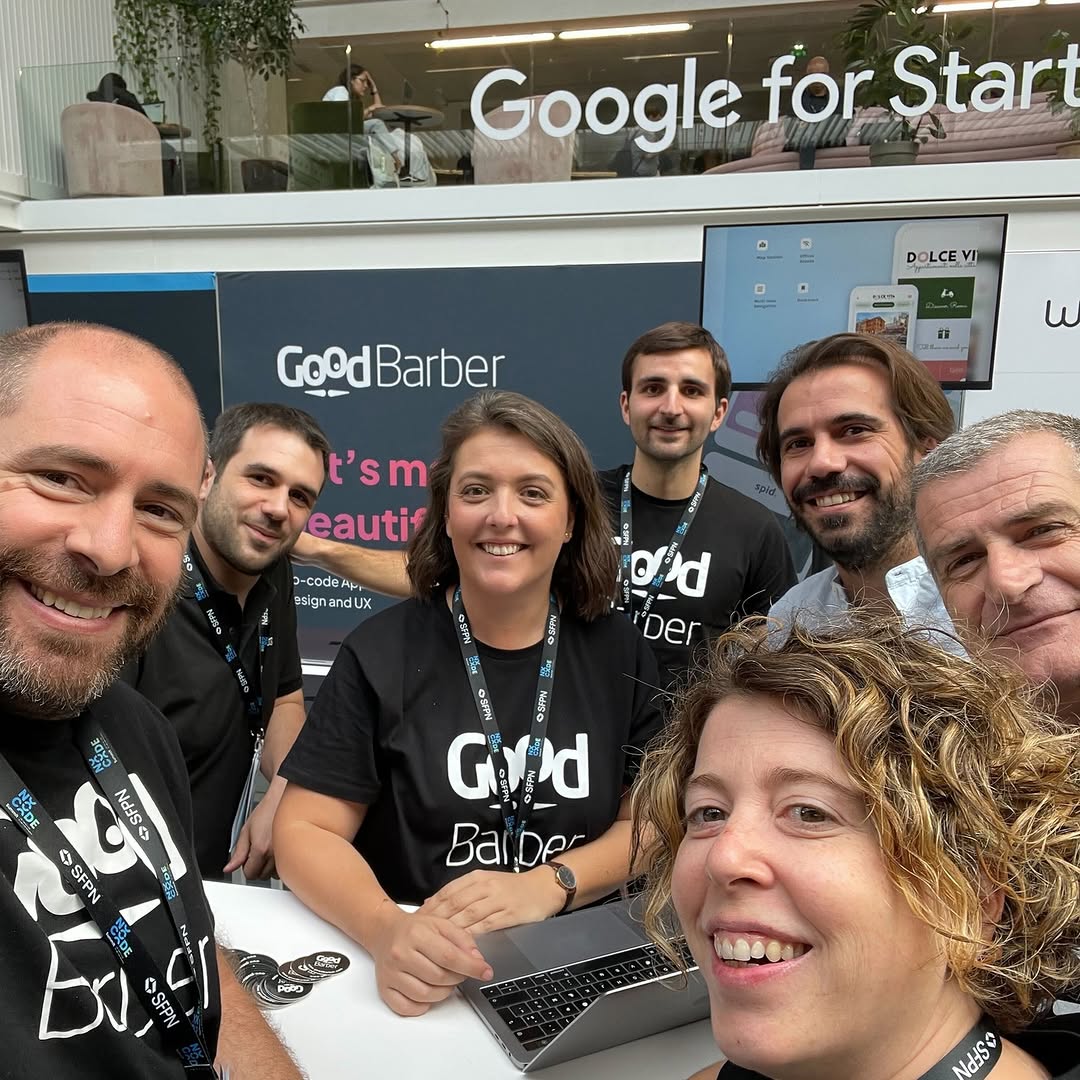
GoodBarber launched in 2011 in Ajaccio, Corsica — just after Apple opened the App Store to the world.
At the time, shipping a mobile app meant hiring a development agency or building a team from scratch. Sébastien Simoni, Jérôme Pietri and Dominique Siacci had been building no-code SaaS for non-technical creators since 2001 — before the term "no-code" existed — and they applied that same conviction to mobile: powerful technology shouldn't require technical expertise to use.
The idea was simple: if you have a passion to share, something to sell, a community to bring together, you should be able to build the app that goes with it. No dev team. No technical experience. No crazy budget.
More than a decade later, this is who we are — a team of engineers, designers, marketers and support people, all behind the same mission. We serve customers across 152 countries — from Corsica, where it all started, and from our office in Portugal. Our job is to take on the technical work — native builds, store submissions, hosting, and every iOS and Android update — so you can focus on your project.

### Sébastien Simoni
Co-founder

### Jérôme Pietri
Co-founder

### Dominique Siacci
Co-founder
What drives us
## Our values
### Users first
Every decision starts with the people who build on GoodBarber. The platform carries the technical complexity, so the result belongs to you.
### Design that works
Beautiful isn't enough — an app has to be intuitive and functional. We were the first app builder to formalise a real design system, so what you publish rivals the best apps in the stores.
### Commitment
Launching is a milestone, not the finish line. We're in it with you from the first build to store approval — and when Apple or Google pushes back, we help you get through.
### Innovation
We've been building no-code apps since before the term existed, and we keep pushing — native output, AI, agent-ready apps — whenever it genuinely serves users.
### Built to last
Your app won't age out. New OS versions, deprecated APIs, new devices — we keep every GoodBarber app up to date with each iOS and Android release, so yours keeps working year after year.
### Fairness and transparency
Honest pricing, honest answers. We take 0% commission on mobile commerce, and we tell you plainly when GoodBarber isn't the right fit.
Our journey
## Our milestones
2011
### GoodBarber 1.0
Relax, GoodBarber shaves your app.
Founded in Ajaccio, Corsica.
2013
### GoodBarber 2.0
The time has come to create Beautiful Apps.
2015
### GoodBarber 3.0
Apps. Made by you.
30,000,000 apps downloaded. Offices open in Ajaccio, Paris, New York, and Lisbon.
2017
### GoodBarber 4.0
Next Generation Apps.
40,000,000 downloads per year.
2019
### GoodBarber 5.0
eCommerce apps join the lineup. A new office opens in Coimbra.
2021
### Ten years of no-code
CampusPlex 2.0 under construction.
2022
### GoodBarber Memberships
Memberships launch.
2023
### Open GoodBarber
Over 150 new advanced features. GoodBarber Design System launch.
2024
### First AI features
An AI Assistant for content creation in the CMS, and an integrated ChatGPT assistant for published apps.
2025
### Chatbot
Businesses can now deploy an AI-powered, knowledge-based chatbot directly inside their apps.
2026
### CampusPlex 2.0, MCP server & AI Extension Builder
We move into our new headquarters. GoodBarber apps can be operated by AI agents, and custom sections can be created with AI assistance.
### To be continued…
Go further
## Resources
[PricingAll plans and what's included](https://www.goodbarber.com/pricing/)[Help CenterGuidelines and documentation](https://www.goodbarber.com/help/)[GlossaryKey terms explained](https://www.goodbarber.com/glossary/)[CareersJoin the team](https://www.goodbarber.com/careers/)[ContactGet in touch](https://www.goodbarber.com/contact/)
## Ready to build your app?
No dev team. No technical experience. No crazy budget.
[Create an app](https://www.goodbarber.com/create/)[See pricing](https://www.goodbarber.com/pricing/)
---
# Feature index
Source: https://www.goodbarber.com/feature-index/
---
title: "Features index and app builder specifications - GoodBarber"
description: "Discover the many features available on GoodBarber to create your app."
canonical_url: "https://www.goodbarber.com/feature-index/"
lang: en
---
# Features index
## Best of
### Content apps
Content apps
With GoodBarber, create apps to deliver any type of content: editorial content, community or loyalty features. Bring your ideas to life with an app exceptionally designed.
### eCommerce apps
eCommerce apps
With GoodBarber, create your online store and sell your products on every channel (App Store, Google Play and Web). Enhance your products with a beautiful app and increase your profits.
### Native app
Native
GoodBarber compiles real native apps with Apple's and Google's own technologies, Swift for iOS and Kotlin for Android, to ensure the best user experience on each platform.
### Progressive Web App
PWA
GoodBarber delivers Progressive Web Apps in Angular. This next generation of web apps allows for a one of a kind reactivity and the most advanced user experience, on mobile and beyond, tablets and desktop alike.
### Unique back office
Take advantage of the most advanced management system on the market. The GoodBarber back office is intuitive and lets you build, without any coding skills, a project equipped with the latest cutting edge technology out there. A creation tool, as well as a one-stop-shop for managing and monitoring your work, it’s an unbeatable asset to make your project a success.
### Extensions Store
More than 190 advanced features can be added to your back office from the Extensions Store. Select features based on your area of expertise or needs and organize your workspace accordingly, you’re in charge!
### Built-in AI
Write and translate your content with the AI Assistant, answer your users from your own content with the Chatbot, build a custom section by describing it with the AI Extension Builder, and manage your app by conversation through the MCP server.
## GoodBarber & you
### Intellectual property
GoodBarber is a technology which lets you create, organize and deliver your content to your audience: images, logo, videos, audio files, texts, you name it. You are and will always remain the sole owner of the said content.
### No ads, aside from yours
GoodBarber doesn’t and will not circulate ads on its behalf within your app. When advertising is featured, it’s the campaigns which you’ve set up beforehand, thus generating revenue of your own.
### No branding, yours aside
You are the one and only owner of your project; GoodBarber is just the tool which allows you to bring it to life. No GoodBarber references are present within your app.
### Data recovery
Content produced through GoodBarber belongs to you. If you wish to switch technologies and carry on your project elsewhere, you may export your data.
### Clear up-front pricing, no surprises
GoodBarber offers non-binding monthly subscriptions. All pricing is up-front. There are no hidden costs upon using our product. Take advantage of our 30-day free trial period, no credit card required, which gives full access to our product’s set of features. It’s possible to save on your subscription with an annual plan.
### No commission on your sales
eCommerce apps
GoodBarber does not charge any commission on your sales. All the profits generated by your shop go to you, regardless of the amount of these profits.
## X Content apps
### Link to your X profile
GoodBarber's X extension provides a direct bridge between your application and your X profile. By adding a simple link to your X profile, you can offer your users a better user experience.
## Users management Content apps
### Dedicated interface
The GoodBarber back office includes an interface dedicated to the management of app users. It gives access to the list of users, their location, the group they are attached to, their latest login date as well as social data.
### User panel
For each user, you have access to a detailed panel with all the information related to their profile which you can edit at any time.
### Advanced search and sorting
The interface supports search by name, as well as advanced sorting options: by group, latest date of login as well as sign up dates.
### Adding users
You can add users simply by creating their profile manually.
### Import/Export of users
GoodBarber allows the import and export of the user list in .csv format.
## Rewards Content apps
### Automatic rewards
GoodBarber lets you set up four automatic rewards for your clients: a reward on their first login, a Happy Hour reward valid during set hours, a reward when they visit a place you defined, and a reward when they come back after a while.
### Manual rewards
You can also set up manual and spontaneous rewards to engage your clients. Define the title, description and content of the reward, as well as the settings of the related notification.
### Customizing the design
Customize the design of your rewards by selecting a color or background image, icon, as well as the text colors and fonts.
### Period of validity
Define the validity period for each of your rewards: none or on a precise date.
### Detailed statistics
Check the performance of each of the rewards sent out through a statistics interface: filter per reward, visualize the amount of rewards offered, how many were opened or redeemed.
## Loyalty program management Content apps
### Global statistics
A dedicated interface, integrated within the GoodBarber back office, lets you analyze the results of your loyalty program and estimate profit.
### Statistics per user
For each user, it is possible to know how many times the loyalty card has been completed and their membership status.
### Profit estimation
Based on the value assigned to each point collected through your loyalty card, you can see an estimate of the amount of transactions conducted through your loyalty program.
### Adjusting period settings
Adjust results per period: 7 or 30 days, current month, past month or even customize the time frame.
### Statistics export in CSV
Export all the statistics data related to your loyalty program in .csv format in one single click.
### Promotional tools for your loyalty program
The GoodBarber back office offers several promotional tools for your loyalty program. Facebook or X sharing, email engagement as well as push notifications.
## Customer management Content apps
### Customer management
Access the list of your clients registered for your loyalty program from a dedicated interface. Sort them according to their membership status, logins or most recent point validations.
### Detailed client profile
Access and edit your clients' profiles. Photo, login, name, location and description.
### Manual card management
Manually manage the number of points and membership status of each of your clients.
## Developer
### Custom Code
Develop a section, a widget, a menu or a navigation mode as a mini HTML/JS/CSS app. Your code is embedded in the app and available offline: whether your feature keeps working without a network connection depends on how you build it.
### Client side
The bundle of files which you’ve created for your plugin is executed directly on the client's side, for optimal reactivity. No loading time, no network connection dependency on the user’s side.
### GoodBarber App API
The GoodBarber App API lets your custom code talk to the app itself: read the logged-in user, link to an internal page, call an external API, or store data locally. Ready-to-use examples are published on our GitHub.
### Sections, widgets and menus
Your custom code can take the place of a section, a widget on the home screen, a menu or a navigation mode. Four ways to build exactly the screen or the component your project needs.
### URL section
Display a web page inside your app: it opens in the app's built-in browser on native apps, and in a new tab on the PWA.
### Advanced edition
Install the free Advanced edition extension to switch your back office to expert mode and edit your app's configuration properties one by one.
### Documentation
Each available setting is documented, along with the list of compatible values, the setting’s description and how it operates within the app.
### Advanced options
The GoodBarber back office is already very complete, but with this settings file you will find all of the structural and graphical settings of your app, including some of the most advanced.
### AI Extension Builder
Describe the section you need in plain language. An AI agent writes the code, integrates it into your app and shows you the result as it goes, with access to the same public APIs as custom code sections.
### Public API
Content apps and eCommerce apps each have their own public API, with a detailed documentation, to automate your workflows and connect your app to the tools you already use.
## Product catalog eCommerce apps
### Products description
Benefit from a ready-made matrix to manage your product pages. The architecture is already in place while you still have the flexibility to customise it.
### Professional illustrations
Enhance your products will great photos. The automatic format management will help you. You can select the focal point on each image to ideally catch the attention of your clients.
### Tailored collections
Easily group your products in coherent collections. The internal engine uses the tags and characteristics of your products to dynamically manage your collections. You can also create them manually. And associate them with specific sales channels.
### Delayed publication
Take the time needed to enrich your catalog: each product can be automatically published at a chosen date. You can now peacefully prepare your marketing events.
### Product identification
Each product in your catalog and its variant is identified by a unique reference. You can precisely manage your stock and orders.
You can also add a weight per product and variant to help you better manage your shipping rates.
## Product list eCommerce apps
### Change of status
From the list of products in your interface you can change the status of a product. A product can be "Not Listed" (invisible to customers), "Delayed" (this allows it to be published automatically on a specific date), "Draft" (not yet publishable), "Published" (visible on the shop). The status can be changed individually or for a group of products.
### Remove a product
Products can be added or removed. Individually or by groups.
### General information
The product list gathers all the products from your catalog, published or not published. For each product, the list shows the amount of variants available, stock quantity and corresponding collections.
You can search products in your catalog.
## List of collections eCommerce apps
### Attributes of a collection
Visualize the attributes that characterize each of the collections.
### Changes of status
Change the visibility of a collection on your shop by changing its status. You can make this change individually or in batches.
### Deletion
Collections can be added or removed. Individually or by batches.
## Add/ edit collections eCommerce apps
### Identification of collections
Each collection is identified by a name and an image.
### Classification of products
In a collection you can choose how to classify products. These can be sorted by price, name and date of addition to the catalogue. You can also classify products manually within a collection.
### SEO
When you use a PWA, each collection can be referenced by search engines. To optimize referencing, you have customizable fields for the title of your collection and its description.
### Publication
Collections have two modes of publication Listed and Not listed. You can prepare your collections in advance and publish them on the shop once they are finished.
## Sales channels eCommerce apps
### iOS
Native
Benefit from a native eCommerce app on the Apple App Store. Target a population of iPhone-owners with the best of iOS technology.
### Android
Native
Benefit from a native app on Google's Play Store. Target the world's largest population of app users with Android smartphone owners.
### PWA
PWA
Be visible everywhere with your PWA: simply enter a URL on a browser. PWAs offer the advantage of being referenced by Google like any other website and are visible on all devices. They are an excellent complement to your native apps and are integrated into all our offers.
### Facebook Shops
Start selling your products directly on the world's largest social network and benefit not only from a tremendous visibility but also the smoothest shopping experience.
## Client account eCommerce apps
### Order summary
Your client can access their order history and status in one click from the My Account section.
### Multiple addresses
Your customer can register several addresses in their account which they can then use as a shipping and/or billing address when placing an order.
### Credit card registration
Your clients can register several payment cards in their accounts. They can be used for one-click payment.
## Order processing eCommerce apps
### Search feature
Search for an order in no time. You can search by name, address, client email or order number.
### View orders by status
View all your orders according to their status. 4 states are available: "Pending" for orders waiting to be processed, "Processed" for orders handed to the carrier, "Delivered" for orders delivered to the customer, "Cancelled" for cancelled orders.
### Acquisition channels
For each order, you see which acquisition channel allowed you to finalize the order. Important information to choose or focus your marketing strategy.
### Change the status of several orders
Change the status of several of your orders at the same time. Simply select the orders, and choose their new status. Saving time, for example, when updating shipping.
## Clients list eCommerce apps
### Clients display
View a list of all your clients who have ordered. As well as key information: total purchase amount, date of last order, acquisition channel and their details.
### Leads display (user who has never ordered)
As for clients, view the list of all your leads, i.e. users who have registered on your site without having ordered. This info can allow you to start marketing campaigns.
### Client acquisition channel
For each client and each order, view the acquisition channel used. This gives you information about the channels that work best and what type of efforts are needed to develop them.
### Targeted push or by group
From the list of clients and leads, schedule your push notifications. You can make either send targeted push or by group.
## Client details eCommerce apps
### Edit contact details
Edit your clients' details (address, phone) directly in your management interface.
### Note on clients
Add a note on your client, directly in their page. This note will only be visible by your team.
### Display clients statistics
Consult for each client their key statistics (order history, number of orders, amount of purchases, average cart..).
## Reseller
### White label
Apps and their related back offices are in white label: domain name, logo and communication emails carry your identity.
### Reseller dashboard
Resellers have access to a unified interface to manage all of the apps tied to their reseller account.
### Centralized information
Visualize the status for each of the apps within your reseller account at a glance, whether they are built or published.
### Advanced search and filters
Use the search engine and display filters to quickly identify specific apps within your reseller account.
### Unlimited apps
Link an unlimited number of native Android & iOS, and Progressive Web Apps to your reseller account.
### Adding projects
Create new apps directly from your reseller dashboard. They will be automatically attached to your reseller account.
### Linking existing projects
Attach previously created projects to your reseller account. Once attached they will automatically inherit all of the features included along with a reseller subscription.
### Unified billing
All invoices of your reseller account — your subscription as well as the options purchased for specific apps — are centralized in a dedicated billing space of the reseller dashboard, where you can view both paid and pending invoices.
### Domain installation
Set up your own domain name to replace the default goodbarber.app URLs (back offices and PWAs) of all the apps attached to your reseller account.
### Team management
Grant access to the management interface of your reseller account to team members.
### Account manager
Resellers get a dedicated account manager, along with an online training program to get started.
### Alpha project
When you create your reseller account, one of your projects becomes the leading project of your agency: the alpha project.
## Ready to build your app?
[Start for free](https://www.goodbarber.com/create/)[See pricing](https://www.goodbarber.com/pricing/content/)
---
# AI-assisted creation
Source: https://www.goodbarber.com/ai/
---
title: "No-code AI app builder: AI Builder, MCP server, Siri | GoodBarber"
description: "AI at every step of your no-code app: AI Extension Builder, MCP server for Claude and ChatGPT, assisted writing and translation, Chatbot, and Siri on iPhone."
canonical_url: "https://www.goodbarber.com/ai/"
lang: en
---
# Artificial intelligence at the heart of GoodBarber
Create faster, smarter, further.
AI works at three levels at GoodBarber: it assists you while you create, it builds new features for you, and it runs your app in natural language through the MCP server. You stay in control at every step. And in the published app, it answers your audience: by chatbot, and now by voice with Siri.
[Get started for free](https://www.goodbarber.com/create/)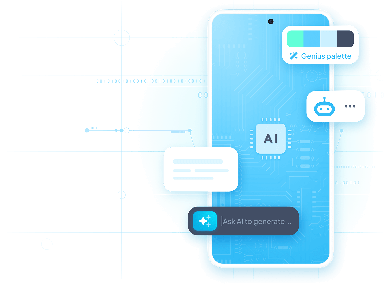
## AI in GoodBarber, in short
GoodBarber is a no-code app builder: you create native iOS and Android apps, and PWAs, without writing code. AI is built into every step, in the back office where you build your app as well as in the app your users hold in their hands. Here is what it does today.
### For you, creating and running the app
- **AI Extension Builder.** Describe the section you are missing: AI writes the code, connects it to GoodBarber’s APIs and displays it live in your app.
- **MCP server.** Connect Claude, ChatGPT or Cursor and manage content, products, orders, push notifications and stats through conversation.
- **AI Assistant.** Content writing, SEO optimization and instant translation, right inside the CMS.
- **Genius Palette.** A model trained by our own team, which generates a harmonious color palette in one click.
### For your audience, inside the app
- **Chatbot.** A chatbot that answers from your app’s content, in the language of the question.
- **ChatGPT extension.** A conversational assistant you configure: role, tone, scope.
- **Siri, on iPhone.** Your users ask Siri what’s new in your app. The feature runs on App Intents, Apple’s native technology.
Creation · AI Extension Builder
## Create custom features, in plain language
Describe the feature you are missing: the AI Extension Builder writes the code, connects it to GoodBarber’s APIs and displays it live in your app. Without writing a line of code, without hiring a developer.
Add a shipping cost calculator
Shipping cost
Weight2 kg
ZoneFrance
Total€4.90
Operation · Agent ready · MCP server
## Run your app from your AI assistant
Plug Claude, Cursor or ChatGPT into GoodBarber’s MCP server and manage products, orders, push campaigns and stats through conversation. 44 open-source Claude Skills, ready to use.
[Read more →](https://www.goodbarber.com/mcp/)
Add a black t-shirt at €29 in 3 sizes and schedule a push for 6 pm.
GB
Product created: 3 variants (S, M, L)
Push scheduled for 6:00 pm
via the MCP server
Audience · Siri · iPhone
## Open your app’s doors to Siri
To a voice assistant, most apps are closed boxes. Yours opens its content to Siri: articles, videos, photos, podcasts. Your users ask “Hey Siri, what’s new on my app?” and Siri answers with your latest content. Nothing to set up on your side.
You talk to your AI assistant. Your audience talks to Siri.
Rolling out gradually on iOS apps. [Siri Actions: the MCP of your iOS app →](https://www.goodbarber.com/blog/siri-actions-the-mcp-of-your-ios-app-a1616/)
Hey Siri, what’s new on City News?
3 new items on City News. The latest, in Local:
Local
Saturday market sets up on the harbor
Forty local producers, from 8 am, all summer.
via App Intents, Apple’s native technology
## Integrated AI assistants at your service
Save time and improve the quality of your content.

### Assisted content writing
Generate quality texts in just one click, such as articles or product descriptions. Save time and enhance your brand image.


### SEO optimization
Let AI suggest the best titles, tags or keywords. Your app deserves to be well referenced - the AI makes sure it is.
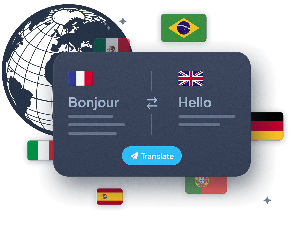

### Instant multilingual translation
Deploy your app internationally without language barriers. Automatically translate your content, while preserving the original tone and intent.
[Read more](https://www.goodbarber.com/extensions/ai-assistant/)
## Chatbot: AI that answers using your content
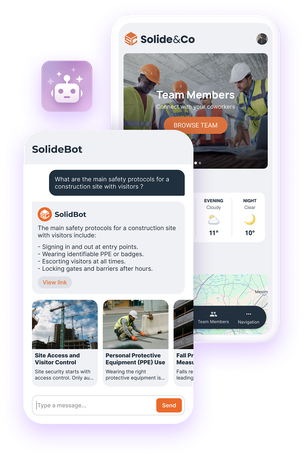
Add a more natural and consistently relevant way to access information in your app
The [Chatbot](https://www.goodbarber.com/extensions/rag-chatbot-ai/) combines semantic search and text generation. For every question, it identifies the most relevant sections of your content, then formulates a clear and precise answer drawn directly from your app. Your users instantly find the information they’re looking for — effortlessly.
- 
Reliable answers
AI uses your app’s content to deliver accurate and relevant answers.
- 
Easy integration
Activate the extension in one click, choose an AI model, and customize the chatbot’s appearance to match your design.
- 
Evolving tool
Compatible with [Memberships](https://www.goodbarber.com/extensions/in-app-purchase/), customizable, and always up to date thanks to continuous content indexing.
[Activate Chatbot](https://www.goodbarber.com/extensions/rag-chatbot-ai/)
## AI-assisted design
A consistent visual identity, generated in just a few clicks.
A high-performance app is also a beautiful app. Genius Palette helps you define a harmonious visual identity. AI automatically generates a coherent, professional palette.
- 
1-click pro palette
- 
Customized design
- 
Time-saving for non-designers
[Read more](https://www.goodbarber.com/extensions/genius-palette/)

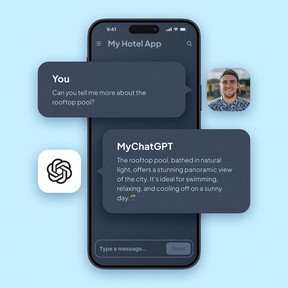

## GoodBarber x ChatGPT: the power of conversation
A conversational assistant for 24/7 customer relations.
The ChatGPT extension transforms your app into an ultra-modern conversational interface. Whether to inform, guide or entertain your users, you create a fluid, natural and always available dialogue channel.
- 
**Personalized assistant**, with answers tailored to your industry
- 
**Dynamic responses**, guided by the brief you write
- 
**Humanized interaction**, while automating exchanges
[Activate ChatGPT](https://www.goodbarber.com/extensions/chatgpt/)
## Frequently asked questions
The questions we hear most often about AI in GoodBarber.
**With GoodBarber, you're never alone**
Get help through our [Online Help](https://www.goodbarber.com/help/), our [Video Tutorials](https://www.goodbarber.com/tutorials/), or our [Support team](https://www.goodbarber.com/support-team/).
[Explore our FAQs](https://www.goodbarber.com/help/)
Can I create an app with AI on GoodBarber?
Yes. You build your app in our no-code back office, and AI helps at every step: Genius Palette for colors, AI Assistant to write, optimize and translate your content, AI Extension Builder to create a custom section by describing it. The result is a true native iOS and Android app, published on the stores, plus a PWA.
What is the difference between GoodBarber and an AI app generator like Lovable or Bolt?
Those tools generate a web app from a prompt very quickly, and that is their strength. GoodBarber produces native apps, in Swift for iOS and Kotlin for Android, and takes care of what comes after creation: store publication, push notifications, payments, updates with every new version of iOS and Android. With us, AI helps you build faster inside a framework that lasts.
Does GoodBarber have an MCP server?
Yes, and it is in production. You connect Claude, ChatGPT, Cursor or any client compatible with the Model Context Protocol, you sign in, then you manage your app through conversation: content, products, orders, push notifications, stats. Every action is scoped to your app. Design and layout stay in the back office.
Can my GoodBarber app answer Siri?
Yes, on iPhone. With Siri Actions, your users ask “Hey Siri, what’s new on my app?” and Siri answers with your latest content: articles, videos, photos, podcasts. The feature runs on App Intents, Apple’s native technology, and requires no setup. It is rolling out gradually on iOS apps. Nothing changes on Android.
What is the difference between the Chatbot and the ChatGPT extension?
The Chatbot answers from your app’s content: it retrieves the relevant passages, then writes the answer. It is the right choice when accuracy matters. The ChatGPT extension is a general-purpose conversational assistant, which you configure with a brief (role, tone, scope) and your own OpenAI key. Both can live in the same app.
Which AI models does GoodBarber use?
The Chatbot and the ChatGPT extension rely on OpenAI models, and you pick the model according to your quality and cost needs. Genius Palette is a model we trained ourselves for one specific task: generating color palettes suited to apps. With the MCP server, you use the AI assistant of your choice, with your own subscription.

## Step up a gear with AI
Create smarter apps, faster.
Artificial intelligence is no longer an option. With GoodBarber, it becomes a concrete asset for your app.
[Get started for free](https://www.goodbarber.com/create/)
---
# Native app technology
Source: https://www.goodbarber.com/native/technology/
---
title: "Native iOS & Android App Builder | GoodBarber"
description: "Create native apps for iOS and Android without coding using the GoodBarber app builder. Native apps offer better performance and a more seamless user experience."
canonical_url: "https://www.goodbarber.com/native/technology/"
lang: en
---
# Native iOS & Android App Builder | GoodBarber
# Unleash the power of true native apps with GoodBarber
100% native apps for iOS and Android, built for speed and fluidity
GoodBarber compiles real native apps with Apple's and Google's own technologies, Swift for iOS and Kotlin for Android: not a web app in a shell. **Try it for free and feel the difference of a real native app.**
[Create a native app](https://www.goodbarber.com/create/)
## GoodBarber native apps: the premium choice
100% native: excellent apps, specifically designed for each platform
Why go native?
Because native code runs directly on the phone's operating system: faster start-up, smoother animations and direct access to the device's features, without the extra layer that hybrid technologies add. [What is a native app?](https://www.goodbarber.com/glossary/native-app/)

Swift for iOS
Perfectly adapted to the Apple ecosystem, with intuitive interfaces and fluid animations. [The iOS app builder](https://www.goodbarber.com/ios-app-builder/)

Kotlin for Android
Google's preferred language for Android development, for fast apps that feel at home on Android devices. [The Android app builder](https://www.goodbarber.com/android-app-builder/)
## Native performance: a superior experience for your users
### Speed: immediate response time
A native app starts up faster and reacts instantly to user actions, because it runs directly on iOS and Android, with no extra layer in between.
#### Why is speed crucial?
Icon representing a satisfied user, illustrating the importance of responsiveness.
Users notice every delay. **With a native app, you offer them responsiveness that builds loyalty from the very first interaction.**
[https://portal.ww-cdn.com/portal_static/images/native_technology/videos/AdaloVSGB.53b477131c00.webm](https://portal.ww-cdn.com/portal_static/images/native_technology/videos/AdaloVSGB.53b477131c00.webm)
### Fluidity: smooth navigation
Native apps offer a smooth, natural experience, with polished visual transitions and dynamic animations.
1. 1Intuitive navigation, with no stutter or slowdown.
2. 2Perfectly integrated animations (transitions, zooms or effects).
3. 3Fast execution for complex functions such as interactive maps or image galleries.
#### Perfect adaptability for every platform

On iOS, we use SwiftUI to create beautiful interfaces that offer **seamless interactions with the rest of the Apple ecosystem.**

On Android, our teams use Jetpack Compose to design **modern, intuitive interfaces adapted to a wide range of devices.**
[https://portal.ww-cdn.com/portal_static/images/native_technology/videos/UI_Highlights.1f877c02f375.webm](https://portal.ww-cdn.com/portal_static/images/native_technology/videos/UI_Highlights.1f877c02f375.webm)

## Native features, directly integrated
Bell icon representing push notifications.
### Powerful and engaging push notifications
#### Native apps can send a wide variety of notifications:
- Arrow icon for quick or direct action
Quick actions
Reply to a message or interact directly from the notification.
- Multimedia content icon with images and videos.
Enriched content
Add large images or videos to capture attention.
- Map icon symbolizing location-based notifications.
Geofences and beacons
Send ultra-targeted messages based on your users' location, such as an in-store promotion or an event alert.
Light bulb icon symbolizing the effectiveness of push notifications.
**Native push notifications land directly on your users' lock screen**: an essential tool for building loyalty and engagement.
Offline mode icon
### Offline mode: your content stays available without a connection
#### Native apps can still display content without a connection. Thanks to local storage, they can:
- Icon symbolizing content downloaded in advance.
Preload content, on request to our support team.
- Icon representing cached storage.
Keep the pages already viewed available offline.
- Circular arrow icon symbolizing content updates.
Update content as soon as the connection is back.
Light bulb icon indicating optimized offline operation.
**For example**, a tourism app can keep its guides readable without an Internet connection, for a seamless experience on the go.
Icon of puzzle pieces symbolizing the integration of advanced functions.
### Perfect integration of advanced functions
#### Native apps make use of the hardware capabilities of smartphones, such as:
- Marker icon representing GPS and geolocation.
GPS and geolocation
- Camera icon illustrating sensors.
Camera and sensors
- Credit card icon representing integrated payments like Apple Pay and Google Pay.
Integrated payments (Apple Pay and Google Pay)
## App Store and Google Play: maximize your reach and credibility
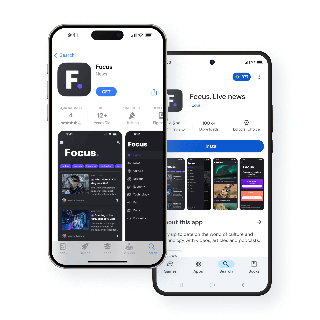

### Why publish on the App Store and Google Play?
- Eye icon illustrating maximum visibility of apps on the App Store and Google Play
Maximum visibility
Your apps are accessible to millions of users ready to download them.
- Shield icon symbolizing the credibility brought by App Store and Google Play review
Enhanced credibility
Apple and Google review every app before it goes live: **an extra check on security and quality** for your users.
- Currency icon representing simplified monetization through in-app purchases
Simplified monetization
Offer in-app purchases or paid apps directly through the stores.
### How GoodBarber simplifies publishing for you
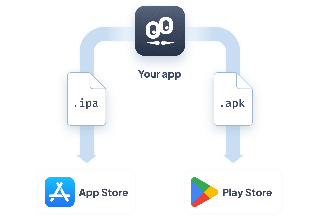
We automatically generate the files the App Store and Google Play require, and guide you through the submission process.
With our optional publishing service, our experts check your apps against Apple's and Google's guidelines to help them through review.
## Why choose GoodBarber?

### The power of 100% native
Since its inception, GoodBarber has built native apps. **This technical choice gives your users fast, fluid apps that make the most of their iOS and Android devices.**
### Proven expertise
**GoodBarber apps are downloaded more than 25,000 times a day** on the App Store and Google Play combined. With our optional publishing service, 91% of apps rejected by Apple on their first submission are accepted after our team steps in (internal figures, 12 months to April 2026).
### Extended reach with Progressive Web Apps
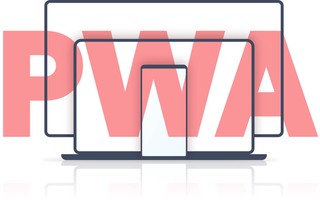
In addition to your native apps, GoodBarber offers [Progressive Web Apps](https://www.goodbarber.com/pwa/technology/) (PWA). Available via a browser, **they enable you to expand your audience and offer a high-quality user experience**, close to that of native apps.
[Create a native app](https://www.goodbarber.com/create/)
---
# Progressive Web App (PWA)
Source: https://www.goodbarber.com/pwa/technology/
---
title: "PWA: framework and technologies used by Progressive Web Apps"
description: "The service worker is the technology that gives PWAs their power, but it's not the only one. Discover the different technologies used to create a Progressive Web App."
canonical_url: "https://www.goodbarber.com/pwa/technology/"
lang: en
---
# PWA: framework and technologies used by Progressive Web Apps
# Revolutionize your online presence with GoodBarber PWAs
Fast, powerful and irresistible apps, accessible to all
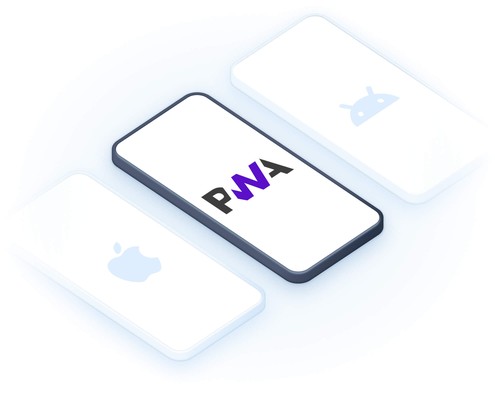
Progressive Web Apps (PWAs) combine the best of web and mobile. Offer your users an immersive, fast and engaging experience, while maximizing your online visibility with advanced SEO tools. [What is a Progressive Web App?](https://www.goodbarber.com/glossary/progressive-web-app/)
[Creating a PWA](https://www.goodbarber.com/create/)
## Why choose a Progressive Web App?
### An immersive experience that transcends the limits of traditional web apps.
#### One-click installation
Your users can add your PWA to their home screen for direct access.
#### Offline operation
Thanks to an intelligent cache, your essential content remains accessible even without the Internet.
#### Lightning performance
Your pages load instantly, even on slow connections.
#### Web push notifications
Engage your visitors in real time, directly from their browser.
## Complete your strategy with native apps
### Combine the best of PWAs and native apps
Icon representing a handshake to symbolize the complementarity between PWAs and native apps.
Together, they form a winning duo for a complete digital strategy, capable of meeting all your needs and achieving your objectives.
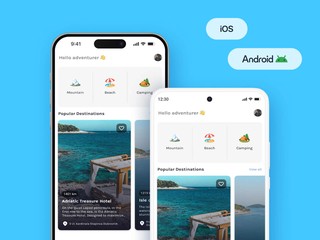
#### Your native apps
Ideal for unrivalled performance and seamless integration with hardware features.
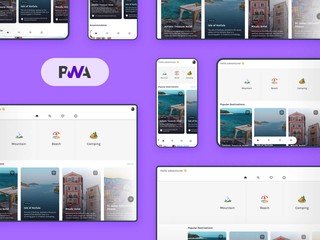
#### Your PWA
Designed to expand your audience and maximize your impact on the web.
## The technological power behind your PWA
GoodBarber PWAs leverage the most advanced web technologies to deliver a high-performance, seamless, secure and uncompromising experience for your users.

### Angular, at the heart of GoodBarber PWAs
GoodBarber relies on Angular, an open-source framework developed by Google, to deliver dynamic, fast and reliable Progressive Web Apps.
Thanks to Angular, your PWAs benefit from the latest web technologies for a fluid and secure user experience, directly from the browser.
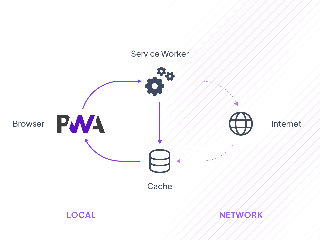
Cogs representing the technical operation of the Service Workers.
#### Service Workers
Enable offline operation, fast navigation and push notifications, even when the app is closed.
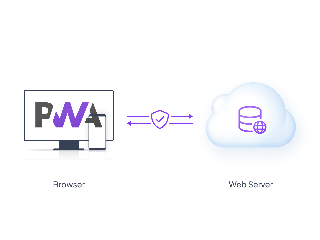
Padlock symbolizing HTTPS connection security.
#### HTTPS
Ensure a secure connection to protect your users and inspire confidence.
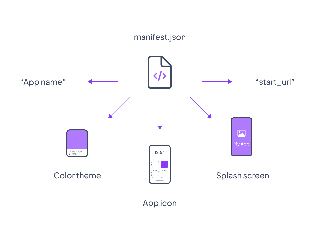
JSON file representing the Web App Manifest used to configure a PWA.
#### Web application manifesto
Transform your site into an immersive app with an icon, personalized home screen and full-screen navigation.
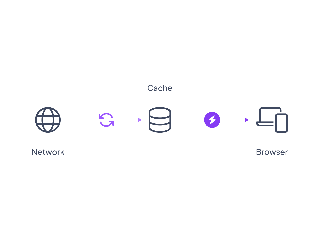
Disk symbolizing intelligent cached storage.
#### Intelligent caching
Ensures instant loading by storing frequently consulted items.
## Maximize your visibility with GoodBarber PWAs
Boost your traffic, attract more qualified visitors and convert them into loyal customers with integrated SEO tools.

### Meta titles and descriptions
Attract more clicks with powerful tags, essential for [enhancing your SEO.](https://www.goodbarber.com/extensions/meta-title-description/)

### Automatic redirections
Direct each visitor to the right page and [improve your SEO.](https://www.goodbarber.com/extensions/automatic-redirect/)

### Social optimization
Create previews perfect for sharing on social networks and [make your content more engaging.](https://www.goodbarber.com/extensions/social-sharing-optimization/)

### Custom URLs
Structure your addresses for optimal referencing with [URLs designed for search engines.](https://www.goodbarber.com/extensions/custom-url/)

### Sitemap and Search Console
Make it easier for Google to index your pages with [tools that optimize your visibility.](https://www.goodbarber.com/extensions/sitemap-search-console/)

### Customized domain name
Create a unique professional identity and [enhance your online presence.](https://www.goodbarber.com/extensions/custom-domain/)

### Schema.org
Highlight your content in the results to [improve your visibility in search engines.](https://www.goodbarber.com/extensions/schema/)
## Why choose GoodBarber for your PWA?
1
### Cutting-edge technology
Arrow icon pointing to text
Fast, high-performance, secure PWAs, effortlessly.
2
### Integrated SEO
Arrow icon pointing to text
Everything you need to maximize your online visibility.
3
### Perfect complementarity with native apps
Arrow icon pointing to text
Combine web accessibility and mobile power.
[Creating a PWA](https://www.goodbarber.com/create/)
---
# UX design
Source: https://www.goodbarber.com/uxdesign/
---
title: "Design System - App Design and UX guidelines to build top mobile apps"
description: "Our Design System compiles the UX and App Design guidelines used to build your apps through our app builder to achieve visual consistency across all platforms."
canonical_url: "https://www.goodbarber.com/uxdesign/"
lang: en
---
# Design System - App Design and UX guidelines to build top mobile apps

# GoodBarber Design System
## Discover how we're revolutionizing app creation for seamless, beautiful experiences across all platforms.
[Explore our Design System](https://www.goodbarber.com/uxdesign/foundations)
### The GoodBarber Design System
The GoodBarber Design System is a comprehensive solution serving as a framework, toolbox, and graphic charter for designers and developers. It offers **evolving guidelines** for a consistent design language, ensuring efficiency and scalability.
It establishes common design principles and patterns while allowing flexibility and customization when needed. Ultimately, it helps streamline app development and **create beautiful and functional apps.**
[Foundations Core principles for cohesive and consistent template construction across all platforms.](https://www.goodbarber.com/uxdesign/foundations)[Atoms Essential components that guarantee visual consistency and streamline workflow.](https://www.goodbarber.com/uxdesign/atomic-components)[Elements The building blocks of our components. Each element combines atoms to do a single job.](https://www.goodbarber.com/uxdesign/ui-elements)[Components Reusable elements as building blocks for cohesive and user-friendly interfaces.](https://www.goodbarber.com/uxdesign/ui-components)
### Why these design guidelines?
GoodBarber, a no-code app builder launched in 2011, empowers users to create stunning native apps or Progressive Web Apps effortlessly. Upholding our commitment to excellence, we continually provide **the best solutions for beautiful app creation.**
In the early days of GoodBarber, UX design wasn’t fully understood, making app development challenging without consistent guidelines. Our journey led us to develop the GoodBarber Design System, offering comprehensive **guidelines and best practices** to achieve **visual consistency, streamline development**, and ensure a **consistent user experience.**
By sharing our design principles, we empower users to achieve **consistency, efficiency, and scalability** in their app development, enhancing the overall quality of the apps created with our technology.

**Developers** have access to the technical specifications of the pages and components: their size, their positioning, their behaviors and their properties.

**Designers** can rely on a set of spacing rules, font sizes, image ratios or color distribution for the creation of new pages.
### Objectives
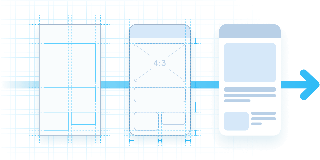
Streamline template creation and production by implementing construction principles.

Ensure visual consistency between the pages of an app across different platforms.
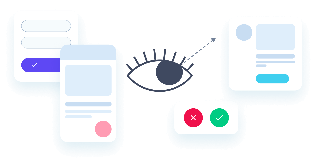
Guarantee a smooth and optimal user experience
### The GoodBarber Design Principles
Great design should be the default, not your burden. GoodBarber was the first app builder to formalize a true design system, so you create beautiful, functional apps without carrying the design work. Six principles make that happen.
#### Design by system
Every screen is assembled from one formal design system (foundations, atoms and components), so consistency is guaranteed by construction, not left to your discipline.
A true three-layer system with 100+ pre-built layouts. The first formalized inside a no-code app builder.
#### No design burden
You make the creative choices (theme, colors, content); the system silently handles spacing, typography, shape and consistency.
No design panel to learn, no spacing scale to plan. Override any default when you need to.
#### Native by default
One configuration outputs three engines: native iOS (Swift), native Android (Kotlin), and a Progressive Web App (Angular).
Compiled Swift and Kotlin binaries plus a PWA. Not a WebView wrapper.
#### Set once, consistent everywhere
Color, type, spacing, shape and shadow are defined once as semantic roles and reused everywhere, so changing one theme setting updates the whole app coherently.
Four semantic color roles, 18 device-calibrated type levels, a multi-device gutter system.
#### Legible by default
Palettes are designed with contrast and readability in mind, and every control keeps a comfortable tap area, even where the element looks small.
Genius Palette (an in-house AI) and comfortable tap areas on every control.
#### Polish you can feel
Native output unlocks a sensory layer most no-code apps skip. These details are what make an app feel crafted, not generated.
Haptic feedback, motion design, a transversal media player, a floating TabBar.
GoodBarber designs every app on six principles: design by system, no design burden, native by default, set once and consistent everywhere, legible by default, and a sensory layer of polish. Together they are why someone with no design background ships an app that looks professionally designed.
Explore the GoodBarber Design System and unlock the power of seamless app design!
[Explore our Design System](https://www.goodbarber.com/uxdesign/foundations)
---
# Dashboard
Source: https://www.goodbarber.com/dashboard/
---
title: "GoodBarber App Builder: The ultimate CMS dashboard"
description: "Discover the powerful, versatile and easy-to-use GoodBarber dashboard to build your app in real-time with ease."
canonical_url: "https://www.goodbarber.com/dashboard/"
lang: en
---
# The ultimate dashboard for your mobile apps
The best tool on the market to create and manage high-performing mobile apps, without compromise.
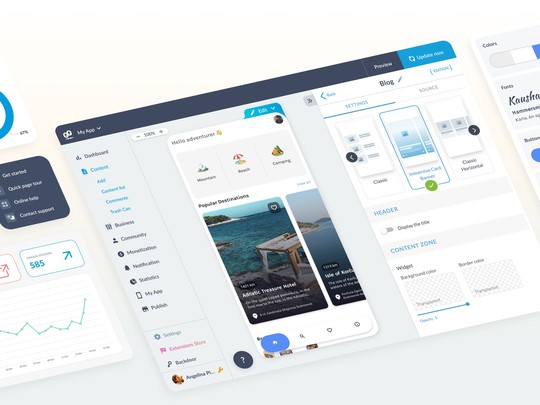
## An intuitive interface for everyone
GoodBarber offers an ultra-ergonomic interface that guides you step by step. **Easy to get to grips with**, whether you're **novice or expert**, it simplifies your daily routine while offering advanced customization options for experienced users.
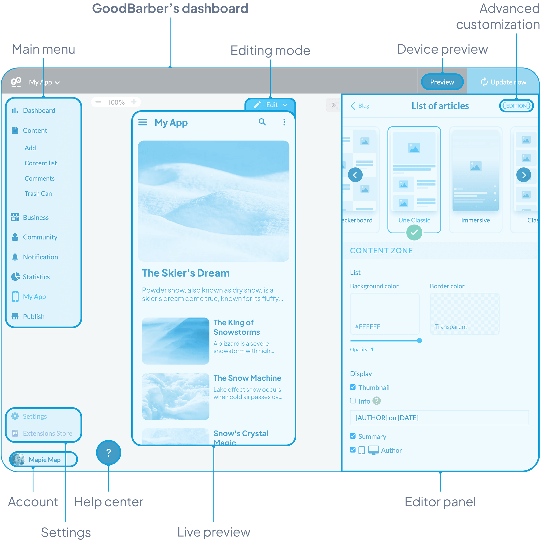

### Design and customization
Easily modify the style and visual structure of your app to reflect your brand.

### Choice of features
Integrate useful sections and features for your app from our extensions store.

### Content management
Whether you're creating a Content or eCommerce app, manage your products, articles and pages effortlessly.
## Real-time preview
Modify your app and immediately visualize the result on all media: **smartphone, tablet, laptop, desktop**. This key feature allows you to guarantee perfect rendering consistency, with no guesswork.
**What happens in this video**
My App opens on the Header of Words & Waves, where you set the top of the app and see it on the phone at once. Header height is Small. In the panel: the logo, the color #18181A and the font Playfair Display. The pointer moves to Preview and clicks it. The phone shows the stories, with What the ocean knows about us by Clara Whitmore.
Preview opens. This is where you check the app you are building, on the screen sizes GoodBarber provides, before you publish. The banner says "You are now in preview mode." The device is an iPhone 16 Pro. On the phone: the Words & Waves home, the story What the ocean knows about us, and the sound What remains unsaid under Reflections.
The phone preview holds. What the ocean knows about us stays on screen, by Clara Whitmore, dated Sunday, January 25. The banner still reads "You are now in preview mode."
The same build widens to a tablet size. What the ocean knows about us, Where Sydney begins to whisper and The city after dark sit side by side, and Reflections stays underneath.
The preview moves to desktop size: the web version of the same app. The stories line up in a row, Reflections lists What remains unsaid and Why we slow down, and the section navigation sits on the left.
Back on My App, in the Header you were editing. The Header panel is open, Small is still selected, Playfair Display is still the logo font, and the phone shows the same stories.
## An interface that adapts to you
Your dashboard is dynamic and scalable. **Thanks to the Extension Store, easily add functionalities to your app according to your needs**. The dashboard adapts to your choices, displaying only the tools and options you need, making app management fluid and optimized.
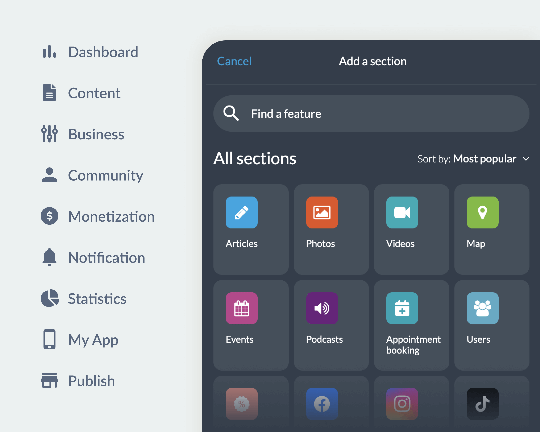[Explore extensions](https://www.goodbarber.com/extensions/)
## All in one: from design to monetization
Manage all aspects of your app from a single, ergonomic dashboard:
- **Customization**: Easily modify your app's design.
- **Content management**: Add and organize your products and articles.
- **Engagement**: Send push notifications to your users.
- **Performance tracking** : View statistics at a glance.
GoodBarber's versatility makes it one of the most complete solutions on the market.
## Multilingual and collaborative
GoodBarber facilitates collaborative working with access management by role (owner, administrator, user) and tailored permissions for each. **Each member of your team can configure their interface in the language that suits them**.
### Multilingual interface
Available in 16 native languages for seamless management, whatever the user.
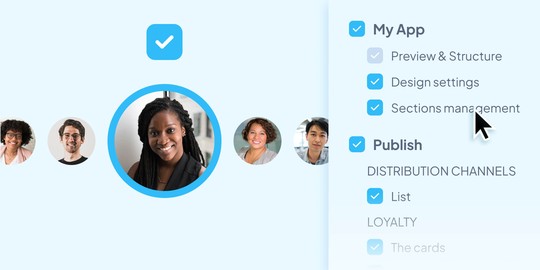
### Customized access and permissions
Define precisely which sections and functions are accessible to each employee.
## A powerful integrated CMS
GoodBarber's back office content management system (CMS) centralizes all the essential features for professional management of your articles, galleries, videos and podcasts. **Create, publish and manage efficiently, without technical complexity**.
[Content apps](https://www.goodbarber.com/cms/)
**What happens in this video**
The Content list of Words & Waves is where you keep every story of the app. A draft stays a draft until you publish it. What the tide leaves behind is a Draft by Clara Whitmore, dated 10/06/2026. Then About Words and Waves, On learning to stay, What the ocean knows about us, What remains unsaid, Before the weekend begins, Where Sydney begins to whisper and Why we slow down, most of them Published and Free.
The list moves down. what we carry into rest and Living with the heat come into view, with pages 1, 2 and 3 at the bottom.
The list settles. What the tide leaves behind is still the first story, and Living with the heat is the last row of this page.
[Content apps](https://www.goodbarber.com/cms/)
## A space dedicated to eCommerce applications
Boost your sales with a comprehensive range of eCommerce tools. **Manage inventory, secure payments and promotions**, while optimizing your conversions with detailed statistics.
[eCommerce Apps](https://www.goodbarber.com/cms-commerce/)
**What happens in this video**
My products is the catalog of Nova Concept: what the shop sells, in one list. Blue Sunglasses, Chunky Sneakers, Patchwork Organic Denim and Polaroid Camera are Published. The pointer rests on Products, open on Add, All products and Collections, then moves to Sales channels.
Sales channels opens as the pointer arrives. GoodBarber publishes this same catalog as PWA, the web version, and as native apps: Android App and iOS App. The pointer settles on iOS App. The catalog does not change.
Statistics opens as the pointer arrives. This is where you read the shop: Activity for what it sells, Traffic for the visits, and External analytics for the tools you already use. The same products stay on screen.
Marketing opens as the pointer arrives. From here you bring people to the shop: Discount list, Send push, Push history, Share and QR Code.
The pointer comes back to Products. Marketing stays open, and the catalog has not moved.

### Product management
Stock, promotions and variants centralized in one interface.

### Integrated marketing
Push notifications, loyalty programs and personalized offers.

### Advanced statistics
Performance analysis to maximize conversions.
[eCommerce Apps](https://www.goodbarber.com/cms-commerce/)
---
# App builder
Source: https://www.goodbarber.com/app-builder/
---
title: "No-Code App Builder: Create Native iOS & Android Apps | GoodBarber"
description: "GoodBarber is the no-code app builder for real native iOS & Android apps and PWAs. Design, build and publish your mobile app without writing a line of code. Free 30-day trial."
canonical_url: "https://www.goodbarber.com/app-builder/"
lang: en
---
# Build a real app without writing code
GoodBarber is the no-code app builder for powerful, feature-rich mobile apps. Customize every detail yourself or launch fast with a ready-made design system. Either way, you ship a real native app, no developer required.
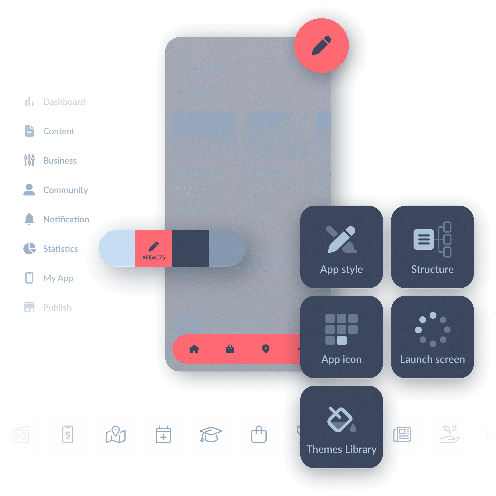
## Simplifying app creation with an app builder
An accessible alternative to traditional mobile app development
Building mobile apps can seem complex and expensive, especially when relying on specialized developers. An app builder offers an accessible solution, allowing anyone, even **without technical skills**, to design functional apps.
### Opportunities for everyone
- Beginner app creators can now launch their projects with ease.
- Established companies can develop apps more quickly and at a lower cost.
- Developers can speed up their prototyping process.
GoodBarber also empowers entrepreneurs by providing a complete DIY app builder, offering full control of the process from design to launch.

#### The key benefits of an app builder
A fast, economical, and flexible solution for your applications

Cost reduction
Create and manage your app without outsourcing, at a lower cost.

Time-saving
Launch your application in days, not months.

Total control
Customize every aspect of your app yourself, using our intuitive WYSIWYG editor.

Flexibility and scalability
Easily add new features without starting from scratch.
## The best choice for your project
GoodBarber is an incredibly complete and easy-to-use app builder. Here’s why it’s the best choice for app creators and mobile app development professionals.
## Maximum simplicity, spectacular results
Create stunning apps with an ultra-intuitive tool
**With GoodBarber, simplicity is at the heart of the experience.** Our No-Code platform is one of the most intuitive on the market, offering a drag and drop app builder that allows every app creator to design a professional app without technical skills.
The result is impressive: beautiful, high-performance apps rich in features, tailored to your specific needs. Whether you're building an [**iOS app**](https://www.goodbarber.com/ios-app-builder/), an [**Android app**](https://www.goodbarber.com/android-app-builder/), or a **PWA**, GoodBarber provides the tools you need.
From design and performance to functionality, you get a **complete, professional app with ease**, powered by tools trusted by industry experts.
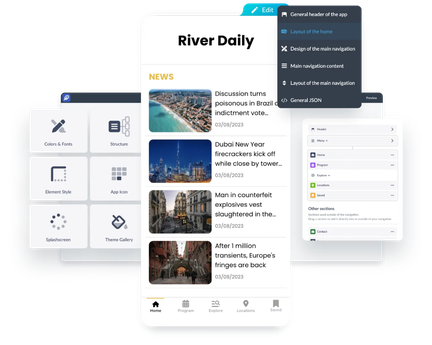[GoodBarber DNA](https://www.goodbarber.com/dna/)
## True native apps for optimal performance
The power of native technology in your hands
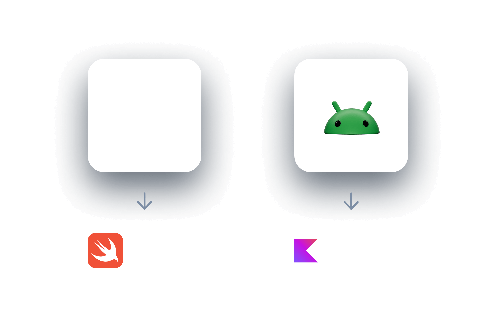
GoodBarber lets you create native apps for iOS and Android, ensuring maximum performance, speed, and seamless integration with device features like push notifications, GPS, and offline mode.
With native apps, you get:
- **Full device functionality** → Use advanced features efficiently.
- **Top performance** → Fast, smooth, and designed for iOS and Android.
- **Enhanced user experience** → Optimized interfaces for seamless interaction.
In addition, boost your reach with a Progressive Web App (PWA). Accessible on any device via browsers, PWAs expand your visibility while maintaining a high level of performance.
[About native apps](https://www.goodbarber.com/native/technology/)
## Create any app with GoodBarber
For all your projects, from eCommerce to content apps
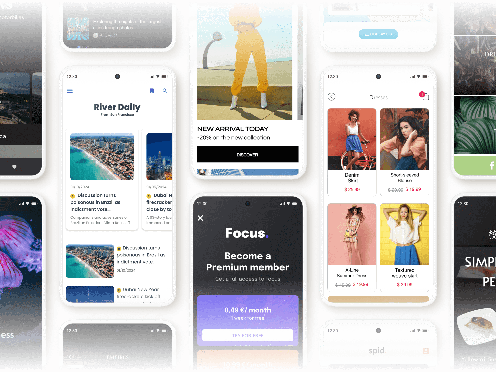
Whether you're looking for an **eCommerce app builder** to launch your online store, a **content app builder** for your media project, or a web app builder to boost your visibility, GoodBarber provides all the tools you need.
With business features tailored to each industry, our platform allows you to build **high-performing, user-friendly apps**, whether for commerce, content publishing, or event management.
Already running a WordPress site? The [WordPress app builder](https://www.goodbarber.com/wordpress-app-builder/) brings your posts into a native app for iOS and Android.
[See all our solutions](https://www.goodbarber.com/solutions/)
## Extensions Store
Advanced features at your fingertips
- 
ChatGPT
AI-Powered Apps
- 
Genius Palette
AI-Crafted Colors
- 
Bluesky
Social network integration
- 
RSS Feed
Content Sync
- 
WordPress Plugin
Share your content
- 
Content Management System
Streamlined Content
- 
Google AdMob
Monetize with Ads
- 
Vimeo
Real-time synchronization
- 
Google Sheets
Data management
- 
Squarespace
Connect Your Content
- 
AI Assistant
Simplify creation
- 
Twitch
Video and live integration
- 
Appointment booking
Schedule Management
- 
Planning Center
Church calendar integration
- 
Gmail
Email integration
- 
Google Ads
Ad optimization
- 
Pexels
Photo library access
- 
Paypal
Streamlined payments
- 
Zeffy Events
Events integration
- 
Meta Pixel & App Events
User behavior analysis
- 
Google Fonts
Diverse font library
- 
Typeform
Form integration
- 
ChatGPT
AI-Powered Apps
- 
Genius Palette
AI-Crafted Colors
- 
Bluesky
Social network integration
- 
RSS Feed
Content Sync
- 
WordPress Plugin
Share your content
- 
Content Management System
Streamlined Content
- 
Google AdMob
Monetize with Ads
- 
Vimeo
Real-time synchronization
- 
Google Sheets
Data management
- 
Squarespace
Connect Your Content
- 
AI Assistant
Simplify creation
- 
Twitch
Video and live integration
- 
Appointment booking
Schedule Management
- 
Planning Center
Church calendar integration
- 
Gmail
Email integration
- 
Google Ads
Ad optimization
- 
Pexels
Photo library access
- 
Paypal
Streamlined payments
- 
Zeffy Events
Events integration
- 
Meta Pixel & App Events
User behavior analysis
- 
Google Fonts
Diverse font library
- 
Typeform
Form integration
- 
Slack
Team communication
- 
Mailchimp
Email marketing strategy
- 
Memberships
Generate revenues
- 
HelloAsso Events
Association events integration
- 
Medium
Publication synchronization
- 
Notion
Database automation
- 
Airtable form
Data submission
- 
Stripe
Payment methods
- 
Zapier (for eCommerce)
- 
iBeacons
Proximity notifications
- 
Make
Automation connector
- 
Ticketmaster
Ticketing integration
- 
Instagram
Social integration
- 
Mastodon
Social network integration
- 
Hubspot
Business growth optimization
- 
YouTube
Video Integration
- 
LottieFiles
Fluid animations
- 
Microsoft Excel
Data organization
- 
Apple Pay
Simplify payments
- 
Google Analytics
Usage statistics
- 
Authentication
Authorize access
- 
Spotify for Podcasters
- 
Slack
Team communication
- 
Mailchimp
Email marketing strategy
- 
Memberships
Generate revenues
- 
HelloAsso Events
Association events integration
- 
Medium
Publication synchronization
- 
Notion
Database automation
- 
Airtable form
Data submission
- 
Stripe
Payment methods
- 
Zapier (for eCommerce)
- 
iBeacons
Proximity notifications
- 
Make
Automation connector
- 
Ticketmaster
Ticketing integration
- 
Instagram
Social integration
- 
Mastodon
Social network integration
- 
Hubspot
Business growth optimization
- 
YouTube
Video Integration
- 
LottieFiles
Fluid animations
- 
Microsoft Excel
Data organization
- 
Apple Pay
Simplify payments
- 
Google Analytics
Usage statistics
- 
Authentication
Authorize access
- 
Spotify for Podcasters
Over 190 advanced features can be added to your back office through the Extensions Store. Select the specific business features you need and organize your workspace as you wish.
[Extensions store](https://www.goodbarber.com/extensions/)
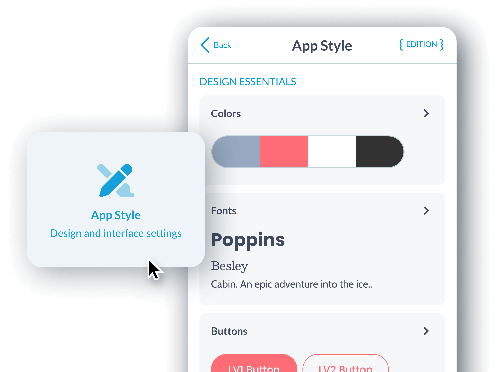
## The best look for your app
A beautiful design thanks to the best no-code app builder
Manage the overall style of your app from a single menu: **colors, typography, buttons, hover effects, and more.**
Apply your design to all pages with just one click. With a wide variety of **pre-built app templates** and customization options, you create an app tailored to your needs, with no limits.
[GoodBarber loves Design](https://www.goodbarber.com/we-love-design/)
## A Design System built for excellence
Harmony and consistency at every stage
**GoodBarber is the first app builder to respond to a complete Design System,** providing a set of harmonious design rules that apply by default to every page of your application.
Thanks to our Design System, you can ensure a smooth and optimal user experience while maintaining **visual consistency across all your app's pages.** This means every element, every button, and every interaction is carefully designed to offer a seamless and intuitive experience for your users. You no longer need to worry about design details, as our system guides you through the process.
- Excellent management of fonts and colors
- Clear hierarchy
- Optimal spacing management
[GoodBarber Design System](https://www.goodbarber.com/uxdesign/)
## The best tool on the market
An intuitive interface for professional results
Enjoy the most advanced management interface on the market. GoodBarber’s back office allows you to build apps using the latest technologies without needing to know how to code. It offers a complete tool for creation, management, and performance analysis, all while being accessible to everyone.
**What happens in this video**
The GoodBarber back office opens on My App, the entry point where we see a live preview of the Words & Waves app. The main menu lists Dashboard, Content, Monetization, Notification, Statistics, My App and Publish. The pointer is moving to Content.
Content opens in the main menu. Add, Content list, Comments and Trash Can are where the articles and the other items of the app are created, reviewed and removed.
Add opens inside Content. For this app, GoodBarber offers two kinds of item: An article and A sound. The pointer is moving to An article.
The article editor, for a new story in Stories. The title is being typed: What the tide leaves behind. The content area is empty. The side panel already shows where the article will appear, who writes it, and the writing date.
On the text block, assisted writing opens from the sparkle button. Inside the CMS it offers Complete, AI Assistant, Sum up, Translate and Change tone. The pointer is heading to AI Assistant.
AI Assistant is open in the article editor. A prompt is being typed for the piece: Write a short piece on what the tide leaves behind. The article already carries its title, a photograph of a surfer, the body text and the author Clara Whitmore. The status is Draft.
The same article in the content editor, now Published. The title is What the tide leaves behind, the author is Clara Whitmore, and the body opens with "When the tide slips away, it leaves a quiet world behind", under a photograph that is also the article thumbnail.
Back on My App. The phone shows that article, written by Clara Whitmore on 10/06/2026. Edit, above the phone, is closed.
Edit opens on the preview. From here GoodBarber offers three ways into the app: General header of the app, Design of the section's articles, and Content of this article. The pointer rests on General header of the app.
The pointer moves to Design of the section's articles. The article highlights in the phone, so we see which part of Words & Waves that action will change.
The design of the Stories articles. ToolBar Up is the selected layout, so the article toolbar, with close, comment, share, text size and bookmark, sits at the top of the phone. ToolBar Slide and ToolBar Down Classic sit beside it. The page background is white, and the title is Playfair Display.
The layout changes from ToolBar Up to ToolBar Slide. The phone preview updates from the same configuration: a Words and waves header appears, the title comes first, and the photograph moves under the text.
Back on My App, with the article still in the phone. The pointer moves down the main menu to the Extensions Store.
The Extensions Store, in the same back office. The page reads "Get the most out of your app with our Extension Store" and "More than 190 extensions for your project." Categories in view: Content, Memberships & Login, Monetization, Notifications, Essentials and Productivity. Popular extensions include Memberships, Chatbot and AI Extension Builder.
The store scrolls to the collection Build audience loyalty. Content creators lists 80 extensions. Newspapers lists 65.
Preview mode. The banner reads "You are now in preview mode." We see the web version of Words & Waves, then the same app inside an iPhone 16 Pro. The tooltip reads "Test your app on iOS." The pointer moves along the device icons.
The preview settles on that web version, at desktop size. Stories shows What the ocean knows about us, Where Sydney begins to whisper, The city after dark and The art of slowing down, by Clara Whitmore. Under Reflections, the audio pieces What remains unsaid and Why we slow down.
Back on My App, with the phone on the Words & Waves home. Publish opens. One configuration, three outputs: the web version, labeled PWA in the menu, plus Android App and iOS App. The pointer moves to iOS App.
[GoodBarber Dashboard](https://www.goodbarber.com/dashboard/)
## Preview and manage your app with ease
Total control from the back office and the My GoodBarber app
Real-time Preview

GoodBarber allows you to test your app before publication, with tools dedicated to real-time preview.
In the back office, **you can instantly see the changes made to your app,** ensuring that the design and features meet your expectations.
My GoodBarber app

Additionally, the My GoodBarber app lets you **preview the native version of your app on mobile** (iOS and Android) and test it in its **real environment before** submitting it to the stores.
**This combination gives you total, seamless control over the final quality of your project.**
[GoodBarber Dashboard](https://www.goodbarber.com/dashboard/)

## A trusted relationship
By choosing GoodBarber for your project, you are investing in building a long-term partnership.
### You own your app
- With GoodBarber, **you remain the sole owner of your app and its content.**
- We don’t display any ads in your apps, and **GoodBarber does not take any commission on your sales.**
- You have full freedom to switch subscriptions or export your data at any time.
### No funny business
**GoodBarber never has and never will display its own ads in your app.** If ads are displayed, they are the ones you have set up to generate your own revenue.
**GoodBarber takes no commission on your sales.** All the profits from your store go to you, regardless of the amount. You can easily change your subscription, whether to choose monthly or annual billing, or to upgrade your plan.
## Complete support at every stage
Expert customer support to help you succeed
**At GoodBarber, we support you at every step of your app’s creation.** Our customer support team is made up of experts ready to answer your questions, and we provide complete documentation, video tutorials, and guides to assist you, whether you’re a beginner or an advanced user.

Fast, accurate support

Organized Support Threads

5 languages, 3 timezones

App Store Submission Help

Extensive Online Help

In-Depth Video Tutorials

Trusted by Users on Trustpilot

GoodBarber academy
[GoodBarber Support](https://www.goodbarber.com/support-team/)
## Frequently asked questions about no-code app builders
Everything you need to know before you build your app with GoodBarber.
What is a no-code app builder?
A no-code app builder is a platform for creating a mobile app through a visual interface instead of writing code. With GoodBarber, you assemble your app from ready-made features and layouts, customize the design, and publish: the platform generates, hosts and updates the app for you. What used to require a development team now fits in a monthly subscription.
Does GoodBarber create real native apps or just PWAs?
Both. GoodBarber builds true native apps for iOS and Android, distributed on the App Store and Google Play, plus a Progressive Web App that runs in any browser. You manage everything from a single back office, with one content base for all versions.
How is GoodBarber different from AI app builders like Lovable or Bolt?
AI app builders generate code from a prompt, then leave you to host, debug, secure and maintain that code yourself. GoodBarber is a complete platform: design system, native iOS and Android builds, hosting, push notifications, updates and support are all included. You focus on your content and your business, not on maintaining generated code.
Do I need technical skills to build an app with GoodBarber?
No. The whole process is visual: you choose your features, customize your design and organize your content without writing a line of code. And if you get stuck, our support team, help center and video tutorials walk you through every step.
How much does it cost to create an app without coding?
Custom app development is typically billed tens of thousands of dollars, plus ongoing maintenance. With GoodBarber, you build and run your app for a monthly subscription that includes hosting, updates and support. Check our pricing page to find the plan that matches your project.
Can I publish my app on the App Store and Google Play?
Yes. GoodBarber generates store-ready builds and guides you through submission to the App Store and Google Play, step by step. Your Progressive Web App, meanwhile, goes live on the web instantly, no store review needed.
[GoodBarber vs AI app builders](https://www.goodbarber.com/vs/lovable/)[See pricing](https://www.goodbarber.com/pricing/content/)
[Start your free trial](https://www.goodbarber.com/create/)
---
# DNA
Source: https://www.goodbarber.com/dna/
---
title: "GoodBarber App Builder: app creation accessible without compromise"
description: "GoodBarber makes app creation simple and accessible. Build native iOS/Android apps and PWAs with a powerful no-code platform, advanced features, and expert support—no coding required."
canonical_url: "https://www.goodbarber.com/dna/"
lang: en
---
# GoodBarber App Builder: app creation accessible without compromise

# GoodBarber DNA: democratizing app building
## We believe true power lies in simplicity: powerful, flexible, and reliable technology designed to make app creation accessible without compromise.

## A powerful ecosystem
### More than just an app-building platform
GoodBarber is an **ecosystem** that combines **simplicity**, **performance**, and **customization** to bring your projects to life. As **no-code experts**, we turn app creation into a limitless and powerful experience.
## Making app creation accessible to everyone
### Our vision
At GoodBarber, we believe every **entrepreneur**, **small business**, and **large enterprise** should be able to create powerful and intuitive apps without development expertise. This belief is at the core of our no-code approach: breaking down technical barriers so anyone can transform ideas into high-performance mobile apps.

## No-code at the heart of our platform
### Balancing simplicity and performance
GoodBarber was built with an **integrated no-code approach**. Our goal: **simplify your workflow**. Our platform handles all the technical aspects, offering **complex and powerful features**, ready to use and fully customizable. Free from technical constraints, you can focus on what matters most: your project.

Choose, customize, and your app is ready!
**You save time and gain peace of mind while creating high-quality mobile experiences**, no matter your technical level.
## An intuitive back office, with powerful technology under the hood
### Ease of use, hidden power
Our back office is designed to be intuitive and easy to use, allowing anyone to build apps effortlessly. But behind that simplicity lies a powerful engine capable of handling the most ambitious projects. Each feature is built on advanced, proven technology to ensure **maximum stability and performance**.
**What happens in this video**
The back office of Words & Waves. The menu on the left lists Dashboard, Content, Monetization, Notification, Statistics, My App and Publish. Content folds its submenu, Add, Content list, Comments, Trash Can, and the pointer moves down to My App and clicks it.
The view widens to the whole back office. My App opens beside the phone: it gathers what makes the app yours, App style, Structure, App icon, Launch screen, Memberships, Themes Library. The pointer moves to App style, Design and interface settings, and clicks it.
App style opens. This is the design system of the app: you set the colors, fonts, buttons and form fields once, and every screen follows, in the native apps and in the web version. Under Essential design: four Colors, the fonts Rozha One and Poppins, Buttons LEVEL 1 and LEVEL 2, and Form fields. Additional options adds Thumbnails and cells, Spacing, and Haptic feedback and animations. The phone shows the Words & Waves home in that same style.
The view closes in on the menu again. Content opens back on Add, Content list, Comments, Trash Can, and App style stays open beside the phone.
### Advanced options for even greater flexibility
We know some projects require features that go beyond our interface. That’s why we provide access to an **advanced editing panel** where you can configure and customize every aspect of your project, or even **add your own code** to create tailored features.
**This gives you maximum flexibility to build an app that meets your exact needs.**
[Advanced options](https://www.goodbarber.com/extensions/advanced-edition/)
## Native apps: our commitment to performance
A technical choice that makes all the difference
Few platforms commit to [100% native](https://www.goodbarber.com/native/technology/) development, but we know it’s key to optimal performance. **Our native apps are built specifically for iOS** (in Swift) and **Android** (in Kotlin), fully utilizing device capabilities.
With GoodBarber, you get top-tier performance, crucial for delivering a flawless user experience:
- **Unmatched fluidity**
- **Seamless integration of native features** (camera, GPS, push notifications, etc.)
- **Enhanced security**
- **Quick adaptation to new technologies** and system updates
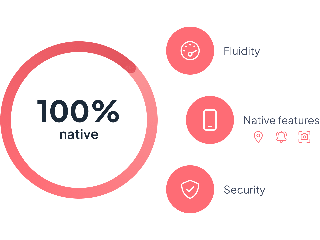
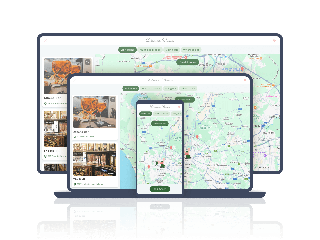
## PWA: Your app, optimized for the web
### A high-performance, effortless web solution
We specialize in high-performance native apps and have added [PWA](https://www.goodbarber.com/pwa/technology/) to extend your reach. **They offer web visibility**, optimized for search engines and cross-platform usage, without extra effort.
**PWAs are fast, lightweight, accessible via a browser**, and include advanced features like offline access. This ensures maximum visibility and a quality cross-platform experience without going through traditional app stores.
## GoodBarber expertise
### Pioneers of no-code
With over 15 years of experience in app development, GoodBarber is a leading figure in the no-code movement. We’ve anticipated the digital transformation and developed tools that simplify app creation while offering professional-grade performance.
Thanks to continuous innovation, we support users—from beginners to experts—in building custom apps without writing a single line of code.
[About GoodBarber](https://www.goodbarber.com/about/)
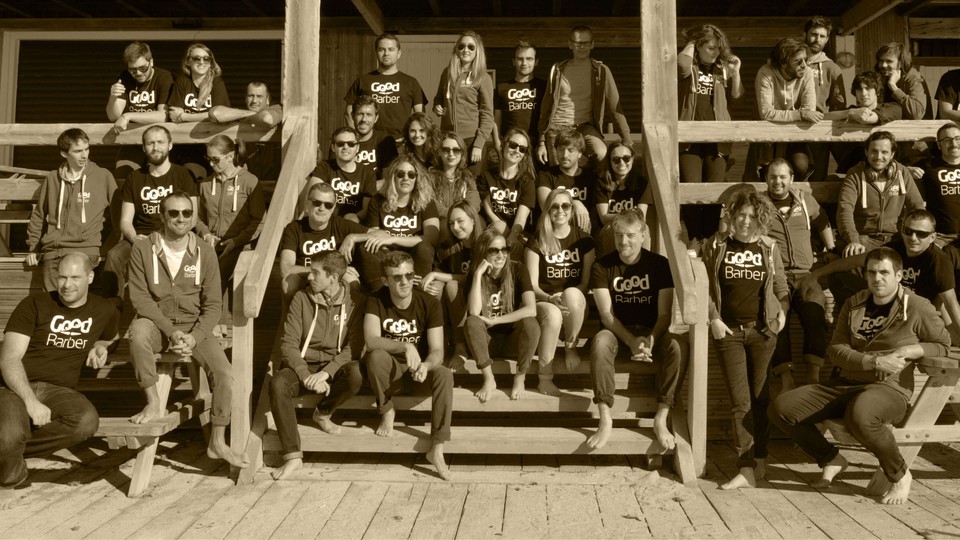

## Human-centered support
### Guiding you from idea to launch
Beyond technology, we’re committed to supporting every user in bringing their projects to life. Whether you’re just starting out or scaling your business, **our expert teams are available to guide, train, and advise you.**
**With GoodBarber, you're never alone on your app-building journey.**
[Support Team](https://www.goodbarber.com/support-team/)
## The future of no-code with GoodBarber
### More possibilities for app creators
No-code is constantly evolving, and at GoodBarber, we’re pushing the limits every day. **Our goal: make app creation faster, more intuitive, more powerful, and accessible to all**. Thanks to our commitment to 100% native technology, we quickly adapt to new technologies, ensuring you always have the best tools to bring your projects to life.

---
# We love design
Source: https://www.goodbarber.com/we-love-design/
---
title: "Create apps with incomparable design without coding"
description: "The App Builder with the most beautiful customizable templates. Our commitment to exceptional aesthetics and optimal user experience is what sets applications developed with GoodBarber apart."
canonical_url: "https://www.goodbarber.com/we-love-design/"
lang: en
---
# Create apps with incomparable design without coding

# Create apps with incomparable design
## GoodBarberheart emojiDesign
### Harmony and coherence guaranteed
#### Design System
The secret of GoodBarber's design quality lies in our Design System.
Each application benefits from a harmonious set of rules, creating a consistent, professional visual experience. This approach ensures consistency, efficiency, scalability and accessibility at every stage of the design process.
## The App Builder with the most beautiful customizable templates
### Expertly designed layouts
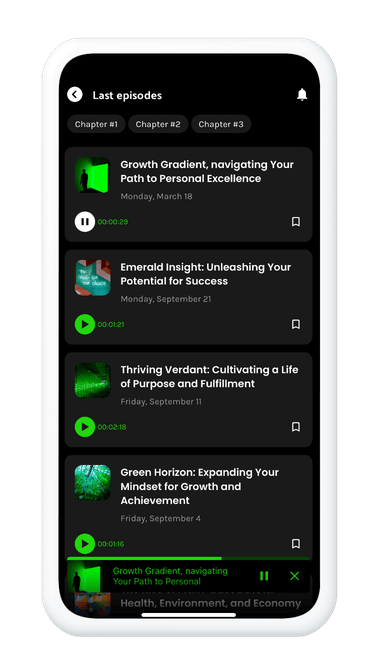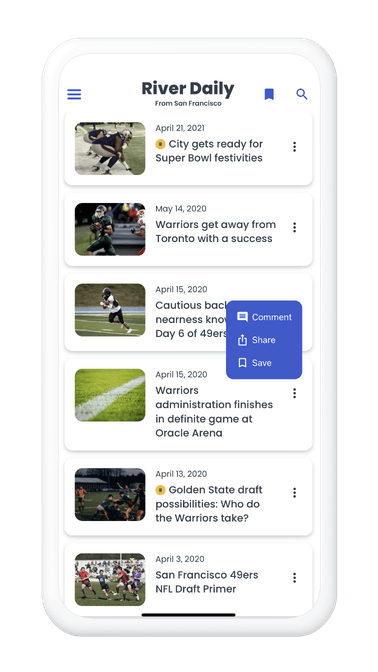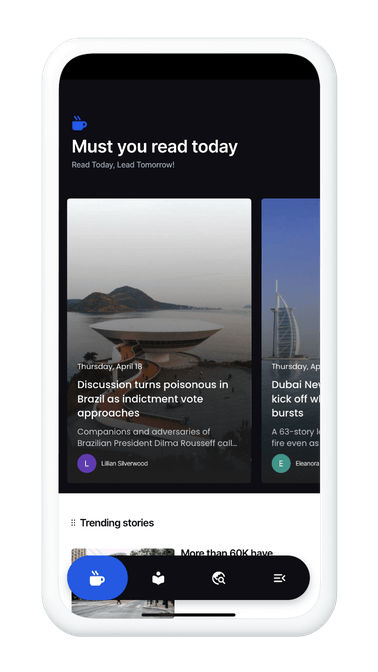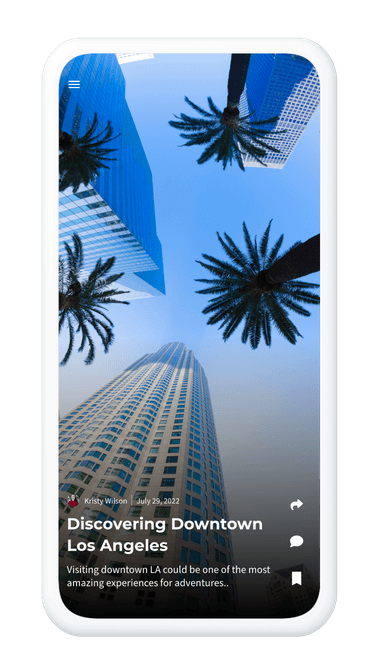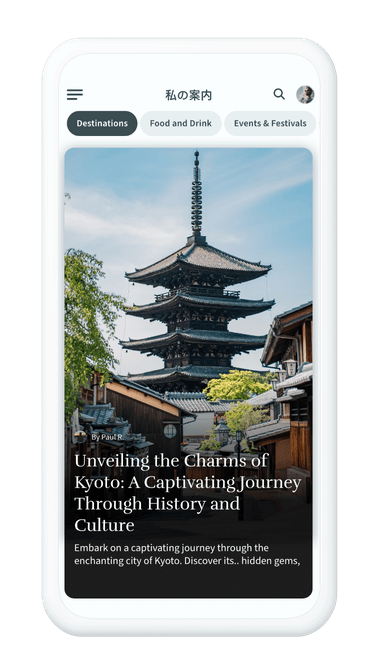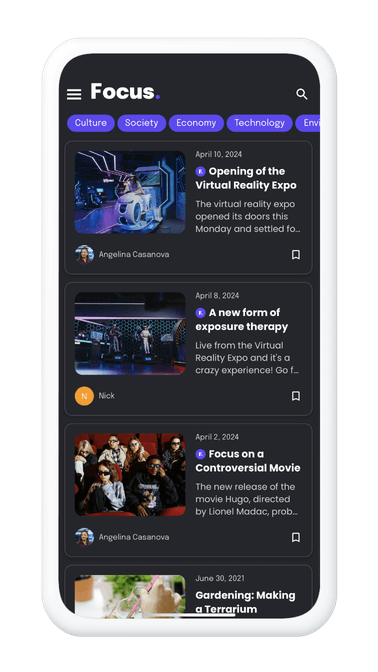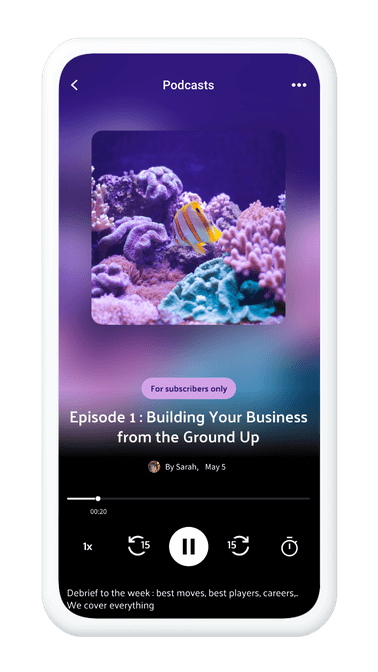
GoodBarber offers an extensive library of display templates for every key element of your application: main navigation, home page widgets, lists and content elements. They are created by our expert designers.
Discover visual excellence with our immersive designs that redefine application aesthetics. The Floating TabBar menu offers fluid, elegant navigation, creating an intuitive user experience. Combined with motion design, every interaction - from shopping cart animation to filter categorization - becomes a visual demonstration of dynamism. With the transversal player, explore content in a continuous and immersive way. GoodBarber offers much more than simple design, but complete visual immersion for exceptional applications.
## Mobile, Tablet and Desktop
### Multi-screen ergonomics
At GoodBarber, we see ergonomics (UX) and aesthetics (UI) as essential pillars. Every design element adjusts seamlessly to all screen sizes, ensuring consistent quality on every device, whether smartphone, tablet, laptop or desktop. The result is an optimal, engaging and visually captivating user experience.

## Built to last, with a long-term vision
### Robust apps
At GoodBarber, our dedication to your application's longevity is reflected in our long-term strategic vision. Every element of our creations, from lines of code to design, is meticulously crafted to anticipate evolving aesthetic and technological needs. We build strong foundations, ensuring seamless adaptability and enabling continued growth. With GoodBarber, you can create outstandingly designed applications today that will remain at the cutting edge of design tomorrow.
## It's in the details that your app stands out
### Fine customization to suit today's tastes
Explore the art of design, where every detail counts. Customize the appearance of your applications with extensive design options, such as rounding, shading, margins and form field sizes. Go even further with advanced component customization, giving you total flexibility in creating a unique visual experience. Express your creativity with fully customizable icons, adding a distinctive touch to every pixel.
## For a unique visual and sensory experience
### Native effects
Immerse your users in a true-to-life experience thanks to the native effects included in GoodBarber applications. Let them feel every interaction with haptic effects, enjoy smooth transitions and intuitive gestures. Bring your application to life with effects like parallax or dynamic header animation that add a touch of sophistication, creating unparalleled immersion for users.
## An arsenal of elements to enhance your apps
### A wealth of creative resources
GoodBarber provides you with an abundance of resources to enrich your creations. Choose from a library of 10,000 icons, explore the diversity of Google fonts, and embellish your applications with images from the Pexels library. What's more, custom font integration offers additional flexibility to ensure that your application perfectly reflects your visual identity. Use libraries such as LottieFiles to add incredible animations to your app.
Over 8,600 icons

Import your own icons

Custom font
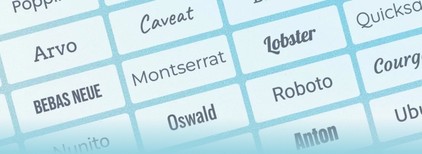
Over 1000 fonts

Pexels Library
---
# Content apps
Source: https://www.goodbarber.com/cms/
---
title: "Content App Builder| No-Code app development for Content Creators"
description: "No-Code App Builder platform dedicated to all Content Creators such as influencers, bloggers, journalists, photographers who want to build professionally designed mobile apps without coding."
canonical_url: "https://www.goodbarber.com/cms/"
lang: en
---
# A tailor-made mobile app for all your ideas
## Design an app tailored to your content, services or communities.
With GoodBarber, bring your projects to life with an intuitive, high-performance mobile app that's accessible to everyone, with no technical knowledge required.
[Get started for free](https://www.goodbarber.com/create/)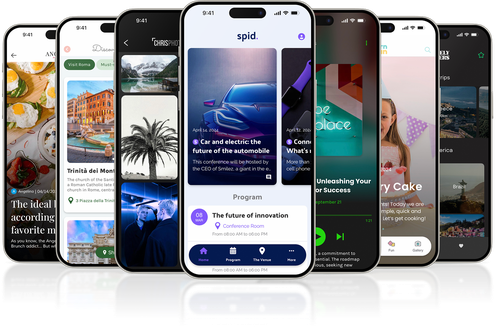
## Why choose GoodBarber?

Much more than a simple application creation tool, GoodBarber offers a powerful and accessible app builder.
Join the designers and entrepreneurs who already place their trust in us.
- 
100% native apps
Deliver a fast, seamless mobile experience.
- 
High-performance PWA
Maximize your SEO and offer a modern web alternative.
- 
Intuitive no-code
Easily create a professional app without a line of code.
- 
Extension Store
Access hundreds of features to enrich your app.
- [Create an app](https://www.goodbarber.com/create/)
## A solution for all your projects
### Powerful tools, tailored to your specific needs: with GoodBarber, your app adapts fully to your ambitions.

Turn your content into an interactive app (articles, videos, podcasts).

Simplify appointment management and online booking for your services.

Organize events with intuitive calendars and a link to your ticketing service.

Create active communities with exchange spaces and targeted notifications.

Offer educational apps rich in interactive resources.
Find out how GoodBarber can turn your ideas into reality. [Our solutions](https://www.goodbarber.com/solutions/)
## Unlimited customization
### With GoodBarber, create a design that perfectly reflects your world. Give life to a unique app that reflects you.
- 
Modern layouts
Elegant designs for all types of apps.
- 
Advanced customization
Fine-tune every detail of your app: colors, typography and layouts.
- 
Constantly evolving
Stay on top of trends with our regular updates.
[GoodBarberDesign](https://www.goodbarber.com/we-love-design/)
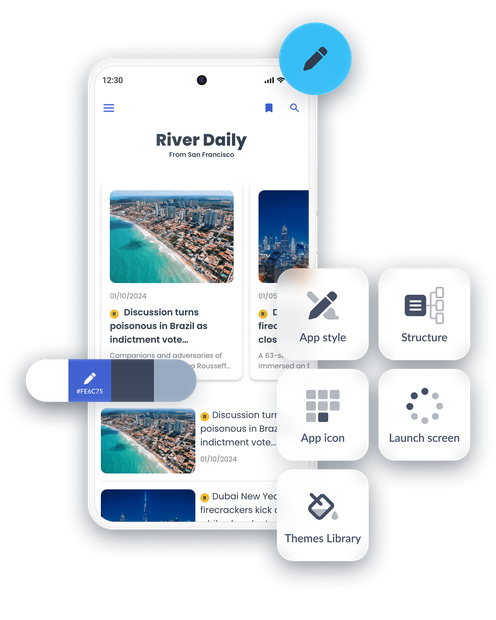
## A powerful CMS for managing your content
### Simple, powerful content management
With GoodBarber, take advantage of an integrated CMS designed to meet all your needs.
[Discover GoodBarber CMS](https://www.goodbarber.com/extensions/cms/)
- 
Total flexibility
Create articles, galleries, videos or podcasts to enrich your app.
- 
External connectors
Easily import content from RSS feeds, platforms like YouTube or SoundCloud, or your own APIs.
- 
Advanced management
Add, organize and modify your content in real time from an intuitive interface.
- 
Perfect integration
All your content is displayed harmoniously in your app's design.
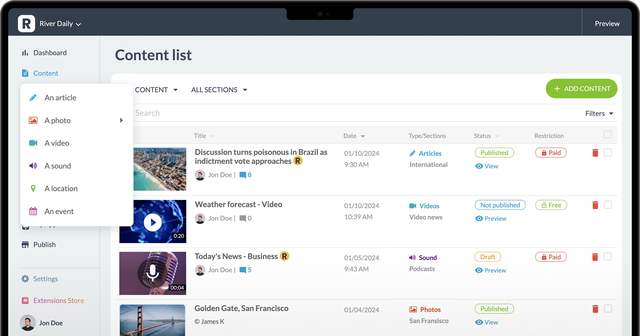
## Boost your visibility with an optimized PWA
### Combine the power of native with the visibility of the web: your content or services become accessible everywhere thanks to a Progressive Web App (PWA) combining mobile performance and SEO.
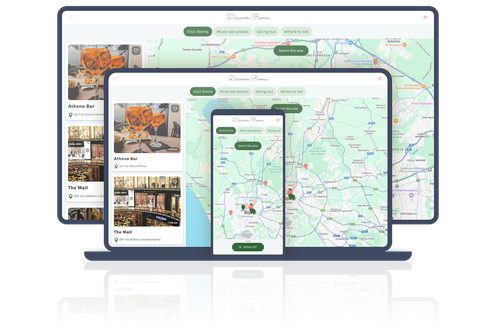
↑
Combine the power of native with the visibility of the web

#### Optimized SEO
Reach a wider audience with content perfectly indexed by Google.

#### Ideal for communities and services
Offer a modern web alternative to meet the varied expectations of your audience.

#### Universal accessibility
Browse on all devices (computer, tablet, smartphone) without prior installation.

#### Instant updates
Your app is always up to date, with no need to download.
[Find out more about PWA](https://www.goodbarber.com/pwa/technology/)
## Analyze and improve your performance
### Drive your app with integrated analysis tools and accurate data to track your results.
With GoodBarber, track your performance in real time with integrated statistics (views, downloads, engagement). Easily connect to Google Analytics or other third-party tools, and adapt your strategies thanks to detailed insights and collected data.
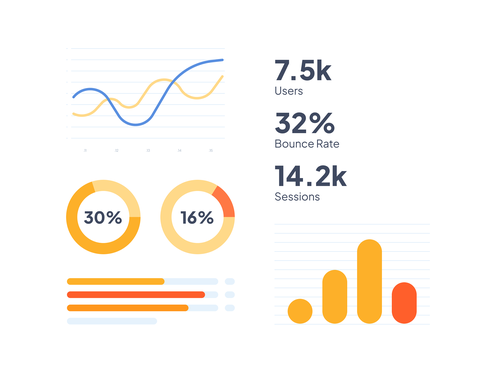

## An unrivalled extension store
### Enrich your app with an impressive catalog of extensions at your fingertips
- #### User engagement
Chats, targeted push, and members' areas.
- #### Events and services
Online calendar and reservation management.
- #### Monetization
Advertising, subscriptions and premium content to make your app profitable.
- #### External integrations
Add YouTube streams, interactive maps or podcasts.
- #### Going further with Custom Code

Create your own modules or work with your developers to meet your specific needs, thanks to the Custom Code sections.
- 
- 
- 
- 
- 
- 
- 
- 
- 
- 
- 
- 
- 
- 
- 
- 
- 
- 
- 
- 
- 
- 
- 
- 
- 
- 
- 
- 
- 
- 
- 
- 
- 
- 
- 
- 
- 
- 
- 
- 
- 
- 
- 
- 
- 
- 
- 
- 
- 
- 
- 
- 
- 
- 
- 
- 
- 
- 
- 
- 
- 
- 
- 
- 
- 
- 
- 
- 
Discover all the extensions available in the Goodbarber store
[Extension Store](https://www.goodbarber.com/extensions/)

## Ready to create a high-performance app for your projects?
### Your idea deserves the best tools.
With GoodBarber, you can create a customized app, easily and without limits.
[Get started for free](https://www.goodbarber.com/create/)
---
# eCommerce apps
Source: https://www.goodbarber.com/cms-commerce/
---
title: "eCommerce App Builder | No-Code development for eCommerce mobile apps"
description: "GoodBarber is the ultimate solution to build solid and compelling eCommerce native mobile apps for iOS and Android without writing a single line of code."
canonical_url: "https://www.goodbarber.com/cms-commerce/"
lang: en
---
# The perfect mobile eCommerce solution
## Build a beautifully designed, high-performing, intuitive, and accessible mobile store—engineered for success.
[Start for free](https://www.goodbarber.com/create/)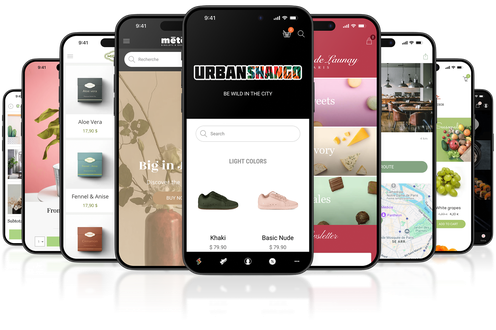
## An all-in-one platform to power your mobile eCommerce

Give your customers a smooth, accessible, and high-performance online store thanks to our app builder.
Join thousands of retailers who trust GoodBarber, a platform that goes beyond the capabilities of a regular CMS.
- 
100% native apps
For a fast, mobile-optimized store.
- 
An outstanding user experience
Keep your customers coming back thanks to the best features.
- 
Tailor-made design
Each detail makes your brand and identity shine.
- 
Maximum accessibility
Your e-shop at your customers' fingertips, wherever they are.
## A 100% native mobile app for your store
### Offer a superior user experience on iOS and Android—everywhere your customers go
Unmatched speed
Ultra-fast loading times for smooth and pleasant browsing.
Advanced features
Enjoy push notifications, offline mode, and advanced integrations.

Accessibility without compromise
Your store remains available to your customers, anywhere and anytime.
[Discover native apps](https://www.goodbarber.com/native/technology/)
## A store that reflects your brand
### Build an eCommerce mobile store with a unique design that fits your brand and meets your needs.
Advanced customization
Customize colors, fonts, and layouts.
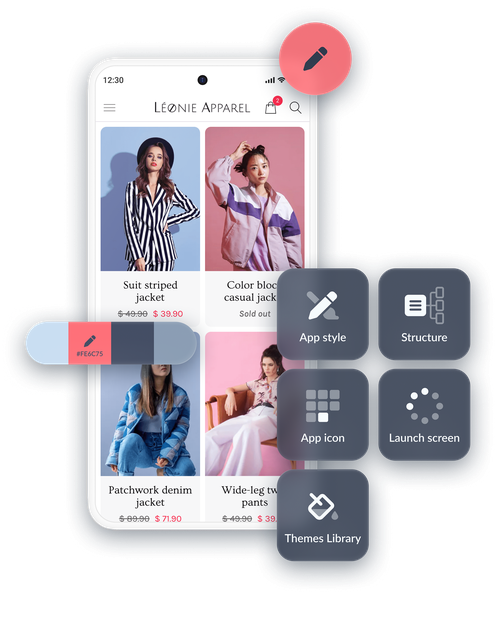
Professional layouts
Modern designs, ready to be customized
Flawless design, whatever your business.
Rest assured that you will always get perfect results that match your image. Discover all our solutions for creating a design tailored to your needs.
[GoodBarberDesign](https://www.goodbarber.com/we-love-design/)
## Powerful features to manage it all
### E-commerce made easy

GoodBarber gives you the tools you need to streamline and enhance every part of your business
1. 
Advanced product catalog
Variants, detailed descriptions, and photos.
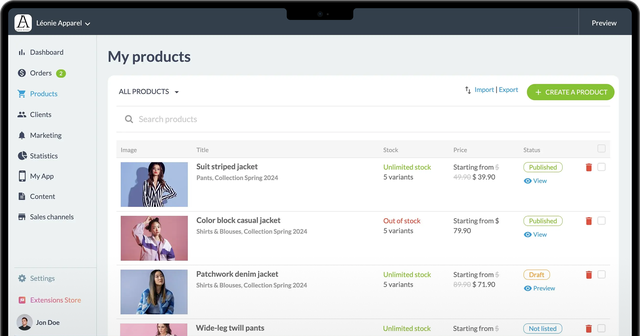
2. 
Order management
Real-time notifications and comprehensive tracking.
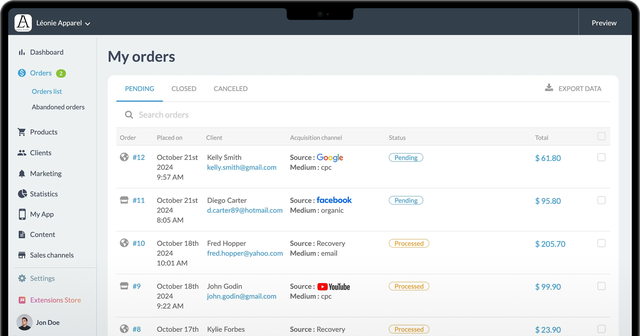
3. 
Great deals
Easy-to-configure promo codes and discounts.
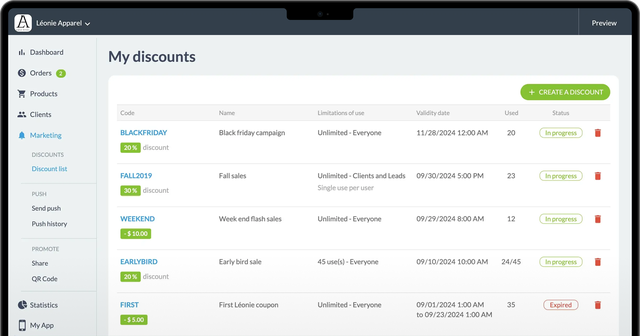
4. 
Delivery and curbside pickup
Flexible options tailored to your customers.
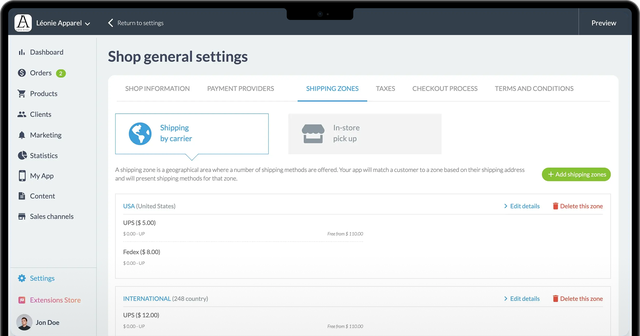
1.
2.
3.
4.
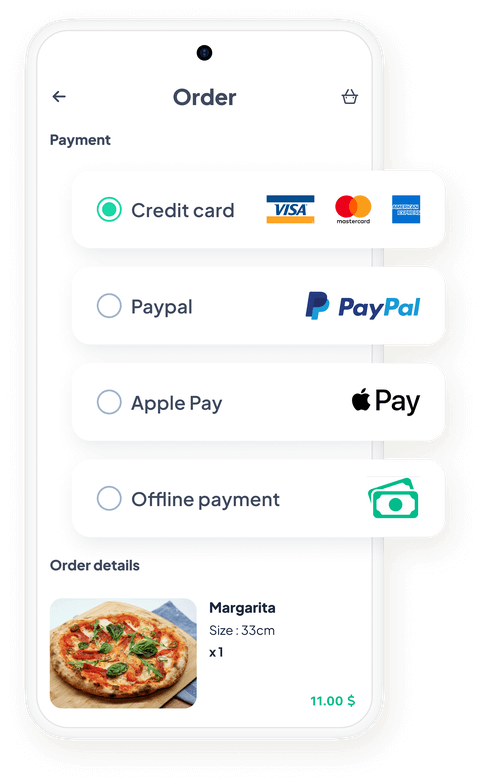
## Give your customers a safe and nice shopping experience
### With GoodBarber, your customers enjoy a smooth and secure payment process.

Optimized online payments
Get paid with credit cards, PayPal, Apple Pay, and more.

On-site payments
Perfect for curbside pickup or in-store shopping.

Secure transactions
SSL security standards and international compliance.

Quick setup
Set up your payment methods in just a few minutes.
[Online payment solutions](https://www.goodbarber.com/extensions/categories/payment-gateway/)
## Boost your visibility with an optimized PWA
### Combine mobile performance and SEO with a Progressive Web App
In addition to native apps, GoodBarber allows you to create a PWA to maximize your online presence. Accessible on all browsers and devices (smartphone, tablet, computer), it boosts your visibility thanks to **effective search engine optimization**. Your customers enjoy instant updates without having to download new versions.
Mix the power of native apps with web visibility
[Discover PWAs](https://www.goodbarber.com/pwa/technology/)
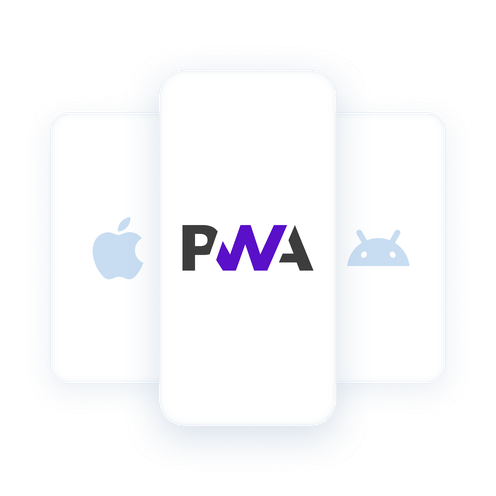

## A solution for all types of businesses
### Designed to meet your specific needs

Manage your inventory and promote your products.
[Retail→](https://www.goodbarber.com/ecommerce/)

Offer online ordering and delivery.
[Restaurants→](https://www.goodbarber.com/restaurant-app/)

Make local shopping easier with quick in-store pickup.
[Click & collect→](https://www.goodbarber.com/local-delivery-apps/)

## Ready to launch your mobile store?
### Choose the go-to solution for mobile eCommerce
Provide your customers with a fast, high-performance mobile store designed for success.
[Start for free](https://www.goodbarber.com/create/)
---
# Extensions
Source: https://www.goodbarber.com/extensions/
---
title: "App builder with advanced features - App Extensions"
description: "Enhance your content app thanks to the many add-ons available at GoodBarber"
canonical_url: "https://www.goodbarber.com/extensions/"
lang: en
---
# App builder with advanced features - App Extensions

# Get the most out of your app with our Extension Store
More than **190 extensions** for your project
[Content](https://www.goodbarber.com/extensions/categories/content/)[Local shop](https://www.goodbarber.com/extensions/categories/local-shop/)[Memberships & Login](https://www.goodbarber.com/extensions/categories/memberships-login/)[Monetization](https://www.goodbarber.com/extensions/categories/monetization/)[Notifications](https://www.goodbarber.com/extensions/categories/notifications/)[Essentials](https://www.goodbarber.com/extensions/categories/essentials/)[Productivity](https://www.goodbarber.com/extensions/categories/productivity/)[Tools for developers](https://www.goodbarber.com/extensions/categories/developer-tools/)[All categories](https://www.goodbarber.com/extensions/categories/)
Popular extensions
[illustration for Memberships MembershipsMake money in your app with Memberships$49/month](https://www.goodbarber.com/extensions/in-app-purchase/)
[illustration for Appointment booking Appointment bookingDisplay your availability and let your customers book an appointment from your application$15/month](https://www.goodbarber.com/extensions/appointment-booking/)
[illustration for AI Extension Builder AI Extension BuilderDescribe a feature, AI creates it in your appFree](https://www.goodbarber.com/extensions/ai-extension-builder/)
[illustration for Automatic push Automatic pushSomething new with your app? Automatically notify your usersFree](https://www.goodbarber.com/extensions/scheduled-push/)
[illustration for Live Audio Live AudioStream live radio broadcastsFree](https://www.goodbarber.com/extensions/live-audio/)
[illustration for Time slots Time slotsAllow your clients to select their delivery or pickup time$15/month](https://www.goodbarber.com/extensions/time-slots/)
[illustration for Chatbot ChatbotAI that answers using your content$55/month $35/month](https://www.goodbarber.com/extensions/rag-chatbot-ai/)
[illustration for AI Assistant AI AssistantSimplify content creation with AI Assistant, powered by OpenAIFree](https://www.goodbarber.com/extensions/ai-assistant/)
[illustration for App Walkthrough App WalkthroughCreate an integrated tutorial and guide your users through the first launch of your app$5/month](https://www.goodbarber.com/extensions/walkthrough/)
[AI, when you really need itAI features designed to save you time and make your app even smarter every day.](https://www.goodbarber.com/extensions/usecases/ai-features-for-mobile-apps/)
[Explore all the collections](https://www.goodbarber.com/extensions/collections/)
Add content easily with the integrated CMS
[illustration for Content Management System Content Management SystemCreate all types of content directly from your back officeFree](https://www.goodbarber.com/extensions/cms/)
[illustration for CMS Articles CMS ArticlesCreate and publish articles from your back officeFree](https://www.goodbarber.com/extensions/cms-article/)
[illustration for CMS Videos CMS VideosShare your videos in your appFree](https://www.goodbarber.com/extensions/cms-videos/)
[illustration for CMS Podcasts CMS PodcastsBroadcast your podcasts in your appFree](https://www.goodbarber.com/extensions/cms-podcasts/)
[illustration for CMS Photos CMS PhotosPublish your photos in your appFree](https://www.goodbarber.com/extensions/cms-photo/)
[illustration for CMS Agenda CMS AgendaPublish your events in your appFree](https://www.goodbarber.com/extensions/cms-agenda/)
[illustration for CMS Map CMS MapDisplay your points of interest on a mapFree](https://www.goodbarber.com/extensions/cms-map/)
[illustration for CMS Contact CMS ContactFacilitate the dialogue with your usersFree](https://www.goodbarber.com/extensions/cms-contact/)
[illustration for CMS About CMS AboutIntroduce yourself with a dedicated sectionFree](https://www.goodbarber.com/extensions/cms-about/)
[illustration for CMS Comments CMS CommentsDrive user engagement through commentsFree](https://www.goodbarber.com/extensions/cms-comments/)
[illustration for Bookmark BookmarkYour users mark and save the items that interest them mostFree](https://www.goodbarber.com/extensions/cms-bookmark/)
Details that count for exceptional design!
[illustration for Google Material Icons Google Material IconsCurrent most popular icons in your appFree](https://www.goodbarber.com/extensions/google-material-icons/)
[illustration for Google Fonts Google FontsEnjoy the world's largest and most diverse font collection.Free](https://www.goodbarber.com/extensions/google-fonts/)
[illustration for Custom font Custom fontAdd any font and get an ultra-customized designFree](https://www.goodbarber.com/extensions/custom-font/)
[illustration for Genius Palette Genius PaletteTrust AI to create your color paletteFree](https://www.goodbarber.com/extensions/genius-palette/)
[illustration for Pexels PexelsAccess a library of over 500,000 high-resolution photos directly from your back officeFree](https://www.goodbarber.com/extensions/pexels/)
[illustration for Advanced edition Advanced editionActivate the advanced features that give you access to hidden settings, for even greater customization of your application.Free](https://www.goodbarber.com/extensions/advanced-edition/)
[Customize your app without limitsWith GoodBarber Open, discover how each Custom Code extension can transform your application](https://www.goodbarber.com/extensions/usecases/goodbarber-open-custom-code/)
[Explore all the collections](https://www.goodbarber.com/extensions/collections/)
Expand your mobile business
[eCommerce 101 extensions](https://www.goodbarber.com/extensions/collections/ecommerce/)
[Local delivery 85 extensions](https://www.goodbarber.com/extensions/collections/local-delivery/)
[Restaurants 84 extensions](https://www.goodbarber.com/extensions/collections/restaurants/)
[Groceries 81 extensions](https://www.goodbarber.com/extensions/collections/groceries/)
Accept all payment methods
[illustration for Apple Pay Apple PaySimplify your customer's payments, with just one click and in total securityFree](https://www.goodbarber.com/extensions/apple-pay/)
[illustration for Alipay AlipayOffer a popular payment solution to your customers from ChinaFree](https://www.goodbarber.com/extensions/alipay/)
[illustration for Bancontact BancontactOffer a new payment solution widely used in BelgiumFree](https://www.goodbarber.com/extensions/bancontact/)
[illustration for iDeal iDealOffer a new payment solution to win over the Dutch marketFree](https://www.goodbarber.com/extensions/ideal/)
[illustration for EPS EPSOffer a new payment solution to win over the Austrian marketFree](https://www.goodbarber.com/extensions/eps/)
[illustration for Klarna KlarnaIncrease sales with a Buy Now Pay Later payment optionFree](https://www.goodbarber.com/extensions/klarna/)
[illustration for Paypal PaypalSimplify the checkout process for your customers by reducing friction during payment via PaypalFree](https://www.goodbarber.com/extensions/paypal/)
[illustration for Przelewy24 Przelewy24Offer a new payment solution to win over the Polish marketFree](https://www.goodbarber.com/extensions/przelewy24/)
[illustration for Stripe StripeOffer multiple payment methods and facilitate the shopping process for your customersFree](https://www.goodbarber.com/extensions/stripe/)
[illustration for Stripe Extended Stripe ExtendedOffer additional payment methods on your store with Stripe ExtendedFree](https://www.goodbarber.com/extensions/stripe-extended/)
[Master push notifications to perfectionDiscover all the possibilities for capturing your users' attention with notifications](https://www.goodbarber.com/extensions/usecases/mastering-push-notifications/)
[Explore all the collections](https://www.goodbarber.com/extensions/collections/)
Build audience loyalty
[Content creators 84 extensions](https://www.goodbarber.com/extensions/collections/content-creators/)
[Newspapers 69 extensions](https://www.goodbarber.com/extensions/collections/newspapers/)
[Online courses 55 extensions](https://www.goodbarber.com/extensions/collections/online-courses/)
[Radio 66 extensions](https://www.goodbarber.com/extensions/collections/radio-station/)
Earn money with your app
[illustration for Memberships MembershipsMake money in your app with Memberships$49/month](https://www.goodbarber.com/extensions/in-app-purchase/)
[illustration for Google Ad Manager Google Ad ManagerRun ads and boost your app's revenue with the Google Ad Manager extensionFree](https://www.goodbarber.com/extensions/google-ad-manager/)
[illustration for Google AdMob Google AdMobIntegrate ads in your app and generate steady revenue with Google AdMobFree](https://www.goodbarber.com/extensions/google-admob/)
[illustration for Internal ad server Internal ad serverCreate ad campaigns and circulate ads that you have added directly in your back officeFree](https://www.goodbarber.com/extensions/internal-ad-server/)
[illustration for Buy Me a Coffee Buy Me a CoffeeAccept donations from your appLABThe Lab features are not yet available in GoodBarber. If you are interested, please register to be notified when they become available.](https://www.goodbarber.com/extensions/buy-me-a-coffee/)
[illustration for Donately DonatelyA fundraising solution for everyoneLABThe Lab features are not yet available in GoodBarber. If you are interested, please register to be notified when they become available.](https://www.goodbarber.com/extensions/donately/)
All the tools you need to bring your community to life
[illustration for Authentication AuthenticationAuthorize access to all or a part of your app only to users who have a username/password$12/month](https://www.goodbarber.com/extensions/authentication/)
[illustration for User groups User groupsCreate user groups and customize access rights to sections of your app.$5/month](https://www.goodbarber.com/extensions/user-groups/)
[illustration for Community CommunityManage a community of users in your app$5/month](https://www.goodbarber.com/extensions/community/)
[illustration for Chat ChatEnable an instant messaging service into your app$20/month](https://www.goodbarber.com/extensions/chat/)
[illustration for Tawk.to Tawk.toAdd a chat to your app to talk with your customersFree](https://www.goodbarber.com/extensions/tawkto/)
[A strategic guide to explosive salesTake advantage of sales to take your store to new heights.](https://www.goodbarber.com/extensions/usecases/guide-successful-sales-period/)
[Explore all the collections](https://www.goodbarber.com/extensions/collections/)
Simplify the shopping experience
[illustration for Quick Buy Quick BuyAllow your clients to buy directly from a product list$5/month](https://www.goodbarber.com/extensions/quick-buy/)
[illustration for Buy again Buy againOffer your clients to renew an existing order in 1 click$5/month](https://www.goodbarber.com/extensions/buy-again/)
[illustration for Fast Checkout Fast CheckoutSimplify the checkout process and optimise sales by removing unnecessary steps$5/month](https://www.goodbarber.com/extensions/fast-checkout/)
[illustration for Abandoned order Abandoned orderRecover by email and push notification clients who have initiated an order without having finalized it$10/month](https://www.goodbarber.com/extensions/abandoned-order/)
[illustration for Cart reminder Cart reminderWhen clients return to the app, display the contents of their cart in a popup$5/month](https://www.goodbarber.com/extensions/cart-reminder/)
[illustration for Search for eCommerce Search for eCommerceIntegrate an internal search engine into your app so users can find your products in the blink of an eye with GoodBarber's Search extension.Free](https://www.goodbarber.com/extensions/search-ecommerce/)
Extensions to gather information
[illustration for CMS Comments CMS CommentsDrive user engagement through commentsFree](https://www.goodbarber.com/extensions/cms-comments/)
[illustration for Submission Section Submission SectionUser-generated content integrated into your app. Interact with your audience, thanks to the GoodBarber Submission SectionFree](https://www.goodbarber.com/extensions/content-submission/)
[illustration for Form FormInteract with your app users and collect data with GoodBarber's Form integration.Free](https://www.goodbarber.com/extensions/form/)
[illustration for Airtable form Airtable formSend data to Airtable from your appFree](https://www.goodbarber.com/extensions/airtable/)
[illustration for Jotform JotformIntegrate your Jotform forms into your appFree](https://www.goodbarber.com/extensions/jotform/)
[illustration for SurveyMonkey SurveyMonkeyCollect and analyze dataFree](https://www.goodbarber.com/extensions/surveymonkey/)
[illustration for Typeform TypeformCreate a Typeform form and add it to your appFree](https://www.goodbarber.com/extensions/typeform/)
[illustration for Contact form Contact formYour clients can easily get in touch with you for all their inquiries.Free](https://www.goodbarber.com/extensions/contact-form/)
Reward your users
[illustration for Loyalty card Loyalty cardCreate a unique loyalty program for your clients$8/month](https://www.goodbarber.com/extensions/loyalty-card/)
[illustration for Club card Club cardReward your most loyal customers with exclusive privileges$4/month](https://www.goodbarber.com/extensions/club-card/)
[illustration for Couponing CouponingBoost your sales with special offers$6/month](https://www.goodbarber.com/extensions/couponing/)
[illustration for Loyalty program Loyalty programReward your customers and increase your sales$10/month](https://www.goodbarber.com/extensions/loyalty-program/)
[illustration for Discount codes Discount codesCreate special offers and boost sales in your online store$10/month](https://www.goodbarber.com/extensions/discount/)
[Optimize the visibility and effectiveness of your PWAWant to make your PWA more visible, more effective and more engaging?](https://www.goodbarber.com/extensions/usecases/pwa-seo-guide/)
[Explore all the collections](https://www.goodbarber.com/extensions/collections/)
The right tools for developing local commerce
[illustration for In-store pickup In-store pickupFrom App to Store: Your clients place their order from your app and come to your shop to pick it upFree](https://www.goodbarber.com/extensions/store-pickup/)
[illustration for Local delivery Local deliverySet up your delivery zones by zip code or radius and offer fast delivery to your local community$5/month](https://www.goodbarber.com/extensions/local-delivery/)
[illustration for Time slots Time slotsAllow your clients to select their delivery or pickup time$15/month](https://www.goodbarber.com/extensions/time-slots/)
[illustration for Store locator Store locatorGive a quick overview of your different locations and simplify your clients' shopping experienceFree](https://www.goodbarber.com/extensions/store-locator/)
Broadcast your shows live and in replay
[illustration for Live Audio Live AudioStream live radio broadcastsFree](https://www.goodbarber.com/extensions/live-audio/)
[illustration for Live + Live +Take advantage of advanced features for direct distribution of your radio broadcasts$10/month](https://www.goodbarber.com/extensions/live/)
[illustration for Live Video Live VideoStream live video broadcasts$5/month](https://www.goodbarber.com/extensions/live-video/)
[illustration for CMS Podcasts CMS PodcastsBroadcast your podcasts in your appFree](https://www.goodbarber.com/extensions/cms-podcasts/)
[illustration for CMS Videos CMS VideosShare your videos in your appFree](https://www.goodbarber.com/extensions/cms-videos/)
[illustration for Spotify for Podcasters Spotify for PodcastersStream the podcasts you have on Spotify (Anchor) directly to your appFree](https://www.goodbarber.com/extensions/anchor/)
[illustration for Ausha AushaStream the podcasts you have on Ausha directly to your appFree](https://www.goodbarber.com/extensions/ausha/)
[illustration for Podcast Feed Podcast FeedGive your users a direct access to your podcasts.Free](https://www.goodbarber.com/extensions/podcast/)
[illustration for Simplecast SimplecastStream the podcasts you have on Simplecast directly to your appFree](https://www.goodbarber.com/extensions/simplecast/)
[illustration for Spreaker SpreakerDistribute the podcasts you created with Spreaker directly in your appFree](https://www.goodbarber.com/extensions/spreaker/)
[illustration for YouTube YouTubeAutomatically publish content from your YouTube channel to your app with the YouTube GoodBarber integration.Free](https://www.goodbarber.com/extensions/youtube/)
[illustration for Vimeo VimeoAutomatically display the content you post on Vimeo in your GoodBarber app with our Vimeo integration, for real-time synchronization of your posts.Free](https://www.goodbarber.com/extensions/vimeo/)
[illustration for Custom Sound Feed Custom Sound FeedIntegrate audio files into your app by creating your own custom feed with GoodBarber's Custom Sound integration.Free](https://www.goodbarber.com/extensions/custom-sound/)
[illustration for Custom video feed Custom video feedShare external content by creating your own custom feed with GoodBarber's Custom integration.Free](https://www.goodbarber.com/extensions/custom-video/)
[RSS feeds and their many usesRe-discover the benefits of RSS feeds for exporting or importing content to or from your application](https://www.goodbarber.com/extensions/usecases/rss-feeds-versatile-usage/)
[Explore all the collections](https://www.goodbarber.com/extensions/collections/)
Keep in touch with notifications
[illustration for Automatic push Automatic pushSomething new with your app? Automatically notify your usersFree](https://www.goodbarber.com/extensions/scheduled-push/)
[illustration for Push notifications Push notificationsSend notifications to keep your users engaged and informedFree](https://www.goodbarber.com/extensions/push-notifications/)
[illustration for Geofencing GeofencingGeofencing allows you to define geographical areas where notifications will be sent out automatically for your app usersFree](https://www.goodbarber.com/extensions/geofencing/)
[illustration for iBeacons iBeaconsEnable automatic notifications whenever one of your users approaches a BeaconFree](https://www.goodbarber.com/extensions/ibeacons/)
Add existing products to your catalog
[illustration for Product Import/Export Product Import/ExportManage your products catalog in record time$25/month](https://www.goodbarber.com/extensions/product-importexport/)
[illustration for API for eCommerce applications API for eCommerce applicationsCreate integrations between your application and external services thanks to the API for eCommerce apps. Several methods are available for sending push notifications, viewing customers and orders, managing your product catalog, creating marketing operations or obtaining statistics.Free](https://www.goodbarber.com/extensions/api-ecommerce/)
Create your own functionalities by adding custom code
[illustration for Custom Code section Custom Code sectionDevelop your own features with a from scratch sectionFree](https://www.goodbarber.com/extensions/custom-code-section/)
[illustration for Custom Code navigation mode Custom Code navigation modeCreate your app's navigation mode from scratch.Free](https://www.goodbarber.com/extensions/custom-code-browsing-mode/)
[illustration for Custom Code menu Custom Code menuStart from scratch to create a customized menuFree](https://www.goodbarber.com/extensions/custom-code-menu/)
[illustration for Custom Code widget Custom Code widgetCreate your own widgets to build the home page of your appFree](https://www.goodbarber.com/extensions/custom-code-widget/)
[illustration for Advanced edition Advanced editionActivate the advanced features that give you access to hidden settings, for even greater customization of your application.Free](https://www.goodbarber.com/extensions/advanced-edition/)
Going further
Do you have a specific need?Contact us, our team is here to help
[Contact us](https://www.goodbarber.com/custom-development/)
Developers, add your extensionGrow the GoodBarber community by submitting your extension
[Developers](https://www.goodbarber.com/developers/)
[Send your extension](https://www.goodbarber.com/contact/)
---
# Free app builder
Source: https://www.goodbarber.com/free-app-builder/
---
title: "Free App Builder: What Free Really Includes | GoodBarber"
description: "Every free app builder stops before the app stores. See what free plans really include, what always costs money, and try GoodBarber free for 30 days, no credit card."
canonical_url: "https://www.goodbarber.com/free-app-builder/"
lang: en
---
# Free App Builder: What Free Really Includes | GoodBarber
The honest free page
# Free app builder: what free really gets you
Every app builder promises free. None of them publishes your app to the stores for free. Here is the honest version of that page.
GoodBarber has no free plan, and that protects you: instead of a limited product forever, you get the full platform free for 30 days, no credit card, and you decide with complete information.
[Start your 30-day free trial](https://www.goodbarber.com/create/)[See pricing](https://www.goodbarber.com/pricing/)
A typical free plan
- Build your app in the editor
- Preview it on your phone
- Publish to the App Store or Google Play
- Remove the builder's logo from your app
The GoodBarber free trial
- The full platform, every feature, for 30 days
- No credit card required
- Native iOS and Android features to test for real
- A free PWA you can publish during the trial
No free plan, no strings attached. 30 days to build for real, then you decide.
## What free plans include, feature by feature
The pattern is the same across the market: free lets you build and preview. Shipping a real app to real users is where every builder starts charging.
|What you need|Typical free plan|GoodBarber 30-day trial|What it means|
|---|---|---|---|
|Design and build your app|Included|Included, full feature set|This is what free plans are genuinely good at: testing an idea in an editor.|
|Publish a web app (PWA)|Often, with the builder's branding on it|A free PWA during your trial|A PWA lives on the web. It is a real way to launch, but it is not a store presence.|
|Publish to the App Store and Google Play|A paid plan, on every major builder|A paid plan here too. Nobody publishes native apps for free.|Store publishing carries real work and real costs for the platform. No vendor absorbs them for free, whatever the landing page says.|
|Your app under your name only|Free tiers keep the builder's badge on your app|Your app, your brand, on every plan|An app that advertises its builder is a prototype, not a product.|
|Push notifications|Rarely included in free tiers|Included|Push is the main reason to have an app instead of a website. Without it, retention drops back to web levels.|
|Apple and Google developer accounts|99 $ per year (Apple) plus 25 $ once (Google)|The same fees. They are set by Apple and Google, not by your builder.|The only truly unavoidable costs of shipping an app, whoever you build with.|
Free tier limits change often. Always read the pricing page of any builder you consider, ours included.
## Three truths behind the word free
01
### A free plan builds a demo, not a business
Free tiers stop right before the moment your app meets its users: store publishing, push notifications, your own branding. That is not a scam, it is the business model of the entire category.
If you only want to test an idea on your phone, a free plan is exactly what you need, and you do not need us for that. If you want an app your customers can download, budget for a paid plan, with any builder.
0
free plans among the market's leading builders that publish a native app to the stores
02
### The unavoidable costs are not your builder's
Apple charges 99 $ a year for a developer account. Google Play charges 25 $, once. Every published app pays them, whether it was built by an agency, a freelancer, an AI tool or a no-code platform.
A builder that hides these fees behind the word free is preparing your first bad surprise. We would rather you budget them from day one.
99 $ + 25 $
the yearly Apple fee and the one-time Google fee, set by the stores themselves
03
### A trial that ends beats a free plan that lingers
Our choice: instead of a limited free plan designed to frustrate you into upgrading, you get everything for 30 days. Native features, e-commerce, push notifications, design tools, all of it. No credit card, so nothing can be charged by surprise.
After 30 days you know exactly what you would be paying for. A limited free plan can never give you that clarity, because the free version is not the product.
30
days with the full platform, no credit card
## So what is actually free?
### Actually free at GoodBarber
- 30 days with the complete platform, no credit card
- A PWA you can publish during your trial
- Free extensions in the Extension Store
- The help center, tutorials and academy, before you even sign up
### Never free, with anyone
- Apple and Google developer accounts: 99 $ per year plus 25 $ once
- Publishing a native app to the App Store and Google Play
- Removing the builder's branding from your app
- Your time. A tool that wastes it is the most expensive one.
## Frequently asked questions
The questions people actually ask before choosing between free and paid.
**Still deciding?**
Our help center answers the practical questions, before you pay anything.
[Browse the help center](https://www.goodbarber.com/help/)
Can I really create an app for free?
You can build and preview one for free with several tools, including GoodBarber during the 30-day trial. Publishing a native app to the App Store or Google Play requires a paid plan with every major builder, plus Apple's 99 $ per year developer account and Google's one-time 25 $ fee.
Does GoodBarber have a free plan?
No. GoodBarber offers a 30-day free trial with the full platform and no credit card required. We prefer giving you everything for a limited time over giving you a limited product forever: you evaluate the real thing, then decide.
How much does it cost to publish an app on the stores?
Two costs are universal: Apple charges 99 $ a year for a developer account and Google Play 25 $, once. On top of that comes your builder's paid plan. GoodBarber's plans are on the pricing page, everything included: hosting, updates, push notifications and support.
What happens at the end of the 30-day trial?
You choose a plan to keep going, or you stop there. Since no credit card is required to start, nothing is charged automatically and there is no surprise invoice.
Can I publish an app for free during the trial?
Yes, as a PWA: a progressive web app your users open in their browser and can install from it. During your trial you can publish a free PWA to test your project with a real audience. Native store publishing starts with a paid plan.
Is a free app builder enough for a business?
For validating an idea, yes, and we say that even though we sell the alternative. For running a business, rarely: free tiers hold back store presence, push notifications and your own branding, which are precisely what make an app worth having for your customers.
## Keep comparing
[Our no-code app builder](https://www.goodbarber.com/app-builder/)[GoodBarber vs other builders](https://www.goodbarber.com/vs/)[Pricing, nothing hidden](https://www.goodbarber.com/pricing/)
## Build for real, free, for 30 days
The full platform, no credit card, no surprise. If it is not the right tool for your project, you will know before paying anything.
[Create your app](https://www.goodbarber.com/create/)[See pricing](https://www.goodbarber.com/pricing/)
---
# iOS & iPhone App Builder for Native Apps
Source: https://www.goodbarber.com/ios-app-builder/
---
title: "iOS & iPhone App Builder for Native Apps | GoodBarber"
description: "An iOS app builder for native iPhone and iPad apps, compiled in Swift, on the App Store under your own Apple account. 30-day free trial, no credit card."
canonical_url: "https://www.goodbarber.com/ios-app-builder/"
lang: en
---
# iOS & iPhone App Builder for Native Apps | GoodBarber
iOS & iPhone app builder
# The iOS app builder for native iPhone and iPad apps
You design the app in your browser. GoodBarber compiles it in Swift: a native app for iPhone and iPad, not a web app in a shell.
No code, no developer. Your app goes on the App Store under your own Apple Developer account, so the app and its users stay yours. Together, GoodBarber apps are downloaded more than 25,000 times a day, App Store and Google Play combined.
[Start your free trial](https://www.goodbarber.com/create/)[See the pricing](https://www.goodbarber.com/pricing/)
Your iPhone and iPad app
- Native, compiled in Swift
- One universal app for iPhone and iPad
- Push notifications, sent from your back office
- On the App Store, under your own Apple account
Handled by GoodBarber
- Hosting, back office and push delivery
- A design system behind every screen
- Engine updates for each new iOS version
- New content live, with no new App Store review
You design the app and own it. GoodBarber builds it in Swift.
## Three ways to get an iOS app
A no-code builder, your own code, or your website in an app shell. Each path has its place; here is what changes for an iPhone app.
|What matters|GoodBarber|Code it yourself|Wrap a website (WebView)|
|---|---|---|---|
|Skills and team|You, in your browser. No developer|iOS developers, in house or at an agency|A mobile website, plus a wrapper tool|
|Time to a first version|Your content sets the pace; Apple's review adds a few days|Every screen and the back end, built and tested from scratch|Quick, once your mobile site works well|
|App Store review|Native screens, plus an optional review by our team before Apple's|Your team learns and follows Apple's guidelines|Apple asks for more than a repackaged website|
|Keeping up with new iOS versions|GoodBarber updates the engine; you publish an update|Your developers update and retest the code|Depends on the wrapper's vendor|
|Cost of the whole stack|One subscription, with hosting, back office and push included|Developers, plus hosting, a back end and a push service|The wrapper, plus your site's hosting and CMS|
|Design|Your own design, on native iOS screens|Full control: anything you can design and build|Your mobile site, inside an app shell|
Code it yourself when the app is the product: a game, a marketplace that matches buyers and sellers, heavy custom logic. GoodBarber does not build games; it is made for content apps and mobile commerce.
## From idea to the App Store, in four steps
01
### Design your app
Start from a layout, then set your colors, fonts, icon and navigation. The design system keeps spacing and type consistent on every screen, iPhone and iPad included.
You build in your browser, on any computer. A Mac comes in at the very end, for one task: uploading the app to Apple yourself.
100+
layouts to start from, styled to your brand
02
### Add your content and features
Publish articles, videos, podcasts, events and maps from the back office, or connect the sources you already use. New content shows up in the app without a new App Store review.
Then add what your audience needs from 190+ extensions, such as a members' area or subscriptions to your premium content, paid through the App Store.
30,000
push notifications a month, included in the Premium plan
03
### Test it on your iPhone
While you build, the free My GoodBarber app shows the native version of your app on your own iPhone.
When the real build is ready, you and your testers can install it with Apple's TestFlight, before the public release.
15 min
about the time it takes to compile your iOS build online
04
### Publish on the App Store
The app goes out under your own Apple Developer account, in your name or your company's: Apple wants an app submitted by whoever owns its content. Publish it yourself with our step-by-step guide, or hand it to our optional [publishing service](https://www.goodbarber.com/app-publishing-service/).
Of the first iOS submissions our publishing team handled over the last 12 months, Apple rejected about 42%; 91% of those apps were accepted once the team stepped in (April 2026).
$55
a month, billed yearly, for iOS, Android and the web version (Premium plan)
## Publishing on the App Store: who does what
### What GoodBarber handles
- The native iOS build, compiled online and ready for Apple
- A step-by-step guide, if you publish the app yourself
- Or, with our optional publishing service: a check against Apple's guidelines
- Then certificates, upload and submission, from your Apple account
- And if Apple rejects the app, the reason explained and the app resubmitted
### What you handle
- An Apple Developer account in your name: 99 USD a year, paid to Apple
- For a company, a D-U-N-S number: Apple's checks can take several days
- Your App Store texts and screenshots (our team can make the screenshots)
- A Mac, if you upload the app to Apple yourself
- Your content, and any change or document Apple asks for
## Making an iPhone app: your questions
What people ask before they put an app on the App Store.
**Publishing on your own?**
The help center walks you through each step, from the Apple account to the submission.
[Open the help center](https://www.goodbarber.com/help/)
What does an iOS app maker like GoodBarber actually build?
A native iOS app. GoodBarber generates a native binary compiled in Swift, not a web app in a shell, and the same back office builds the Android app in Kotlin and a web version. Our [native technology page](https://www.goodbarber.com/native/technology/) explains how it works.
Do I need a Mac to make an iPhone app?
Not to build it: with GoodBarber, you design the app in your browser and it is compiled online, so any computer will do. You need a Mac to upload the app to Apple yourself, with Apple's Transporter app; with our [publishing service](https://www.goodbarber.com/app-publishing-service/), our team does the upload for you.
Do I need an Apple Developer account, and what does it cost?
Yes: you need your own Apple Developer account to build, test and publish a GoodBarber iOS app, even if our team publishes it for you. Apple requires an app to be submitted by whoever owns its content, so the account is in your name or your company's. A company needs an Organization account, with a D-U-N-S number, and Apple's verification can take several days, so enroll early. The membership costs 99 USD a year, paid to Apple, and one account can publish several apps.
How long does App Store review take, and what if Apple rejects the app?
Apple reviews most apps within 48 hours, by its own figures; for a first submission, plan for a few days, up to a week. If Apple rejects the app, our optional publishing service reads the reason, tells you what to change and resubmits; if you publish on your own, you answer Apple, and our support team can help. Of the first iOS submissions our publishing team handled over the last 12 months, Apple rejected about 42%, and 91% of those were accepted after the team stepped in (April 2026).
Does my app work on iPad too?
Yes. GoodBarber's Premium and Pro plans include one universal iOS app that runs on iPhone and iPad, built from the same back office. To publish it for iPad, you add iPad screenshots to your App Store listing. The web version of the same app opens in any browser, on a computer too.
Can I sell subscriptions in my iPhone app?
Yes, for access to your content. With [in-app purchases](https://www.goodbarber.com/extensions/in-app-purchase/), your users subscribe monthly or yearly through the App Store to unlock your premium content; Apple keeps its 15 to 30% cut, and GoodBarber takes no commission. It is a paid extension on the Premium plan, included in the Pro plan, for Content apps. In-app purchases do not sell physical products, bookings or classes.
How much does it cost to make an iPhone app with GoodBarber?
Native iOS apps start with the Premium plan, which also includes the Android app, the web version, hosting and push notifications; its current price is on the [pricing page](https://www.goodbarber.com/pricing/). Add 99 USD a year, paid to Apple, for the developer account; our publishing service is optional and paid per publication. You can design your app and test it on your iPhone during the 30-day free trial, with no credit card, and subscribe when you are ready to publish.
## Keep exploring
[Our native technology](https://www.goodbarber.com/native/technology/)[The Android app builder](https://www.goodbarber.com/android-app-builder/)[Publishing service](https://www.goodbarber.com/app-publishing-service/)[The no-code app builder](https://www.goodbarber.com/app-builder/)[Pricing](https://www.goodbarber.com/pricing/)
## A native iPhone app, without a dev team
Design and test it during the 30-day free trial, with no credit card. You subscribe when you are ready to publish.
[Start your free trial](https://www.goodbarber.com/create/)[See the pricing](https://www.goodbarber.com/pricing/)
---
# Android App Builder for Native Android Apps
Source: https://www.goodbarber.com/android-app-builder/
---
title: "Android App Builder for Native Android Apps | GoodBarber"
description: "Android app builder: a native app compiled in Kotlin, tested on your phone, published on Google Play under your account. 30-day free trial, no credit card."
canonical_url: "https://www.goodbarber.com/android-app-builder/"
lang: en
---
# Android App Builder for Native Android Apps | GoodBarber
Android app builder
# The Android app builder for native apps on Google Play
Design your app in your browser. GoodBarber compiles it in Kotlin as a native Android app, not a web app in a shell, and you publish it under your own Google Play account.
Made for publishers, communities and small businesses: no code, no development team. On the Premium plan, the same project also gives you the iOS app and a web version. GoodBarber apps add up to more than 25,000 downloads a day, Google Play and the App Store combined.
[Start your free trial](https://www.goodbarber.com/create/)[See the pricing](https://www.goodbarber.com/pricing/)
Your Android app
- Native, compiled in Kotlin
- On Google Play, under your own account
- Push notifications included
- New content live, no new review
Handled for you
- The native build, compiled online
- Hosting, back office and push delivery
- A test app you can share before release
- The engine, kept current with each Android release
You bring the content and the Google Play account. GoodBarber builds the app.
## Three ways to get an Android app
Coding gives you full control. Wrapping a website is quick to ship. GoodBarber gives you a native app without a development team. Each is a fair choice; here is what changes.
|What matters|GoodBarber|Code it yourself|Wrap a website (WebView)|
|---|---|---|---|
|Skills and team|No code: you design in your browser|Android developers, plus someone for the server|A website that already works well on phones|
|Time to a first version|Set by your content; each build takes 15 minutes to a few hours|A full project: design, code, tests|Quick, if your mobile site is ready|
|Google Play review|Guided steps, or our team submits for you|Your team prepares, submits and answers Google|The same review; you prepare and submit|
|New Android versions|GoodBarber adapts the engine; you publish an update|Your developers adapt and retest the code|Depends on the wrapper tool|
|Cost of the whole stack|One subscription: hosting, back office and push included|Developers, plus hosting, a database, push and upkeep|The tool, plus your website and its hosting|
|Design|A design system and 100+ pre-built layouts|Anything your team can design and build|Your mobile website, in an app frame|
Code it yourself when the app is the product: a game, a multi-sided marketplace, heavy custom business logic. GoodBarber is built for content apps and mobile commerce. Outside that, a development team is the better choice, and we will tell you so.
## From idea to Google Play, in four steps
01
### Design it in your browser
Start from 100+ pre-built layouts, then set your colors, fonts and icons in the back office, from any computer with a browser.
Install the free My GoodBarber app from Google Play: it shows your changes on your Android phone while you build.
Kotlin
your design, compiled into a native Android app
02
### Fill it with content and features
Add sections for articles, videos, podcasts, events or maps, and fill them with the built-in CMS, or connect an RSS feed or a YouTube channel.
Push notifications are included. What you publish shows up in the app automatically, with no new Google review; a new feature needs a new version.
190+
extensions, free and paid, added in one click
03
### Test it on your Android phone
With your Google Play developer account set up, GoodBarber builds a test version of your app: an exact copy of the one Google Play will get. You install it on your phone from a link.
Share that link with your team or your client. It is where you check push notifications and social login before release.
1 link
to install the test app and share it
04
### Publish on Google Play
Upload the Android App Bundle that GoodBarber generates to Google Play Console, add your store listing and send it for review. Google's review usually takes a few days, sometimes a week or more; a new personal account first runs Google's 14-day closed test.
On your own, a step-by-step guide takes you through Google's consoles, from the first build to the submission. Or our optional [publishing service](https://www.goodbarber.com/app-publishing-service/) does that setup and submits the app for you, on your account.
$55
a month, billed yearly, for iOS, Android and the web version (Premium plan)
## Who does what, from build to Google Play
### GoodBarber handles
- The Android App Bundle (AAB) that Google Play requires
- A step-by-step guide through Google's consoles
- Help from our support team if Google rejects the app
- Adapting the platform to each new Android version
- Optional: our team does the setup, submits and handles rejections with you
### You handle
- Your own Google Play developer account: 25 USD, once, paid to Google
- For a new personal account, Google's closed test: at least 12 testers for 14 days, then the request for production
- Your store listing: texts and screenshots
- Documents Google may ask for, and changes to your content
- Publishing updates a few times a year, to ship engine improvements
## Choosing an Android app creator
Native code, Google accounts, review, testing, subscriptions and price, answered in a few lines each.
**Publishing on Google Play?**
The help center walks you through each step, from the developer account to the review.
[Open the help center](https://www.goodbarber.com/help/)
Is an app made with an Android app maker really native?
It depends on the tool: some load a website inside the app, others compile a native app. GoodBarber generates native binaries compiled in Swift and Kotlin: not a web app in a shell. Your Android app is compiled in Kotlin and installs from Google Play like any other app; the [native technology page](https://www.goodbarber.com/native/technology/) explains how it works.
Do I need a Mac or a developer to build an Android app?
No. You design the app in your browser without code, GoodBarber builds it online, and you submit it in Google Play Console: any computer with a browser is enough, plus an Android phone to test the app. The one-time setup in Google's consoles follows a step-by-step guide, or GoodBarber's publishing service does it for you. A Mac comes into play for the iOS version, if you upload it to Apple yourself.
Do I need a Google Play developer account, and what does it cost?
Yes. A GoodBarber Android app is built and published with your own Google Play developer account, even if GoodBarber's publishing team submits it for you, so the app and its users stay yours. The fee is 25 USD, once, paid to Google and not to GoodBarber, and Google verifies your identity. Choose the account type carefully, since it cannot be changed later: Personal for an individual, Organization for a company, which needs a D-U-N-S number.
How long does Google Play review take, and what if the app is rejected?
Google's review usually takes a few days, sometimes a week or more for a new app. With a personal developer account created after November 13, 2023, Google first requires a closed test with at least 12 testers for 14 days in a row before you can apply for production; an Organization account skips this step. If Google rejects the app, GoodBarber's support team helps you with its message; with the optional publishing service, the team handles the rejection with you and resubmits.
Can I try the app on my Android phone before it goes on Google Play?
Yes, at two stages. While you build, the free My GoodBarber app previews your changes on your Android phone. Once the app is generated, you install the test version, an exact copy of the app Google Play will get, from a link you can share with your team or a client; it is where you test push notifications and social login. Android may show a Play Protect warning for this test install: choose Install anyway.
Can I sell subscriptions in my Android app?
Yes, to sell access to your content. With GoodBarber's [Memberships extension](https://www.goodbarber.com/extensions/in-app-purchase/), users take a monthly or yearly subscription through Google Play to unlock your premium content, and you can remove ads for subscribers. Google takes its service fee on each subscription; GoodBarber takes no commission. The extension is paid on the Premium plan and included in the Pro plan, for Content apps: it sells content, not physical products, bookings or classes.
How much does an Android app cost with GoodBarber?
Native Android and iOS apps start at GoodBarber's Premium plan, which also includes the web version, hosting, the back office and push notifications; every plan is on the [pricing page](https://www.goodbarber.com/pricing/). Add 25 USD, once, paid to Google for your developer account. GoodBarber's publishing service is optional and paid per publication. You start with a 30-day free trial, no credit card, and subscribe when you are ready to publish.
## Keep exploring
[Our native technology](https://www.goodbarber.com/native/technology/)[The iOS app builder](https://www.goodbarber.com/ios-app-builder/)[Publishing service](https://www.goodbarber.com/app-publishing-service/)[The no-code app builder](https://www.goodbarber.com/app-builder/)[Pricing](https://www.goodbarber.com/pricing/)
## Your Android app, on Google Play
Start with a 30-day free trial, no credit card. You subscribe when you are ready to publish.
[Start your free trial](https://www.goodbarber.com/create/)[See the pricing](https://www.goodbarber.com/pricing/)
---
# CMS features
Source: https://www.goodbarber.com/feature-index/cms/
---
title: "CMS features to make an app - CMS app builder"
description: "Create your content from a robust and intuitive content management system. Publish your content as articles, videos, maps, events, podcasts, sounds, photo, live audio, live video, … or connect your existing content from third party services."
canonical_url: "https://www.goodbarber.com/feature-index/cms/"
lang: en
---
# CMS
Create your content from a robust and intuitive content management system. Publish your content as articles, videos, maps, events, podcasts, sounds, photo, live audio, live video, … or connect your existing content from third party services.
- [CMS](#cms)
- [AI](#ai)
- [External content](#external_content)
- [Article](#article)
- [Sound](#sound)
- [Live](#live)
- [Live +](#live_plus)
- [Video](#video)
- [Live video](#live_video)
- [Photo](#photo)
- [Calendar](#calendar)
- [Appointment booking](#appointment_booking)
- [Map](#map)
- [About](#about)
- [Contact](#contact)
- [Favorites](#favorites)
- [Form](#form)
- [Comments](#comments)
## CMS+
[https://portal.ww-cdn.com/portal_static/images/feature_index/videos/CMS.84dd64d92eab.mp4](https://portal.ww-cdn.com/portal_static/images/feature_index/videos/CMS.84dd64d92eab.mp4)
- ### GoodBarber CMS
The integrated CMS lets you create any type of content directly from the back office: Articles, Videos, Sounds, Photos, Forms, Events…
- ### Managing the content status
For all content created, pick a status: Published, Not published, Draft, and manage publications easily.
- ### Delayed publication
You have the option to delay the publication of content, by picking a future time and date.
- ### Categorizing content
Create up to 15 categories per section to classify your content and choose between 4 display templates for categories. Easily manage the activation and deactivation of each category, and move items from one category to the other.
- ### Content sorting
For each section or category choose the sorting criteria for your content: by writing date, alphabetical order or even based on the number of comments.
- ### Centralized content management
Access a dedicated page to manage all the content created using the CMS. This dashboard is equipped with intelligent filters allowing you to easily find the content you’re looking for.
- ### Highlighting content
Content which deserves highlighting within your app can be identified as such within the CMS, when you create it.
- ### Author profile
Content authorship can be assigned to a member of your team or to an external author.
- ### Multi-block editing
You can structure the content of your articles into different types of blocks (text, photo, video, quotes,…) which will impact the layout and ensure maximum display compatibility on all screen sizes.
- ### Rich Text Editor
Writing blocks include a rich text editor to allow you to easily edit the layout of your page and enhance your text.
- ### Content geolocalization
Assign geographical coordinates to your content for a possible map display.
- ### Customized date format display
Several date formats can be applied to time stamp your content. Pick the one which is most relevant to your audience.
- ### Advanced meta-information customization
The meta-information associated with your content is important for increasing engagement. You have full flexibility when it comes to the display of this information within your app, including text placeholder tokens, written between brackets, that are replaced by the content's own values when displayed.
- ### Advanced design customization
Design wise, all content produced through the CMS can be customized independently, regardless of the general settings applied throughout the app.
- ### Customizable tab style
When organizing your content into categories, choose the design of the tabs filtering access to each category.
- ### Colors, fonts, alignment, thumbnail design
The design of content produced through the CMS is customizable up to the very last detail.
- ### Search section
Add an internal search engine to your app. It indexes your articles, photos, videos, sounds, maps and events, and you choose which content it looks through, external sources included.
- ### RSS and iCal feeds
Publish your app's content outside the app. Each CMS section can generate an outgoing feed, RSS for articles, videos and podcasts, RSS or iCal for events, ready to plug into an external platform.
- ### QR code reader
Add a section that opens a content when a QR code is scanned, whether the destination sits inside the app or on the web.
- ### Settings section
Give your users a section where they manage their own preferences: notifications, text size, and the credits of the app.
## AI+
- ### AI Assistant
Write with an assistant built into the CMS: generate a first draft, summarize a long text, adjust the tone, or translate your content without leaving the editor.
- ### Chatbot
Add a conversational assistant that answers from your own content. It indexes the articles, events and map points published in your app, so answers stay grounded in what you actually published, and link back to the source.
- ### ChatGPT section
Add a section where your users talk with a conversational assistant. You set the brief that frames its answers, and it replies in your users' language.
## External content+
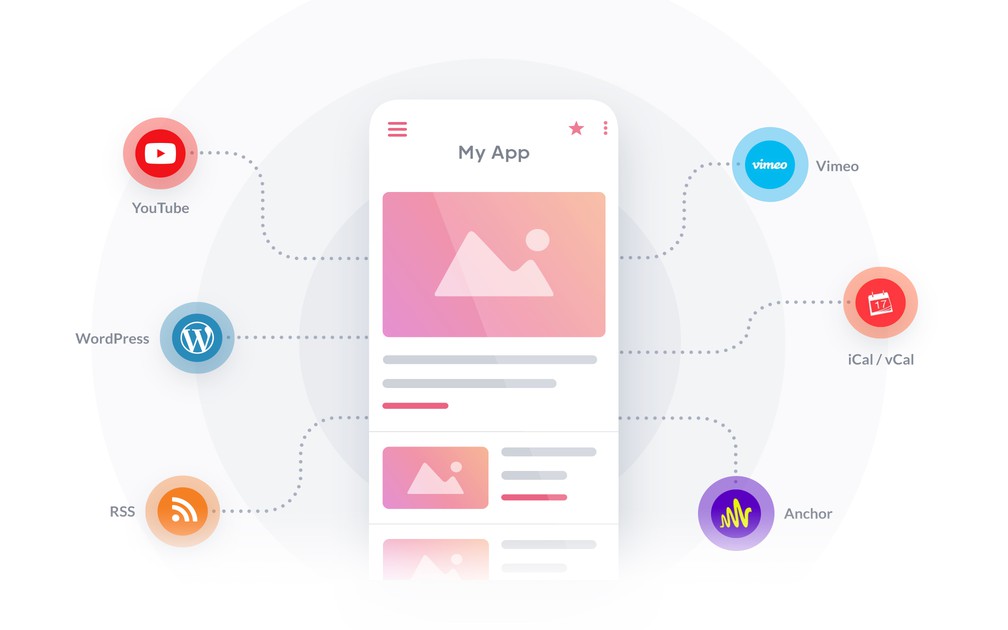
- ### Adding external content
Connect external content sources thanks to our catalogue of over 30 external connectors: Youtube, Vimeo, Dailymotion, Wordpress, Squarespace, Substack, Blogger, Flickr, Simplecast, Spreaker, Google Calendar, Facebook Events, and much more.
- ### Content caching
Your content is pre-processed, compressed and cached by GoodBarber in order to ensure the best loading time, display and stability for your users, without any server overload.
- ### Image caching
Your images are resized, compressed and cached by GoodBarber in order to ensure balance between compatibility and performance for your users.
- ### WordPress plugin
The GoodBarber Plugin for WordPress is an extension of the JSON API plugin, a plugin commonly used within the WordPress community. We have adapted it to safeguard communication between your app and your blog, as well as to allow further flexibility in terms of content synchronization.
- ### Content synchronization
Content produced through an external source is synchronized with GoodBarber, to be displayed in full while adapting to mobile, tablet, laptop and desktop.
- ### Advanced content filters
The display of externally synchronized content with GoodBarber can be filtered based on specific criteria at the source, to be interpreted by the connectors.
- ### Popularity ranking
The ranking of external synchronized content displayed with GoodBarber can be managed according to the popularity of the content at the source.
- ### Content pagination
To guarantee optimal display of external content synched with GoodBarber, pagination occurs for a smarter management of pages.
- ### Custom feeds
Connect any source, even one we have no connector for. Expose your content as a feed in the expected format and it lands in the native templates like the rest: articles, events, map points, photos, sounds or videos.
- ### Social networks
Bring your social content into the app. Your Reddit communities can be browsed, voted and commented from the app, and direct entries lead to your accounts on the other networks.
## Article+
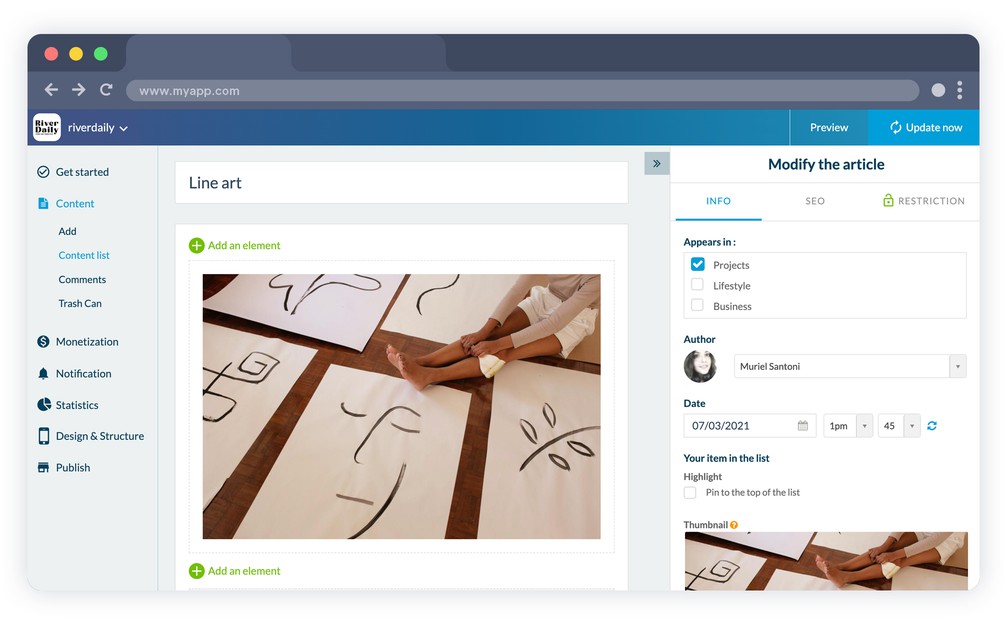
- ### 9 articles list templates
9 display templates are available for article lists. Classic list, Highlighted article, Thumbnails, your choice, based on your type of content.
- ### 4 article details templates
Choose between 4 templates for the display of article detail pages.
- ### Filters display
Add filters easily to categorize the content in your articles' sections. Choose the design of your categories from the 4 display templates available in your back office.
- ### Optimized for all screen sizes
Regardless of the screen size—mobile, tablet, laptop, desktop—GoodBarber maintains the optimal display of your articles.
- ### PDF attachment
Attach a PDF to an article, a programme, a menu or a report, that your readers open straight from the content.
## Sound+
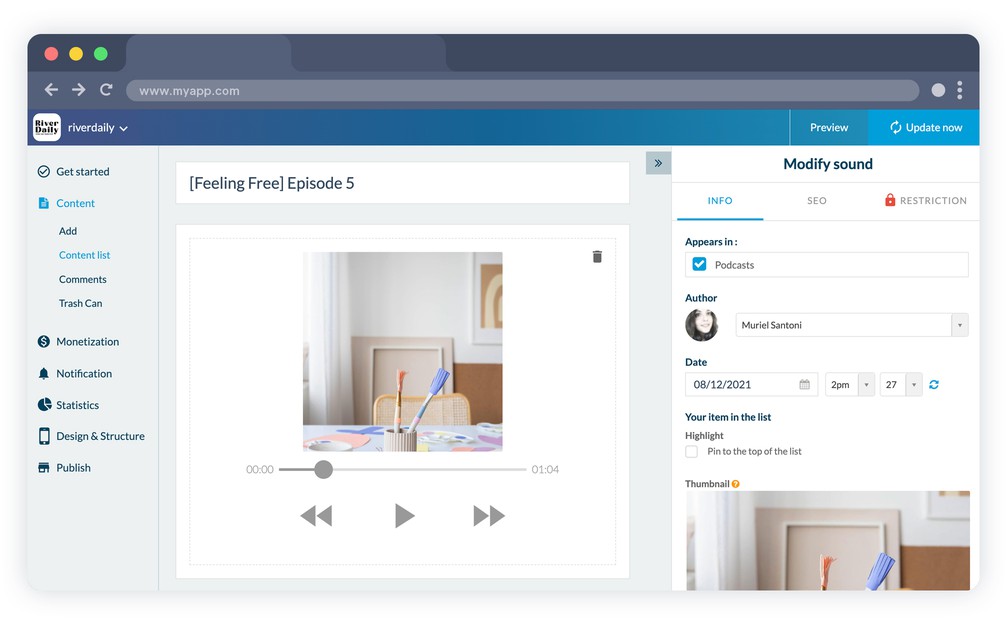
- ### Background audio playback
Your native apps support audio playback mode, including when the app isn’t in the foreground. This allows users to keep listening to your podcasts while using other apps, for instance.
- ### Customizable audio player
The audio player within your app is customizable to your liking to guarantee the most immersive experience for your users.
- ### Graphical equalizer
Pages playing the podcasts integrate a graphical animation in synch with the broadcast sound.
- ### Audio player on all pages (web version)
The audio player is available on all pages of your progressive web app.
- ### Upload and hosting of podcasts
You can upload your podcasts directly to GoodBarber, it is not necessary to use an external platform. They will be hosted and delivered directly to your users.
- ### Buy a podcast
You can display a commercial link for each of your podcasts to direct the user towards an in-store purchase.
- ### Podcasts illustrations
An illustration can be assigned to each episode of your podcast.
- ### 3 detail view templates
The detail view of each podcast episode can be customized once you’ve selected one of the 3 templates designed by our team of experts.
- ### Import from podcast platforms
Your podcast is hosted elsewhere? Connect it with its RSS link, or through the dedicated connectors for Spotify for Podcasters, Ausha, Simplecast and Spreaker, and every new episode lands in the app on its own.
- ### Music or podcast player mode
Switch the audio player between music and podcast. In podcast mode, the previous and next track buttons give way to rewind and forward.
- ### Offline listening
Your listeners can download episodes and play them again without a connection.
## Live+
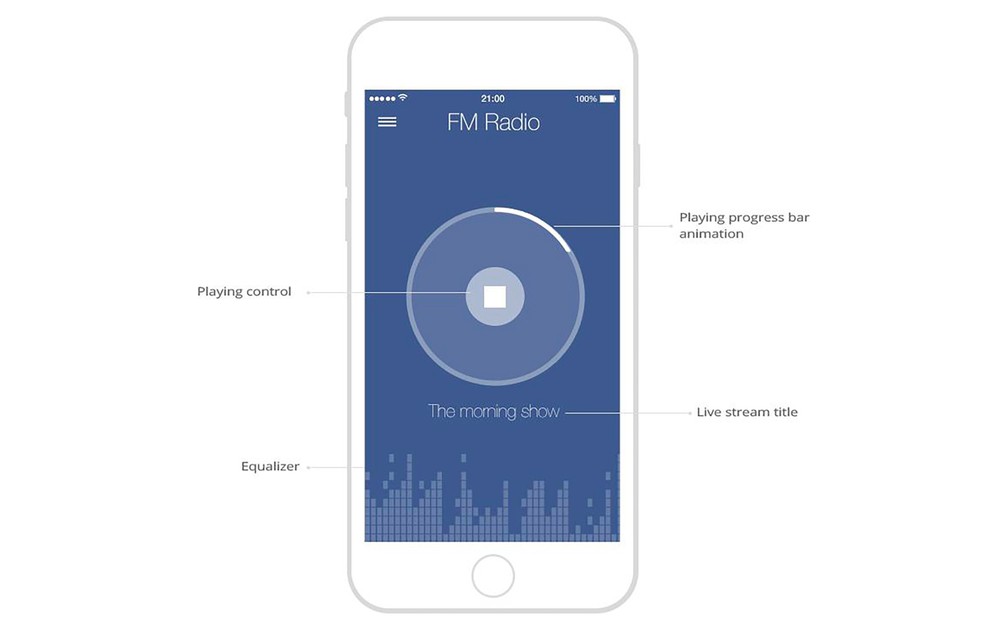
- ### Customizable audio player
The player to listen to live audio within the app is fully customizable.
- ### Background audio playback
Your native apps support audio playback mode, including when the app isn’t in the forefront. This allows users to keep listening to your live audio sessions while using other apps.
- ### OS controls
While live audio is broadcasting, your app communicates with the operating system so that your users can make use of the integrated controls of the system to manage playback.
- ### Customizable design
The page from which the Live section plays is fully customizable.
- ### On air / off air management
Access to the Live player is deactivated according to the schedule which you’ve defined for non-broadcast hours. The page allowing access to the player is customizable in order to inform users of the upcoming live broadcast.
## Live ++
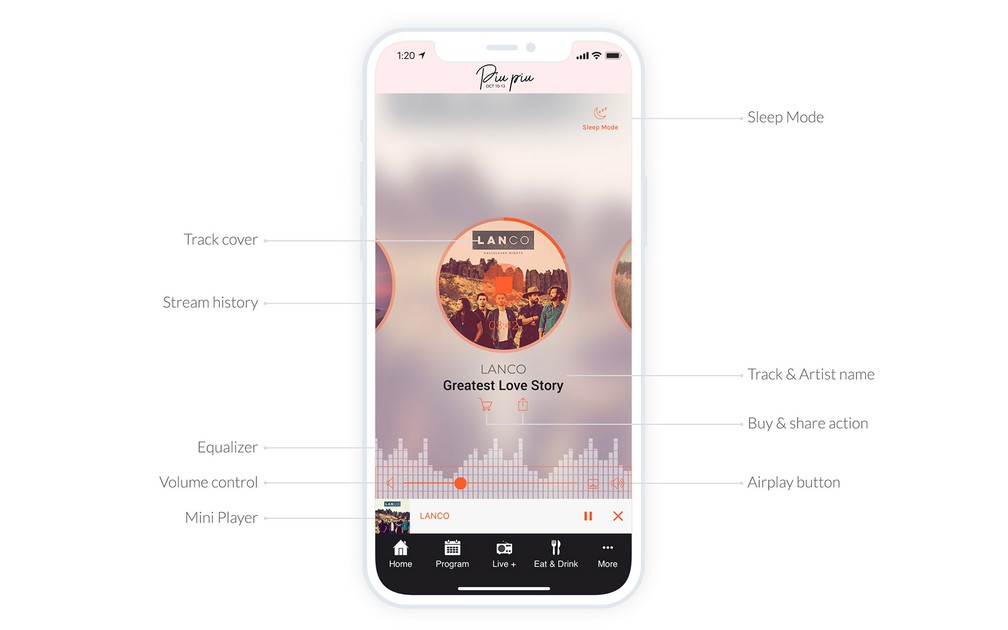
- ### Advanced Live player
Broadcast an M3U stream and show the title, the artist and the album artwork of the track playing. Listeners can share it, buy it, and browse the last 5 songs played. The player itself stays fully customizable.
- ### Meta-information for the listening program
Meta-information related to the streamed file is displayed by the audio player: title, cover, artist,…
- ### Graphical equalizer
The streaming pages of the live show integrate a graphical animation in synch with the broadcasted sound.
- ### On air / off air management
Access to the Live player is deactivated according to the schedule which you’ve defined for non live broadcast hours. The page allowing access to the player is customizable in order to inform users of the upcoming live broadcast.
- ### Sleep Mode
Your listeners can set a timer to automatically shut off their streaming.
- ### Track history, sharing and purchase
Listeners see the tracks that just played, can share one on social networks, and follow a link to buy it.
## Video+
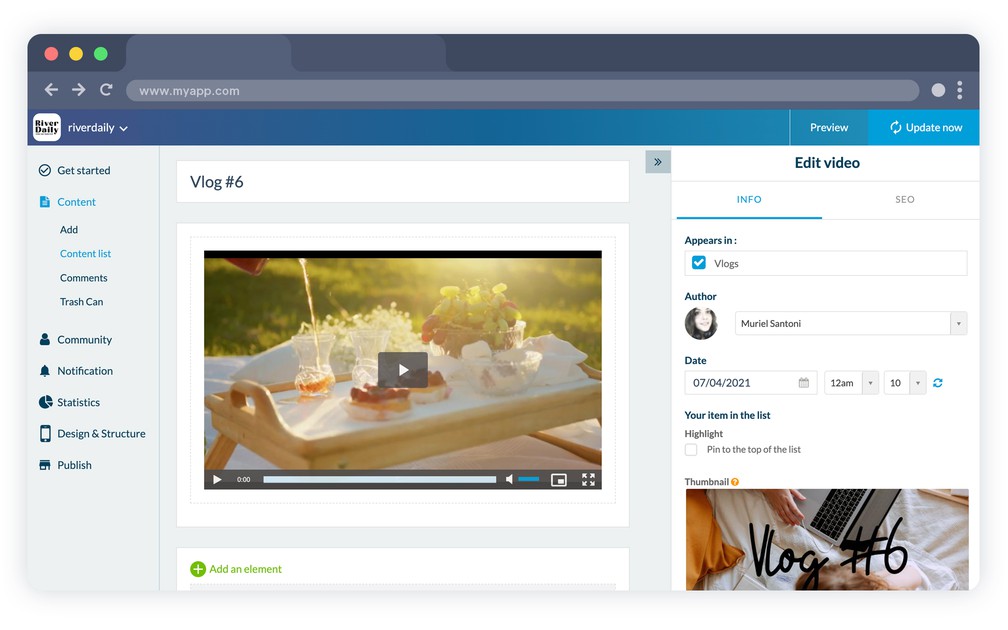
- ### Encoding and hosting
You can directly upload videos to GoodBarber, it is not necessary to use a third party service. They will be automatically encoded in several formats to ensure optimal support across platforms.
- ### Video player
GoodBarber integrates a customizable video player, supported on the web as well as on mobile. Everything is included.
- ### External player
When you embed a video hosted on a third-party platform inside your app, the video player of the said platform is used. Everything is thoughtfully designed to ensure a smooth experience for your users.
- ### 4 list display templates
Pick a display template for your video list among 4 customizable templates.
- ### 4 video detail display templates
4 templates are available for the detail pages of your videos: vertical or horizontal toolbar, title position, customize your template.
- ### 4 display templates for categories
Create categories to filter your video content and choose between 4 display templates for categories.
## Live video+
- ### Customizable design
Customize the background color, the content zone fonts, the main color of the player, as well as the image and text displayed when no live show is available.
- ### On air / off air management
The Live player access is deactivated according to the schedule which you’ve defined for non broadcast hours. The page allowing access to the player is customizable in order to inform users of the upcoming broadcast.
## Photo+
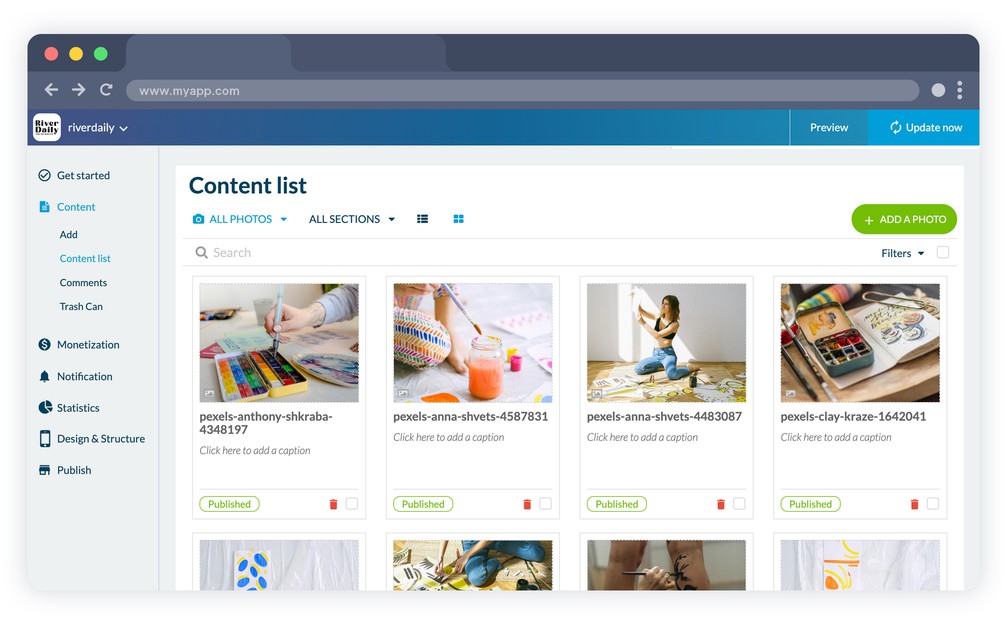
- ### 3 display templates
Choose between 3 display templates for your photo galleries. Each template has been designed to best showcase your images.
- ### Slideshow
Pictures can be viewed in slideshow mode, in full screen.
- ### Saving pictures
Users can save pictures to their device's photo library.
## Calendar+
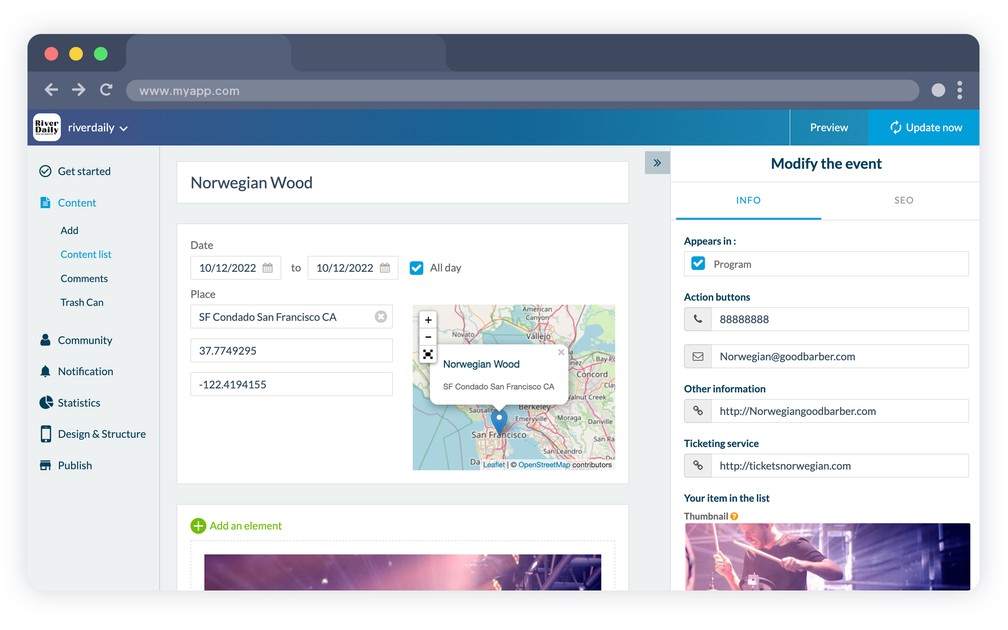
- ### Event management
Create your events directly from the back office and share the event details with your users.
- ### Time zones
The date and time of your events is displayed according to the time zone of the user accessing the content of the calendar section.
- ### Itineraries
Thanks to event geolocalization, your users can create itineraries using external Map services such as Google Maps or Apple Maps.
- ### Organizing events by date
The design of the Calendar section is designed to display several events on the same day.
- ### Dates display format
Select the display format of dates used for your events, in order to feature the one which is most relevant to your users.
- ### 2 templates for detail pages
Customize the detail page of your events with 2 customizable templates.
- ### Adding an event to the phone’s calendar
Let users add events to the Calendar app on their smartphone through the button featured in the toolbar.
- ### Action buttons
Each event carries its own actions: open the route in the phone's map app, buy a ticket, call a number, or send an email.
- ### Map view
Show every event of a section on a map, so your users see what is happening around them.
## Appointment booking+
- ### Booking around the clock
Let your customers check your availability and book an appointment straight from your app, at any hour. You define your opening hours, they pick the slot that suits them.
- ### Google Calendar synchronization
Synchronize one or more Google Calendars with your app. Appointments flow both ways, so your availability stays accurate, and a single app can manage the calendars of several businesses.
- ### Customized booking planner
Set your opening days and hours, declare your holiday closures, and define your appointment slots: the duration of each slot and the minimum time between two appointments.
- ### Customizable booking form
Customize every field of the form your users fill in to book: text, date, email, phone number, link. Ask for exactly the information you need.
- ### Confirmation email
After each booking, you and your user both receive a confirmation email.
## Map+
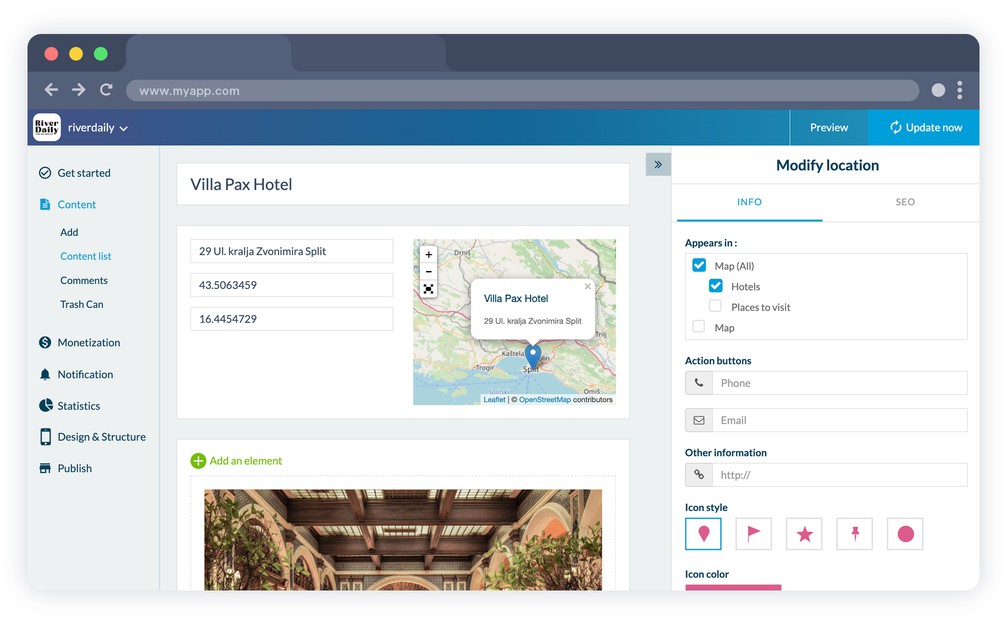
- ### Display modes
The map section allows for the creation of geolocalized points of interest, which can then be displayed in list or map view. On the PWA, maps are rendered through an external map service of your choice, Google Maps Platform or Mapbox.
- ### Points of interest description
Add any type of content to describe your points of interest: text, photo, video or even embed code.
- ### Itineraries function
Thanks to the geolocalization of your points of interest, users can create itineraries towards your points of interest with external Map services such as Google Maps or Apple Maps.
- ### KML import
Import a KML file or URL built with Google Maps: points of interest, paths and polygons come in as they are.
- ### Custom markers and distance
Pick an icon and its color for each point, or upload your own, and show your users how far each point is from where they stand.
## About+
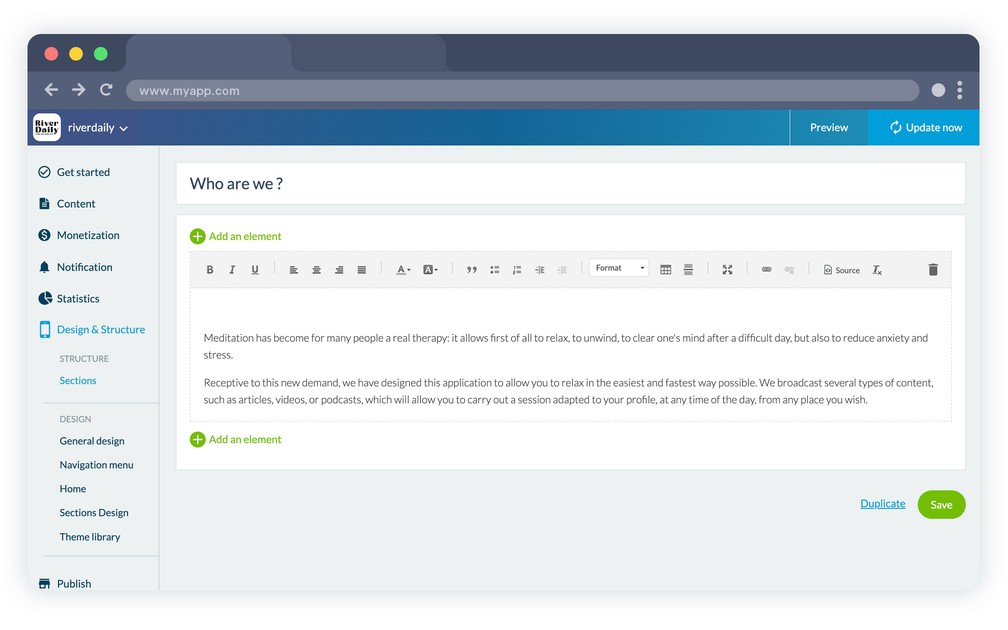
- ### 3 display templates
Choose between 3 display templates for your About section.
- ### Multi-blocks and RTE
You can structure the content of your page with different types of blocks (text, photo, video, quotes…) with an advanced and efficient rich text editor, to easily achieve your display and enhance your text.
## Contact+

- ### 2 display templates
Choose between 2 display templates for your Contact section.
- ### Pre-defined link types
Add links to allow users to easily contact you: through social media, email, phone call or text, add a link to the Store, an internal or external link.
- ### Text customization
Customize the title of each link on your Contact page.
## Favorites+
- ### Multi-content
The Favorites section regroups all of the content (regardless of what type) bookmarked by your users in the same place. Pictures, videos, sound or text, they all fall within the same section for a user friendly experience.
- ### Deleting favorites
The list of bookmarked content can easily be modified thanks to the option to delete items, along with content type filters, sorting and undo on removal, on iOS, Android and PWA.
- ### Offline access
Articles, photos and podcasts added to favorites stay readable without a connection, and remain available even once the original page is gone. Videos are the exception.
## Form+
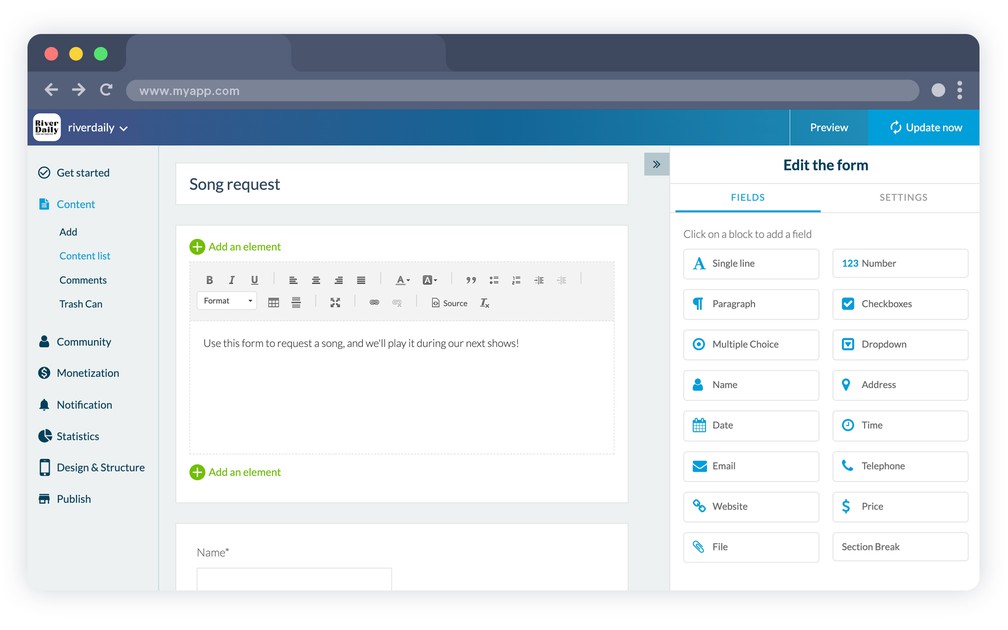
- ### 16 field types
Build your form by choosing from 16 different types of fields: free text, checkboxes, multiple choice, dropdown menu, date, phone number, file and much more.
- ### Multi-blocks and RTE
You can structure the description of your form with different types of blocks (text, photo, video, quotes,…) with an advanced and efficient rich text editor, to easily achieve your display and enhance your text.
- ### Customizing the response process
Customize the confirmation message, error message, send button text and completion message, choose the confirmation mode between a pop-up and a preview of the answers, and redirect users to a page of the app after submission.
- ### Responses management
Check form responses directly from the back office, export them in .csv format along with attached files.
- ### A notification upon each response
Choose the recipient or recipients of the notification email upon each response submitted for the form.
- ### Third-party forms
Already building your forms elsewhere? Display your Airtable, Typeform, Jotform, Google Forms or SurveyMonkey forms inside the app, and the answers go back to the service that owns them.
## Comments+
- ### Comments management
Manage your users comments through a dedicated interface. Check the author and content of the comment, the section it’s attached to, publication date, as well as status.
- ### Moderating comments
Activate the feature to moderate comments before or after they are published, and change their status at any time from your back office.
- ### Notification when a new comment is added
Each time a new comment is added the app administrator can be notified via email.
- ### User authentication
By activating the authentication feature in your app, when posting a comment, users are automatically identified by their profile if they are logged in.
- ### Source comments
When comments are managed on your own site (e.g. a WordPress site connected with the GoodBarber plugin), the app retrieves them live and comments posted in the app are published directly on your site. WordPress.com, Blogger and 500px sources are read-only: existing comments are displayed but cannot be posted from the app.
- ### Disqus comments
If you use Disqus to manage comments on your site, you can easily activate the Disqus module and integrate it within your native app as well as your web app. Everything syncs in real time.
## Ready to build your app?
[Start for free](https://www.goodbarber.com/create/)[See pricing](https://www.goodbarber.com/pricing/content/)
---
# Design features
Source: https://www.goodbarber.com/feature-index/design/
---
title: "Modular Design features to make an app - Modular Design app builder"
description: "Enjoy the best no-code app builder to create a beautiful design for your app"
canonical_url: "https://www.goodbarber.com/feature-index/design/"
lang: en
---
# Modular Design
Enjoy the best no-code app builder to create a beautiful design for your app
- [General Design](#generaldesign)
- [Home](#home)
- [Header](#header)
- [Navigation mode](#navigationmode)
- [Customizing the navigation](#customnav)
- [Menu](#menu)
- [Design resources](#design_ressources)
- [Sections](#sections)
## General Design+
[https://portal.ww-cdn.com/portal_static/images/feature_index/videos/Global_Style.ec2e912aefe2.mp4](https://portal.ww-cdn.com/portal_static/images/feature_index/videos/Global_Style.ec2e912aefe2.mp4)
- ### Tailored to each device
GoodBarber has got design fully covered from mobile to desktop. Our elements of design perfectly adapt to each screen size for consistent quality on each device, smartphone, tablet, laptop or desktop.
- ### Global Style Tool
Manage your app's overall style from one, single menu: the color theme, typography, action buttons, hover effects, and other elements. Create your design and apply it to the entirety of your app, in one click.
- ### Images background management
GoodBarber lets you integrate images within your design and display them in the background.
- ### Customizable margins
Customize the margins of your project—horizontal for all screens, vertical only for mobile screens display.
- ### Hover effects on texts
Add a Hover effect on your texts: underlining, brightening or darkening of the font color.
- ### Hover effects on images
Add a Hover effect on your images: zoom in, zoom out or opacity.
- ### Changing your theme
You can change your theme in one click while maintaining your navigation mode and the overall architecture and content of your project.
- ### A solution for each purpose
The diversity of templates, as well as the variety and capacity of the customization options available, let you create an app tailored to your purpose.
- ### Style editor
Manage your styles at the global level in order to ensure a coherent design throughout the different views of the app.
- ### Modifications log
The GoodBarber back office includes a log of modifications which lets you access a history of all the modifications performed on your project.
- ### Updating the design without rebuilding
Updates related to the design of your project do not require you to rebuild your app. Once approved they are automatically taken into account and visible for your users, without extra action.
- ### Images library
Store images in your personal library in order to easily access them for later use.
- ### Selective image resizing
Images are resized to several ratios, compressed and cached to reach the best weight, performance and display quality combination. Loading times are optimized without jeopardizing display quality.
- ### Monochrome effect
Thanks to the image editor integrated within the GoodBarber back office you can add a monochrome effect on your images.
- ### Blur effect
Add a blur effect to your images in one click, directly from the GoodBarber back office, thanks to the integrated image editor.
- ### Zoom effect
Apply zoom effects upon rollover on the images, on the desktop version of your project.
- ### Icon and splash screen generation assistant
The GoodBarber back office offers a tool to assist you in creating your app icon and launching screen from scratch.
- ### Gradient management
Integrate color gradients in your app's design by choosing one from the full library (which uses the [https://uigradients.com](https://www.goodbarber.com) service). Once you've chosen one, the gradient is automatically generated and applied to your app's design.
- ### Genius Palette
Leave your color palette to AI. In a single click, Genius Palette generates a coherent, professional set of colors, ready to apply to your whole design.
- ### Design System
GoodBarber rests on a formalized design system: foundations, atoms and components, plus a library of ready-made layouts. The rules apply by default to every page, so a project stays consistent from one screen to the next.
- ### Haptic feedback and animations
Native apps carry a sensory layer: haptic feedback under the finger, fluid transitions from a list to its detail, and motion that answers the scroll.
- ### Buttons and form field shapes
Set the shape of every button in your app — square, rounded or round — along with the shape, the size and the label position of your form fields.
- ### App Walkthrough
Guide your users through the first launch with an interactive tutorial. Choose how it is displayed, and bring the screens to life with Lottie animations.
## Home+
[https://portal.ww-cdn.com/portal_static/images/radio/home_buildin.6c6c5f4784f2.mp4](https://portal.ww-cdn.com/portal_static/images/radio/home_buildin.6c6c5f4784f2.mp4)
- ### Modular home
The Home section is the first section of your app, it is made up of widgets and completely flexible. With the great variety of widgets available, the Home lets you build your project in a way that makes your app truly unique.
- ### Activate or deactivate
You can choose to activate or deactivate the Home section in your app. If you deactivate it, the navigation will depend solely on the navigation mode you choose.
- ### 77 widgets
With widgets you have unique flexibility to organize your app’s home.
- ### Content widgets
Content apps
Make the home of your app more dynamic with widgets which automatically refresh each time new content is published inside your project.
- ### Navigation widgets
Content apps
Offer direct access to the most important sections of your app with widgets dedicated to navigation. The perfect way to guide your user towards the key function of your project.
- ### eCommerce widgets
eCommerce apps
Create direct entries to your products and collections, from the Home page of your app using the Product list widget and the collection list widgets
- ### Promo widget
eCommerce apps
Display a promotional message as soon as users arrive on the Home of your shop. You can highlight a product, a collection, a list of collections. The promotional widget is very flexible and will help you increase your sales.
- ### Semi-dynamic widgets
These widgets let you build a home which automatically updates whenever new content is published, all the while offering a clear architecture to the user when it comes to navigating the app.
- ### Other widgets
This category regroups useful widgets such as the search, newsletter, advertisement, countdown, or even HTML widgets.
- ### Drag & drop construction
Arranging the different widgets featured on your home is easy. Just drag and drop your widgets where you want them to be.
- ### Sorting options
Access a wide range of options for managing the display order of the elements within your content widgets: by date, popularity, alphabetical order, randomly,…
- ### Number of items
The number of elements displayed by a widget can be set up for each widget, in order to allow maximum flexibility to organize your home.
- ### Custom code widgets
Build your own widgets in HTML, CSS and JavaScript, and place them on the home next to the standard ones.
## Header+
[https://portal.ww-cdn.com/portal_static/images/feature_index/videos/Logo_Title.b8e1067a5361.mp4](https://portal.ww-cdn.com/portal_static/images/feature_index/videos/Logo_Title.b8e1067a5361.mp4)
- ### Customizable NavBar
The NavBar is a strategic location within your app. Therefore, you have complete control over its design and features. Choose from 3 different height formats (Small, Medium, Big) to display your logo, a title or description.
- ### Customizable icons
Each link added to your NavBar is assigned an icon. This icon is fully customizable.
- ### Adding shortcuts
The NavBar can display up to 6 shortcut links to key sections of your app or external sources.
- ### Managing shortcuts
Access to the customization of the look and feel of your NavBar shortcuts lets you maintain a coherent user experience throughout your app.
- ### Automatic arrangement
Based on the number of shortcuts available in the NavBar, the best arrangement will be automatically managed by the app.
- ### Customizable shortcuts
The design of each NavBar shortcut is customizable. Access a library of over 1000 vectorial icons, add your own icons and customize the link titles.
- ### Effect options
Content apps
Apply transparency, blur or hiding effects to the header. These subtle effects can give your app the final polished touch and set you apart from the crowd.
- ### Automatic effects management
Effects are automatically applied to the header by GoodBarber based on the device and OS through which the app is displayed.
- ### Declinable header per section
A specific header and related NavBar can be set up for each section within your app.
## Navigation mode+
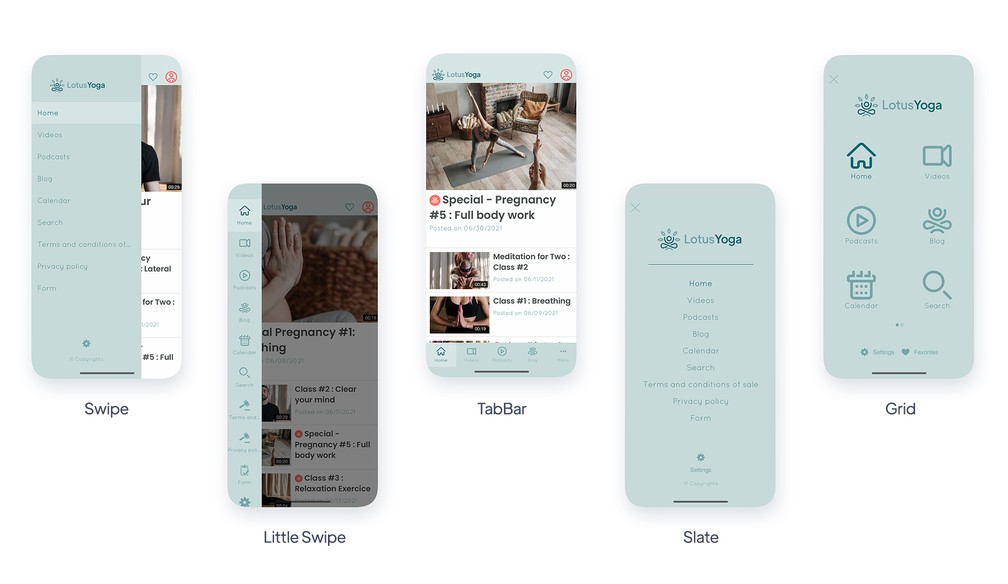
- ### Customizable navigation modes
Choose the navigation mode of your app from the proposed templates. Each menu can be customized up to the very last detail, with an unlimited amount of combinations, to make each project unique.
- ### Swipe
A key navigation mode for apps with a large number of sections.
- ### Little Swipe
Offer vertical navigation where each entry within your app is illustrated by an icon.
- ### TabBar
A classic, the TabBar is a navigation mode which grants quick access to the most important sections within your app.
- ### Grid
The Grid displays your app's navigation in full screen, each entry is depicted by an icon.
- ### Slate
The Slate displays your app's navigation in full screen, each entry is depicted by text.
- ### From scratch
Content apps
The From Scratch menu lets you code your navigation by inserting your own HTML code.
- ### Invisible
Content apps
If you do not wish to display a navigation menu for your app you can enable the invisible navigation mode.
- ### Floating TabBar
A TabBar detached from the edge of the screen, floating above your content. On native apps it sits at the bottom; on the web app it appears as a banner under the header.
## Customizing the navigation+
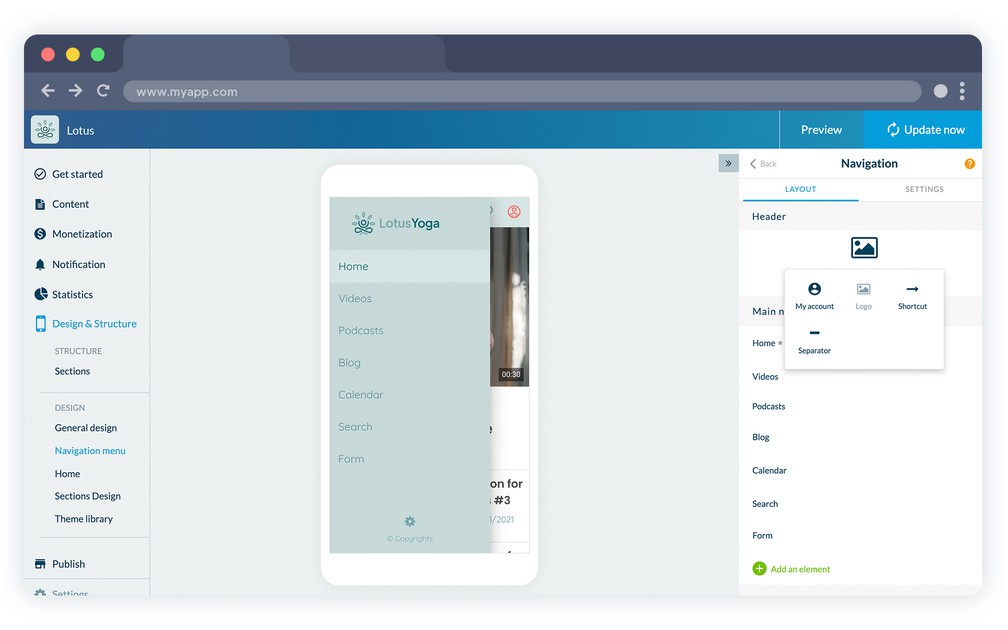
- ### Header, Body & Footer
Each navigation menu is made up of 3 distinct parts: the Header, Body and Footer, each fully customizable. Displaying the Header and Footer is not mandatory.
- ### Logo display
Display your logo inside the header of your navigation mode, by uploading your logo or adding text directly.
- ### Link to the user profile
Add a direct link to the user's profile inside your navigation mode. Edit the text, icon and link color.
- ### Adding shortcuts
Add shortcuts within your navigation mode and let users easily access any section within your app, an external link or even perform an action such as logging out, sending a text or an email.
- ### Customizable separators
Add separators inside your navigation menu and customize their color and pixel height.
- ### Customizable link area
Build your navigation menu by adding links to sections within your app.
- ### Copyright
Add a copyright area within the navigation menu of your project. Select the color and text, as well as the font and font size.
- ### Advanced design options
GoodBarber allows advanced customization of the navigation menu design. Font, colors, alignment, icon, cell height, adding a title…
- ### Menu default display
For the Swipe, Little Swipe, Grid and Slate menus select the default status of the menu: always hidden or always displayed when the app launches.
## Menu+
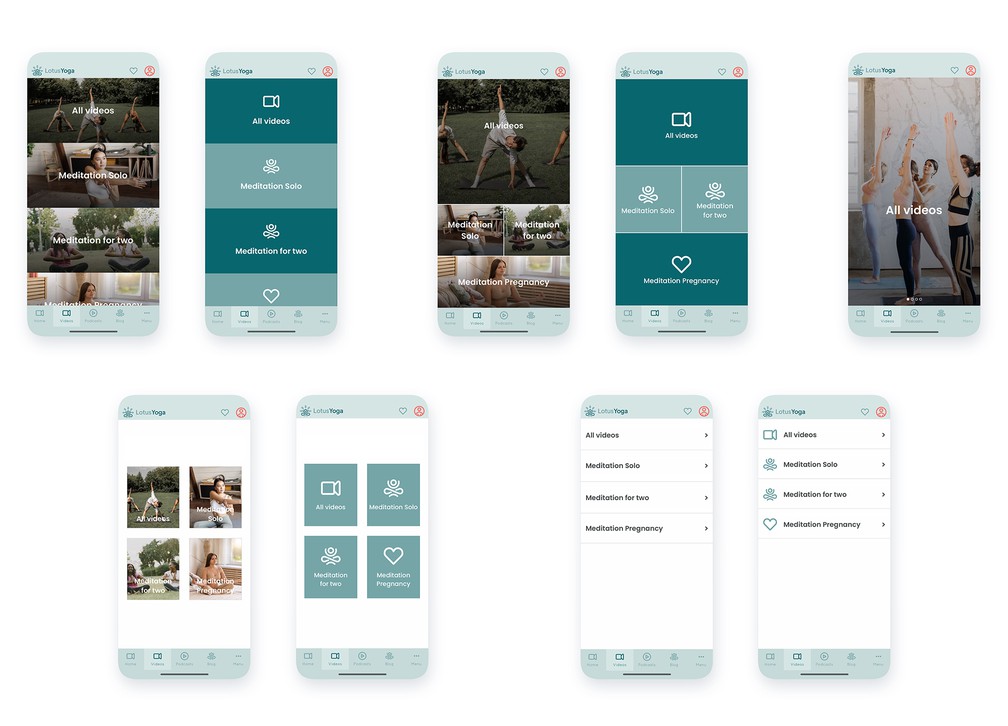
- ### 10 intermediary menu templates
GoodBarber offers a Menu section to enable multi-level navigation inside your app. You can choose from 10 templates.
- ### An image for each element
Choose a navigation where each entry of the menu is a high-res image, in order to achieve a perfect design regardless of the screen size your app is being displayed in.
- ### Advanced design
Apply gradient or blur effects on images. Adjust the position of the text and the logo choice for your menu entries.
- ### Automatic construction
Based on the number of entries inside your menu, GoodBarber will perform an automatic arrangement to be sure an attractive display is always maintained.
- ### Custom code menu
Write your menu from scratch in HTML, CSS and JavaScript, with the built-in editor and the GoodBarber App API, for a navigation that looks like nothing else.
## Design resources+
- ### Icons gallery
A collection of more than 1000 icons created specifically by our team of designers and organized into 3 different sets is available in your back office.
- ### Customizable icons
Create your own icon collection by uploading your own icons or images, directly from the back office of your project, in .png format, 260px x 260px.
- ### Professional themes
The GoodBarber back office features 25 professional themes produced by our team of expert designers. Inspired by our mobile-first philosophy, they are designed to perfectly adapt to each device, keeping with the current trends, plus fully customizable.
- ### Google Fonts library
GoodBarber features a set of more than 400 Google Fonts which can be used directly in the back office, without the need to embed extra code.
- ### Pexels library
GoodBarber clients can access the Pexels photo library, directly from the back office, with over 500,000 high resolution images.
- ### Images advanced search
The Pexels library in the GoodBarber back office is equipped with an advanced search engine to sort images by theme, keyword or color.
- ### Custom fonts
Upload your own typefaces — .woff2 for the web app, .ttf or .otf for native apps — and find them in every font selector of the back office, next to the Google Fonts library.
- ### Google Material Icons
Add the Google Material icon set to your app, in its solid, rounded, contour and two-tone styles, and use it wherever icons appear, navigation menu included.
## Sections+
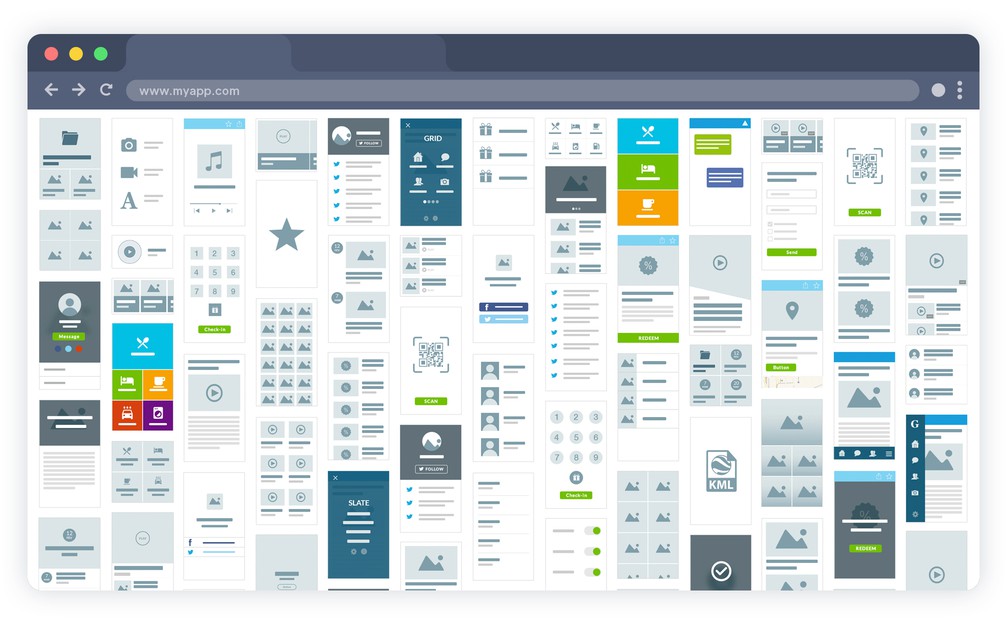
- ### 30 different types of sections
GoodBarber offers 30 different types of sections which you can use to build your project.
- ### Advanced settings for the information to be displayed
For each section, choose the information to display, such as the date or the author for an Article section.
- ### Toolbar customization
Content apps
For each section choose the actions available in the toolbar: comments, sharing, text size, bookmarking the item.
- ### Comments access
Content apps
Allow users to access the comments page from each content view.
- ### Direct link to share on social media
Add direct sharing links to social media in each content page.
- ### Progressive page loading
Intuitive gestures allow the user to display extra content, on demand, when visiting a section. This allows for a faster display while improving the user experience.
- ### Global floating button
An action button that floats above your content and stays available throughout the app, with the label of your choice.
## Ready to build your app?
[Start for free](https://www.goodbarber.com/create/)[See pricing](https://www.goodbarber.com/pricing/content/)
---
# Native app and PWA features
Source: https://www.goodbarber.com/feature-index/native/
---
title: "Native apps features to make an app - Native apps app builder"
description: "No compromises on the technology used to build your app. Swift, Kotlin and other native technologies to guarantee to best performance for your app."
canonical_url: "https://www.goodbarber.com/feature-index/native/"
lang: en
---
# Native apps
No compromises on the technology used to build your app. Swift, Kotlin and other native technologies to guarantee to best performance for your app.
- [Native app](#native)
- [Progressive Web App](#pwa)
- [Reliable architecture](#architecture)
- [Domain & SSL](#domain)
- [Images management](#images)
## Native app+
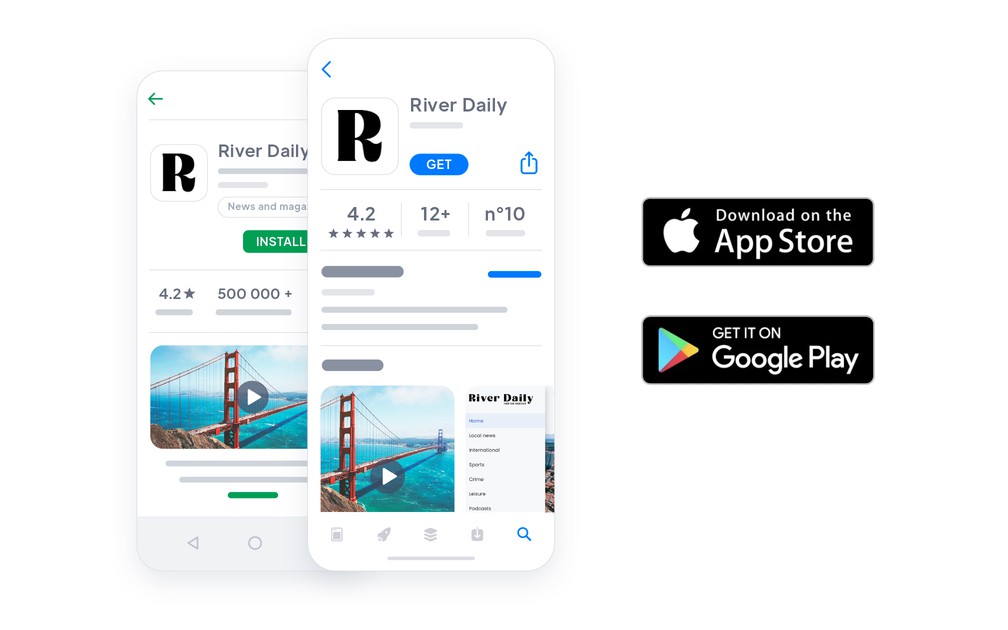
- ### Embedded cache system
An algorithm is dedicated to optimizing the caching of the different elements of your app to ensure optimal and fast performance, regardless of network connectivity.
- ### High performance
We’ve taken into account performance requirements from the first line of code ever written for our native apps. Everything is designed for fast display and stability, on top of which, performance tests are regularly conducted by our team of developers to maintain the same level of excellence.
- ### Offline use
Your content is synchronized from your back office and stored directly inside the app. Content viewed while connected stays available offline, so your users can keep browsing without a network.
- ### Advanced multi-testing
We have a fleet of over 30 devices with iOS and Android operating systems, among the most commonly used on the market, to perform rigorous testing and ensure the functioning of GoodBarber apps, no matter the device used.
- ### On-demand embedded code
No hidden libraries, no unnecessary SDKs, no pre-installed components. Your app carries only the code the features you switched on actually need, and that code goes away again when you turn a feature off and rebuild.
- ### SwiftUI and Jetpack Compose
Interfaces are built with the frameworks each platform recommends today: SwiftUI on iOS, Jetpack Compose on Android.
## Progressive Web App+
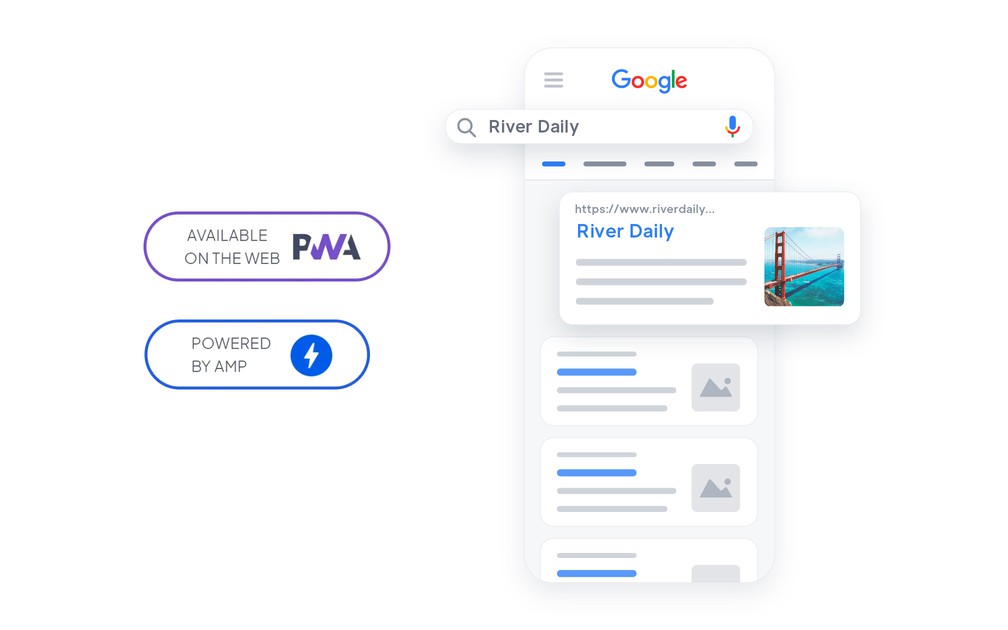
- ### Activate or Deactivate
You can choose to activate or disable access to your web app, at any time. When you deactivate your web app you can automatically redirect your users to download your native app instead.
- ### Customizable 404
The error page displayed when content is missing or a link is incorrect can be customized to your liking. You can direct your users towards the most relevant destination.
- ### Cookies warning
Your web app uses cookies in order to deliver the best possible user experience. By default, GoodBarber integrates a feature to inform them that the web app uses cookies. This alert can be 100% customized.
- ### Publication assistant
Before publishing your web app you will be guided through a few essential steps: setting up a domain name, activating an SSL certificate, defining your SEO meta-data. We’ve got you covered so that you don’t miss a thing.
- ### Angular framework
Your web app has been developed using the Angular framework, the latest generation. It’s a guarantee that your users will benefit from the most advanced technology out there.
- ### Fully responsive
The design of your web app is fully responsive, meaning that it is automatically configured to every screen size, from the smallest to the largest, without extra customization needs.
- ### High performance
Service workers keep your web app fast and usable offline: an intelligent cache keeps your essential content available without a connection, and your pages load instantly, even on a slow network.
- ### SEO friendly HTML code
The HTML code of your web app has been designed to ensure optimal indexation by search engines. The page structure is already optimized and HTML tags are organized to facilitate screening by the engines, to highlight your content.
- ### Quick display
Your web app supports mechanisms designed to give your users a fast feel. Beyond performance optimization, it is designed to be displayed in consecutive layers, to match the look and feel of a native app.
- ### SASS
All style sheets have been pre-processed with SASS to optimize loading time and compatibility with the different browsers on the market.
- ### Server Side Rendering
Your web app is served over servers which pre-generate the display for the client, thus minimizing network communications and increasing the level of compatibility with old browsers.
- ### Installation
Your web app manifest allows installation on the users’ home screens if they visit your web app on mobile, as well as the customization of the behavior, along with an icon, launching screen, etc. A way to encourage engagement and loyalize users.
- ### Optimized bundle
Before it is published, your web app is built, which contributes to compressing and optimizing the bundle of files which will be served to your users. For your users, only the essential part of the code will be loaded and read, to ensure fast loading and functioning.
- ### Loading on demand
Data is loaded only when the users request to display it, which ensures faster display and minimum data consumption for the users.
- ### GoodBarber design system
Your web app is built on the GoodBarber design system: formalised components, consistent spacing and motion. We were the first app builder to formalise a real design system, so what you publish rivals the best apps in the stores.
- ### Google AMP
Generate Accelerated Mobile Pages for your CMS content, articles, events, maps, podcasts and videos, and for your product pages, so search engines can serve a stripped-down version that opens instantly.
- ### Offline operation
Service workers cache your content on first launch, so the web app keeps working without a connection, moves from page to page without reloading, and still receives notifications when it is closed.
- ### Private PWA
Put your web app behind a password when it is not meant for the open web: only the people you give it to get in.
## Reliable architecture+
- ### High availability and capacity
PWA
Your web app is hosted on a technically robust infrastructure, equipped to serve more than a hundred million pages a month. Server redundancy prevents interruptions to the service.
- ### Our very own infrastructure, designed to your needs
We have several system administrators on the team whose mission is to design and manage our equipment and cloud hosting infrastructure. The infrastructure is designed to anticipate our clients’ needs, in terms of storage as well as processing power.
- ### 15 years of experience
The GoodBarber technical infrastructure is the achievement of a cohesive team’s work, with over 15 years of expertise in the area of creating as well as hosting services in SaaS.
- ### No necessary additional plugin
GoodBarber includes the full range of mechanisms ensuring the performance and stability of your native app as well as your web app. It is not necessary to rely on additional cache plugins.
- ### Triple data backup
All your data is backed up daily, in several geographical locations, to guarantee maximum continuity.
- ### Hosted in Europe
Your data and your users' data live in a private cloud hosted in Europe, and reach the rest of the world through a content delivery network.
- ### Privacy handled from the start
Hosting, the consents you collect and the permissions your app requests are laid out from the beginning of a project, rather than patched on once the app is built.
## Domain & SSL+
- ### Installing your own custom domain name
You can customize the address from which users access your web app by setting up a custom domain name. All domain extensions are managed.
- ### Full DNS management
It is possible to completely hand over the management of your domain name DNS servers to GoodBarber. It’s the easiest way to set up a domain name for your web app.
- ### CNAME installation
If you wish to manage your domain name DNS servers yourself, you can easily register a CNAME record with your registrar which will allow your web app to be accessed from your domain name.
- ### Integrated SSL certificate
Your web app is available in HTTPS at any time. Before setting up a domain name, you can access it from a free GoodBarber URL which integrates an SSL certificate. As soon as you set up a custom domain name, GoodBarber will manage the SSL certificate registration process for you, for your domain name.
- ### Custom SSL certificate installation
If you wish you can also install a custom SSL certificate (including, for instance, an extended validation process) for your web app.
## Images management+
- ### Drag and drop upload
Integrate images into your content easily with the drag and drop feature.
- ### Adaptive compression
Images are resized to several ratios, compressed and cached to reach the best weight, performance and display quality combination. Loading times are optimized without jeopardizing display quality.
- ### Progressive loading
Only the images which should be displayed immediately to the user are shown—top of the page images first, then the rest. This ensures a faster, higher performing web app and native app for your users.
- ### Included CDN
All the images hosted by GoodBarber are delivered by a global CDN. Your content is served from the location closest to your users, at no additional cost.
- ### Images SEO
Your images are assigned HTML tags to facilitate their indexation by search engines.
## Ready to build your app?
[Start for free](https://www.goodbarber.com/create/)[See pricing](https://www.goodbarber.com/pricing/content/)
---
# eCommerce features
Source: https://www.goodbarber.com/feature-index/ecommerce/
---
title: "eCommerce features to make an app - eCommerce app builder"
description: "Selling on mobile provides the best conversion rates. Get access to a suite of features that will make your business take off."
canonical_url: "https://www.goodbarber.com/feature-index/ecommerce/"
lang: en
---
# eCommerce
Selling on mobile provides the best conversion rates. Get access to a suite of features that will make your business take off.
- [eCommerce](#ecommerce)
- [Product management](#product_management)
- [Back office](#back_office)
- [Checkout process](#checkout)
- [Payment providers](#payment_providers)
- [Order details](#orders_details)
- [Shipping](#shipping)
- [Marketing](#marketing)
## eCommerce+
- ### All-in-one
Take advantage of the full power of GoodBarber applications to create your online shop. It is the new generation of eCommerce totally dedicated to mobile. The eCommerce features automatically offer all the power of large platforms.
- ### Universal access
With native apps (iOS and/or Android) and PWA versions, eCommerce apps target all clients and leads. Native apps offer the best technology has to offer to your loyal clients. PWA and their adaptable format allow you to be present on all screen types (smartphones, tablets, desktop).
- ### ASO and SEO
Native apps are indexed on the Apple and Google Stores (App Store, PlayStore).
PWA are accessible by URLs and like classic websites can be indexed.
You benefit from an exceptional presence on all sales channels.
- ### Easy payments
Payments have never been so easy for your clients: one-click payments, Digital Wallets (Apple Pay), saved cards. Payment is now a simple task. Our partners Stripe and PayPal guarantee the best technology at a reduced cost.
- ### Catalog eCommerce
Your catalog can contain 10 products or hundreds. Everything can be managed in one click: variants (Size, colors, fabrics...), automatically updated stocks, images and descriptions, price (selling price, sales price), SKU. Collections offers you an intuitive way to group and showcase your products.
- ### Marketing tools
Engage your clients directly from your app back office with ready to use marketing tools: push notifications, email template, discounts and promotion tools.
## Product management+
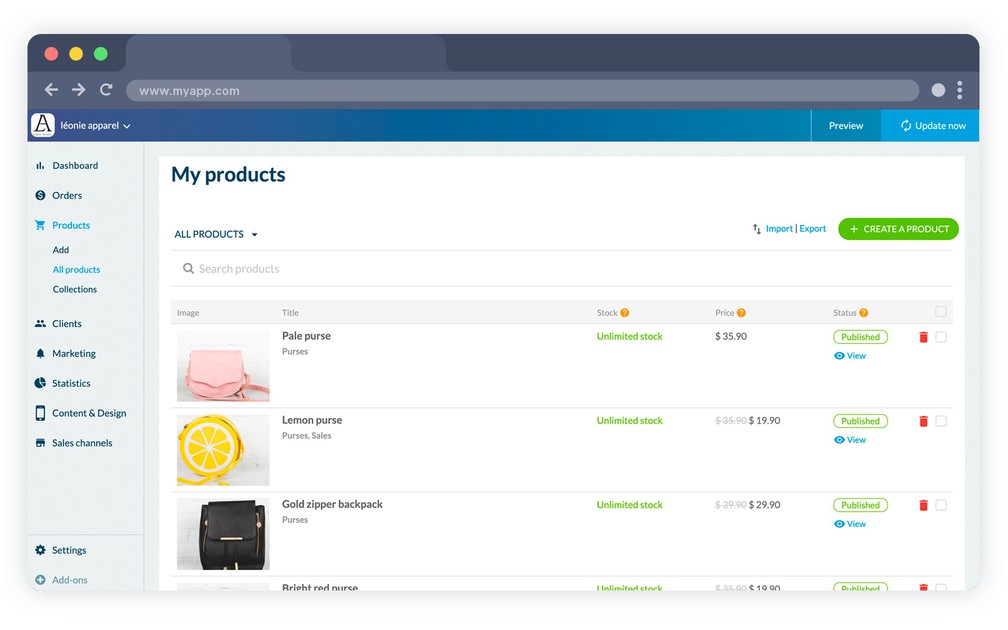
- ### Focal point
Center the illustration image of your products exactly where you want them. A simple drag and drop of the marker and your image is well centered. The operation is carried out directly on the product page in a very simple way.
- ### Product Thumbnail
Your products thumbnails are automatically created from your default image. You can easily modify it by selecting another image and setting it as your thumbnail source.
- ### Variants
Quickly create the variations of each of your products. Size, colours, materials or any other variation. Each variant has its own characteristics (images, reference, stock, price). It is possible to create 100 variations per product.
- ### Selling price / Compare at price
Each variant has a selling price. It is the selling price displayed in your shop. You can also set a compare at price that will serve as reference price.
- ### Stock management
Manage your stock from your admin interface. For each product and its variant, set a starting stock. After each sale, the stock will be updated minus the quantity sold.
You also have the option to set an unlimited stock.
- ### Add product in a collection
Each product can be added to collections. Collections are a group of product that can be presented in your online shop.
- ### Tags
Tags are keywords describing your products. You can use tags to create automatic collections (ex: Tag "Men" to create a "Men" collection)
- ### Similar products
At the bottom of each product, you can display similar products to suggest additional shopping ideas or alternative options to the product.
- ### SEO
By using a PWA, all your products are indexed on the search engines. Each product has a title tag and meta-description tag. You can also customize the products slug.
- ### PDF
Need to add a user manual or documents to some products? You can add a PDF per product page
- ### Out-of-stock
Keep your out-of-stock products displayed in your catalog with a "out-of-stock" label. With the option, your customers still have access to your full catalog even with a product momentarily not available.
- ### Product import and export
Build your catalog in one action: import your products from a single CSV file, with their variants, descriptions and prices, and export them in a format your partners or your own tools can read.
- ### Quick Buy
Let your customers add a product to the cart straight from a product list or a collection, without opening the product page.
- ### Stock table
Beyond the stock set on each product and variant, a dedicated menu shows the whole catalog in one table, sorted and filtered, where you edit quantities in place and export the lot.
- ### Product search
Add an internal search engine to your shop. It looks through titles, descriptions and tags, and shows the price of each result.
- ### Product videos
Add one or more videos to a product page, next to its photos.
- ### Nested collections
Split a large catalog into collections and sub-collections, so a customer narrows down instead of scrolling.
## Back office+
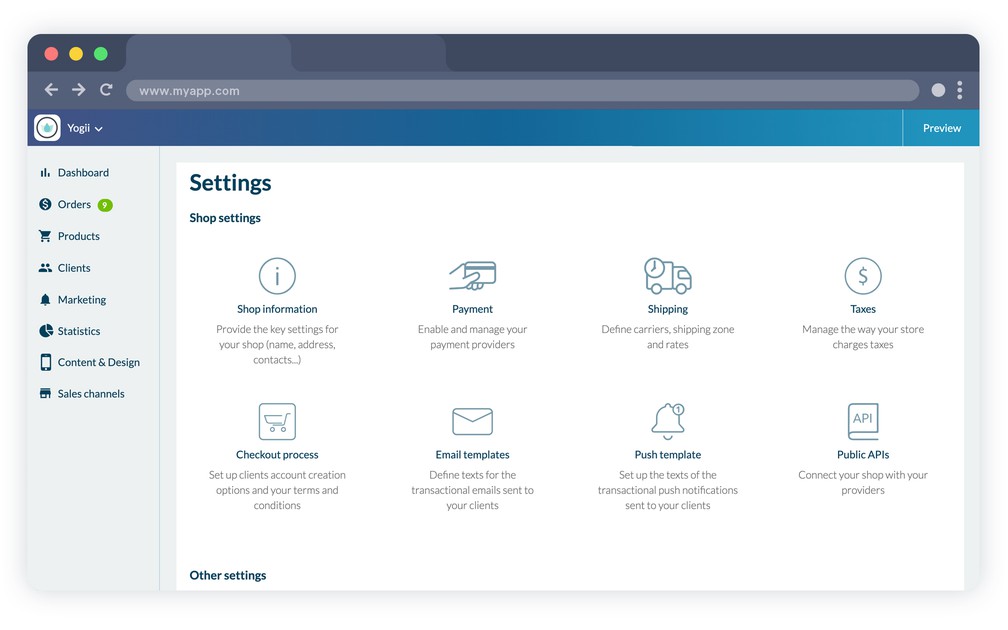
- ### Available in 11 languages
The GoodBarber back office is available in 11 languages: English, French, Spanish, Italian, Portuguese, German, Dutch, Finnish, Norwegian, Danish and Swedish. All these translations are done by employees in their native language.
- ### Subscription management
Easily change your subscription from monthly to yearly, or upgrade.
- ### Files management
Take advantage of file storage and organise them in folders. These elements will then be accessible from a dedicated URL.
- ### Taxes
How to simplify complex tax management? We've done it for you by collaborating with a specialist maintaining an updated official rate list. For each shipping zone / country, you can now automatically manage your taxes. You also have the option to manually manage the rates applied in your shop.
- ### Shop information
Set all your shop information in one go.
First all the contact details: address, email, phone, and of course the name of your shop. Then the metric standards (weight and currency). Continue with your social media: Facebook, Instagram, X (Twitter). Finally, add the legal information that will appear at the bottom of your invoices. Et voila! You're all set.
- ### Custom URL
Link your domain name to your back office if you don't want to access it from GoodBarber.com
- ### Get Started screen
When you first connect to your back office, a Get Started will review all the main features of the back office to help you get settled.
- ### Wizard
GoodBarber back office offers a wizard that will help you along the way to create your app.
- ### Public APIs
You can connect your shopping app to third-party services to help you automate and streamline your operational process.
A detailed documentation is available to guide developers through the settings.
- ### MCP server
Run your store from Claude, ChatGPT or any AI assistant that speaks MCP: create products, update prices and media, review orders and customers, all by conversation.
## Checkout process+
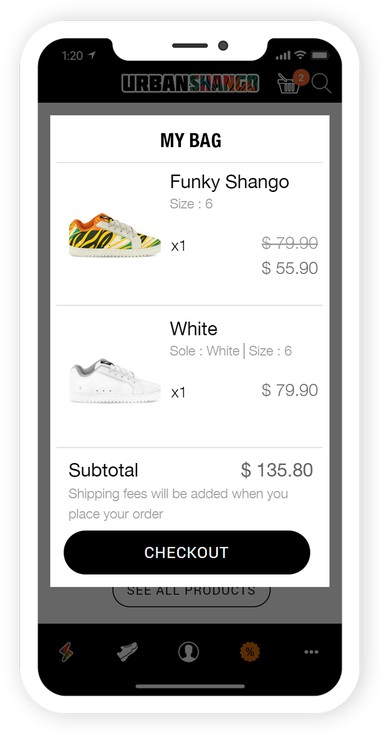
- ### Auto Login
Your clients are automatically authenticated after the first connection. They are recognized as soon as the application is launched. A powerful argument for faster purchase on your shop.
- ### Permanent Cart
With the auto-login, the cart becomes permanent: your clients can add products to the cart, leave the app and come back to continue their order later on. They will also find the same cart and will be able to finalise their order like on Amazon.
- ### Checkout mode
Decide the checkout process for your eCommerce. You can decide that an account is required to order or that checkout can be done as a guest. You have the possibility to test, compare and modify your settings at any time.
- ### Buy again
A customer renews a past order in one click: every product from that order goes back into the cart, and the renewed orders are marked as such in the history.
- ### Cart reminder
When a customer comes back to your app with items left from a previous visit, a popup shows the cart and takes them straight to the checkout.
- ### Fast checkout
The form asks only what the chosen delivery method actually needs, so nothing useless stands between the cart and the payment.
- ### Customer instructions
At checkout, your customer can leave instructions on their order, a door code or a delivery preference, which you read in the order detail. This is separate from the internal note you write for your own team.
## Payment providers+
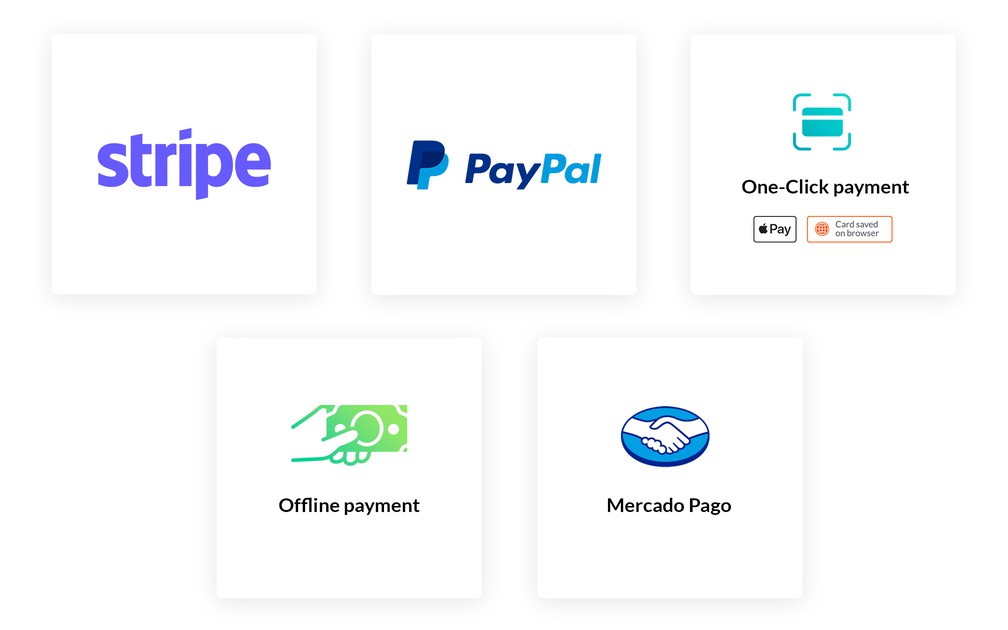
- ### Digital Wallets: Apple Pay & Google Pay
Simplify your clients' purchases to the extreme with the integration of Digital Wallets. These native solutions directly transmit your client's address to your app and validate the payment without any need for re-entering. Perfect to save time, extremely easy to process...and a much better conversion rate.
- ### One-click payment
Payment Request API is a solution that uses a credit card registered in an Internet browser.
- ### Stripe
Your app is natively configured to connect with the Stripe payment gateway. All you have to do is open an account with them (5mn) and your shop is ready to record its first sales.
GoodBarber does not charge any fees on transactions. Stripe is also one of the cheapest gateways on the market.
- ### Paypal
The Paypal payment solution is appreciated by clients for its security and reliability.
Natively present, you just need to create an account with Paypal to start and collect your first payments.
- ### Offline Payment
You can have an online presence even without offering online payment or set up accounts with payment gateways. With offline payment, you choose the method of payment that suits you best: COD, check, bank transfer, etc. Additional benefit: a lot of people still prefer to use cash for their daily transactions or are not willing to give the card info online. By offering an offline mode, you will reach a wider audience and boost your sales.
- ### Stripe Extended
Answer your customers' needs in countries with specific payment methods, such as iDEAL, popular in the Netherlands, or Bancontact, widely used in Belgium. The Stripe Extended extension lets you offer additional payment options so customers around the world can buy from your shop: Alipay, Bancontact, EPS, iDEAL, Klarna, Przelewy24 and more.
- ### Test payment gateway
Before publishing, run the whole ordering process through a test gateway, then switch to live payments once you are satisfied.
## Order details+
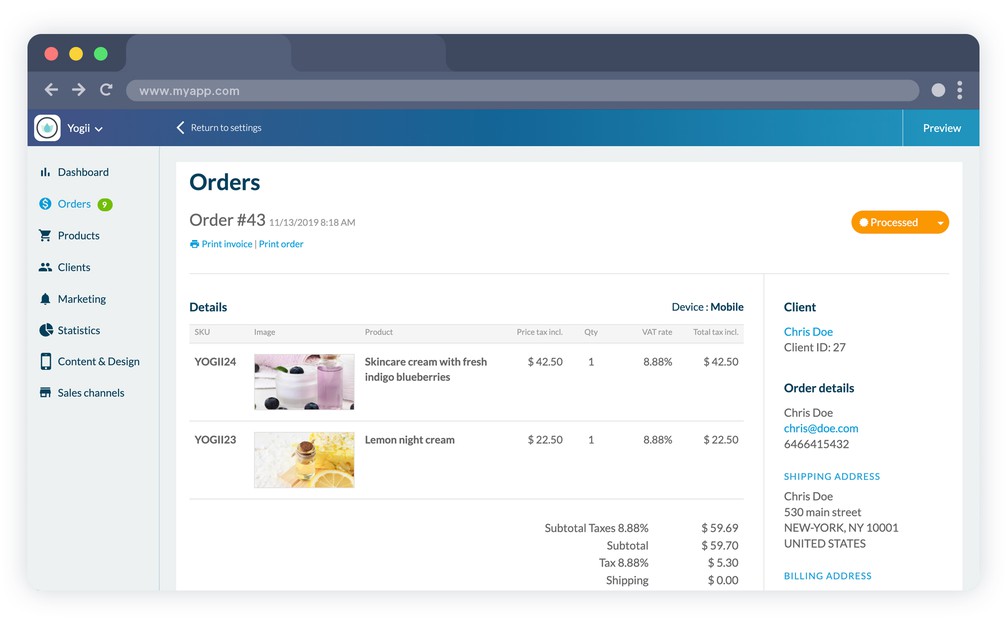
- ### Changing the status of an order
Changing the status of an order is done in one click. Click on the button of the current status of the order. The other possible statuses appear. Choose the new status and it's done. Changing an order status generates an automatic email to your client. The latter is thus informed at any time of the progress of their order.
- ### Resend order status email
When an order changes status, an automatic email is sent to the customer. If they tell you that they have not received it, simply look at the event history of the order. An action button allows you to resend the notification without re-entering it.
- ### Note on the order
Some orders may have special instructions. The notes area in your management interface is dedicated to this purpose. Add any instructions and/or preparation notes. They are only visible to your teams and not visible to the client.
- ### Order tracking
For each order, an insert is dedicated for the entry of the url of the tracking of the shipped package. This link will be shared with your client and will allow them to track their order.
- ### Printing an order
An order form is generated for each order finalized by a client. It is available in the details of each order. It can be printed for the person preparing the order.
- ### Printing an invoice
An invoice is generated each time an order is finalized. This invoice is available in the details of each order. It can be printed to be added to the order shipping documents.
- ### Change shipping address
You can change the shipping address of an order. This is particularly useful if the client reports an input error after ordering or if you notice an error yourself.
- ### Refund shortcut
From the order, jump straight to the matching transaction at your payment provider to issue a refund.
- ### Orders export
Export your orders to reuse them in your accounting or in your own tools.
- ### Invoices by email
Send the invoice to your customer by email, on top of printing it.
## Shipping+
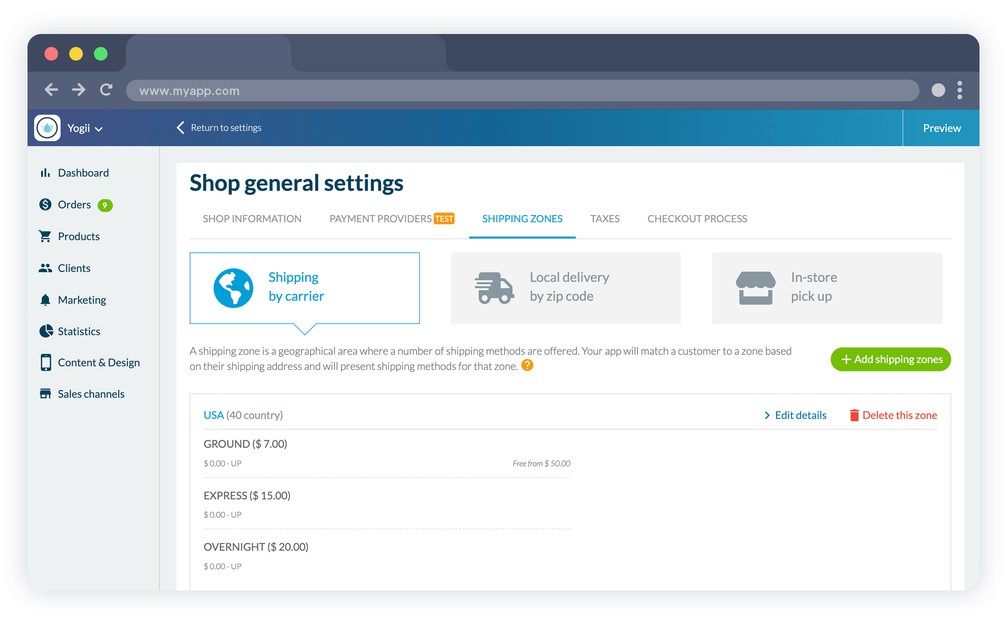
- ### Shipping zones
You choose the geographical areas you want to cover. For each zone you can create the appropriate carriers. Ship locally, only in some countries or worldwide: everything is planned and easily set up in a few clicks.
- ### Tailored rates
For each shipping zone, you set up the carriers and the shipping times. This provides a true added value that the customer can choose to activate when ordering.
Find the best economic balance by choosing the invoicing method according to your eCommerce: the weight or the amount of the order.
- ### Free shipping
Free shipping is very popular with clients and a great trigger for purchases. However, they are expensive for e-merchants. Via the interface, set the conditions (maximum weight, minimum cart value, chosen carrier) that will limit their costs while satisfying your clients.
- ### Time slots
Set up your shop’s hours of operations: opening hours, pickup times, delivery times, and holiday closures.
You can even set the number of time slots available per day and the minimum time between an order and the first time slot available, allowing you enough time for prep.
When your clients select the local delivery or in-store pick-up methods, they will be able to choose among the time slots available.
- ### Local delivery
Set up your delivery zones by radius or zip codes.
By radius: Define zones around your store with a minimum and maximum radius and cover the areas where your closest clients are.
By zip code: Set up delivery zones according to zip codes and we will automatically verify that your client's zip code matches your delivery zone. Your clients place their order from your app and within a few hours, your products are on their doorsteps.
- ### In-store pick-up
As easy as from app to Store. Lower your packaging and shipping cost, while helping your clients save time and money by picking up their order at your shop.
With this option, you have one more chance to provide an exceptional customer experience, drive foot traffic to your physical location and benefit from an additional opportunity to increase sales with strategically placed products and impulse buy.
- ### Store locator
Show your points of sale in the shop, with the addresses you set from the back office, so your customers see where to find you.
## Marketing+
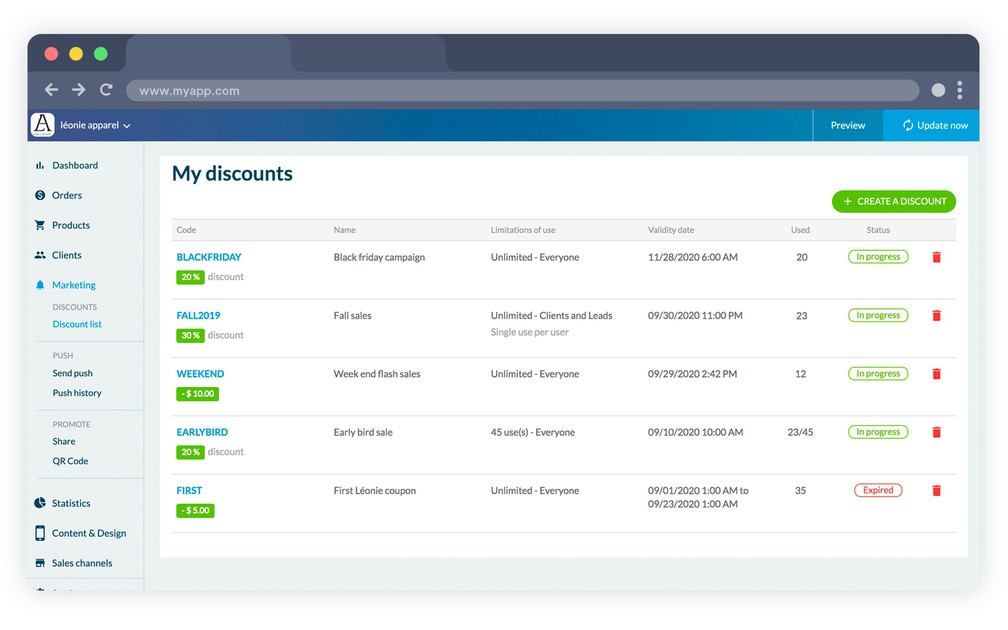
- ### Discounts
Offer discounts to your client. Create them directly from the back office by choosing an amount or percentage, their scope, their validity date and their usage limit
- ### Generate discount codes
Choose your own discount codes or generate them directly with the tool integrated in the back office.
- ### Discount list
See at a glance the list of discounts you have created regardless of their status: past, current or future. The list also includes the number of discounts used, useful to calculate the conversion rate of your campaign.
- ### Push notifications
Send notifications to your clients manually to communicate with your clients and leads on an ad hoc basis.
- ### Sending push notifications by name
Target your clients and leads by name or in batch and create an ever more personalized communication strategy.
- ### Abandoned orders
See every order a customer started without finishing, and bring them back by email, by push notification, or both, with your own message templates. A second list shows which of them came back, and through which channel.
- ### Loyalty program
Your customers collect points on every purchase, with nothing to do on your side. Once they reach the threshold you set, the points turn into a discount code, and automatic emails and notifications tell them, including before the points expire.
- ### Blog
Add a blog to your shop: articles with their own list and detail templates, indexed by search engines on the web version.
## Ready to build your app?
[Start for free](https://www.goodbarber.com/create/)[See pricing](https://www.goodbarber.com/pricing/content/)
---
# Push notification features
Source: https://www.goodbarber.com/feature-index/push/
---
title: "Push notifications features to make an app - Push notifications app builder"
description: "Deliver the right notification at the right time. Whether it is a time-based or a location-based notification, your audience will receive the relevant information in the palm of their hand."
canonical_url: "https://www.goodbarber.com/feature-index/push/"
lang: en
---
# Push notifications
Deliver the right notification at the right time. Whether it is a time-based or a location-based notification, your audience will receive the relevant information in the palm of their hand.
- [Push Notifications](#push_notifications)
- [SMS Notifications](#sms_notifications)
- [Geo alerts](#geo_alerts)
## Push Notifications+
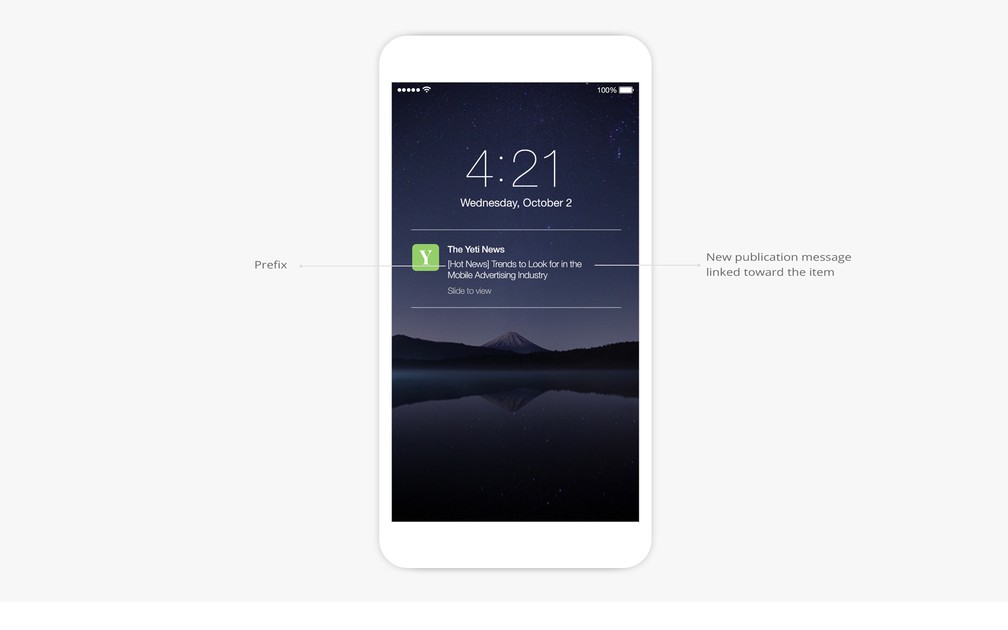
- ### Target users according to their behavior
NativePWA
Target the users who will receive push notifications by the number of times they've opened the app in the last 30 days. On native apps you can also target by app version, or reach only the users who have never received a push notification before.
- ### Target users according to their device
NativePWA
Target the users who will receive push notifications according to the device they use.
- ### Geographical targeting
Native
Target the users who will receive push notifications according to their geographical position.
- ### Nominative targeting
eCommerce apps
Target your customers and prospects by name or in batches and build an even more personalized communication strategy.
- ### Send notifications in the browsers
PWA
Send push notifications that your users will receive directly in their web browser, on mobile, tablet and desktop. Push web notifications are compatible with Chrome, Firefox and Opera (Desktop & Android), Edge Android, and Safari (iOS 16.4+ when the PWA is added to the home screen, macOS Ventura+).
- ### Choosing the notification sound and the badge
iOSContent apps
Customize notifications by choosing the sound associated with them and by choosing to turn on or off the badge display on iOS.
- ### Push notifications statistics
Analyze the performance of your notifications by using statistics on their open rate and click-through rate.
- ### Anti-flood security
A server safety system prevents mistakes, such as repeated deliveries or unintentional delivery of a large number of push notifications over a very short period of time.
- ### Dispatch time restriction
For automatic push notifications you can select the hours within which users will receive notifications: at any time, during defined time windows or during a specific time slot.
- ### Sending manual notifications to users
You can send notifications manually to your users for one time communication with your audience.
- ### Choosing the action upon opening the notification
Define the action which will be triggered upon users opening the push notification: opening the app, being directed towards the Home or a specific section, or an external link.
- ### Scheduling future dispatches
Precisely schedule the dispatch of manual push notifications by selecting the date and time of dispatch. Activate the local time option to remain relevant to international users.
- ### Real-time notification preview
Your GoodBarber back office lets you preview how your notification will be displayed on your users’ devices in real time.
- ### Real-time calculation of the number of recipients
Visualize the number of recipients for your push notification based on the targeting rules you’ve applied in real time.
- ### Complete history of sent notifications
Check the full history of push notifications sent with the title, description, sender, date of dispatch and notification status.
- ### Automatic push upon content publication
Create dispatch rules for automatic push notifications related to the publication of new content for any section within your app.
- ### Adding a prefix to the notification
Add a prefix to your automatic push notifications.
- ### Transactional push notifications
eCommerce apps
Customize push notifications sent to your customers at different stages of the order process: order confirmation, order processing, order cancellation.
- ### Target subscribers
Send a notification to your subscribers, or to the users who have not subscribed yet, using the in-app purchases they have made as the targeting criterion.
## SMS Notifications+
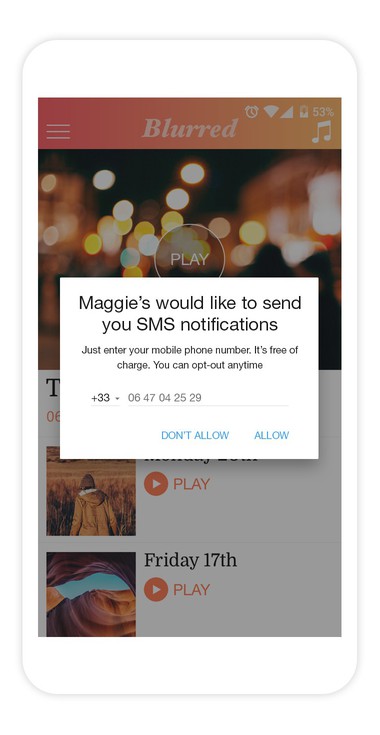
- ### Send SMS
Send your users notifications directly on their mobile devices via SMS.
- ### 140-character messages
See the number of recipients and create 140 character messages from your backend, so a single SMS is sent to each recipient.
- ### History
Easily view the history of messages sent to your users, from your GoodBarber backend.
- ### Increased reach
SMS notifications work on all mobile models, in 221 countries.
## Geo alerts+
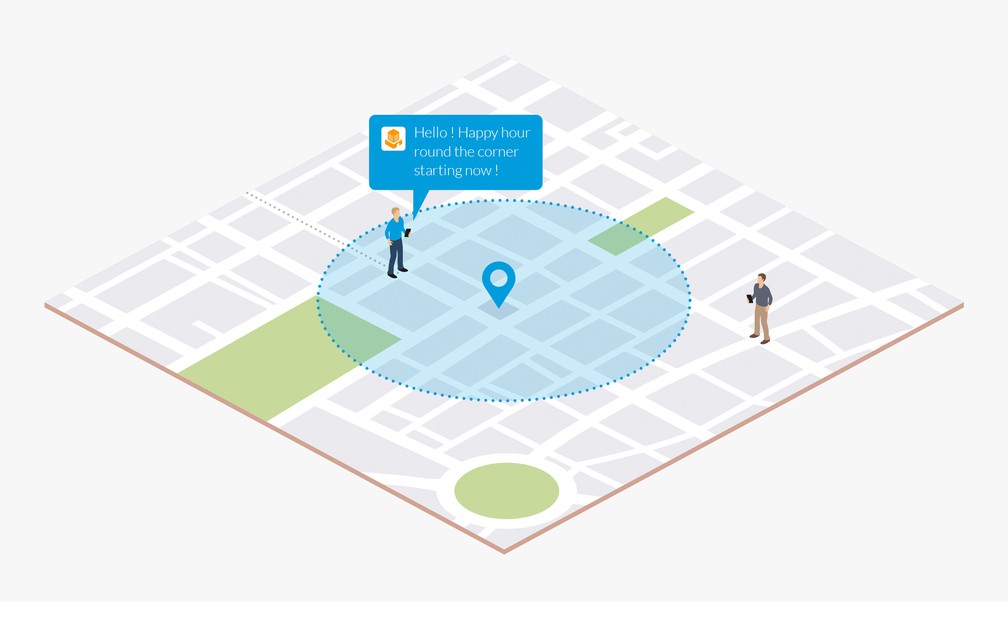
- ### Geofence
Native
Define geographical areas which will be used to trigger the display of notifications.
- ### Notifications
Native
Display notifications when a user enters, exits or dwells for a set time in a geofence zone.
- ### Beacon
Native
Manage a fleet of iBeacons to trigger the display of notifications.
- ### Customizable beacon layout
Native
The GoodBarber back office lets you specify the beacon layout of your choice for your fleet of beacons.
- ### Triggering distance
Native
Determine the distance within which beacons will trigger the display of notifications.
## Ready to build your app?
[Start for free](https://www.goodbarber.com/create/)[See pricing](https://www.goodbarber.com/pricing/content/)
---
# User and login features
Source: https://www.goodbarber.com/feature-index/login/
---
title: "Login features to make an app - Login app builder"
description: "Build and grow your community, with unique tools to manage your app users."
canonical_url: "https://www.goodbarber.com/feature-index/login/"
lang: en
---
# Login
Build and grow your community, with unique tools to manage your app users.
- [Login](#login)
- [User Groups](#user_groups)
- [Profile](#profile)
- [UGC](#ugc)
- [Chat](#chat)
- [Users list](#users_list)
- [Loyalty card](#loyalty_card)
- [Club card](#club_card)
- [Coupons](#coupons)
## Login+
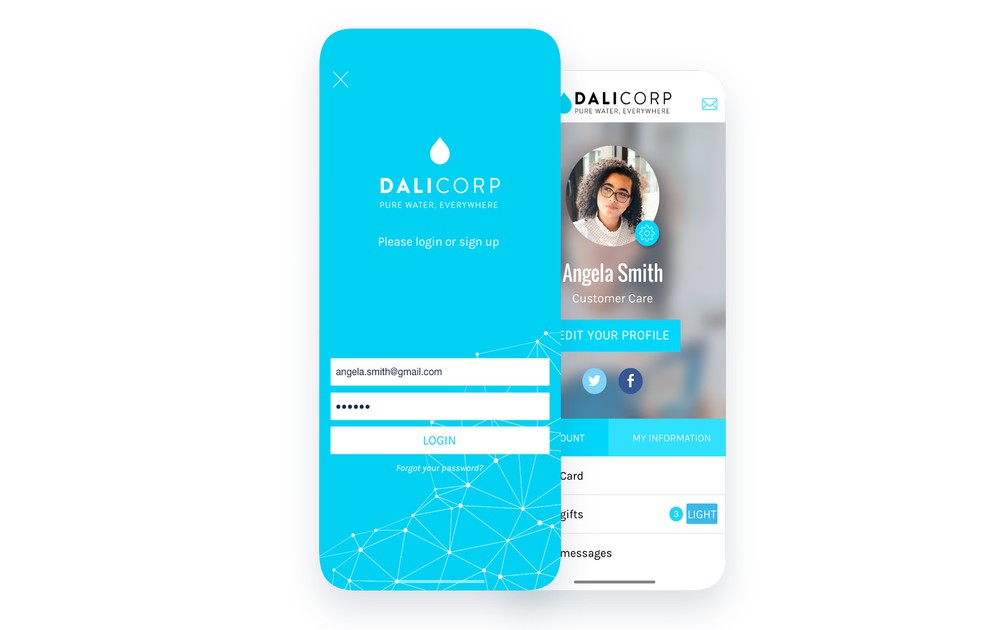
- ### 3 display templates
Choose between 3 display templates for the login page.
- ### Integrated userbase
Your app integrates an authentication feature to allow users to sign in and log in directly, without the need to rely on a third party service.
- ### 2 step sign in process
Collecting the user information required for the sign up is a 2 step process, in order to differentiate login information from contextual information requests.
- ### Possibility to access without authentication
It is possible to make authentication optional to access the app.
- ### Possibility to sign up
It is possible to allow the user to create an account to access the app or parts of the app.
- ### Terms of use
Define the terms of use with which users must comply upon registering for your app. The acceptance checkbox is enabled with the free Advanced edition extension.
- ### Sign up / Login with Facebook
Allow registration and login to your app through Facebook.
- ### Sign up / Login with X
Native
Allow registration and login to your app through X.
- ### Customizable user profile
You can customize the fields to display in the user profiles, as well as the way they are displayed within the app.
- ### Customizable fields
Build the user profile of the members of your app with customizable fields.
- ### Mandatory or optional fields
Decide which fields are mandatory or optional within the registration process.
- ### Public, private or invisible information
For each field of the profile, define which are visible for all other app users (public), only visible for the user himself (private) and only visible for the app owner (invisible).
- ### Double opt-in
Force email validation at registration: the user receives a confirmation link and can only log in once the address is verified.
- ### Sign in with Apple
Let your users register and sign in with their Apple ID, on iOS, on Android and on the web app. Apple requires it as soon as you offer another social login.
## User Groups+
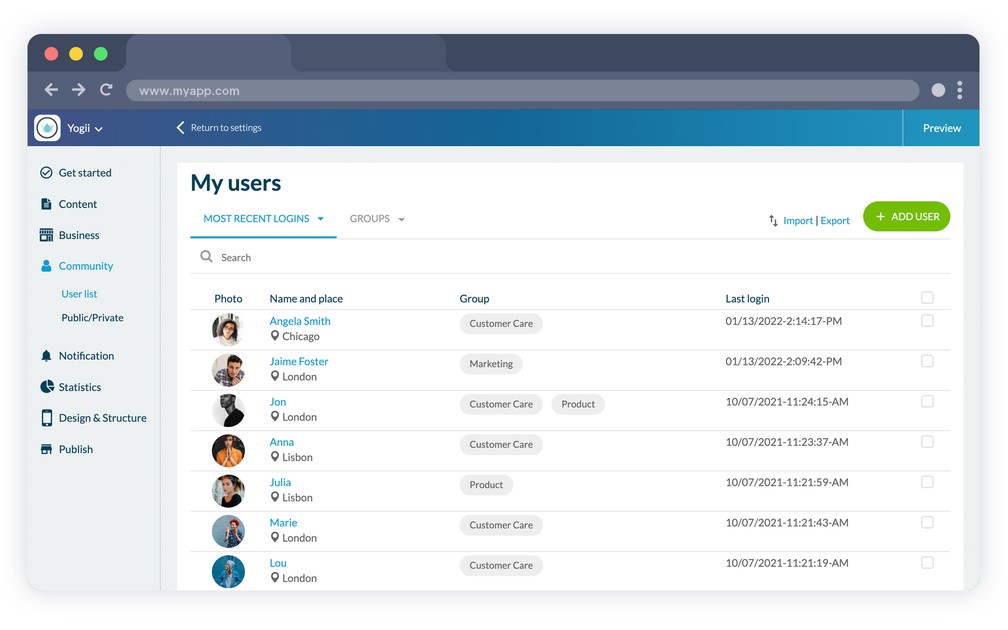
- ### Assigning users to groups
Manage your users by creating user groups.
- ### Managing access rights per group
Decide which restrictions apply for each user group. Define which parts of your app are available or have restricted access.
- ### App access rights
Decide whether you want to restrict complete access to your app for certain user groups.
- ### Access rights for each section
Define for each group which sections of your app are available or restricted.
- ### Customizing the restricted access page
Customize the design and content of the page displayed in the case of restricted access.
- ### Public Groups section
Show your groups inside the app: a section where users see the profiles and the groups they belong to, visible to everyone or restricted like any other section.
## Profile+
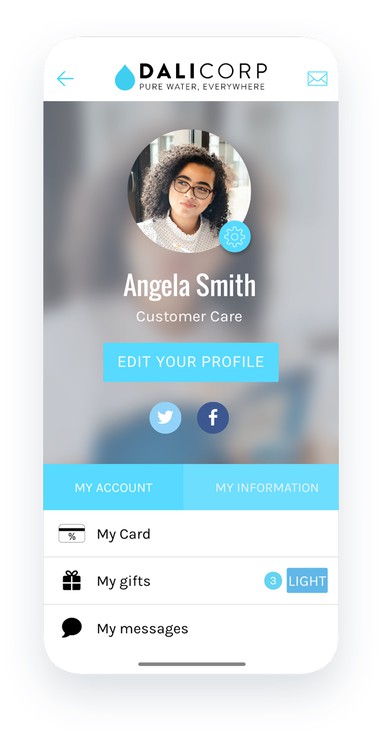
- ### Editing user information
Your users have the option to edit their profile information from the app.
- ### Accessing the history of received notifications
Native
From their profile, users can access a history of all push notifications received.
- ### Managing subscription to the automatic push
Native
Let your users decide which scheduled push notification campaigns they wish to subscribe to.
- ### Access links to other features
From their profile, users can access other features, such as the loyalty card.
## UGC+
- ### Submission section
The Submission section lets users submit text, photo or video content to the app owner, through the app
- ### Several types of content
Users can send different types of content—text, photo or video.
- ### Owner notification
Each time new content is submitted by a user, the owner receives an email notification, with a copy of the content received.
- ### Moderation and publishing
Content submitted by your users is not published on its own. You review it and publish it from the back office, so you keep control of what appears in the app.
## Chat+
- ### 3 conversation list templates
Choose your display template between 3 different styles: square profile picture, rounded or pictureless.
- ### Available features from the conversation list
With one simple gesture on a list element, features are displayed to mark the conversation as read, delete it, block the user or report it as offensive. A blocked user can no longer send any message, and can be unblocked at any time.
- ### 3 conversation templates
Choose your display template between 3 different styles: square or rounded with a profile picture, or pictureless.
- ### Notification upon receiving a message
When receiving a message the user gets a notification in real time.
- ### Report a conversation
The user has the option to report a conversation as offensive at any time.
- ### Customer support chat
Beyond messaging between your users, add a support chat to your app through the Tawk.to integration, and answer questions from your own console.
## Users list+
- ### 2 display templates
Choose between 2 display templates for the list of users. The map view is a separate screen you can enable on top of it (native apps only).
- ### Sorting users
The list of users can display users based on 3 criteria: all, most recent logins or nearby users (nearby: native apps only).
- ### Map display
Native
The list of users can be displayed in map view according to their geographic location.
- ### User profile
Each user has a public profile visible to the other users of the app. You decide, field by field, whether each piece of information is public, private or hidden.
## Loyalty card+
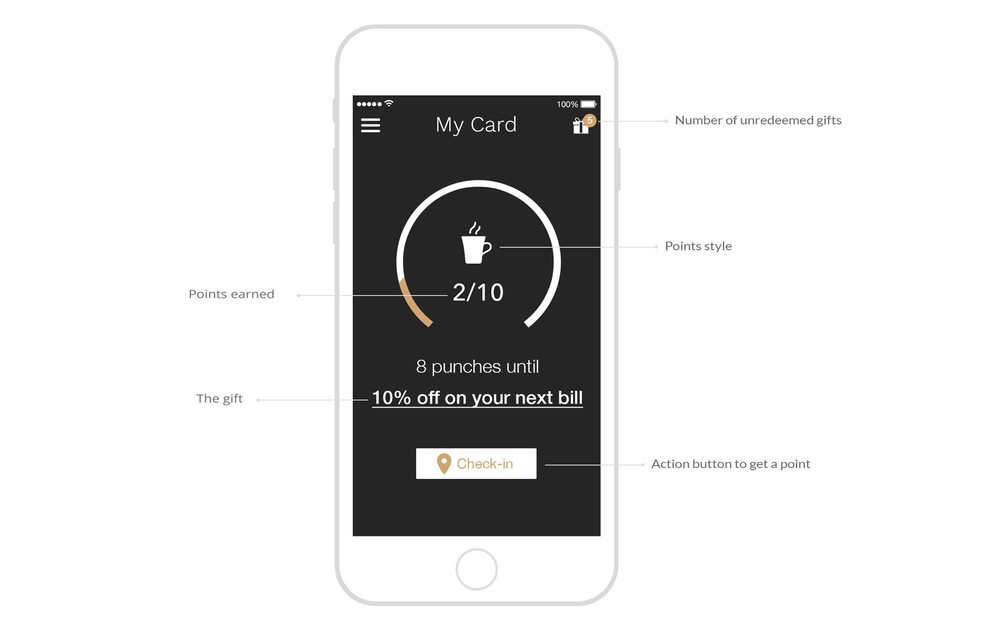
- ### Collecting points
GoodBarber offers a loyalty card feature through which users can collect points—it’s entirely customizable from the back office.
- ### Customizing the card
The number of points per card can be customized along with the value associated with each point, used to calculate your return on investment.
- ### 3 card templates
Choose between 3 display templates for the loyalty card: round, square or counter.
- ### Customizable design
Styles, colors, fonts, icons, customize every last detail of your loyalty card.
- ### 3 validation processes
Define the validation process for the points collected through the loyalty card: QR code scan, manual check-in within a defined geographical area or social media sharing.
- ### Promotional material
For the QR code scan validation process, a printable sheet is available so that you can share the QR code with customers. The URL of the QR code is also available in your back office.
- ### Managing gifts once the card is completed
Define the gift users will receive upon completing their loyalty card: title, description, content of the gift, expiration date of the offer, advanced design options.
- ### Rewards history
The user can access a history of redeemed rewards, with the date they were used, directly within the loyalty card section or from their user profile.
- ### List of available rewards
Choose between 2 display templates for the list of available rewards: list view or full screen mode.
- ### Customizing the rewards design
Styles, colors, fonts, icons, customize the visual look of rewards to the very last detail.
- ### Customizing the design of confirmation screens
Customize the colors and fonts used within the action screens to redeem rewards: validation screen or error, QR code reading or usage confirmation.
## Club card+
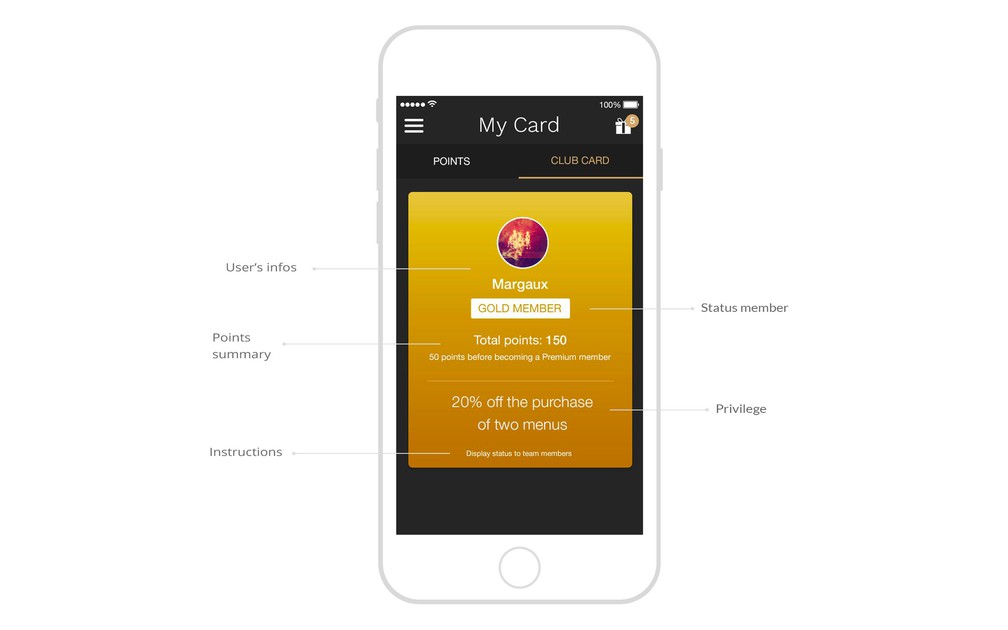
- ### Tied to the loyalty card
GoodBarber offers the possibility to set up 3 membership levels for your clients which they can access once they’ve earned a specific number of loyalty points—it’s up to you to define it.
- ### Customizing the design
Customize the design of your club card: name, colors, background images, fonts…
- ### Defining privileges
Define the lifetime privileges associated with each different membership status of your club card.
## Coupons+
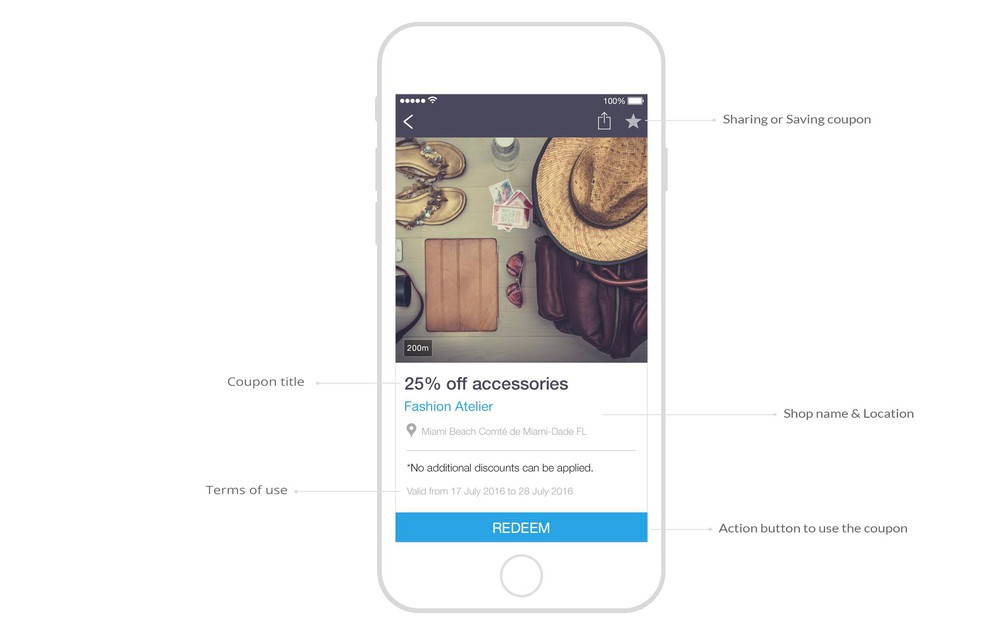
- ### Coupons management
Create and share your discount coupons. Manage them from your back office, easily edit their status, active or inactive.
- ### 2 validation processes
GoodBarber offers two different validation processes for your coupons: redeem them through the app or use a promo code.
- ### Advanced terms of use
Define the terms of use for your discount coupons: period of validity, number of times they can be used, and per client.
- ### Coupons categorization
Create categories for your discount coupons and choose between 3 display templates for the categories.
- ### Advanced design customization
Customize your coupons by choosing an image, background color, as well as customizing the text font and color.
- ### Coupons geolocalization
For each coupon you have the option to add a location, a useful feature in the case of several establishments.
- ### Coupons usage statistics
Analyze the performance of your coupons through a statistics tool detailing the number of redeemed coupons, in calendar view, as well as according to your list of clients and who redeemed them.
- ### 2 coupons list templates
Customize the design of your coupons list and choose between two templates.
- ### Managing the info to display in the coupons list
Select which information will appear in the coupons list, such as the date of validity.
- ### Advanced coupon page design
Customize the coupon page in every detail. The main graphic elements of the page are editable, so that the design is aligned with your graphic identity.
- ### Saving a coupon feature
Your users have the option to save coupons for a later use.
- ### A history of redeemed coupons
Your users can access a history of all the coupons they’ve redeemed.
- ### A list of saved coupons
Your users have access to a list of available coupons which they’ve previously saved.
- ### Customizing the design of the confirmation screens
Customize the design of the confirmation screen upon using a coupon by editing the text and colors used.
## Ready to build your app?
[Start for free](https://www.goodbarber.com/create/)[See pricing](https://www.goodbarber.com/pricing/content/)
---
# Back office features
Source: https://www.goodbarber.com/feature-index/backoffice/
---
title: "Back Office features to make an app - Back Office app builder"
description: "The best workspace ever designed to create your app."
canonical_url: "https://www.goodbarber.com/feature-index/backoffice/"
lang: en
---
# Backend
The best workspace ever designed to create your app.
- [Back office](#backoffice)
- [Team management](#team_management)
- [Creation](#creation)
- [Languages and texts](#languages_texts)
- [My GoodBarber](#my_goodbarber)
- [Indexation](#indexation)
## Back office+
[https://portal.ww-cdn.com/portal_static/images/feature_index/videos/Preview_Themes.bcb7f430a167.mp4](https://portal.ww-cdn.com/portal_static/images/feature_index/videos/Preview_Themes.bcb7f430a167.mp4)
**What happens in this video**
Preview mode of Words & Waves. The banner says "You are now in preview mode." This is where you check the app before you publish, on every screen size GoodBarber provides. The phone shows the article What the ocean knows about us, by Clara Whitmore. The preview then opens on tablet, then on the web version of the same app.
The back office of Words & Waves, on List of articles for Stories. The phone pops out of the window so you can read the list: On learning to stay, What the ocean knows about us, Where Sydney begins to whisper, by Clara Whitmore. The layout carousel shows Enriched Classic selected, then slides to Visual Card. Layouts are the design of the list: you pick one, and every article follows.
Visual Card is selected. A circle opens on the phone and the list restyles: On learning to stay becomes a large card with its photograph, then What the ocean knows about us. One layout, the whole section updates, in the native apps and in the web version. The phone and the carousel settle back into the window.
Theme library. River Daily is the Current theme of Words & Waves. The view zooms in and the library scrolls through the other themes, among them Ondas Locales, The Current, Angelina, Onyx. Themes Library is where you choose the look of the app; each theme carries its own colors, fonts and layouts.
- ### Extension Store
The Extension Store includes more than 190 extensions, organized by types of activity. The activation of these extra features is most often free and will enable new features in your back office.
- ### Extension management
The management of extensions takes place within a dedicated interface, which lets you see all the extensions you have activated at a glance, along with the option to deactivate or delete them.
- ### Available in 16 languages
The GoodBarber back office is available in 16 languages, including French, English, Italian, Spanish, Catalan, Portuguese, Brazilian Portuguese, Turkish, Japanese, Arabic and German.
- ### Subscription management
You can easily change subscription billing, from monthly to annual, or even upgrade to a different offering.
- ### Files management
You are granted storage space to host your files, with the possibility to organize them in folders. These elements are then available from a dedicated URL.
- ### White label option
With the White Label extension (included with Reseller subscriptions), you remove GoodBarber branding from the back office pages you share with third parties. The apps themselves (iOS, Android, PWA) carry no GoodBarber branding.
- ### Customizable URL
You can link your domain name to your back office if you do not wish to access it from a goodbarber.com URL.
- ### Introductory screen
The first time you enter your back office, you'll be welcomed with explanations on all the main functionalities of the backend to help you get started.
- ### Wizard
The GoodBarber back office is equipped with a creation assistant that will guide you through the key steps in creating your app.
- ### Universal Links
You can activate Universal Links (iOS) and App links (Android) for your app. When a user, who has already installed your app, clicks on one of these links, it will automatically open the native app, on a specific content page. If the user hasn’t downloaded your app yet, it will open the PWA.
- ### MCP server
Connect your app to Claude, ChatGPT or any AI assistant that speaks MCP, and manage your content by conversation. The server is available on every app, with its own URL and API key.
- ### AI Extension Builder
Describe the section you need in plain language. An AI agent writes the code, integrates it into your app and shows you the result as it goes, with access to the same public APIs as custom code sections.
- ### Automations with Zapier and Make
Connect your app to the services you already use, without writing code. Through Zapier and Make, an event in your app, a new user, a new order, a new booking, can trigger an action elsewhere: your emailing tool, your CRM, your accounting, your spreadsheets. The other way round works too, from those services back into the app.
- ### Privacy Center
One place to hold your privacy settings: the details of your data controller, the consents you collect, and the permissions your app asks for.
- ### Apps for kids
Publishing in the children's categories of the stores comes with rules. Switch this on and the features those rules forbid, usage statistics, geolocation, social logins and external advertising, are turned off across the app.
- ### Public API
Content apps have their own public API, alongside the eCommerce one, to plug your app into your existing tools and build the workflow you need.
## Team management+
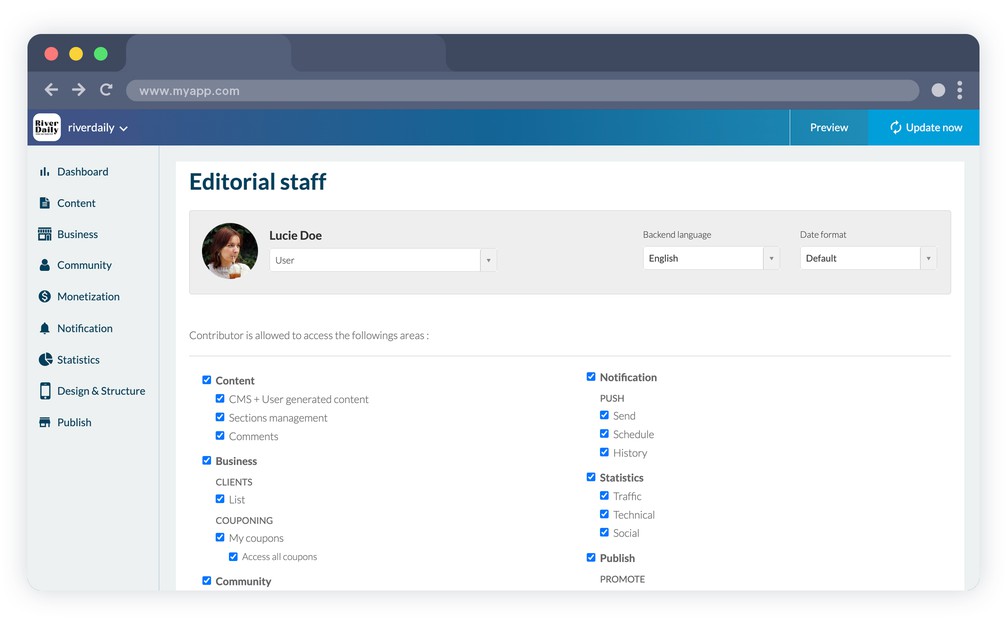
- ### Team members
Give access to the back office of your app to your team. The number of staff accounts depends on your plan: 1 with Standard, up to 3 with Premium, unlimited from the Pro plan and with Reseller plans.
- ### Multi-level access
Content apps
Owner, administrator or user—pick the membership status of each member on your team and precisely select which menus and content they each have access to.
- ### Connection history
Check the history of logins to the back office of your project for each contributor.
- ### User preferences
Each contributor can edit the language of his back office, the date format, time zone, as well as edit their personal information and password anytime.
- ### Ownership transfer
An app can have as many administrators as you need, but a single owner. That ownership can be handed over, when an agency delivers a project to its client for instance.
## Creation+
- ### Instant preview
The instant preview module available in your back office gives you visual feedback for each of the modifications performed on your project.
- ### Multi-screen preview
The preview module lets you monitor the rendering of your modifications on all screen types: smartphones, tablet, laptop and desktop.
- ### Contextual toolbar
The toolbar to configure your project dynamically adapts based on the operation you are performing. It will always suggest the right tool at the right time.
- ### Advanced sections search
Filter your sections by type or search for them by name from the search engine in the contextual toolbar.
- ### Graphical interface
At each step in the setup process of your project, icons, titles and visual effects easily guide you to understand the results of your actions.
- ### App duplication (on request)
Content apps
On request, our support team duplicates a project — its sections, content, data and design settings — into another of your projects. It is a paid service, subject to conditions detailed in the help center. Resellers can subscribe to unlimited duplication from their reseller dashboard.
## Languages and texts+
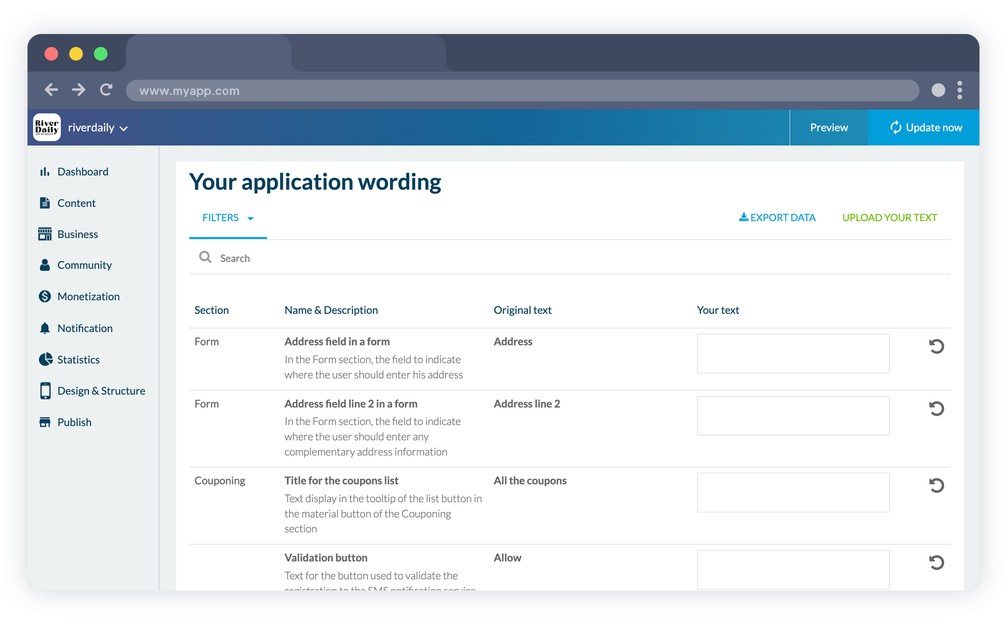
- ### 33 languages available
GoodBarber apps can be displayed in 33 languages, including English, French, Italian, Portuguese, Turkish, Finnish and Japanese.
- ### Customizable generic text
From a dedicated interface, it is possible to edit all the generic text of your application. Use the search engine to identify the text you wish to customize. An explanatory text gives you the context in which it is used.
- ### Generic text management
In the event of a large amount of modifications, the text variable export/import tool, in .csv format, allows for easy management of modifications.
- ### Advanced search
The application text management interface is equipped with a search engine to facilitate the identification of texts to be modified.
- ### Filters by page
Text variables are organized according to the sections of the app where they are displayed in order to make them more easily identifiable, and to give context as to their usage.
- ### Multi-language projects
An app speaks one language. To address several audiences, you create one project per language, and a dedicated rate applies from the second one onwards.
## My GoodBarber+
- ### Testing your native app in real-time
The My GoodBarber app lets you test the native version of your project in real-time, before it is published to the stores.
- ### Sending push notifications
You can send push notifications to your users anytime, directly from the My GoodBarber app.
- ### Contacting the support
The My GoodBarber app lets you contact our technical support team.
- ### Accessing usage statistics
Keep an eye on your performance with the My GoodBarber app, with direct access to the usage statistics of your app.
- ### Multi-app management
Access and manage all the apps linked to your Account ID from the My GoodBarber app.
- ### My GoodBarber Shop Companion
eCommerce apps
A second app, for shop owners: follow your orders from your phone, get a notification on each one, and manage your time slots without opening the back office.
## Indexation+
- ### Index and No-Index
If your content or your website is not intended to be public you can choose to deactivate the indexation of your web app by search engines.
- ### META tags
Customize the META title and description at three levels: for the whole web app, for each section, and for each item. Item tags are generated automatically from the title or the content, and can be rewritten one by one.
- ### HEAD tag
You may customize the content of the HEAD tag to include specific meta data.
- ### Sitemap & Search Console
A sitemap lets search engines crawl your web app and index all of its pages. Connect it to Google Search Console to follow how your pages perform and see where to improve.
- ### IndexNow
Tell search engines the moment something changes. With IndexNow, each content you publish, update or delete is reported straight to the engines that support the protocol, instead of waiting for the next crawl.
- ### Structured data (Schema.org)
Structured data in Schema.org format helps search engines understand what your pages contain. It is generated for the web app as a whole and for each item — articles, products, events, videos — and feeds the rich results that stand out in search.
- ### Robots.txt & AI crawlers
Choose which search engines and which AI crawlers may access your web app. Presets range from maximum visibility to strict privacy, and a manual mode lets you edit the file yourself.
- ### Automatic redirections
When the address of a content changes, visitors and search engines are sent to the new one automatically. No broken link, no 404, and the SEO value of the old URL is preserved.
- ### Custom URLs
Rewrite the addresses of your content and your products at several levels, to build URLs that read well for your visitors and for search engines alike.
- ### Sharing previews
Control how your pages look when they are shared. Set the Open Graph and X Cards tags — title, description, high-resolution image — and the canonical URL of each page.
## Ready to build your app?
[Start for free](https://www.goodbarber.com/create/)[See pricing](https://www.goodbarber.com/pricing/content/)
---
# Analytics and advertising features
Source: https://www.goodbarber.com/feature-index/ads/
---
title: "Analytics & Ads features to make an app - Analytics & Ads app builder"
description: "Get the big picture, identify the winning trends and get revenue from your traffic"
canonical_url: "https://www.goodbarber.com/feature-index/ads/"
lang: en
---
# Analytics & Ads
Get the big picture, identify the winning trends and get revenue from your traffic.
- [Statistics & Dashboard](#statistics_dashboard)
- [External statistics](#external_statistics)
- [Monetization](#monetization)
- [Memberships](#inapppurchase)
- [External ad networks](#external_ad_networks)
## Statistics & Dashboard+
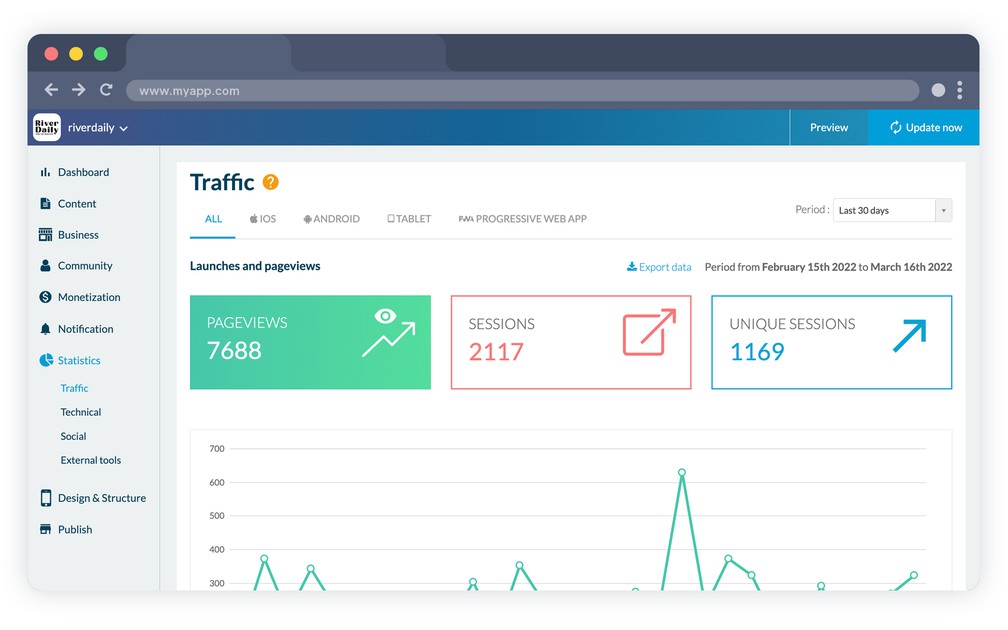
- ### Traffic
Analyze the number of launches, unique sessions and page views.
- ### Period filtering
Analyze the statistics within a customized time frame.
- ### Platform filtering
Native
Analyze the statistics per platform.
- ### Unlimited history
There is no time limitation to the safekeeping of the statistics of your app.
- ### Downloads
Native
Analyze your number of app downloads, on a daily or weekly basis, or from the first publication date in the stores.
- ### Session time
Analyze the amount of time your users spend in your app.
- ### OS versions and device models
Content appsNative
Analyze the operating system versions and device models used to visit your app.
- ### Geolocalized
Content apps
Analyze where your users come from: country, town, language.
- ### Export
Export your app statistics in .csv format for additional analysis with another tool.
- ### Total sales
eCommerce apps
Instantly view the sales generated by your store. You have a direct view of sales on all sales channels. And a comparison with the previous period.
- ### Publication status of my app
Check the publication status of your app at a glance. This will help you to know what actions to take.
- ### Number of sales
eCommerce apps
Track the number of sales over the period. And compare immediately the progress against the previous period.
- ### Conversion rate
eCommerce apps
Adjust your marketing and store settings based on your conversion rate. The conversion rate measures sales that have been made vs. sales that have not been completed. This rate is compared to the previous period to measure your progress.
- ### Other sales statistics
eCommerce apps
Get several key indicators about your shop: conversion funnel, addition to the cart, checkout process, sales completion. These indicators are presented in relation to the previous period to mesure the performance of your shop.
- ### Top sellers
eCommerce apps
Keep an eye on your store's best sellers. This will allow you to monitor the status of stocks. And any marketing actions to be carried out.
- ### Sales by device
eCommerce apps
Identify the types of devices your customers use to make their purchases. A valuable information to eventually add a new sales channel liked by your customers.
- ### Average cart
eCommerce apps
Alongside total sales and the number of orders, the dashboard gives the average cart of your shop over the period you choose.
## External statistics+
- ### Google Analytics
PWANative
Connect your Google Analytics account to your PWA and to your native apps — through Firebase for the native side — to get detailed statistics on how your app is used.
- ### Countly
Native
You may use Countly to get additional statistics regarding the use of your app.
- ### Meta Pixel & App Events
Integrate Meta Pixel (PWA) and the Facebook App Events SDK (native) to track your users' behavior.
- ### Google Tag Manager
PWA
Connect your web app to Google Tag Manager: paste your container ID in the back office, then define your tags and triggers from the Google interface without touching the app again.
- ### AppsFlyer
Native
Connect your app to your AppsFlyer account and measure what your marketing campaigns actually bring in, install by install.
## Monetization+
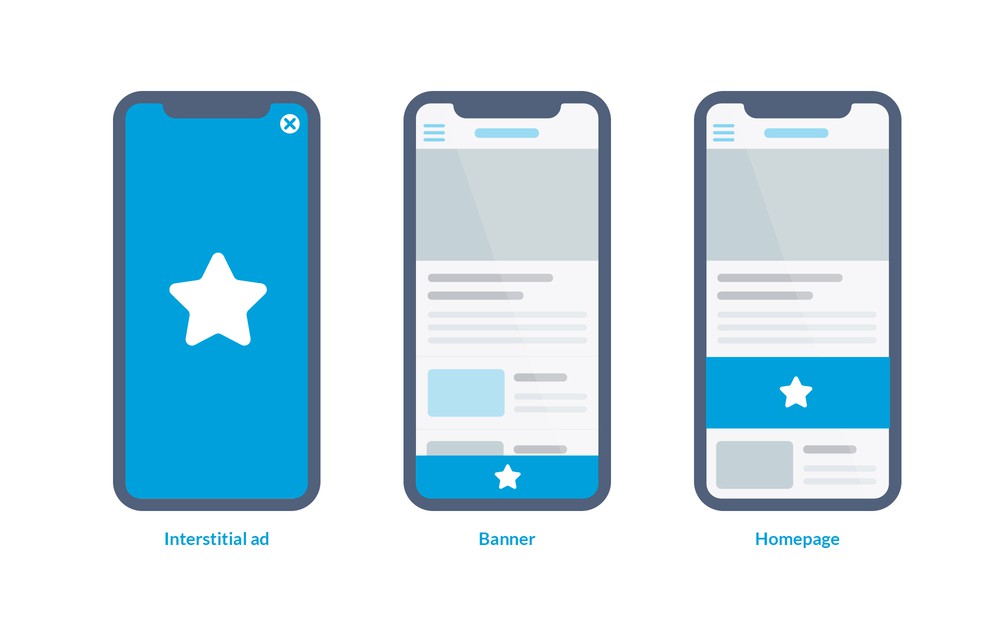
- ### Internal ad server
Use the GoodBarber ad server to circulate advertisements within your app.
- ### Campaigns management
Create and manage advertising campaigns to display interstitials or banners within your app.
- ### Display rules
For each campaign, determine the display constraints for the ads: the number of impressions, number of clicks, time period.
- ### Adaptative formats
The format of the ads is adapted to the screen size of the device on which it is displayed to ensure optimal display.
- ### Interstitial advertisements
Display interstitial advertisements when opening the app or while viewing the content.
- ### Banners
Display advertisements in banner format throughout all the pages of your app.
- ### Display turnover
The display turnover of advertisements within a campaign is managed automatically.
- ### Statistics
Analyze the performance of your campaigns through detailed statistics.
## Memberships+
[https://portal.ww-cdn.com/portal_static/images/addons/iap/Video1_LP_IAP.7167695a11c0.mp4](https://portal.ww-cdn.com/portal_static/images/addons/iap/Video1_LP_IAP.7167695a11c0.mp4)
- ### Auto-renewal subscriptions
Generate revenues and build a loyal user base with recurring subscriptions
- ### Content restriction
Key features to optimize the restricted content. With the Preview option give your users a glimpse of the restricted content. Use the Premium Sticker to attract users like the major subscription based apps.
- ### Subscriptions configuration
Create your subscriptions to fit your needs: weekly, monthly or yearly, set your own price and introductory offers.
- ### Free trial
For each of the subscriptions, associate a specific trial period. This is a period during which the user has access to the premium content authorized by the chosen subscription, without being charged.
- ### Subscribers management:
A new menu to organize your subscribers according to their subscription status (active, expired, Grace Period or Account Hold) and your users (non-subscribers). Click on any of them to access detailed information (email, subscription history etc) or to gift a subscription. Subscribers in Grace Period or Account Hold are prompted to update their payment method.
- ### Email customization
Customize each email sent out to your subscribers.
- ### Additional options
Offer other benefits to your subscribers in addition to your exclusive content. You can select to disable ads for your subscribers and let them enjoy ads-free content
- ### Promo codes
Hand out Apple offer codes and Google Play promo codes to open a subscription, win back a lapsed subscriber, or carry a campaign.
## External ad networks+
- ### Ad networks
Native
3 ad networks can be enabled for your app: Google AdMob, Google Ad Manager and Meta Audience Network (through AdMob mediation).
- ### Ad networks
PWA
2 ad networks can be enabled for your app: AdSense and Google Ad Manager
- ### Effortless management
You just have to set a few parameters to start monetizing your app.
- ### Integrated SDK
Native
The external ad networks SDK are already integrated. They are regularly updated.
- ### Platform specific settings
Each platform is different from the next, it is therefore possible to fill out the advertising tags associated with each platform.
- ### Prioritizing campaigns
If several campaigns are set up you may determine a priority order in order to maximize advertising space usage within your app.
- ### Platform prioritization
The campaigns display priority rules that can be defined according to each platform (iOS, Android, web).
- ### Admob mediation
Admob Mediation allows you to display ads from other ads networks and manage them all from one place. Everything is centralised: all your stats in one platform, target settings management, multiples sources to fill in your ad container.
Connect your Meta Audience Network placements to your AdMob account (AdMob mediation) and let AdMob manage the ads to be displayed and offer a better user experience thanks to higher standard imposed on advertisers, limiting chances of scam ads.
- ### Native ads
Native
Beyond banners and interstitials, native ads slip into your article lists and take on their look, so the advertising reads as part of the page. They come from the Meta Audience Network, through AdMob mediation.
- ### Consent management and ads.txt
Serving ads in Europe means asking for consent first: a consent management platform built on Google's TCF framework is integrated. You also declare your ads.txt and app-ads.txt files, which the networks read to know who is allowed to sell your inventory.
## Ready to build your app?
[Start for free](https://www.goodbarber.com/create/)[See pricing](https://www.goodbarber.com/pricing/content/)
---
# Support and build features
Source: https://www.goodbarber.com/feature-index/support/
---
title: "Real human support to build your app"
description: "At every step of the building process, and after the publication of your app, there is a team of passionate people who help you make the most of GoodBarber"
canonical_url: "https://www.goodbarber.com/feature-index/support/"
lang: en
---
# Real human support
At every step of the building process, and after the publication of your app, there is a team of passionate people who help you make the most of GoodBarber
- [Support](#support)
- [The build](#the_build)
## Support+
- ### GoodBarber Help Center
GoodBarber offers access to a large knowledge database, with detailed online helps and step by step videos.
- ### Developer documentation
Detailed documentation is available to guide developers through specific settings operations.
- ### Technical Support
Native
A real person answers your email within one business day, Monday through Friday. Write in your own language: we answer in it, or in English if it is one we don't cover. The team works from our offices in Ajaccio, Corsica, and Coimbra, Portugal.
- ### AI support assistant
An AI assistant is available from your back office. It answers with GoodBarber's support knowledge and the context of your own project, points you to the right documentation, and can open a ticket with the support team when needed.
- ### GoodBarber Academy
Free courses to get better at building your app, each readable in one sitting, for content apps and for shops.
- ### Custom development service
When a project needs something the platform does not do, our team takes on tailor-made developments.
## The build+
- ### Building guide
A step-by-step guide walks you through generating your app: developer accounts, certificates, and the build itself.
- ### GoodBarber Takes Care
Hand the building and the submission of your iOS and Android apps over to the GoodBarber team. They publish on your own developer accounts, produce the store screenshots in every required size, and handle rejections with Apple and Google. The service works on submission credits, one per submission and per store.
- ### Publishing guide
A second guide takes over once the app is built: creating your listing in App Store Connect and Google Play Console, filling in the information the stores require, and submitting.
- ### GoodBarber Review
iOS
When you entrust the publication of your iOS app to GoodBarber Takes Care, our team reviews it before submission, at no extra cost. The review includes a thorough check of your app and, if needed, a list of recommendations to maximize its chances of being published in the App Store. The team then generates the app and sends it to Apple.
- ### Automatic screenshot generation
With GoodBarber Takes Care, our team creates the screenshots required by Apple and Google, in every size they ask for. If you publish on your own, a guide explains how to produce them from the web version of your app.
- ### Automated build
iOSAndroid
When you proceed with the building of your app, you send a request to one of our building servers which are 100% automated. You can quickly retrieve the executable file without having to wait for any human intervention and you can carry on with the publication process of your app.
- ### Logging
A history of published versions gives you an overview of the major updates performed on your app.
- ### Retro compatibility
When you update your app settings, modifications are applied to previously published versions, as long as they are compatible.
- ### Renewing certificates
A simplified process lets you renew your build certificates from your back office. Renew them before they expire to avoid any interruption.
- ### Universal download URL
A unique smart URL directs your user towards the right version of your app to download based on the device they use.
- ### TestFlight beta testing
iOS
Test your app before it goes live: invite your testers by email and they install the iOS version of your app through Apple's TestFlight.
- ### Private and unlisted distribution
Not every app belongs in a public store listing. Publish unlisted on the App Store, distribute through Apple Business Manager, or hand out an Android Ad Hoc build, an exact replica of the app that will be published to the Play Store.
- ### Store privacy declarations
Both stores ask you to declare what your app collects. Guides list the data types involved and what they are used for, so you fill in Google Play Data safety and Apple App Privacy without guessing.
## Ready to build your app?
[Start for free](https://www.goodbarber.com/create/)[See pricing](https://www.goodbarber.com/pricing/content/)
---
# GoodBarber MCP
Source: https://www.goodbarber.com/mcp/
---
title: "GoodBarber MCP — Connect AI assistants to your app | GoodBarber"
description: "GoodBarber MCP is a Model Context Protocol server that lets AI assistants like Claude and ChatGPT act on your GoodBarber app — manage products, orders, push notifications, content and stats by conversation. Learn what it is, what you can do with it and who it is for."
canonical_url: "https://www.goodbarber.com/mcp/"
lang: en
---
# GoodBarber MCP — Connect AI assistants to your app | GoodBarber
Agent ready
# GoodBarber MCP
Connect AI assistants and agent workflows to your GoodBarber app. Assistants like Claude and ChatGPT can manage your content, shop, orders, marketing and customers — by conversation, securely scoped to your app.
[See how to connect](#directories)[What you can do](#use-cases)
Listed in the Claude connectors directory and the ChatGPT plugin directory. Works with any MCP-compatible assistant.
Your AI assistant
You
Schedule a push for tonight to announce the summer sale.
Assistant
Done. Your push notification is scheduled for 6:00 PM.
Push notification scheduled
The basics
## What is MCP?
MCP stands for **Model Context Protocol** — an open standard that lets AI assistants connect to external systems in one structured, predictable way, instead of copying information back and forth.
GoodBarber didn't invent the protocol. We built **a server that speaks it** — so your assistant can work with your app much like you do from the back office, only through natural language.
**Your AI assistant**Asks in plain language
**GoodBarber MCP**One well-defined connection
**Your GoodBarber app**Content · shop · actions
Add a productto your shop
Schedule a pushnotification
Update an articlein your CMS
Scoped to your appdoes only what you allow
In practice
## What does GoodBarber MCP do?
It connects AI assistants and agent workflows to your app's **content, shop and everyday actions**. Ask your assistant to carry out a task, and it does it on your app after you sign in.
Every action is **scoped to your own app** — an assistant only ever does what you allow. [What is MCP?](https://www.goodbarber.com/glossary/mcp/)
## What you can do with it
Concrete tasks you can hand to an assistant today.
### Manage your shop
Add products, set variants and prices, and organize your collections — without leaving the conversation.
### Handle orders
Look up an order, check its status, update shipping and keep fulfillment moving.
### Run marketing
Schedule a push notification campaign or create a promo code in seconds.
### Update content
Publish or edit articles and events, and manage the media inside your app.
### Customer insights & analytics
Find a customer, check loyalty status and review downloads, page views and session time.
## Who it is for
GoodBarber MCP is for anyone who wants to connect AI assistants to their app.
### Developers
Plug your GoodBarber app into the assistants and agent tooling you already use.
### Product and marketing teams
Run everyday tasks — content, campaigns, catalog — by conversation, with no back office required.
### Agencies and resellers
Operate the apps you manage for clients faster, and build assistant-driven workflows on top.
### Advanced builders
Explore AI-native, agent-driven ways to run and grow your app.
## Why it matters
As assistants become more action-oriented, a structured connection to your app ecosystem becomes a real advantage.
#### A real differentiator
Few app builders are agent ready. GoodBarber ships an MCP server available to every customer, listed in the Claude and ChatGPT directories, plus 44 ready-to-use Skills.
#### Less busywork
Hand repetitive tasks to an assistant and keep your hands on the decisions.
#### Agent workflows
Chain actions together, from content to commerce, inside the assistant you already use.
#### New integrations
One standard connection opens your app to a growing ecosystem of MCP-aware tools.
## Find GoodBarber in your assistant
GoodBarber is listed in the Claude connectors directory and in the ChatGPT plugin directory. Search, connect, sign in with the Public API key from your back office: nothing to paste.
### In Claude
Open Customize, then Connectors, search for GoodBarber and click Connect. Claude.ai, Claude Desktop and Claude mobile.
[Open the Claude listing](https://claude.ai/directory/424480c2-9956-40d4-8af3-5db873be30ed)[Claude guide](https://www.goodbarber.com/connect-claude-app/)
### In ChatGPT
Search for GoodBarber in the ChatGPT directory and connect the plugin. No Developer mode, and the free plan works.
[Open the ChatGPT listing](https://chatgpt.com/plugins/plugin_asdk_app_6a16d2ac52508191887344ea891be616?q=goodbarber)[ChatGPT & Codex guide](https://www.goodbarber.com/connect-chatgpt-app/)
### In any other MCP client
Cursor, VS Code, Windsurf, Codex CLI, Gemini CLI, n8n: one command or one URL, then the same sign-in.
[See the commands](#one-command)
## Connect in one command
One server for every client. Pick yours, paste the command, then sign in with the Public API key from your back office.
Claude Code
`claude mcp add goodbarber --transport http https://mcp.goodbarber.dev/mcp/sse`
Codex CLI
`codex mcp add goodbarber --url https://mcp.goodbarber.dev/mcp/sse`
`codex mcp login goodbarber`
Gemini CLI
`gemini mcp add --transport http goodbarber https://mcp.goodbarber.dev/mcp/sse`
Cursor · VS Code · Windsurf
```
{
"mcpServers": {
"goodbarber": {
"url": "https://mcp.goodbarber.dev/mcp/sse"
}
}
}
```
For Cursor, VS Code and Windsurf, paste this into your MCP configuration file.
## Frequently asked questions
**What is GoodBarber MCP?**
GoodBarber MCP is a Model Context Protocol server from GoodBarber. It lets AI assistants connect to your GoodBarber app and carry out tasks — managing content, shop, orders, marketing and customers — through natural language, scoped to your own app.
**Which AI assistants can I use?**
Any MCP-compatible assistant. GoodBarber is listed in the Claude connectors directory and in the ChatGPT plugin directory, and the same server works with Cursor, VS Code, Codex CLI, Gemini CLI, n8n and other MCP-aware clients.
**What can I do with it?**
You can add and update products, organize collections, handle orders, schedule push notifications, create promo codes, publish articles and events, and review your app's stats — just by asking your assistant.
**Is it secure?**
Yes. You sign in before anything happens, and every action is scoped to your own app — an assistant connected to your app cannot reach anyone else's. You stay in control and can disconnect at any time.
**How do I connect it?**
In Claude, open Customize, then Connectors, search for GoodBarber and click Connect. In ChatGPT, find GoodBarber in the plugin directory and connect it. Any other MCP client: point it at https://mcp.goodbarber.dev/mcp/sse. In every case you sign in with the Public API key from your back office. The step-by-step guides for Claude and ChatGPT are linked below.
**Is it included in my GoodBarber plan?**
GoodBarber MCP is part of the GoodBarber platform — there is no separate MCP subscription. All you need is a GoodBarber app and an MCP-compatible AI assistant.
**What is the difference between the MCP server and the 44 Skills?**
The MCP server is the live connection your assistant uses to act on your app. The 44 Skills are ready-made, open-source recipes that wrap common GoodBarber workflows so assistants can run them out of the box. They work together: the Skills call the MCP server. The Skills are published on GitHub, and resellers can rebrand them.
## Where to go next
Connect your assistant, read how [your app became AI-agent-ready](https://www.goodbarber.com/blog/your-goodbarber-app-is-now-ai-agent-ready-44-skills-for-claude-code-cursor-and-any-mcp-client-a1520/), browse the open-source Skills, or get in touch. Also read [why an AI backend beats building AI agents](https://www.goodbarber.com/blog/your-app-is-an-ai-backend-why-agent-ready-beats-building-ai-agents-a1522/). And see [how we automated our own app with n8n and MCP](https://www.goodbarber.com/blog/how-to-automate-your-goodbarber-app-with-n8n-and-mcp-%E2%80%94-no-code-required-a1523/). Not all MCP servers are equal: [see how a BaaS MCP compares with an application MCP](https://www.goodbarber.com/blog/not-all-mcp-servers-are-equal-baas-mcp-vs-application-mcp-a1565/). New: GoodBarber is listed in the Claude connectors directory and the [ChatGPT plugin directory](https://www.goodbarber.com/blog/goodbarber-is-now-in-the-chatgpt-plugin-directory-a1598/).
[The complete MCP guide](https://www.goodbarber.com/mcp-complete-guide/)[Connect Claude: step-by-step guide](https://www.goodbarber.com/connect-claude-app/)[Connect ChatGPT & Codex](https://www.goodbarber.com/connect-chatgpt-app/)[GoodBarber Skills on GitHub](https://github.com/goodbarber/goodbarber-skills)[Explore GoodBarber AI](https://www.goodbarber.com/ai/)[Help center](https://www.goodbarber.com/help/)[Contact us](https://www.goodbarber.com/contact/)
## Put an AI assistant to work on your app
Connect GoodBarber MCP to the assistant you already use.
[See how to connect](#directories)[Browse the Skills](https://github.com/goodbarber/goodbarber-skills)
---
# Connect Claude to your app
Source: https://www.goodbarber.com/connect-claude-app/
---
title: "GoodBarber Connector for Claude — Manage Your App by Chat"
description: "GoodBarber is in the Claude connectors directory. Search for it in Claude, click Connect, and manage products, content and push notifications by conversation."
canonical_url: "https://www.goodbarber.com/connect-claude-app/"
lang: en
---
# GoodBarber Connector for Claude — Manage Your App by Chat
GoodBarber × Claude
# Connect your GoodBarber app to Claude
Your whole GoodBarber back-office, controlled by conversation. List and edit products, update prices and stock, publish articles and events, and send push notifications to your audience — all in natural language.
This connector works with **Claude.ai (web), Claude Desktop, and Claude mobile**, and is listed in the Claude connectors directory.
Also works with ChatGPT and Codex —[see the guide](https://www.goodbarber.com/connect-chatgpt-app/)
[Add the connector](#setup)[See example prompts](#usage)
Claude.ai (web)Claude DesktopClaude mobile
Claude · GoodBarber connected
You
Increase the price of the "Corsican honey" product by 5 euros, then send a push to announce it.
Claude
I found "Corsican honey" at €18. I'll update it to €23 and send a push notification to your customers.
Confirm: update price & send push
### New: GoodBarber is in the Claude connectors directory
GoodBarber's connector is now listed in Claude's connectors directory. In Claude, open Customize, then Connectors, search for GoodBarber and click Connect: nothing to paste, no custom connector to create. The guide below covers that route, the custom connector route and Claude Code.
[Open the listing](https://claude.ai/directory/424480c2-9956-40d4-8af3-5db873be30ed)
## Requirements
Two accounts are all you need to get started.
### A GoodBarber account
With at least one app.
- Works with any app — Shop, CMS, Community or Membership features all supported.
- The connector is scoped to a single app — the one tied to the API key you use.
### A Claude account
Free, Pro, Max, Team or Enterprise.
- Some Claude plans may limit the number of custom connectors — check Anthropic's current plan details.
- On **Team / Enterprise**, an admin may need to enable the connector for the organization: members see a Request button in the directory, and admins approve it from Organization settings.
## Setup — add the connector
Two routes to the same result: from the directory in about thirty seconds, or by URL if you prefer to add the server yourself. Both end on the GoodBarber sign-in screen.
### Route A: from the Claude connectors directory
The recommended route on Claude.ai, Claude Desktop and Claude mobile. About thirty seconds, nothing to paste.
1. #### Open Connectors in Claude
In Claude, open **Customize**, then **Connectors**.
2. #### Find GoodBarber and click Connect
Search for **GoodBarber** in the directory and click **Connect**. The GoodBarber sign-in screen opens.
3. #### Enter your API key and authorize
Paste an API key from your GoodBarber back office. Each key is tied to one app: that is the app Claude will manage. Authorize access.
4. #### You're done
GoodBarber now appears in your connectors and its tools are available in your conversations. When a task calls for it, Claude can also suggest the GoodBarber connector on its own.
On a **Team** plan, members who cannot enable connectors see a **Request** button instead of Connect. The request goes to your organization's admins, who enable GoodBarber for everyone from Organization settings, then Connectors.
### Route B: by URL, as a custom connector
The same server, added by hand. Useful when your organization restricts directory connectors, or when you connect through a white-label endpoint as a Reseller.
1. #### Open Connectors in Claude
In Claude, open **Customize**, then **Connectors**.
2. #### Add a custom connector
Click **Add custom connector**.
3. #### Paste the GoodBarber MCP server URL
`https://mcp.goodbarber.dev/mcp/sse`
4. #### Leave the OAuth fields empty
Leave the OAuth Client ID / Secret fields empty — GoodBarber registers your client automatically (Dynamic Client Registration).
5. #### Click Add
Click **Add**. The GoodBarber sign-in screen appears.
6. #### Enter your API key and authorize
On the GoodBarber sign-in screen, enter an API key from your GoodBarber back office. Each key is tied to one app — that's the app Claude will manage. Authorize access.
7. #### You're done
GoodBarber tools are now available in your Claude conversations.
Your session is scoped to the single app tied to your API key. The tools you see depend on the services enabled on that app (Shop, CMS, Community, Membership).
### Using Claude Code?
One command adds the GoodBarber connector. On the first tool call, Claude Code opens the GoodBarber authorization page: paste your Public API key and validate.
`claude mcp add goodbarber --transport http https://mcp.goodbarber.dev/mcp/sse`
## Usage — example prompts
Once connected, just ask Claude in plain language. A few examples to get you started.
Want to go further? Browse our open-source skills for Claude on [github.com/goodbarber/goodbarber-skills](https://github.com/goodbarber/goodbarber-skills)
### Catalog & products
- List my latest products with their price and stock.
- Show me the details of [product name].
- Increase the price of [product name] by 5 euros.
- Create a new product called [name].
### Content (CMS)
- List my latest articles.
- Create a published article titled [title] announcing [message].
- Create an event on [date] called [name].
### Orders & customers
- Show me my recent orders and their shipping status.
- Mark order #[id] as shipped.
- List my customers.
### Marketing
- Send a push notification to my customers to announce [message].
Claude asks for your confirmation before any sensitive action — creating, updating, deleting, or sending a push.
## What you can do
The exact set of tools available depends on the services enabled on your GoodBarber app.
|Area|Capabilities|
|---|---|
|Shop|Browse, create and edit products, manage prices and stock, view and update orders and shipping, view customers, send push notifications.|
|CMS|Create and edit articles, events, photo galleries and videos.|
|Community / Membership|View active subscribers, send push notifications.|
## Security & privacy
Your connection is private, scoped to a single app, and revocable at any time.
#### OAuth 2.1 with PKCE
Authentication uses OAuth 2.1 with PKCE. Your GoodBarber API key is never shared with Claude.
#### Scoped to a single app
Each connection is scoped to a single app — Claude can only access the app you authorized, never other GoodBarber accounts.
#### Revoke any time
You can revoke access at any time from your GoodBarber account, or by removing the connector in Claude.
#### Privacy Policy
Read how we handle your data in our [Privacy Policy.](https://www.goodbarber.com/privacy/)
## Support
Need help connecting or using the GoodBarber connector? We're here for you.
[Contact us](https://www.goodbarber.com/contact/)[Visit our help center](https://www.goodbarber.com/help/)
## Run your app from a conversation
Connect GoodBarber to Claude and manage your products, content and push notifications in plain language.
[Add the connector](#setup)[See example prompts](#usage)
---
# Connect ChatGPT to your app
Source: https://www.goodbarber.com/connect-chatgpt-app/
---
title: "GoodBarber MCP: Connect ChatGPT & Codex — GoodBarber"
description: "Connect ChatGPT or OpenAI Codex to your GoodBarber app via MCP. Manage products, push notifications and members with any OpenAI assistant."
canonical_url: "https://www.goodbarber.com/connect-chatgpt-app/"
lang: en
---
# GoodBarber MCP: Connect ChatGPT & Codex — GoodBarber
GoodBarber MCP
# Connect ChatGPT and Codex to your GoodBarber app
GoodBarber speaks MCP, the open standard for AI assistants. Plug in ChatGPT or OpenAI Codex and run your app in plain language — products, content, members, push.
[Set up Codex](#codex)[Set up ChatGPT](#chatgpt)
CodexChatGPT (desktop & web)
GoodBarber
You
Send a push notification to all my customers to announce the spring sale.
ChatGPT
Done — your spring sale push has been created and queued for broadcast to your customers.
Push created & queued
GoodBarber has its own MCP server. ChatGPT reaches it through the GoodBarber plugin in its directory, and Codex connects to it natively. Set it up once with your GoodBarber account, then drive your app from the assistant you already use.
### GoodBarber is in the ChatGPT plugin directory
The GoodBarber plugin is listed in the ChatGPT directory: search for GoodBarber, connect, and manage your app in plain language. No Developer mode needed. The steps are below, along with Codex and the full MCP server connection.
[Open the listing](https://chatgpt.com/plugins/plugin_asdk_app_6a16d2ac52508191887344ea891be616?q=goodbarber)[Read the announcement](https://www.goodbarber.com/blog/goodbarber-is-now-in-the-chatgpt-plugin-directory-a1598/)
For developers
## Codex
The OpenAI Codex app is a full MCP client. Add GoodBarber once in its settings and it stays available across your projects.
### A GoodBarber app
- An active GoodBarber app
- Admin access to the app you want to connect
### The Codex app
- The OpenAI Codex app installed on your computer
- A signed-in OpenAI account
1. #### Open MCP servers in Codex
In the Codex app, go to Settings, then Integrations, then MCP servers.
2. #### Add a custom MCP
Click Connect to a custom MCP to open the connection form.
3. #### Name the connector
Enter GoodBarber in the Name field.
4. #### Choose Streamable HTTP
For Transport, select Streamable HTTP (not STDIO).
5. #### Paste the server URL
`https://mcp.goodbarber.dev/mcp/sse`
6. #### Leave the Bearer token empty
Do not fill in the Bearer token field. Leaving it blank is what triggers the secure sign-in step.
7. #### Save
Click Save. Codex opens your browser to authorize the connection.
8. #### Authorize GoodBarber
Sign in to GoodBarber and approve access. You are sent back to Codex, connected.
9. #### You are connected
GoodBarber's tools are now available in Codex. Ask it to manage your app in plain language.
Heads up: the Bearer token field must stay empty. If you paste a token there, Codex skips the GoodBarber sign-in and the connection will not authorize.
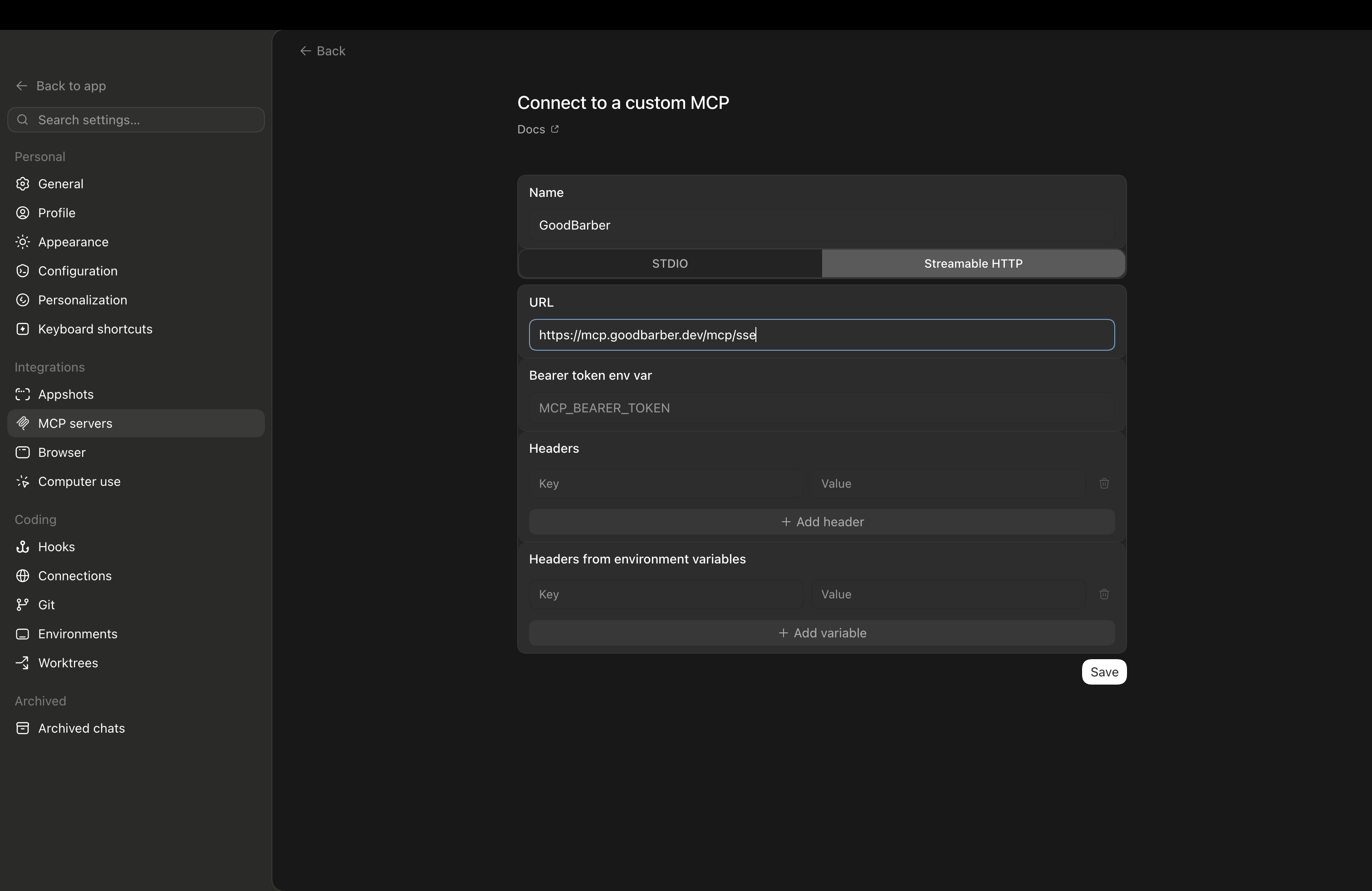
*The Connect to a custom MCP form: name GoodBarber, Streamable HTTP, the server URL, and the Bearer token left empty.*
### Using Codex CLI?
Two commands: the first registers the GoodBarber server, the second opens the authorization page where you paste your Public API key.
`codex mcp add goodbarber --url https://mcp.goodbarber.dev/mcp/sse`
`codex mcp login goodbarber`
For everyone
## ChatGPT (desktop & web)
Two methods: install the GoodBarber plugin from the ChatGPT directory, or add the full MCP server as a custom plugin in developer mode.
### A GoodBarber app
- An active GoodBarber app
- Admin access to the app you want to connect
### A ChatGPT account
- A ChatGPT account. For method B, access to developer mode depends on your account and workspace policies.
- Developer mode enabled, only for the custom plugin method.
### Route A: the GoodBarber plugin from the ChatGPT directory
The recommended route for everyone: no Developer mode, and the free plan works.
1. #### Find GoodBarber in ChatGPT
In ChatGPT, open the plugin directory and search for **GoodBarber**, or open its listing directly using the button above.
2. #### Connect and sign in
Click **Connect**. Sign in to GoodBarber with an API key from your back office and approve access. Each key is tied to one app: that is the app ChatGPT will manage.
3. #### Ask in any chat
Mention GoodBarber, or just ask: create an article, look up a member, send a push. Write actions ask for your confirmation before they run.
### Method B: the full MCP server as a custom plugin
Add the GoodBarber MCP server to ChatGPT by following the steps below. This method requires access to developer mode.
1. #### Enable developer mode
In ChatGPT, open **Settings**, then **Security and login**. In the **Developer mode** section, turn on **Developer mode**.
2. #### Add a new plugin
In settings, open **Plugins**, then click **Browse plugins**. On the Plugins page, click the **+** button in the top right to open the **New plugin** form.
3. #### Name the plugin
In the **Name** field, enter **GoodBarber**. The icon and description are optional.
4. #### Enter the server URL
`https://mcp.goodbarber.dev/mcp/sse`
5. #### Choose OAuth
Set authentication to OAuth so ChatGPT signs you in to GoodBarber securely.
6. #### Create the plugin and authorize GoodBarber
Read the ChatGPT warning, then select **I understand and want to continue** and click **Create**. Follow the steps to sign in to GoodBarber and approve access to your app.
7. #### Use GoodBarber in a conversation
Start a new conversation in ChatGPT and add **GoodBarber** from the tools menu. You can then ask, for example: “List the articles in my app.”
Developer mode is a beta feature, so the screens may change over time, and write actions ask you to confirm before they run. Access to Developer mode may depend on your account and workspace policies.
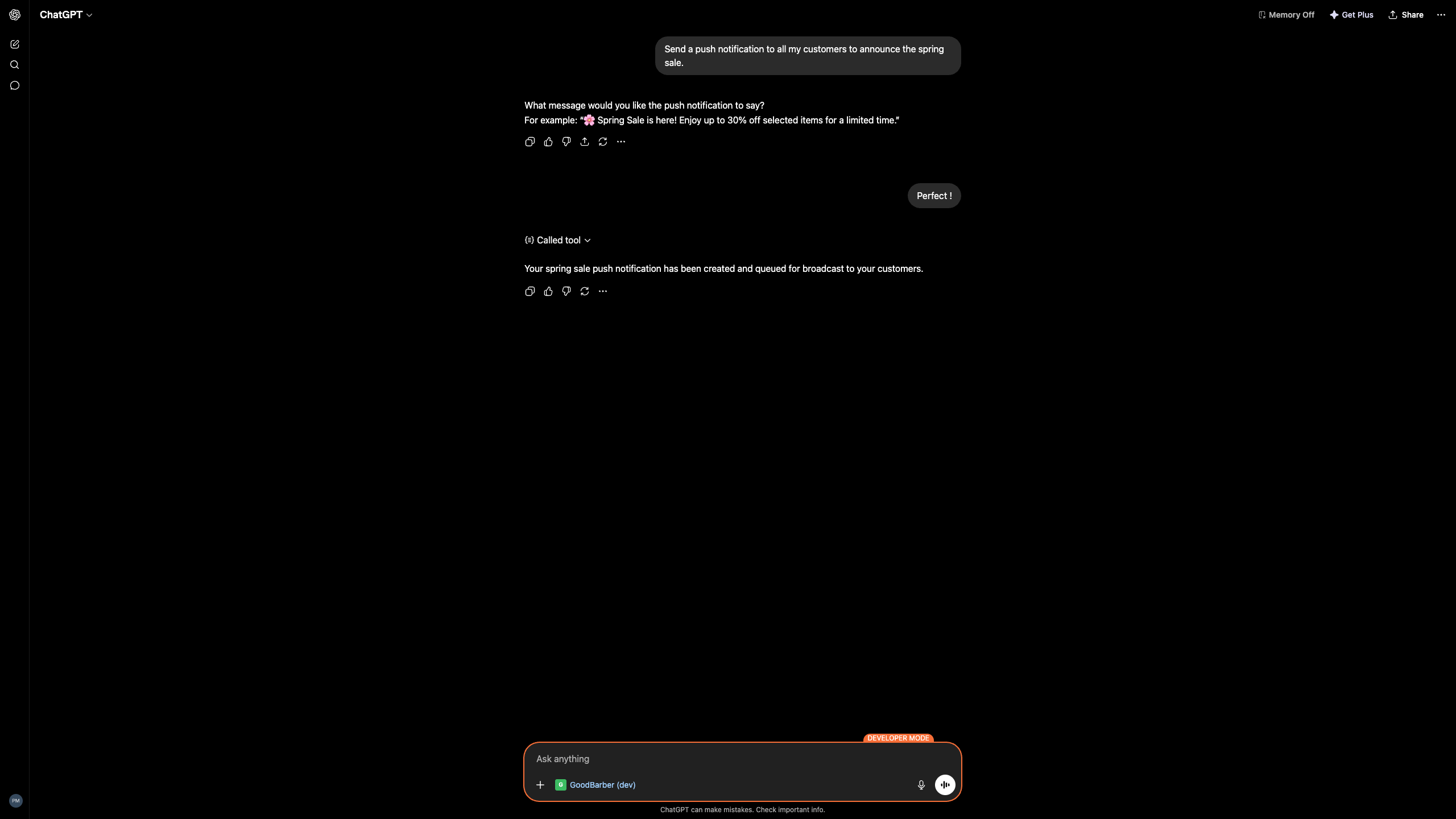
*ChatGPT calling GoodBarber to create and queue a push notification.*
## What you can do with it
Plain-language requests; GoodBarber does the work in your app. A few things our team ran while testing:
### Content
Create a published article titled Spring Sale announcing 20% off the whole catalog until June 30.
Created and published the article, with the 20% off announcement.
### Push notifications
Send a push to all my customers to announce the spring sale.
Created the push and queued it for broadcast, after you approved the wording.
### Prefer a Custom GPT?
You can also connect GoodBarber through a Custom GPT with Actions — a different route from MCP, handy when you would rather share a ready-made assistant with your team. We will link the GoodBarber GPT here once it is live in the GPT Store.
## Good to know
A few honest limits before you start.
#### Codex uses Streamable HTTP
In Codex, pick the Streamable HTTP transport — the setup steps above use the right option.
#### Available actions depend on your plan
Which GoodBarber actions the assistant can run depends on your GoodBarber plan and your admin rights.
#### Developer mode is in beta (custom connector route)
Developer mode is a beta feature in ChatGPT; availability and behavior can change, so it is worth a quick check on OpenAI's side. The plugin route does not use it.
#### You stay in control
Write actions ask for your confirmation before they run, and you can revoke access at any time.
## Your app stays yours
Connecting an assistant does not hand over the keys.
#### Secure sign-in
You connect through OAuth: you sign in to GoodBarber and approve access. No password or token is shared with the assistant.
#### Scoped to your rights
The assistant can only do what your own GoodBarber account already allows — nothing more.
#### Revoke anytime
Disconnect GoodBarber from Codex or ChatGPT whenever you want; access ends immediately.
#### Privacy by design
GoodBarber keeps its privacy commitments for every connection. See our privacy policy.
## Where to go next
[Learn about GoodBarber MCP](https://www.goodbarber.com/mcp/)[Prefer Claude? Read that guide](https://www.goodbarber.com/connect-claude-app/)[Browse the GoodBarber skills on GitHub](https://github.com/goodbarber/goodbarber-skills)[Visit the Help Center](https://www.goodbarber.com/help/)
## Run your app from a conversation
Connect GoodBarber to ChatGPT or Codex and manage products, content, members and push in plain language.
[Set up Codex](#codex)[Set up ChatGPT](#chatgpt)
---
# GoodBarber MCP: the complete guide
Source: https://www.goodbarber.com/mcp-complete-guide/
---
title: "GoodBarber MCP: The Complete Guide (2026)"
description: "GoodBarber's MCP server connects Claude, ChatGPT, and any AI agent to your app. Every integration, tutorial, and workflow in one place."
canonical_url: "https://www.goodbarber.com/mcp-complete-guide/"
lang: en
date: 2026-09-09
last_updated: 2026-09-09
---
# GoodBarber MCP: The Complete Guide (2026)
The complete guide
# GoodBarber MCP: the complete guide
GoodBarber's MCP server connects your app to Claude, ChatGPT, and any other AI assistant, so you can run your content, store, and campaigns by conversation. Everything we have published about it, in one place. [What is MCP?](https://www.goodbarber.com/glossary/mcp/)
[Connect your assistant](https://www.goodbarber.com/connect-claude-app/)[Browse the guides](#cluster)
Works with Claude, ChatGPT, and any MCP-compatible assistant.
Last updated: September 2026
Your AI assistant
You
Schedule a push for tonight to announce the summer sale.
Assistant
Done. Your push is scheduled for 6:00 PM.
Push notification scheduled
The basics
## What is GoodBarber MCP?
GoodBarber MCP is a server that lets an AI assistant operate your app directly. It speaks the Model Context Protocol, the open standard introduced in 2024, so an assistant like Claude or ChatGPT can work with your app the way you do from the back office, just by conversation.
It covers the operational side of your app: content, push notifications, products, orders, and members. It does not touch your design or layout, which stays in your hands in the GoodBarber builder. MCP is a faster way in, not a replacement for the dashboard you know.
[See the MCP server page](https://www.goodbarber.com/mcp/)
**Your AI assistant**Asks in plain language
**GoodBarber MCP**One secure connection
**Your GoodBarber app**Content, store, actions
## The MCP ecosystem in 2026
In barely a year, MCP went from a new standard to shared industry infrastructure.
97M+
MCP SDK downloads per month
Anthropic, 2025-2026
9,400+
Public MCP servers
Official MCP Registry, 2026
41%
of enterprises run MCP in production
Stacklok, State of MCP 2026
$45B
agentic AI market by 2030, up from $8.5B in 2026
Deloitte
MCP was donated to the Linux Foundation in late 2025, making it a neutral, cross-industry standard, the same kind of open home that stewards Linux and Kubernetes.
## What your AI can do with GoodBarber MCP
Once connected, an assistant can run the everyday operations of your app, and you approve each action.
### Content & articles
Draft, edit, publish, and reorder articles, events, pages, photos, videos, and podcasts in your CMS.
### Push notifications
Write, target, and schedule push campaigns, to everyone or to specific user groups.
### Products & store
Add and update products, variants, collections, prices, and media in your shop.
### Orders & promo codes
Look up orders, update shipping status, and create promo codes for a sale.
### Members & stats
Look up users and memberships, manage subscriptions, and read your app's analytics.
### Multi-app management
Agencies operate a whole portfolio of client apps through a single assistant.
## Every GoodBarber MCP article
The full library, grouped by where you are in your journey.
### Start here, the basics
[Introducing GoodBarber's MCP serverThe launch announcement: what the server is, and your first taste of running an app by conversation.](https://www.goodbarber.com/blog/your-app-now-on-voice-command-introducing-goodbarber-s-mcp-server-a1490/)[Use ChatGPT with GoodBarber, no codeThe no-code entry path for non-technical owners, with copy-paste prompts.](https://www.goodbarber.com/blog/use-chatgpt-with-goodbarber-run-your-app-without-code-a1525/)[Create push notifications with AIDraft and schedule push notifications straight from a prompt.](https://www.goodbarber.com/blog/the-goodbarber-mcp-server-goes-further-create-push-notifications-with-ai-a1514/)
### For power users
[Why an AI backend beats building AI agentsThe strategic case for an agent-ready platform over a bolted-on chatbot.](https://www.goodbarber.com/blog/your-app-is-an-ai-backend-why-agent-ready-beats-building-ai-agents-a1522/)[Automate your app with n8n and MCPBuild multi-step, no-code workflows on top of the MCP server.](https://www.goodbarber.com/blog/how-to-automate-your-goodbarber-app-with-n8n-and-mcp-no-code-required-a1523/)[Agent-ready apps: why your app must be AI-operableThe thinking behind making your app operable by any AI agent in 2026.](https://www.goodbarber.com/blog/agent-ready-apps-why-your-app-must-be-ai-operable-in-2026-a1527/)[Vertical AI agents for your appSwitch on the vertical agent already inside your app — every Skill becomes an agent your AI can run.](https://www.goodbarber.com/blog/vertical-ai-agents-for-your-app-%E2%80%94-no-code-required-a1534/)[Run your editorial calendar with an agentAn editorial agent that plans, drafts, and schedules your content.](https://www.goodbarber.com/blog/ai-content-publishing-run-your-app-s-editorial-calendar-with-an-agent-a1532/)
### For agencies
[10 apps, 1 agent, 20 minutes a dayHow agencies run a whole portfolio of client apps through one assistant.](https://www.goodbarber.com/blog/10-apps-1-agent-20-minutes-a-day-manage-multiple-goodbarber-apps-with-ai-a1533/)
### RAG & chatbots
[Chatbot: AI that answers from your contentThe customer-facing chatbot that answers users using only your published content.](https://www.goodbarber.com/blog/rag-chatbot-ai-that-answers-using-your-published-content-a1465/)[Best practices for your ChatbotHow to feed, tune, and constrain the chatbot so its answers stay reliable.](https://www.goodbarber.com/blog/best-practices-to-set-up-your-rag-chatbot-using-goodbarber-a1484/)
## How to get started
Three steps, no code, a few minutes.
1
### Connect your assistant
Search for GoodBarber in the Claude connectors directory or the ChatGPT plugin directory and click Connect, or point Cursor and any other MCP client at the endpoint. Sign in with the Public API key from your back office.
2
### Try one real task
Ask the agent to do something small, like drafting a push or fixing a typo in an article, then review and approve the result.
3
### Grow into workflows
Move on to scheduled content, multi-step automations, or managing several apps at once. The guides above take you the rest of the way.
The fastest route: one command in Claude Code, then ask your assistant what you need.
`claude mcp add goodbarber --transport http https://mcp.goodbarber.dev/mcp/sse`
[All clients, on the developers page](https://www.goodbarber.com/developers/)
[Open the MCP server page](https://www.goodbarber.com/mcp/)
## Frequently asked questions
**What can I do with GoodBarber MCP that I couldn't before?**
Run your app by conversation instead of clicking through the dashboard. An assistant can draft and publish content, prepare push notifications, update your products and orders, create promo codes, and look up members, all from a prompt, with you reviewing each action.
**Do I need to know how to code?**
No. The most common entry path is connecting an assistant you already use, like ChatGPT, and giving it plain-language instructions. Coding lets you build more advanced automations, but it is not required.
**Which AI assistants work with GoodBarber MCP?**
Any MCP-compatible client, because MCP is an open standard. That includes Claude, ChatGPT, Claude Code, Cursor, and automation tools like n8n. GoodBarber is listed in the Claude connectors directory and in the ChatGPT plugin directory.
**Is GoodBarber MCP available on all plans?**
The MCP server is part of the GoodBarber platform, there is no separate MCP subscription. All you need is a GoodBarber app and an MCP-compatible assistant.
**How is this different from the AI Extension Builder?**
The AI Extension Builder uses AI to generate a new section inside your app at build time, it helps you create the app. MCP lets an assistant operate your live app by conversation, after it is built. One builds; the other runs.
## Put an AI assistant to work on your app
Connect GoodBarber MCP to the assistant you already use.
[Connect your assistant](https://www.goodbarber.com/connect-claude-app/)[Browse the Skills on GitHub](https://github.com/goodbarber/goodbarber-skills)
---
# GoodBarber alternatives (overview)
Source: https://www.goodbarber.com/vs/
---
title: "GoodBarber alternatives (2026): GoodBarber vs the other no-code & AI platforms"
description: "All our comparisons against the no-code and AI app-building platforms — Adalo, Thunkable, Bubble, Glide, Base44, Emergent, Rork. GoodBarber ships real native iOS & Android apps, all included."
canonical_url: "https://www.goodbarber.com/vs/"
lang: en
date: 2026-06-05
last_updated: 2026-06-23
---
# GoodBarber alternatives (2026): GoodBarber vs the other no-code & AI platforms
Comparisons 2026
# Compare GoodBarber with the other no-code & AI platforms
GoodBarber builds real native iOS and Android apps, without code. Here are our honest comparisons against the main no-code and AI platforms on the market.
Last update: June 2026
[Start for free](https://www.goodbarber.com/create/)[See pricing](https://www.goodbarber.com/pricing/content/)
## In short: which alternative should you choose?
**For a native mobile app, published on the App Store and Google Play with built-in push, e-commerce and user accounts, GoodBarber is the direct path** — everything is included, with no third-party services to assemble. Mobile builders, web platforms and AI generators each answer a different need. The difference comes down to the actual output.
## GoodBarber vs the alternatives: the big picture
The last column shows what each tool is designed for.
|Platform|Native iOS & Android apps|Built-in push|Mobile e-commerce|Data in Europe|Designed mainly for…|
|---|---|---|---|---|---|
|GoodBarber|Compiled Swift + Kotlin|Up to 250,000/month|22 gateways, 0% commission|EU servers|Native mobile apps, non-technical teams|
|Mobile no-code tools||||||
|Adalo|Via native build|Via its own system|Partial||Mobile apps on a data-driven canvas|
|Thunkable|Native claimed (disputed)|Via native features|No e-commerce||Block-based mobile apps, makers & education|
|FlutterFlow|Flutter native build|Via integrations|No e-commerce||Flutter apps, developers & technical teams|
|BuildFire|Native claimed (disputed)|Included, capped by tier|Partial||Plugin-based mobile apps + done-for-you builds|
|Web & business platforms||||||
|Bubble|Web / wrapper|Via plugins|Via plugins||No-code web apps, technical profiles|
|Glide|Web & PWA|Removed in Dec. 2024|No e-commerce||Internal web tools from data|
|AppSheet|Web & PWA|Via automation|No e-commerce||Data-driven business apps from spreadsheets|
|AI app generators||||||
|Base44|AI-built web app|No native push|No e-commerce||All-in-one AI-generated web app|
|Emergent|Generated full-stack app|No native push|No e-commerce||Full-stack prototyping by AI prompt|
|Rork|Generated React Native|No native push|No e-commerce||AI mobile app generation|
|Lovable|AI-generated web app|No native push|No e-commerce||Web apps generated by AI prompt|
|Bolt.new|AI-generated, code you own|No native push|No e-commerce||Production code you own, for developers|
See the full table
A summary comparison — every row is expanded, sourced and nuanced on its dedicated page. ◐ = partial / depending on configuration. New comparisons are added regularly.
## All comparisons, by category
Grouped by tool type — the factor that changes the comparison the most.
Mobile no-code tools
[Adalo GoodBarber vs Adalo A visual canvas driven by a database. The real question: scalability and total cost as the app grows. See the comparison](https://www.goodbarber.com/vs/adalo/)[Thunkable GoodBarber vs Thunkable Block-based assembly inherited from MIT App Inventor, with a recent AI layer. The real question: the nature of the native output and long-term operation. See the comparison](https://www.goodbarber.com/vs/thunkable/)[FlutterFlow GoodBarber vs FlutterFlow A powerful Flutter-based builder for developers. GoodBarber compiles native Swift + Kotlin apps and runs the whole pipeline to the stores — no toolchain on you. See the comparison](https://www.goodbarber.com/vs/flutterflow/)[BuildFire GoodBarber vs BuildFire Both platforms share the same philosophy: you configure complete, pre-engineered features instead of assembling an app block by block. See the comparison](https://www.goodbarber.com/vs/buildfire/)
Web & business platforms
[Bubble GoodBarber vs Bubble A web-first no-code platform aimed at technical profiles. GoodBarber targets the native mobile app for non-technical teams. See the comparison](https://www.goodbarber.com/vs/bubble/)[Glide GoodBarber vs Glide Turns spreadsheets (Sheets, Airtable, SQL) into internal web tools. GoodBarber publishes real native apps on the stores. See the comparison](https://www.goodbarber.com/vs/glide/)[AppSheet GoodBarber vs AppSheet Turns spreadsheets into data-driven business apps. GoodBarber publishes real native apps on the stores, with a back office to run them. See the comparison](https://www.goodbarber.com/vs/appsheet/)
AI app generators
[Base44 GoodBarber vs Base44 Generates an all-in-one web app with AI. GoodBarber produces a structured native app, published and built to last. See the comparison](https://www.goodbarber.com/vs/base44/)[Emergent GoodBarber vs Emergent Generates a full-stack app in minutes. GoodBarber is built to keep it running over time. See the comparison](https://www.goodbarber.com/vs/emergent/)[Rork GoodBarber vs Rork Generates mobile apps (React Native) with AI. GoodBarber adds the full infrastructure: hosting, stores, back office. See the comparison](https://www.goodbarber.com/vs/rork/)[Lovable GoodBarber vs Lovable Generates a web app from a prompt. GoodBarber produces a structured native app, published and built to last. See the comparison](https://www.goodbarber.com/vs/lovable/)[Bolt.new GoodBarber vs Bolt.new Generates production code you own and export to GitHub. GoodBarber gives you the managed platform to run the app every day — no code editor. See the comparison](https://www.goodbarber.com/vs/bolt/)
## Where to start, based on your project
Not sure which comparison to read first? Start from your need.
- I'm coming from a spreadsheet or an internal tool → [GoodBarber vs Glide](https://www.goodbarber.com/vs/glide/)
- I'm hesitating with a powerful no-code web platform → [GoodBarber vs Bubble](https://www.goodbarber.com/vs/bubble/)
- I'm comparing two mobile no-code tools → [vs Adalo](https://www.goodbarber.com/vs/adalo/) or [vs Thunkable](https://www.goodbarber.com/vs/thunkable/)
- I generated an app with AI and want to go to production → [vs Base44](https://www.goodbarber.com/vs/base44/), [vs Emergent](https://www.goodbarber.com/vs/emergent/) or [vs Rork](https://www.goodbarber.com/vs/rork/)
- I want a native app published on the stores → this is where GoodBarber stands out the most consistently
- I want to see all of them ranked → [Best no-code app builders in 2026](https://www.goodbarber.com/blog/best-app-builders-for-mobile-apps-a1419/)
- I manage several client apps (agency) → the [Reseller program](https://www.goodbarber.com/reseller/)
## What GoodBarber brings, whatever the competitor
Beyond each comparison, four constants come up against every platform.
### Real native apps
A Swift + Kotlin binary, not a WebView. Published on the App Store and Google Play.
1 / 4 sone download, in 152 countries, since 2011
### Everything included in the subscription
Hosting, CMS, push, analytics, e-commerce — everything in the subscription, with no third-party service.
0 %commission on your sales — 22 payment gateways
### Impossible to get it wrong
No database to model, no screen to wire up. And a design system that makes the right choices for you: the result stays professional, whatever you build.
80ready-to-use themes — WCAG contrast and typography handled for you
### Your data in Europe
All data on European servers — a concrete point for GDPR.
No.1app builder in Europe — Top 3 worldwide
## Frequently asked questions
Everything you need to know before comparing GoodBarber to another platform.
**With GoodBarber, you're never on your own**
Get help through our Online Help, our video tutorials and our Support team.
[Explore our FAQs](https://www.goodbarber.com/help/)
What is the best alternative to GoodBarber?
It depends on what you want to produce. For a native mobile app published on the App Store and Google Play, with built-in push, e-commerce and user accounts, GoodBarber covers the whole need in a single subscription. If your project is a web app or an internal tool, platforms like Bubble or Glide are designed for that. Compare on your expected output (native app vs web) and on total cost, not just the entry price.
Does GoodBarber create real native apps?
Yes. GoodBarber compiles natively to Swift (iOS) and Kotlin (Android) from the back office — not a web wrapper. Apps are published on the App Store and Google Play, with a submission assistance service (GBTC) if needed.
How much does GoodBarber cost compared to the alternatives?
GoodBarber starts at $360/year ($30/month equivalent) — hosting, database, CMS, analytics and PWA included. Native iOS + Android output is available from $660/year ($55/month) with the Premium plan. The right comparison is total cost of ownership: GoodBarber includes in the subscription what other tools bill separately.
Can you migrate to GoodBarber from another platform?
Yes. Your data and content can be imported via the API and the CMS. The interface structure has to be reconfigured because architectures differ, but the back office is designed to make this step quick for non-technical teams. Each comparison page details the specific migration points.
Are these comparisons neutral?
We write honest comparisons: every competitor has use cases where it's the right choice, and we say so. Every claim is backed by verifiable data. The goal is to help you choose the tool that fits your project.
## Ready to build your native app?
Start for free — no credit card. Your app, published on the App Store and Google Play, with everything included.
[Start for free](https://www.goodbarber.com/create/)[See pricing](https://www.goodbarber.com/pricing/content/)
---
# GoodBarber vs Adalo
Source: https://www.goodbarber.com/vs/adalo/
---
title: "GoodBarber vs Adalo (2026): native apps, scalability and total cost compared"
description: "GoodBarber produces real native iOS and Android apps with built-in infrastructure. Adalo offers a multi-screen visual canvas driven by a Postgres database. Two approaches, two scalability ceilings — the honest comparison."
canonical_url: "https://www.goodbarber.com/vs/adalo/"
lang: en
date: 2026-06-03
last_updated: 2026-06-03
---
# GoodBarber vs Adalo (2026): native apps, scalability and total cost compared
2026 comparison
# GoodBarber vs Adalo
Native iOS & Android apps vs a database-driven no-code canvas: two approaches, two scalability ceilings.
Last update: June 2026
GoodBarber starts from a mobile experience to configure; Adalo starts from a data schema to model — and that difference at the entry point defines everything that follows.
[Start for free](https://www.goodbarber.com/create/)[See pricing](https://www.goodbarber.com/pricing/content/)
GoodBarber
- Native iOS & Android apps (Swift + Kotlin)
- Native push, 0% e-commerce, CMS, user accounts
- 190+ extensions, CSS/HTML, AI Extension Builder
- Hosting + database in Europe — all included
Adalo
- Multi-screen visual canvas + Postgres Collections
- App Store & Google Play publishing (declared)
- Hosting and database included
- Limited scalability beyond ~5,000 users
If you're building an app for thousands of users with monetization, native push and a long-term lifecycle, **GoodBarber meets these criteria from the base subscription**. If you need a fast visual prototyping tool around a database, Adalo is worth evaluating.
## GoodBarber vs Adalo: feature by feature
Both platforms target projects without developers — but their internal architecture determines what you can build, how far you can go, and what you'll have to add separately.
|Feature|GoodBarber|Adalo|What it means for you|
|---|---|---|---|
|Native iOS & Android app|Compiled Swift + Kotlin binaries|Declared — runtime not publicly specified|GoodBarber publishes real native binaries; Adalo's output type isn't disclosed|
|Progressive Web App|Included from the Standard plan|Included|Both cover the PWA use case|
|Getting started without data modeling|Guided setup — extensions, CSS/HTML or an AI prompt as needed|Collections schema (Postgres) to define before building|GoodBarber starts from the experience; Adalo from the data schema|
|Push notifications|Included, segmented, up to 250,000/month|Included (via "Announcements & Notifications")|Both offer push — GoodBarber natively integrated, Adalo through its notifications system|
|Hosting & database|Included in all plans, data hosted in Europe|Included (Postgres via Collections)|Both include hosting; GoodBarber hosts in Europe — a concrete point for GDPR|
|In-app purchases (StoreKit / Google Play Billing)|From the Premium plan (native Apple + Google flow)|Third-party IAPHUB integration required|GoodBarber natively integrates the store billing flow; Adalo delegates to an external service|
|Mobile e-commerce with 0% commission|22 gateways, 0% GoodBarber commission|E-commerce path via IAPHUB only|GoodBarber takes nothing from your revenue; Adalo depends on a third-party service|
|Store publishing assistance|GBTC service — 91% recovery rate on Apple rejections|Not offered|GoodBarber can handle your App Store and Google Play submissions|
|Production scalability|Infrastructure designed for growth|Degradation reported above ~5,000 users|For a growing project, the scalability question should be asked before choosing|
|Data hosted in Europe|All data on EU servers|US-based servers (St. Louis, MO)|A concrete gap for projects subject to GDPR or targeting a European audience|
|AI-ready (MCP server)|Manage your app through AI agents (Claude, Cursor…)|Not available|GoodBarber apps can be driven by any MCP-compatible assistant|
|Components & extensions|190+ extensions, one click from the back office|Marketplace with 50+ additional components|Both offer extensibility — GoodBarber with a catalog 3× larger|
## Three differences that change everything
01
### Prototype canvas vs production infrastructure
Adalo is built around a multi-screen canvas where you assemble views, wire actions and connect Postgres Collections. It's a powerful approach for the validation phase: you watch the app take shape screen by screen, database included. User reviews confirm the tool is valuable for MVPs and functional prototypes.
But that same model shows its limits as the user base grows. Degraded performance above ~5,000 active users is documented in third-party reviews — a structural constraint that impacts projects aiming for growth. GoodBarber is built for the full lifecycle: launch, daily operation and scaling, without taking the team out of its back office.
1 / 4 s
One download every 4 seconds — across 152 countries, since 2011.
02
### Monetization: native flow vs third-party integration
To monetize a mobile app through the stores — subscriptions, digital purchases, premium content — the technical standard is Apple StoreKit for iOS and Google Play Billing for Android. These flows handle billing, receipt validation and end-to-end store compliance.
GoodBarber natively integrates both flows from the Premium plan. Adalo delegates this feature to IAPHUB, a third-party integration you configure and maintain separately. It's not a detail: every added layer is a dependency, a potential cost, and a friction point if store conditions change. For an app whose business model relies on in-app monetization, this architectural difference is structural.
0%
GoodBarber commission on mobile e-commerce transactions — 22 gateways, online and offline payment.
03
### Customization ceiling — with or without a starting point
Adalo offers a flexible canvas: you start from scratch and assemble the blocks you choose. That freedom is real — and it comes with its flip side: every screen, every transition, every data binding is your responsibility.
GoodBarber works differently. Navigation, content structure, push notifications, user accounts and e-commerce are pre-built and ready to configure. From that structured base, the customization ceiling stays very high: design tokens, CSS/HTML injection, 190+ extensions, and the AI Extension Builder (in Beta) that lets you create any custom section from a prompt — the generated code plugs straight into the GoodBarber APIs and ships in the native app. You don't start from scratch, but you can go very high.
190+
Available extensions — plus the AI Extension Builder to create your custom sections from a prompt.
## The real cost, beyond the sticker price
Adalo's price doesn't cover everything: publishing natively and selling in the app require **developer accounts, integrations and higher plans**. Here's what's included on each side.
### GoodBarber — from $30/month
$30/month (billed annually)
- Hosting and database (data in Europe)
- CMS and back office
- Push notifications (10,000/month)
- Built-in analytics
- PWA output
- 0% commission on e-commerce transactions
Native iOS + Android apps — from $55/month
- Native iOS + Android output (Swift + Kotlin)
- Native in-app purchases (Apple StoreKit / Google Play Billing)
- User authentication, loyalty, booking
- 20 extensions included
- App store submission assistance (GBTC)
[See pricing](https://www.goodbarber.com/pricing/content/)
### Adalo
—
- Hosting and Postgres database included
- Visual canvas and Collections in the subscription
- Apple ($99/year) and Google ($25) developer accounts on you
- In-app purchases via IAPHUB (separate third-party subscription)
- White-label available from the Team plan ($128/month billed annually)
- Scalability beyond ~5,000 users to validate depending on usage
Adalo's current pricing is available at adalo.com/pricing.
GoodBarber includes **hosting, push, analytics and store support** in its subscription.
With Adalo, in-app monetization and publishing require additional subscriptions and setup.
## Which platform is right for you?
### Choose GoodBarber if…
- You want a real native iOS and Android app published on the stores
- Your app targets end users rather than internal use
- You expect growth beyond a few thousand active users
- You need in-app monetization without dependence on third-party services
- Your team wants to run the app day to day from a structured back office without developers
- GDPR compliance and hosting data in Europe matter to your business
- You want custom features without hiring — the AI Extension Builder lets you create them from a prompt
- You're an agency managing several client apps (Reseller program)
### Choose Adalo if…
- You're quickly prototyping a data-driven app to validate a concept or present an MVP
- Your project is driven by a founder or small team comfortable with data modeling
- Your target user base stays below a few thousand active people
- You don't need native in-app monetization right now
## Frequently asked questions
The questions teams ask us most often when comparing GoodBarber and Adalo.
**With GoodBarber, you're never alone**
Get help through our [Online Help](https://www.goodbarber.com/help/), our [Video Tutorials](https://www.goodbarber.com/tutorials/), or our [Support team](https://www.goodbarber.com/support-team/).
[Explore our FAQs](https://www.goodbarber.com/help/)
Is GoodBarber better than Adalo?
It depends on your project phase and growth needs. GoodBarber is built for mobile apps in production — with infrastructure that scales, native in-app monetization and integrated store assistance. Adalo excels at validation phases: its visual canvas and Postgres database let you build a functional prototype quickly. If your goal is an app published on the stores, operated daily and meant to grow, GoodBarber is the most direct route.
Does Adalo produce real native iOS and Android apps?
Adalo states it publishes to the App Store and Google Play from a single project, but doesn't publicly specify whether its apps are compiled in native Swift/Kotlin or produced via a hybrid framework. GoodBarber compiles natively to Swift (iOS) and Kotlin (Android) from the same back office — real binaries, with full access to OS features and native performance.
How much does GoodBarber cost compared to Adalo?
GoodBarber starts at $360/year ($30/month equivalent) — hosting, database in Europe, CMS, analytics, PWA and push included. Native iOS + Android apps are available from $660/year ($55/month) with the Premium plan, native in-app monetization included. Adalo offers a Starter plan at $36/month (or $28.80/month billed annually), but in-app monetization requires IAPHUB on top, and Apple/Google developer accounts are on you. The right comparison is total cost of ownership, not the subscription line alone.
Is GoodBarber limited in customization compared to Adalo?
No. GoodBarber starts from a structured base — pre-built navigation, push, CMS, e-commerce — and exposes a very high customization ceiling: design tokens, CSS/HTML, 190+ extensions, and the AI Extension Builder (in Beta) to create custom sections from a prompt. You don't assemble the blocks from scratch, but you can go as far as a project demands — without hiring a developer.
Can you migrate from Adalo to GoodBarber?
Your content and user data can be imported through GoodBarber's API and CMS. The interface structure will need to be reconfigured — the two platforms have fundamentally different architectures. The GoodBarber back office is designed to make this transition fast for non-technical teams: the most common app structures are ready to configure without custom development.
Is GoodBarber suitable for building community or loyalty apps?
Yes. User authentication, messaging, segmented push, loyalty cards, coupons and punch cards are included in the Premium plan. These features are pre-built and configurable from the back office — without third-party integration. GoodBarber has been building for these use cases since 2011.
## Ready to build your native app?
Start for free — no credit card. Your app, published on the App Store and Google Play, with everything included.
[Start for free](https://www.goodbarber.com/create/)[See pricing](https://www.goodbarber.com/pricing/content/)
---
# GoodBarber vs Thunkable
Source: https://www.goodbarber.com/vs/thunkable/
---
title: "GoodBarber vs Thunkable (2026): native output and the block ceiling compared"
description: "GoodBarber compiles to native Swift and Kotlin binaries and includes a full back-office. Thunkable assembles apps from visual logic blocks, with an MIT App Inventor heritage and a disputed runtime architecture. Two takes on no-code — the honest comparison."
canonical_url: "https://www.goodbarber.com/vs/thunkable/"
lang: en
date: 2026-06-05
last_updated: 2026-06-05
---
# GoodBarber vs Thunkable (2026): native output and the block ceiling compared
2026 comparison
# GoodBarber vs Thunkable
Thunkable has you build an app by wiring visual logic blocks; GoodBarber has you configure features that are already engineered — and that difference in mechanic decides everything that happens once the app grows.
Last update: June 2026
If you're learning to build apps or prototyping a simple-to-moderate project, Thunkable's block canvas is one of the most accessible on-ramps in the category. If you're publishing a consumer app that has to be unmistakably native in the stores and run for years, GoodBarber meets those criteria from the subscription up.
[Start for free](https://www.goodbarber.com/create/)[See pricing](https://www.goodbarber.com/pricing/content/)
GoodBarber
- Native iOS & Android apps (Swift + Kotlin), compiled to binaries
- Ready-to-configure features: push, 0% e-commerce, CMS, accounts
- Deep customization: 190+ extensions, CSS/HTML, AI Extension Builder
- Hosting, EU database, and store-publishing support included
Thunkable
- Drag-and-drop assembly of components + logic blocks (MIT App Inventor)
- Native output marketed; block-interpretation layer disputed on big apps
- Data in external services (Firebase, Airtable, Sheets) — no CMS
- No source-code export; the app needs an active subscription to stay live
Learning or prototyping a simple-to-moderate app? Thunkable's block canvas is a great on-ramp. Publishing a native app to operate and grow for years? That's GoodBarber.
## GoodBarber vs Thunkable: feature by feature
Both tools assemble apps without traditional coding, but they aim at different finish lines — and the internal architecture decides how far you can go.
|Feature|GoodBarber|Thunkable|What it means for you|
|---|---|---|---|
|Native iOS & Android app|Compiled Swift + Kotlin binaries|Native marketed; block-interpretation layer (disputed)|GoodBarber ships unambiguously native binaries; Thunkable's runtime architecture is debated|
|Progressive Web App|Included from the Standard plan|Web output on all tiers|Both cover the PWA case — a genuine cross-platform strength of Thunkable|
|Build model|Configure integrated features|Assemble components + wire logic blocks|GoodBarber starts from ready features; Thunkable from bricks you connect one by one|
|Setup without technical skills|Guided setup — deep customization when you need it|Very approachable at first; takes more skill as logic grows|GoodBarber keeps the effort flat; with blocks, the work scales with complexity|
|Push notifications|Included, segmented, up to 250,000/month|Included (native)|Both offer native push|
|Hosting|Included on every plan|Included while the subscription is active|Without a subscription, the published Thunkable app goes down|
|Database|Included, data hosted in Europe|External — Firebase, Airtable, Sheets to set up and maintain|With Thunkable you stand up and maintain your own backend|
|Editorial CMS back-office|Purpose-built for non-technical editors|Content in external data sources|Publishing content in GoodBarber means no spreadsheet or Firebase console to touch|
|0% commission mobile e-commerce|22 gateways, 0% GoodBarber commission|No built-in module — assembled via API|If you sell in-app, GoodBarber covers the full case without third-party assembly|
|Source-code export|Not applicable (managed platform)|No export — the app lives only inside Thunkable|With Thunkable, you can't take the code and leave if you hit a ceiling|
|AI features|AI Extension Builder, Chatbot, MCP server + 44 Skills|AI Builder (prompt-to-app), Discuss Mode, image generation|Both have an AI layer — GoodBarber also covers operating the live app|
|App Store publishing support|GBTC service — 91% recovery on Apple rejections|Self-managed — own Apple & Google developer accounts|Our team can handle your App Store and Google Play submissions|
|Data hosted in Europe|All data on EU servers|US-based platform (San Francisco)|A concrete point for GDPR-sensitive projects or a European audience|
|Best fit|Non-technical teams, SMBs, retailers, agencies|Learners, education, makers prototyping cross-platform|The right choice depends on your horizon: prototype and learn, or publish and operate|
## Three differences that change everything
01
### Marketed "native" vs the unambiguous compiled binary
Thunkable's marketing describes genuinely native iOS and Android output. Several community sources, on the contrary, describe a block-interpretation layer (sometimes likened to a WebView) that introduces a performance ceiling on larger apps. The exact runtime architecture is disputed between official and third-party sources — which, for an app you intend to grow, is exactly the question you don't want left open.
GoodBarber leaves no such doubt: iOS compiles to native Swift, Android to native Kotlin — compiled binaries, not an interpreted layer. That matters for performance as the app grows, for OS-level integration, and for store review.
1 dl / 4 s
in 152 countries, since 2011
02
### The block ceiling vs the integrated feature
The most consistent theme across Thunkable's reviews isn't a missing feature — it's a curve. The block model is wonderful at the start and harder to manage as the app grows: "managing dozens of interconnected blocks becomes unwieldy." With block assembly, the work scales with the app's complexity — more screens, more logic, more blocks to wire, debug, and keep performant.
With GoodBarber's integrated approach, e-commerce, push, and content management arrive pre-engineered to handle load and edge cases — the app's complexity doesn't translate into your maintenance burden. For a prototype, the block ceiling is invisible. For a consumer app you intend to grow, it's the whole question.
≈ 1/10th
of the cost of custom mobile development — stack included in the subscription
03
### Deep customization — without starting from zero
Thunkable offers a genuinely flexible canvas: you wire the blocks you want, and even the lower tiers open up free third-party integrations. That freedom is real — but it comes with a flip side: every screen and every data binding is your responsibility, with no built-in CMS or e-commerce to carry the load.
GoodBarber starts from a structured foundation — navigation, push, CMS, accounts, e-commerce pre-engineered — and keeps a very high customization ceiling: design tokens, CSS/HTML injection, 190+ extensions, and the AI Extension Builder (in Beta) that builds any custom section by prompt. You don't start from zero, but you can go very high — and you're not locked into the platform.
190+
extensions, plus CSS/HTML and AI-built custom sections
## The real cost: what's in the price
The subscription price doesn't tell the whole story. What matters is what you get for it — and what you'll have to assemble and maintain separately.
### GoodBarber — from $30/month
$30/month (billed annually — $360/year)
- Hosting and database (data in Europe)
- CMS and back-office
- Push notifications (10,000/month)
- Built-in analytics
- PWA output
- 0% commission on e-commerce transactions
Native iOS + Android apps — from $55/month
- Native iOS + Android output (Swift + Kotlin)
- Native in-app purchases (Apple StoreKit / Google Play Billing)
- User authentication, loyalty, booking
- 20 extensions included
- Store-publishing support (GBTC)
[See pricing](https://www.goodbarber.com/pricing/content/)
### Thunkable
—
- Free plan to get started (no app-store publishing)
- A live published app sits a step up, single app
- Unlimited published apps reserved for the top plan
- Data backend (Firebase, Airtable, Sheets) paid separately
- Apple ($99/yr) and Google Play ($25) developer accounts on you
Thunkable's current pricing is available at thunkable.com/pricing.
GoodBarber bundles hosting, database, push, CMS, e-commerce, and native builds into one subscription. With Thunkable, store publishing moves up a tier and the data backend is paid for and maintained separately.
## Which platform is right for you?
### Choose GoodBarber if…
- You want unambiguously native iOS and Android apps — compiled Swift and Kotlin — under your own brand
- You're a non-technical team managing content, push, and e-commerce from a back-office, not a spreadsheet and a block canvas
- You're building for the long term: an app you'll operate daily and evolve for years
- Your app includes e-commerce and you need 0% commission with integrated payment gateways
- You want your entire stack — hosting, database, push, CMS, payments, analytics — in one subscription
- You want custom features without hiring — the AI Extension Builder creates them by prompt
- GDPR compliance and data hosting in Europe matter to your business
### Choose Thunkable if…
- You're learning to build apps or teaching others — its MIT App Inventor heritage makes it one of the best on-ramps
- You want a fun, accessible canvas to prototype simple-to-moderate apps cross-platform
- Your project is unlikely to grow into a large, logic-heavy app where the block ceiling appears
- You're comfortable managing your own data backend and don't need a built-in CMS or e-commerce module
## Frequently asked questions
Here are the questions teams ask us most often when comparing GoodBarber and Thunkable.
**With GoodBarber, you're never on your own**
Get help through our online Help, video Tutorials, or our Support team.
[Explore our FAQs](https://www.goodbarber.com/help/)
Is GoodBarber better than Thunkable?
It depends on your goal. Thunkable is excellent for learning to build apps, teaching, and prototyping simple-to-moderate cross-platform projects — its MIT App Inventor heritage and block model make it one of the most accessible on-ramps. GoodBarber is built for a consumer app that needs to be unambiguously native in the stores, operated daily from a back-office, and grown over years. If your project is an app published and operated over the long run, GoodBarber is the most direct path.
Does Thunkable build truly native apps?
Thunkable markets its output as real native iOS and Android apps. However, multiple community sources describe a block-interpretation layer (sometimes likened to a WebView) that introduces a performance ceiling on larger apps, and the exact runtime architecture is disputed between official and third-party sources. GoodBarber compiles to native Swift and Kotlin binaries without that ambiguity.
How much does GoodBarber cost compared to Thunkable?
GoodBarber starts at $360/year ($30/month equivalent) — hosting, database in Europe, CMS, analytics, PWA, and push included. Native iOS + Android apps are available from $660/year ($55/month) with the Premium plan, e-commerce and store-publishing support included. With Thunkable, publishing a live app moves up a tier and your data backend (Firebase, Airtable, Sheets) is paid separately, on top of Apple and Google developer accounts. The right comparison is total cost of ownership, not the subscription line alone.
Does Thunkable include e-commerce and a CMS?
No. Thunkable has no documented built-in e-commerce module and no dedicated editorial CMS: content lives in external data sources like Firebase, Airtable, or Google Sheets, and a payment layer would have to be assembled via API integration. GoodBarber includes both a structured CMS back-office and a full e-commerce layer with 0% commission and 22 payment gateways.
Can you export your source code from Thunkable, or migrate to GoodBarber?
Thunkable does not allow raw source-code export — the app lives only inside their platform and must keep an active subscription to stay live, which reviewers frequently cite as vendor lock-in. On migration, your content and data can be imported into GoodBarber via the API and CMS; the interface structure will need to be reconfigured, since the two platforms have different architectures. GoodBarber's back-office is built to make that step fast for non-technical teams.
Is Thunkable's block ceiling really a problem?
Not for every project. For a class project, an MVP, or a prototype, the block model stays fast and forgiving. The ceiling appears as the app grows: reviewers consistently report that dozens of interconnected blocks become unwieldy and that the interpretation layer can slow down complex apps. GoodBarber configures pre-engineered features rather than assembling atomic blocks, so the app's complexity doesn't translate directly into your maintenance burden.
## Compare GoodBarber with other platforms
[GoodBarber vs Adalo](https://www.goodbarber.com/vs/adalo/)[GoodBarber vs Glide](https://www.goodbarber.com/vs/glide/)[GoodBarber vs Bubble](https://www.goodbarber.com/vs/bubble/)[GoodBarber vs Emergent](https://www.goodbarber.com/vs/emergent/)[GoodBarber vs Base44](https://www.goodbarber.com/vs/base44/)
## Ready to build your native app?
Start for free — no credit card. Your app, published on the App Store and Google Play, with everything included.
[Start for free](https://www.goodbarber.com/create/)[Contact us](https://www.goodbarber.com/contact/)
---
# GoodBarber vs FlutterFlow
Source: https://www.goodbarber.com/vs/flutterflow/
---
title: "GoodBarber vs FlutterFlow (2026): Flutter code export vs integrated platform, compared"
description: "FlutterFlow is a visual development environment that outputs Flutter / Dart code and targets developers who want to export their code. GoodBarber is an integrated platform for non-technical teams who want a native app published and operated without ever opening an IDE. The honest comparison."
canonical_url: "https://www.goodbarber.com/vs/flutterflow/"
lang: en
date: 2026-06-05
last_updated: 2026-06-05
---
# GoodBarber vs FlutterFlow (2026): Flutter code export vs integrated platform, compared
2026 comparison
# GoodBarber vs FlutterFlow
FlutterFlow generates an exportable Flutter / Dart codebase, for developers. GoodBarber compiles real native iOS and Android apps — and gives you the back-office to run them without ever opening an IDE.
Last update: June 2026
The code-oriented visual dev environment against the European all-in-one platform: what really sets them apart, beyond code ownership.
[Start for free](https://www.goodbarber.com/create/)[See pricing](https://www.goodbarber.com/pricing/content/)
GoodBarber
- Native Swift (iOS) and Kotlin (Android) binaries, compiled from the back-office and published to both stores
- Purpose-built CMS, segmented push, accounts, e-commerce, analytics — each action has its own screen, no database schema, no external integration
- Flat subscription from $30/month — hosting, database, push, and EU data hosting included, no per-seat pricing
- 190+ extensions, CSS/HTML injection, AI Extension Builder (Beta) to generate custom sections
FlutterFlow
- One Flutter / Dart codebase compiling to iOS, Android, and Web — exportable code, no lock-in
- Visual canvas with 200+ UI elements, Flutter widget-tree logic, branching and team collaboration
- Per-seat pricing ($39 to $150+/seat/month); hosting, database, push, and payments via Firebase, Supabase, OneSignal, Stripe, RevenueCat
- No built-in CMS or operations back-office — post-launch content management requires an external integration
Owning and exporting a Flutter codebase: FlutterFlow. A native app published on the stores, run daily by a team without a developer: GoodBarber.
## GoodBarber vs FlutterFlow: feature by feature
What each platform does — and what it changes for your project.
|Feature|GoodBarber|FlutterFlow|What it means for you|
|---|---|---|---|
|iOS output|Native Swift (compiled binary)|Flutter / Dart compiled to iOS (cross-platform)|GoodBarber outputs native Swift; FlutterFlow wraps a single Flutter codebase — a platform-fidelity trade-off in exchange for a shared source|
|Android output|Native Kotlin (compiled binary)|Flutter / Dart compiled to Android (cross-platform)|Same logic: animations, OS integration, and store-review compliance favor compiled native|
|Progressive Web App|PWA engine included, from the same config|Flutter Web output from the same project|FlutterFlow shines here: one source for iOS, Android and Web; on GoodBarber, the PWA is a distinct, included engine|
|Hosting & database|Included in the subscription|External (Firebase / Supabase to wire and pay for)|On FlutterFlow, the data stack is a third-party service with its own billing; on GoodBarber, it's in the plan|
|Push notifications|Included, segmented, up to 250,000/month|External (OneSignal integration)|GoodBarber push ships from the back-office with no third-party account; on FlutterFlow it's an added OneSignal subscription|
|CMS / content management|Purpose-built integrated interface|Not included — Strapi / Noloco / AppSheet integration required|This is the #1 structural gap for an editorial team: without a CMS, publishing an article means an external integration or a custom admin area|
|Back-office for daily operations|Full management interface, localized in 16 languages|Development canvas only|FlutterFlow is built to develop, not to run content daily — there is no operations console|
|E-commerce / payments|Included, 0% GoodBarber commission, 22 gateways|External (Stripe / RevenueCat to configure)|To sell in-app, GoodBarber exposes a single flow; on FlutterFlow you wire and manage each service separately|
|App Store publishing assistance|GBTC service available|User's responsibility (accounts, certificates, listings)|FlutterFlow exports the build and stops there; GBTC handles Apple rejections with a 91% recovery rate|
|Code ownership / export|Managed platform, native binaries (no code export)|Full Dart / Flutter code export, no lock-in|If code portability is strategic, FlutterFlow answers that need natively|
|Pricing model|Flat subscription ($30/month to $105/month, billed yearly)|Per seat ($39 to $150+/seat/month) + external stack costs|On FlutterFlow, every team member on Growth/Business tiers is another seat; on GoodBarber the price pays for the app|
|Learning curve|Gentle — hours to a publishable app|Steep — the canvas mobilizes Flutter's vocabulary and logic|FlutterFlow's "no-code" framing assumes Flutter familiarity in practice; GoodBarber is built for non-technical teams|
|Data hosted in Europe|All data on EU servers — GDPR by default|Not specified publicly (no SOC 2 or ISO 27001 listed)|For a regulated sector or a GDPR-sensitive European market, data sovereignty changes the case|
|Best fit|Editorial teams, local businesses, agencies operating the app without a developer|Developers and developer-adjacent teams who want to export Flutter|The right choice depends on who runs the app on Tuesday morning, three years after launch|
## Three differences that change everything
01
### Owning Flutter code is not running the app
FlutterFlow's promise is real: your IP is your Dart code — exportable, portable, maintainable in any Flutter environment, independent of the platform's survival. For a developer or a technical founder, that ownership solves a genuine problem. But owning a codebase and operating a product are two different jobs. Publishing a guide on Monday morning, sending a targeted push to travelers in Lisbon, adding a product variant from a tablet: in a FlutterFlow app, each of these tasks goes through code, a third-party service, or an admin area you have to build.
GoodBarber reverses the logic. We don't hand you code, we hand you the product already operable: the back-office covers every daily task — a field to edit, not a Cloud Function to write. That's the ownership a non-technical team actually needs.
4 s
one download every 4 seconds, on apps we operate since 2011 — not ones we hand back as code.
02
### The missing CMS is an editorial team's daily work disappearing
FlutterFlow includes no CMS — its own community confirms it: post-launch content management goes through integrating Strapi, Noloco, or AppSheet, editing the Firebase/Supabase database directly, or building a custom admin area inside the app. The canvas is built to develop, not to run content every week. None of these options is realistic for a small editorial team without ongoing developer support.
GoodBarber ships a CMS built for exactly this, integrated into the subscription. The team publishes articles, events, and alerts with no code, no database schema, no external integration — and the same back-office handles accounts, push, and e-commerce.
16
languages — the back-office is localized so each member of a multinational editorial team works in their own.
03
### Customization: without choosing between coding everything in Dart or customizing nothing
FlutterFlow's argument is low-level control: custom Dart, bespoke Flutter widgets, REST APIs, Cloud Functions. That's real power if you have the technical team to use it — and a debt if you don't, especially since reviewers report a canvas that drags past a dozen screens and platform updates that break existing projects.
GoodBarber frames it differently. The structured foundation — Smart Design, navigation, CMS, accounts, push, payments — saves weeks of plumbing. On top of it, the ceiling stays high: CSS and HTML injection, 190+ extensions in the Store, and the AI Extension Builder (in Beta) that generates any custom section by prompt — the produced code plugs into our APIs and lands in your native app, without starting from a blank page.
190+
extensions in the Store, plus the AI Extension Builder (Beta) to generate any custom section — without starting from a blank page.
## The real cost: what's in the price
The advertised subscription tells only part of the story — and it tells even less when the price is counted per seat and hosting, database, push, and payments arrive as separate bills.
### GoodBarber from $30/month
$30/month ($360/year)
- Hosting and database (data in Europe)
- CMS and full back-office
- Push notifications (10,000/month on the entry plan)
- Built-in analytics
- PWA output
- 0% commission on e-commerce transactions
Native iOS + Android apps start at $55/month (Premium annual — $660/year)
- Native iOS + Android output (Swift + Kotlin)
- In-app purchases (Apple StoreKit / Google Play Billing)
- User authentication, loyalty, booking
- 20 extensions included
- App Store publishing assistance (GBTC)
[See pricing](https://www.goodbarber.com/pricing/content/)
### FlutterFlow — per-seat pricing + external stack costs
—
- Per-seat pricing: from $39/month (Basic) to $150+/seat (Business); on Growth and Business, every additional member is another seat
- Hosting and database via Firebase or Supabase — separate subscriptions
- Push via OneSignal, payments via Stripe or RevenueCat — each with its own billing and quota model
- CMS not included — external integration or custom admin area on you
Current FlutterFlow pricing is available at flutterflow.io/pricing.
A FlutterFlow Business seat at $150/month, plus Firebase, plus OneSignal, plus Stripe fees, plus an external CMS quickly exceeds a flat GoodBarber subscription — while delivering less integrated capability.
## Which platform is right for you?
### Choose GoodBarber if…
- You want real native iOS and Android apps published in the stores, with help on submission
- You are an editorial team, community manager, or local business updating your app regularly without a developer — articles, products, push, events
- You want a CMS, push, accounts, and e-commerce that configure, without wiring Firebase, OneSignal, or Stripe alongside
- You operate in a regulated or privacy-sensitive market (EU, education, public sector, kids content) and need data hosted in Europe and a native IAB TCF v2 consent platform
- Your budget must be predictable — a flat subscription, not a per-seat price that grows with the team
- You need custom features but prefer to generate them by prompt on a structured foundation rather than write and maintain Dart (AI Extension Builder)
- You are an agency operating multiple client apps (Reseller program)
### Choose FlutterFlow if…
- You have a developer or co-founder who understands Flutter — or want to learn it — and exporting the Dart code is a strategic asset
- Your project needs heavy business logic, bespoke widgets, or platform integrations beyond a configured platform, and you can maintain Dart
- You are building a single-codebase product targeting iOS, Android and Web from one source, and the platform-fidelity trade-off is acceptable
- You are an agency or consultancy looking for a visual accelerator on Flutter projects delivered to clients as source code
- You are an enterprise team with internal Flutter capability and want to standardize on a visual dev environment with branching and collaboration
## Frequently asked questions
The questions we get asked most often at decision time.
**With GoodBarber, you're never alone**
Get help through our [Online Help](https://www.goodbarber.com/help/), our [Video Tutorials](https://www.goodbarber.com/tutorials/), or our [Support team](https://www.goodbarber.com/support-team/).
[Explore our FAQs](https://www.goodbarber.com/help/)
Is GoodBarber better than FlutterFlow?
Not in the absolute — the two tools answer different needs. FlutterFlow is a solid visual development environment for those who know Flutter: 200+ UI elements, full Dart code export, iOS + Android + Web output from a single source, and a credible enterprise customer base. GoodBarber answers a different question: producing a real native app published in the stores and running it daily with a non-technical team — publishing content, sending push, selling, submitting updates — without ever opening an IDE.
Does FlutterFlow produce native iOS and Android apps?
Not in the sense of native Swift or native Kotlin. FlutterFlow generates Flutter (Dart) code, then compiled to iOS and Android via the Flutter framework — a cross-platform approach from a single codebase, not native compilation. GoodBarber compiles native Swift for iOS and native Kotlin for Android, which matters for animation smoothness, OS integration, and App Store review compliance.
Does FlutterFlow include a CMS?
No. FlutterFlow does not include a content management interface — its community and third-party tutorials confirm that post-launch content management requires integrating an external CMS (Strapi, Noloco, AppSheet), editing the database directly, or building a custom admin area inside the app. GoodBarber includes a purpose-built CMS in the subscription, designed so a non-technical team can publish without code.
How does pricing compare between GoodBarber and FlutterFlow?
GoodBarber starts at $360/year ($30/month equivalent), with native iOS + Android output from $660/year ($55/month) — hosting, database, push, 0% commission e-commerce, and store assistance included. FlutterFlow charges per seat ($0 to $150+/seat/month) and excludes the underlying stack: hosting, database, push, and payments run through Firebase, Supabase, OneSignal, Stripe, or RevenueCat, each with its own subscription. The right comparison is total cost of ownership, not the base subscription line.
Can I migrate a FlutterFlow project to GoodBarber?
FlutterFlow code is exportable as Dart, and content stored in Firebase/Supabase or wired third-party services is exportable in standard formats. On the GoodBarber side, the app is not a port of the Flutter code: it is reconfigured in the back-office, where your content, products, and user accounts are imported via our API and the CMS. For a non-technical team, this reconfiguration is usually faster than maintaining an exported Dart codebase.
## Compare GoodBarber with other platforms
[GoodBarber vs Emergent](https://www.goodbarber.com/vs/emergent/)[GoodBarber vs Base44](https://www.goodbarber.com/vs/base44/)[GoodBarber vs Rork](https://www.goodbarber.com/vs/rork/)[GoodBarber vs Bubble](https://www.goodbarber.com/vs/bubble/)[GoodBarber vs Glide](https://www.goodbarber.com/vs/glide/)[GoodBarber vs Adalo](https://www.goodbarber.com/vs/adalo/)
## Ready to run a native app, not just export its code?
Start for free — no credit card. Your native iOS and Android apps, published on the App Store and Google Play, with a back-office built to run them every day — CMS, push, and e-commerce included, no external stack to assemble.
[Start for free](https://www.goodbarber.com/create/)[Talk to the team](https://www.goodbarber.com/contact/)
---
# GoodBarber vs BuildFire
Source: https://www.goodbarber.com/vs/buildfire/
---
title: "GoodBarber vs BuildFire (2026): compiled native, pricing & compliance compared"
description: "GoodBarber and BuildFire share the same method — configure ready-made features — but diverge on three things: compiled, verifiable native output, an all-inclusive subscription from $30/mo, and data hosted in Europe. The honest comparison."
canonical_url: "https://www.goodbarber.com/vs/buildfire/"
lang: en
date: 2026-06-23
last_updated: 2026-06-23
---
# GoodBarber vs BuildFire (2026): compiled native, pricing & compliance compared
2026 comparison
# GoodBarber vs BuildFire
Both platforms share the same philosophy: you configure complete, pre-engineered features instead of assembling an app block by block.
Last update: June 2026
The real difference isn't the method — it's what the platform ships at the end: the kind of native output, the shape of the pricing, and where your data lives.
[Start for free](https://www.goodbarber.com/create/)[See pricing](https://www.goodbarber.com/pricing/content/)
GoodBarber
- Compiled native binaries for iOS (Swift) & Android (Kotlin) — documented architecture
- Everything in the subscription: hosting, database, push, e-commerce at 0% commission
- From $30/mo, published pricing — native from $55/mo
- All data hosted exclusively on European servers (GDPR)
BuildFire
- Rich plugin catalog (150+) + SDK/API for developers
- SOC 2 certified, Professional Services for done-for-you builds
- "Native" claimed, rendering architecture not documented
- Self-service from $165/mo; in-app and push metered by tier
If you want verifiable native output, all-inclusive pricing that doesn't climb tier by tier, and your data in Europe, GoodBarber is the direct path. If you want a vendor that builds the app for you and a SOC 2 certification for enterprise procurement, BuildFire is worth evaluating.
## GoodBarber vs BuildFire: feature by feature
Two mature platforms, the same configure-don't-code approach — here's where the standards diverge.
|Feature|GoodBarber|BuildFire|What it means for you|
|---|---|---|---|
|Native iOS output|Compiled Swift — documented architecture|"Native" claimed, architecture not documented|You know exactly what runs on your users' devices|
|Native Android output|Compiled Kotlin — documented architecture|"Native" claimed, architecture not documented|Same transparency on the Android side|
|Progressive Web App|Included|Included|Both cover the PWA use case|
|Setup without technical skills|Guided setup — 190+ extensions, CSS/HTML, or AI prompt|Visual builder + plugins; SDK/API to go further|GoodBarber's ceiling doesn't require a developer|
|Push notifications|Included, up to 250,000/mo by plan|Included, capped by tier (100K to 300K/mo)|No need to change tier for moderate volume|
|Hosting & database|Included in every plan|Included (storage quotas by tier)|Both include hosting; check against your quotas|
|In-app purchase|Included from Premium, no metering|1 only on Growth ($315/mo), unlimited on Scale ($440/mo)|A commerce-heavy project gets pushed to the upper tiers on BuildFire|
|E-commerce|Full engine, 0% commission|Partial — catalog, coupons, Shopify integration|GoodBarber takes no cut of your mobile e-commerce transactions|
|App Store publishing assistance|GBTC service — 91% recovery on Apple rejections|Professional Services (done-for-you, quote-based)|GoodBarber handles your submissions without billing a custom project|
|AI-ready|Back-office AI + MCP + 44 Claude Skills + end-user chatbot|Management AI via ChatGPT/MCP integration|With GoodBarber, AI drives the app and talks to your end users|
|Data hosted in Europe|All data on EU servers|SOC 2 certified; data location/EU hosting not documented|A concrete difference for GDPR compliance and data sovereignty|
|On-demand embedded code|No unused SDKs in the binary|Not documented|Your apps contain less, not just declare less|
|Reseller model|Flat fee, unlimited apps, 0% commission|Platform fee + per active app|Predictable economics no matter how many client apps you run|
|Starting price|$30/mo (Standard), native from $55/mo|$165/mo (Standard)|GoodBarber's entry point is markedly lower|
## Three differences that change everything
01
### "Native" claimed vs compiled, verifiable native
BuildFire markets "native apps" and publishes to the App Store and Google Play — but its rendering architecture (true native or hybrid / WebView container) is not publicly documented. GoodBarber compiles to Swift for iOS and Kotlin for Android: real native binaries, with full OS access and native performance.
The distinction shows up every time the app opens, and at the moment of passing App Store review.
1 / 4 s
One download every 4 seconds — across 152 countries, since 2011.
02
### An all-inclusive subscription vs metered tiers
On BuildFire, self-service starts at $165/mo, and several levers are rationed by tier: a single in-app purchase on the Growth plan ($315/mo), unlimited only on Scale ($440/mo); push capped from 100K to 300K/mo. A project that grows is mechanically pushed upmarket.
GoodBarber includes the essentials from the entry plan — hosting, database, push, e-commerce at 0% commission — at a published price that isn't triggered by a meter.
0 %
commission on mobile e-commerce transactions — you keep your full margin.
03
### Deep customization — without hiring a developer
BuildFire opens the ceiling with an SDK and an API: powerful, but it's a developer's path. GoodBarber ships a formalized design system — 80 themes, automatic WCAG compliance, golden-ratio typography: the structural work is already done.
From that base, you customize at every level: design tokens, CSS/HTML injection, 190+ one-click extensions, and the AI Extension Builder (in Beta) that builds any custom section by prompt. The ceiling is high — you just don't need a technical team to reach it.
190+
one-click extensions, plus the AI Extension Builder for custom work.
## The real cost: what's in the price
The subscription price doesn't tell the whole story. What matters is what you get for it — and what you have to unlock by climbing a tier.
### GoodBarber — from $30/month
$30/month (annual billing)
- Hosting and database (data in Europe)
- CMS and editorial back-office
- Push notifications (10,000/month)
- Built-in analytics
- PWA output
- 0% commission on transactions
Native iOS + Android apps — from $55/month
- Native iOS + Android output (Swift + Kotlin)
- In-app purchases (Apple StoreKit / Google Play Billing)
- User authentication, loyalty, booking
- 20 extensions included
- Store publishing assistance (GBTC)
[See pricing](https://www.goodbarber.com/pricing/content/)
### BuildFire
$165/mo (Standard)
- Self-service from $165/mo (Standard)
- In-app purchase limited to 1 on Growth ($315/mo)
- Unlimited only on Scale ($440/mo)
- Push capped by tier (100K to 300K/mo)
- Done-for-you builds & Reseller pricing on request
Current BuildFire pricing is available at buildfire.com/pricing.
With GoodBarber, what a production app needs is already in the entry price. With BuildFire, growing usage moves you up a tier.
## Which platform is right for you?
### Choose GoodBarber if…
- You want verifiable native output — real Swift and Kotlin binaries
- You want published, predictable pricing, with no tiers triggered by usage
- GDPR compliance and EU hosting matter to your business
- You sell online and refuse any commission on your transactions
- You build custom features by prompt rather than with an SDK
- You want to drive the app by AI and offer a chatbot to your end users
- You're an agency running multiple apps on a flat fee (Reseller)
### Choose BuildFire if…
- You'd rather fully delegate building the app to a team (design, development, submission) than build it yourself
- You need a SOC 2 certification for enterprise procurement
- You prefer a per-active-app reseller model
- You want a US-based vendor with support in North American time zones
## Frequently asked questions
The answers to the questions an informed prospect actually asks before deciding.
**With GoodBarber, you're never on your own**
Get help through our Online Help, Video Tutorials, or our Support team.
[Explore our FAQs](https://www.goodbarber.com/help/)
Is GoodBarber better than BuildFire?
It depends on what you value. GoodBarber is the better fit if you want compiled, verifiable native output (Swift + Kotlin), all-inclusive predictable pricing, and your data in Europe. BuildFire is the better fit if you want to hand development to a Professional Services team and have a SOC 2 certification requirement for procurement. Both share the same configuration method; they diverge on output standards and the commercial model.
Are BuildFire's apps truly native?
BuildFire publishes to the App Store and Google Play and describes its apps as "native," but the underlying rendering architecture (true native or hybrid / WebView container) is not publicly documented. GoodBarber documents its own without ambiguity: we compile to Swift for iOS and Kotlin for Android, from a single configuration in the back-office.
How much does GoodBarber cost compared to BuildFire?
GoodBarber starts at $360/year ($30/mo equivalent), and native iOS + Android output is available from $660/year ($55/mo) on the Premium plan — hosting, database, push, e-commerce at 0% commission, and publishing assistance included. BuildFire's self-service starts at $165/mo, and some levers only unlock as you climb a tier. The right comparison is total cost of ownership.
Where is the data hosted?
GoodBarber hosts all customer and end-user data exclusively on servers located in Europe — a baseline for GDPR and BDSG compliance. BuildFire highlights a SOC 2 certification but does not publicly document data location or specifically European hosting.
Can you migrate from BuildFire to GoodBarber?
Content and data can be imported via GoodBarber's API and CMS. The app structure itself is rebuilt — the two platforms have different architectures — but because both work by configuring ready-made features, the exercise is familiar, and the back-office is designed to make that step fast.
Is GoodBarber suitable without technical skills?
Yes. The back-office requires no code and no screen wiring. Push notifications, in-app purchases, authentication, and e-commerce are pre-built and configurable through a visual interface. And when you need to go beyond the standard, the AI Extension Builder creates custom sections by prompt — no SDK, no developer. We've been building for non-technical teams since 2011.
## Compare GoodBarber with other platforms
[GoodBarber vs Bubble](https://www.goodbarber.com/vs/bubble/)[GoodBarber vs Glide](https://www.goodbarber.com/vs/glide/)[GoodBarber vs Adalo](https://www.goodbarber.com/vs/adalo/)[GoodBarber vs Emergent](https://www.goodbarber.com/vs/emergent/)
## Ready to build your native app?
Start for free — no credit card. Your app, published on the App Store and Google Play, everything included.
[Start for free](https://www.goodbarber.com/create/)[Talk to the team](https://www.goodbarber.com/contact/)
---
# GoodBarber vs Bubble
Source: https://www.goodbarber.com/vs/bubble/
---
title: "GoodBarber vs Bubble (2026): native apps, pricing and features compared"
description: "GoodBarber and Bubble don't solve the same problem. One builds native iOS and Android apps for non-technical teams. The other builds web applications for developers. The honest comparison."
canonical_url: "https://www.goodbarber.com/vs/bubble/"
lang: en
date: 2026-06-01
last_updated: 2026-06-01
---
# GoodBarber vs Bubble (2026): native apps, pricing and features compared
2026 comparison
# GoodBarber vs Bubble
Native iOS & Android apps vs web-first no-code: two platforms that don't solve the same problem.
Last update: June 2026
Two no-code platforms, two different philosophies — and above all, two kinds of output that aren't interchangeable. **Choosing starts with knowing which output you expect.**
[Start for free](https://www.goodbarber.com/create/)[See pricing](https://www.goodbarber.com/pricing/content/)
GoodBarber
- Native iOS & Android apps (Swift + Kotlin)
- Native push, e-commerce, user accounts, CMS
- Extensions, CSS/HTML, AI Extension Builder
- Hosting + database + stores — all included
Bubble
- Web applications (no native output by default)
- Full control over the data structure
- Complex custom business logic
- Requires a technical team from the start
If your goal is **an app downloadable from the App Store and Google Play**, GoodBarber is the direct route. If your goal is a complex web application driven by a technical team, Bubble is worth evaluating.
## GoodBarber vs Bubble: feature by feature
Both tools are no-code, but their outputs are fundamentally different.
|Feature|GoodBarber|Bubble|What it means for you|
|---|---|---|---|
|Native iOS & Android app|Compiled Swift + Kotlin binaries|Web application (third-party native plugin available)|Only GoodBarber publishes directly to the App Store and Google Play with true native performance|
|Progressive Web App|Included from the Standard plan|Included|Both cover the PWA use case|
|Getting started without technical skills|Guided setup — extensions, CSS/HTML or an AI prompt whenever you need it|Data modeling and screen wiring required from the start|GoodBarber's floor is accessible; its ceiling is high|
|Push notifications|Included, segmented, up to 250,000/month|Third-party integration required|GoodBarber push is native and ready from the back office — no Zapier, no external service|
|Hosting & database|Included in every plan (data in Europe)|Included (capacity grows with usage)|Both include hosting; GoodBarber's price is fixed — no nasty surprises as your app grows|
|App store submission assistance|GBTC service available|Not offered|Our team can handle your App Store and Google Play submissions — 91% recovery rate on Apple rejections|
|In-app purchases (StoreKit / Google Play Billing)|From the Premium plan|Custom implementation required|GoodBarber natively handles the Apple and Google billing flow|
|E-commerce with 0% commission|22 payment gateways, 0% GoodBarber commission|External payment setup required|GoodBarber takes nothing from your mobile e-commerce revenue|
|AI-ready (MCP server)|Manage your app through AI agents|Not available|GoodBarber apps can be driven by Claude, Cursor or any MCP-compatible assistant|
|Data hosted in Europe|All data on EU servers|US-based infrastructure|A concrete difference for GDPR compliance and data sovereignty|
|Learning curve|Gentle — hours to a first publishable app|Steep — days to weeks for the architecture|GoodBarber shortens time-to-market; Bubble rewards technical investment with greater flexibility|
|Ideal profile|Non-technical teams, SMBs, mobile app agencies|Technical founders, custom web app developers|The right choice depends on your output and your team|
## Three differences that change everything
01
### Native app vs web app — it's not the same product
Bubble builds web applications. They run in a browser or a WebView — they aren't native applications in the technical sense. GoodBarber compiles to Swift for iOS and Kotlin for Android: real native binaries, with full access to OS features, native performance, and distribution on the App Store and Google Play.
If your users download your app from the App Store, this distinction matters every day they use it.
1 / 4 s
One download every 4 seconds — across 152 countries, since 2011.
02
### You build the app — not its architecture
Bubble gives you a blank page and a database engine. Before you design a single screen, you model your data structure, define your types, wire up your actions, and think like a back-end developer. It's powerful — and it's the right approach for complex, custom business logic.
GoodBarber starts from the opposite end. Navigation, content structure, push notifications, user accounts and e-commerce are pre-built and ready to configure. You spend your time on your app, not on its plumbing.
14 years
Of infrastructure — product decisions you don't have to make again.
03
### Deep customization — without starting from scratch
Bubble's blank page is real freedom. It's also a real requirement: every screen, every interaction, every data binding is your architectural responsibility.
GoodBarber ships a formalized design system — 80 themes, automatic WCAG compliance, golden-ratio typography — the structural work is already done. From that base, you customize at every level: design tokens, CSS/HTML injection, 190+ extensions, and the AI Extension Builder (in Beta) that lets you create any custom section from a prompt. The generated code plugs straight into the GoodBarber APIs and ships in your native app.
The ceiling is high. You simply don't have to start from scratch to reach it.
190+
Available extensions — plus the AI Extension Builder to create your custom sections from a prompt.
## The real cost, beyond the sticker price
With Bubble, the entry price isn't enough for a finished app: all around it, there's a stack left to **assemble — and pay for** yourself. Let's break down what each price really covers.
### GoodBarber — from $30/month
$30/month (billed annually)
- Hosting and database (data in Europe)
- CMS and back office
- Push notifications (10,000/month)
- Built-in analytics
- PWA output
- 0% commission on e-commerce transactions
Native iOS + Android apps — from $55/month
- Native iOS + Android output (Swift + Kotlin)
- In-app purchases (Apple StoreKit / Google Play Billing)
- User authentication, loyalty, booking
- 20 extensions included
- App store submission assistance (GBTC)
[See pricing](https://www.goodbarber.com/pricing/content/)
### Bubble
—
- Hosting and database included at an initial capacity
- Flexible business logic and data models
- Server costs that grow with complexity and users
- Native mobile output via an additional third-party plugin
- Store submission entirely on you
Bubble's current pricing is available at bubble.io/pricing.
The GoodBarber plan includes **everything a native app in production needs**.
With Bubble, you assemble the stack yourself.
## Which platform is right for you?
### Choose GoodBarber if…
- You want a real native iOS and Android app
- Your team has no developers or limited technical bandwidth
- You need to launch in weeks, not months
- You want push, e-commerce and user accounts without integrating third-party services
- You need custom features — and would rather create them from a prompt than by hiring a developer
- GDPR compliance and hosting data in Europe matter to your business
- You're an agency managing several client apps
### Choose Bubble if…
- You're building a complex web application with custom business logic
- You have a technical team comfortable with data modeling
- Your project needs non-standard workflows that no preconfigured platform covers
- A web application — not a native mobile app — fits your use case
## Frequently asked questions
All the help you need to choose between GoodBarber and Bubble.
**With GoodBarber, you're never alone**
Get help through our [Online Help](https://www.goodbarber.com/help/), our [Video Tutorials](https://www.goodbarber.com/tutorials/), or our [Support team](https://www.goodbarber.com/support-team/).
[Explore our FAQs](https://www.goodbarber.com/help/)
Is GoodBarber better than Bubble?
It depends on what you're building. GoodBarber is better suited to native mobile apps — it produces real Swift (iOS) and Kotlin (Android) binaries, includes hosting and push notifications, and requires no technical setup. Bubble is better suited to custom web applications with complex data models and business logic. If your goal is an app on the App Store or Google Play, GoodBarber is the most direct route.
Can GoodBarber replace Bubble for a mobile app project?
For most mobile use cases — content publishing, local business apps, e-commerce, community apps, service apps — yes. GoodBarber covers these needs with ready-to-configure features, deep design customization and native output. When you need something beyond that, the AI Extension Builder lets you create custom sections from a prompt; the generated code plugs into the platform's APIs and ships in the native app. For projects that need very specific web logic with custom data models from day one, Bubble's architecture may be a better fit.
Does Bubble publish native iOS and Android apps?
Bubble builds web applications. A third-party native wrapper plugin exists, but native iOS and Android output isn't the core of the Bubble product. GoodBarber compiles natively to Swift and Kotlin from the same setup in the back office — no plugin, no wrapper.
How much does GoodBarber cost compared to Bubble?
GoodBarber starts at $360/year ($30/month equivalent). Native iOS + Android output is available from $660/year ($55/month) with the Premium plan — hosting, database, push notifications, store assistance and iOS + Android + PWA output, all included. Bubble's pricing starts lower but scales with server capacity, and native mobile output requires additional setup. The right comparison is total cost of ownership, not the base subscription line.
Can you migrate from Bubble to GoodBarber?
Content and user data can be imported through GoodBarber's API and CMS. The app structure itself will need to be rebuilt — the two platforms have different architectures. The GoodBarber back office is designed to make this step fast for non-technical teams: most standard app patterns are ready to configure without custom development.
Is GoodBarber suitable for users without technical skills?
Yes. The back office requires no database modeling, no screen wiring, no code. Features like push notifications, in-app purchases, user authentication and e-commerce are pre-built and configurable through a visual interface. We've been building for non-technical teams since 2011.
## Ready to build your native app?
Start for free — no credit card. Your app, published on the App Store and Google Play, with everything included.
[Start for free](https://www.goodbarber.com/create/)[See pricing](https://www.goodbarber.com/pricing/content/)
---
# GoodBarber vs Glide
Source: https://www.goodbarber.com/vs/glide/
---
title: "GoodBarber vs Glide (2026): native iOS & Android apps vs data-first web tools compared"
description: "GoodBarber publishes real native apps on the App Store and Google Play. Glide turns spreadsheets into web tools. Two philosophies, two outputs — the honest comparison."
canonical_url: "https://www.goodbarber.com/vs/glide/"
lang: en
date: 2026-06-02
last_updated: 2026-06-02
---
# GoodBarber vs Glide (2026): native iOS & Android apps vs data-first web tools compared
2026 comparison
# GoodBarber vs Glide
Native mobile app vs data-first web tool: two no-code platforms that don't solve the same problem.
Last update: June 2026
GoodBarber starts from a mobile experience to build. Glide starts from data you already have to visualize. **Choosing starts with knowing which output you expect.**
[Start for free](https://www.goodbarber.com/create/)[See pricing](https://www.goodbarber.com/pricing/content/)
GoodBarber
- Native iOS & Android apps (Swift + Kotlin)
- Native push, e-commerce, user accounts, CMS
- Extensions, CSS/HTML, AI Extension Builder
- Hosting + database + stores — all included
Glide
- Web apps and PWAs (no native output)
- Turning spreadsheets into operational tools
- Internal portals and team business tools
- Push removed since December 2024
If your goal is **an app downloadable from the App Store and Google Play**, GoodBarber is the direct route. If your goal is an internal web tool built from a spreadsheet, Glide is made for that.
## GoodBarber vs Glide: feature by feature
Both tools create no-code interfaces, but their outputs are fundamentally different — which makes some direct comparisons misleading.
|Feature|GoodBarber|Glide|What it means for you|
|---|---|---|---|
|Native iOS & Android app|Compiled Swift + Kotlin binaries|Web application only|Only GoodBarber publishes directly to the App Store and Google Play with true native performance|
|Progressive Web App|Included from the Standard plan|Included|Both cover the PWA case — if web is enough, both work|
|App Store & Google Play publishing|Direct native output + GBTC service|Not natively supported|GoodBarber handles the whole submission cycle; Glide doesn't have this output|
|Push notifications|Included, segmented, up to 250,000/month|Removed since December 2024|A key engagement channel missing from Glide — native and present in GoodBarber|
|No-code onboarding|Guided setup + extensions, CSS/HTML, AI|Accessible if you master your source data|GoodBarber starts from an app to configure; Glide starts from a spreadsheet to connect|
|Hosting & database|Included in all plans, data in Europe|Included (connected to your data source)|Both include hosting; GoodBarber also centralizes the data on the platform side|
|Store publishing assistance|GBTC service — 91% Apple recovery rate|Not applicable|GBTC handles your App Store submissions for you, with a proven recovery rate|
|In-app purchases (StoreKit / Google Play Billing)|From the Premium plan|Not native|GoodBarber natively integrates the Apple and Google billing flow|
|Mobile e-commerce|22 gateways, 0% GoodBarber commission|Not built for mobile e-commerce|If you sell in-app, GoodBarber covers the full case; Glide isn't positioned on this market|
|Data hosted in Europe|All data on EU servers|US-based infrastructure|A concrete point for GDPR compliance and data sovereignty|
|AI-ready (MCP server)|Manage your app through AI agents (Claude, Cursor…)|Not available|GoodBarber apps can be driven by any MCP-compatible assistant|
|Ideal profile|Non-technical teams, SMBs, local businesses, agencies that build mobile apps|Teams automating internal workflows from existing structured data|The right choice depends on your expected output and your audience|
## Three differences that change everything
01
### Native app vs web tool: two products, two audiences
Glide excels at one precise case: taking existing data in Google Sheets, Airtable or a SQL database, and turning it into a web work tool for an internal team. That's real value for operational teams managing stock, schedules or support tickets.
GoodBarber solves a different problem: building a **native mobile application, published on the App Store and Google Play**, for end users. The output is a binary compiled in Swift (iOS) and Kotlin (Android) — not a WebView, not an encapsulated web interface. When your users download your app from the stores, the difference shows in every interaction.
1 / 4 s
One download every 4 seconds — across 152 countries, since 2011.
02
### Native push vs silent engagement
Push notifications are one of the most effective engagement channels for a mobile app — and that's exactly what **Glide removed from its product in December 2024**.
GoodBarber integrates push natively: segmented, schedulable, with direct access from the back office and no third-party service. Plans include between 10,000 and 250,000 pushes per month depending on the subscription tier. If your retention strategy relies on proactive communication with your users, this point is a game-changer.
250k
Push notifications/month included in the Pro plan — no third-party subscription.
03
### Deep customization — without starting from scratch
Glide offers presentation flexibility within its data-first logic: you adapt the view to your data. Visual customization stays tied to what your data sources can produce.
GoodBarber ships a formalized design system — the first app builder to structure a real no-code design system: 80 themes, automatic WCAG compliance, golden-ratio typography, semantic color tokens. From that base, you customize at every level: **design tokens, CSS/HTML injection, 190+ extensions**, and the AI Extension Builder (Beta) that lets you create any custom section from a prompt — the generated code plugs straight into the GoodBarber APIs and ships in your native app.
The ceiling is high. You don't have to start from scratch to reach it.
190+
Available extensions — plus the AI Extension Builder to create your sections from a prompt.
## The real cost, beyond the sticker price
Glide's plans are clear, but they pay for a **web tool for your data** — not an app published on the stores. Here's what each subscription really covers.
### GoodBarber — from $30/month
$30/month (billed annually)
- Hosting and database (data in Europe)
- CMS and back office
- Push notifications (10,000/month)
- Built-in analytics
- PWA output
- 0% commission on e-commerce transactions
Native iOS + Android apps — from $55/month
- Native iOS + Android output (Swift + Kotlin)
- In-app purchases (Apple StoreKit / Google Play Billing)
- User authentication, loyalty, booking
- 20 extensions included
- App store submission assistance (GBTC)
[See pricing](https://www.goodbarber.com/pricing/content/)
### Glide
—
- Web interface included in the base subscription
- Data source connection required (Google Sheets, Airtable, SQL…)
- Native mobile output not available
- Push notifications removed since December 2024
- Store submission not applicable
Glide's current pricing is available at glide.com/pricing.
GoodBarber includes **everything a native app in production needs**.
With Glide, you get a powerful web tool for your data — but not an app on the stores.
## Which platform is right for you?
### Choose GoodBarber if…
- You want a real native iOS and Android app, published on the stores
- You need push notifications to engage your users
- Your team has no developers or limited technical bandwidth
- You want push, e-commerce, user accounts and CMS without assembling third-party services
- You're after custom features — and would rather create them from a prompt than by hiring a developer
- GDPR compliance and hosting data in Europe matter to your business
- You're an agency managing several client apps (Reseller program)
- You operate the app day to day: content, push, stats, e-commerce — from a back office built to last
### Choose Glide if…
- Your project is about making existing data accessible as a web interface
- You're running an internal tool for a team (stock management, scheduling, operational tracking)
- Your data source is already structured in Google Sheets, Airtable or a SQL database
- A web application — not a native app on the stores — fits your use case
## Frequently asked questions
Here are the questions teams ask us most often when comparing the two platforms.
**With GoodBarber, you're never alone**
Get help through our [Online Help](https://www.goodbarber.com/help/), our [Video Tutorials](https://www.goodbarber.com/tutorials/), or our [Support team](https://www.goodbarber.com/support-team/).
[Explore our FAQs](https://www.goodbarber.com/help/)
Is GoodBarber better than Glide?
It depends on your project. GoodBarber is built for native mobile apps published on the App Store and Google Play — with push, e-commerce and user accounts integrated. Glide is built to turn existing data into team web tools. If your goal is an app your customers can download, GoodBarber is the direct route. If your goal is an internal operational tool from a spreadsheet, Glide is worth evaluating.
Does Glide publish native iOS and Android apps?
No. Glide creates web apps and PWAs. Publishing to the App Store or Google Play isn't natively supported. GoodBarber compiles natively to Swift (iOS) and Kotlin (Android) from the same setup in the back office — no plugin, no third-party wrapper.
How much does GoodBarber cost compared to Glide?
GoodBarber starts at $360/year ($30/month equivalent) — hosting, database, CMS, analytics and PWA included. Native iOS + Android output is available from $660/year ($55/month) with the Premium plan. The right comparison is total cost of ownership: GoodBarber includes in its subscription what other tools charge for separately. Glide's current pricing is available at glide.com/pricing.
Does GoodBarber offer push notifications?
Yes — push is native and included from the Standard plan (10,000 pushes/month). It's segmentable, schedulable and manageable from the back office without any third-party service. Glide removed push notifications from its product in December 2024.
Can you migrate from Glide to GoodBarber?
Your data and content can be imported through GoodBarber's API and CMS. The interface structure will need to be reconfigured — the two platforms have different architectures. The GoodBarber back office is designed to make this step fast for non-technical teams: most standard app structures are ready to configure without custom development.
Is GoodBarber suitable for teams without developers?
Yes. The back office requires no database modeling, no screen wiring, no code. Features like push notifications, in-app purchases, user authentication and e-commerce are pre-built and configurable through a visual interface. We've been building for non-technical teams since 2011.
## Ready to build your native app?
Start for free — no credit card. Your app, published on the App Store and Google Play, with everything included.
[Start for free](https://www.goodbarber.com/create/)[See pricing](https://www.goodbarber.com/pricing/content/)
---
# GoodBarber vs AppSheet
Source: https://www.goodbarber.com/vs/appsheet/
---
title: "GoodBarber vs AppSheet (2026): consumer app vs internal business tool compared"
description: "AppSheet, Google's no-code tool, is built to automate internal business processes from your data. GoodBarber publishes real native consumer apps to the App Store and Google Play. Two different questions — the honest comparison."
canonical_url: "https://www.goodbarber.com/vs/appsheet/"
lang: en
date: 2026-06-05
last_updated: 2026-06-05
---
# GoodBarber vs AppSheet (2026): consumer app vs internal business tool compared
2026 comparison
# GoodBarber vs AppSheet
Consumer mobile app vs internal data-driven business tool: two no-code tools that answer two different questions.
Last update: June 2026
AppSheet builds internal tools from your business data. GoodBarber publishes consumer apps under your brand in the stores. The real question isn't "no-code or not", it's: who is the app for?
[Start for free](https://www.goodbarber.com/create/)[See pricing](https://www.goodbarber.com/pricing/content/)
GoodBarber
- Native iOS & Android apps under your brand (Swift + Kotlin)
- Push to external users, 0% e-commerce, editorial CMS
- 190+ extensions, CSS/HTML, AI Extension Builder
- Hosting in Europe + database + stores — one subscription
AppSheet
- Google's no-code tool for internal business processes
- Deep Google Workspace integration
- Data source required before you can build
- No public store listing under your brand
If your app is for customers who download it from the stores, GoodBarber is the direct path. If it's for your internal teams and your data already lives in Google Sheets, AppSheet is worth a serious look.
## GoodBarber vs AppSheet: feature by feature
AppSheet assumes authenticated colleagues in an organization; GoodBarber, anonymous customers in a public marketplace. The table below starts from that divergence.
|Feature|GoodBarber|AppSheet|What it means for you|
|---|---|---|---|
|Native iOS & Android app|Compiled Swift + Kotlin binaries, store listing under your brand|Container app (AppSheet brand) or private APK/IPA|Only GoodBarber publishes an independent app under your name, with your icon and your store page|
|Progressive Web App|Included from the Standard plan|Not documented as a native output|If you also target the web, GoodBarber generates the PWA from the same back-office|
|Target user|Consumer — anonymous users, public downloads|Internal — authenticated members, private distribution|This is the founding difference: who the app serves determines everything else|
|Setup without technical skills|Guided setup — deep customization via extensions, CSS/HTML or AI prompt|Fast, but a database must exist first|GoodBarber starts from the experience; AppSheet starts from the structured data schema|
|Push notifications (consumer users)|Segmented campaigns to your external end-users|Internal authenticated users only|To re-engage customers who downloaded your app, GoodBarber's push covers this case — AppSheet doesn't|
|Editorial CMS back-office|Purpose-built for non-technical editors|Content lives in connected spreadsheets|Publishing an article or guide doesn't mean editing a spreadsheet|
|E-commerce / checkout|Included, 0% commission, 22 payment gateways|No built-in module|To sell in-app, GoodBarber covers the full flow; AppSheet has no catalog and no checkout|
|Hosting & database|Included, data hosted in Europe|Included (Google Cloud), native DB or connected external source|Both include infrastructure; GoodBarber hosts in Europe — a concrete point for GDPR|
|Store publishing assistance|GBTC service — 91% recovery rate on Apple rejections|Not applicable (no consumer listing)|Apple rejects ~42% of first submissions; our team can handle that process for you|
|Google Workspace integration|Partial — no native Sheets/Drive connection|Deep — Sheets, Drive, Gmail, Calendar, Docs|If your organization runs on Google Workspace, AppSheet plugs in without friction|
|Field operations (barcode, NFC, GPS, offline)|Partial via extensions|Native — inventory, inspections, signatures, photos|For mobile data capture in field environments, AppSheet has real depth|
|Pricing model|Per app — $30/mo entry, $55/mo for native|Per user ($10/user/mo Core) or $50/mo/app|Per-user pricing becomes unworkable the moment thousands of anonymous users arrive|
## Three differences that change everything
01
### Consumer app under your brand vs internal app in the AppSheet container
AppSheet distributes its apps inside its container app (published under the AppSheet brand) or as a private APK/IPA for internal distribution — an approach designed for defined teams within an organization. It is not the right tool for an app that customers discover and download from the stores.
GoodBarber compiles to Swift (iOS) and Kotlin (Android): your app publishes independently, under your name, with your icon and your own store page. Our GBTC service handles the Apple review process — a process that rejects approximately 42% of first submissions.
91%
Recovery rate on apps rejected by Apple on first submission — handled by our GBTC team (last 12 months).
02
### Push, CMS, e-commerce: operating a consumer app, not just automating a workflow
AppSheet excels at mobilizing a process: forms, triggers, data sync inside Google Workspace. But push there is reserved for internal authenticated users, content lives in spreadsheets, and there is no product catalog or checkout flow. Running a consumer app sits outside its scope.
GoodBarber includes these three layers natively in one subscription: segmented push campaigns to your external end-users, a CMS designed for non-technical editors, and a full e-commerce checkout. This is the daily work of operating an app, not just launching one.
0%
GoodBarber commission on mobile e-commerce transactions — 22 payment gateways, online and offline.
03
### Deep customization — without modeling a spreadsheet first
AppSheet imposes a starting constraint: a data source must exist before you can build a single screen. Every piece of content — text, image, logic — lives first in a spreadsheet or connected database. That's coherent for structured business data; it's a drag for a branded visual identity and editorial content.
GoodBarber ships a formalized design system — the first app builder to structure a real no-code design system. From that foundation you customize at every level: design tokens, CSS/HTML injection, 190+ extensions, and the AI Extension Builder (in Beta) that builds any custom section by prompt — the generated code connects to GoodBarber's APIs and ships in your native app. The ceiling is high: you don't have to structure a data schema to reach it.
190+
Extensions available — plus the AI Extension Builder to create your sections by prompt.
## The real cost: what's in the price
The subscription price doesn't tell the whole story — especially when the two tools don't bill by the same unit.
### GoodBarber — from $30/month
$30/month (annual billing)
- Hosting and database (data in Europe)
- CMS and editorial back-office
- Push notifications (10,000/month)
- Built-in analytics
- PWA output
- 0% commission on transactions
Native iOS + Android apps — from $55/month
- Native iOS + Android output (Swift + Kotlin)
- In-app purchases (Apple StoreKit / Google Play Billing)
- User authentication, loyalty, booking
- 20 extensions included
- Store publishing assistance (GBTC)
- Unlimited number of end-users
[See pricing](https://www.goodbarber.com/pricing/content/)
### AppSheet
$10/user/month (Core)
- Core plan included in most paid Google Workspace accounts
- Cost grows with each user — 200 people = $2,000/month
- Publisher Pro ($50/mo/app): without consumer push, e-commerce, or store listing under your brand
- Branded APK/IPA redistribution required every 18 months
AppSheet's current pricing is available at about.appsheet.com/pricing.
AppSheet's per-user pricing is predictable for a defined internal team. For a consumer app with thousands of anonymous users, GoodBarber's per-app subscription covers the whole stack — push, CMS, e-commerce, stores — without billing per user.
## Which platform is right for you?
### Choose GoodBarber if…
- You want a consumer app published under your brand on the App Store and Google Play
- Your app serves anonymous external users — customers, not employees
- You manage content, push, and e-commerce from a back-office, not a spreadsheet
- Your app includes e-commerce and you want 0% commission
- You want custom features built by prompt (AI Extension Builder)
- GDPR compliance and data hosting in Europe matter
- You want your entire stack in one subscription
- You're an agency managing multiple client apps
### Choose AppSheet if…
- You're building an internal tool distributed privately within your organization
- Your organization runs on Google Workspace and you read/write to Sheets, Drive, or connected databases
- Your use case involves field operations: inventory, inspections, barcodes, NFC, GPS, offline
- Your user base is a defined, authenticated group where per-user pricing stays manageable
## Frequently asked questions
These are the questions teams ask us most often when comparing GoodBarber and AppSheet.
**With GoodBarber, you're never on your own**
Get help through our Online Help, Video Tutorials, or our Support team.
[Explore our FAQs](https://www.goodbarber.com/help/)
Is GoodBarber better than AppSheet?
It depends on who uses your app. AppSheet is built to mobilize an internal business process — inspections, inventory, CRM — for an authenticated team, especially in a Google Workspace environment. GoodBarber is built to publish a consumer mobile app under your brand, operated daily by a non-technical team with push, CMS, and e-commerce. If your users are customers who download your app, GoodBarber is the direct path.
Can AppSheet publish an app to the App Store and Google Play under my own brand?
Not through the standard workflow. AppSheet apps are distributed inside the AppSheet container app (under the AppSheet brand) or as a private APK/IPA for internal distribution. Publishing an independent consumer app under your own brand in the stores is not AppSheet's designed use case. GoodBarber compiles natively to Swift and Kotlin and publishes your app under your name, with your icon and your store page.
Does AppSheet support push notifications for a consumer app?
AppSheet's push is designed for internal authenticated users, not for the anonymous external users of a consumer app. If your app needs to send promotional or editorial campaigns to customers who downloaded it, AppSheet doesn't cover this case. GoodBarber includes segmented push to your end-users from the Standard plan.
How much does GoodBarber cost compared to AppSheet?
GoodBarber starts at $360/year ($30/month equivalent) — hosting in Europe, CMS, analytics, PWA, and push included. Native iOS + Android apps are available from $660/year ($55/month) with the Premium plan, for an unlimited number of end-users. AppSheet bills per user ($10/user/month at Core): predictable for a small internal team, unworkable for a consumer app with thousands of anonymous users. The right comparison is total cost of ownership, not the base subscription line.
What's the difference between AppSheet and GoodBarber for e-commerce?
AppSheet has no built-in e-commerce or payment module: no product catalog, no checkout flow. GoodBarber includes a full e-commerce layer with 0% commission on transactions and 22 payment gateways in every eCommerce Apps plan. For an app that sells to its users, that's a structural difference in architecture.
Can you migrate from AppSheet to GoodBarber?
Your content and data can be imported via GoodBarber's API and CMS — including from an export of your spreadsheets. The app structure will need to be rebuilt: AppSheet starts from a data schema, GoodBarber from an experience to configure. GoodBarber's back-office is designed to make this step fast for non-technical teams.
## Compare GoodBarber with other platforms
[GoodBarber vs Bubble](https://www.goodbarber.com/vs/bubble/)[GoodBarber vs Glide](https://www.goodbarber.com/vs/glide/)[GoodBarber vs Adalo](https://www.goodbarber.com/vs/adalo/)[GoodBarber vs Emergent](https://www.goodbarber.com/vs/emergent/)
## Ready to build your native app?
Start for free — no credit card. Your consumer app, published under your brand on the App Store and Google Play, with everything included.
[Start for free](https://www.goodbarber.com/create/)[Talk to the team](https://www.goodbarber.com/contact/)
---
# GoodBarber vs Base44
Source: https://www.goodbarber.com/vs/base44/
---
title: "GoodBarber vs Base44 (2026): AI-generated web app vs operable native app, compared"
description: "Base44, acquired by Wix in 2025, generates a complete web app from a conversation with an AI. GoodBarber compiles real iOS and Android apps and keeps them alive over time. The honest comparison."
canonical_url: "https://www.goodbarber.com/vs/base44/"
lang: en
date: 2026-06-03
last_updated: 2026-06-03
---
# GoodBarber vs Base44 (2026): AI-generated web app vs operable native app, compared
2026 Comparison
# GoodBarber vs Base44
A web app generated in conversation with an AI, or a native app built to last.
Last update: June 2026
Base44 — acquired by Wix in June 2025 for $80 million — is a prompt-driven app generator: you chat with an AI, and the platform produces a working web application. GoodBarber compiles real native iOS and Android apps, publishes them on the stores, and gives your team the back-office to keep them alive over time.
[Start for free](https://www.goodbarber.com/create/)[See pricing](https://www.goodbarber.com/pricing/content/)
GoodBarber
- Native iOS (Swift) and Android (Kotlin) binaries, published on the App Store and Google Play
- Structured back-office: CMS, push, accounts, e-commerce, analytics
- Flat subscription from $30/month — hosting and quotas included, no credits
- 190+ extensions, CSS/HTML, AI Extension Builder (Beta)
Base44
- Responsive web apps — no native iOS/Android binary
- Conversational building: you describe, the AI generates, you re-prompt
- Message-credit + integration-credit pricing ($16 to $160/month)
- No native push, no in-app purchases, no pre-wired mobile navigation
If you want to quickly generate an internal web tool or an MVP that lives in a browser, Base44 was built exactly for that. If your project needs to exist as a native app on your users' iPhone and Android, with push, in-app purchases and a non-technical team running it, GoodBarber is the right call.
## GoodBarber vs Base44: feature by feature
What each platform includes, and what it changes for your project.
|Feature|GoodBarber|Base44|What it means for you|
|---|---|---|---|
|Native iOS & Android app|Swift + Kotlin binaries compiled from the back-office|Web app opened in the browser — the « mobile version » goes through add-to-home-screen|On a user's iPhone, the Base44 icon opens a website; the GoodBarber icon opens a real native application|
|Progressive Web App|Included, generated from the same configuration|Responsive website, can be added to the home screen|Both work in the browser — GoodBarber isn't limited to it|
|Native push notifications|Included, segmented, up to 250,000/month depending on plan|Not natively supported at this stage|On Base44, true iOS push (badge, sound, background delivery) isn't available — a major engagement channel missing on mobile|
|In-app purchases (StoreKit / Play Billing)|Integrated, configurable in the back-office|Not supported|If you sell subscriptions or digital content in the app, Apple and Google mandate their billing circuit — Base44 doesn't wire it|
|Prompt-based creation|AI Extension Builder (Beta) to generate custom sections in a structured app|Core of the product — the whole app is built by conversation with the AI|Both leverage generative AI — Base44 to build from scratch, GoodBarber to extend an already structured base|
|Back-office for daily operation|CMS, push, accounts, e-commerce, analytics — dedicated visual interfaces|Editing mainly via the chat box; data structure inferred by the AI|Updating a listing, segmenting a push or processing an order: with GoodBarber it's a click; with Base44 it's often a new prompt|
|Hosting & database|Included in every plan, flat price|Included, but usage counted in « integration credits » (2,000 to 50,000/month)|GoodBarber: identical bill every month. Base44: integration consumption limits what the app can do before having to move up a plan|
|User authentication|Accounts, social login, loyalty, chat, segments|Authentication available from project launch|Both cover this need — GoodBarber adds the ready-to-use marketing building blocks (segments, loyalty, coupons)|
|Store-publishing support|GBTC service — 91% recovery on Apple rejections|« Web view » logic for the stores, no native pipeline|Base44 wasn't built to pass Apple review as a native application; GoodBarber was, and our team handles the submission|
|Mobile e-commerce|Catalog, cart, 22 payment gateways, 0% GoodBarber commission|To be built in the web app, with no pre-wired circuit|To sell in the app, GoodBarber gives the full engine; Base44 leaves you to assemble it from the AI and integrations|
|Deep customization / code|CSS, HTML, 190+ extensions, AI Extension Builder (Beta)|In-app code editing from paid plans, GitHub from Builder onward|Both let you touch the code — GoodBarber within a structured base, Base44 within a fully generated web app|
|Pricing model|Flat subscription: $30/month (PWA) to $105/month (Pro), billed yearly|Credits: $16/month (100 messages) to $160/month (1,200 messages), free plan at 25 messages|The Base44 bill depends on your prompt iteration pace; GoodBarber's is known upfront|
|Data hosted in Europe|All data on EU servers — GDPR-native|Wix infrastructure (Israeli group, hosting mostly outside the EU)|For a regulated sector or a European market sensitive to GDPR, data sovereignty changes the case|
|Ideal profile|Media, brands, retail, agencies, services that need to operate the app daily|Solo founders, internal teams, prototypers who want a web tool delivered in hours|The right choice depends on the final deliverable — an AI-driven business web tool, or a native app published on the stores|
## Three differences that change everything
01
### An icon that opens a website, or a real app on the iPhone
It's the question people avoid when talking about generative AI: what, concretely, ends up on your user's phone? Base44 produces a web application. Excellent for an internal tool or an MVP you can show an investor tomorrow, it's added to the home screen via the browser — its « app » mode on the stores relies on web-view logic, with no native push notifications or in-app purchases in the Apple/Google sense.
GoodBarber compiles to Swift for iOS and Kotlin for Android from your back-office, and our GBTC team can take over the submission all the way to publication. It's a different kind of object, with a different kind of presence on the phone — and a different level of user trust.
1 / 4 s
One download every 4 seconds on GoodBarber native apps, since 2011.
02
### A team that runs the app daily, without going back through the conversation
Base44 puts the AI at the center: you describe, the AI generates, you re-prompt to fix or enrich. For the build phase, it's fast. But once the app is in production, every content adjustment, every label fix, every new push segment goes — by design — through the same conversational channel and consumes message credits. The data structure itself is inferred by the AI, which makes fine-grained editing less predictable.
GoodBarber separates two moments. Creation happens in the back-office, with the AI Extension Builder for custom sections if needed. Operation — publishing an article, sending a push to a segment, adding a product, reading the day's sales — goes through dedicated screens, designed so an editorial, marketing or sales team can act without depending on a prompt or a counter.
16 languages
A back-office interface available in 16 languages — for local teams operating in their own language.
03
### A platform backed by Wix, or a platform built for the mobile app since 2011
Base44's acquisition by Wix in June 2025, for $80 million in cash, is a strong signal about the product's trajectory: resources, distribution, integration into Wix's Vibe Coding ecosystem. It's a web trajectory — Wix's historical DNA.
GoodBarber has a different DNA: since 2011, the object built is a native mobile application, published on the stores. That translates into an end-to-end iOS and Android pipeline, a back-office optimized for multi-app and teams, and native mobile features — segmented push, geofences, in-app purchases, vertical business modules — that aren't integrations added afterwards but the core of the product. And above that base, the ceiling stays high: **190+ extensions** in the Store, accessible CSS and HTML, and the **AI Extension Builder** to generate custom sections by prompt — the speed of AI, in a base made for mobile.
Since 2011
15 years building a native iOS + Android pipeline, not an integration added afterwards.
## The real cost, beyond the sticker price
Base44 bills on **two parallel counters** — message credits and integration credits — that drain with usage. Here, line by line, is what each price covers.
### GoodBarber — from $30/month
$30/month (annual billing — $360/year)
- Hosting and database (data in Europe)
- Full CMS and back-office
- Push notifications (10,000/month on the entry plan)
- Built-in analytics
- PWA output
- 0% commission on e-commerce transactions
Native iOS + Android apps — from $55/month (annual Premium — $660/year)
- Native iOS + Android output (Swift + Kotlin)
- In-app purchases (Apple StoreKit / Google Play Billing)
- User authentication, loyalty, booking
- 20 extensions included
- Store-publishing support (GBTC)
[See pricing](https://www.goodbarber.com/pricing/content/)
### Base44
—
- Free plan: 25 message credits, 100 integration credits/month
- Starter — $16/month: 100 messages, 2,000 integrations
- Builder — $40/month: 250 messages, 10,000 integrations + GitHub + domain
- Pro — $80/month: 500 messages, 20,000 integrations
- Elite — $160/month: 1,200 messages, 50,000 integrations
- No native push, no in-app purchases, no store pipeline
- Annual prices shown (~20% saving vs monthly)
Base44's current pricing is available at base44.com/pricing.
With GoodBarber, you operate your app without watching a counter. With Base44, every message to the AI and every integration call eats into a quota — and the app lives in the browser, not on the phone.
## Which platform is right for you?
### Choose GoodBarber if…
- Your project must exist as a real native iOS and Android application on the stores, not as a web shortcut
- You need segmented push notifications that arrive even when the app is closed — a real mobile engagement channel
- You sell or plan to sell in the app, with in-app purchases or e-commerce and 0% GoodBarber commission
- Your editorial, marketing or sales team must be able to run the app daily without going back through a prompt
- You want a budget known in advance, with no message- or integration-credit counter
- You need custom sections but prefer to generate them within a structured base (AI Extension Builder)
- Hosting data in Europe is a requirement for your market or your compliance
- You're an agency operating multiple client apps (Reseller program)
### Choose Base44 if…
- You're building a business web tool, an internal dashboard or an MVP deliverable within the day
- You're comfortable with iterating in conversation with the AI to evolve the product
- Your target mostly uses a desktop browser or a home-screen shortcut — not intensive mobile usage
- The Wix ecosystem (domains, distribution, marketing integrations) is already your reference environment
## Frequently asked questions
The questions we get asked most when choosing.
**With GoodBarber, you're never on your own**
Get help through our [Online Help](https://www.goodbarber.com/help/), our [Video Tutorials](https://www.goodbarber.com/tutorials/), or our [Support team](https://www.goodbarber.com/support-team/).
[Explore our FAQs](https://www.goodbarber.com/help/)
Is GoodBarber better than Base44?
Not in absolute terms — the two tools don't produce the same thing. Base44 excels at generating a complete web application in conversation with an AI, with hosting, database and authentication already wired; it's a prompt-driven web generation tool, now backed by Wix. GoodBarber excels at compiling real native iOS and Android apps, publishing them on the stores, and giving a non-technical team the screens to keep them alive. The useful question isn't « which is better » but « what you deliver to your users: a website or a native app? ».
Does Base44 publish to the App Store and Google Play?
Base44 produces web applications. The « mobile presence » mainly goes through add-to-home-screen from the browser, and store submission relies on web-view logic — not a compiled native binary. Some purely native features, such as system-delivered push notifications or full offline mode, aren't natively supported at this stage. GoodBarber, conversely, compiles in Swift and Kotlin and goes through our GBTC service for submission — 91% recovery on apps initially rejected by Apple.
How much does GoodBarber cost compared to Base44?
GoodBarber starts at $360/year ($30/month equivalent) for the PWA, with hosting, CMS, push and analytics included. Native iOS + Android output comes at $660/year ($55/month) on the Premium plan, store support included. Base44 starts at $16/month (Starter, 100 message credits + 2,000 integration credits), rises to $40/month for the Builder plan, and tops out at $160/month for Elite (1,200 messages / 50,000 integrations). At comparable advertised budgets, you're comparing two different deliverables: an AI-driven web app, or a native app published on the stores.
What does Base44's acquisition by Wix change for my project?
Wix acquired Base44 in June 2025 for $80 million in cash, plus performance-based earn-outs through 2029. In practice, Base44 continues to exist as a distinct product, integrated into Wix's « Vibe Coding » offering. For a web project that fits into the Wix ecosystem (domains, marketing, distribution), it's coherent. For a native mobile app project published on the stores, Base44 remains a web generation tool — and the Wix backing doesn't change the nature of the deliverable.
How does a non-technical team keep the app alive day to day on Base44?
On Base44, the AI is the main editing channel: the data structure itself is inferred by the AI, and most changes go through the chat box (consuming message credits), with Visual Edit for targeted tweaks. It's very fluid for iterating on form. For high-volume operations — publishing ten articles a week, segmenting a push, processing orders — a back-office with dedicated screens remains faster and more predictable. Ours is designed exactly for those teams.
Can you migrate a Base44 app to GoodBarber?
The content and database of a Base44 project are exportable (the platform exposes the data structures and, from the Builder plan, a GitHub integration). On the GoodBarber side, the app isn't a port of web code: it's reconfigured in the back-office, where your catalog, articles and user accounts are imported via our API and the CMS. For a non-technical team, this reconfiguration is usually faster than maintaining an exported web app by hand.
## Compare GoodBarber with other platforms
[GoodBarber vs Emergent](https://www.goodbarber.com/vs/emergent/)[GoodBarber vs Bubble](https://www.goodbarber.com/vs/bubble/)[GoodBarber vs Glide](https://www.goodbarber.com/vs/glide/)[GoodBarber vs Adalo](https://www.goodbarber.com/vs/adalo/)
## Ready to go from an idea to a real native app?
Start for free — no credit card. Your iOS and Android app, published on the stores, with a back-office designed to keep it alive.
[Start for free](https://www.goodbarber.com/create/)[Talk to the team](https://www.goodbarber.com/contact/)
---
# GoodBarber vs Emergent
Source: https://www.goodbarber.com/vs/emergent/
---
title: "GoodBarber vs Emergent (2026): prompt-to-app vs operating platform, compared"
description: "Emergent generates a working app from a prompt in 25 minutes. GoodBarber is built to keep it alive for years. The honest comparison between generation speed and operational durability."
canonical_url: "https://www.goodbarber.com/vs/emergent/"
lang: en
date: 2026-06-03
last_updated: 2026-06-03
---
# GoodBarber vs Emergent (2026): prompt-to-app vs operating platform, compared
2026 Comparison
# GoodBarber vs Emergent
Generate an app in 25 minutes, or keep it alive for years: two promises, two products.
Last update: June 2026
Emergent is a prompt-to-app generator. GoodBarber is a platform that covers the whole life of an app — creation, operation, evolution over several years. **Choosing means knowing what you'll do after launch.**
[Start for free](https://www.goodbarber.com/create/)[See pricing](https://www.goodbarber.com/pricing/content/)
GoodBarber
- Native iOS (Swift) & Android (Kotlin) binaries
- Full back-office: CMS, push, accounts, e-commerce
- Flat subscription from $30/month — all included
- 190+ extensions + AI Extension Builder (Beta)
Emergent
- React Native via Expo, code exportable to GitHub
- Prompt-based generation in ~25 minutes (multi-agent)
- Credit-based pricing: $20 or $200/month
- No CMS interface — updates via re-prompt or code
If you want a **quick prototype to show tomorrow** or your team is fluent in GitHub, Emergent saves real time. If you want an app your editorial or marketing team can keep alive for three years **without reopening a terminal**, GoodBarber is the right call.
## GoodBarber vs Emergent: feature by feature
Two different promises: generation speed on one side, operational durability on the other. The table below shows concretely what each one covers — and what's left on your plate.
|Feature|GoodBarber|Emergent|What it means for you|
|---|---|---|---|
|Native iOS & Android app|Swift + Kotlin binaries compiled from the back-office|React Native via Expo — manual native build|GoodBarber handles the native pipeline all the way to the store; with Emergent, opening Xcode and an Apple Developer account are on you|
|Progressive Web App|Included, generated from the same configuration|Web app deployed on Emergent's infrastructure|Both cover the web case — GoodBarber combines it with native at no extra setup|
|Back-office for daily operation|CMS, push, accounts, e-commerce — all in a visual interface|No content-editing interface|On Emergent, updating an article means re-prompting (credits spent), editing MongoDB or touching the code|
|Building custom features|AI Extension Builder (Beta) — custom sections by prompt, wired to GoodBarber's APIs|Core of the product — full generation by prompt with a multi-agent system|Both leverage generative AI — GoodBarber uses it to extend a structured base, Emergent to build the whole thing from scratch|
|Push notifications|Included, segmented, up to 250,000/month depending on plan|Not documented in the product|With Emergent, you integrate a third-party service (Firebase, OneSignal) and wire it yourself|
|Hosting & database|Included in every plan, flat price|Included (hosting + MongoDB), credit-based usage|GoodBarber: predictable bill. Emergent: an active deployment alone uses ~50 credits/month of the Standard plan's 100|
|Code ownership and export|No source-code export (value in the managed service)|Full GitHub export (React, Python/FastAPI, MongoDB)|If code portability is a strategic requirement, Emergent meets it natively|
|Store-publishing support|GBTC service — 91% recovery rate on Apple rejections|Store submission entirely on you (Xcode, Apple Developer account)|The GBTC service absorbs Apple's unpredictability; on Emergent, it's a full development project|
|In-app purchases & e-commerce|StoreKit + Google Play Billing, 22 gateways, 0% commission|Implementation to code or integrate|To sell in the app, GoodBarber exposes the ready-to-activate circuit; Emergent assumes a developer on hand|
|AI-ready (MCP server)|MCP server + 44 Claude Skills — driven by Claude, Cursor, ChatGPT|Built with AI, not operated by third-party agents|Beyond generation, GoodBarber lets an AI agent operate the app day to day (content, push, orders)|
|Pricing model|Flat subscription: $30/month (PWA) to $105/month (Pro), billed yearly|Credits: $20/month for 100 credits, $200/month for 1,000 credits|Emergent's cost depends on how much you iterate; GoodBarber's cost is known upfront|
|Data hosted in Europe|All data on EU servers|US infrastructure (SOC 2 Type I, ISO 27001 certified)|GDPR-native on one side, US enterprise compliance on the other — depending on your market and requirements|
|Ideal profile|Editorial, marketing, SMB and agency teams that need to run the app daily|Technical founders, product teams comfortable with GitHub, throwaway projects or short MVPs|The right choice depends on what you'll do after launch, not just before|
## Three differences that change everything
01
### Generating an app isn't keeping it alive
Emergent does one thing remarkably well: generate a working app that runs in 25 minutes. Its multi-agent system — planning, frontend, backend, testing, deployment — produces a real deliverable, with self-correction when an integration fails on the first try. For a prototype, an investor demo or an internal tool, that's measurable time saved.
The rest of an app's life — publishing a new article every Tuesday, sending a push to a segment of users, adding a promo, handling 200 orders — isn't a generation problem. **It's an operation problem.** GoodBarber is built for that second half of the story: a structured back-office where every daily action has its interface, with no re-prompt, no credit, no developer on standby.
1 / 4 s
One download every 4 seconds — on apps operated since 2011.
02
### React Native via Expo vs compiled native binary
Emergent produces React Native via Expo. It's cross-platform mobile code, a real step up from a web wrapper — but someone still has to open Xcode, set up an Apple Developer account and drive the App Store submission. **The distance between « the app runs in the editor » and « the app is on the store » is still a development project.**
GoodBarber compiles to pure Swift for iOS and Kotlin for Android, straight from the back-office configuration, with no JavaScript bridge or third-party runtime. The pipeline goes all the way to the store: our GBTC team can take over the submission, with **91% recovery on apps initially rejected by Apple**.
91 %
GBTC recovery rate on apps initially rejected by Apple (42% of first iOS submissions are rejected).
03
### Customize without choosing between coding everything or customizing nothing
Emergent's argument is total freedom: the code is yours, exportable to GitHub, editable line by line. That's powerful if you have the team to maintain it. **It's a liability if you don't.**
GoodBarber frames the debate differently. The structured base — Smart Design, 80 themes, CMS, push, accounts — saves the weeks of plumbing. On top, the ceiling stays high: CSS and HTML injection, **190+ extensions** in the Store, and the **AI Extension Builder** (in Beta) that generates any custom section by prompt — the produced code plugs into our APIs and is published in your native app. You customize deeply without starting from scratch for every specific need.
190+
Available extensions — plus the AI Extension Builder to create your sections by prompt.
## The real cost, beyond the sticker price
With **credit-based billing**, the advertised price says almost nothing: the real cost depends on how often you call on the AI. Here's what each model covers.
### GoodBarber — from $30/month
$30/month (annual billing — $360/year)
- Hosting and database (data in Europe)
- Full CMS and back-office
- Push notifications
- Built-in analytics
- PWA output
- 0% commission on e-commerce transactions
Native iOS + Android apps — from $55/month (annual Premium — $660/year)
- Native iOS + Android output (Swift + Kotlin)
- In-app purchases (Apple StoreKit / Google Play Billing)
- User authentication, loyalty, booking
- 20 extensions included
- Store-publishing support (GBTC)
[See pricing](https://www.goodbarber.com/pricing/content/)
### Emergent
—
- Standard plan at $20/month for 100 credits
- Pro plan at $200/month for 1,000 credits
- An active deployment alone uses ~50 credits/month
- Each design iteration or prompt-based fix consumes additional credits
- Store submission and third-party services (push, payment) to add separately
Emergent's current pricing is available at emergent.sh/pricing.
With GoodBarber, **the app costs the same whether you touch it every day or once a month**.
With Emergent, every change spends a counter — and half the counter already goes to keeping the app online.
## Which platform is right for you?
### Choose GoodBarber if…
- Your app will be updated regularly by an editorial, marketing or sales team — with no developer in the loop
- You want real native iOS and Android apps published on the stores, with a hand for submission
- You need segmented push notifications and analytics from day one, without integrating a third-party service
- You sell (or plan to sell) in the app and want 0% commission on transactions
- Your budget must be predictable — not indexed to the number of iterations or project complexity
- You need custom features but prefer to create them by prompt rather than maintain a GitHub repo
- Hosting data in Europe is a requirement for your market or industry
- You're an agency managing multiple client apps (Reseller program)
### Choose Emergent if…
- You prototype fast, in a single session, to validate an idea or show a demo
- Your team is comfortable with GitHub and can maintain a React/Python/MongoDB project over time
- Full source-code ownership is a non-negotiable strategic requirement
- You're building an internal tool or a one-off project whose maintenance won't fall on non-technical profiles
## Frequently asked questions
The questions we get asked most when choosing between GoodBarber and Emergent.
**With GoodBarber, you're never on your own**
Get help through our [Online Help](https://www.goodbarber.com/help/), our [Video Tutorials](https://www.goodbarber.com/tutorials/), or our [Support team](https://www.goodbarber.com/support-team/).
[Explore our FAQs](https://www.goodbarber.com/help/)
Is GoodBarber better than Emergent?
It depends on what you're measuring. On the time needed to get a first running app, Emergent is unbeatable — its 25-minute generation is real. On what happens next — editing content without re-prompting, sending a push, selling, publishing on the stores, evolving the app over three years — GoodBarber was built for that since 2011. The two tools answer two different questions: how long to generate, and how long to keep alive.
Why talk about a « credit paradox » with Emergent?
On Emergent's Standard plan at $20/month, you get 100 credits — and an active deployment alone uses about 50 each month. That leaves you around fifty credits to iterate, fix bugs or tweak the design before having to move to the Pro plan at $200/month. With GoodBarber, the subscription is flat: editing the app ten times a day doesn't change the bill.
Does Emergent produce real native iOS and Android apps?
Emergent generates React Native via Expo — cross-platform mobile code run by a JavaScript runtime. It's not exactly comparable to a binary compiled in Swift and Kotlin like the one GoodBarber produces, but it's a real step forward from a simple WebView. The distinction matters most at publishing time: with Emergent, submitting to the App Store and Google Play is still a full development project.
How do you manage content day to day on Emergent?
Emergent doesn't provide a CMS interface. To update an article, a product or a listing, you either re-prompt the AI (spending credits), edit the MongoDB database directly, or modify the source code exported to GitHub. That's manageable for a technical founder; it's a blocker for an autonomous editorial or marketing team. Our back-office was built precisely for that team.
How much does GoodBarber cost compared to Emergent?
GoodBarber starts at $360/year ($30/month equivalent) for the PWA. Native iOS + Android output is available from $660/year ($55/month) with the Premium plan — hosting, database, push notifications, store support and iOS + Android + PWA output, all included. Emergent advertises a base subscription at $20/month, but the real bill depends on credits consumed — an active deployment already absorbs half, and frequent iterations push quickly toward the $200/month plan.
Can you migrate from Emergent to GoodBarber?
The content and user data of an Emergent app can be imported via our API and CMS — MongoDB exports without trouble, and GoodBarber's data structure is documented. The app itself is rebuilt on the GoodBarber side: no porting of React code, but direct configuration in the back-office, which is generally faster for a non-technical team than maintaining the exported source code.
## Compare GoodBarber with other platforms
[GoodBarber vs Bubble](https://www.goodbarber.com/vs/bubble/)[GoodBarber vs Glide](https://www.goodbarber.com/vs/glide/)[GoodBarber vs Adalo](https://www.goodbarber.com/vs/adalo/)
## Ready to create an app that lives after launch?
Start for free — no credit card. Your native app, published on the App Store and Google Play, with a back-office to keep it alive every day.
[Start for free](https://www.goodbarber.com/create/)[Talk to the team](https://www.goodbarber.com/contact/)
---
# GoodBarber vs Rork
Source: https://www.goodbarber.com/vs/rork/
---
title: "GoodBarber vs Rork (2026): mobile-first AI generation vs structured platform, compared"
description: "Rork generates React Native (Pro) or native SwiftUI (Max) from a prompt, compiled on cloud Macs. GoodBarber gives a structured base and a back-office to keep the app alive day to day. The honest comparison."
canonical_url: "https://www.goodbarber.com/vs/rork/"
lang: en
date: 2026-06-05
last_updated: 2026-06-05
---
# GoodBarber vs Rork (2026): mobile-first AI generation vs structured platform, compared
2026 Comparison
# GoodBarber vs Rork in 2026
Regenerate the app at every iteration, or evolve it on a stable base.
Last update: June 2026
Rork is one of the rare mobile-first AI generators: React Native via Expo on Pro, native SwiftUI compiled on cloud Macs on Max. GoodBarber lays down a structured base — Smart Design, CMS, accounts, push, e-commerce — that a non-technical team evolves for years without going back through a prompt. The tension isn't « native vs web view »: it's between an app regenerated every sprint and an app operated from a back-office.
[Start for free](https://www.goodbarber.com/create/)[See pricing](https://www.goodbarber.com/pricing/content/)
GoodBarber
- Native iOS (Swift) + Android (Kotlin) binaries
- Structured back-office: CMS, push, accounts, e-commerce
- Flat subscription from $30/month — hosting and push included
- 190+ extensions + AI Extension Builder (Beta)
Rork
- Rork Pro: React Native + Expo, from $25/month
- Rork Max: native iOS SwiftUI, compiled on cloud Mac ($200/month)
- Prompt-based building, credits that expire on the 1st of the month
- No back-office: every update is a re-prompt or a commit
To prototype fast or drive a React Native / Swift project yourself, Rork is one of the most accomplished AI tools on mobile. To keep an app alive day to day with an editorial, marketing or sales team — without reopening a code editor — GoodBarber is the right call.
## GoodBarber vs Rork: feature by feature
Thirteen rows to see what's included, what's missing, and what it concretely changes for your project.
|Feature|GoodBarber|Rork|What it means for you|
|---|---|---|---|
|Native iOS & Android app|Swift + Kotlin binaries compiled from the back-office|Rork Pro: React Native via Expo; Rork Max: SwiftUI iOS only|Rork covers both platforms on Pro and stays iOS-only on Max; GoodBarber compiles for iOS and Android from the same configuration.|
|Compilation and store publishing|Integrated pipeline + GBTC service for submission|Rork Max: cloud Macs + App Store submission in two clicks; Rork Pro: build on you|Rork Max removes the local Xcode friction; GBTC handles Apple rejections (91% recovery) beyond the build itself.|
|Progressive Web App|Included, generated from the same configuration|Web target supported for Pro apps (React Native Web)|Both cover the web case — GoodBarber makes it a first-class channel, not a by-product of the mobile build.|
|Back-office for daily operation|CMS, push, accounts, e-commerce — dedicated visual interfaces|No admin interface: every change goes through a new prompt, the code or the database|On Rork, adding an article or changing a price consumes credits or opens the IDE; with us, it's a field to edit in the back-office.|
|Building custom features|AI Extension Builder (Beta) — custom sections generated by prompt and wired to our APIs|Core of the product — the whole app is generated and modified by prompt|Both leverage generative AI — Rork to build and regenerate in a loop, GoodBarber to extend an already structured base.|
|Push notifications|Included, segmented, up to 250,000/month depending on plan|Not delivered as standard — to integrate via a third-party service (Firebase, OneSignal)|On Rork, wiring Firebase and writing the segmentation logic is your project; with us, it's a module you enable in one click.|
|Stability against regressions|Targeted changes in the back-office, without touching the rest|On every re-prompt, the AI reinterprets the context — risk of regressions on already-validated screens|The bigger the app grows, the longer the intent the AI must follow; on GoodBarber, editing one screen doesn't destabilize the others.|
|Project auditability and readability|Visual configuration, versions and history in the back-office|Exportable source code, but the AI-generated structure needs a technical eye to be audited|For a non-technical team, reading what the AI actually produced remains a hurdle; on the GoodBarber side, everything shows in screens.|
|In-app purchases & e-commerce|StoreKit + Google Play Billing, 22 gateways, 0% GoodBarber commission|To code or integrate via third-party modules|To sell in the app, GoodBarber exposes the ready-to-activate circuit; Rork assumes a developer or a precise re-prompt.|
|Hosting & database|Included in every plan, flat price|Not included as standard — Supabase, Firebase or a custom backend to plug in|GoodBarber: a single, predictable bill. Rork: Rork subscription + third-party backend services to add.|
|Pricing model|Flat subscription: $30/month (PWA) to $105/month (Pro), billed yearly|Credits: $25/month (Junior) to $200/month (Senior / Max), credits that expire on the 1st of the month|On Rork, not iterating this month carries nothing over; on GoodBarber, your plan pays for the app, not the iteration pace.|
|Data hosted in Europe|All data on EU servers — GDPR-native|US infrastructure; third-party backend (Supabase, Firebase) depending on your choice|For a regulated sector or a European market sensitive to GDPR, data sovereignty changes the case.|
|AI-ready (MCP server)|MCP server + 44 Claude Skills — the app is operated by Claude, Cursor, ChatGPT|Built with AI, not operated by third-party agents|GoodBarber doesn't just use AI to build: an agent can operate the app day to day (content, push, orders).|
## Three differences that change everything
01
### Regenerate the app at every iteration, or edit it in place
Rork's core argument is powerful: open a browser, describe an app, watch Claude generate SwiftUI or React Native and compile it on a cloud Mac in under 30 seconds. It's a genuine mobile feat, and for a prototype or an MVP, it's a game changer. The flip side comes from the nature of AI: on every prompt, the model reinterprets the context — and the bigger the project grows, the higher the risk of a silent regression on an already-validated screen.
GoodBarber reverses the sequence. The base — Smart Design, navigation, CMS sections, accounts, push, e-commerce — is laid down and held. Your changes apply to a precise spot in the back-office, without touching the rest. You keep the speed of AI for what needs it (the AI Extension Builder generates custom sections on demand), but you don't have to regenerate the whole app to add a field.
1 / 4 s
One download every 4 seconds on apps operated since 2011 — not regenerated every sprint.
02
### No back-office on the Rork side: every update is a re-prompt or a commit
It's the direct consequence of the « everything by prompt » model. Rork has no admin screen: to publish a new article every Tuesday, change a price, segment a push or check the day's sales, you either re-prompt the AI (and consume credits that expire on the 1st of the month), edit the source code exported to GitHub, or open the third-party backend you plugged in. Great if you're solo at the controls and technically comfortable; a blocker for an editorial, marketing or sales team that needs to move autonomously.
Our back-office was built for exactly that team: a structured CMS, segmented push in a few clicks, accounts and analytics in the same interface. And because this interface is itself a product we design with the same design standards as the apps it produces, it's used every day in 16 languages by teams that have never opened an IDE.
16 languages
A back-office interface available in 16 languages — for local teams operating the app in their own language.
03
### Customization: no choice between regenerating everything or customizing nothing
Rork bets on absolute freedom: generated code, exportable to GitHub, editable line by line. It's valuable if you have a React Native or Swift developer in-house. It's technical debt if that person doesn't exist, and every change requires either a new precise prompt or a manual intervention in the code.
GoodBarber frames the debate differently. The structured base saves weeks of plumbing — design system, navigation, sections, accounts, push, payment, everything is already wired. On top, the ceiling stays high: CSS and HTML injection, 190+ extensions in the Store, and the AI Extension Builder (in Beta) to generate any custom section by prompt — the produced code plugs into our APIs and lands in your native app, without starting from a blank page for every need.
190+
Extensions available in the Store — plus the AI Extension Builder for custom needs.
## The real cost, beyond the sticker price
Rork bills on usage — **credits that expire on the 1st of each month** — and hosting is left to plug in (and pay for) separately. Here's what each price really covers.
### GoodBarber — from $30/month
$30/month (annual billing — $360/year)
- Hosting and database (data in Europe)
- Full CMS and back-office
- Push notifications (10,000/month on the entry plan)
- Built-in analytics
- PWA output
- 0% commission on e-commerce transactions
Native iOS + Android apps — from $55/month ($660/year)
- Native iOS + Android output (Swift + Kotlin)
- In-app purchases (Apple StoreKit / Google Play Billing)
- Authentication, loyalty, booking
- 20 extensions included
- Store-publishing support (GBTC)
[See pricing](https://www.goodbarber.com/pricing/content/)
### Rork
—
- Free plan: 35 credits/month (daily cap of 5)
- Junior $25/month, Middle $50/month, Senior $100/month (React Native + Expo)
- Max plan $200/month — unlimited cloud builds, native iOS SwiftUI, App Store submission
- Scale plans up to $1,800/month for heavy volumes
- Credits reset on the 1st of the month, no carry-over
- Hosting and database not included — Supabase, Firebase or a custom backend to plug in and pay for separately
Rork's current pricing is available at rork.com/pricing.
With GoodBarber, your app costs the same whether you change it ten times a day or once a month. With Rork, every prompt eats into a counter, the counter resets on every 1st, and hosting is still to plug in elsewhere.
## Which platform is right for you?
### Choose GoodBarber if…
- Your app will be updated regularly by an editorial, marketing or sales team — with no developer in the loop
- You want real native iOS and Android apps published on both stores, from a single configuration
- You need segmented push notifications and analytics from day one, without integrating a third-party service
- You sell (or plan to sell) in the app and want 0% commission on transactions
- Your budget must be predictable — not indexed to the number of prompts or the backend services added on the side
- You need custom features but prefer to generate them by prompt within a structured base (AI Extension Builder)
- Hosting data in Europe is a requirement for your market or your compliance
- You're an agency operating multiple client apps (Reseller program)
### Choose Rork if…
- You're a developer or technical designer and the freedom of generated code (React Native or SwiftUI) is non-negotiable
- You prototype in a single session, validate an idea fast, and maintenance won't rest on non-technical profiles
- Your target is iOS-only and you want the shortest path from a prompt to an App Store build without opening Xcode (Rork Max)
- You're comfortable plugging in Supabase, Firebase or a custom backend yourself and orchestrating push, payment and auth
## Frequently asked questions
The questions we get asked most when choosing.
**With GoodBarber, you're never on your own**
Get help through our [Online Help](https://www.goodbarber.com/help/), our [Video Tutorials](https://www.goodbarber.com/tutorials/), or our [Support team](https://www.goodbarber.com/support-team/).
[Explore our FAQs](https://www.goodbarber.com/help/)
Is GoodBarber better than Rork?
Not in absolute terms — the two tools answer different needs. Rork is an excellent AI mobile app generator, particularly with its Max offering that compiles native SwiftUI on cloud Macs and submits to the App Store in two clicks. GoodBarber is designed for what comes after the first version: a structured back-office so a non-technical team operates the app for years — editing content, sending push, selling, evolving the app — without going back through a prompt or reopening the code.
Why talk about regressions on Rork?
On every message sent to the AI, the model reinterprets the app's current state to produce the requested change. On a young project, it's smooth; as the code grows, the risk that a re-prompt destabilizes an already-validated screen increases — it's inherent to AI generation. GoodBarber avoids this problem by design: every change is targeted in the back-office, and untouched screens don't move.
Does Rork Max produce real native iOS apps?
Yes, Rork Max is probably the most ambitious native offering among AI generators: SwiftUI compiled with Xcode on cloud Macs, direct App Store submission from the browser. It's a real native iOS binary — but iOS only (no Android), and with no admin back-office to keep the app alive day to day. GoodBarber compiles in Swift and Kotlin from the same configuration, and the GBTC service handles submission with 91% recovery on apps initially rejected by Apple.
How do you manage content day to day on Rork?
Rork doesn't provide an admin interface. To publish an article, change a price or add a product, you either re-prompt the AI (and consume credits that expire on the 1st of the month), edit the source code exported to GitHub, or open the third-party backend you plugged in (Supabase, Firebase…). Our back-office was designed precisely for editorial, marketing or sales teams that must move without depending on a developer.
How much does GoodBarber cost compared to Rork?
GoodBarber starts at $360/year ($30/month equivalent) for the PWA, and at $660/year ($55/month) for native iOS + Android apps with store support — hosting, database, push and analytics included. Rork starts at $25/month (Junior, React Native via Expo) and climbs to $200/month for Rork Max (native iOS SwiftUI), with hosting and a backend to add on the side (Supabase, Firebase…) — not to mention that credits reset on every 1st of the month.
Can you migrate a Rork app to GoodBarber?
Rork code is exportable to GitHub, and content stored in the third-party backend (Supabase, Firebase…) is exportable in a standard format. On the GoodBarber side, the app isn't a port of React Native or Swift code: it's reconfigured in the back-office, where your articles, products or user accounts are imported via our API and the CMS. For a non-technical team, this reconfiguration is usually faster than maintaining an exported project.
## Compare GoodBarber with other platforms
[GoodBarber vs Emergent](https://www.goodbarber.com/vs/emergent/)[GoodBarber vs Base44](https://www.goodbarber.com/vs/base44/)[GoodBarber vs Bubble](https://www.goodbarber.com/vs/bubble/)[GoodBarber vs Glide](https://www.goodbarber.com/vs/glide/)[GoodBarber vs Adalo](https://www.goodbarber.com/vs/adalo/)
## Ready to build an app that lives after the first prompt?
Start for free — no credit card. Your native iOS and Android apps, published on both stores, with a back-office designed to keep them alive every day.
[Start for free](https://www.goodbarber.com/create/)[Talk to the team](https://www.goodbarber.com/contact/)
---
# GoodBarber vs Lovable
Source: https://www.goodbarber.com/vs/lovable/
---
title: "GoodBarber vs Lovable (2026): React web-app generator vs native platform, compared"
description: "Lovable generates a full-stack web app (React + Supabase) from a prompt, with one-way GitHub export. GoodBarber compiles real native iOS and Android apps and provides the back-office to run them for years. The honest comparison."
canonical_url: "https://www.goodbarber.com/vs/lovable/"
lang: en
date: 2026-06-05
last_updated: 2026-06-05
---
# GoodBarber vs Lovable (2026): React web-app generator vs native platform, compared
2026 comparison
# GoodBarber vs Lovable
Lovable generates a React web app from a prompt. GoodBarber compiles real native iOS and Android apps — and gives you the back-office to run them for years.
Last update: June 2026
The best-known AI app generator against the European all-in-one platform: what really sets them apart, beyond speed to a prototype.
[Start for free](https://www.goodbarber.com/create/)[See pricing](https://www.goodbarber.com/pricing/content/)
GoodBarber
- Native iOS (Swift) and Android (Kotlin) binaries, published on both stores
- Structured back-office: CMS, segmented push, accounts, e-commerce, analytics
- Fixed subscription from $30/month — hosting, database and push included
- 190+ extensions, CSS/HTML injection, AI Extension Builder (Beta)
Lovable
- Full-stack web app by prompt: React + TanStack Start on Supabase, delivered as a URL
- Renowned for first-pass visual quality
- One-way code export to GitHub; auth and database via Lovable Cloud
- Credit-based pricing: free, Pro $25/month, Business $50/month
Web app and picking up the code on GitHub: Lovable. Native app on the stores, run daily by a team: GoodBarber.
## GoodBarber vs Lovable: feature by feature
What each platform does — and what it changes for your project.
|Feature|GoodBarber|Lovable|What it means for you|
|---|---|---|---|
|Native iOS & Android app|Swift + Kotlin binaries compiled from the back-office|Web only — Capacitor / Expo wrapper possible but not platform-provided|Lovable owns it: “focused on web applications.” For a native store presence, GoodBarber runs the pipeline end to end; on Lovable, mobile wrapping is a separate dev project|
|App Store & Google Play publishing|Integrated pipeline + GBTC submission service|Not applicable — no native binary to submit|If a store presence matters (discovery, trust signal, in-app purchases), it's GoodBarber; if the app ships by URL, Lovable is enough|
|Progressive Web App|Included, generated from the same configuration as the native apps|Possible — via third-party config (e.g. Progressier) or a specific prompt|Both cover the web case; GoodBarber combines it with native at no extra setup, Lovable stops there|
|Push notifications|Included, segmented, up to 250,000/month depending on plan|External — third-party service required (Progressier, OneSignal…), configured and paid separately|On Lovable there is no push scheduling or segmentation interface in the back-office; with us it's a module you switch on in one click|
|Editorial CMS|Full — drafts, scheduling, publishing workflow, media management|Partial — Lovable Cloud offers a data-editing UI, not a publishing CMS|Running weekly editorial production on Lovable means building that layer from scratch; with us it's the content team's daily interface|
|Accounts & authentication|Authentication, user accounts and chat included from Premium|Included via Lovable Cloud — one of the genuinely built-in capabilities|Both cover the account layer cleanly; the difference is what surrounds it (push, CMS, native output)|
|In-app purchases & e-commerce|StoreKit + Google Play Billing, 22 gateways, 0% GoodBarber commission|Stripe via API (external setup); no StoreKit / Play Billing|Apple / Google in-app circuits are native-only — selling paid content in-app requires a native binary, built in with us|
|Hosting & database|Included in all plans, flat price — data in Europe|Included via Lovable Cloud / Supabase|No third-party service to wire up on either side; the difference is price predictability and data location|
|Stability as the project grows|Pre-engineered modules with defined boundaries — changing push doesn't touch e-commerce|As the app grows, users report needing to migrate to a local dev environment|On Lovable the AI rewrites the project with each prompt — rising regression risk; on GoodBarber each change is targeted and leaves the rest untouched|
|Custom feature creation|AI Extension Builder (Beta) — custom sections generated by prompt, wired to our APIs and shipped in the native app|Core product — the whole app is generated and edited by prompt|Both use generative AI: Lovable to produce the entire app, GoodBarber to extend an already-structured foundation without regenerating everything|
|Code ownership and export|No source-code export (the value is in the managed service)|One-way GitHub export (React + Supabase)|If picking up the code in a classic dev environment is a strategic requirement, Lovable meets that need natively|
|Pricing model|Fixed subscription: $30/month (PWA) to $105/month (Pro), billed yearly|Credits: free, Pro $25/month (100 credits), Business $50/month — each AI message consumes a credit|On Lovable an AI debugging loop can burn credits without solving the problem; on GoodBarber the subscription pays for the app, not the number of interactions|
|Data hosted in Europe|All data on EU servers — GDPR-native|Infrastructure tied to Supabase (region configurable); vendor based in Stockholm|For a regulated sector or a GDPR-sensitive European market, data sovereignty by default is a concrete argument|
|AI-ready (MCP server)|MCP server + 44 Claude Skills — the app is operated via Claude, Cursor, ChatGPT|Built with AI, not operated by third-party agents once shipped|Beyond generation, GoodBarber lets an AI agent operate the app day to day (content, push, orders)|
|Best fit|Editorial, marketing, retail teams and agencies that must run the app daily|Founders and product teams comfortable with code, web projects, prototypes, internal tools|The right choice depends on what you'll do after the prototype, not just on how fast you get there|
## Three differences that change everything
01
### A React web app vs native binaries published on the stores
Lovable is explicit about its scope: the platform generates a web application — React with TanStack Start and server-side rendering, backed by Supabase — accessible by URL. It's a modern, sound stack, and for an internal tool, a dashboard, or a web-first product, it's exactly the right deliverable. But publishing to the App Store or Google Play requires a native binary — Swift for iOS, Kotlin for Android — which Lovable does not produce. External wrapping via Capacitor or Expo is technically conceivable but not supported by the platform, and the UX trade-offs of a WebView wrapper weigh heavily on a polished brand experience.
GoodBarber compiles directly into pure Swift for iOS and Kotlin for Android, from the back-office configuration. The same configuration also generates a PWA: three independent outputs, one setup. And our GBTC team can take over submission — with 91% recovery on apps initially rejected by Apple.
42%
of first iOS submissions are rejected by Apple — GBTC recovers 91% of them, where a web app never even reaches the store door.
02
### The gap between a launched app and a running product
This is the most consistent feedback from Lovable users: “when apps get bigger, you may need to migrate to local development.” The model is optimized for the initial sprint — minutes from prompt to prototype — but when the entire app is a code artifact the AI rewrites with each message, every change becomes a regression risk. And because push, the editorial CMS, and in-app purchases aren't built in, running a real content app means building and wiring those layers one by one.
GoodBarber's architecture is the inverse: pre-engineered modules with defined boundaries. Adding a push doesn't touch e-commerce; updating an article in the CMS doesn't affect navigation. The back-office is a stable daily interface — content, marketing, and operations teams each work without triggering side effects elsewhere. That's what allows apps to be operated since 2011, in 152 countries.
4 s
one download every 4 seconds, on apps we've operated since 2011 — not regenerated with every prompt.
03
### Customization: not a choice between rebuilding in code or customizing nothing
Lovable's pitch is the freedom of the generated code: exportable to GitHub, editable line by line. That's powerful if you have a team to pick up this React/Supabase project and run it in a classic dev environment. It's technical debt if that team doesn't exist — and since the GitHub export is one-way, the path back to the platform isn't the intended one.
GoodBarber frames it differently. The structured foundation — Smart Design, CMS, accounts, push, e-commerce — saves you the weeks of plumbing. Above it, the ceiling stays high: CSS and HTML injection, 190+ extensions in the Store, and the AI Extension Builder (in Beta) that generates any custom section by prompt — the produced code wires into our APIs and lands in your native app. You keep the AI's speed for what needs it, without starting from a blank page or hand-maintaining a whole repo.
190+
extensions in the Store, plus the AI Extension Builder (Beta) to generate any custom section by prompt — without starting from a blank page.
## The real cost: what's in the price
The headline subscription only tells part of the story — and it tells even less when the model is credit-based and the final app needs third-party services to exist on mobile.
### GoodBarber from $30/month
$30/month ($360/year)
- Hosting and database (data in Europe)
- Editorial CMS and full back-office
- Push notifications (10,000/month on the entry plan)
- Built-in analytics
- PWA output
- 0% commission on e-commerce transactions
Native iOS + Android apps start at $55/month (Premium annual — $660/year)
- Native iOS + Android output (Swift + Kotlin)
- In-app purchases (Apple StoreKit / Google Play Billing)
- User authentication, loyalty, booking
- 20 extensions included
- App Store publishing assistance (GBTC)
[See pricing](https://www.goodbarber.com/pricing/content/)
### Lovable — base subscription + credits + third-party services for mobile
—
- Free plan; Pro at $25/month (100 credits); Business at $50/month (SSO, team workspace, role-based access)
- Every AI message consumes a credit — including prompts to fix the AI's own errors, which can enter debugging loops
- Auth, database and hosting included via Lovable Cloud (with usage-based charges on top of the base plan)
- To target mobile: third-party push service, Apple Developer account ($99/year), Google account ($25/year), and a wrapping toolchain to add separately
Lovable's current pricing is available at lovable.dev/pricing.
With GoodBarber, the headline number is the real number: your subscription pays for a native app on both stores, operable with no counter. With Lovable, the subscription pays for a credit counter — and reaching the stores still means stacking push, developer accounts, and wrapping tools.
## Which platform is right for you?
### Choose GoodBarber if…
- Your app needs to ship natively on the App Store and Google Play — not as a wrapped web app
- You're building a content- or commerce-driven app where the editorial CMS and push are core to daily operation
- You want real native iOS and Android apps compiled from a single configuration
- A content, marketing, or operations team must run the app without re-prompting or reopening the code
- Your budget must be predictable — not indexed on the number of credits or the AI's debugging loops
- You need custom features but prefer to generate them by prompt inside a structured foundation (AI Extension Builder)
- Hosting data in Europe is a requirement for your market or compliance
- You're an agency operating several client apps (Reseller program)
### Choose Lovable if…
- You're building a web application — internal tool, dashboard, client portal, web-first service — and store distribution isn't a requirement
- You need a compelling prototype to show this week, and first-pass visual quality matters
- You or your team are comfortable with code and plan to export to GitHub to finish the build
- The application logic is relatively self-contained and won't require a complex operational back-office after launch
## Frequently asked questions
The questions we hear most often at decision time.
**With GoodBarber, you're never alone**
Get help through our [Online Help](https://www.goodbarber.com/help/), our [Video Tutorials](https://www.goodbarber.com/tutorials/), or our [Support team](https://www.goodbarber.com/support-team/).
[Explore our FAQs](https://www.goodbarber.com/help/)
Is GoodBarber better than Lovable?
It depends on what you're building. Lovable is one of the most polished AI app generators on the market, especially on first-pass visual quality and speed to a clickable web prototype. GoodBarber answers a different question: producing a real native app, published on the App Store and Google Play, operable day to day by a non-technical team — editing content, sending push, selling, evolving the app over years — without re-prompting or picking up the code by hand.
Does Lovable produce real native iOS and Android apps?
No. Lovable says so itself: the platform is focused on web applications. It generates a React app (Supabase backend) accessible by URL, installable on the home screen as a PWA. A native app — compiled in Swift or Kotlin and distributed via the stores — requires other tools. Wrapping via Capacitor or Expo is technically possible but not supported by the platform. GoodBarber compiles in Swift for iOS and Kotlin for Android from the same configuration.
Does Lovable have a CMS for editorial teams?
Not in the publishing sense. Lovable Cloud offers a data-management interface to view and edit records without writing SQL. There is no draft/published state, no editorial workflow, no content calendar — those capabilities would have to be built into the generated app. GoodBarber's editorial CMS is a first-class feature, designed so a content team can publish, schedule, and manage its sections daily.
Why mention debugging loops and credits on Lovable?
Lovable bills every interaction with the AI in credits, including the prompts used to fix the AI's errors. Users report that the AI can get stuck on a bug — even introduce new ones while fixing old ones — all while consuming credits. As the project grows, the real cost disconnects from the headline subscription. With GoodBarber, the subscription is fixed: editing the app ten times a day doesn't change the bill.
How much does GoodBarber cost compared to Lovable?
GoodBarber starts at $360/year ($30/month equivalent) for the PWA, and at $660/year ($55/month) for native iOS + Android apps with publishing assistance — hosting, database, push (30,000/month), and editorial CMS included. Lovable Pro starts at $25/month on a credit model; but for a production mobile app you have to add a push service, an Apple Developer account ($99/year), a Google account ($25/year), and a wrapping toolchain — the effective cost goes well beyond the headline subscription.
Can you migrate a Lovable app to GoodBarber?
The content and users of a Lovable app are exportable: Supabase exports in standard format, and the code goes to GitHub. On GoodBarber, the app isn't a port of the React code: it's reconfigured in the back-office, where your articles, products, and accounts are imported via our API and CMS. For a non-technical team, this reconfiguration is generally faster than picking up and maintaining an exported React/Supabase project.
## Compare GoodBarber with other platforms
[GoodBarber vs Emergent](https://www.goodbarber.com/vs/emergent/)[GoodBarber vs Base44](https://www.goodbarber.com/vs/base44/)[GoodBarber vs Rork](https://www.goodbarber.com/vs/rork/)[GoodBarber vs Bubble](https://www.goodbarber.com/vs/bubble/)[GoodBarber vs Glide](https://www.goodbarber.com/vs/glide/)[GoodBarber vs Adalo](https://www.goodbarber.com/vs/adalo/)
## Ready to publish a real native app on the stores?
Start for free — no credit card. Your native iOS and Android apps, published on the App Store and Google Play, with a back-office designed to run them every day — no credit counter.
[Start for free](https://www.goodbarber.com/create/)[Talk to the team](https://www.goodbarber.com/contact/)
---
# GoodBarber vs Bolt.new
Source: https://www.goodbarber.com/vs/bolt/
---
title: "GoodBarber vs Bolt.new (2026): code generator vs managed platform, compared"
description: "Bolt.new (StackBlitz) generates production-grade code you own and export to GitHub, from a prompt, in the browser. GoodBarber compiles real native iOS and Android apps and gives you the back-office to run them for years. The honest comparison between owning the code and running the product."
canonical_url: "https://www.goodbarber.com/vs/bolt/"
lang: en
date: 2026-06-08
last_updated: 2026-06-08
---
# GoodBarber vs Bolt.new (2026): code generator vs managed platform, compared
2026 comparison
# GoodBarber vs Bolt.new
Bolt.new generates a production-grade codebase, exportable to GitHub — for developers. GoodBarber compiles real native iOS and Android apps, and gives you the back-office to run them without ever opening a code editor.
Last update: June 2026
The in-browser code generator versus the all-in-one European platform: what really separates them, beyond owning the code.
[Start for free](https://www.goodbarber.com/create/)[See pricing](https://www.goodbarber.com/pricing/content/)
GoodBarber
- Native iOS & Android apps (Swift + Kotlin)
- Purpose-built CMS, segmented push, accounts, e-commerce, analytics — each action has its own screen, no database schema, no external integration
- Flat subscription from $30/month — hosting, database, push, and EU data hosting included, no per-seat pricing
- 190+ extensions, CSS/HTML, AI Extension Builder
Bolt.new
- Full source code, exportable and synced to GitHub — you own everything, no lock-in at the code level
- Real developer ecosystem: Figma import, 170+ Bolt Connectors, Design System Agents, choice of Claude Opus, Sonnet, or Haiku
- Generates a web app (React, Next.js, Vue…); mobile runs through React Native via Expo, deployment pipeline on you
- Token-based pricing; CMS, push, and payment go through third-party services to wire and pay for separately
Own and export a codebase: Bolt.new. A native app published on the stores, run daily by a team with no developer: GoodBarber.
## GoodBarber vs Bolt.new: feature by feature
What each platform does — and what it means for your project.
|Feature|GoodBarber|Bolt.new|What it means for you|
|---|---|---|---|
|Native iOS & Android app|Swift + Kotlin binaries compiled from the back-office|Web app by default; mobile via React Native + Expo, deployment pipeline on you|With Bolt, installing the local toolchain (Node.js, EAS CLI), opening Apple and Google accounts, and signing the code is your project; GoodBarber handles the native pipeline through to the store|
|App Store publishing assistance|GBTC service available|On you — developer accounts ($99/yr Apple, $25 Google), certificates, manual submissions|Bolt generates the code but stops at the store boundary; GBTC handles Apple rejections with a 91% recovery rate|
|Web / PWA|PWA engine included, from the same config|Not native — via third-party integration (Progressier)|Both can cover the web; on Bolt, the installable PWA format requires wiring an external service|
|Hosting & database|Included in the subscription|Included (Bolt Cloud + databases)|No third-party service to wire on either side — the difference is data location and price predictability|
|Push notifications|Included, segmented, up to 250,000/month|Not shipped — third-party service required (Progressier)|On Bolt, push adds an account, a configuration, and a monthly cost absent from the pricing page; with us, it's a module you switch on from the back-office|
|CMS / content management|Purpose-built integrated interface|Content lives in the source code|On Bolt, updating content after launch means a code change and a redeployment, or an external headless CMS to manage on top|
|Back-office for daily operations|Full management interface, localized in 16 languages|None — post-launch tasks go through code or third-party dashboards|Sending a push to a segment or publishing an article is a field to edit with us; on Bolt, it's a commit or an external tool to learn|
|E-commerce / payments|Included, 0% GoodBarber commission, 22 gateways|Via Stripe integration (external, transaction fees, separate Stripe interface)|To manage orders and payments daily, GoodBarber exposes a single flow; on Bolt, you juggle several dashboards|
|Custom feature creation|AI Extension Builder (Beta) — custom sections generated by prompt, wired to our APIs|Core of the product — the whole app is generated and modified by prompt, code accessible|Both use generative AI — Bolt to build and hand over all the code, GoodBarber to extend an already-structured foundation|
|Code ownership / export|Managed platform, native binaries (no code export)|Full ownership, export and two-way GitHub sync|If code portability and the absence of lock-in are strategic, Bolt meets that need natively|
|Developer ecosystem|Extensions, MCP, APIs — designed for operators|Figma import, 170+ Bolt Connectors, Design System Agents, Claude model switching|Bolt speaks first to a tooled-up technical profile; GoodBarber speaks to the team that runs the app|
|Pricing model|Flat subscription ($30/month to $105/month, billed yearly)|Token-based: free plan (1M/mo), Pro $25/mo (10M/mo), Teams $30/member|On Bolt, iterative development on a complex feature depletes the allocation fast; with us, the subscription pays for the app, not the volume of AI round-trips|
|Data hosted in Europe|All data on EU servers — GDPR by default|US infrastructure|For a regulated sector or a GDPR-sensitive European market, data sovereignty changes the case|
|AI-ready (MCP server)|MCP server + 44 Claude Skills — the app is operated by Claude, Cursor, ChatGPT|Built with AI, not operated by third-party agents once shipped|Beyond generation, GoodBarber lets an AI agent operate the app daily (content, push, orders)|
|Best fit|Editorial teams, local businesses, agencies operating the app without a developer|Developers, technical product teams, web projects with strong code-portability needs|The right choice depends on who takes over after the first version — and what that person has to do each week|
## Three differences that change everything
01
### Owning the generated code is not running the product
What Bolt gives you is real: full ownership of the code, freely exportable to GitHub, forever yours. For a developer validating an idea before handing it to an engineering team, or for an internal tool maintained by a technical person, that model makes complete sense. But owning a codebase and operating a product are two different jobs. A month after launch, someone needs to publish new content on Thursday, send a push for a weekend promotion, process a return, and submit a store update — and in a Bolt-generated codebase, each of those tasks routes through a code change, a redeployment, or a third-party dashboard learned separately.
GoodBarber inverts the logic: we don't hand you the code, we give you the product already operable. The back-office covers every daily task — a field to edit, not a commit to push. It's designed for the team that keeps the app alive, not only the one that launches it.
1 / 4s
One download every 4 seconds — on apps we've operated since 2011, not handed back as code.
02
### The store pipeline is on you — or handled for you
Bolt's mobile path runs through Expo and React Native, and its documentation is honest about what that requires: Node.js, EAS CLI, and Git installed locally, an Apple Developer account at $99/year, a Google Play account at $25, signing certificates to configure, and manual submissions to App Store Connect and the Google Play Console. Bolt generates the code; the entire pipeline that leads to the store stays on your side — and without a support team to navigate a rejection, you handle it alone.
GoodBarber compiles to pure Swift for iOS and Kotlin for Android, from the back-office configuration, with no JavaScript bridge or third-party runtime. The pipeline goes through to the store: our GBTC team can handle the submission, manage Apple's review process, recover a rejected build, and get the app live — without you configuring a single certificate.
91%
of rejected iOS submissions recovered by GBTC — while 42% of first-time submissions are rejected by Apple.
03
### Customization: not a choice between coding everything or customizing nothing
Bolt's argument is the freedom of code: generated, exportable, editable line by line, extendable by any developer. That's powerful if you have the technical team to keep it alive. It's a debt if you don't, because every change demands either a new prompt that consumes tokens, or a manual intervention in the repo.
GoodBarber frames it differently. The structured foundation — Smart Design, navigation, CMS, accounts, push, payment — saves you weeks of plumbing. Above it, the ceiling stays high: CSS and HTML injection, 190+ extensions in the Store, and the AI Extension Builder (in Beta) that generates any custom section by prompt — the resulting code wires to our APIs and lands in your native app, without starting from a blank page or watching a token meter for every specific need.
190+
extensions in the Store, plus the AI Extension Builder to generate any custom section by prompt.
## The real cost: what's in the price
The headline subscription tells only part of the story — and even less when a token meter paces your iterations and push, CMS, and payment all run through third-party services wired in parallel.
### GoodBarber — from $30/month
$30/month (billed annually)
- Hosting and database (data in Europe)
- CMS and back office
- Push notifications (10,000/month)
- Built-in analytics
- PWA output
- 0% commission on e-commerce transactions
Native iOS + Android apps — from $55/month
- Native iOS + Android output (Swift + Kotlin)
- Native in-app purchases (Apple StoreKit / Google Play Billing)
- User authentication, loyalty, booking
- 20 extensions included
- App store submission assistance (GBTC)
[See pricing](https://www.goodbarber.com/pricing/content/)
### Bolt.new — base subscription + tokens + third-party services
—
- Free plan: 1M tokens/month (300K daily limit). Pro at $25/month — 10M tokens/month, unused tokens roll over, custom domain. Teams at $30/member/month; Enterprise on quote
- Hosting and database included (Bolt Cloud), but push (Progressier), headless CMS, and e-commerce (Stripe, transaction fees) to wire and pay for separately
- Iterative development on a complex feature depletes the token allocation fast
- Infrastructure and data hosted in the United States
Bolt.new's current pricing is available at bolt.new/pricing.
With GoodBarber, your subscription pays for a full operational stack on a single invoice, whether you touch the app ten times a day or once a month. With Bolt, the subscription pays for tokens — and push, CMS, and payment arrive as separate bills the pricing page doesn't show.
## Which platform is right for you?
### Choose GoodBarber if…
- You want real native iOS and Android apps published on the stores, with a hand for submission
- You're a non-technical operator — publisher, retailer, local authority, nonprofit — managing content, push, and e-commerce from an interface, not a code repo
- You're building for the long term: an app operated daily, updated regularly, that must evolve over years
- You sell (or plan to sell) inside the app and want 0% commission on transactions, with 22 integrated payment gateways
- Your budget needs to be predictable — not indexed on tokens consumed or third-party services added on the side
- You need custom features but prefer to generate them by prompt inside a structured foundation rather than maintain a GitHub repo (AI Extension Builder)
- Hosting data in Europe is a requirement for your market or compliance
- You're an agency operating several client apps (Reseller program)
### Choose Bolt.new if…
- You're building a web application — a site, a tool, a web product — rather than a native mobile app for store distribution
- You want to move very fast on a prototype or MVP; Bolt is among the fastest on the market for first build
- You're comfortable with code, or a developer will take over after the generation phase
- Code portability is strategic: you want to own everything, export it to GitHub, and extend or hand it off freely
- Figma import, two-way GitHub sync, and the 170+ Bolt Connectors matter in your workflow
## Frequently asked questions
The questions we get asked most often at decision time.
**With GoodBarber, you're never alone**
Get help through our [Online Help](https://www.goodbarber.com/help/), our [Video Tutorials](https://www.goodbarber.com/tutorials/), or our [Support team](https://www.goodbarber.com/support-team/).
[Explore our FAQs](https://www.goodbarber.com/help/)
Is GoodBarber better than Bolt.new?
Not in absolute terms — the two tools answer different needs. Bolt.new is one of the fastest code generators on the market: production-grade code, Figma import, GitHub sync, full ownership of the result. For a technical team that wants to move fast and keep control of the code, it's a serious choice. GoodBarber answers a different question: produce a real native app published on the stores and run it daily with a non-technical team — editing content, sending push, selling, submitting updates — without ever reopening a code editor.
Does Bolt.new create real native iOS and Android apps?
Bolt.new generates web applications by default. Native mobile distribution is possible via Expo and React Native, but the full deployment pipeline — Apple Developer account, Google Play account, signing certificates, EAS CLI, manual submissions — is on you. Without developer skills, that process is very hard to complete. GoodBarber compiles to pure Swift for iOS and Kotlin for Android, and our GBTC service handles the submission with a 91% recovery rate on apps initially rejected by Apple.
What's the difference between Bolt.new's token pricing and GoodBarber's subscription?
Bolt.new charges by token consumption: the Pro plan includes 10M tokens per month at $25. In practice, iterative development on a complex feature depletes that allocation fast. GoodBarber charges a fixed monthly subscription (from $30/month for the PWA, $55/month for native iOS + Android) that covers all usage without variability — you know what you pay each month, whether you touch the app ten times a day or once a month.
Does Bolt.new include a CMS and push notifications?
No. Content in a Bolt-generated app lives in the source code: updating it after launch means a code change and a redeployment, or connecting an external headless CMS. Push isn't native and requires a third-party service like Progressier, with a separate account and billing. GoodBarber includes a structured back-office CMS and push campaigns in every plan, directly from the back-office, with no external service to wire.
Is GoodBarber a good fit for developers who want code access?
GoodBarber is a managed platform and does not expose the source code. If full code ownership is a requirement — because a developer team will extend the app, or because portability is a priority — Bolt.new is the more appropriate choice. GoodBarber is designed for operators who want a managed product they can run daily, not a codebase to maintain.
Can you migrate from a Bolt.new app to GoodBarber?
Bolt code is exportable to GitHub, and content stored in the database or wired third-party services (headless CMS, Stripe…) is exportable in standard formats. On GoodBarber's side, the app isn't a port of the generated React code: it's reconfigured in the back-office, where your content, products, and user accounts are imported via our API and CMS. For a non-technical team, that reconfiguration is generally faster than maintaining an exported codebase.
## Compare GoodBarber with other platforms
[GoodBarber vs Emergent](https://www.goodbarber.com/vs/emergent/)[GoodBarber vs Base44](https://www.goodbarber.com/vs/base44/)[GoodBarber vs Rork](https://www.goodbarber.com/vs/rork/)[GoodBarber vs Bubble](https://www.goodbarber.com/vs/bubble/)[GoodBarber vs Glide](https://www.goodbarber.com/vs/glide/)[GoodBarber vs Adalo](https://www.goodbarber.com/vs/adalo/)
## Ready to run an app, not just own its code?
Start for free — no credit card. Your native iOS and Android apps, published on the App Store and Google Play, with a back-office built to keep them alive every day — no token meter, no third-party services to assemble.
[Start for free](https://www.goodbarber.com/create/)[Talk to the team](https://www.goodbarber.com/contact/)
---
# eCommerce apps
Source: https://www.goodbarber.com/ecommerce/
---
title: "Create a Shopping app for your Online Store - eCommerce App Builder"
description: "Create an online shopping app and start your eCommerce Business! Build your Retail Online store with an app. Shopping mobile apps with dedicated sales optimization features, beautiful designs, product collections with GoodBarber Shopping app builder."
canonical_url: "https://www.goodbarber.com/ecommerce/"
lang: en
---
# Create a Shopping app for your Online Store - eCommerce App Builder
GoodBarber for eCommerce
# Create a Shopping app for your Online Store
## Let your brand stand out easily with an eCommerce App
- 1 click payment with Google and Apple Pay
- Push notifications (discounts, shipping, ...)
- Delivery tracking
- Auto login
- Coupons
- Abandoned orders recall
[Create an app](https://www.goodbarber.com/create/)
Starting as low as $40/month
Free 30-days trial
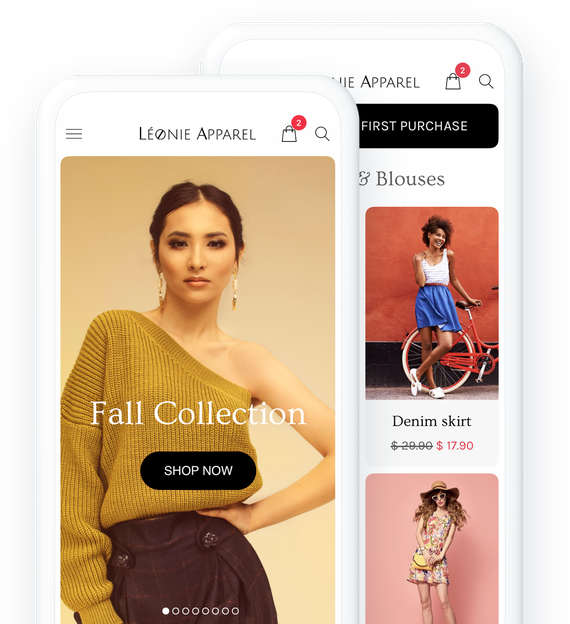
## Key features
### All the features you need to take your retail shop to the next level
### Multiple payment options
Reach a wider audience with various online and offline payment options. Accept card payments by connecting to your Stripe account. Activate PayPal to receive payment faster. With Digital wallets (Apple Pay), payment is done in one-click.

### Product Import/Export
Import an unlimited number of products in one click. Export your products in a format that can be re-used by your partners or in your app.
[More information](https://www.goodbarber.com/extensions/product-importexport/)

### Sales optimisation tools
All the tools you need to optimize the ordering process and reduce abandoned orders thanks to our add-ons
Abandoned recovery, buy again, cart popup reminder, quick buy button



## Create your Beautiful Shopping app
Choose among our 30 beautiful themes, customize your online store without coding
- [Clothing](#leonie-tab)
- [Fashion](#urban-tab)
- [Home Decor](#metek-tab)
- [Independent Shop](#gustoso-tab)

LEONIE a GoodBarber theme
[Create an app](https://www.goodbarber.com/create/)
Made with GoodBarber
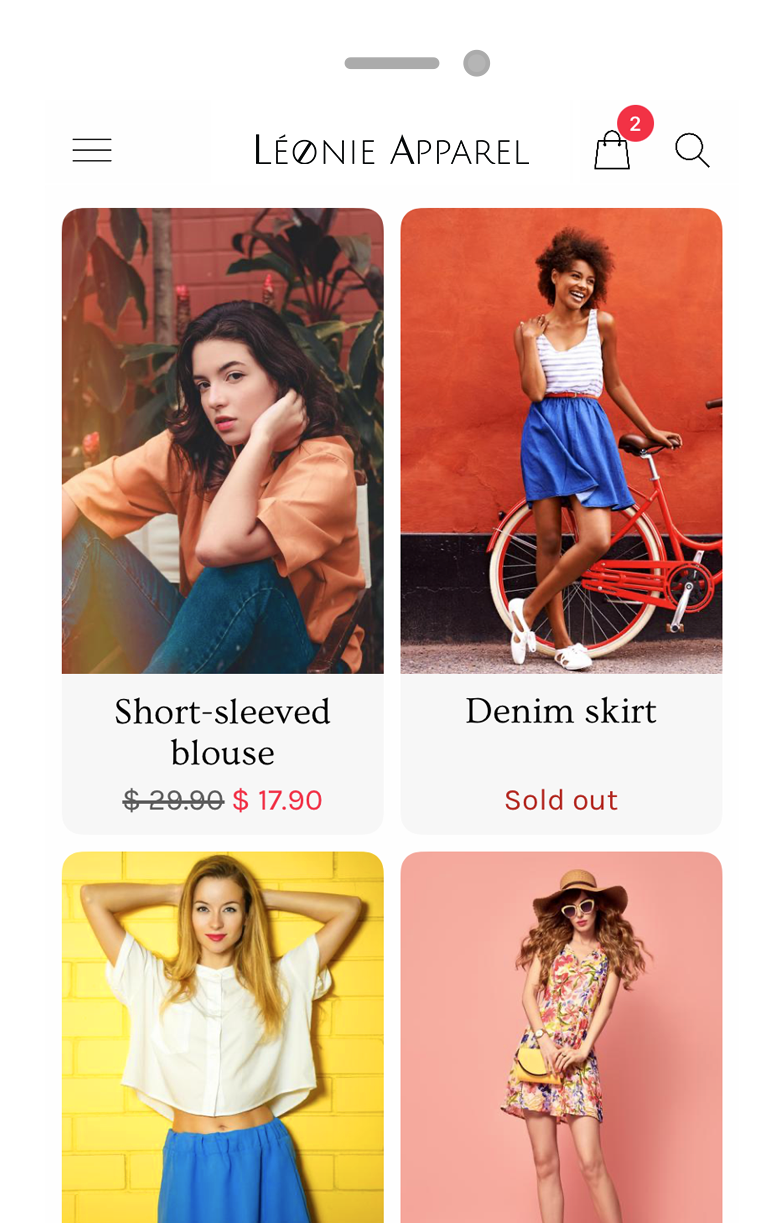

URBAN SHANGO a GoodBarber theme
[Create an app](https://www.goodbarber.com/create/)
Made with GoodBarber
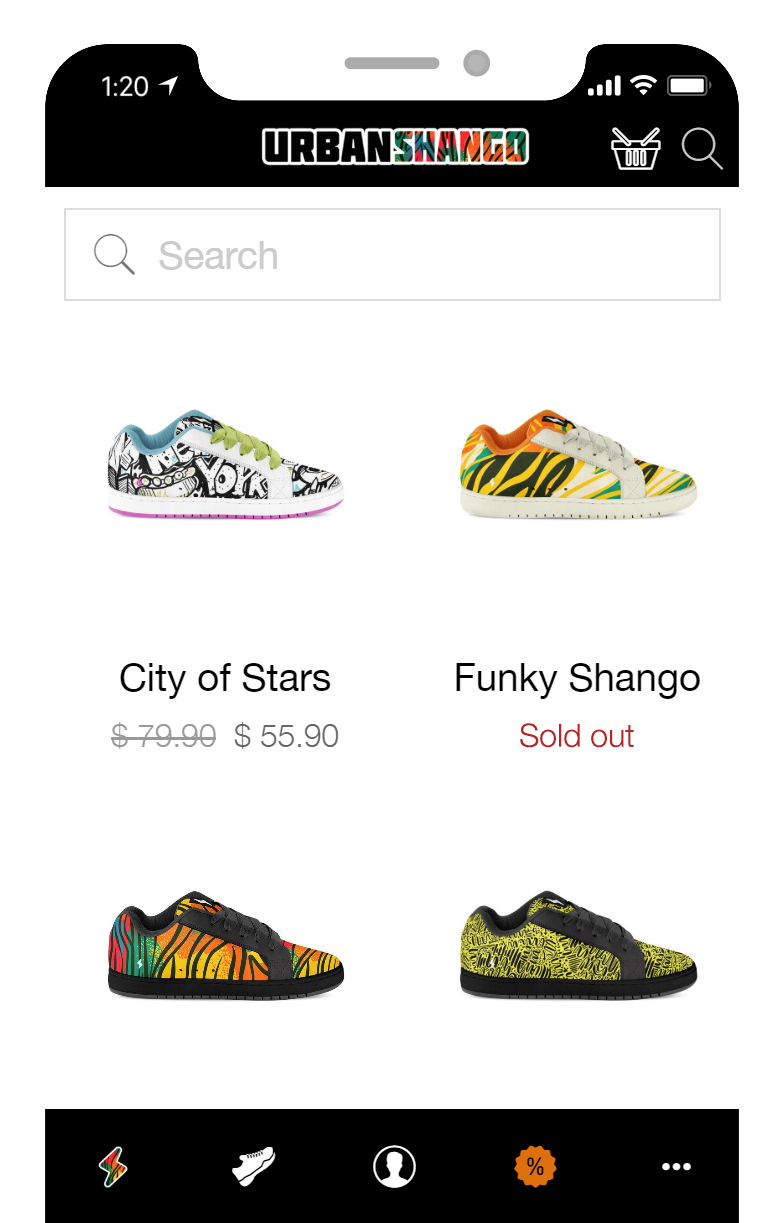

METEK a GoodBarber theme
[Create an app](https://www.goodbarber.com/create/)
Made with GoodBarber
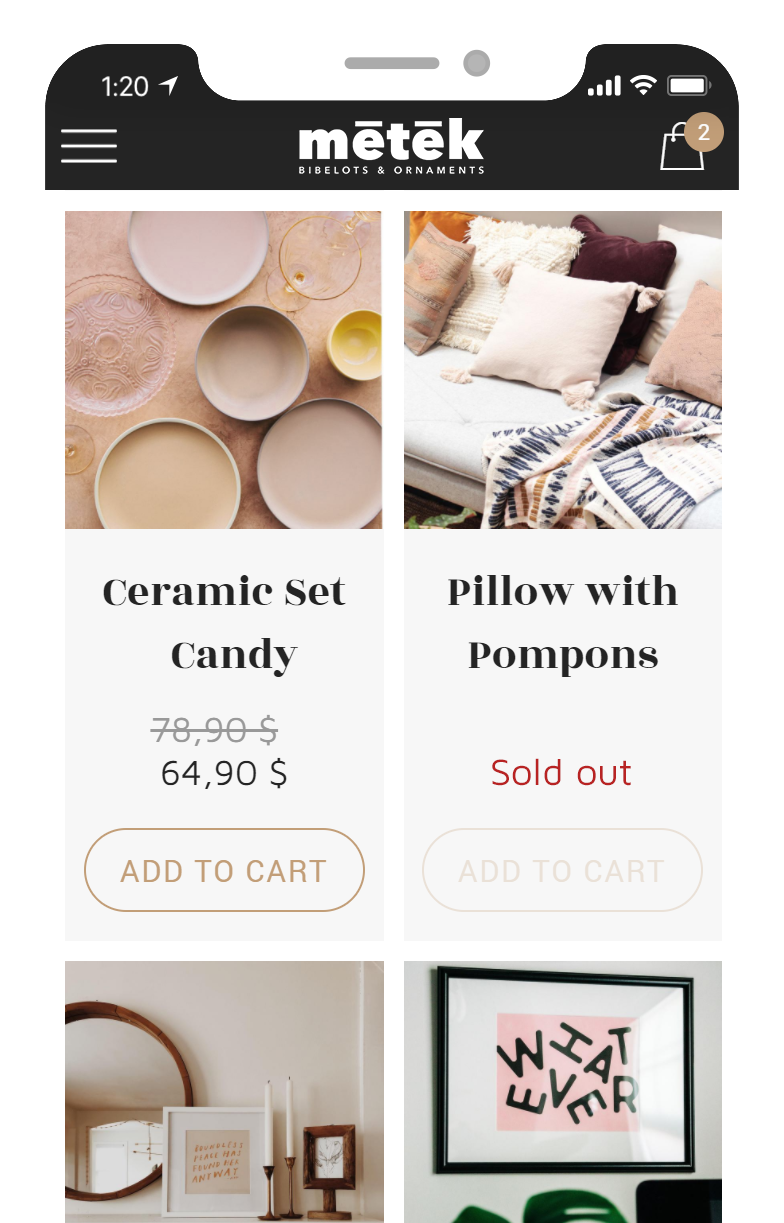

GUSTOSO a GoodBarber theme
[Create an app](https://www.goodbarber.com/create/)
Made with GoodBarber
## Easily create an app to compete with the big brands
### Simply. No code required
## Sales optimisation tools
### Reduce abandoned orders, improve the ordering process thanks to [eCommerce extensions](https://www.goodbarber.com/extensions/collections/ecommerce/)

#### Abandoned orders
Never lose an order again! Recover by email and push notification clients who have initiated an order without having finalized it.
[More information](https://www.goodbarber.com/extensions/abandoned-order/)

#### Cart popup reminder
When a client returns to your app and their cart contains items from a previous visit, a popup is displayed allowing them to directly access the checkout
[More information](https://www.goodbarber.com/extensions/cart-reminder/)

#### Buy Again
Your clients can renew an order with one simple click. The "Buy again" button allows them to add to the cart all the products from an existing order with one click
[More information](https://www.goodbarber.com/extensions/buy-again/)

#### Quick Buy button
Your clients can easily add products to their cart from the Home page (product list widget) or while browsing a collection. They never have to leave the page they’re browsing
[More information](https://www.goodbarber.com/extensions/quick-buy/)
## Deliver the best customer experience on mobile
Integrated features boosting your conversion rate
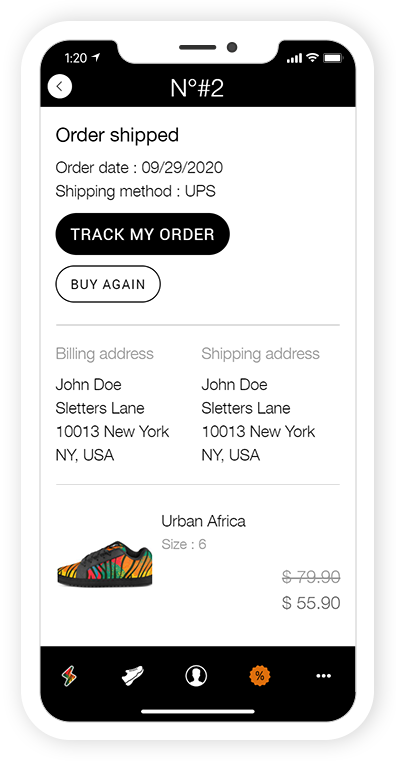
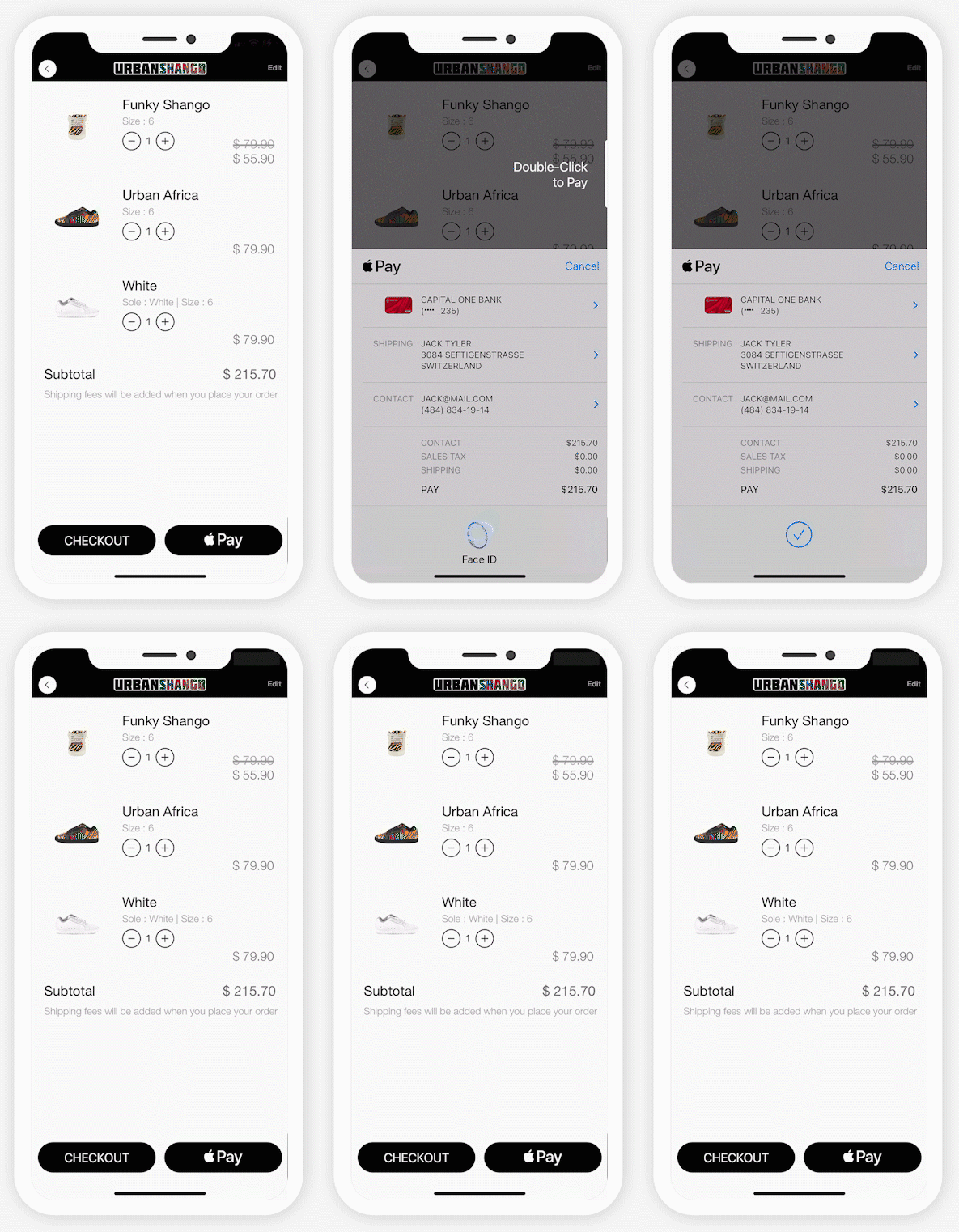
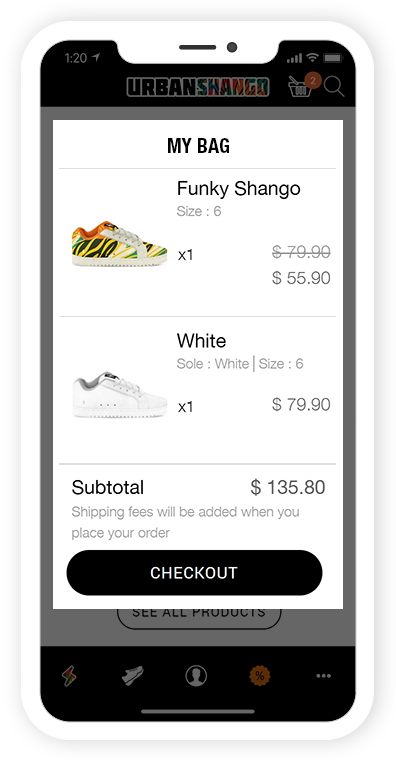
PreviousNext
Product variants
Offer your clients several options of the same product. Perfect for fashion or home decor boutiques

Quick Buy button
Your clients order easily from a product list without ever leaving the page they're browsing

Auto Login
With integrated login, your customers identify themselves only once. Then, they are immediately recognised each time the app is launched. The best way to match their expectations

Buy again
Order easily from a product list without ever leaving the page they’re browsing.

One-Click CheckOut
With Digital Wallets, the most efficient Checkout on the Web, optimise your client experience and boost your conversion rate.

Cart popup reminder
When a client returns to your app and their cart contains items from a previous visit, a popup is displayed allowing them to directly access the checkout

## A complete eCommerce platform
The one-stop-shop app
- [Statistics](#stats)
- [Order list](#command)
- [Products](#product)
- [Discounts](#coupons)
- [Shipping](#shipping)
- [Taxes](#taxes)
- [Domain name](#domain)
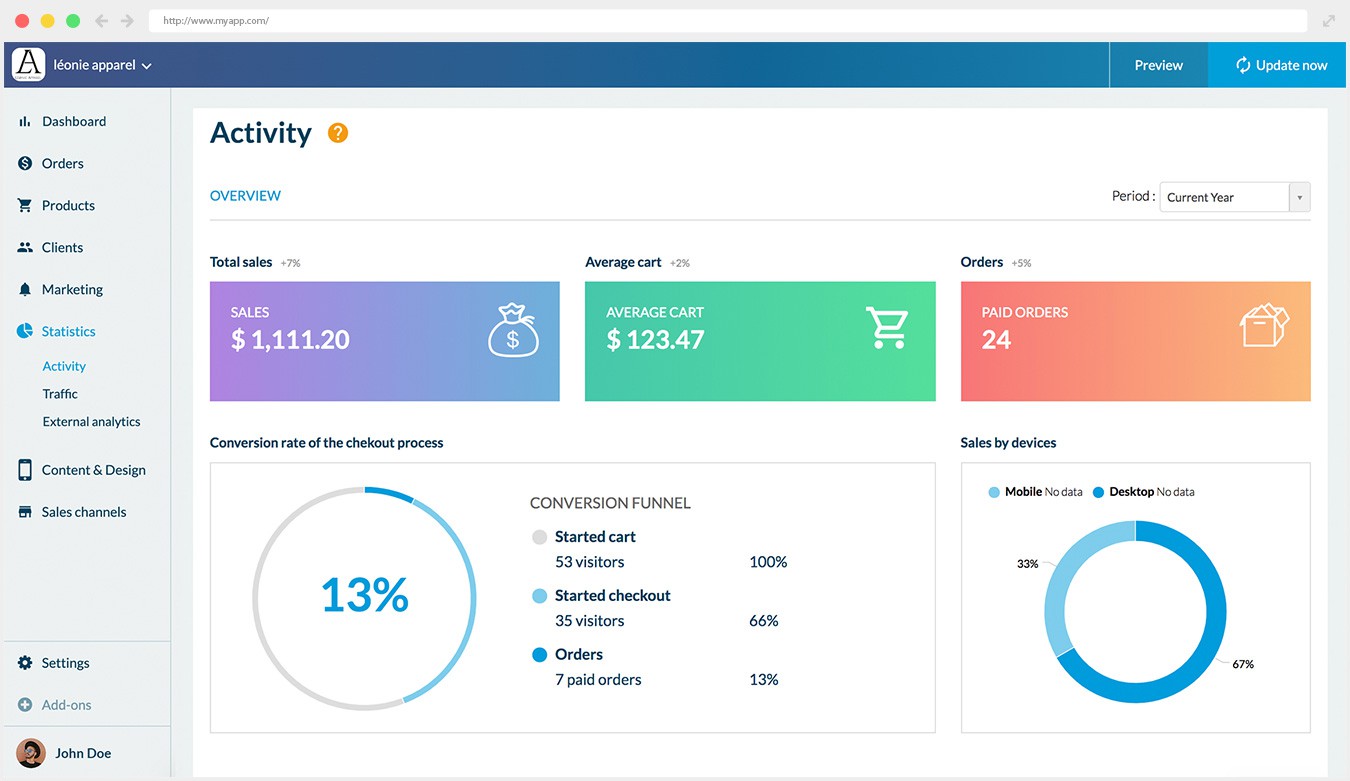
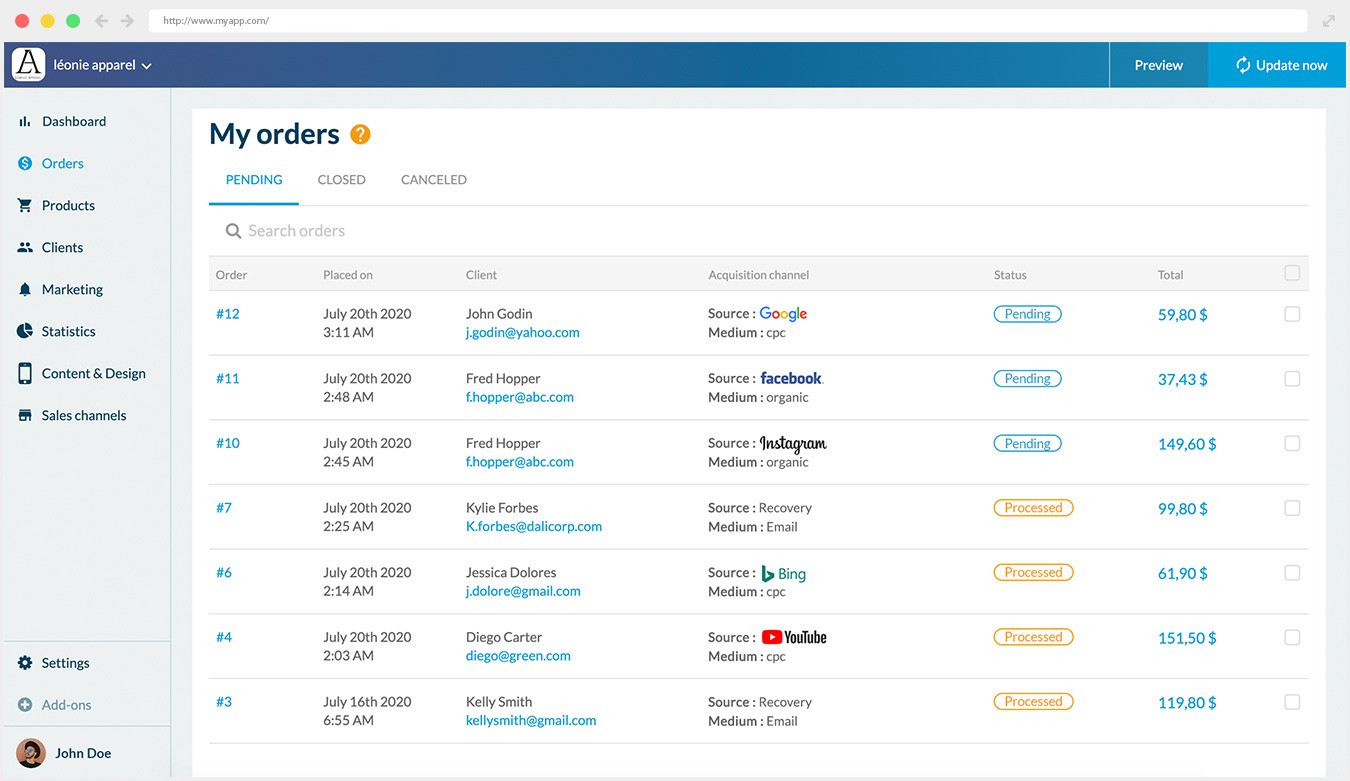
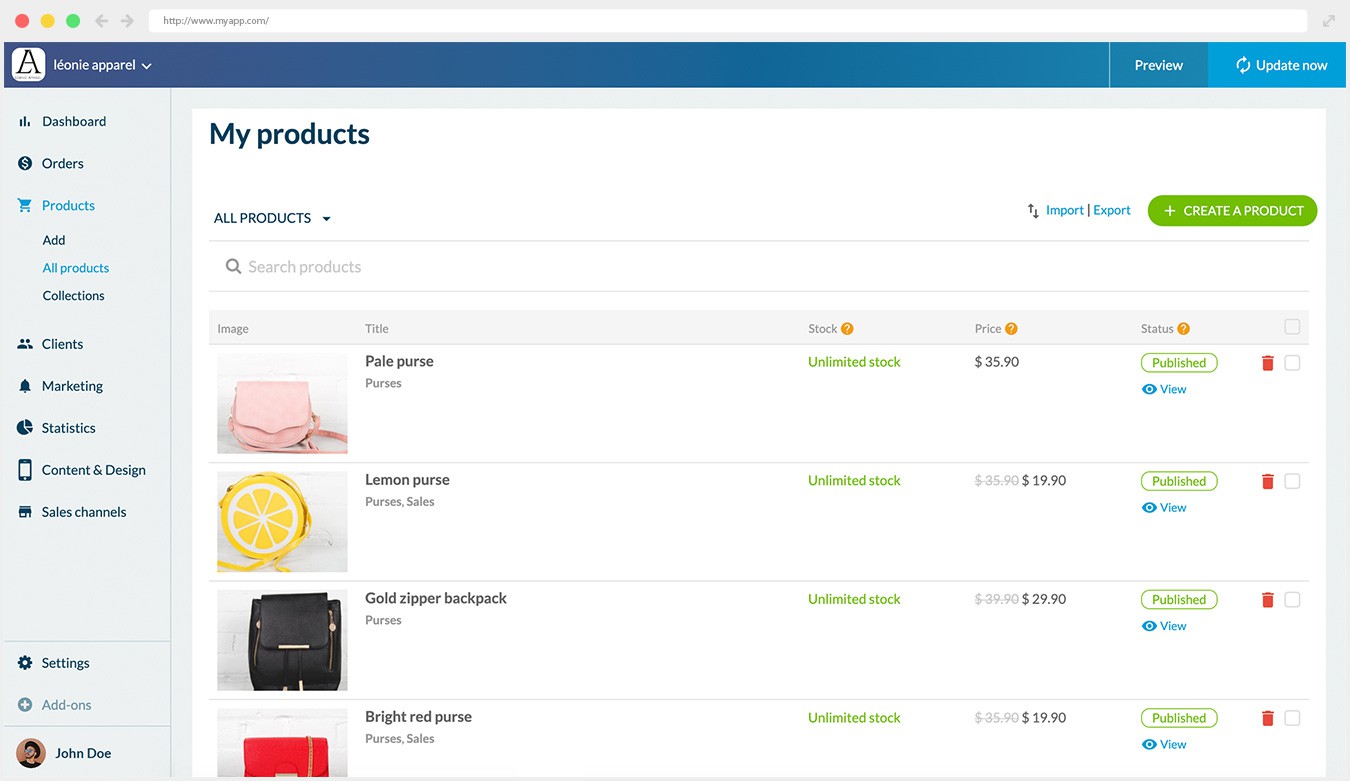
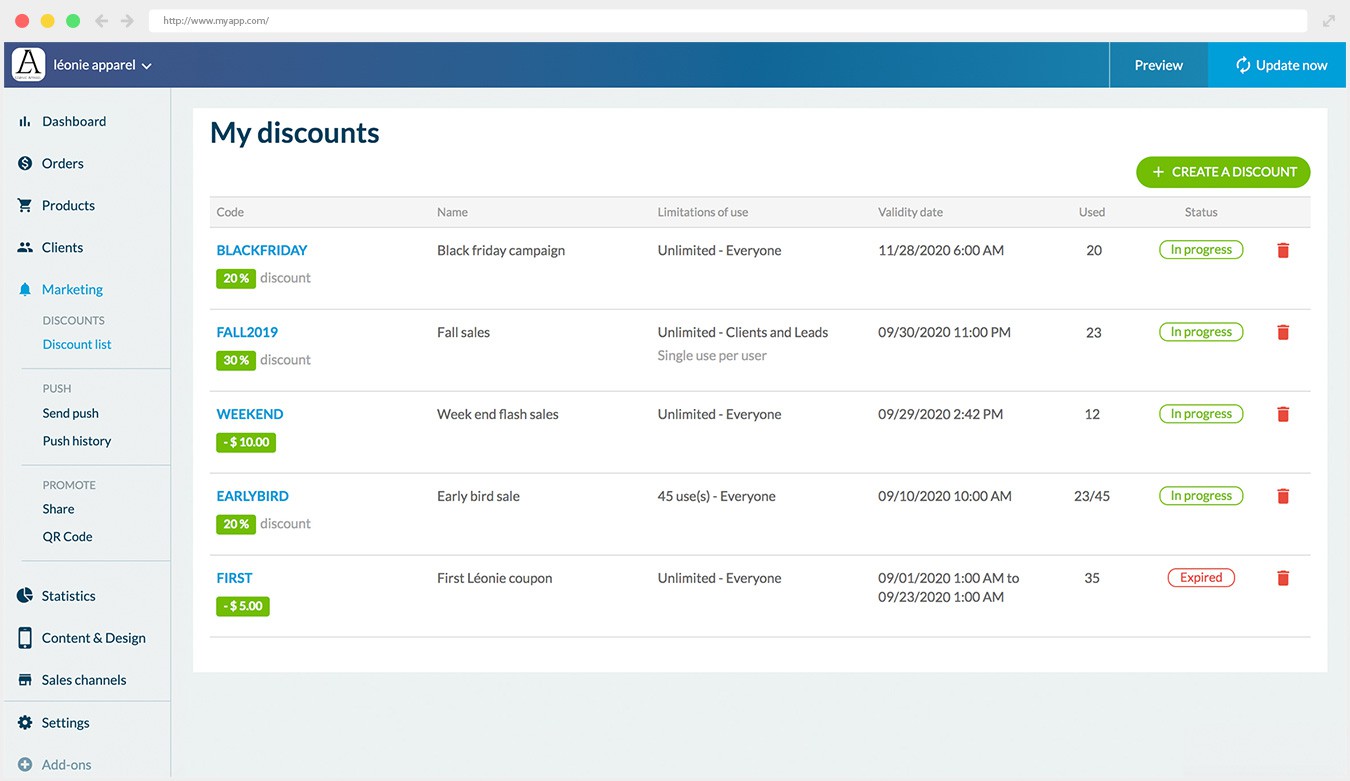
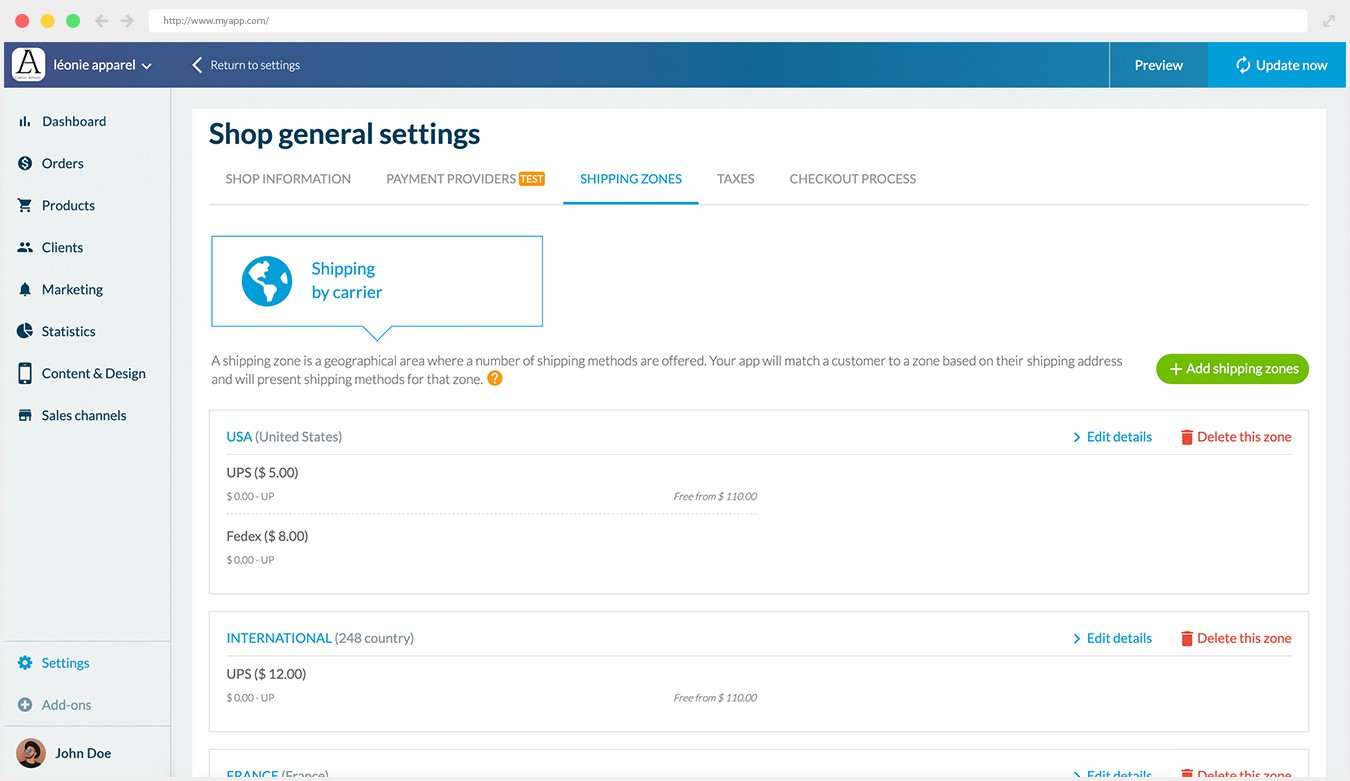
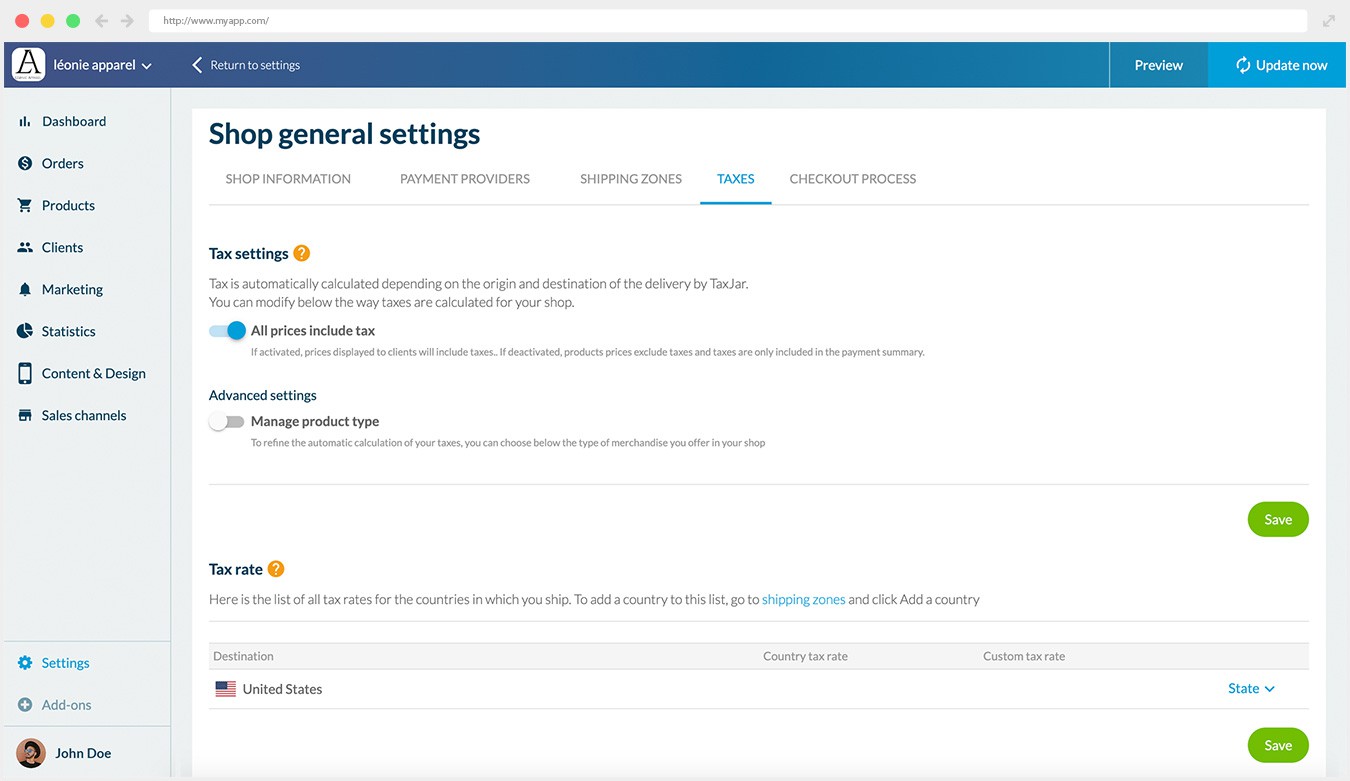
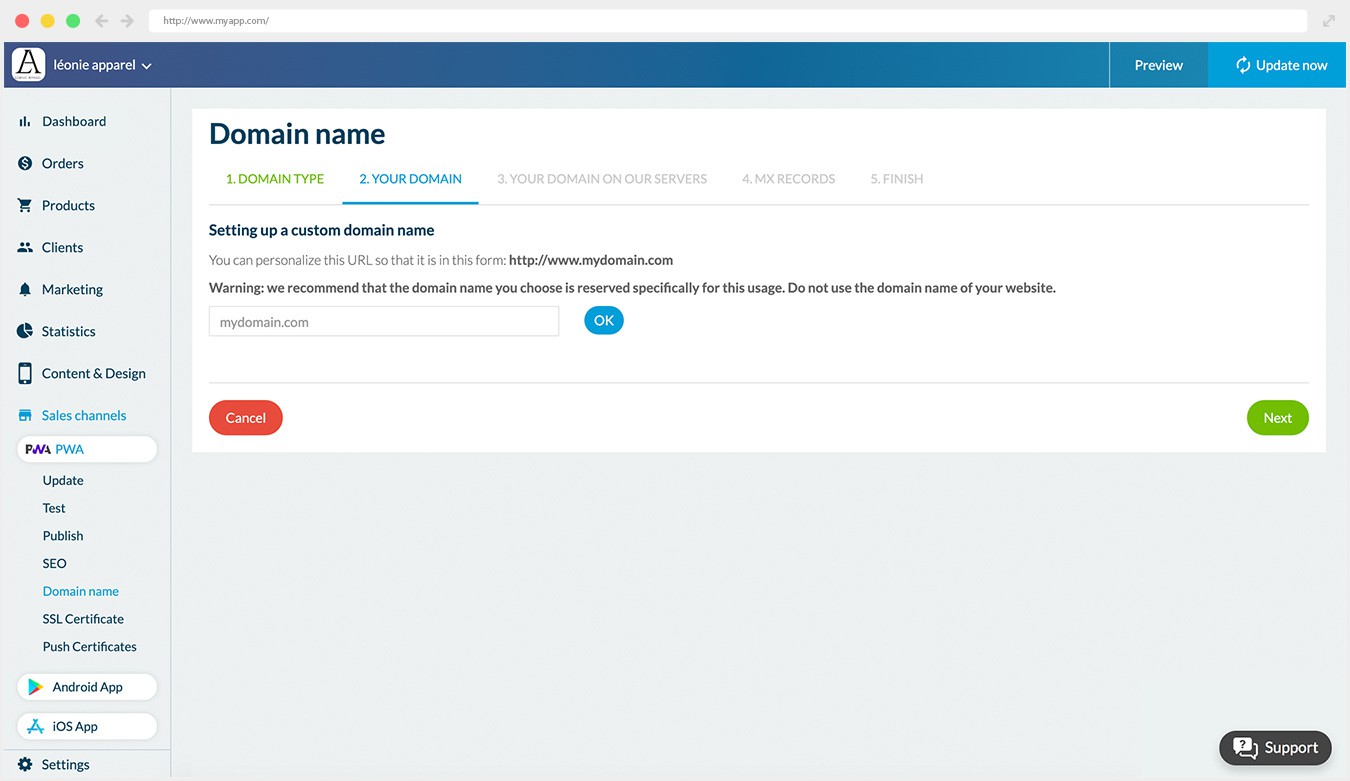
## Why your business needs an app?
### The best way to convert and build loyalty

#### Shopping Apps convert 3x more than responsive websites
Retailers who have an app are a step ahead as their app converts 3 times more than their website*. More satisfying UI, easier and faster checkout, optimized navigation increase the percentage of users who complete their purchase leading to higher conversion and cart average.

#### Shopping Apps Increase Client loyalty
Mobile app users are twice likely to return to your shop within 30 days compared to a website. Marketing tools using the phone built-in features offer the opportunity to engage your clients and built loyalty. (push notifications, email)
#### Clients prefer Shopping Apps
70% of clients prefer shopping apps* . Shopping apps offer more convenience, speed and stored settings: your clients can easily resume their shopping where they left off.
*Criteo
## Be at your best on every device
### Ensure your visibility on any sales channel and device
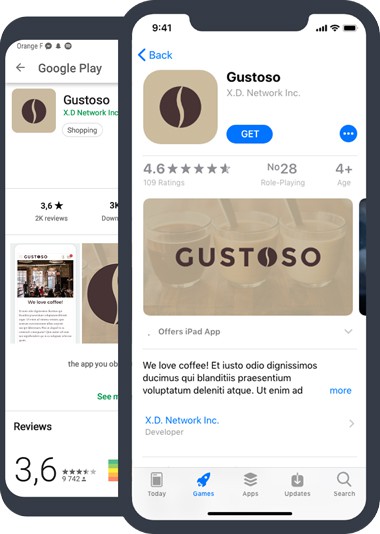
## App Store and Google Play
Native app development ensure that your Shopping App is built for iOS and Android devices. Your app benefits from GoodBarber expertise in Native Apps and eCommerce app building. Your App will be available in the App Store and Google Play Store. Your app benefits from the App Store Optimization (ASO) and client reviews.
100% NATIVE APP AVAILABLE ON

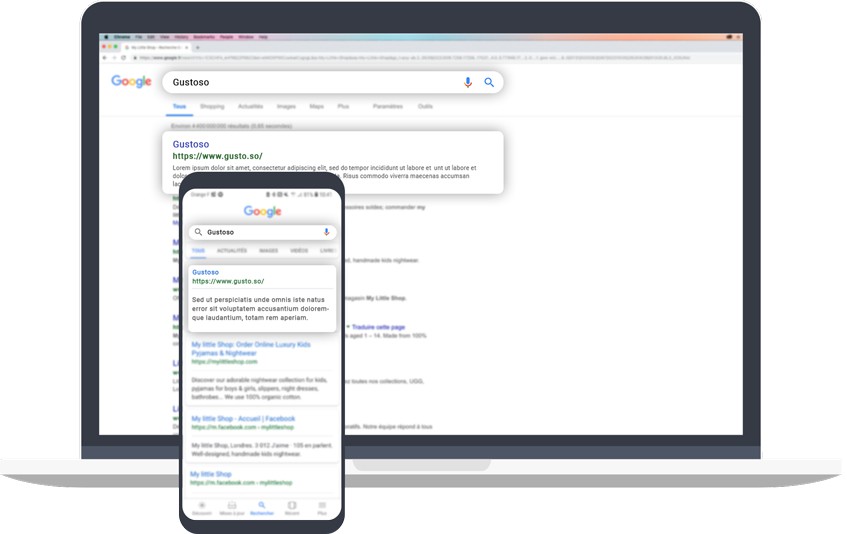
## PWA: On the Web
Perfect complement to Native Apps, Progressive Web App (PWA) offer a multiplatform interface to your users: they can access your online shopping website no matter their device. PWA also benefit of the traditional SEO indexing.
PROGRESSIVE APP FULLY RESPONSIVE

## Are you ready for the best shopping experience on mobile?
1. 1
**Designed for mobile** Deliver the best user experience on eCommerce: seamless navigation, speed, one-click payment, notifications
2. 2
**One-Stop-Shop eCommerce Platform** Manage your PWA, Android & iOS apps from a unique back-office & benefit from complete eCommerce features.
3. 3
**Instant Time to Market** No coding skills, no expert evaluation, no hidden process. You may begin your app immediately.
4. 4
**Starting as low as $40/month** We offer the best value-added of the market. For a very competitive monthly fee.
5. 5
**You're Safe** We manage the technical part. Continuous innovation included!
[Create an app](https://www.goodbarber.com/create/)
Starting as low as $40/month
Free 30-days trial
---
# Restaurant apps
Source: https://www.goodbarber.com/restaurant-app/
---
title: "Restaurant app builder: create an app for your Restaurant"
description: "Build an app for restaurants, food trucks or stands, coffee shops, delis with GoodBarber Restaurant App builder"
canonical_url: "https://www.goodbarber.com/restaurant-app/"
lang: en
---
# Restaurant app builder: create an app for your Restaurant
### GoodBarber for Restaurant
# An online ordering tool for your restaurant
## Take your restaurant to a new level by offering an app with an online ordering service
- Click & Collect
- Home delivery
- Orders management
- Time slots management
- Recurring purchases
- No commissions on sales
[Start now](https://www.goodbarber.com/create/)
Starting as low as $40/month
Free 30-day trial. No credit card required
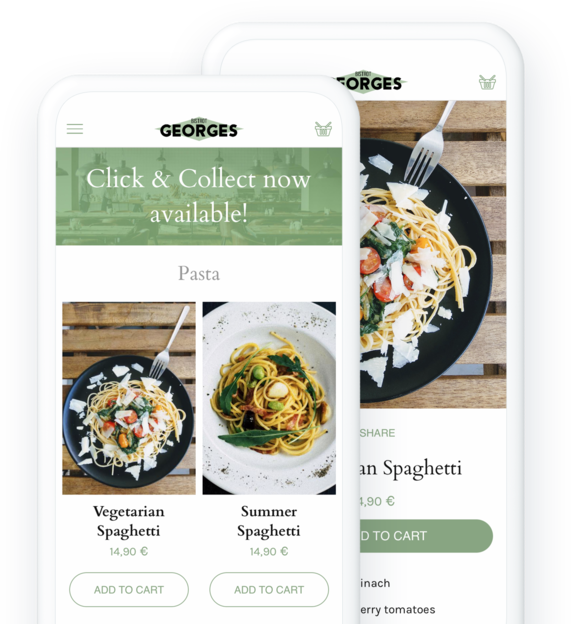
### They trust GoodBarber

## Your customers want to order your food on an app
Even though they still enjoy the atmosphere of restaurants, consumers have changed their habits in recent years and now aspire to enjoy your food at home too.
### Click & Collect
Offer your customers to order their dishes online and pick them up directly at the restaurant. They will be able to pay their order on the app or on site when they pick it up . An extremely flexible solution for all your customers in the area who prefer to order their food in advance. It's also an ideal solution for you to open up to a wider customer base without having to invest in a delivery service.
[About Click & Collect](https://www.goodbarber.com/extensions/store-pickup/)
### Home delivery
You want to deliver your customers to their doorstep? We allow you to organize your own delivery service. No money or time wasted on logistics, everything is managed so you can focus on what's important: cooking and delivering your food to your local customers. Delivery areas and rates, you decide everything to create the formula that best suits your organization and the comfort of your customers.
[About home delivery](https://www.goodbarber.com/extensions/local-delivery/)
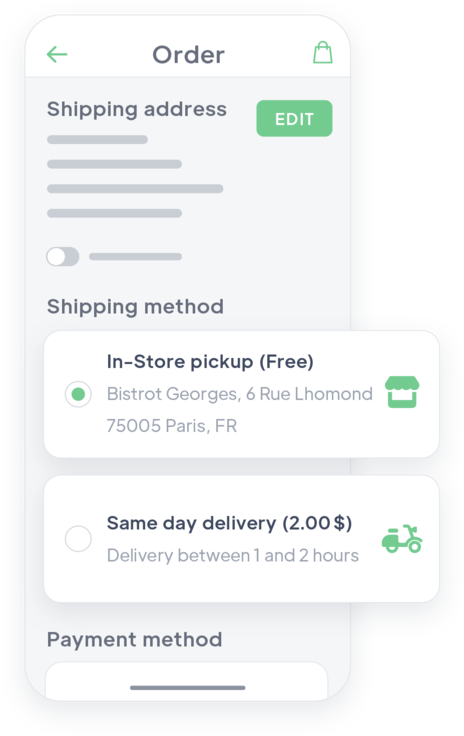
## Create an app for your restaurant
Don’t settle for the big delivery platforms
### Your branding
Having your own app allows you to match your restaurant's branding. Type of cuisine, style of decoration, particular concept... you put all your heart into your restaurant. Give it an app that reflects its image: your customers will relate to it, and you'll have an effective tool to set yourself apart from the competition.
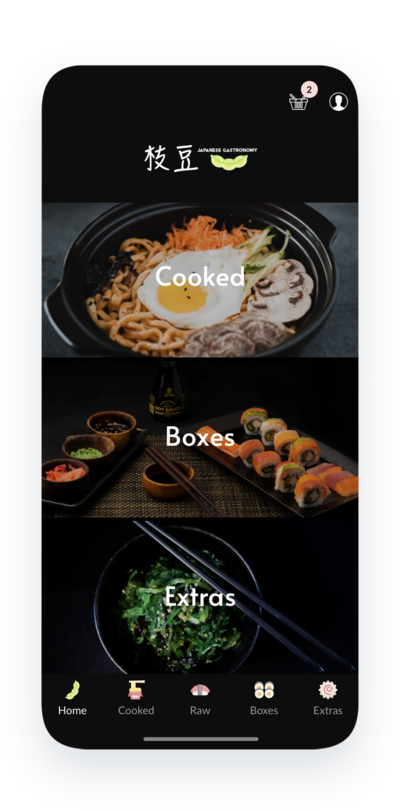
### Your communication
You can use your app for different purposes: display your menu, highlight specific dishes or events, offer discounts, display photos, share recipes... everything is possible since you' re in charge.
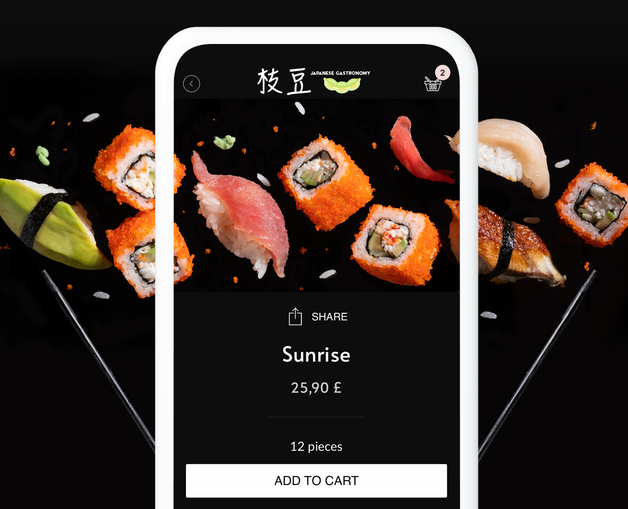
### Your earnings
Unlike external delivery platforms that you may join, GoodBarber does not take any commission on sales made in your restaurant's app. All payments collected in the app are yours.
## More than just an ordering service
A simple and all-in-one back office
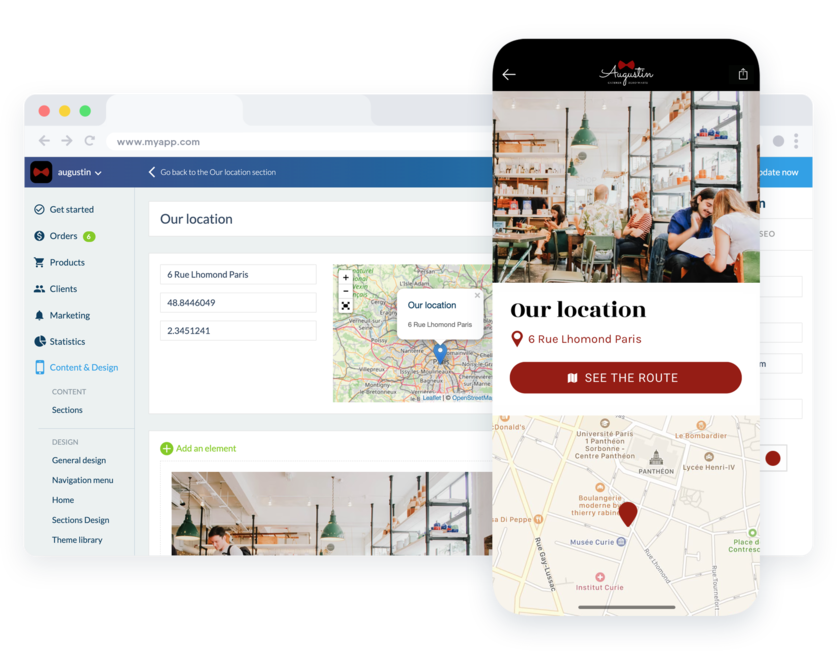
### Content & Design
The back office is the space where you manage of course your menu, but also all the additional content you would like to add to your app: photos, videos, articles, information about your restaurant... You create and modify your content instantly.
### Customer files
All the information about your customers and leads are in your back office. Contact, addresses, number of orders, purchase frequency, average cart, order history, everything is listed in a dedicated menu in your back office and you can even annotate your customers' files. This information is precious and allows you to know your customer base and to adapt to it.
### Marketing tools
Discounts, push notifications, QR code, discover many tools in your back office that will allow you to make your app more accessible, to interact with your customers or future customers, to attract them and especially to build their loyalty.
## A flexible and lightweight ordering system for you and your customers
Take it easy: your app adapts to the way you work, not the other way around
### Order management
Your App takes orders for you: once your customers have chosen their dishes and validated their cart, an order is created on your side. You are instantly notified and only have to worry about what is happening in the kitchen. You can change the status of each order in one click: pending, processed, delivered or even cancelled. Your customers are also notified of the change in status of their order. No pressure for you, no frustration for your customers!
### Time slot organization
To help you organize your business and offer your customers even more comfort, you can define the time slots during which your customers can pick up their order or be delivered. They can choose their time slot and be sure not to wait too long for their food. On your side, you define the duration of the time slots, and the maximum number of orders per slot. You can also choose the minimum time between an order and its delivery or collection. In short, everything is done to allow you to control the management of your orders without affecting the organization of your kitchen.
### My Shop Companion
Because as a restaurant owner you are not often sitting at a desk, the management of your orders can be done directly on your smartphone thanks to the My Shop Companion app. It allows you to view all your current orders, sorted according to their delivery or pick-up times. You can directly change the status of your orders to inform your team and organize yourself, and warn your customers who are waiting for their food. If you offer a delivery service, the My Companion app can also be very useful to manage the communication between you and your delivery staff: they will be able to notify you as soon as an order has been delivered by changing its status on their smartphone.
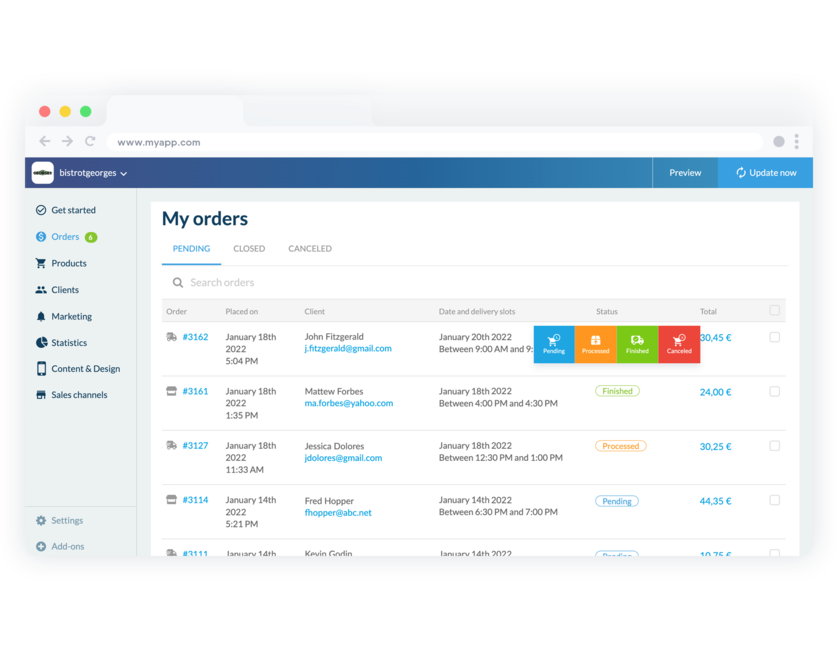
## Offer several payment solutions and adapt to a wide range of customers
1-click payment or in person, offer a shopping experience as smooth as in a restaurant
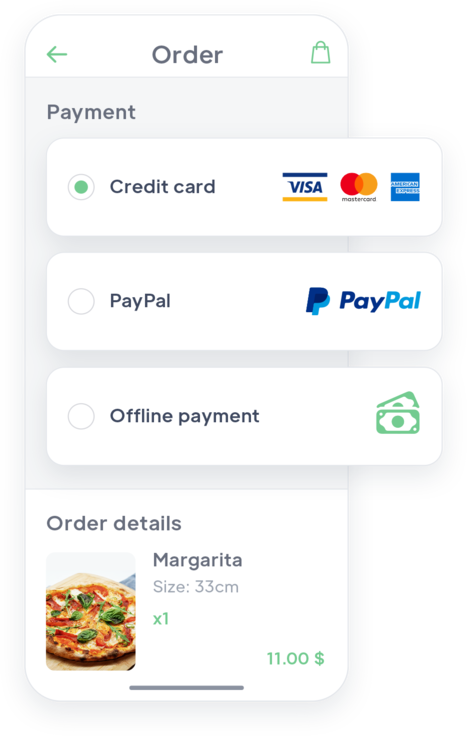
### Accept all types of payments
When your customers order via the app, they can pay directly online. Bank cards, Paypal, Restaurant vouchers... Everything is possible! Also offer the fastest payment method on the web: 1-click payment with Apple Pay (Digital Wallets).
### Receive payment in person
For your customers who want to, offer payment outside the app, at the delivery or at the restaurant in case of click and collect. No need to enter their credit card in the app, your customers can validate their order and then pay it, in full transparency.
[Discover more about offline payment](https://www.goodbarber.com/extensions/offline-payment/)
### Make your customers' lives easier
Your customers are there to eat, not to spend hours on your app looking for your products or entering their payment information. Simplify the checkout process by removing unnecessary steps: your customers will only be asked for information specific to their chosen delivery method. No time wasted filling in unnecessary details.
[Discover more about fast checkout](https://www.goodbarber.com/extensions/fast-checkout/)
## Increase your restaurant’s revenue
Tools to really boost your sales

### Discounts
Create discounts for your customers to attract them or to increase their average spend. You can define whether the discount applies to the entire check or to specific products, in a fixed amount or as a percentage. You can also create discounts for specific customers and add conditions of use. Discounts can be used to reward your loyal customers or to boost the sales of a particular dish.

### Abandoned order reminder
What if you could chat with those who compose their meals with your dishes but don't validate their order? It's possible with your app. You have access to all the abandoned orders of your restaurant and to the corresponding customer file. Of course, you can send a reminder to encourage your customers to finalize their order.
[Discover more](https://www.goodbarber.com/extensions/abandoned-order/)

### Push Notification
Don't wait for your customers to think about your restaurant, but instead generate their interest by sending them a notification from time to time. Your customers are employees who order lunch from you but your orders are not as high on Tuesdays? Consider sending them a notification next Tuesday at 11:45 a.m. to tell them about your mouth-watering special of the day, results guaranteed.

### Recurring orders
Make life easier for your regular customers. They know your dishes and have their own preferences. Save them time by allowing them to renew an order they've already placed with one click. An option that can be very useful when they are in a hurry or very hungry.
[Discover more](https://www.goodbarber.com/extensions/buy-again/)

### Loyalty program
Offer your customers a loyalty card enabling them to save money. You'll increase customer satisfaction and encourage repeat purchases. Each time they order in your restaurant, they'll earn points that will give them an advantage to accumulate. It's the best way to build customer loyalty.
[Read more](https://www.goodbarber.com/extensions/loyalty-program/)
## Increase your visibility and build customer loyalty with the same app
Publish your app on the web and on the Apple and Google stores
### App Store and Google Play
GoodBarber apps are specially designed for iOS and Android. They benefit from GoodBarber's expertise in Native Apps. Your app is available on the Apple App Store and Google Play Store. Your App benefits from a referencing on the Stores (ASO) and customer reviews give it visibility. The native features and the incomparable user experience they provide will allow you to keep your customers loyal and to maintain contact with them.
### PWA: On the Web
The Progressive Web App is the web version of your app, which means that it works like a website: referenced by Google, it allows you to gain visibility and reach new customers for your restaurant. Thanks to it, you can optimize your digital presence and take advantage of Google My Business to promote your restaurant. Multi-platform, the PWA can be viewed by your customers on any device and ensures the traditional referencing of your content (SEO).

## And so much more…
### Store locator
Display your restaurant(s) on a map and help your customers find you instantly. Points are detailed with text, photos, videos or sound to help you describe your establishment. A button allows your customers to generate an itinerary automatically from their location.
### Contact form
Integrate a contact form to your app that will allow you to answer your customers' questions or concerns. You can customize the form fields according to your needs.
### Automatic login
With the integrated login, your customer identifies themselves only once. Then, they are immediately recognized each time they launch the app. Nothing like this to meet your customer's expectations.
### Order instruction
Your customers have the possibility to add details to their order thanks to a free field in the checkout screen. A good way to tell you about an allergy, the number of dishes they want to have, a particular cooking...
### Cart reminder
If a customer has left your app with dishes in their cart, a pop up will be displayed on their next visit to allow them to finalize their order directly.
### Quick Buy Button
It allows your customers to easily add dishes to their cart from the Home of your app or by browsing the list of your dishes. They will never have to leave the page they are viewing to add a dish to the cart.

### ChatGPT
Optimize your restaurant app with an AI virtual assistant! Instantly answer questions about menus, reservations and practical information. Deliver an exceptional dining experience and superior customer service with our integrated extension.
## Why restaurants need an app?
### Offer take-out and delivery
The pandemic has significantly changed consumer habits. In the U.S., 68% of consumers say they are more likely to order takeout today than they were before the pandemic. And this trend continues to grow. Beyond the health crisis, digital channels are becoming increasingly popular with customers who demand convenience and flexibility. An app is the best way to offer an ordering service to your customers.
### Be independent of delivery platforms
Even if there are many advantages to be present on delivery platforms such as Uber Eats, Doordash or Deliveroo, especially in terms of the visibility they will bring to your restaurant, nothing will replace your own app. A presence on these platforms is not incompatible with having your own app for your restaurant. The latter will allow you to retain your customers and maintain a bond with them. Remember that in 2020, a study conducted by Square showed that 2/3 of American customers preferred to order their meals directly from their favorite restaurants than via a third party.
### No commission on sales
With your app, you decide everything for your restaurant. You manage your menu, your orders, your time slots, your cash flow. You benefit from the best technologies to facilitate your sales and cash in quickly (Apple Pay, PayPal, credit cards, etc.). And of course, no commission is deducted from your sales. Everything you collect in your app is yours.
Running a café or a coffee shop? Order-ahead pickup and a loyalty program matter more than delivery. [See the coffee shop app builder](https://www.goodbarber.com/industry-apps/retail/coffee-shop-owner/)
## Client's love
### [GoodBarber is a powerful app builder.](https://www.trustpilot.com/reviews/60f08679f9f48702a8e6869e)
#### Melissa Okta
GoodBarber is a powerful app builder. If you want to build your app using a pre-built template, GoodBarber is ideal for you. At Global Academy, we almost completed the 5th year using their easy-to-use pre-built platforms to build premium Apps for our customers. Also, Goodbarber's customer support is excellent. Highly recommended.
-
-
-
-
-
### [Great support and always very helpful answers.](https://www.trustpilot.com/reviews/60c0ca7cf9f487099ce24eb9)
Great support and always very helpful answers. Nothing is too trivial for the team to answer.
-
-
-
-
-
### [Responsive support and usually quick.](https://www.trustpilot.com/reviews/60ad3c03f9f4870a94ace1d1)
Responsive support and usually quick. Software is by far the best in the market, with tremendous capabilities for configurations.
-
-
-
-
-
### [I really like the system.](https://www.trustpilot.com/reviews/60551146f85d7509fc10d732)
#### Gene Hieber
I have been a resller member for a month now. I've built several demo apps. I really like the system. Easy to navigate and I have sold a couple progressive web apps and am working on native apps as well. I highly recommend Good Barber.
-
-
-
-
-
### [The team at GoodBarber has been incredibly informative and helpful](https://www.trustpilot.com/reviews/6054cff7f85d7509fc1090eb)
#### W. Monahan
The team at GoodBarber has been incredibly informative and helpful during both the creation and maintenance of my app. I am not super tech savvy, and they always provide me with solid guidance on how to fix my issue or improve my app. I shopped around for different options when looking to build my app, and I am happy that I chose this company.
-
-
-
-
-
### [They helped me to create a beautiful, successful app](https://www.trustpilot.com/reviews/60511fb2f85d75064c43947b)
#### Mary Davis
I have been with GoodBarber since 2014 and I can not say enough good things about them and my experience within with them. They helped me to create a beautiful, successful app; they have been there for me every step of the way to solve customer issues and help with updates; and they have an easy to use, infinitely customizable dashboard to create the app of your dreams - which is what I did. Thank you GoodBarber. You are the best
-
-
-
-
-
### [Great tool, it has all features you need to build your own app or website.](https://www.trustpilot.com/reviews/60a22025f9f4870a94a45023)
#### Manuel Ventura
Great tool, it has all features you need to build your own app or website.
-
-
-
-
-
### [GoodBarber is a wonderful platform.](https://www.trustpilot.com/reviews/604e93b7f85d7503942a6703)
#### Mini Maestro
GoodBarber is a wonderful platform. Their support staff are helpful and the interface is easy to navigate! Thank you for enabling us to give extra support to our customers with our customer app.
-
-
-
-
-
### [The Best App Builder on the Market](https://www.trustpilot.com/reviews/604c6024f85d75064c40265c)
#### Draculapp
The Best App Builder on the Market, PWA at ease, and Native iOS assistance for the publishing issues. Very good support and constant updates. Many features and beautiful design layouts and a high level of customization. Recommended for individual Businesses or Agencies with a very good solution for the reseller program. And last but not least, friendly staff! It worth a try...
-
-
-
-
-
### [One of the best providers in the space.](https://www.trustpilot.com/reviews/604ba651f85d75064c3fd1ab)
#### K. Linton
One of the best providers in the space. Easy to use, well documented and excellent customer service. If you’re looking to create a mobile app solution for your company or clients GoodBarber is definitely the way to go.
-
-
-
-
-
## [Restaurants](https://www.goodbarber.com/extensions/collections/restaurants/)
Tools to boost your restaurant's sales
[Offline paymentFacilitate your clients shopping experience and allow them pay outside the app to reach a wider audience.](https://www.goodbarber.com/extensions/offline-payment/)[Buy againOffer your clients to renew an existing order in 1 click](https://www.goodbarber.com/extensions/buy-again/)[In-store pickupFrom App to Store: Your clients place their order from your app and come to your shop to pick it up](https://www.goodbarber.com/extensions/store-pickup/)[MB WAYOffer payment with MB WAY via the Stripe Extended extension](https://www.goodbarber.com/extensions/mbway/)
## Discover more
### [Resellers: how to sell an app to a Restaurant?](https://www.goodbarber.com/blog/resellers-how-to-sell-an-app-to-a-restaurant-a1137/)
With GoodBarber you can create a lot of different apps, we offer over 500 features. So as a Reseller, you can target many different sectors.
### [Edamame Restaurant: digitalization of a family restaurant](https://www.goodbarber.com/blog/edamame-restaurant-digitalization-of-a-family-restaurant-a1046/)
The period we just went through proved it: consumer habits are changing, and businesses must adapt. In the food industry, like catering, the change in consumption patterns had already begun long before the onset of the health crisis.
### [How to create your own Pickup & Delivery app](https://www.goodbarber.com/blog/how-to-create-your-own-local-delivery-pickup-app-a1010/)
Many brick-and-mortar shops had been facing a tough situation these past few months due to the lockdowns imposed in many countries by the Covid-19.
## Pricing
[Monthly](#)[Yearly](#)[One time](#)
||Standard $40/monthbilled yearlySave $120 yearly|Premium $70/monthbilled yearlySave $240 yearly|Pro $140/monthbilled yearlySave $480 yearly|Agency $290/monthbilled yearlySave $1080 annually|Pro $6000One-off paymentSave $15600 in one go|Agency $16000One-off paymentSave $29600 in one go|
|---|---|---|---|---|---|---|
|Technology|||||||
|PWA technology|yes|yes|yes|yes|yes|yes|
|Native technology||Android + iOS (iPhone & iPad)|Android + iOS (iPhone & iPad)|Android + iOS (iPhone & iPad)|Android + iOS (iPhone & iPad)|Android + iOS (iPhone & iPad)|
|Available in Google Play Store||yes|yes|yes|yes|yes|
|Available on the App Store||yes|yes|yes|yes|yes|
|Capacities|||||||
|Storage info $2 for 10 GB|2 GB|10 GB|50 GB|100 GB|50 GB|100 GB|
|Push notifications info $10 for 100K extra push notifications(per month)|10K|30K|250K|500K|250K|500K|
|Staff accounts|1|3|unlimited|unlimited|unlimited|unlimited|
|Number of projects|1|1|1|unlimited|1|unlimited|
|Page views (bandwidth & traffic)|unlimited|unlimited|unlimited|unlimited|unlimited|unlimited|
|Variants per product|100|100|100|100|100|100|
|App downloads||unlimited|unlimited|unlimited|unlimited|unlimited|
|Account manager|||yes|yes|yes|yes|
|Extensions storeLarge library 190+ [extensions](https://www.goodbarber.com/extensions/). New extensions every month info Extend the features of your app with extensions : Automations (Zapier, Make), Analytics, Monetization, Sales optimization, Integration (Wordpress, Squarespace, RSS).|||||||
|Free extensions|Up to 5|Up to 20|unlimited|unlimited|unlimited|unlimited|
|Abandoned orders|$10/month (billed $100/year. You save 2 months)|$10/month (billed $100/year. You save 2 months)|yes|yes|yes|yes|
|Delivery slots|$15/month (billed $150/year. You save 2 months)|yes|yes|yes|yes|yes|
|Products import|$25/month (billed $250/year. You save 2 months)|$25/month (billed $250/year. You save 2 months)|yes|yes|yes|yes|
|Payments|||||||
|No additional transaction fee|0%|0%|0%|0%|0%|0%|
|Stripe, Apple Pay, PayPal, one-click payments, offline payments|yes|yes|yes|yes|yes|yes|
|Core features|||||||
|NO CODE drag&drop app builder|yes|yes|yes|yes|yes|yes|
|Fully customizable design|yes|yes|yes|yes|yes|yes|
|Content Management System(article, video, podcast, event, map, photo, live)|yes|yes|yes|yes|yes|yes|
|SEO friendly, AMP, ASO friendly|yes|yes|yes|yes|yes|yes|
|Support (Real human support, by the GoodBarber team itself)|yes|yes|yes|yes|yes|yes|
|Yearly plan subscription pricing|Standard$480/year|Premium$840/year|Pro$1680/year|Agency$3480/year|/year|/year|
### Create your restaurant app now
[Start for free](https://www.goodbarber.com/create/)
## Frequently asked questions
### How to create a Restaurant app easily ?
GoodBarber Restaurant App Builder allows you to build a mobile app for your Restaurant in a very easy way.
**Follow these steps to create your own Restaurant app :**
1. Get everything you need ready for your app
2. Start your Restaurant app on GoodBarber
3. Add your food products to your app
4. Design your Restaurant app
5. Add your Restaurant business information to your app
6. Customize your transactional emails and push notifications
7. Add app extensions to deliver the best shopping experience on mobile
8. Test and publish your Restaurant app
It can be an app to share your best pictures, videos through Social Media to promote your Restaurant as well as an e-commerce app for selling and delivering food.
### How much does it cost to make a Restaurant app?
You can start running your Restaurant app for free with our 30 day free trial.
Then it is up to you to subscribe to the plan that best fits your needs: the basic plan to make a Restaurant App starts at $40/Month.
Note that additional costs apply to publish iOS apps on the App Store.
### What solutions are provided by GoodBarber to a Restaurant ?
- You will get your own Restaurant app, at an affordable price.
- Very simple Stocks update via Back-office or “Shop Companion” app.
- Easily update opening hours and delivery slots in one click.
- Build a Customer base you would use for communication purposes and promotional campaigns.
- A ready-to-deploy solution for selling online
- A destination for Facebook and Google ads
- Online ordering management (Click and Collect, Local Delivery slots)
- Create and update restaurant menus easily from your app
### What are the advantages to building a Restaurant app using GoodBarber App Builder ?
- 1-click shopping experience
- Promotional offers via coupons
- Push notifications to boost sales
- Many payment options (credit card, Apple Pay, PayPal, cash, meal ticket)
- With Shop companion, no new orders via the app will go by the wayside
- Click&collect and local delivery add-ons to open up new sales channels and deal with the crisis
- 1 tool for the 3 essential mobile platforms
- A team of experts to guide and help them
- An easy to use NoCode App builder
- A purchase workflow designed to enhance Buying Experience
- Several options to customers to pay for their order
- Configurable time slots for Click and Collect with maximum number of orders per slot: we ensure a smooth service without overloading the restaurant team.
- Restaurant app design customization allows to create an app perfectly matching the visual identity of the restaurant
### How can I customize my Restaurant app design and User Experience ?
With over 200 layout options, an impressive theme collection and modular design, you can create a unique app reflecting your Restaurant app branding
There are many options and levels of customization. You can choose different “Global Styles” to customize the app all in all or may just customize a given section.
Our Restaurant app builder offers 9 templates for listing pages and 4 templates for stand-alone pages.
You will be able to customize headers, fonts, background colors and navigation menus.
### Will my Restaurant app be available in all countries ?
Yes, it can be available in all countries. You will decide about Geo-distribution, selecting those countries where the app will be available in the app stores, before publication on Apple’s App Store and Google Play Store.
### Do I need technical skills to build a Restaurant app ?
Thanks to GoodBarber No-Code App builder, you don’t need any programming skills to create your app. You can create your app for Android, iOS or a mobile website using a Progressive Web App (PWA) without a single line of code.
### Do you provide any support and After-Sales Assistance ?
Yes, indeed! GoodBarber Support and Assistance program provides for:
- Free support
- Unlimited Number of support tickets
- App Lifetime support
- Support in 5 languages
- 4 offices in 3 countries
- 3 time zones support
### Who is the Developer of my Restaurant app ?
You are required to purchase your own Developer account from Apple and Google. Therefore, you are the developer of your app. GoodBarber is simply the tool to create it.
### Can I sell my Restaurant app?
Yes, you can sell your Restaurant app. To do this, you need to transfer the ownership of your app to the new owner, on each app store.
In addition, you must transfer the ownership of the GoodBarber back-office to the new owner. To do this, you will need to contact the GoodBarber support team.
[Start for free](https://www.goodbarber.com/create/)
Starting as low as $40/month
Free 30-day trial. No credit card required
---
# Local delivery apps
Source: https://www.goodbarber.com/local-delivery-apps/
---
title: "Create a Delivery app - Delivery app builder and in-Store Pickup"
description: "Create your Local Delivery App without coding. Discover all our features and themes to make Delivery and Pickup Shopping apps a success."
canonical_url: "https://www.goodbarber.com/local-delivery-apps/"
lang: en
---
# Create a Delivery app - Delivery app builder and in-Store Pickup
GoodBarber for Pickup & Delivery
# Create an app for Local Delivery + Pickup
## Grow your business by offering your clients flexibility and convenience
- Fast checkout
- Delivery by zip code or radius
- Time slots
- 1-click renewal of an order
- Customer notes
- Permanent cart
[Create an app](https://www.goodbarber.com/create/)
Starting as low as $40/month
Free 30-days trial
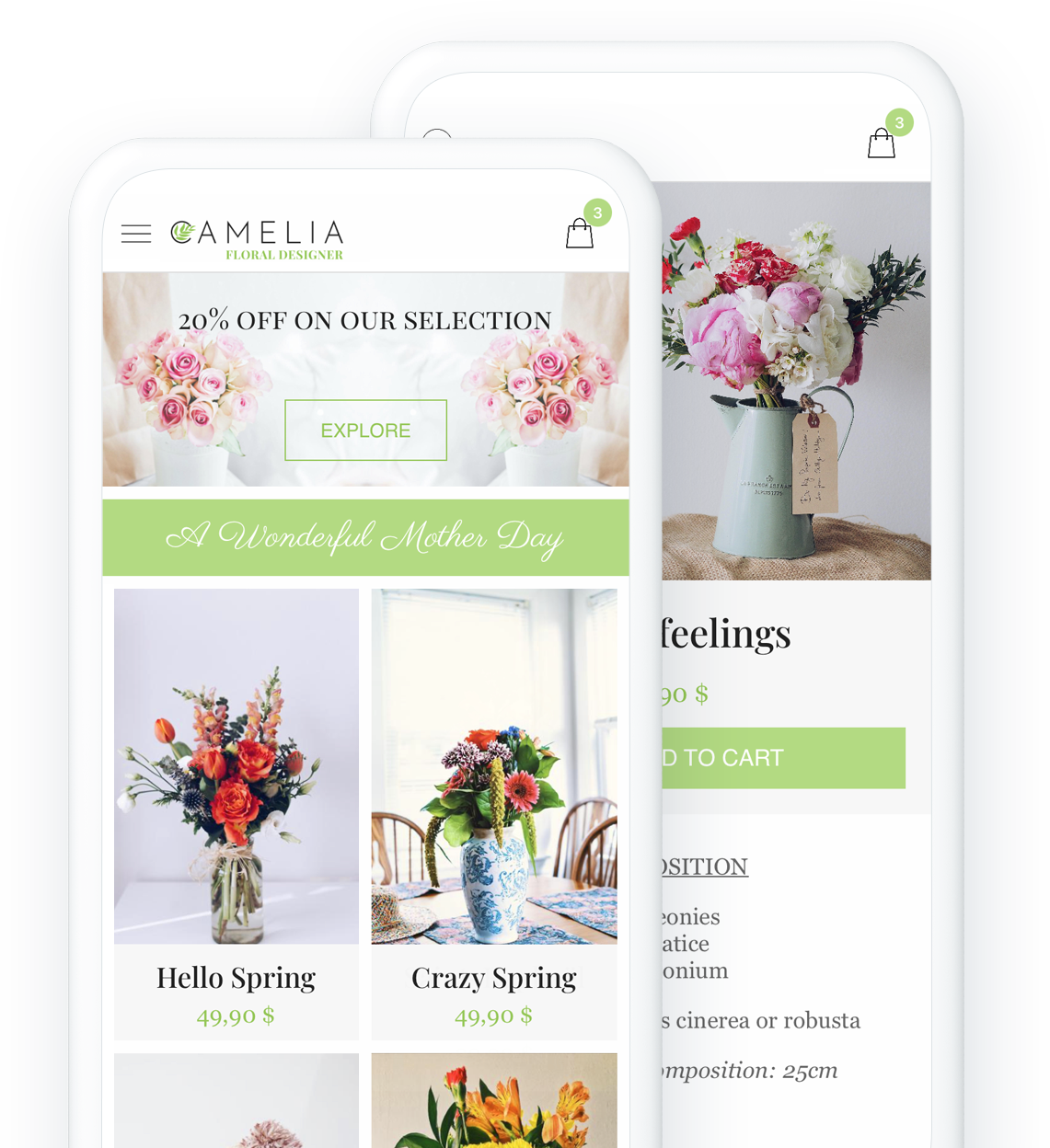
## Key features
### Perfect for all local businesses: boost your sales, grow your local client base
### Offline payment
Facilitate your clients shopping experience and allow them pay outside the app to reach a wider audience.
[More information](https://www.goodbarber.com/extensions/offline-payment/)
### Local delivery
Configure your delivery zones by zip code or radius and offer fast delivery to your local customers
[More information](https://www.goodbarber.com/extensions/local-delivery/)

### In-Store pickup
From App to Store: Your clients place their order from you app and come to your shop to pick it up [What is click and collect?](https://www.goodbarber.com/glossary/click-and-collect/)
[More information](https://www.goodbarber.com/extensions/store-pickup/)
### Time slots
Create time slots for which you want to allow deliveries
[More information](https://www.goodbarber.com/extensions/time-slots/)



## Create your Beautiful Shopping app
Choose among our 30 beautiful themes, customize your online store without coding
- [Restaurant](#bistrot)
- [Caterer](#augustin)
- [Florist](#camelia)
- [Local Farmer](#oribu)
- [Independant shop](#yogii)

BISTROT GEORGES a GoodBarber theme
[Create an app](https://www.goodbarber.com/create/)
Made with GoodBarber
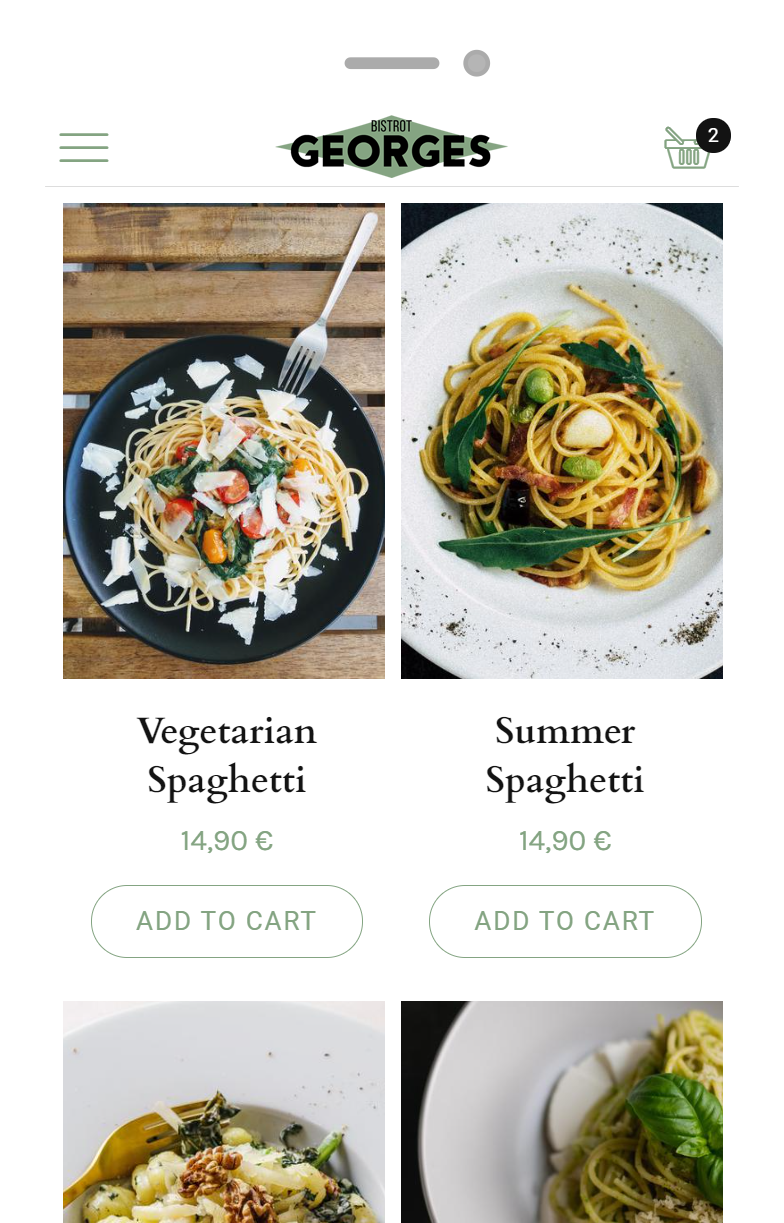

AUGUSTIN a GoodBarber theme
[Create an app](https://www.goodbarber.com/create/)
Made with GoodBarber
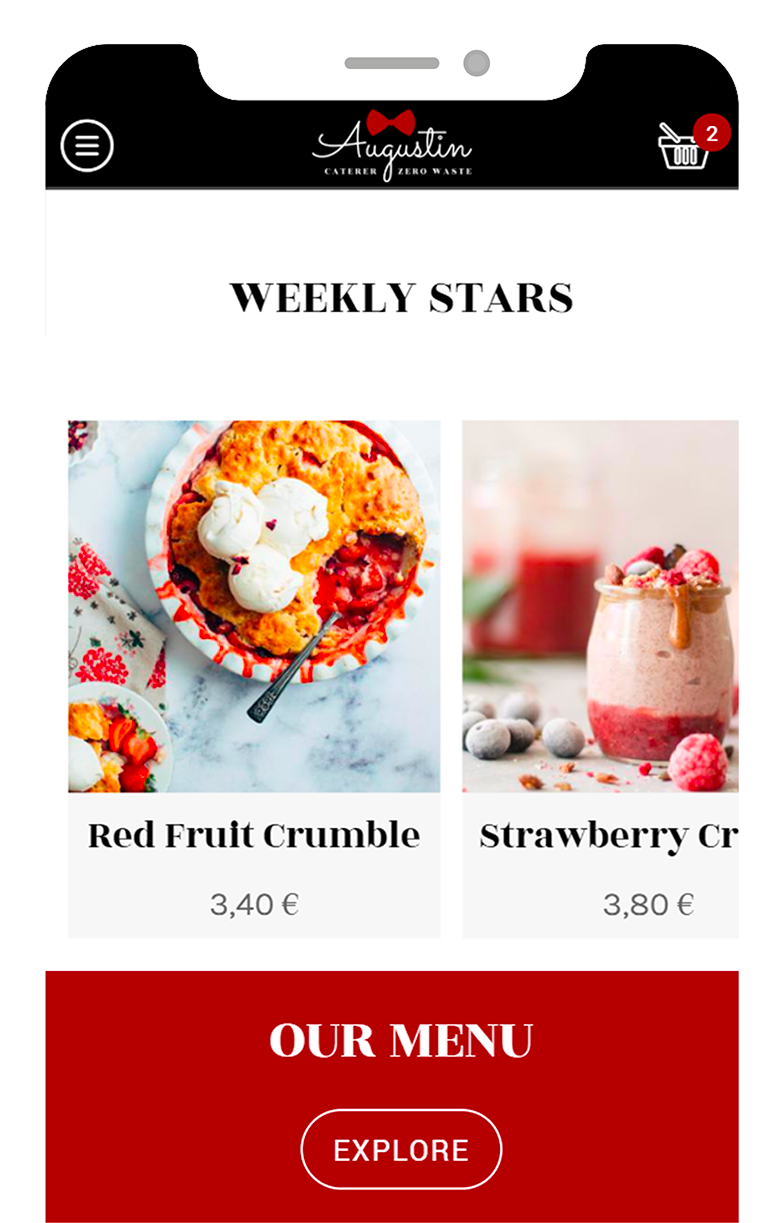

CAMELIA a GoodBarber theme
[Create an app](https://www.goodbarber.com/create/)
Made with GoodBarber
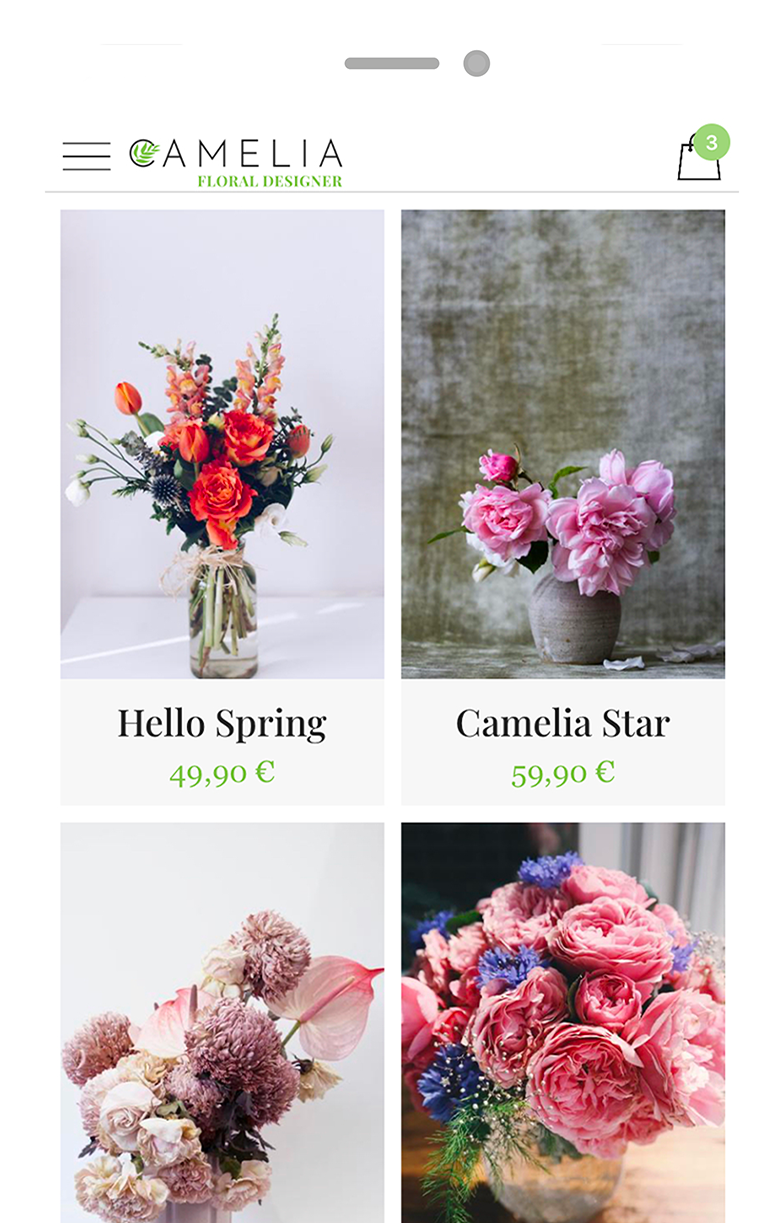
ORIBU a GoodBarber theme
[Create an app](https://www.goodbarber.com/create/)
Made with GoodBarber
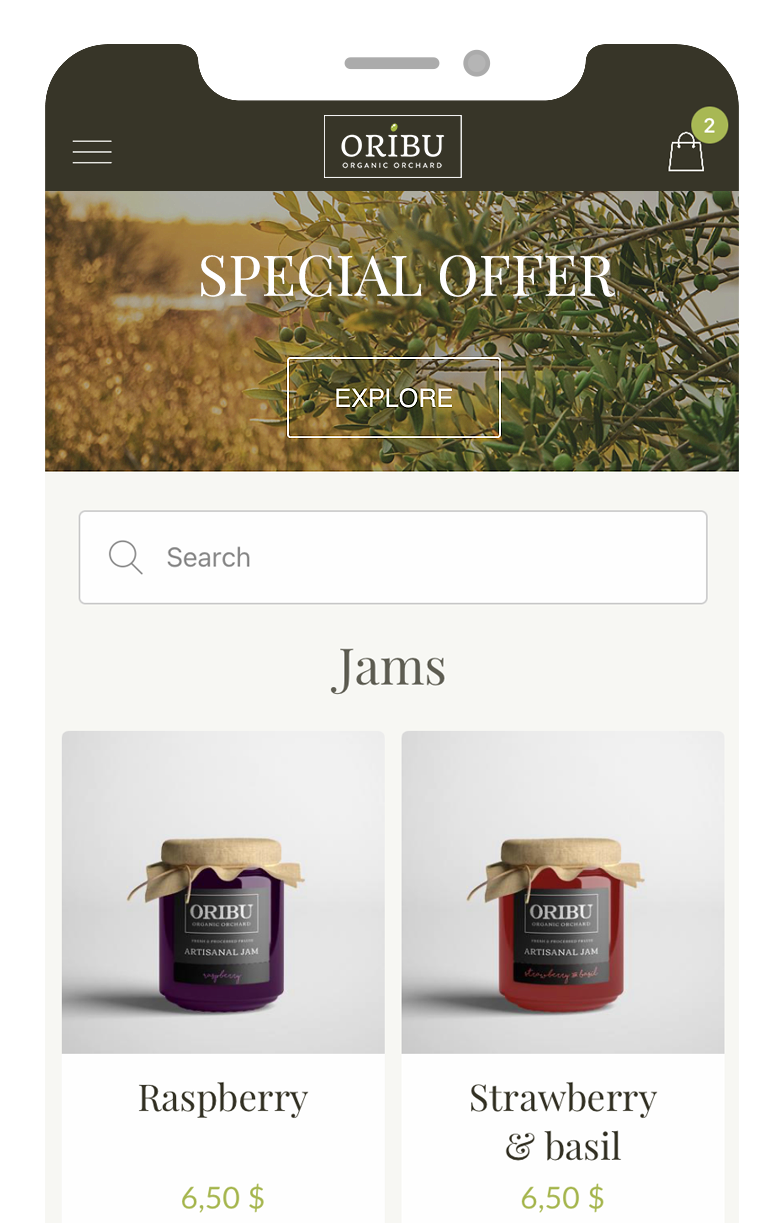

YOGII a GoodBarber theme
[Create an app](https://www.goodbarber.com/create/)
Made with GoodBarber
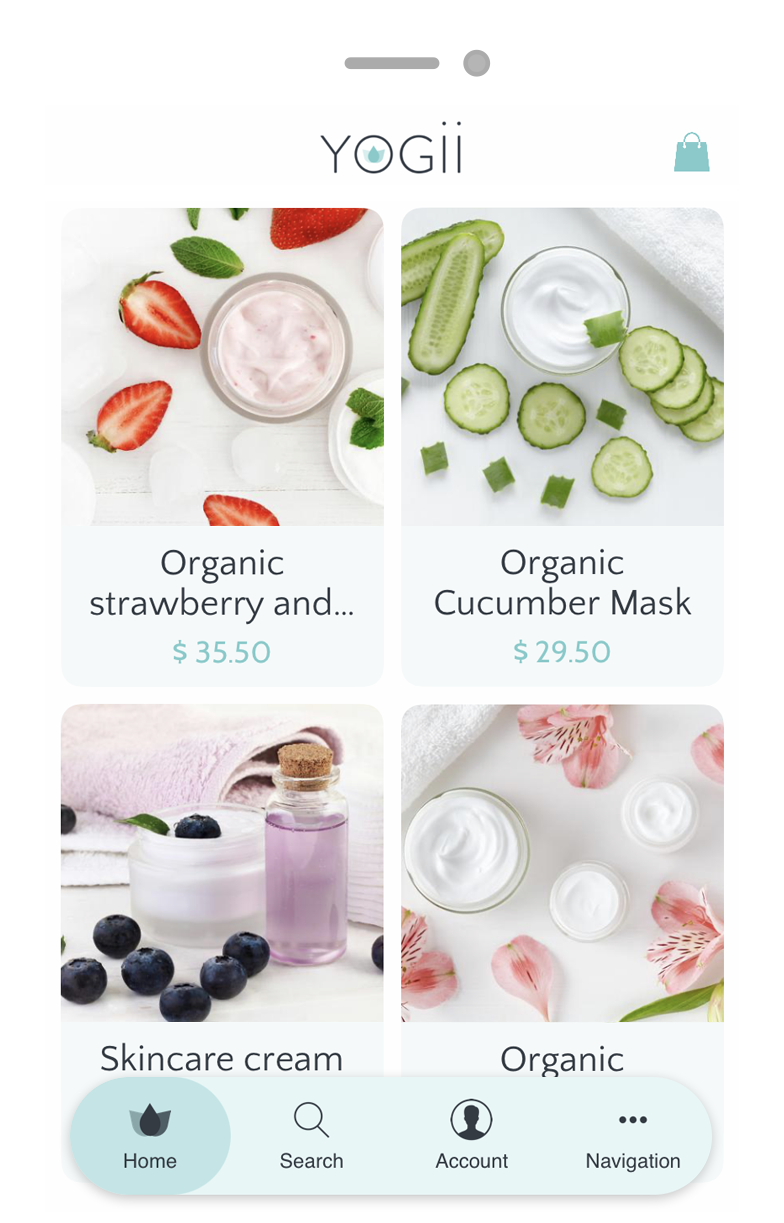
## Easily create an app and take your business to the next level
### Simply. Without a single line of code
## Deliver the best shopping experience on mobile
[Integrated features](https://www.goodbarber.com/extensions/collections/local-delivery/) boosting your conversion rate
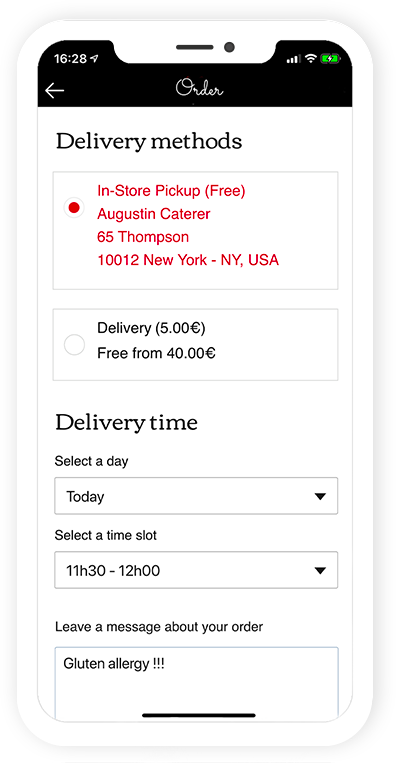
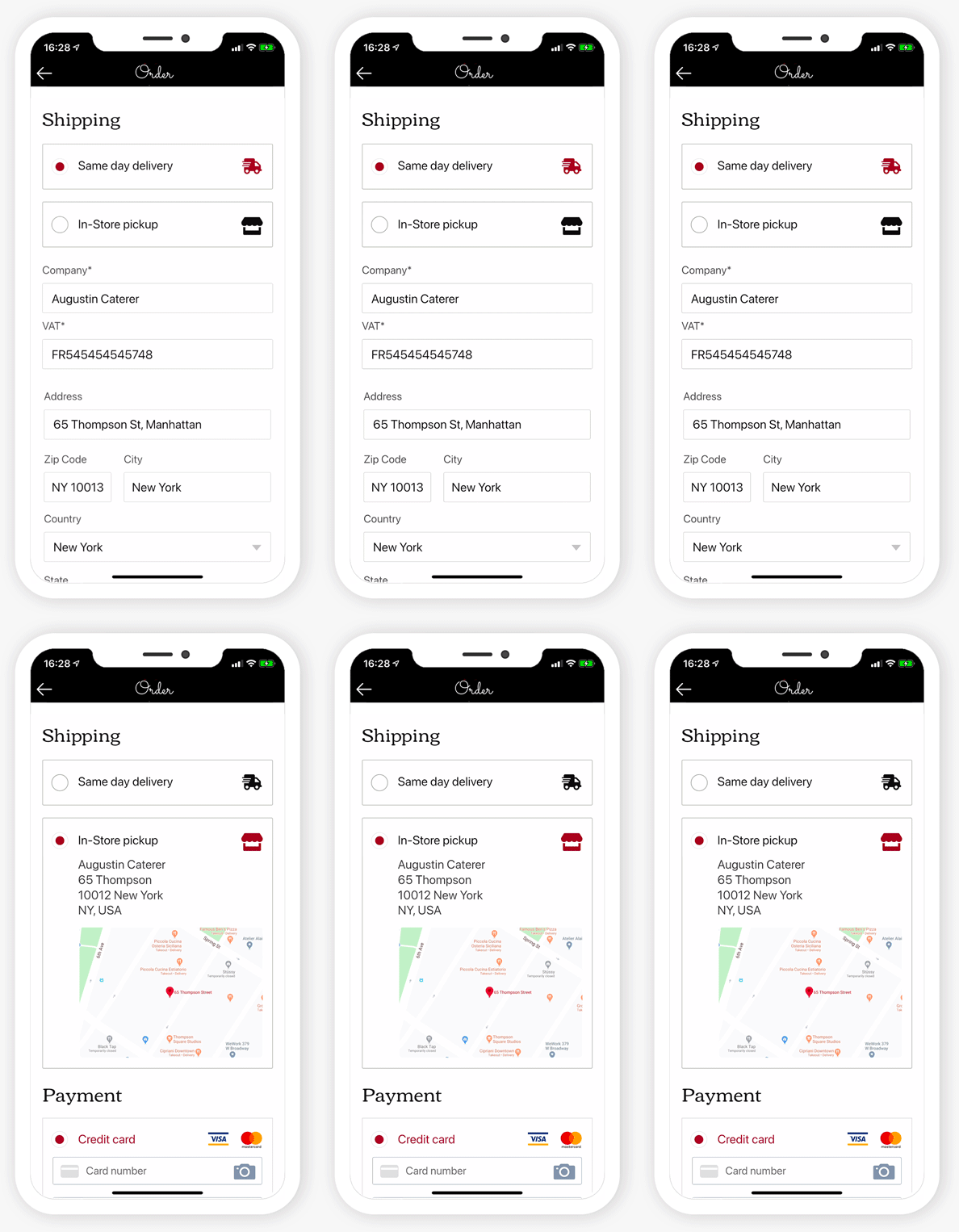
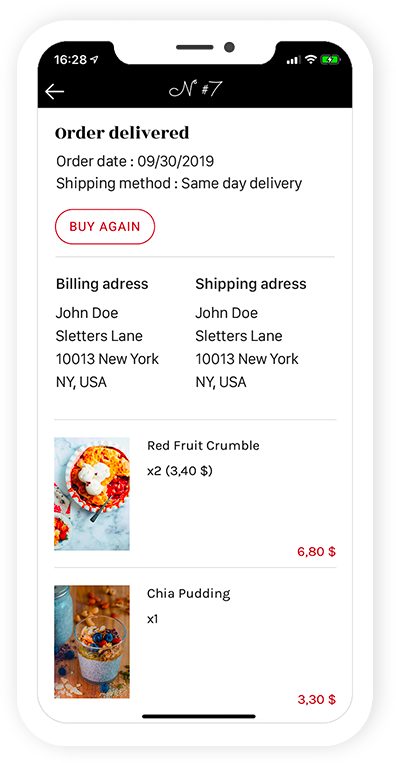
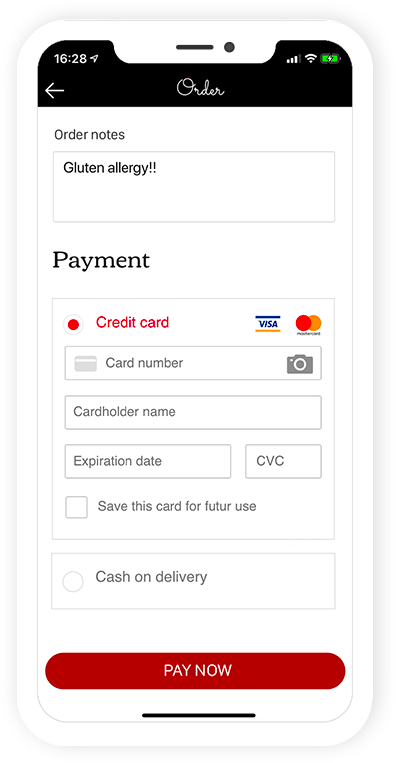
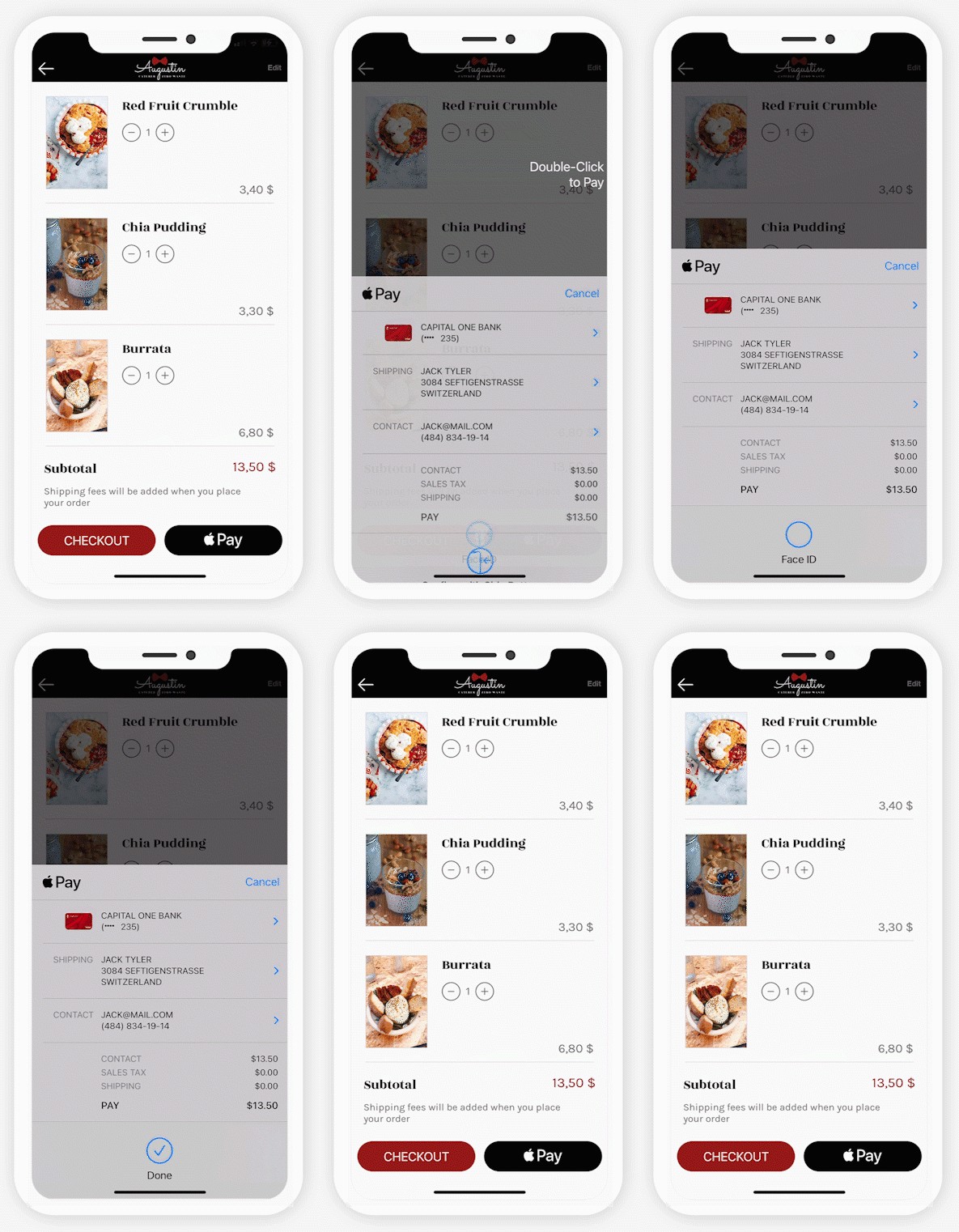
PreviousNext
Time slots
Your client can select a specific time slot for their delivery. No more missed delivery or waiting all day for their order.

Fast Checkout
Simplify the checkout process and optimise sales by removing unnecessary steps. Your client will only be asked information specific to the delivery method chosen. No time wasted filling up unnecessary details.

Buy Again
Allow your clients to add to the cart all the products from an existing order with one click.

Client note
Your clients can leave instructions on their order

One-Click payment
With Digital Wallets, the most efficient Checkout on the Web, optimise your client experience and boost your conversion rate.

Auto Login
With integrated login, your customers identify themselves only once. Then, they are immediately recognized each time the application is launched. The best way to match their expectations

## A complete eCommerce platform
The one-stop-shop app
- [Statistics](#stats)
- [Order list](#command)
- [Products](#product)
- [Discounts](#coupons)
- [Shipping](#shipping)
- [Taxes](#taxes)
- [Domain name](#domain)
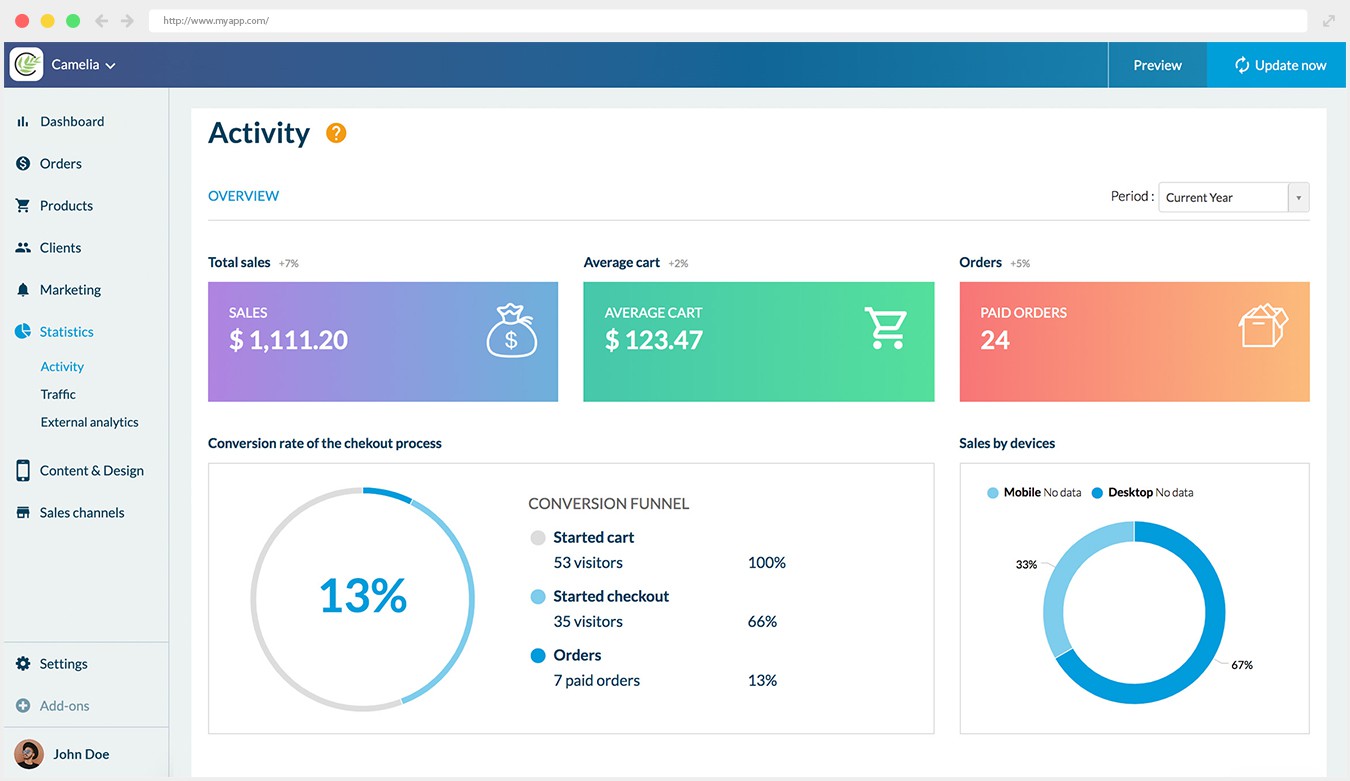
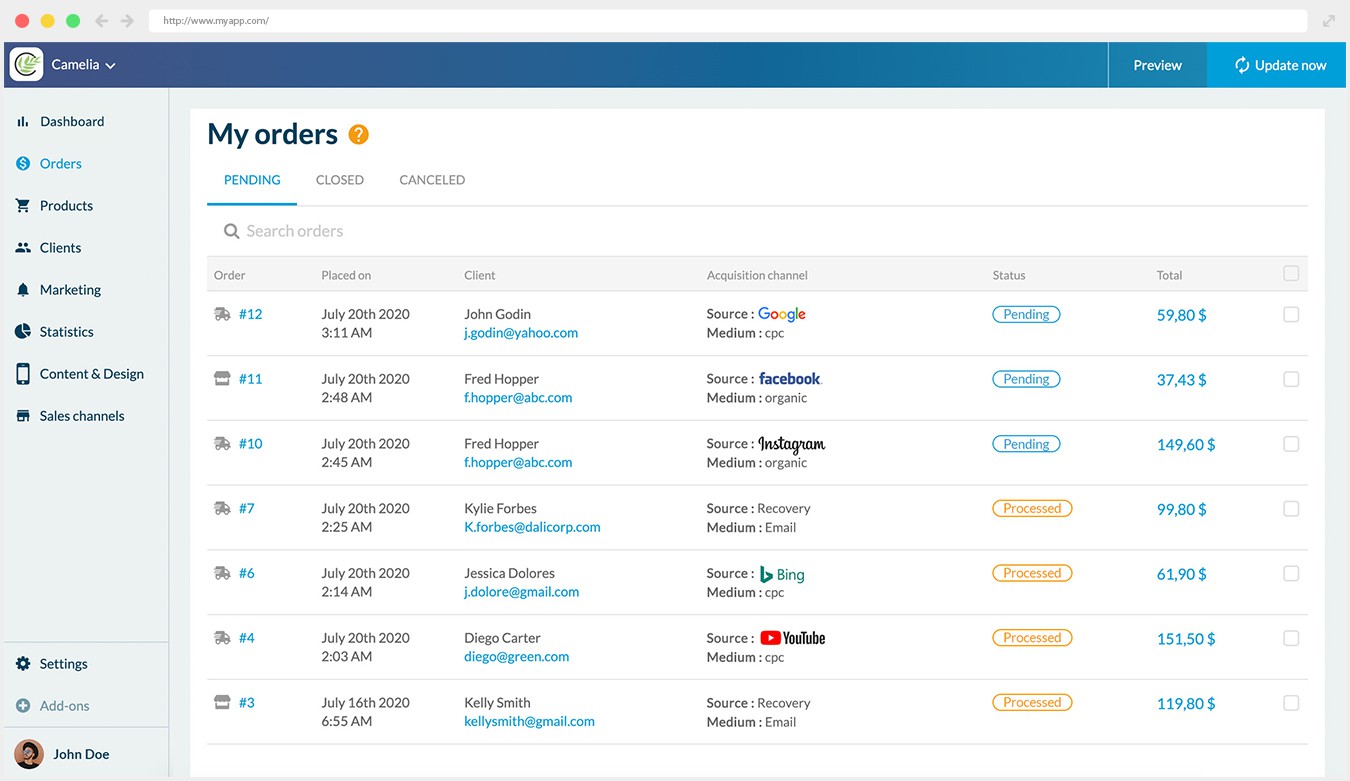
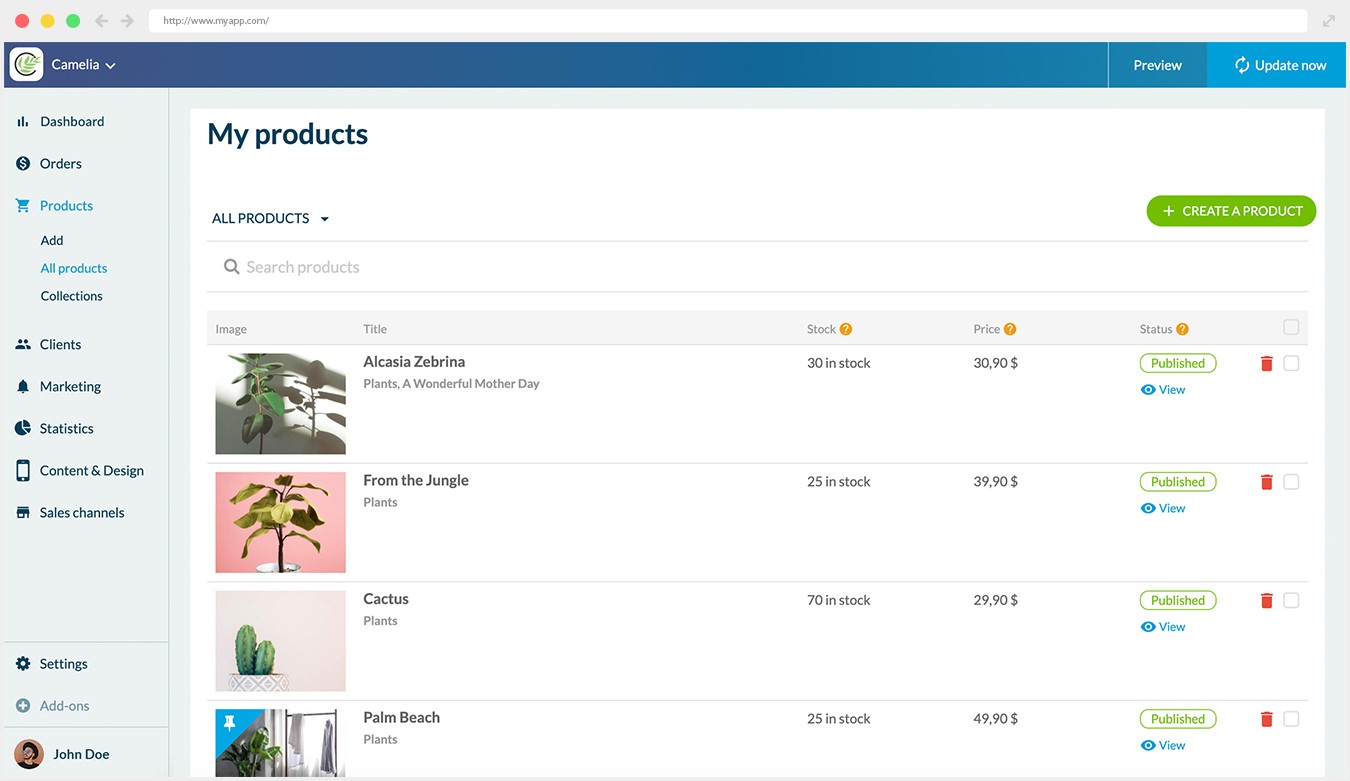
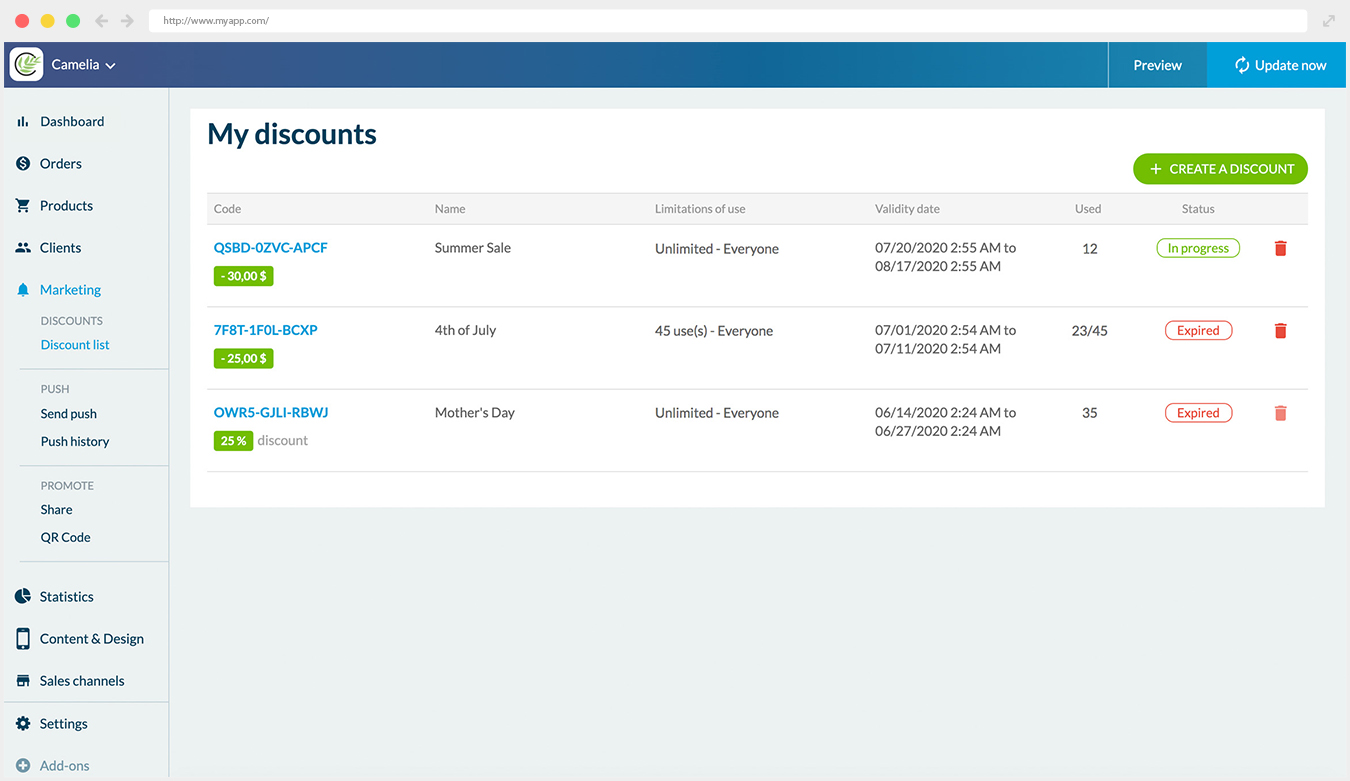
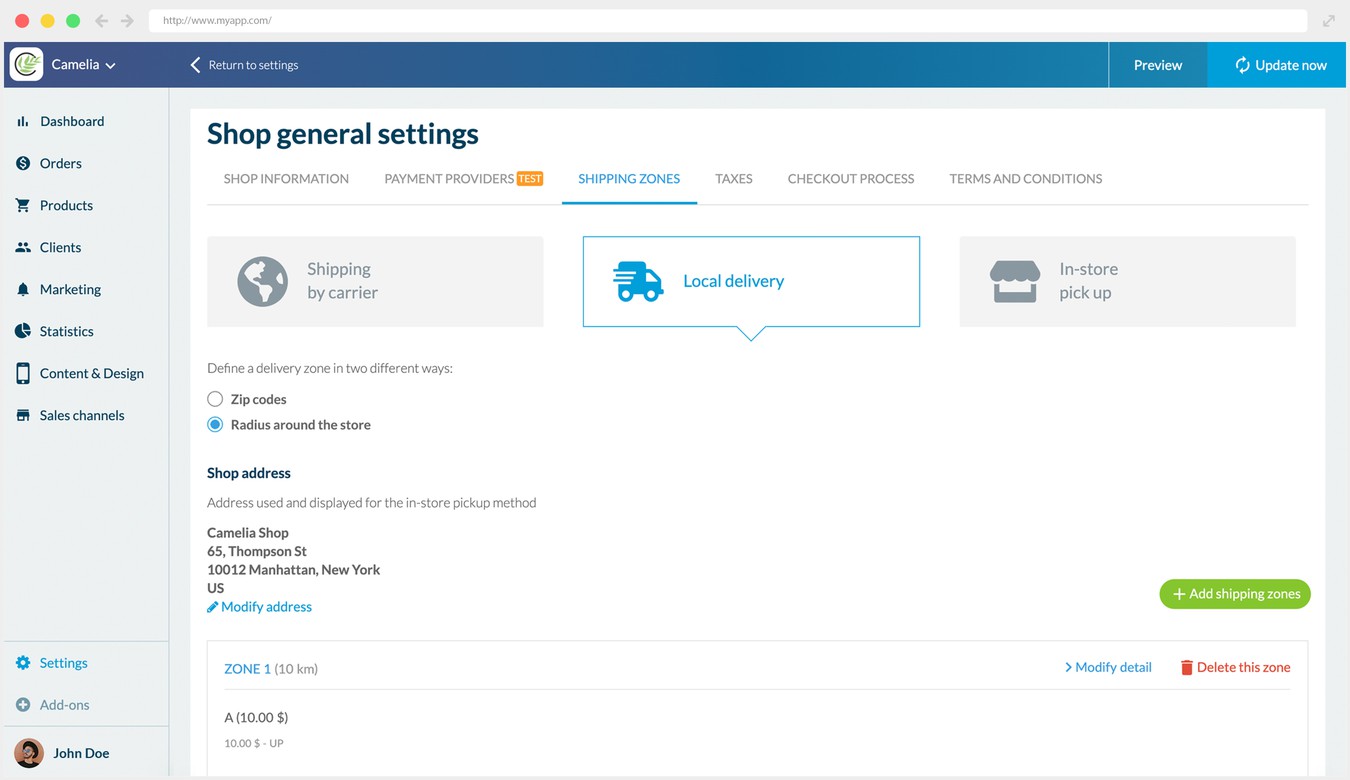
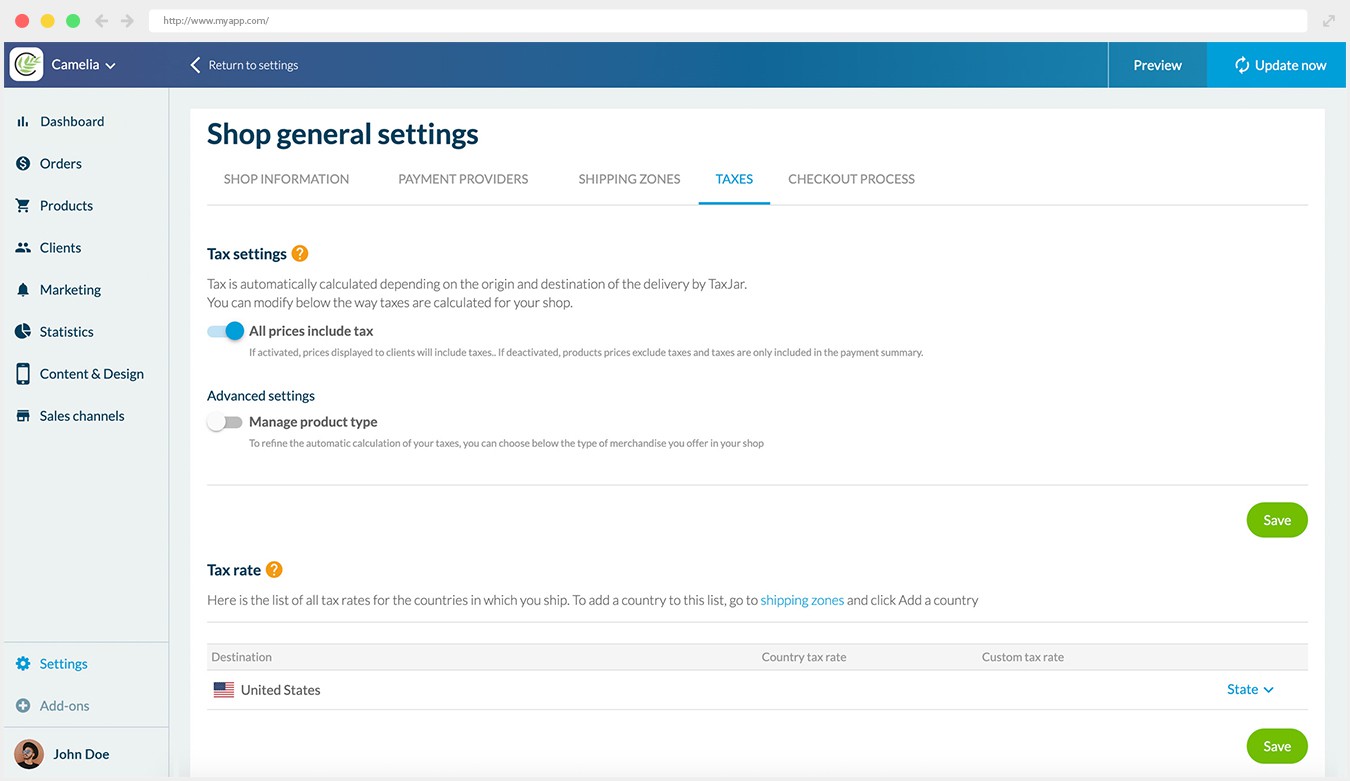
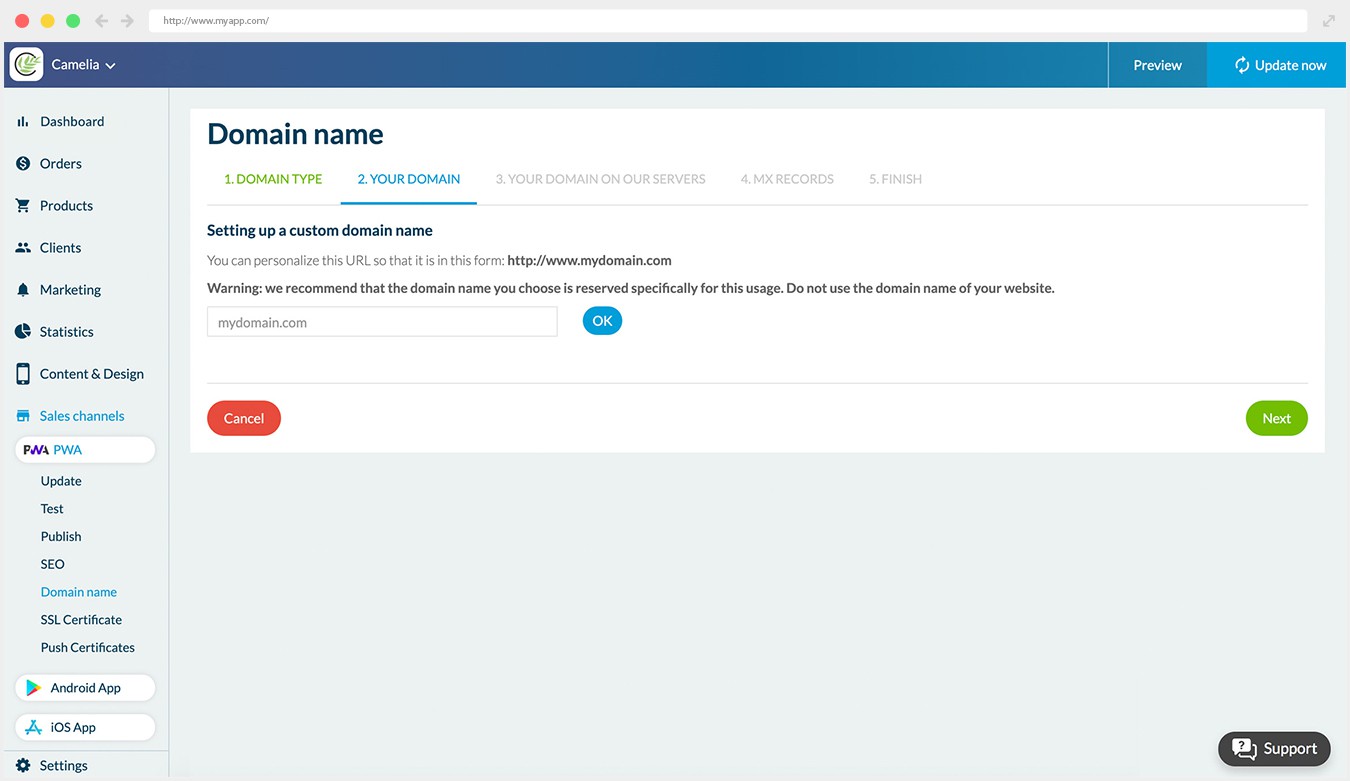
## Why your business needs an app?
### The best way to convert and build loyalty

### Shopping Apps convert 3x more than responsive websites
Retailers who have an app are a step ahead as their app converts 3 times more than their website*. More satisfying UI, easier and faster checkout, optimized navigation increase the percentage of users who complete their purchase leading to higher conversion and cart average.

### Shopping Apps Increase Client loyalty
Mobile app users are twice likely to return to your shop within 30 days compared tp a website. Marketing tools using the phone built-in features offer the opportunity to engage your clients and built loyalty. (push notifications, email)

### Clients prefer Shopping Apps
70% of clients prefer shopping apps* . Shopping apps offer more convenience, speed and stored settings: your clients can easily resume their shopping where they left off.
*Criteo
## Be at your best on every device
### Ensure your visibility on any sales channel and device

## App Store and Google Play
Your Shopping App is developed for iOS and Android. It benefits from GoodBarber expertise in Native Apps. Your Apps will be available in the App Store and Google Play. Your app benefits from the App Store Optimisation (ASO) and client reviews.
100% NATIVE APP AVAILABLE ON


## PWA: On the Web
Perfect complement to Native Apps, Progressive Web App (PWA) offer a multiplatform interface to your users: they can access your site no matter their device. PWA also benefit of the traditional SEO indexing.
PROGRESSIVE APP FULLY RESPONSIVE

## Are you ready for the best shopping experience on mobile?
1. 1
**Designed for mobile**
Deliver the best user experience on eCommerce: seamless navigation, speed, one-click payment, notifications
2. 2
**One-Stop-Shop eCommerce Platform**
Manage your PWA, Android & iOS apps from a unique back-office & benefit from complete eCommerce features.
3. 3
**Instant Time to Market**
No coding skills, no expert evaluation, no hidden process. You may begin your app immediately.
4. 4
**Starting as low as $40/month**
We offer the best value-added of the market. For a very competitive monthly fee.
5. 5
**You're Safe**
We manage the technical part. Continuous innovation included!
[Create an app](https://www.goodbarber.com/create/)
Starting as low as $40/month
Free 30-days trial
---
# Newspaper apps
Source: https://www.goodbarber.com/news-app/
---
title: "News App Builder for Newspapers and News Sites | GoodBarber"
description: "Build your news app without code: native iOS and Android apps plus a web version, breaking-news alerts, subscriptions with no GoodBarber commission."
canonical_url: "https://www.goodbarber.com/news-app/"
lang: en
---
# News App Builder for Newspapers and News Sites | GoodBarber
### GoodBarber for News media
# News app builder for newspapers and news sites
## A reader who opens your app comes straight to you, not through a search engine. Native iOS and Android apps, a web version, alerts the moment news breaks and subscriptions sold in one tap.
- Memberships
- Ad networks
- Editorial team
- Editorial planning
- Automatic push notifications
- Wordpress integration
[Start now](https://www.goodbarber.com/create/)
Native app from $55/month, billed yearly
Free 30-day trial. No credit card required
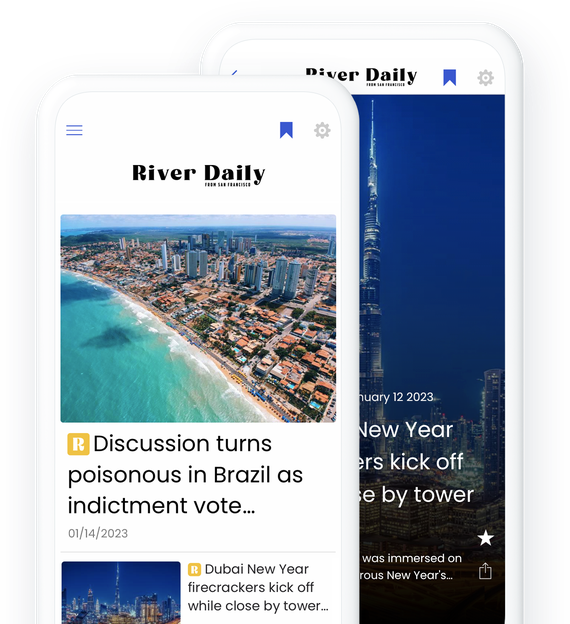
### They trust GoodBarber

## Make your news app pay
Subscriptions, advertising, or both: two revenue models built for news media
### Subscriptions inside the app
Leave part of your coverage open to all and put the rest behind a subscription. With Memberships, readers subscribe monthly or yearly in one tap, with the payment method already saved in their App Store or Google Play account. The stores take 15% to 30% depending on their programs; GoodBarber takes no commission. Ads can disappear for subscribers: This Is Anfield, independent Liverpool FC fan media since 2001, offers exactly that with the Premium subscription of its GoodBarber app.
[More about Memberships](https://www.goodbarber.com/extensions/in-app-purchase/)
[https://portal.ww-cdn.com/portal_static/images/newspaper/anim_applepay.4c09d21c06ef.mp4](https://portal.ww-cdn.com/portal_static/images/newspaper/anim_applepay.4c09d21c06ef.mp4)
### Ad networks or your own campaigns
Connect [Google AdMob](https://www.goodbarber.com/extensions/google-admob/), [Google Ad Manager](https://www.goodbarber.com/extensions/google-ad-manager/) or [Meta Audience Network](https://www.goodbarber.com/extensions/facebook-native-ads/), or sell your own space with the [internal ad server](https://www.goodbarber.com/extensions/internal-ad-server/): banners and full-screen ads, campaigns with start and end dates, capped by impressions or clicks, with statistics to show your advertisers. In Europe, the Privacy Center collects consent under the IAB TCF v2 framework.
[More about ads](https://www.goodbarber.com/extensions/categories/monetization/)
## Found on the web, kept by the app
A web version for search engines and shared links, native apps for the readers who come back
### The web version
Your app also exists as a Progressive Web App: the same articles open in any browser, on a phone, a tablet or a computer, with nothing to install. A link shared on social media or in a newsletter opens straight on the article.
Search engines index it: [sitemap and Search Console](https://www.goodbarber.com/extensions/sitemap-search-console/), structured data, meta titles and descriptions, and the [Google AMP](https://www.goodbarber.com/extensions/google-amp-accelerated-mobile-pages/) extension if you use it. On your own domain name, the web version carries your brand in every shared link.
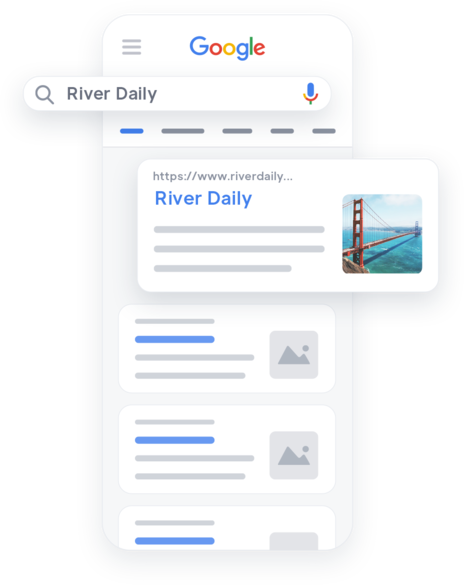

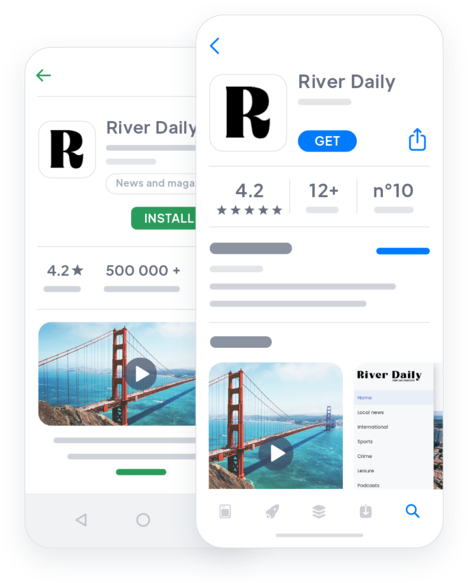
### Native iOS and Android apps
Released in both stores under your own brand, your apps are compiled in Swift and Kotlin, not web pages in a wrapper. Your icon sits on the reader’s home screen, one tap away from your front page.
That is where readers stay: notifications, saved articles, offline reading, a subscription paid in one tap. Someone who found you through a search becomes a reader who comes back.

## Your newsroom, organized
Access for each journalist, an editorial calendar and an assistant that can take instructions
[https://portal.ww-cdn.com/portal_static/images/newspaper/team.c24fe877cb06.mp4](https://portal.ww-cdn.com/portal_static/images/newspaper/team.c24fe877cb06.mp4)
### Every journalist with their own access
As the owner of the app, you invite your team to the back office and decide what each person can do: write in the CMS, send notifications, update the app. The Premium plan includes 3 back-office collaborators; the Pro plan, as many as you need.
### An editorial calendar, and an assistant
Every article is a draft, scheduled or published, and can unpublish itself on a set date, which is handy once an event is over. Connect your app to Claude or ChatGPT through [MCP](https://www.goodbarber.com/mcp/) and your assistant files, schedules and updates articles on request: “Schedule the market report for 6 a.m. tomorrow.”
## When news breaks, readers hear it from you first
Instant, scheduled or automatic notifications, sent from the back office
### The alert in one click
Write your message, choose what opens on tap (the article, a section or a link) and send it. [Push notifications](https://www.goodbarber.com/extensions/push-notifications/) reach every reader who has accepted them, on iOS and Android.
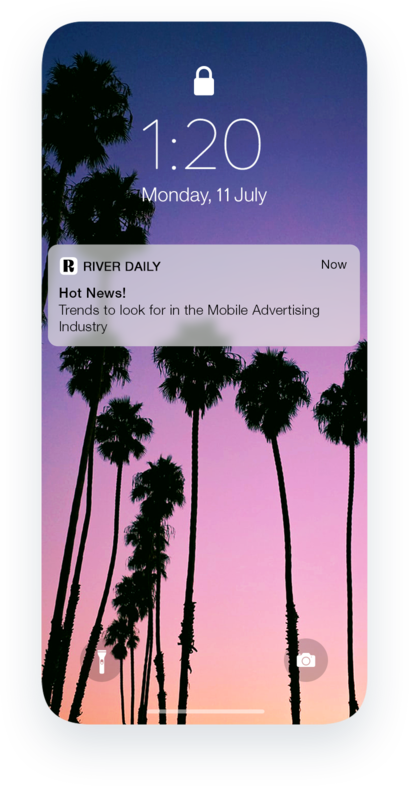
### Scheduled for the right moment
Prepare the morning briefing or the evening digest in advance, and target readers by location, by how they use the app or by device. The history shows the click-through rate of every notification.
### Automatic, section by section
With [automatic push](https://www.goodbarber.com/extensions/scheduled-push/), each new article in a section triggers a notification, articles arriving from WordPress included, during the hours you allow: no alert at 3 a.m. Readers with an account choose in their profile which sections alert them.
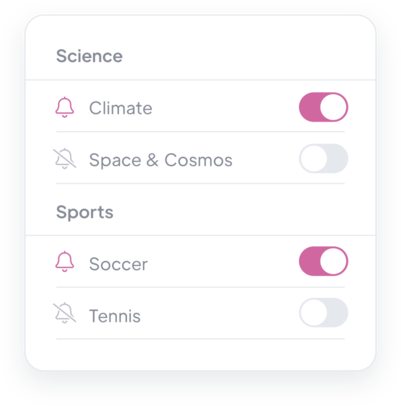
## Write here, or sync what you already publish
A CMS for every format, and connectors so you never publish twice
### A CMS for every format
Articles, photo galleries, videos, podcasts, events and maps, laid out in your app’s design. The [AI Assistant](https://www.goodbarber.com/extensions/ai-assistant/) built into the editor helps you draft, summarize or translate a text, which you review before publishing.
### Your site feeds the app
On WordPress? The [GoodBarber plugin](https://www.goodbarber.com/extensions/wordpress/) brings your posts into the app, with your categories as filters and comments open: see the [WordPress app page](https://www.goodbarber.com/wordpress-app-builder/). Other sources sync through RSS, YouTube, Vimeo, podcast feeds, [Bluesky](https://www.goodbarber.com/extensions/bluesky/) or [Mastodon](https://www.goodbarber.com/extensions/mastodon/).
## Also in your news app
### Comments
Open [comments](https://www.goodbarber.com/extensions/cms-comments/) on your articles and moderate them from the back office.
### Saved for later
Readers [save an article](https://www.goodbarber.com/extensions/cms-bookmark/) for later, and the ones already loaded stay readable [without a network](https://www.goodbarber.com/extensions/offline-mode/).
### Reader contributions
With a [Submission section](https://www.goodbarber.com/extensions/content-submission/), readers send you a text, a photo or a video. Nothing goes online until you approve it.
### Sections and search
Organize the app by section and let readers find past articles with [Search](https://www.goodbarber.com/extensions/search-content/).
### Your design
Your logo, colors and fonts, with list and article layouts to choose from: the app looks like your title.
### Publish from your phone
The back office works on a smartphone: a reporter on the scene writes, adds a photo and publishes without a computer.
### Your domain name
The web version runs on your own domain, so every shared link carries your name.
### Sharing
Readers share any article from the phone’s share menu, and the link opens in the web version for people who don’t have the app.
### Ask your archive
The [Chatbot](https://www.goodbarber.com/extensions/rag-chatbot-ai/) answers readers’ questions from your own articles, including the ones synced from WordPress.
## Why a news brand needs its own app in 2026
### Apps hold up when search traffic drops
In September 2026, across 40 French news brands measured by the ACPM, websites lost 22.9% of their visits in a year and apps 9.4% (The Media Leader, October 8, 2026), two months after Google’s AI Overviews arrived in France. A reader who opens your app never goes through a results page.
### Revenue you control
Subscriptions sold in one tap, your own ad campaigns or ad networks: you choose the mix, and GoodBarber takes no commission on your subscriptions.
### A direct line to your readers
Your icon on their home screen, your alerts on their lock screen, their saved articles in your app: a relationship that does not depend on an algorithm.
## What our customers say
### [GoodBarber is a powerful app builder.](https://www.trustpilot.com/reviews/60f08679f9f48702a8e6869e)
#### Melissa Okta
GoodBarber is a powerful app builder. If you want to build your app using a pre-built template, GoodBarber is ideal for you. At Global Academy, we almost completed the 5th year using their easy-to-use pre-built platforms to build premium Apps for our customers. Also, Goodbarber's customer support is excellent. Highly recommended.
-
-
-
-
-
### [Great support and always very helpful answers.](https://www.trustpilot.com/reviews/60c0ca7cf9f487099ce24eb9)
Great support and always very helpful answers. Nothing is too trivial for the team to answer.
-
-
-
-
-
### [Responsive support and usually quick.](https://www.trustpilot.com/reviews/60ad3c03f9f4870a94ace1d1)
Responsive support and usually quick. Software is by far the best in the market, with tremendous capabilities for configurations.
-
-
-
-
-
### [I really like the system.](https://www.trustpilot.com/reviews/60551146f85d7509fc10d732)
#### Gene Hieber
I have been a resller member for a month now. I've built several demo apps. I really like the system. Easy to navigate and I have sold a couple progressive web apps and am working on native apps as well. I highly recommend Good Barber.
-
-
-
-
-
### [The team at GoodBarber has been incredibly informative and helpful](https://www.trustpilot.com/reviews/6054cff7f85d7509fc1090eb)
#### W. Monahan
The team at GoodBarber has been incredibly informative and helpful during both the creation and maintenance of my app. I am not super tech savvy, and they always provide me with solid guidance on how to fix my issue or improve my app. I shopped around for different options when looking to build my app, and I am happy that I chose this company.
-
-
-
-
-
### [They helped me to create a beautiful, successful app](https://www.trustpilot.com/reviews/60511fb2f85d75064c43947b)
#### Mary Davis
I have been with GoodBarber since 2014 and I can not say enough good things about them and my experience within with them. They helped me to create a beautiful, successful app; they have been there for me every step of the way to solve customer issues and help with updates; and they have an easy to use, infinitely customizable dashboard to create the app of your dreams - which is what I did. Thank you GoodBarber. You are the best
-
-
-
-
-
### [Great tool, it has all features you need to build your own app or website.](https://www.trustpilot.com/reviews/60a22025f9f4870a94a45023)
#### Manuel Ventura
Great tool, it has all features you need to build your own app or website.
-
-
-
-
-
### [GoodBarber is a wonderful platform.](https://www.trustpilot.com/reviews/604e93b7f85d7503942a6703)
#### Mini Maestro
GoodBarber is a wonderful platform. Their support staff are helpful and the interface is easy to navigate! Thank you for enabling us to give extra support to our customers with our customer app.
-
-
-
-
-
### [The Best App Builder on the Market](https://www.trustpilot.com/reviews/604c6024f85d75064c40265c)
#### Draculapp
The Best App Builder on the Market, PWA at ease, and Native iOS assistance for the publishing issues. Very good support and constant updates. Many features and beautiful design layouts and a high level of customization. Recommended for individual Businesses or Agencies with a very good solution for the reseller program. And last but not least, friendly staff! It worth a try...
-
-
-
-
-
### [One of the best providers in the space.](https://www.trustpilot.com/reviews/604ba651f85d75064c3fd1ab)
#### K. Linton
One of the best providers in the space. Easy to use, well documented and excellent customer service. If you’re looking to create a mobile app solution for your company or clients GoodBarber is definitely the way to go.
-
-
-
-
-
## [Newspapers](https://www.goodbarber.com/extensions/collections/newspapers/)
All the features you need to give your newspaper a new dimension and attract loyal readers
[MembershipsMake money in your app with Memberships](https://www.goodbarber.com/extensions/in-app-purchase/)[WordPress PluginAutomatically share your WordPress website content in your app with GoodBarber Wordpress plugin](https://www.goodbarber.com/extensions/wordpress/)[RSS FeedSynchronize your external online content to your app with GoodBarber's RSS feed integration.](https://www.goodbarber.com/extensions/rss/)[BlueskyAutomatically publish the posts of your Bluesky account to your app with the Bluesky GoodBarber integration.](https://www.goodbarber.com/extensions/bluesky/)
## Keep reading
### [How to monetize a mobile news app?](https://www.goodbarber.com/blog/how-to-monetize-a-mobile-news-app-a1139/)
Subscriptions, advertising, sponsorship: the revenue models of a news app and how to set them up.
### [How to display your own ads in your app?](https://www.goodbarber.com/blog/how-to-display-your-own-ads-in-your-app-a330/)
Sell your own ad space: how the internal ad server works, from the campaign to the banner.
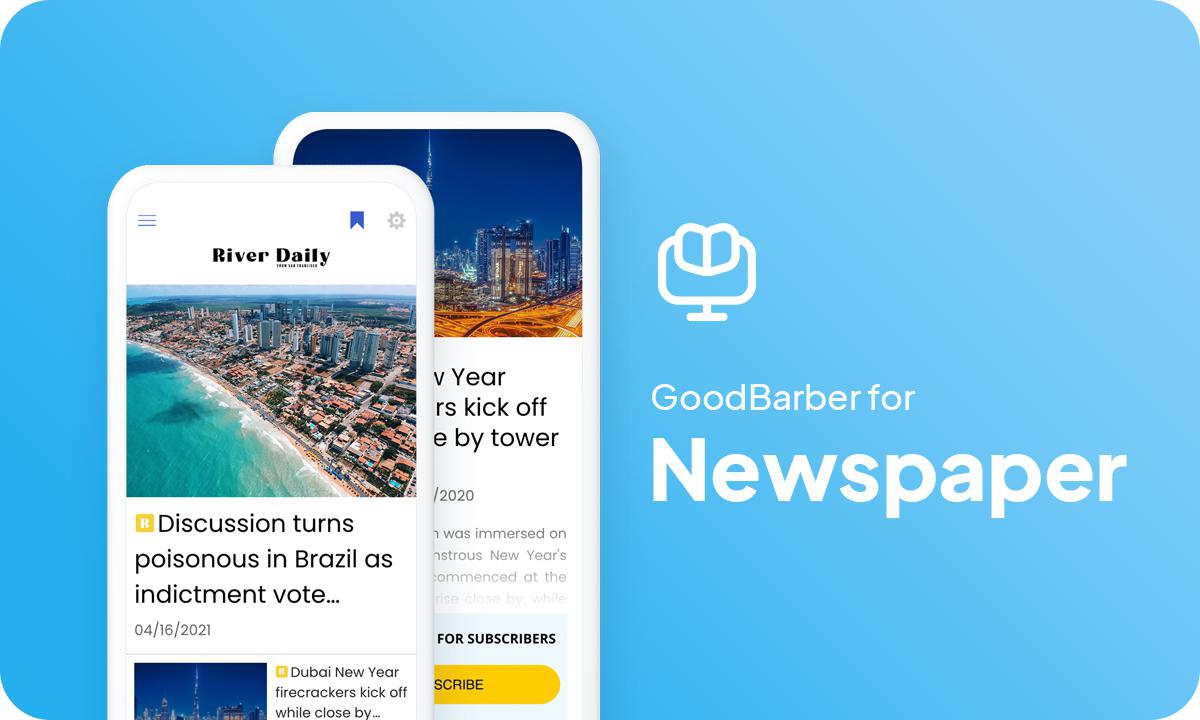
### [How to create a news app](https://www.goodbarber.com/blog/how-to-create-an-app-for-newspapers-a1093/)
The step-by-step guide to building your newspaper’s app, from the theme to publication on the stores.
## Pricing
[Monthly](#)[Yearly](#)[One time](#)
||Standard $30/monthbilled yearlySave $72 yearly|Premium $55/monthbilled yearlySave $180 yearly|Pro $105/monthbilled yearlySave $360 yearly|Agency $215/monthbilled yearlySave $780 yearly|Pro $4600One-off paymentSave $11600 in one go|Agency $12000One-off paymentSave $21600 in one go|
|---|---|---|---|---|---|---|
|Technology|||||||
|PWA technology|yes|yes|yes|yes|yes|yes|
|Native technology||Android + iOS (iPhone & iPad)|Android + iOS (iPhone & iPad)|Android + iOS (iPhone & iPad)|Android + iOS (iPhone & iPad)|Android + iOS (iPhone & iPad)|
|Available in Google Play Store||yes|yes|yes|yes|yes|
|Available on the App Store||yes|yes|yes|yes|yes|
|Capacities|||||||
|Storage info $2 for 10 GB|2 GB|10 GB|50 GB|100 GB|50 GB|100 GB|
|Push notifications info $10 for 100K extra push notifications(per month)|10K|30K|250K|500K|250K|500K|
|Staff accounts|1|3|unlimited|unlimited|unlimited|unlimited|
|Number of projects|1|1|1|unlimited|1|unlimited|
|Page views (bandwidth & traffic)|unlimited|unlimited|unlimited|unlimited|unlimited|unlimited|
|App downloads||unlimited|unlimited|unlimited|unlimited|unlimited|
|Account manager|||yes|yes|yes|yes|
|Extensions storeLarge library 190+ [extensions](https://www.goodbarber.com/extensions/). New extensions every month info Extend the features of your app with extensions : Automations (Zapier, Make), Analytics, Monetization, Sales optimization, Integration (Wordpress, Squarespace, RSS).|||||||
|Free extensions|Up to 5|Up to 20|unlimited|unlimited|unlimited|unlimited|
|Authentication||$12/month (billed $120/year. You save 2 months)|yes|yes|yes|yes|
|Chat info The Chat extension requires the Authentication extension to be installed||$20/month (billed $200/year. You save 2 months)|yes|yes|yes|yes|
|Memberships info Offer paid subscriptions to your users to access your content. Purchases are easily made from their Apple / Google account||$49/month (billed $490/year. You save 2 months). NO additional fee based on your revenue.|yes|yes|yes|yes|
|Core features|||||||
|NO CODE drag&drop app builder|yes|yes|yes|yes|yes|yes|
|Fully customizable design|yes|yes|yes|yes|yes|yes|
|Content Management System(article, video, podcast, event, map, photo, live)|yes|yes|yes|yes|yes|yes|
|SEO friendly, AMP, ASO friendly|yes|yes|yes|yes|yes|yes|
|Support (Real human support, by the GoodBarber team itself)|yes|yes|yes|yes|yes|yes|
|Yearly plan subscription pricing|Standard$360/year|Premium$660/year|Pro$1260/year|Agency$2580/year|/year|/year|
### Create your news app
[Start for free](https://www.goodbarber.com/create/)
## News app: frequently asked questions
### Is an app still useful when search engines send fewer readers?
Yes, and the latest audience figures show it. In September 2026, across 40 French news brands audited by the ACPM, websites lost 22.9% of their visits in a year while apps lost 9.4% (The Media Leader, October 8, 2026). A reader who opens your app comes straight to you, and a notification brings them back without a search engine in between. Keep the web version for search and shared links: the app keeps the readers they bring you.
### How do I publish in the app without re-entering my site’s articles?
If your site runs on WordPress, install the GoodBarber plugin: your posts appear in the app with their images and categories, and an automatic notification can go out with each new article. Other sites sync through their RSS feed. Details on the [WordPress app page](https://www.goodbarber.com/wordpress-app-builder/).
### Can I keep some articles free and reserve others for subscribers?
Yes. With Memberships, you decide which sections are open to everyone and which require a subscription, monthly or yearly. Subscribers can also read without ads.
### How much do the stores and GoodBarber take on subscriptions?
Apple and Google take 15% to 30% of each in-app subscription, depending on their programs. GoodBarber takes no commission: the rest is yours.
### How do I alert readers when news breaks?
From the back office, write a message of up to 130 characters and send it now, schedule it, or let each new article in a section send it automatically. Every recipient counts as one notification in your monthly allowance: 30,000 a month on Premium, 250,000 on Pro.
### Can several journalists work on the app?
Yes. Each person gets their own back-office access, with the rights you choose. Premium includes 3 collaborators and Pro an unlimited number. An AI assistant connected through [MCP](https://www.goodbarber.com/mcp/) can also file and schedule articles for you.
### Can readers send in photos or tips?
Yes, through a Submission section: a text, a photo or a video, which you approve before anything appears in the app.
### How much does a news app cost?
For a native app in both stores, the starting point is Premium, at $55/month billed yearly. To sell subscriptions, add Memberships for $49/month on Premium; Pro already includes it. The subscription covers hosting, notification sending and app updates, and developer accounts are bought directly from Apple and Google.
### Who publishes the app on the stores, and who owns it?
The app is published under your own Apple and Google developer accounts: you are its publisher. Submit it yourself, or let the GoodBarber publishing service handle the submission for you.
### Does it work for a local or regional newspaper?
Yes. Print subscribers, advertisers from your area, a section for each town: everything is on the [local newspaper app page](https://www.goodbarber.com/industry-apps/press/local-newspaper/).
[Start for free](https://www.goodbarber.com/create/)
Native app from $55/month, billed yearly
Free 30-day trial. No credit card required
---
# Radio station apps
Source: https://www.goodbarber.com/radio-station-app/
---
title: "Create an app for your Radio Station - Radio app - Radio Station app builder"
description: "Create your radio station app without coding for iOS, Android and the web. Bring live radio and podcasts to your listeners. Start your free 30-day trial."
canonical_url: "https://www.goodbarber.com/radio-station-app/"
lang: en
---
# Create an app for your Radio Station - Radio app - Radio Station app builder
### GoodBarber for Radio stations
# Broadcast your radio on mobile
## Whether you’re streaming live or schedule your broadcast, share news from the world, or music or sports, be closer to your listeners with your own radio app.
- Live
- Podcasts (with offline access)
- Dedications via the Form section
- Sleep mode
- Audio player in background
- Various content: text, video, photo, sound
[Start now](https://www.goodbarber.com/create/)
PWA from $30/month · iOS and Android from $55/month, billed yearly
Free 30-day trial. No credit card required
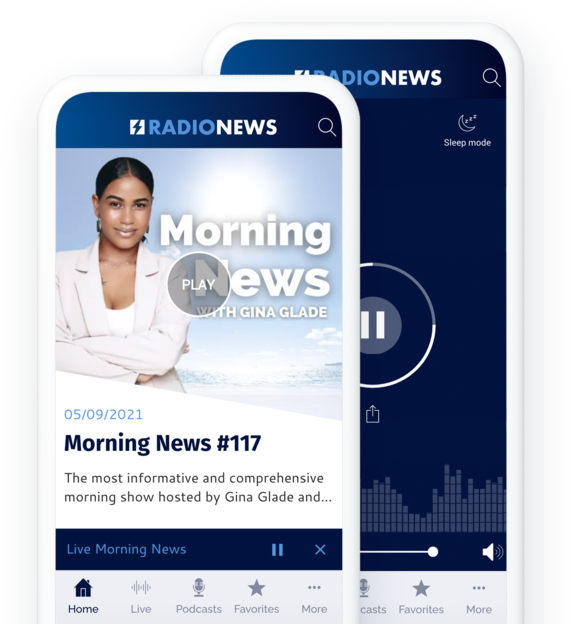
### They trust GoodBarber

## Focus on what you do best: radio
We offer you the best features to broadcast your radio
[https://portal.ww-cdn.com/portal_static/images/radio/player_video.c87be1722ff6.mp4](https://portal.ww-cdn.com/portal_static/images/radio/player_video.c87be1722ff6.mp4)
## Your shows on demand with Podcasts
Create your own replay offer and allow your audience to listen to your programs anywhere and anytime
[https://portal.ww-cdn.com/portal_static/images/radio/backoffice_to_list.8b70779c8aa4.mp4](https://portal.ww-cdn.com/portal_static/images/radio/backoffice_to_list.8b70779c8aa4.mp4)
**What happens in this video**
The back office of Fréquence Libre, a radio app built with GoodBarber, opens on a new sound. The episode Red Velvet, with its cover art and player, drops into the Content area and its title is typed in: Red Velvet. Your podcasts are uploaded straight into the back office, then hosted and streamed to your listeners by GoodBarber, with no external podcast platform to set up.
The Appears in panel moves to the front. Derniers tracks (All Podcasts) is already ticked, and the Groove category gets ticked too. Sections and categories organize your podcasts the way you build your schedule: by show, by genre or by air date. Right next to them, you set the author, the writing date and, if needed, an expiration date, then publish the episode right away or schedule it.
The cover leaves the back office and opens into the app on a phone. The playback screen shows Red Velvet by The Soft Hours with its cover art large, a progress bar, playback speed, a 15-second rewind, a 30-second skip and a sleep timer. The view goes back to the Derniers tracks list, on the Groove tab, where Red Velvet sits at the top, ready to play or to save to favorites for offline listening. Playback carries on in the background, with the screen off or while listeners browse the app. The video then loops back to an empty sound form.
### A straightforward management of your podcasts
You can [upload your podcasts](https://www.goodbarber.com/extensions/cms-podcasts/) directly into your back office, there is no need to use an external platform. They will be hosted and broadcasted directly to your listeners. Upload your file, add additional content, and publish or schedule the publication of your podcast. It's as simple as that.
If you already broadcast podcasts on other platforms, you can connect them with your app to centralize your broadcasts.
### Organize your podcasts according to your needs
Create the architecture that best suits your content and publishing pace. Use the categories, sorting options or [Menu sections](https://www.goodbarber.com/extensions/menu-section/) to organize your podcasts, whether by type of show or by date of broadcast. You have a myriad of options to create the organization that best suits your needs.
### Enhanced audio content
There are a number of ways to enhance your podcasts through visuals. An illustration can be associated with each episode of a podcast, allowing you to choose either a visual per show or to opt for a thematic visual for each episode. The detailed view of a podcast episode can be customized after choosing one of the 3 templates created by our designers.
Finally, the podcast playback pages include a graphic animation according to the sound being played.
## More than a radio
Cover more topics with diversified content types
### A powerful CMS
The integrated CMS allows you to create any type of content directly from the back office. It is the perfect tool to create your written content or to offer a more visual part by opting for video sequences. Thanks to the CMS, you decide everything: status management for each content item, immediate, deferred or ephemeral publication...
### An efficient centralization of your existing content
If you already create additional content on other platforms, connect your different content sources thanks to our catalog of more than 30 external connectors: Youtube, Vimeo, WordPress, RSS feeds and much more. You don’t need to change a thing. Your content is automatically retrieved from your other platforms to your app.
[https://portal.ww-cdn.com/portal_static/images/radio/home_buildin.6c6c5f4784f2.mp4](https://portal.ww-cdn.com/portal_static/images/radio/home_buildin.6c6c5f4784f2.mp4)
## Tune in to your listeners
Build strong relationships with your audience. Your radio is also theirs
### Push notifications
Use [push notifications](https://www.goodbarber.com/extensions/push-notifications/) to announce the release of your new shows or episodes. Notifications are sent automatically and it's a win for everyone: you promote your content and your interested listeners are sure not to miss a single episode of their favorite show.
Think of it also to announce the start of a live show or to be reactive to current events. Rest assured, your listeners will be able to choose which shows or which type of notifications they want to be kept informed.
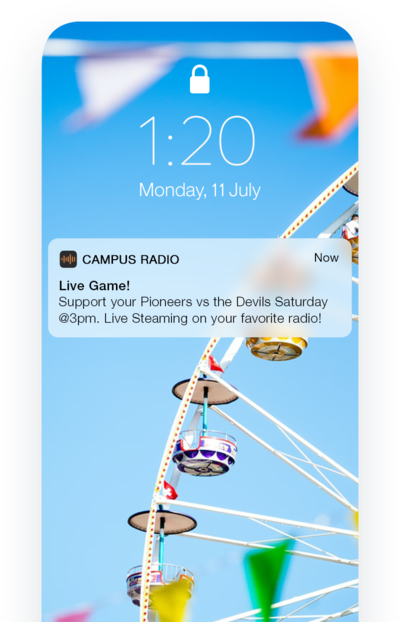
### Form section: your listeners’ voice
Use the form to let your audience interact with you. Build [the form you need](https://www.goodbarber.com/extensions/form/) with 16 different types of fields and present it to your listeners. Whether it's autograph requests, song selections, contests or survey responses, the form is a great opportunity to give your community a voice.
### Your app, your rules.
Unlike on certain platforms, creating your own app allows you to broadcast exactly the way you want it, with your own rules and your own way of interacting with your listeners. You take full control over your preferred broadcasting tool.
## Your radio station on the App Store, Google Play and the Web
Reach your listeners on every device.
### The power of the web on your side
The Progressive Web App, the most advanced mobile website, is the perfect complement to your native app. Designed to work optimally on any device (mobile, tablet and desktop), it doesn’t require any download. It’s a great tool to reach a different audience that may not be keen yet in downloading your app. Essential to gain visibility, PWAs are indexed by the search engines, helping you gain visibility and rank higher on SERP (Search Engine Results Pages).
### Benefit from the high-performance of the native apps
A native iOS and Android app gives your listeners a dedicated way to access your radio on their phones. They can find your shows and keep listening in the background while using other apps.

## And so much more
### Calendar
Use a calendar to give your listeners a clear view of your program schedule and to alert them to programs that interest them.
### Statistics
Analyze GoodBarber’s internal statistics and connect your Google Analytics account to gather valuable information about your listeners’ consumption habits and adapt your program schedule accordingly.
### Bandwidth & Storage
You benefit from a large storage space and unlimited bandwidth to broadcast your content.
### Broadcast offline
Your users can easily listen to your podcasts even without a network thanks to the Favorites feature. Your content is synchronized from your back office and stored directly in the app for offline playback.
### Domain name
You can customize the address where your users access your web app by installing a custom domain name. All domain extensions are managed. This way you keep your identity and maintain consistency for your audience.
### Display ads
Sell your app’s advertising space to external advertising networks and generate revenue. Also consider creating [your own ads](https://www.goodbarber.com/extensions/internal-ad-server/) to promote your programs or to honor your partnerships.
### Premium content
This is the best way to monetize your content: offer parts of your content for free while giving your listeners the option to upgrade to [a paid subscription](https://www.goodbarber.com/extensions/in-app-purchase/) for full access.
### Automations
Let [Zapier](https://www.goodbarber.com/extensions/zapier-integration/) and Make do the work for you. Connect your GoodBarber radio app to thousands of other online services with your preferred automation tool.
## Why your radio station needs an app?
### Listeners prefer a mobile app
Bring live radio, podcasts and news together in an app that reflects your station. Listeners can tune in live, find your shows on demand from their phones and keep up with what is new on your radio.
### More than a radio
Not only your app will showcase your radio but it is also your best marketing tool. You can send targeted messages to your audience with push notifications and integrate a blog and your social media to share even more content.
### Your app brings in revenue
Your app can carry your partners’ ads and offer subscriber-only content with the Memberships extension. Choose a combination that suits your shows and audience, taking into account the plans and extensions you need.
## Client’s love
### [GoodBarber is a powerful app builder.](https://www.trustpilot.com/reviews/60f08679f9f48702a8e6869e)
#### Melissa Okta
GoodBarber is a powerful app builder. If you want to build your app using a pre-built template, GoodBarber is ideal for you. At Global Academy, we almost completed the 5th year using their easy-to-use pre-built platforms to build premium Apps for our customers. Also, Goodbarber's customer support is excellent. Highly recommended.
-
-
-
-
-
### [Great support and always very helpful answers.](https://www.trustpilot.com/reviews/60c0ca7cf9f487099ce24eb9)
Great support and always very helpful answers. Nothing is too trivial for the team to answer.
-
-
-
-
-
### [Responsive support and usually quick.](https://www.trustpilot.com/reviews/60ad3c03f9f4870a94ace1d1)
Responsive support and usually quick. Software is by far the best in the market, with tremendous capabilities for configurations.
-
-
-
-
-
### [I really like the system.](https://www.trustpilot.com/reviews/60551146f85d7509fc10d732)
#### Gene Hieber
I have been a resller member for a month now. I've built several demo apps. I really like the system. Easy to navigate and I have sold a couple progressive web apps and am working on native apps as well. I highly recommend Good Barber.
-
-
-
-
-
### [The team at GoodBarber has been incredibly informative and helpful](https://www.trustpilot.com/reviews/6054cff7f85d7509fc1090eb)
#### W. Monahan
The team at GoodBarber has been incredibly informative and helpful during both the creation and maintenance of my app. I am not super tech savvy, and they always provide me with solid guidance on how to fix my issue or improve my app. I shopped around for different options when looking to build my app, and I am happy that I chose this company.
-
-
-
-
-
### [They helped me to create a beautiful, successful app](https://www.trustpilot.com/reviews/60511fb2f85d75064c43947b)
#### Mary Davis
I have been with GoodBarber since 2014 and I can not say enough good things about them and my experience within with them. They helped me to create a beautiful, successful app; they have been there for me every step of the way to solve customer issues and help with updates; and they have an easy to use, infinitely customizable dashboard to create the app of your dreams - which is what I did. Thank you GoodBarber. You are the best
-
-
-
-
-
### [Great tool, it has all features you need to build your own app or website.](https://www.trustpilot.com/reviews/60a22025f9f4870a94a45023)
#### Manuel Ventura
Great tool, it has all features you need to build your own app or website.
-
-
-
-
-
### [GoodBarber is a wonderful platform.](https://www.trustpilot.com/reviews/604e93b7f85d7503942a6703)
#### Mini Maestro
GoodBarber is a wonderful platform. Their support staff are helpful and the interface is easy to navigate! Thank you for enabling us to give extra support to our customers with our customer app.
-
-
-
-
-
### [The Best App Builder on the Market](https://www.trustpilot.com/reviews/604c6024f85d75064c40265c)
#### Draculapp
The Best App Builder on the Market, PWA at ease, and Native iOS assistance for the publishing issues. Very good support and constant updates. Many features and beautiful design layouts and a high level of customization. Recommended for individual Businesses or Agencies with a very good solution for the reseller program. And last but not least, friendly staff! It worth a try...
-
-
-
-
-
### [One of the best providers in the space.](https://www.trustpilot.com/reviews/604ba651f85d75064c3fd1ab)
#### K. Linton
One of the best providers in the space. Easy to use, well documented and excellent customer service. If you’re looking to create a mobile app solution for your company or clients GoodBarber is definitely the way to go.
-
-
-
-
-
## [Radio](https://www.goodbarber.com/extensions/collections/radio-station/)
We offer you the best features to broadcast your radio
[Live AudioStream live radio broadcasts](https://www.goodbarber.com/extensions/live-audio/)[Live +Take advantage of advanced features for direct distribution of your radio broadcasts](https://www.goodbarber.com/extensions/live/)[Live VideoStream live video broadcasts](https://www.goodbarber.com/extensions/live-video/)[Spotify for PodcastersStream the podcasts you have on Spotify (Anchor) directly to your app](https://www.goodbarber.com/extensions/anchor/)
## Discover more
### [How to create a radio app](https://www.goodbarber.com/blog/how-to-create-an-app-for-a-radio-station-a1094/)
Offering an app for your radio will allow you to stay close to your listeners and of course to convince new ones.
### [How to display your own ads in your app?](https://www.goodbarber.com/blog/how-to-display-your-own-ads-in-your-app-a330/)
There are several ways to monetize your app the right way. Let's focus on advertising.
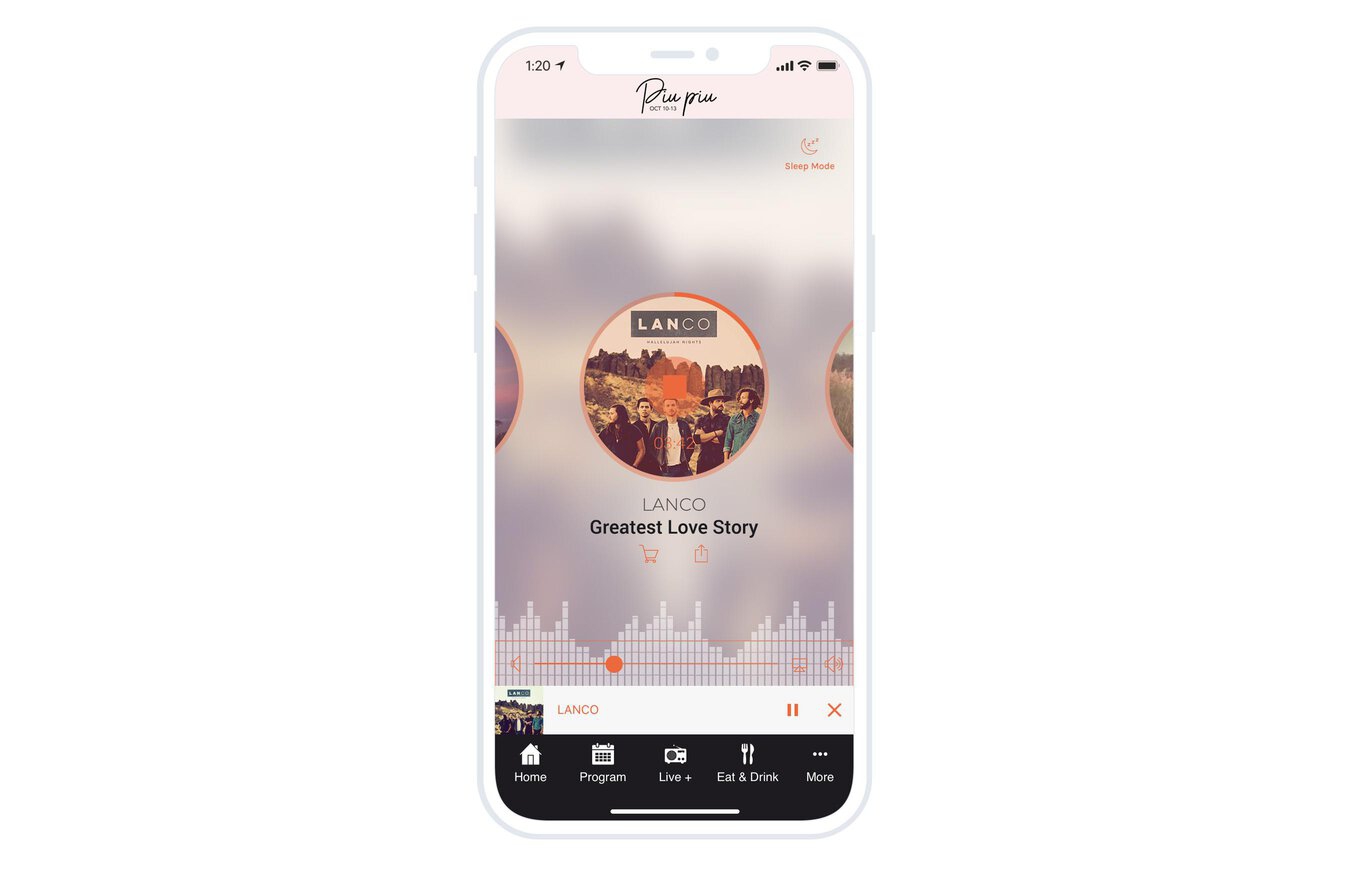
### [Enhance your radio app with the Sleep mode option](https://www.goodbarber.com/blog/a-new-feature-for-live-sleep-mode-a1053/)
With Sleep Mode, allow your listeners to set a timer to shut down the live.
## Pricing
[Monthly](#)[Yearly](#)[One time](#)
||Standard $30/monthbilled yearlySave $72 yearly|Premium $55/monthbilled yearlySave $180 yearly|Pro $105/monthbilled yearlySave $360 yearly|Agency $215/monthbilled yearlySave $780 yearly|Pro $4600One-off paymentSave $11600 in one go|Agency $12000One-off paymentSave $21600 in one go|
|---|---|---|---|---|---|---|
|Technology|||||||
|PWA technology|yes|yes|yes|yes|yes|yes|
|Native technology||Android + iOS (iPhone & iPad)|Android + iOS (iPhone & iPad)|Android + iOS (iPhone & iPad)|Android + iOS (iPhone & iPad)|Android + iOS (iPhone & iPad)|
|Available in Google Play Store||yes|yes|yes|yes|yes|
|Available on the App Store||yes|yes|yes|yes|yes|
|Capacities|||||||
|Storage info $2 for 10 GB|2 GB|10 GB|50 GB|100 GB|50 GB|100 GB|
|Push notifications info $10 for 100K extra push notifications(per month)|10K|30K|250K|500K|250K|500K|
|Staff accounts|1|3|unlimited|unlimited|unlimited|unlimited|
|Number of projects|1|1|1|unlimited|1|unlimited|
|Page views (bandwidth & traffic)|unlimited|unlimited|unlimited|unlimited|unlimited|unlimited|
|App downloads||unlimited|unlimited|unlimited|unlimited|unlimited|
|Account manager|||yes|yes|yes|yes|
|Extensions storeLarge library 190+ [extensions](https://www.goodbarber.com/extensions/). New extensions every month info Extend the features of your app with extensions : Automations (Zapier, Make), Analytics, Monetization, Sales optimization, Integration (Wordpress, Squarespace, RSS).|||||||
|Free extensions|Up to 5|Up to 20|unlimited|unlimited|unlimited|unlimited|
|Authentication||$12/month (billed $120/year. You save 2 months)|yes|yes|yes|yes|
|Chat info The Chat extension requires the Authentication extension to be installed||$20/month (billed $200/year. You save 2 months)|yes|yes|yes|yes|
|Memberships info Offer paid subscriptions to your users to access your content. Purchases are easily made from their Apple / Google account||$49/month (billed $490/year. You save 2 months). NO additional fee based on your revenue.|yes|yes|yes|yes|
|Core features|||||||
|NO CODE drag&drop app builder|yes|yes|yes|yes|yes|yes|
|Fully customizable design|yes|yes|yes|yes|yes|yes|
|Content Management System(article, video, podcast, event, map, photo, live)|yes|yes|yes|yes|yes|yes|
|SEO friendly, AMP, ASO friendly|yes|yes|yes|yes|yes|yes|
|Support (Real human support, by the GoodBarber team itself)|yes|yes|yes|yes|yes|yes|
|Yearly plan subscription pricing|Standard$360/year|Premium$660/year|Pro$1260/year|Agency$2580/year|/year|/year|
### Create your radio station app now
[Start for free](https://www.goodbarber.com/create/)
## Frequently asked questions
### Can I stream a radio station on my app?
Yes. Activate the Live Audio extension and add your station’s stream URL to the corresponding section. The stream must come from your server or streaming provider and be compatible with your app’s platforms. To offer shows on demand, add your podcasts too. The paid Live + extension can display information about the tracks being played when your stream supplies the required metadata.
### Can I create an online radio for free?
You can create and test your radio app free for 30 days. To continue using your project and publish your app, then choose a paid plan for your intended platforms. GoodBarber does not offer a permanently free plan. Providing your live radio stream may require a separate streaming service with its own terms and pricing.
### Can I create my own radio station with an app?
GoodBarber lets you create your radio station’s app and bring together live radio, podcasts and news. To launch a live online radio station, prepare your audio stream with a server or streaming service, then connect its URL to your app. You can then customize your app and share your shows with listeners.
### How much does it cost to make a radio app?
You can create and test your radio app free for 30 days. The Standard plan, for a Progressive Web App (PWA), starts at $30/month, billed yearly. For native iOS and Android apps, the Premium plan starts at $55/month, billed yearly. App hosting and content management tools are included. Allow for Apple and Google developer accounts for store publication, plus any paid extensions and publishing services you choose. Your radio streaming service may have its own pricing. [View pricing](https://www.goodbarber.com/pricing/) to compare plans.
### How to monetize my Radio app?
You can display ads, promote your sponsors, or offer subscriber-only podcasts and archives with the Memberships extension. Choose the tools that suit your audience and business model. The available options and costs depend on your plan, the extensions you activate and the platforms where you publish your app.
### What skills are required to build a Radio Station app?
You do not need programming skills to create your radio app with GoodBarber. Customize the design, add your live stream and podcasts, organize the navigation, then test playback on your target devices. You manage the app through a web interface. Web publication or submission to the App Store and Google Play depends on your chosen plan. Live radio requires a compatible audio stream.
### How can I customize my radio app’s design?
From your back office, adapt colors, fonts, headers and navigation menus to your radio station’s identity. Choose layouts for your sections and add your visuals to present your shows and podcasts. You can organize an app that reflects your brand without writing code.
### Can my radio app be available in every country?
You choose your app’s distribution countries and regions in App Store Connect and Google Play Console, from the territories available for your app. Supported countries and availability conditions vary by store. Check your distribution settings before publication, along with any geographic restrictions on your radio stream.
### Do you provide any Support and After-Sales Assistance for Radio App?
You can contact the support team from your GoodBarber back office for help configuring and using your radio app. Your conversations remain available in your support tickets. Online help and tutorials also guide you through creating and managing your app.
### Who is the Developer of my Radio app ?
You are required to purchase your own Developer account from Apple and Google.
Therefore, you are the developer of your app. GoodBarber is simply the tool to create it.
### Can I sell my Radio app to another developer?
Yes, you can sell your Radio app. To do this, you need to transfer the ownership of your app to the new owner, on each app store.
In addition, you must transfer the ownership of the GoodBarber back-office to the new owner. To do this, you will need to contact the Goodbarber support team
[Start for free](https://www.goodbarber.com/create/)
PWA from $30/month · iOS and Android from $55/month, billed yearly
Free 30-day trial. No credit card required
#### Powerful Audio / Video Player
We bring you a player that allows you to listen to live audio and video within the app. This player is fully customizable and allows you to easily broadcast your radio shows or live videos from your backstage.
#### Advanced Player
Your listeners can access advanced information about the track being played directly from the audio player: title, cover, artist. They can also buy the track, or share it on social media in one click.
#### Player available everywhere in your app
The GoodBarber player allows your listeners to listen to your radio while browsing other sections of your app. A mini player is displayed in all sections of the app to allow your listeners to control the playback of the live stream.
#### Sleep mode
Your listeners can choose how long they want to listen to the program using a built-in timer. An icon in the upper right corner of their screen allows them to access the timer setting screen.
#### Continuous broadcast of your radio feed
Background audio playback is available on native versions of your app: your broadcast keeps playing even if your users exit the app. As long as they don’t close it permanently, your app continues to broadcast your radio, allowing your listeners to simultaneously use other apps on their smartphone.
#### Scheduled broadcasts
Easily set the times you want to broadcast live. Outside these times, the player is inaccessible and replaced by a fully customizable page informing your listeners of the next live broadcast.
---
# Travel apps
Source: https://www.goodbarber.com/travel-app/
---
title: "Create a travel guide app for Tourism - Travel app builder"
description: "Choosing an app to distribute a travel guide is the best option to offer unparalleled flexibility to travelers."
canonical_url: "https://www.goodbarber.com/travel-app/"
lang: en
---
# Create a travel guide app for Tourism - Travel app builder
### GoodBarber for Tourism
# Put your travel guide in an app
## Use an app to share your travel tips and stay in your readers' pockets
- Offline access
- Real time updates
- Easy content management
- Ultra comprehensive maps and directions
- KML import
- Coupons
[Start now](https://www.goodbarber.com/create/)
Starting as low as $30/month
Free 30-day trial. No credit card required
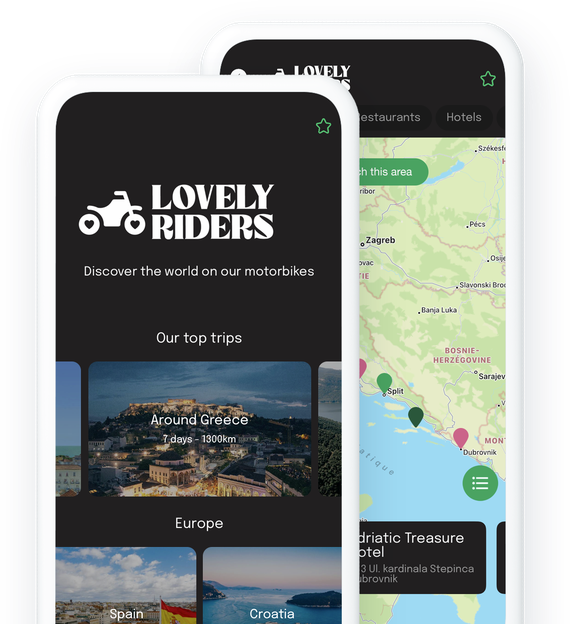
### They trust GoodBarber

## Your travel guide has never been so accessible
Be there for your travelers everywhere, all the time
### Nomadic content
By distributing your travel tips on an App, you allow your readers to access them at any time and in any condition since they are on an object they always have with them: their phones. More practical and less cumbersome than a paper guide, your app fits in a pocket. This is an important criteria for your nomadic readers who will want to carry as little as possible for their trips and excursions. Your app is your thousands of tips and recommendations with no clutter and no constraints.
### Accessible offline
Travelling can mean a poor or no network connection. Don't panic, the content of your app can [be accessible offline](https://www.goodbarber.com/extensions/offline-mode/), meaning with a weak or even no Internet connection. The caching system of the app's elements is optimized to guarantee an optimal functioning of the app even with a bad connection. On top of that, your contents are stored directly on your native apps, so they are fully accessible offline.
## The promise of an always up-to-date guide
Free yourself from the constraints of paper and take advantage of the facilities offered by digital technology
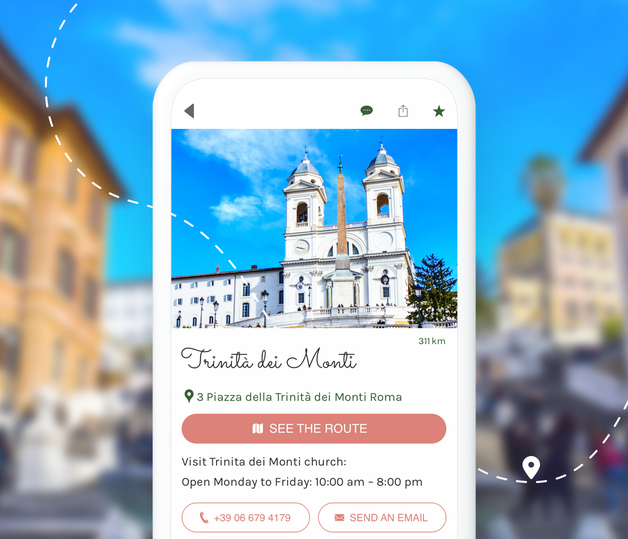
### Instantly publish to your app
Having up-to-date information is the number one concern of travelers. With an app, you won't have to worry about printing a new version of your guide. With every change, restaurant closing or opening, new museum rates, new review on an establishment... you can update your content easily and instantly. All you have to do is edit your content in your back office and publish it. Your readers will then be able to enjoy your freshly edited tips. This is the best way to be responsive and to give 100% reliable information.
## A true editorial tool
Use a powerful back office that allows you to manage your content like a pro
### All types of content
Thanks to the GoodBarber CMS, you can create directly from your back office any type of content to enrich your travel guide: articles, videos, sounds, photos, agenda, and of course geolocalized maps to present your favorite places and events. Everything is at your disposal to allow you to create a travel guide as exhaustive and descriptive as you wish.
### Different publication statuses
For each content you create, you can choose its publication status: Published, In Stock or Draft. And you know how useful this kind of option is when you write as much content as for a travel guide. You also have the possibility to schedule your publication ahead of time. A good way to get a head start on writing your content.
### Easy content management
The GoodBarber back office is designed and optimized to save you a maximum of time. You can consult your content from a dedicated page. Smart filters have been integrated to allow you to easily find the content you are looking for. You can also manage your content in batches, especially in terms of publication status.
### Editorial team
Are there several of you contributing to the writing of your travel guide? No problem. You can set up your editorial team from your back office to give access to your collaborators. You can add an unlimited number of contributors and manage the access level of each one: you can select precisely the menus and contents of the back office to which each will have access.
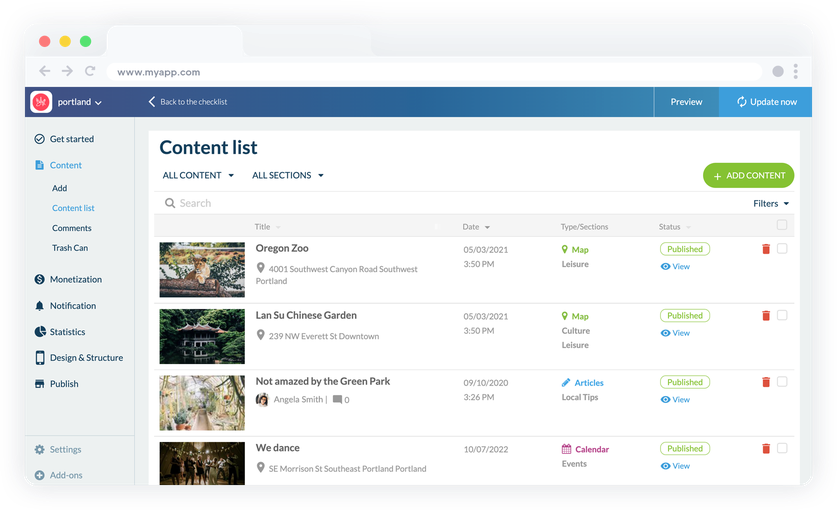
## Create ultra-complete maps
Present your travel guide as rich maps and make your travelers' lives easier
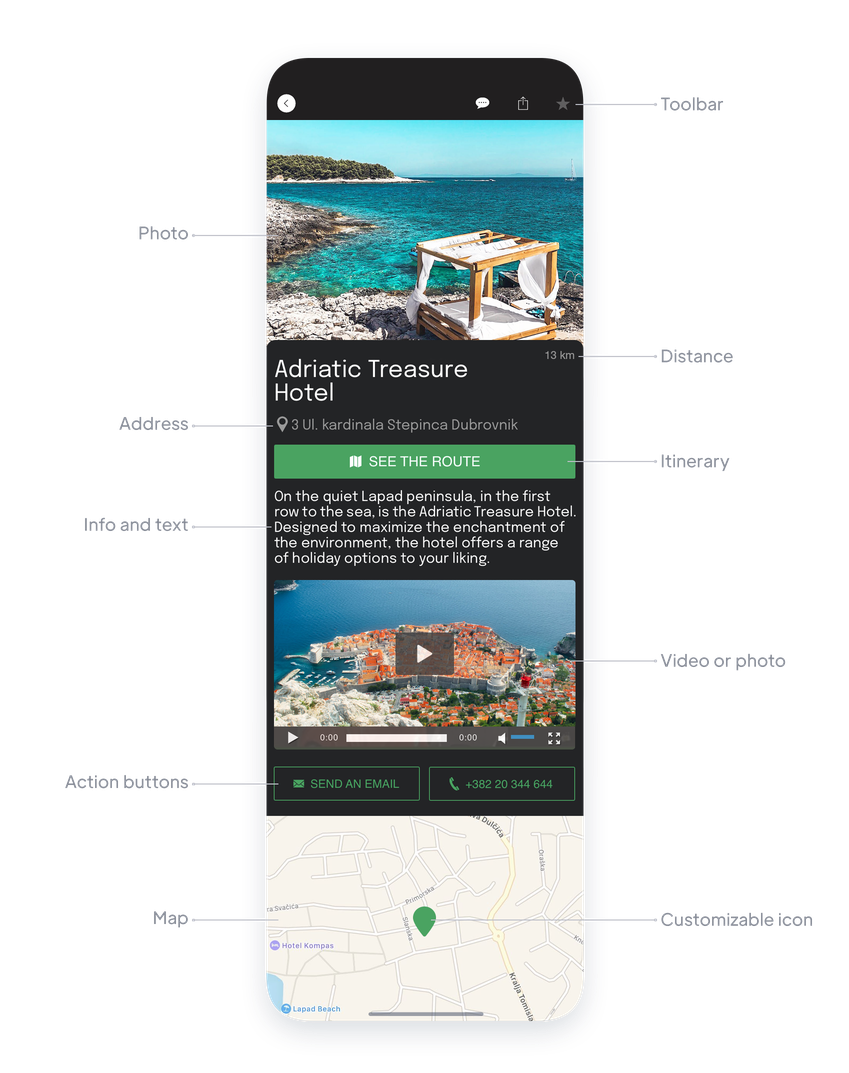
### Detailed points
Create an unlimited number of points that will be [presented as a map](https://www.goodbarber.com/extensions/cms-map/) to your users. Indicate the address of your point and enrich it with different formats at your disposal: texts, videos, photos, or even embed code. You can also insert a Directions button (Google Map or Apple Map) that will allow your travelers to easily find their way to your points of interest. Your app will also automatically show them the distance to your points of interest. A huge plus to help them organize their sightseeing days.
### Customizable icons
For each point you can choose the icon and color that will represent it on your map. This is a great way to visually sort your points. For example, on a global map, you can imagine restaurants indicated in one color, and hotels in another. This will allow your travelers to see at a glance the types of points they are looking for. Another possible use: use the same icon for all your points and use a different icon to highlight your favorites, or your partners...
### Points sorting
Your points can be displayed in a list and sorted according to several criteria: alphabetical order, number of comments, date of publication, but above all according to the distance from the user's position on your app. A very valuable feature for all travelers who will have access to your closest points of interest.
### KML import
You can also directly import your points of interest via [a KML file](https://www.goodbarber.com/extensions/kml/). You can import up to 1000 points per file, a real time saver. Thanks to KML files, you can also display lines and polygons on your map, if you want to highlight a particular road for example, or a larger area. Ideal for road trips, or hikes for example.
## Everything you need to structure and organize your content
A travel guide is often quite dense, and you should be able to choose the architecture of your content to make it as pleasant to read as possible
### Categories
For each content section (map, articles, videos, etc.) you can create as many categories as you want to organize your content. You can easily manage the display of each category and the membership of each item. Categories are ideal for displaying compartmentalized content in the same section. For example, a map can present categories of points of interest: hotels, restaurants, places to visit for example.
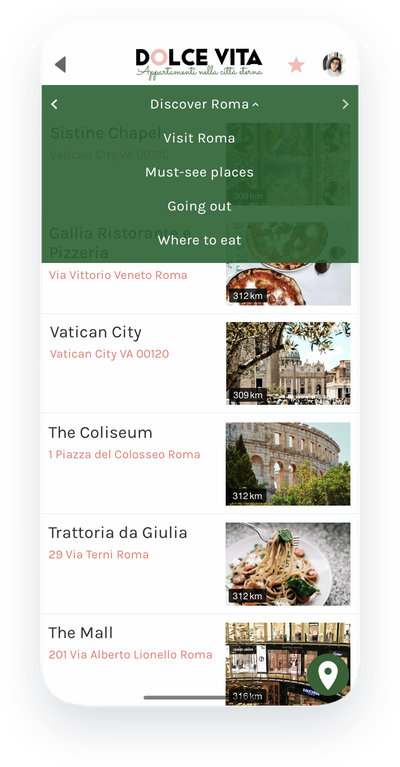
### Section Menu
You can also create menus with multiple sections to organize your content. [Menu sections](https://www.goodbarber.com/extensions/menu-section/) allow you to add an extra level of navigation. With 10 templates and many options, they are also a great design asset. They will be the allies of all travel guides that cover many topics such as an international guide where you can imagine a Menu section by country for example.
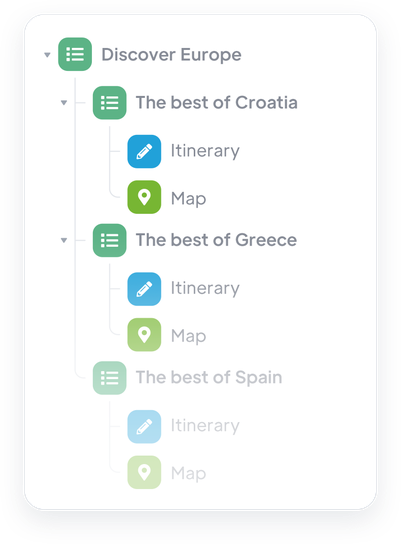
## A profitable travel guide
Establish your own strategy to monetize your valuable travel tips
### A paid app
The advantage of an app is that it can be monetized on the App Store and the Google Play Store. Your content can be of real interest to travelers who will find it useful to use your guide during their trips. In your case, and if you communicate well on your added value, users of your app will easily be tempted to download it even if it costs them a few euros.
### Build partnerships
As a travel writer, you are considered a reference by your readers. Whether it's your experience or your status as a local, travelers who read your guidebook respect your opinion and will tend to follow it. This is a great point to make with your future partners who will want to have their space in your guide. Whether it's by writing sponsored content or by selling them your advertising space, your app will allow you to generate income.
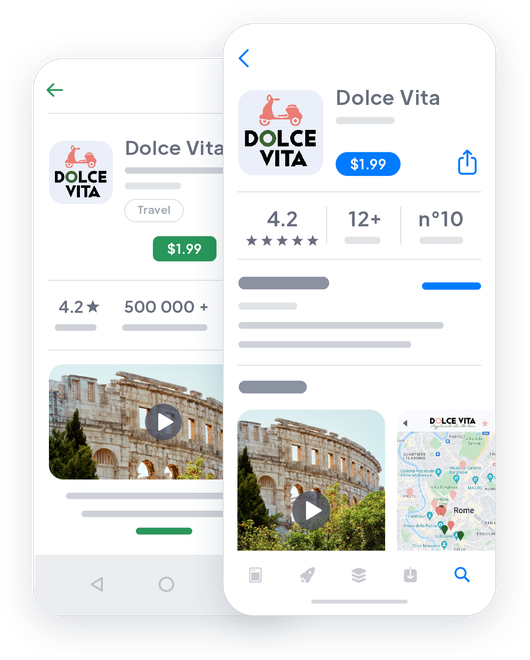

## Make yourself known and attract attention with your app
Distribute your travel guide on the Web and on the Apple and Google stores
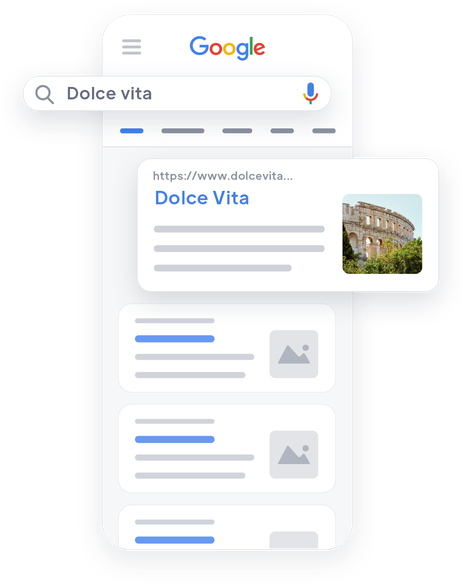

### PWA: On the Web
When you create an app with GoodBarber, you have the possibility to activate the Progressive Web App version of your app. It behaves like a website and has a major advantage: it is referenced by Google and is therefore a real asset for your travel guide if you want to gain visibility and reach new travelers. Our PWAs benefit from the AMP technology which aims to facilitate and accelerate the loading of web pages on mobile phones. Beyond promising you unmatched performance on the Web, your PWA will be highlighted by Google in its AMP carousel at the top of the first pages of search results.
### App Store and Google Play
The native Android and Apple versions of your app guarantee the best experience on mobile. Specially designed for iOS and Android, they give you access to powerful features that will allow you to create an unparalleled interaction with your readers. You will increase their loyalty with a fluid, pleasant and intuitive experience. The native versions of your app are the elements that will make your travel guide a must-have for all travelers.
## And so much more...
### QR code
Use an automatically generated QR code in your back office to promote your app. If you are the owner of an accommodation and your tourist guide is a support to deliver recommendations to your tenants, the QR code is the best way to give them quick access to your app before their trip by email, or upon their arrival directly in their accommodation.
### Submit section
Encourage exchanges between you and travelers by providing them with a direct contact channel with you: the [Submitsection](https://www.goodbarber.com/extensions/content-submission/). It will allow them to send you text, photos and videos directly from the app. It's the perfect tool to get feedback from travelers on the places you recommend.
### Discount coupons
As a guide, you can give travelers tips but also provide them with your contacts to get perks or discounts. Once you've found your partners, you can [create coupons](https://www.goodbarber.com/extensions/couponing/) and distribute them directly in your app, allowing travelers to use them. You will be able to control their use and use statistics that will give you valuable information on the performance of your partnerships.
### External Ads networks
Sell advertising space in your tourist guide to your partners (restaurants, hotels, museums...). You can create your own ads, with the image of your partners and display them in the app. You will be able to manage your advertising strategies, the number of displays or clicks, the order of your different ads. This is a great way to negotiate your contracts with your partners.
### Favorites
Your travel guide is full of information. To save them the trouble of searching for relevant information, and to allow them to prepare their excursions, offer a Favorites section to your users. They will be able to add all the content they consider relevant and find it in one click when the time comes!
### Comments
Activate the comments under your content and let your readers have their say. Their comments can not only give credit to your advice but also bring additional information to other readers and participate in the creation of a community around your tourist guide.
### App walkthrough
Offer a unique touristic experience through your application, designed to captivate your users from the very first moment. Customize the discovery stages and offer fluid, intuitive navigation. The [app Walkthrough](https://www.goodbarber.com/extensions/walkthrough/) lets you build a tailor-made discovery path.

### ChatGPT
Boost your user's experience with [AI virtual assistant](https://www.goodbarber.com/extensions/chatgpt/) in your travel guide ! Instantly answer their questions about local attractions, activities and recommendations. Offer a personalized and memorable travel experience with our integrated extension.
## Why do guidebooks need an app?
### Be close to the travelers
Choosing an app to distribute a travel guide is the best option to offer unparalleled ease to travelers. The app is on what they always have with them: their phones. They can consult it anywhere and at any time. In addition to being totally nomadic, the app can work without a network to allow travelers to consult it from the most remote places in the world! Today, more than 9 out of 10 travelers say they use apps to facilitate their stays.
### Take advantage of powerful editing tools
Writing and publishing comprehensive and up-to-date content is the main challenge for any travel guide. By digitizing your guidebook with a GoodBarber app, you benefit from many advantages: instant publication and update of content, writing content in advance, easy proofreading, management of an editorial team. You save time and make the process of creating your content much more fluid.
### Make your work profitable
Writing a travel guide takes time and passion. On top of listing the places to see, you have to test the businesses, build relationships with the retailers. It is this social aspect that you can capitalize on with an app by monetizing your partnerships. An app is also advertising space that you can sell to your partners. This monetization comes as a supplement to the possible purchase cost of your guide that you can set by making your app paid on the stores, as you would have charged the paper version of your guide.
## Client's love
### [GoodBarber is a powerful app builder.](https://www.trustpilot.com/reviews/60f08679f9f48702a8e6869e)
#### Melissa Okta
GoodBarber is a powerful app builder. If you want to build your app using a pre-built template, GoodBarber is ideal for you. At Global Academy, we almost completed the 5th year using their easy-to-use pre-built platforms to build premium Apps for our customers. Also, Goodbarber's customer support is excellent. Highly recommended.
-
-
-
-
-
### [Great support and always very helpful answers.](https://www.trustpilot.com/reviews/60c0ca7cf9f487099ce24eb9)
Great support and always very helpful answers. Nothing is too trivial for the team to answer.
-
-
-
-
-
### [Responsive support and usually quick.](https://www.trustpilot.com/reviews/60ad3c03f9f4870a94ace1d1)
Responsive support and usually quick. Software is by far the best in the market, with tremendous capabilities for configurations.
-
-
-
-
-
### [I really like the system.](https://www.trustpilot.com/reviews/60551146f85d7509fc10d732)
#### Gene Hieber
I have been a resller member for a month now. I've built several demo apps. I really like the system. Easy to navigate and I have sold a couple progressive web apps and am working on native apps as well. I highly recommend Good Barber.
-
-
-
-
-
### [The team at GoodBarber has been incredibly informative and helpful](https://www.trustpilot.com/reviews/6054cff7f85d7509fc1090eb)
#### W. Monahan
The team at GoodBarber has been incredibly informative and helpful during both the creation and maintenance of my app. I am not super tech savvy, and they always provide me with solid guidance on how to fix my issue or improve my app. I shopped around for different options when looking to build my app, and I am happy that I chose this company.
-
-
-
-
-
### [They helped me to create a beautiful, successful app](https://www.trustpilot.com/reviews/60511fb2f85d75064c43947b)
#### Mary Davis
I have been with GoodBarber since 2014 and I can not say enough good things about them and my experience within with them. They helped me to create a beautiful, successful app; they have been there for me every step of the way to solve customer issues and help with updates; and they have an easy to use, infinitely customizable dashboard to create the app of your dreams - which is what I did. Thank you GoodBarber. You are the best
-
-
-
-
-
### [Great tool, it has all features you need to build your own app or website.](https://www.trustpilot.com/reviews/60a22025f9f4870a94a45023)
#### Manuel Ventura
Great tool, it has all features you need to build your own app or website.
-
-
-
-
-
### [GoodBarber is a wonderful platform.](https://www.trustpilot.com/reviews/604e93b7f85d7503942a6703)
#### Mini Maestro
GoodBarber is a wonderful platform. Their support staff are helpful and the interface is easy to navigate! Thank you for enabling us to give extra support to our customers with our customer app.
-
-
-
-
-
### [The Best App Builder on the Market](https://www.trustpilot.com/reviews/604c6024f85d75064c40265c)
#### Draculapp
The Best App Builder on the Market, PWA at ease, and Native iOS assistance for the publishing issues. Very good support and constant updates. Many features and beautiful design layouts and a high level of customization. Recommended for individual Businesses or Agencies with a very good solution for the reseller program. And last but not least, friendly staff! It worth a try...
-
-
-
-
-
### [One of the best providers in the space.](https://www.trustpilot.com/reviews/604ba651f85d75064c3fd1ab)
#### K. Linton
One of the best providers in the space. Easy to use, well documented and excellent customer service. If you’re looking to create a mobile app solution for your company or clients GoodBarber is definitely the way to go.
-
-
-
-
-
## [Travel guides](https://www.goodbarber.com/extensions/collections/travel-guides/)
Get for the most powerful tools to create the best travel guide on mobile
[TicketmasterAutomatically display the upcoming events of your venue in your app with the Ticketmaster GoodBarber integration.](https://www.goodbarber.com/extensions/ticketmaster/)[CouponingBoost your sales with special offers](https://www.goodbarber.com/extensions/couponing/)[WordPress PluginAutomatically share your WordPress website content in your app with GoodBarber Wordpress plugin](https://www.goodbarber.com/extensions/wordpress/)[KMLDisplay and customize geolocated points on a map with KML integration](https://www.goodbarber.com/extensions/kml/)
## Discover
### [How to create a Travel app](https://www.goodbarber.com/blog/how-to-create-city-and-tourism-apps-a743/)
Gone are the days when you had to struggle to fold up your maps before putting them away! Today, the information you need to discover a country or a city can be found in your phone.
### [Block Island: a complete tourist guide, in an app](https://www.goodbarber.com/blog/block-island-a-complete-tourist-guide-in-an-app-a927/)
Gathering all the information needed to discover Block Island was the idea of Rob Lucier and his nephew Will Gasner.
### [How to display your own ads in your app ?](https://www.goodbarber.com/blog/how-to-display-your-own-ads-in-your-app-a330/)
How to make money with my mobile app? We get this question every day
## Pricing
[Monthly](#)[Yearly](#)[One time](#)
||Standard $30/monthbilled yearlySave $72 yearly|Premium $55/monthbilled yearlySave $180 yearly|Pro $105/monthbilled yearlySave $360 yearly|Agency $215/monthbilled yearlySave $780 yearly|Pro $4600One-off paymentSave $11600 in one go|Agency $12000One-off paymentSave $21600 in one go|
|---|---|---|---|---|---|---|
|Technology|||||||
|PWA technology|yes|yes|yes|yes|yes|yes|
|Native technology||Android + iOS (iPhone & iPad)|Android + iOS (iPhone & iPad)|Android + iOS (iPhone & iPad)|Android + iOS (iPhone & iPad)|Android + iOS (iPhone & iPad)|
|Available in Google Play Store||yes|yes|yes|yes|yes|
|Available on the App Store||yes|yes|yes|yes|yes|
|Capacities|||||||
|Storage info $2 for 10 GB|2 GB|10 GB|50 GB|100 GB|50 GB|100 GB|
|Push notifications info $10 for 100K extra push notifications(per month)|10K|30K|250K|500K|250K|500K|
|Staff accounts|1|3|unlimited|unlimited|unlimited|unlimited|
|Number of projects|1|1|1|unlimited|1|unlimited|
|Page views (bandwidth & traffic)|unlimited|unlimited|unlimited|unlimited|unlimited|unlimited|
|App downloads||unlimited|unlimited|unlimited|unlimited|unlimited|
|Account manager|||yes|yes|yes|yes|
|Extensions storeLarge library 190+ [extensions](https://www.goodbarber.com/extensions/). New extensions every month info Extend the features of your app with extensions : Automations (Zapier, Make), Analytics, Monetization, Sales optimization, Integration (Wordpress, Squarespace, RSS).|||||||
|Free extensions|Up to 5|Up to 20|unlimited|unlimited|unlimited|unlimited|
|Authentication||$12/month (billed $120/year. You save 2 months)|yes|yes|yes|yes|
|Chat info The Chat extension requires the Authentication extension to be installed||$20/month (billed $200/year. You save 2 months)|yes|yes|yes|yes|
|Memberships info Offer paid subscriptions to your users to access your content. Purchases are easily made from their Apple / Google account||$49/month (billed $490/year. You save 2 months). NO additional fee based on your revenue.|yes|yes|yes|yes|
|Core features|||||||
|NO CODE drag&drop app builder|yes|yes|yes|yes|yes|yes|
|Fully customizable design|yes|yes|yes|yes|yes|yes|
|Content Management System(article, video, podcast, event, map, photo, live)|yes|yes|yes|yes|yes|yes|
|SEO friendly, AMP, ASO friendly|yes|yes|yes|yes|yes|yes|
|Support (Real human support, by the GoodBarber team itself)|yes|yes|yes|yes|yes|yes|
|Yearly plan subscription pricing|Standard$360/year|Premium$660/year|Pro$1260/year|Agency$2580/year|/year|/year|
### Create your travel guide app now
[Start for free](https://www.goodbarber.com/create/)
## FAQ
### How to create a Travel app easily ?
GoodBarber Travel App Builder allows you to build a mobile app for Tourism in a very easy way.
It can be a content app to share your best trip planners, travel books, videos through Social Media to promote your travel guide publishings, services or a Tourism office.
### Who are Travel guide apps for ?
Tourism guide Apps are generally used by:
- Tourism businesses (hotels, B&B, restaurants, Rental services)
- Tourism guides
- Tourism offices
- Travel bloggers
- Travel publishers
- Travel agencies (see our [travel agency app](https://www.goodbarber.com/booking-app/travel-agency/))
### What are the solutions and advantages to build a travel app using GoodBarber App Builder ?
- Provide travelers with the right information for the right place (geofence)
- View points of interest on a map ("around me" geofencing, beacons features)
- Enrich points of interest with media contents (pictures, galleries videos, sounds, maps)
- Suggest a route to a point of interest (Google Maps, Apple Maps)
- Real-time information updates
- Provide with premium content to paying subscribers
- Increase your visibility through SEO using a PWA
- RSS feed to distribute content elsewhere than on the app
- Ultra-powerful CMS for real editorial activity: batch content management, publishing option, rights management and much more.
- Connectors to synchronize external content
- Automatic updates of external content
- Editing and publishing instant content through the CMS
- Geo-maps management
- Trip planner features
- Monetization strategies: internal advertising for partnerships, external advertising, memberships
- Highly customizable design
- Content accessible offline
- Content organization by category and/or geolocation
- Favorites sections for your users
- Submit section to gather users feedback via surveys
### How much does it cost to make a Travel guide app?
You can start running your Travel app for free with our 30 day free trial.
Then it is up to you to subscribe to the plan that best fits your needs: the basic plan to make your Travel app starts at $30/Month.
Note that additional costs apply to publish iOS apps on the App Store.
### How to monetize my Travel app?
There are many strategies out there to make money with an Travel App:
1. Premium content: sell your best trip planner, journey pictures and videos, local best places and deals within subscription plans, using the memberships feature.
2. Monetize your Travel app with Advertising features.
We recommend 2 strategies:
- Generic Large Audience: monetize your Travel app with third party advertising services: activate Third Party ADs Networks (Facebook, Google Admob, Ads Manager, Google AdSense) to display Ads and get paid
- Qualified Small audience: activate GoodBarber Internal Ad Server: The internal ad server is the simplest way to promote your Travel mobile application and display tailored, customized splash screens and ad banners. You also will be able to select one or more platforms for distributing your campaigns: iOS and/or Android.
- Sell your Travel app on the Stores for a fee.
### What skills are required to build a Tourist guide app?
Thanks to GoodBarber App builder, you don’t need any programming skills to create your Travel app. You can choose to create your own Travel guide app for Android, iOS or a Travel website with a PWA available for both Desktop and Mobile.
That being said, you should pick a topic that satisfies the need for a group. You want to demonstrate passion, skill and experience for that subject.
### How can I customize my app design and tourist guide User Experience (UX) ?
With over 200 layout options, an impressive theme collection and modular design, you can create a unique app reflecting your tourism app branding
There are many options and levels of customization. You can choose different “Global Styles” to customize the app all in all or may just customize a given section.
Our Travel app builder offers 9 templates for listing pages and 4 templates for content pages.
You will be able to customize headers, fonts, background colors and navigation menus as well.
Furthermore, you will be able to enrich your Travel guide experience using audio, vidéo, articles and live video streaming for your audience during courses and conferences.
### Would my Travel app be available in all countries ?
Yes, it can be available in all countries. You will decide about Geo-distribution, selecting those countries where the app will be available in the app stores, before publication on Apple’s App Store and Google Play Store.
### Do you provide any Support and After-Sales Assistance for Travel app?
Yes, indeed! GoodBarber Support and Assistance program provides for:
- Free support
- Unlimited Number of support tickets
- App Lifetime support
- Support in 5 languages
- 4 offices in 3 countries
- 3 time zones support
### Who is the Developer of my Travel guide app ?
You are required to purchase your own Developer account from Apple and Google. Therefore, you are the developer of your app. GoodBarber is simply the tool to create it.
### Can I sell my Travel app to another developer?
Yes, you can sell your Travel app. To do this, you need to transfer the ownership of your app to the new owner, on each app store.
In addition, you must transfer the ownership of the GoodBarber back-office to the new owner. To do this, you will need to contact the Goodbarber support team;
[Start for free](https://www.goodbarber.com/create/)
From $30/month
30 day free trial. No credit card required
---
# Online course apps
Source: https://www.goodbarber.com/elearning-app/
---
title: "E-Learning App builder: create online courses platforms"
description: "Create an online learning platform through a mobile app and make your courses accessible from smartphone, anywhere, anytime."
canonical_url: "https://www.goodbarber.com/elearning-app/"
lang: en
---
# E-Learning App builder: create online courses platforms
### GoodBarber for Online Courses
# The best elearning experience. Delivered
## Share knowledge with the most complete eLearning platform: a mobile app
- 1 click subscriptions (memberships)
- Live courses
- Text, video and sound
- Learners's comments
- Targeted push notifications
- Course planning and organization
[Start now](https://www.goodbarber.com/create/)
Starting as low as $30/month
Free 30-day trial. No credit card required
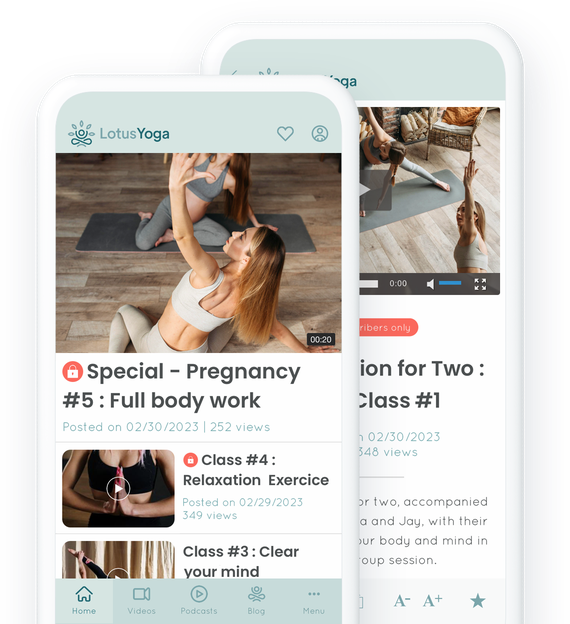
### They trust GoodBarber

## Your courses on the App Store, Google Play and the Web.
An experience 100% mobile for users
### Your courses available anytime, anywhere
A mobile app offers the next-level accessibility to information. Your students can access your courses anywhere from their smartphones or tablets. During their commute, while on a break, anytime they're ready to study. Convenience at its best.
### The Mobile experience
A smooth and easy navigation, speed and offline access makes learning on mobile simple and more enjoyable. With the native iOS or Android apps, or the Progressive Web App aka a website behaving like an app, your content is perfectly adapted to your users devices and offers an optimised support for your students.

## Premium / Free content
Set up recurring subscriptions with Memberships extension
Offer free content to everyone and content reserved to members only
**[Memberships](https://www.goodbarber.com/extensions/in-app-purchase/):** An easy way to generate revenue from your app. Offer certain sections of your online courses for free and the opportunity to upgrade to a paid subscription for full access. Use push notifications to target your students according to their membership status.
Free
Premium
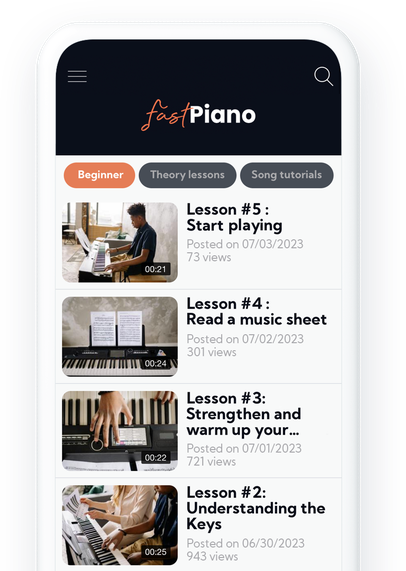
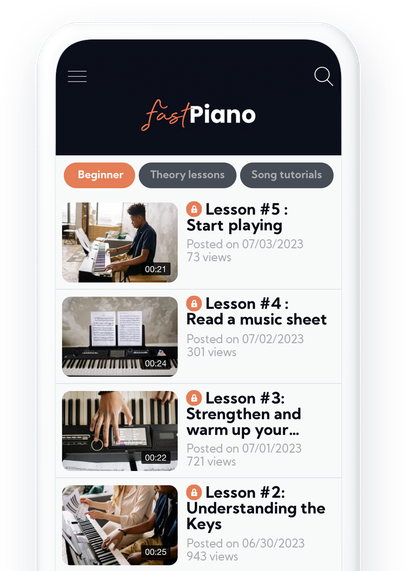
## Keep the motivation going with push notification
Nudge your users back to their lessons
### Auto push notifications
From your GoodBarber back-office, you can [schedule an automatic dispatch of notifications](https://www.goodbarber.com/extensions/scheduled-push/) each time some new content is added to any of your app’s sections. Perfect to Automatically notify your users of newly available lessons or Live tutorials.
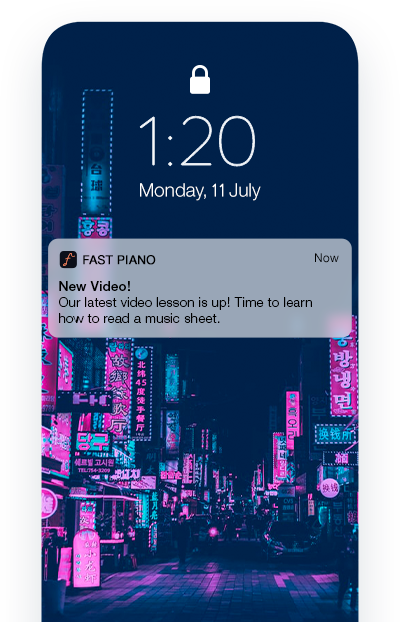
### Targeted push notifications
Push notifications are the perfect tool to nudge those users who haven’t kept up with their lessons and re-engage with them. It also allows you to create a strategy for each user group.
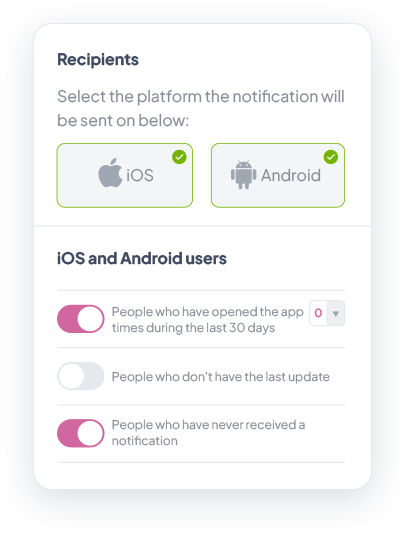
## Everything done in one place. Simple.
GoodBarber Back-office: Centralize and organize
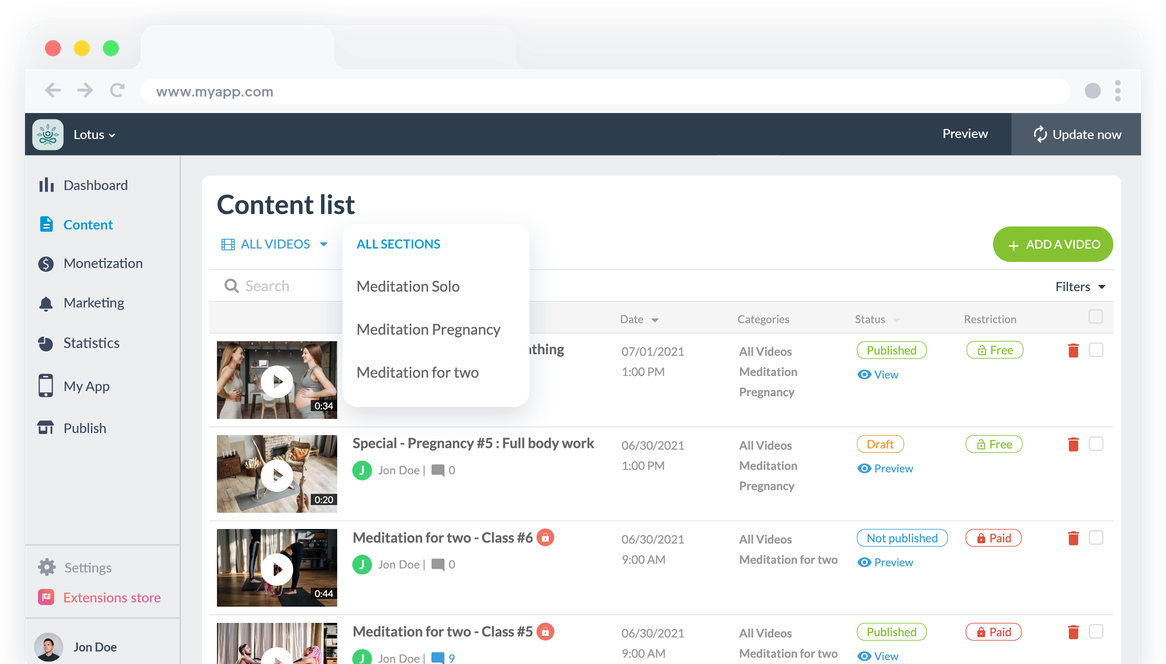
### One single interface
Your GoodBarber back office allows you to manage everything from one single place. Intuitive and easy to use, it is the perfect tool to not only efficiently create and manage your courses in various formats, but also analyze their performance.
No need to juggle multiple platforms. From sending push notifications, synchronizing content from other platforms, managing your users, analysing statistics to creating new content, everything is done from the same interface.
### Plan and organize your courses
With our CMS, you can plan and organize your courses in sections and categories. This allows you to categorize your lessons in modules and chapters depending on their subjects. You also have the possibility to create a multi level navigation with our [Menu section](https://www.goodbarber.com/extensions/menu-section/) and offer your community a clear and easy to navigate online course.
Eliminate the stress of constantly adding lessons by planning your content in advance: with multiple publication statuses available, you can prepare and schedule each lesson for a specific time and date, and even create ephemeral content by planning its depublication date in advance.
## Create courses that engage and inform
Offer your students diversified content formats so they can learn without any hassle.
### Various content formats
Everyone learns differently. For example, videos are a known effective format to learn, while podcasts are increasingly more popular. From your GoodBarber back office, you can directly create content in different formats to meet the expectations of your users. You can also connect your external sources like your YouTube, Vimeo channels or even your podcast. With more than 30 connectors, you are sure to find what you need to provide engaging courses.
### Live Courses
Nothing like going live to connect with your students and keep them engaged. With our [Live Video](https://www.goodbarber.com/extensions/live-video/), add the URL of your live feed and start streaming, You can also plan your on air time slot. When the live lesson is over, the time and date of your next live will be displayed.
## Get that data
Integrated analytics and external tools to better understand which courses work best
### External Stats
You can connect external tools (Google Analytics for Firebase, Google Tag Manager, Countly) and get more detailed stats based on specific events in your app. This will allow you to perfect your content to exceed your users expectations.
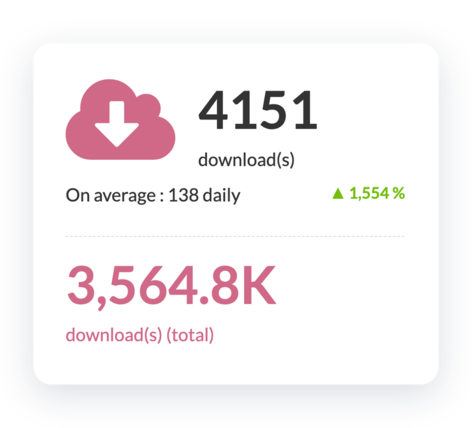
### Internal Stats
[GoodBarber dashboard](https://www.goodbarber.com/extensions/analytics-dashboard-content-apps/) provides you with detailed statistics of your app. This data will allow you to better understand the behavior of your users, and also give you information on the quantity and type of traffic on your app.
## And so much more
### Unique Design
Customize your app to reflect your brand identity. Add your logo, color palette, fonts and select the best template to present your courses.
### Domain name
Add [your own domain name](https://www.goodbarber.com/extensions/custom-domain/) to your PWA to reinforce your branding. With a uniform online presence, your online courses will be easier to find,
### SEO
Gain visibility and rank higher on search engines thanks to your PWA. Your web app is indexed by Google and also benefits from the Accelerated Mobile Pages (AMP) technology. Don’t worry, GoodBarber takes care of all the technical stuff.
### Users Feedback
Our [Form section](https://www.goodbarber.com/extensions/form/) is perfect to receive users feedback and gather important insights to improve your courses.
### Storage
You benefit from a large storage space and unlimited bandwidth to host all your courses.
### High Quality video
Video encoding allows your courses to meet the proper format and specifications for playback, giving your users the best quality across devices.
### Automations
Thanks to GoodBarber’s connectors for Zapier and Make, you have access to thousands of online services to automate and simplify your workflow. Focus on teaching your students and let these tools take care of the repetitive tasks.
### RSS feed
You can create RSS feeds to distribute your content created via the GoodBarber CMS. So you can easily distribute your articles, videos, maps, events and podcasts anywhere else.
### App walkthrough
Take control of your learning experience right from the start, without hassle or wasted time. The [app walkthrough](https://www.goodbarber.com/extensions/walkthrough/) ensures a smooth introduction and an optimal use of your e-learning application. Define pedagogical steps and simplify the learning process.

### ChatGPT
Enhance your e-learning platform with an AI virtual assistant ! Quickly answer questions about courses, resources and technical issues. Offer personalized support and smooth learning experience with [our integrated extension](https://www.goodbarber.com/extensions/chatgpt/).
## Why your online course needs an app?
### Students love eLearning Apps
Education is the third most popular category on the App Store while on Google Play, e-learning is even higher in the second place* (Statista).
With a mobile app, they have access to content in diverse and more engaging formats : Video, podcast, live courses.
### An eLearning app increases loyalty
Mobile Apps deliver efficient learning courses and provide a better learning experience to the users. They also provide better interaction with your learners, thanks to features like push notifications, comments, live sessions, chats etc.
### Your courses accessible 24/7
A mobile app provides the next-level accessibility of your courses. No more time and place restrictions. Your learners can easily access their favorite courses from anywhere on-the-go and from any devices (smartphones, tablets, laptops).
## Client’s love
### [GoodBarber is a powerful app builder.](https://www.trustpilot.com/reviews/60f08679f9f48702a8e6869e)
#### Melissa Okta
GoodBarber is a powerful app builder. If you want to build your app using a pre-built template, GoodBarber is ideal for you. At Global Academy, we almost completed the 5th year using their easy-to-use pre-built platforms to build premium Apps for our customers. Also, Goodbarber's customer support is excellent. Highly recommended.
-
-
-
-
-
### [Great support and always very helpful answers.](https://www.trustpilot.com/reviews/60c0ca7cf9f487099ce24eb9)
Great support and always very helpful answers. Nothing is too trivial for the team to answer.
-
-
-
-
-
### [Responsive support and usually quick.](https://www.trustpilot.com/reviews/60ad3c03f9f4870a94ace1d1)
Responsive support and usually quick. Software is by far the best in the market, with tremendous capabilities for configurations.
-
-
-
-
-
### [I really like the system.](https://www.trustpilot.com/reviews/60551146f85d7509fc10d732)
#### Gene Hieber
I have been a resller member for a month now. I've built several demo apps. I really like the system. Easy to navigate and I have sold a couple progressive web apps and am working on native apps as well. I highly recommend Good Barber.
-
-
-
-
-
### [The team at GoodBarber has been incredibly informative and helpful](https://www.trustpilot.com/reviews/6054cff7f85d7509fc1090eb)
#### W. Monahan
The team at GoodBarber has been incredibly informative and helpful during both the creation and maintenance of my app. I am not super tech savvy, and they always provide me with solid guidance on how to fix my issue or improve my app. I shopped around for different options when looking to build my app, and I am happy that I chose this company.
-
-
-
-
-
### [They helped me to create a beautiful, successful app](https://www.trustpilot.com/reviews/60511fb2f85d75064c43947b)
#### Mary Davis
I have been with GoodBarber since 2014 and I can not say enough good things about them and my experience within with them. They helped me to create a beautiful, successful app; they have been there for me every step of the way to solve customer issues and help with updates; and they have an easy to use, infinitely customizable dashboard to create the app of your dreams - which is what I did. Thank you GoodBarber. You are the best
-
-
-
-
-
### [Great tool, it has all features you need to build your own app or website.](https://www.trustpilot.com/reviews/60a22025f9f4870a94a45023)
#### Manuel Ventura
Great tool, it has all features you need to build your own app or website.
-
-
-
-
-
### [GoodBarber is a wonderful platform.](https://www.trustpilot.com/reviews/604e93b7f85d7503942a6703)
#### Mini Maestro
GoodBarber is a wonderful platform. Their support staff are helpful and the interface is easy to navigate! Thank you for enabling us to give extra support to our customers with our customer app.
-
-
-
-
-
### [The Best App Builder on the Market](https://www.trustpilot.com/reviews/604c6024f85d75064c40265c)
#### Draculapp
The Best App Builder on the Market, PWA at ease, and Native iOS assistance for the publishing issues. Very good support and constant updates. Many features and beautiful design layouts and a high level of customization. Recommended for individual Businesses or Agencies with a very good solution for the reseller program. And last but not least, friendly staff! It worth a try...
-
-
-
-
-
### [One of the best providers in the space.](https://www.trustpilot.com/reviews/604ba651f85d75064c3fd1ab)
#### K. Linton
One of the best providers in the space. Easy to use, well documented and excellent customer service. If you’re looking to create a mobile app solution for your company or clients GoodBarber is definitely the way to go.
-
-
-
-
-
## [Online courses](https://www.goodbarber.com/extensions/collections/online-courses/)
Keep your students motivated with the best mobile tools
[MembershipsMake money in your app with Memberships](https://www.goodbarber.com/extensions/in-app-purchase/)[Automatic pushSomething new with your app? Automatically notify your users](https://www.goodbarber.com/extensions/scheduled-push/)[Live AudioStream live radio broadcasts](https://www.goodbarber.com/extensions/live-audio/)[Live VideoStream live video broadcasts](https://www.goodbarber.com/extensions/live-video/)
## Discover More
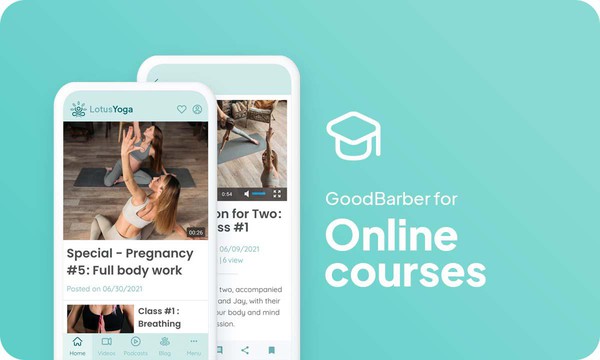
### [How to make an app for online courses ?](https://www.goodbarber.com/blog/how-to-create-an-app-for-online-courses-a1116/)
Offering an online course app has many advantages: It is a format adapted to all profiles, depending on the age of your target, and your learning field.
### [GoodBarber Academy](https://academy.goodbarber.com/)
Become a GoodBarber expert.

### [How to add videos to your app?](https://www.goodbarber.com/tutorials/content/how-to-add-videos-in-your-app/)
Learn how to add a video section to your app.
## Pricing
[Monthly](#)[Yearly](#)[One time](#)
||Standard $30/monthbilled yearlySave $72 yearly|Premium $55/monthbilled yearlySave $180 yearly|Pro $105/monthbilled yearlySave $360 yearly|Agency $215/monthbilled yearlySave $780 yearly|Pro $4600One-off paymentSave $11600 in one go|Agency $12000One-off paymentSave $21600 in one go|
|---|---|---|---|---|---|---|
|Technology|||||||
|PWA technology|yes|yes|yes|yes|yes|yes|
|Native technology||Android + iOS (iPhone & iPad)|Android + iOS (iPhone & iPad)|Android + iOS (iPhone & iPad)|Android + iOS (iPhone & iPad)|Android + iOS (iPhone & iPad)|
|Available in Google Play Store||yes|yes|yes|yes|yes|
|Available on the App Store||yes|yes|yes|yes|yes|
|Capacities|||||||
|Storage info $2 for 10 GB|2 GB|10 GB|50 GB|100 GB|50 GB|100 GB|
|Push notifications info $10 for 100K extra push notifications(per month)|10K|30K|250K|500K|250K|500K|
|Staff accounts|1|3|unlimited|unlimited|unlimited|unlimited|
|Number of projects|1|1|1|unlimited|1|unlimited|
|Page views (bandwidth & traffic)|unlimited|unlimited|unlimited|unlimited|unlimited|unlimited|
|App downloads||unlimited|unlimited|unlimited|unlimited|unlimited|
|Account manager|||yes|yes|yes|yes|
|Extensions storeLarge library 190+ [extensions](https://www.goodbarber.com/extensions/). New extensions every month info Extend the features of your app with extensions : Automations (Zapier, Make), Analytics, Monetization, Sales optimization, Integration (Wordpress, Squarespace, RSS).|||||||
|Free extensions|Up to 5|Up to 20|unlimited|unlimited|unlimited|unlimited|
|Authentication||$12/month (billed $120/year. You save 2 months)|yes|yes|yes|yes|
|Chat info The Chat extension requires the Authentication extension to be installed||$20/month (billed $200/year. You save 2 months)|yes|yes|yes|yes|
|Memberships info Offer paid subscriptions to your users to access your content. Purchases are easily made from their Apple / Google account||$49/month (billed $490/year. You save 2 months). NO additional fee based on your revenue.|yes|yes|yes|yes|
|Core features|||||||
|NO CODE drag&drop app builder|yes|yes|yes|yes|yes|yes|
|Fully customizable design|yes|yes|yes|yes|yes|yes|
|Content Management System(article, video, podcast, event, map, photo, live)|yes|yes|yes|yes|yes|yes|
|SEO friendly, AMP, ASO friendly|yes|yes|yes|yes|yes|yes|
|Support (Real human support, by the GoodBarber team itself)|yes|yes|yes|yes|yes|yes|
|Yearly plan subscription pricing|Standard$360/year|Premium$660/year|Pro$1260/year|Agency$2580/year|/year|/year|
### Create your online courses today
[Start for free](https://www.goodbarber.com/create/)
## Frequently asked questions
### Who are Online Courses apps for?
OnlineCourses Apps are generally used by:
- Private Teachers
- School department
- Personal trainers
- Project Managers
- Music teachers
### What types of Online courses apps can I create with GoodBarber App Builder ?
Use our videos, Live Audio , live+ features within your Online courses app to package and distribute:
- Private online courses
- Skills development lessons
- Trainings
- College’s remote courses
### How much does it cost to make an Online Courses app?
You can start running your Online Courses app for free with our 30 day free trial.
Then it is up to you to subscribe to the plan that best fits your needs: the basic plan to make your Online Courses app start at $30/Month.
Note that additional costs apply to publish iOS apps on the App Store.
### How to monetize my e-Learning app?
There are many strategies out there to make money with an e-Learning App:
1. Premium content: sell your best Online Courses, lessons and didactic contents within subscription plans, using the memberships feature.
2. Monetize your Online courses app with Advertising features.
We recommend 2 strategies:
- Generic Large Audience: monetize your Online Courses app with third party advertising services: activate Third Party ADs Networks (Facebook, Google Admob, Ads Manager, Google AdSense) to display Ads and get paid
- Qualified Small audience: activate GoodBarber Internal Ad Server: The internal ad server is the simplest way to promote your Online Courses mobile application and display tailored, customized splash screens and ad banners. You also will be able to select one or more platforms for distributing your campaigns: iOS and/or Android.
3. Sell your Online Courses app on the Stores for a fee.
### What skills are required to build an Online Courses app?
Thanks to GoodBarber App builder, you don’t need any programming skills to create your Online Courses app. You can choose to create your own eLearning app for Android, iOS or an Online Courses website with a PWA available for both Desktop and Mobile.
That being said, you should pick a topic that satisfies the need for a group. You want to demonstrate passion, skill and experience for that subject and a pretty solid teaching method.
### How can I customize my app design and e-Learning User Experience (UX) ?
With over 200 layout options, an impressive theme collection and modular design, you can create a unique app reflecting your e-Learning app branding
There are many options and levels of customization. You can choose different “Global Styles” to customize the app all in all or may just customize a given section.
Our Online Courses app builder offers 9 templates for listing pages and 4 templates for content pages.
You will be able to customize headers, fonts, background colors and navigation menus as well.
Furthermore, you will be able to enrich your Online courses experience using audio, vidéo, articles and live video streaming for your audience during courses and conferences.
### Would my Online Courses app be available in all countries ?
Yes, it can be available in all countries. You will decide about Geo-distribution, selecting those countries where the app will be available in the app stores, before publication on Apple’s App Store and Google Play Store.
### Do you provide any Support and After-Sales Assistance for OnLine Courses app?
Yes, indeed! GoodBarber Support and Assistance program provides for:
- Free support
- Unlimited Number of support tickets
- App Lifetime support
- Support in 5 languages
- 4 offices in 3 countries
- 3 time zones support
### Who is the Developer of my Online Courses app ?
You are required to purchase your own Developer account from Apple and Google. Therefore, you are the developer of your app. GoodBarber is simply the tool to create it.
### Can I sell my Online Courses app to another developer?
Yes, you can sell your Online Courses app. To do this, you need to transfer the ownership of your app to the new owner, on each app store.
In addition, you must transfer the ownership of the GoodBarber back-office to the new owner. To do this, you will need to contact the Goodbarber support team
[Start for free](https://www.goodbarber.com/create/)
Starting as low as $30/month
Free 30-day trial. No credit card required
---
# Employee communication apps
Source: https://www.goodbarber.com/employee-communication-app/
---
title: "Employee Communication app builder: create an app for Internal Communications"
description: "Create an app to communicate news and updates to the company instantly and at scale. Improve productivity, and employee engagement via a mobile app. Make an app for Corporate and Frontline Workforces"
canonical_url: "https://www.goodbarber.com/employee-communication-app/"
lang: en
---
# Employee Communication app builder: create an app for Internal Communications
### GoodBarber to communicate with your employees
# Your own intranet, always accessible
## All internal communication tools accessible on mobile and desktop
- Login
- Powerful CMS
- Push notifications by user groups
- People directory
- Instant messaging
- Editorial team management
[Start now](https://www.goodbarber.com/create/)
Starting as low as $30/month
Free 30-day trial. No credit card required
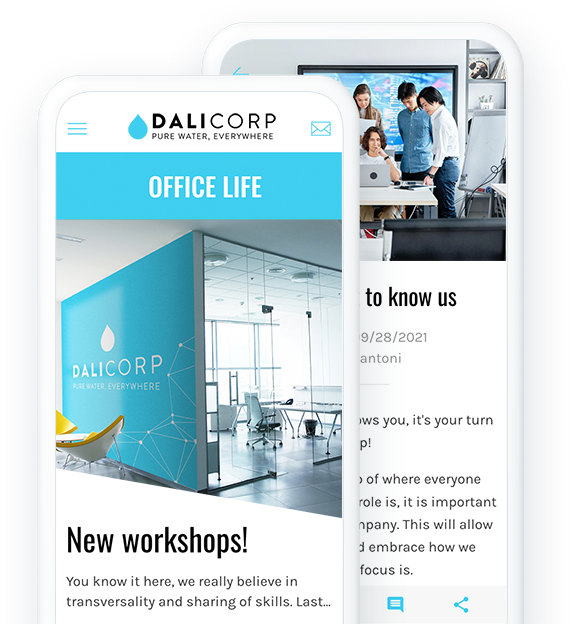
### They trust GoodBarber

## Centralize your internal communication
Cover all your communication needs in a single 100% customizable platform
#### A powerful CMS
The integrated CMS allows you to create or connect any type of content directly from the back office.
Create directly content from the CMS and manage every step of content publication, or use our catalog of more than 30 external connectors to sync your different content sources (YouTube, WordPress, RSS feeds and much more).
#### Company News
Share your company's general information and news with a Blog! Create as many Blog sections as you want and/or categorize them to make it easier for your employees to navigate and access information.
#### A dynamic working tool
Take advantage of our Video sections to offer lively and engaging content to your employees. Whether it's online courses, meeting reports or seminar replays, videos are a great way to deliver content in a light-hearted, fun and memorable way to all your employees.
#### A clear calendar
Use our Calendar sections to clearly display all the important dates for your company. Create different levels of calendars to show key roadmap deadlines as well as departmental meeting agendas. Add content to each event so that everyone can read about it and have a clear vision of the global and daily progress of the company.
#### Coaching & Training
Provide your employees with a complete onboarding and training process to successfully welcome your new employees and ensure that your teams are constantly up to speed. Use the different types of content available such as videos, podcasts or editorial content.
#### Showcase your company
Take advantage of your company app to spread the image you want of your business. Use our About pages to anchor your company's core values and history. Your employees will always have this information in the back of their minds. Our Maps sections will also allow you to locate your offices in space and create routes to each of them.
## Communicate in a secure and confidential space
Only your collaborators will have access to your content
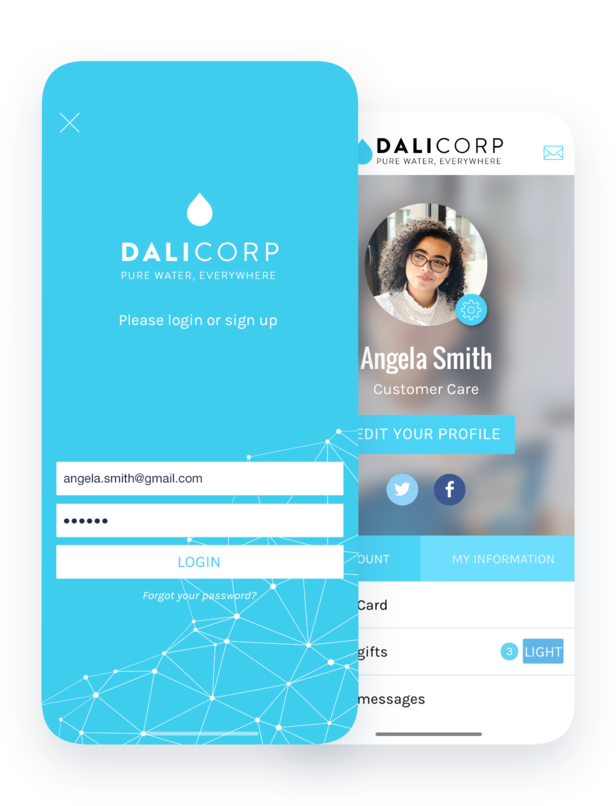
### A modular authentication system
Secure your app by adding an [authentication module](https://www.goodbarber.com/extensions/authentication/) that allows your collaborators to identify themselves and access your content. Decide to let your collaborators create their own account on your app, or on the contrary create their own profile in order to keep 100% control on the identity of your audience.
## Target your audience in one click
Easily communicate the right information to the right people
### Targeted notifications
Send your [push notifications](https://www.goodbarber.com/extensions/push-notifications/) cleverly using the different targeting criteria available: according to the behavior of your collaborators (number of app openings during the last 30 days, app version, or only users who have never received a push notification), their geographical location or the device they use.
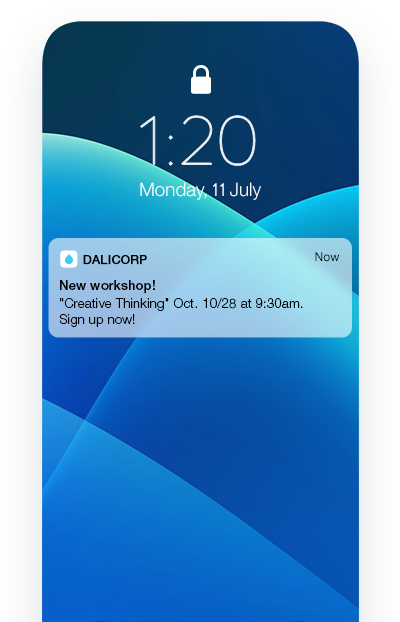
### Distinct groups of collaborators
Classify your employees into [different groups](https://www.goodbarber.com/extensions/user-groups/) (by department, by accreditation level or by seniority) and communicate differently with each group. Manage access to different sections of your app for each group, and use them as an additional way to target your push notifications.
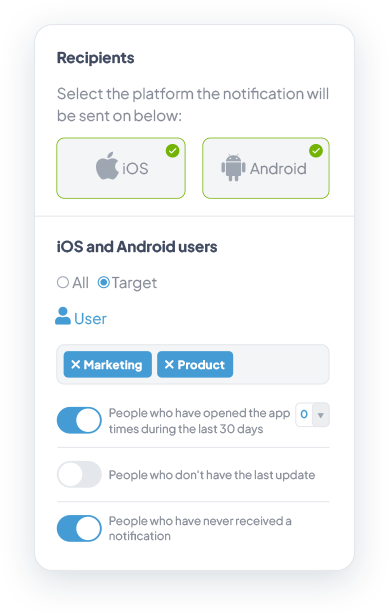
## A collaborative space for interpersonal communication
Promote collaboration and communication within your teams
### An intuitive directory
The [User List section](https://www.goodbarber.com/extensions/community/) will be perfect for creating your directory in a blink of an eye. Choose your user list display template in list or card mode. It allows you to display users according to 3 criteria: all, most recent connections or closest geographically.
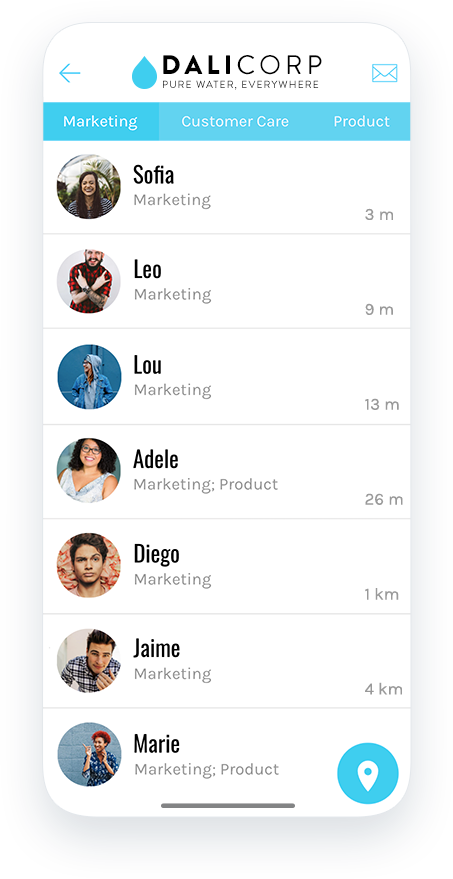
### Feedback features
Use the [Form](https://www.goodbarber.com/extensions/form/) and Submit sections to gather information from your audience. From survey responses to suggestion boxes to direct communication with HR, the possibilities are endless to give your employees a voice and show them that their opinions matter to you.
### Always more interaction
Help your employees connect with each other by adding a [chat](https://www.goodbarber.com/extensions/chat/) to your app. They will be able to contact each other via the user list, and exchange text messages in total security.
## And so much more
### Customizable domain name:
You can customize the address where your users access your web app by installing a [custom domain name](https://www.goodbarber.com/extensions/custom-domain/). All domain extensions are supported.
### Customizable profile:
Each user has a public profile visible to other users of the app. You can customize the profile fields of your users according to your needs and the information you want to display to other employees. Make these fields mandatory or not with one click.
### Manage an editorial team:
Entrust the management of your application to different members of your team. Manage the rights and accesses of each member and gain productivity while securing your work.
### No-Code platform
Take advantage of GoodBarber's power and more than 500 features without having to write a single line of code. No need for a technical team or specific resources to manage your intranet. Save precious time in the creation of your app and communicate with your collaborators in all simplicity.
### Automations
Thanks to GoodBarber’s connectors for Zapier and Make, you can automate and simplify your workflow. With thousands of online services to connect to, sharing company news or onboarding new employees has never been so easy.
### App walkthrough
Simplify your employees' experience right from the start, without effort or wasted time. Create an [app Walkthrough](https://www.goodbarber.com/extensions/walkthrough/) for a smooth start and an optimal use of your app. You define the explanatory steps and ensure that your app is used correctly.

### ChatGPT
Integrate an artificial intelligence [virtual assistant](https://www.goodbarber.com/extensions/chatgpt/) into your app. It can answer your employees's questions based on information you provide in advance. It's an excellent way of providing assistance to members of your company, wether for HR purposes, or to facilitate your procedures.
## Why your company needs an app to communicate with its employees?
### Accessibility
A vast majority of employees are not behind a desk every day. In fact, according to LinkedIn, 80% of the workforce is in this category. A company intranet limits accessibility to information. With an app, you can communicate with your teams anywhere ensuring your messages reach them.
### Productivity
Employees spend 9.3 hours per week on average searching and gathering information*. With an app, you can consolidate and centralise information so your employees always have it at their fingertips. Source McKinsey
### Foster engagement
A app offers you the tools and the space for your employees to communicate in a safe environment and create connections between them. They can also comment on company news. This transparency will in return create a positive work environment
## Clients’ love
### [GoodBarber is a powerful app builder.](https://www.trustpilot.com/reviews/60f08679f9f48702a8e6869e)
#### Melissa Okta
GoodBarber is a powerful app builder. If you want to build your app using a pre-built template, GoodBarber is ideal for you. At Global Academy, we almost completed the 5th year using their easy-to-use pre-built platforms to build premium Apps for our customers. Also, Goodbarber's customer support is excellent. Highly recommended.
-
-
-
-
-
### [Great support and always very helpful answers.](https://www.trustpilot.com/reviews/60c0ca7cf9f487099ce24eb9)
Great support and always very helpful answers. Nothing is too trivial for the team to answer.
-
-
-
-
-
### [Responsive support and usually quick.](https://www.trustpilot.com/reviews/60ad3c03f9f4870a94ace1d1)
Responsive support and usually quick. Software is by far the best in the market, with tremendous capabilities for configurations.
-
-
-
-
-
### [I really like the system.](https://www.trustpilot.com/reviews/60551146f85d7509fc10d732)
#### Gene Hieber
I have been a resller member for a month now. I've built several demo apps. I really like the system. Easy to navigate and I have sold a couple progressive web apps and am working on native apps as well. I highly recommend Good Barber.
-
-
-
-
-
### [The team at GoodBarber has been incredibly informative and helpful](https://www.trustpilot.com/reviews/6054cff7f85d7509fc1090eb)
#### W. Monahan
The team at GoodBarber has been incredibly informative and helpful during both the creation and maintenance of my app. I am not super tech savvy, and they always provide me with solid guidance on how to fix my issue or improve my app. I shopped around for different options when looking to build my app, and I am happy that I chose this company.
-
-
-
-
-
### [They helped me to create a beautiful, successful app](https://www.trustpilot.com/reviews/60511fb2f85d75064c43947b)
#### Mary Davis
I have been with GoodBarber since 2014 and I can not say enough good things about them and my experience within with them. They helped me to create a beautiful, successful app; they have been there for me every step of the way to solve customer issues and help with updates; and they have an easy to use, infinitely customizable dashboard to create the app of your dreams - which is what I did. Thank you GoodBarber. You are the best
-
-
-
-
-
### [Great tool, it has all features you need to build your own app or website.](https://www.trustpilot.com/reviews/60a22025f9f4870a94a45023)
#### Manuel Ventura
Great tool, it has all features you need to build your own app or website.
-
-
-
-
-
### [GoodBarber is a wonderful platform.](https://www.trustpilot.com/reviews/604e93b7f85d7503942a6703)
#### Mini Maestro
GoodBarber is a wonderful platform. Their support staff are helpful and the interface is easy to navigate! Thank you for enabling us to give extra support to our customers with our customer app.
-
-
-
-
-
### [The Best App Builder on the Market](https://www.trustpilot.com/reviews/604c6024f85d75064c40265c)
#### Draculapp
The Best App Builder on the Market, PWA at ease, and Native iOS assistance for the publishing issues. Very good support and constant updates. Many features and beautiful design layouts and a high level of customization. Recommended for individual Businesses or Agencies with a very good solution for the reseller program. And last but not least, friendly staff! It worth a try...
-
-
-
-
-
### [One of the best providers in the space.](https://www.trustpilot.com/reviews/604ba651f85d75064c3fd1ab)
#### K. Linton
One of the best providers in the space. Easy to use, well documented and excellent customer service. If you’re looking to create a mobile app solution for your company or clients GoodBarber is definitely the way to go.
-
-
-
-
-
## [Employee communication](https://www.goodbarber.com/extensions/collections/employee-communication/)
All internal communication tools accessible on mobile as well as on desktop
[AuthenticationAuthorize access to all or a part of your app only to users who have a username/password](https://www.goodbarber.com/extensions/authentication/)[ChatEnable an instant messaging service into your app](https://www.goodbarber.com/extensions/chat/)[CommunityManage a community of users in your app](https://www.goodbarber.com/extensions/community/)[User groupsCreate user groups and customize access rights to sections of your app.](https://www.goodbarber.com/extensions/user-groups/)
## Discover More
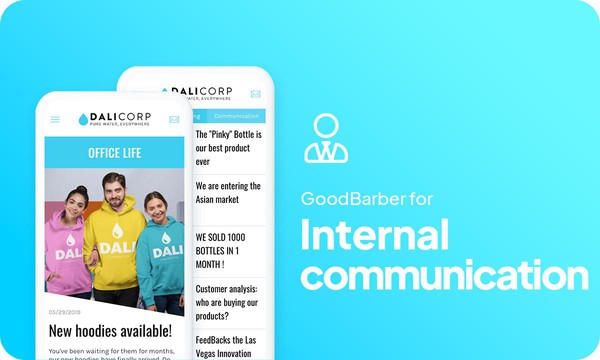
### [How to create an employee communication app?](https://www.goodbarber.com/blog/how-to-create-an-app-to-communicate-with-your-employees-a1121/)
Digitalization, which is increasingly present in our society, has revolutionized the field of internal communication in companies.
### [Sign-in with Apple authentication](https://www.goodbarber.com/blog/sign-in-with-apple-authentication-a990/)
With the release of iOS 13, Apple introduced a new way to sign up for accounts in apps and websites
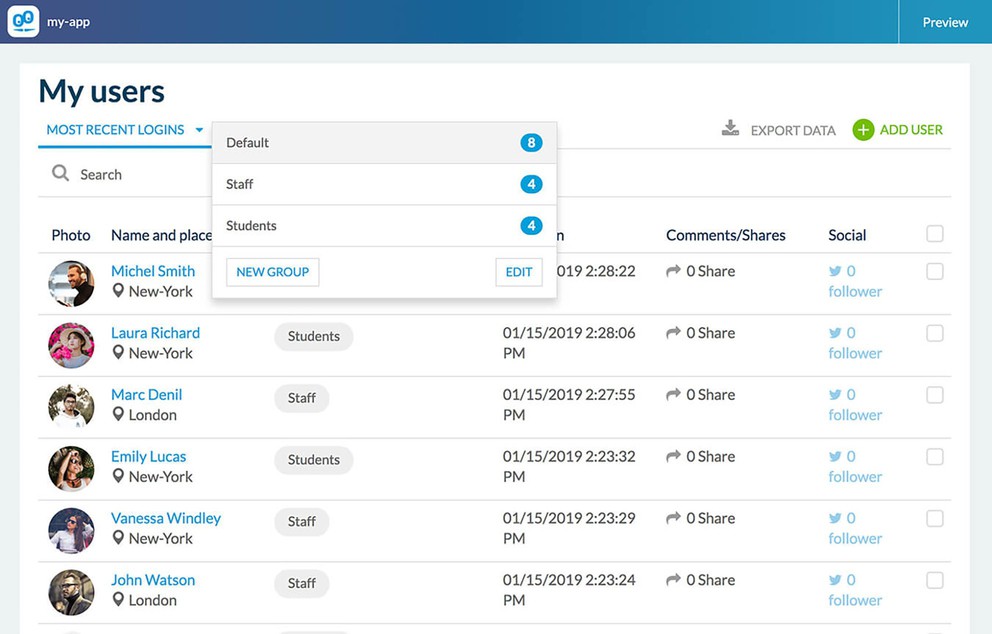
### [Fine tune access rights with the "User Group" Add-On](https://www.goodbarber.com/blog/empower-the-social-features-of-your-app-adding-the-new-user-group-add-on-a588/)
The Add-On "User Groups" gives you the possibility to categorize groups of users and to restrict the sections of your app to specific groups (one or more for each section).
## Pricing
[Monthly](#)[Yearly](#)[One time](#)
||Standard $30/monthbilled yearlySave $72 yearly|Premium $55/monthbilled yearlySave $180 yearly|Pro $105/monthbilled yearlySave $360 yearly|Agency $215/monthbilled yearlySave $780 yearly|Pro $4600One-off paymentSave $11600 in one go|Agency $12000One-off paymentSave $21600 in one go|
|---|---|---|---|---|---|---|
|Technology|||||||
|PWA technology|yes|yes|yes|yes|yes|yes|
|Native technology||Android + iOS (iPhone & iPad)|Android + iOS (iPhone & iPad)|Android + iOS (iPhone & iPad)|Android + iOS (iPhone & iPad)|Android + iOS (iPhone & iPad)|
|Available in Google Play Store||yes|yes|yes|yes|yes|
|Available on the App Store||yes|yes|yes|yes|yes|
|Capacities|||||||
|Storage info $2 for 10 GB|2 GB|10 GB|50 GB|100 GB|50 GB|100 GB|
|Push notifications info $10 for 100K extra push notifications(per month)|10K|30K|250K|500K|250K|500K|
|Staff accounts|1|3|unlimited|unlimited|unlimited|unlimited|
|Number of projects|1|1|1|unlimited|1|unlimited|
|Page views (bandwidth & traffic)|unlimited|unlimited|unlimited|unlimited|unlimited|unlimited|
|App downloads||unlimited|unlimited|unlimited|unlimited|unlimited|
|Account manager|||yes|yes|yes|yes|
|Extensions storeLarge library 190+ [extensions](https://www.goodbarber.com/extensions/). New extensions every month info Extend the features of your app with extensions : Automations (Zapier, Make), Analytics, Monetization, Sales optimization, Integration (Wordpress, Squarespace, RSS).|||||||
|Free extensions|Up to 5|Up to 20|unlimited|unlimited|unlimited|unlimited|
|Authentication||$12/month (billed $120/year. You save 2 months)|yes|yes|yes|yes|
|Chat info The Chat extension requires the Authentication extension to be installed||$20/month (billed $200/year. You save 2 months)|yes|yes|yes|yes|
|Memberships info Offer paid subscriptions to your users to access your content. Purchases are easily made from their Apple / Google account||$49/month (billed $490/year. You save 2 months). NO additional fee based on your revenue.|yes|yes|yes|yes|
|Core features|||||||
|NO CODE drag&drop app builder|yes|yes|yes|yes|yes|yes|
|Fully customizable design|yes|yes|yes|yes|yes|yes|
|Content Management System(article, video, podcast, event, map, photo, live)|yes|yes|yes|yes|yes|yes|
|SEO friendly, AMP, ASO friendly|yes|yes|yes|yes|yes|yes|
|Support (Real human support, by the GoodBarber team itself)|yes|yes|yes|yes|yes|yes|
|Yearly plan subscription pricing|Standard$360/year|Premium$660/year|Pro$1260/year|Agency$2580/year|/year|/year|
### Create your intranet app now
[Start for free](https://www.goodbarber.com/create/)
## Frequently asked questions
### What is Employee Communication app ?
An Employee Communication app is a mobile application aimed to communicate news and updates through the company instantly and at scale. It’s generally considered as a communication tool used by teams to improve productivity and ensure the message is received at the right time, by the right person.
### Who is the Employee Communication app for ?
Employee Communication apps are generally used by the HR department, Corporate Communication Dept, Social Responsibility Managers in any size Companies, to easily communicate with Headquarters and Frontline workforces, efficiently.
### Which are the best features for Employee Communication mobile apps?
- Targeted Push Notifications
- Distinct users groups management
- Feedback gathering features, like forms and surveys modules
- Calendar
### What skills are required to build an Employee Communication app ?
Although with GoodBarber Employee Communication app Builder you don’t need any technical/programming skills to build your app, you should have some soft skills such as:
- Ability to communicate efficiently
- Sharing aptitude
- Intellectual curiosity
- Will to build a strong community around Company values
However, the success of an IC mobile app is strongly tied with:
- Good UX / Design
- Respect Brand design and graphic chart
- Enhance interaction level
### How much does it cost to make an Employee Communication app ?
You can start running your Employee Communication app for free with our 30 day free trial.
Then it is up to you to subscribe to the plan that best fits your needs: the basic plan to make your Internal Communication app start at $30/Month.
Note that additional costs apply to publish iOS apps on the App Store.
### How can I customize my app design and User Experience (UX) for my Employee Communication app ?
With over 200 layout options, an impressive theme collection and modular design, you can create a unique app reflecting your Employee Communication branding
There are many options and levels of customization. You can choose different “Global Styles” to customize the app all in all or may just customize a given section.
Besides 30 generic themes, Employee Communication app builder offers 9 templates for listing pages and 4 templates for stand-alone pages.
You will be able to customize headers, fonts, background colors and navigation menus.
Furthermore, you would be able to enhance communication and interactions with you users through some dedicated sections and features:
- Chat Add-on
- Form Section: it allow you to create a form that users will fill in from the app to send data and information you had requested
- Submission Section : it allows users to submit content directly from your application
- Contact US section: provides to your users all your contacts in a dedicated section. In this section, you can create direct links to:
* Facebook
* Twitter
* Instagram
* WhatsApp
* Skype
* Email
* Your phone number (Call us link)
* Your app store URL (Recommend in the Store)
* Internal sections of your app (Internal link)
* Websites (External link)
* Send a message (SMS)
### Would my Employee Communication app be available in all countries ?
Yes, it can be available in all countries. You will decide about Geo-distribution, selecting those countries where the app will be available in the app stores, before publication on Apple’s App Store and Google Play Store.
### Do you provide any Support and After-Sales Assistance for Employee Communication app ?
Yes, indeed! GoodBarber Support and Assistance program provides for:
- Free support
- Unlimited Number of support tickets
- App Lifetime support
- Support in 5 languages
- 4 offices in 3 countries
- 3 time zones support
### Who is the Developer of my Employee Communication app ?
You are required to purchase your own Developer account from Apple and Google. Therefore, you are the developer of your app. GoodBarber is simply the tool to create it.
### Can I sell my Employee Communication app ?
Yes, you can sell your Employee Communication app. To do this, you need to transfer the ownership of your app to the new owner, on each app store.
In addition, you must transfer the ownership of the GoodBarber back-office to the new owner. To do this, you will need to contact the Goodbarber support team
[Start for free](https://www.goodbarber.com/create/)
Starting as low as $30/month
Free 30-day trial. No credit card required
---
# Content creator apps
Source: https://www.goodbarber.com/content-creator-app/
---
title: "Content Creator app builder: build an app for influencers and Content Sharing"
description: "GoodBarber Content Creator apps are designed to fulfill needs and requirements for bloggers, online publishers, newsletter authors, podcasters, YouTubers, course creators and social media influencers."
canonical_url: "https://www.goodbarber.com/content-creator-app/"
lang: en
---
# Content Creator app builder: build an app for influencers and Content Sharing
### GoodBarber for Content Creators
# Turn your passion into a profession
## Creation, distribution, sponsoring: Manage your content from A to Z with an app
- 1-click subscription to premium content
- Advertising control
- Promo codes
- YouTube, WordPress, Vimeo, … integrations
- Forms
- Content submission by followers
[Start now](https://www.goodbarber.com/create/)
Starting as low as $30/month
Free 30-day trial. No credit card required
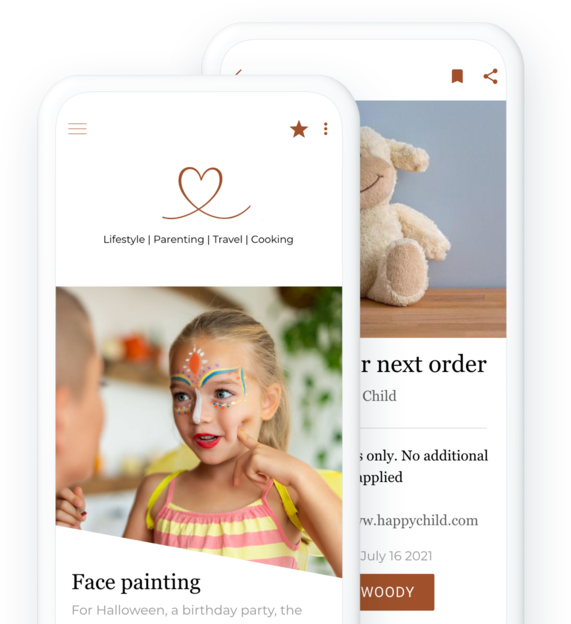
### They trust GoodBarber

## The added-value of an active community
More than just numbers, it’s the commitment of your community that your partners will value
### Focus on the quality of your influence
You create content that brings people together and makes your community want to follow you. Offering an app to your community means offering them an incomparable user experience and a unique interaction with you. You create your private space, shared between you and your community.
### Engagement generates more revenue than numbers
Using an app instead of a simple website is a proof of additional engagement from your community. Moreover, brands no longer rely solely on community size to select influencers. The focus today is on the relationship between the content creator and their community. Micro-influencers are more and more popular because they maintain a close relationship with their community. It proves to be effective and generates a greater involvement from subscribers.
[https://portal.ww-cdn.com/portal_static/images/content_creators/engaged_value.7c6df413764b.mp4](https://portal.ww-cdn.com/portal_static/images/content_creators/engaged_value.7c6df413764b.mp4)
## Easily manage your collaborations
Take advantage of tools adapted to fulfil your partnerships and share exclusive deals with your community
### Easy and intuitive distribution of promo codes
As a content creator, you build partnerships with brands that match your values and your brand. With GoodBarber you can share [promo codes](https://www.goodbarber.com/extensions/couponing/) (physical or virtual) you’ve obtained for your community. You can create them, modify their status, and categorize them so that your followers can easily access what they are looking for. They won’t need to search through your different social platforms, all your goodies will be centralized in one place. The statistics tool allows you to analyze the performance of your discount campaigns to improve them and debrief accurately with your partners.
### Create your own ads
Beyond promotional codes, GoodBarber gives you the possibility to use your app’s advertising spaces to highlight your collaborations. Create and manage [your own ads campaigns](https://www.goodbarber.com/extensions/internal-ad-server/) to display interstitials or banners in your app. You control everything: the content of the ad, the visual, the display rules (number of impressions, number of clicks, time period)… enough to satisfy your partners!
## Your entire brand in an app
Gather your content in a dedicated space for you and your community
[https://portal.ww-cdn.com/portal_static/images/content_creators/powerful_cms.741bfc777e37.mp4](https://portal.ww-cdn.com/portal_static/images/content_creators/powerful_cms.741bfc777e37.mp4)
### Connect all your content sources to your app
If you create different types of content on different platforms, connect all your content sources thanks to our catalog of more than 30 connectors: Youtube, Vimeo, [Twitch](https://www.goodbarber.com/extensions/twitch/), WordPress, and many more. That way, you don’t have to change your habits. Your content is automatically retrieved from your other platforms to your app. They automatically adapt to the design of your app to save you even more time.
### Create content directly for your app
The integrated CMS allows you to create any type of content directly from the back office. It’s the perfect tool to create content exclusive to the app to reward your most engaged followers. Thanks to the CMS, you’re in control of everything: status management for each content, immediate, delayed or ephemeral publication, you’re the boss!
### Facilitate access to your social media
Like any content creator, you work on your presence on different social media. Adding links to your different pages will allow you to facilitate access to your networks. Also, you have the possibility to add direct sharing links in each content page. Posting on [Bluesky](https://www.goodbarber.com/extensions/bluesky/) or [Mastodon](https://www.goodbarber.com/extensions/mastodon/)? Your posts can also appear automatically in a section of your app.
## Facilitate interactions with your community
Interacting with your followers has never been so seamless. Use the most adapted tools to communicate.
### Direct communication thanks to push notifications
Whether they’re automatic or punctual, [push notifications](https://www.goodbarber.com/extensions/push-notifications/) will be your best ally to keep in touch with your community. They are fast, immediate or scheduled and above all they arrive directly on your best support: your followers’ mobile. Use them as leverage to sell your subscriptions: target your users according to their status to encourage them to subscribe or simply remain subscribed.
### Interaction made easy
The Submit and Form sections allow you to [collect content directly from your community](https://www.goodbarber.com/extensions/content-submission/). This is a great way to interact with them, for surveys, debates or giveaways.
## Be present on the App Store and Google Play
GoodBarber allows you to tap into not only the web, but also native iOS & Android apps.
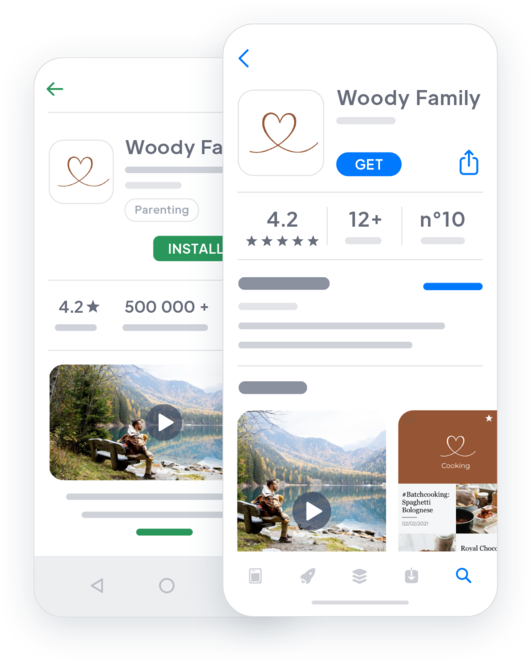
##### High-performance native apps
Native apps guarantee the best user experience for each platform. Your content will be perfectly adapted to the devices used by your community. Moreover, at GoodBarber, everything is designed for speed and stability, and our development team regularly conducts advanced performance tests to maintain this high standard.
##### Be present where your community is
As you can see from your social media statistics, your community loves mobile more than anything. More intuitive, easier to access, mobile is the most used medium. Whether native or web-based, your GoodBarber app is designed for mobile and provides your community with an outstanding experience on mobile.

## Analyze your performance
Capitalize on your statistics to better understand your community and its expectations
### Internal statistics
Use the [GoodBarber Statistics tool](https://www.goodbarber.com/extensions/analytics-dashboard-content-apps/) and analyze the number of launches, unique sessions, page views… Filter your results by period or by platform. There is no time limit to keep your app statistics. Export your app statistics in .csv format for further analysis in another tool.
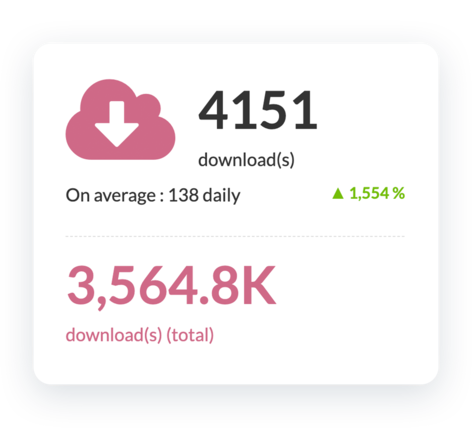
### External statistics
You can use Google Analytics to get additional statistics about the use of your app. For native versions of your app, connect Firebase Analytics Count.ly and get more information about the performance of your content and the behavior of your community.
## And so much more
### Branded App
GoodBarber’s app design is fully customizable, allowing you to add your own brand identity and make you and our community feel at home. Your app will be unique.
### SEO
The code of the web version of your app has been developed for optimal indexing in search engines. The page structure is already optimized, the HTML tags are organized to be easily read by the engines, and highlight your content.
### Comments
Allow your community to access the [comments page](https://www.goodbarber.com/extensions/cms-comments/) from each content to create even more interaction. Manage your users’ comments through a dedicated interface. See the author and content of the comment, its reference section, its publication date and its status.
### Premium content
This is the best way to monetize your content: offer parts of your content for free while giving your community the option to upgrade to a paid subscription for full access.
### Domain name
You can customize the address where your users access your PWA by installing a custom domain name. All domain extensions are managed. You keep your identity and maintain consistency between your different platforms
### Automations
Let [Zapier](https://www.goodbarber.com/extensions/zapier-integration/) and Make do the work for you. Connect thousands of online services to your GoodBarber and don’t waste time on repetitive tasks. You are free to focus on creating your content.
## Why you need an app as a content creator
### Stay ahead of the competition
The influencer world is very competitive with more and more people trying to join this market. Classic social media platforms are crowded and competition is fierce. A mobile app will make you stand out. All your content is accessible 24/7 to your followers, even offline.
### Increase brand loyalty
As a content creator, engagement from your followers is crucial. With an app, you offer them the best user experience and make them feel part of a private community. Once your app is installed on their phone, your icon will always be a reminder of your brand.
### An effective Marketing channel
Your mobile app is a direct communication channel with your followers and therefore your most useful marketing channel. Take advantage of native features like Push notifications to nudge your followers back to the app for new content published or for a new discount code for one of your partnership brands.
## Client’s love
### [GoodBarber is a powerful app builder.](https://www.trustpilot.com/reviews/60f08679f9f48702a8e6869e)
#### Melissa Okta
GoodBarber is a powerful app builder. If you want to build your app using a pre-built template, GoodBarber is ideal for you. At Global Academy, we almost completed the 5th year using their easy-to-use pre-built platforms to build premium Apps for our customers. Also, Goodbarber's customer support is excellent. Highly recommended.
-
-
-
-
-
### [Great support and always very helpful answers.](https://www.trustpilot.com/reviews/60c0ca7cf9f487099ce24eb9)
Great support and always very helpful answers. Nothing is too trivial for the team to answer.
-
-
-
-
-
### [Responsive support and usually quick.](https://www.trustpilot.com/reviews/60ad3c03f9f4870a94ace1d1)
Responsive support and usually quick. Software is by far the best in the market, with tremendous capabilities for configurations.
-
-
-
-
-
### [I really like the system.](https://www.trustpilot.com/reviews/60551146f85d7509fc10d732)
#### Gene Hieber
I have been a resller member for a month now. I've built several demo apps. I really like the system. Easy to navigate and I have sold a couple progressive web apps and am working on native apps as well. I highly recommend Good Barber.
-
-
-
-
-
### [The team at GoodBarber has been incredibly informative and helpful](https://www.trustpilot.com/reviews/6054cff7f85d7509fc1090eb)
#### W. Monahan
The team at GoodBarber has been incredibly informative and helpful during both the creation and maintenance of my app. I am not super tech savvy, and they always provide me with solid guidance on how to fix my issue or improve my app. I shopped around for different options when looking to build my app, and I am happy that I chose this company.
-
-
-
-
-
### [They helped me to create a beautiful, successful app](https://www.trustpilot.com/reviews/60511fb2f85d75064c43947b)
#### Mary Davis
I have been with GoodBarber since 2014 and I can not say enough good things about them and my experience within with them. They helped me to create a beautiful, successful app; they have been there for me every step of the way to solve customer issues and help with updates; and they have an easy to use, infinitely customizable dashboard to create the app of your dreams - which is what I did. Thank you GoodBarber. You are the best
-
-
-
-
-
### [Great tool, it has all features you need to build your own app or website.](https://www.trustpilot.com/reviews/60a22025f9f4870a94a45023)
#### Manuel Ventura
Great tool, it has all features you need to build your own app or website.
-
-
-
-
-
### [GoodBarber is a wonderful platform.](https://www.trustpilot.com/reviews/604e93b7f85d7503942a6703)
#### Mini Maestro
GoodBarber is a wonderful platform. Their support staff are helpful and the interface is easy to navigate! Thank you for enabling us to give extra support to our customers with our customer app.
-
-
-
-
-
### [The Best App Builder on the Market](https://www.trustpilot.com/reviews/604c6024f85d75064c40265c)
#### Draculapp
The Best App Builder on the Market, PWA at ease, and Native iOS assistance for the publishing issues. Very good support and constant updates. Many features and beautiful design layouts and a high level of customization. Recommended for individual Businesses or Agencies with a very good solution for the reseller program. And last but not least, friendly staff! It worth a try...
-
-
-
-
-
### [One of the best providers in the space.](https://www.trustpilot.com/reviews/604ba651f85d75064c3fd1ab)
#### K. Linton
One of the best providers in the space. Easy to use, well documented and excellent customer service. If you’re looking to create a mobile app solution for your company or clients GoodBarber is definitely the way to go.
-
-
-
-
-
## [Content creators](https://www.goodbarber.com/extensions/collections/content-creators/)
Take advantage of great tools to publish your content, fulfill your partnerships and promote your hot deals to your community
[MastodonAutomatically publish the posts of your Mastodon account to your app with the Mastodon GoodBarber integration.](https://www.goodbarber.com/extensions/mastodon/)[TwitchAutomatically stream the live and videos of your Twitch channel in your app with the Twitch GoodBarber integration.](https://www.goodbarber.com/extensions/twitch/)[BlueskyAutomatically publish the posts of your Bluesky account to your app with the Bluesky GoodBarber integration.](https://www.goodbarber.com/extensions/bluesky/)[MembershipsMake money in your app with Memberships](https://www.goodbarber.com/extensions/in-app-purchase/)
## Discover more
### [How to create a content creators app?](https://www.goodbarber.com/blog/how-to-create-an-app-for-content-creators-a1119/)
Digitalization has seen great changes in recent years. In perpetual growth, the world of influencers and content creation has been made more accessible, opening new doors for future generations. New means of communication are emerging, giving way to new professions.

### [How to display your own ads in your app?](https://www.goodbarber.com/blog/how-to-display-your-own-ads-in-your-app-a330/)
There are several ways to monetize your app the right way. Let's focus on advertising.
### [Retain your clients with the couponing add-on](https://www.goodbarber.com/blog/goodbarber-feature-highlight-couponing-a938/)
With the Couponing Add-On, we offer you a great tool to engage and retain your clients. It also simplify how you manage and analyze your coupons campaigns.
## Pricing
[Monthly](#)[Yearly](#)[One time](#)
||Standard $30/monthbilled yearlySave $72 yearly|Premium $55/monthbilled yearlySave $180 yearly|Pro $105/monthbilled yearlySave $360 yearly|Agency $215/monthbilled yearlySave $780 yearly|Pro $4600One-off paymentSave $11600 in one go|Agency $12000One-off paymentSave $21600 in one go|
|---|---|---|---|---|---|---|
|Technology|||||||
|PWA technology|yes|yes|yes|yes|yes|yes|
|Native technology||Android + iOS (iPhone & iPad)|Android + iOS (iPhone & iPad)|Android + iOS (iPhone & iPad)|Android + iOS (iPhone & iPad)|Android + iOS (iPhone & iPad)|
|Available in Google Play Store||yes|yes|yes|yes|yes|
|Available on the App Store||yes|yes|yes|yes|yes|
|Capacities|||||||
|Storage info $2 for 10 GB|2 GB|10 GB|50 GB|100 GB|50 GB|100 GB|
|Push notifications info $10 for 100K extra push notifications(per month)|10K|30K|250K|500K|250K|500K|
|Staff accounts|1|3|unlimited|unlimited|unlimited|unlimited|
|Number of projects|1|1|1|unlimited|1|unlimited|
|Page views (bandwidth & traffic)|unlimited|unlimited|unlimited|unlimited|unlimited|unlimited|
|App downloads||unlimited|unlimited|unlimited|unlimited|unlimited|
|Account manager|||yes|yes|yes|yes|
|Extensions storeLarge library 190+ [extensions](https://www.goodbarber.com/extensions/). New extensions every month info Extend the features of your app with extensions : Automations (Zapier, Make), Analytics, Monetization, Sales optimization, Integration (Wordpress, Squarespace, RSS).|||||||
|Free extensions|Up to 5|Up to 20|unlimited|unlimited|unlimited|unlimited|
|Authentication||$12/month (billed $120/year. You save 2 months)|yes|yes|yes|yes|
|Chat info The Chat extension requires the Authentication extension to be installed||$20/month (billed $200/year. You save 2 months)|yes|yes|yes|yes|
|Memberships info Offer paid subscriptions to your users to access your content. Purchases are easily made from their Apple / Google account||$49/month (billed $490/year. You save 2 months). NO additional fee based on your revenue.|yes|yes|yes|yes|
|Core features|||||||
|NO CODE drag&drop app builder|yes|yes|yes|yes|yes|yes|
|Fully customizable design|yes|yes|yes|yes|yes|yes|
|Content Management System(article, video, podcast, event, map, photo, live)|yes|yes|yes|yes|yes|yes|
|SEO friendly, AMP, ASO friendly|yes|yes|yes|yes|yes|yes|
|Support (Real human support, by the GoodBarber team itself)|yes|yes|yes|yes|yes|yes|
|Yearly plan subscription pricing|Standard$360/year|Premium$660/year|Pro$1260/year|Agency$2580/year|/year|/year|
### Create your app now
[Start for free](https://www.goodbarber.com/create/)
## Frequently asked questions
### What is an example of a Content Creator app user?
GoodBarber Content Creator apps are designed to fulfill needs and requirements for bloggers, online publishers, newsletter authors, podcasters, YouTubers, course creators, video game streamers, and social media influencers.
### What is Content Creation?
Content creation is a process of generating content around a given topic in order to appeal to a potential buyer “persona” and motivate them to take a desired action, usually an act of purchase.
The content thus generated can have several formats depending on the distribution channel: video, podcast, blog, infographics are the most common.
### What skills should a content creator have?
Thanks to GoodBarber App builder, you don’t need any programming skills to create your mobile app. You can choose to create a Content Creator app for Android, iOS or a website with a PWA available for both Desktop and Mobile.
Beside that, you should pick a topic that satisfies a need for knowledge, curiosity for a niche or a vast audience. You want to demonstrate passion, skill and experience for a specific topic, design abilities and communication skills.
Community Management techniques are strongly recommended to feed a Content Creator app
### How much does it cost to make an app for Content Creators ?
You can start running your Content Creator app for free with our 30 day free trial.
Then it is up to you to subscribe to the plan that best fits your needs: the basic plan to make your Creator App start at $30/Month.
Note that additional costs apply to publish iOS apps on the App Store
### How to monetize my Content Creator app?
Many strategies out there to make money with a Content Creator App:
1. Premium content: sell your best contents within subscription plans, using Memberships feature.
2. Monetize your Content Creator app with Advertising features.
We recommend 2 strategies:
- Generic Large Audience: monetize your Content Creator app with third party advertising services: activate Third Party Ads Networks (Facebook, Google Admob, Ads Manager, Google AdSense) to display Ads and get paid
- Qualified Small audience: activate GoodBarber Internal Ad Server: The internal ad server is the simplest way to promote your Content Creator mobile app and display tailored, customized splash screens and Ad banners. You also will be able to select one or more platforms for distributing your campaigns: iOS and/or Android.
3. Sell your Content Creator app on the Stores for a fee.
### How can I customize my Content Creator app design ?
With over 200 layout options, an impressive theme collection and modular design, you can create a unique app reflecting your Content Creator app branding
There are many options and levels of customization. You can choose different “Global Styles” to customize the app all in all or may just customize a given section.
Our Content Creator app builder offers 9 templates for listing pages and 4 templates for stand-alone pages.
You will be able to customize headers, fonts, background colors and navigation menus.
Furthermore, you would be able to enhance communication and interactions with you users through dedicated sections and features:
- Chat Add-on
- Form Section: to create polls and give feedback on your content. It allow you to create a form that users will fill in from the app to send data and information you had requested
- Submission Section : to retrieve content from your audience. it allows users to submit content directly from your application
- Contact US section: provides to your users all your contacts in a dedicated section. In this section, you can create direct links to:
* Facebook
* Twitter
* Instagram
* Whatsapp
* Skype
* Email
* Your phone number (Call us link)
* Your app store URL (Recommend in the Store)
* Internal sections of your app (Internal link)
* Websites (External link)
* Send a message (SMS)
### Can I create a Content Creator app with Premium Content behind a Paywall ?
Yes, you can build an app with Premium content only available for paying subscribers.
With our [Memberships extension](https://www.goodbarber.com/extensions/in-app-purchase/), your readers will be able to subscribe to a Monthly/Yearly plan and get access to all your Premium content.
### Do you provide any Support and After-Sales Assistance for Content Creator app?
Yes, indeed! GoodBarber Support and Assistance program provides for:
- Free support
- Unlimited Number of support tickets
- App Lifetime support
- Support in 5 languages
- 4 offices in 3 countries
- 3 time zones support
### Who is the Developer of my Content Creator app ?
You are required to purchase your own Developer account from Apple and Google.
Therefore, you are the developer of your app. GoodBarber is simply the tool to create it
### Can I sell my Content Creator app to another developer?
Yes, you can sell your Content Creator app. To do this, you need to transfer the ownership of your app to the new owner, on each app store.
In addition, you must transfer the ownership of the GoodBarber back-office to the new owner. To do this, you will need to contact the Goodbarber support team
[Start for free](https://www.goodbarber.com/create/)
Starting as low as $30/month
Free 30-day trial. No credit card required
---
# Custom apps
Source: https://www.goodbarber.com/custom-app/
---
title: "Custom app Builder: mobile apps tailored to your specific needs"
description: "Create a tailor-made app for your specific needs. Translate your idea into a unique app to target your ideal users."
canonical_url: "https://www.goodbarber.com/custom-app/"
lang: en
---
# Custom app Builder: mobile apps tailored to your specific needs
### GoodBarber for you
# Build your app à la Carte
## You have a unique project in mind ? Thanks to our no-code app builder, create your own app tailored to your specific needs.
- Built-in CMS
- Integrations (WordPress, YouTube, Vimeo, SquareSpace, Zapier, Make…)
- Memberships system
- Login
- Chat
- Push notifications
[Start now](https://www.goodbarber.com/create/)
Starting as low as $30/month
Free 30-day trial. No credit card required
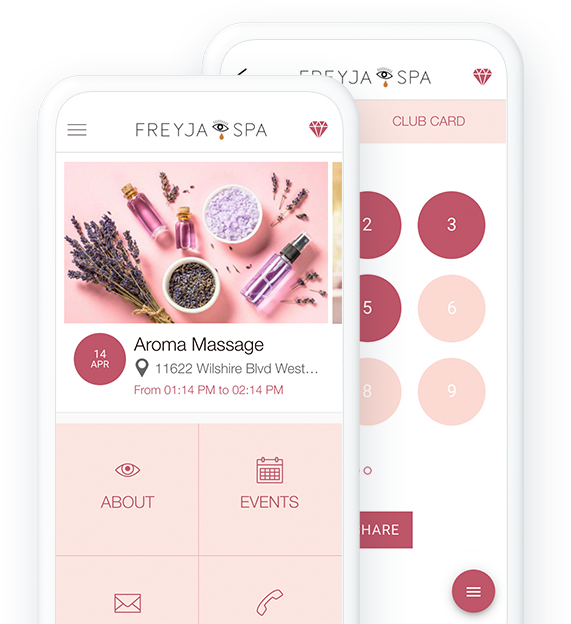
### They trust GoodBarber

## Share your passion
Start from scratch or scale up an existing project
### A built-in CMS to start your project
With 8 different content types (articles, videos, photos, sound, points of interests on maps, forms, events) and several templates, you have everything you need to create your own unique app directly from GoodBarber’s back office.

### Go further with Integrations
If you already have an online presence, you can sync your favorite services with your GoodBarber app, and level up your project. More than 30 connectors (Wordpress, YouTube, Vimeo, SquareSpace, Zapier, Make …) are available to customize your project.

## Sell your products
Build your online store your way
### The one-stop-shop
All you need to create a successful eCommerce app is already integrated in GoodBarber’s platform. Create collections, add your products, import/export catalog, discount campaigns, statistical tools, several payment gateways (Stripe, PayPal, Apple Pay and more).
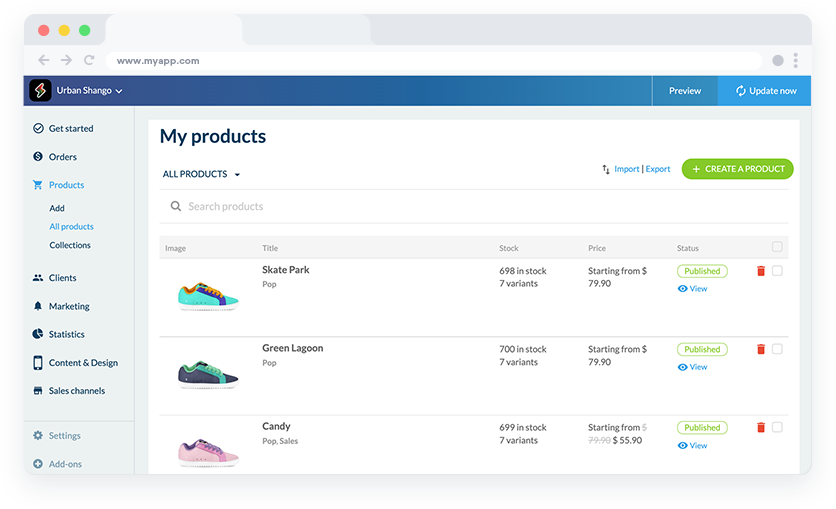
### Scale up your project with automations and APIs
A no-code solution with Zapier and Make allows you to automate repetitive tasks and streamline your workflow. While a more advanced solution is available for developer with our Public API, allowing them to create custom integrations to deal with stock, orders, shipping tracking, products catalog
## Make money with your content
Turn your content into a profit thanks to 2 monetizing built-in features.
### Subscriptions
Even if your app is free to download, you can earn a steady and reliable income by offering a Membership service to your users. While some sections of your app are free, users can upgrade to a paid subscription for full access.

[https://portal.ww-cdn.com/portal_static/images/newspaper/anim_applepay.4c09d21c06ef.mp4](https://portal.ww-cdn.com/portal_static/images/newspaper/anim_applepay.4c09d21c06ef.mp4)
### Ads
The easiest way to earn money with an app. Simply Connect third-party services to generate revenue (AdMob, AdManager, Facebook) and manage your campaigns for each network and platforms.
## Build your community
Manage and engage your community with advanced features
### Chat
Instant 1:1 messaging in your app in a personalized conversation interface that respects the look & feel of your app.
### User groups
Classify your users into different categories and create consistent audiences within your app. You define precisely the access rights of each group and manage your community the way you want it.
### Authentication
Authorize access to all or a part of your app only to users who have a username/password. Let your users introduce themselves by creating your own registration form or let them register through their social media (Facebook, Twitter, Apple)
## Distribute and market your app
You’re present on every platform. Let everyone know about it
#### Publish your app
With GoodBarber, you’re present on the 3 main distribution channels: the App Store, Google Play and the Web. You benefit from both the notoriety of the Stores and the high traffic from the web. Our team is here every step of the way to guide you through the iOS and Android publication process

### Promote your app
Widgets, sharing buttons, QR code, Universal links: All the tools you need to help you promote your app on social media or your website are available in your app back office.
### Engage your users
With Push notification, the number #1 marketing tool for mobile and desktop is in your hand. Create communication strategies tailored to your users with scheduled push, or nudge your clients back to your app in one-click.
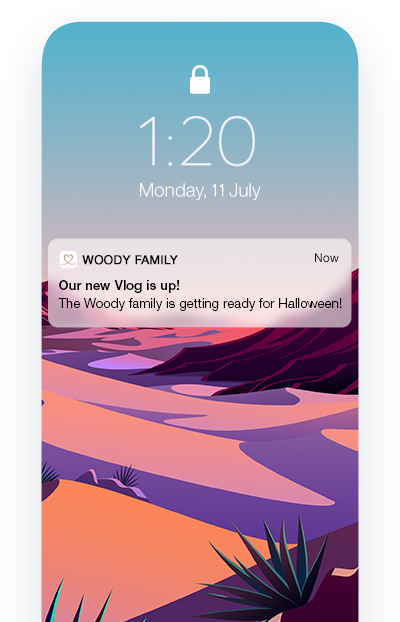
## Build your own feature
The next level of customization

### Plugin section
[The playing field for developers](https://www.goodbarber.com/extensions/collections/developers/)! Create your plugin in HTML5, CSS, and JS and add it into your app to develop and add specific features in your application yourself
[Discover](https://www.goodbarber.com/extensions/custom-code-section/)

### RSS
Connect an RSS feed to your GoodBarber app and automatically update your content on your blog, podcast or video sections.

### Json
This feature allows you to uncover the full potential of GoodBarber. You get access to configuration files and gain freedom to personalize your app even more.
[Discover](https://www.goodbarber.com/extensions/advanced-edition/)

### Custom feed
With your Custom Connector, you can go even further and create your own custom feed to connect to the sections on your GoodBarber app (articles, podcasts, videos, gallery, maps).
## And so much more
### Domain name
Add your own domain name to your PWA to reinforce your brand and make it easier for users to find it and remember it.
### Couponing
Attract new customers and provide incentives for your existing clients to visit more often
### Loyalty Card / Club Card
Create a unique reward program for your clients. Select the validation process and the rewards for the Loyalty Card, and add another level of exclusivity with the Club Card. 3 levels of Membership to access exclusive privileges
### Live + / Live video
Advanced features to stream live video broadcast and /or your radio podcasts.
### Form sections
Use the form as a way to contact you or to let your community interact with you. There are 16 different types of fields to build a form that will meet your exact needs.
### Social sharing
Facebook, Twitter, Instagram and many more. Share your content or products directly on your social media. Native sharing allows to forward any link or images to another app or platform without ever leaving your app
### Comment
Enable comments on your articles and give your users a space to let their voice be heard and belong to a community sharing their interests
### Favorites
Your users can save their favorite content and come back to it later, even if offline. The best user experience for your most loyal users
## Clients’ Love
### [GoodBarber is a powerful app builder.](https://www.trustpilot.com/reviews/60f08679f9f48702a8e6869e)
#### Melissa Okta
GoodBarber is a powerful app builder. If you want to build your app using a pre-built template, GoodBarber is ideal for you. At Global Academy, we almost completed the 5th year using their easy-to-use pre-built platforms to build premium Apps for our customers. Also, Goodbarber's customer support is excellent. Highly recommended.
-
-
-
-
-
### [Great support and always very helpful answers.](https://www.trustpilot.com/reviews/60c0ca7cf9f487099ce24eb9)
Great support and always very helpful answers. Nothing is too trivial for the team to answer.
-
-
-
-
-
### [Responsive support and usually quick.](https://www.trustpilot.com/reviews/60ad3c03f9f4870a94ace1d1)
Responsive support and usually quick. Software is by far the best in the market, with tremendous capabilities for configurations.
-
-
-
-
-
### [I really like the system.](https://www.trustpilot.com/reviews/60551146f85d7509fc10d732)
#### Gene Hieber
I have been a resller member for a month now. I've built several demo apps. I really like the system. Easy to navigate and I have sold a couple progressive web apps and am working on native apps as well. I highly recommend Good Barber.
-
-
-
-
-
### [The team at GoodBarber has been incredibly informative and helpful](https://www.trustpilot.com/reviews/6054cff7f85d7509fc1090eb)
#### W. Monahan
The team at GoodBarber has been incredibly informative and helpful during both the creation and maintenance of my app. I am not super tech savvy, and they always provide me with solid guidance on how to fix my issue or improve my app. I shopped around for different options when looking to build my app, and I am happy that I chose this company.
-
-
-
-
-
### [They helped me to create a beautiful, successful app](https://www.trustpilot.com/reviews/60511fb2f85d75064c43947b)
#### Mary Davis
I have been with GoodBarber since 2014 and I can not say enough good things about them and my experience within with them. They helped me to create a beautiful, successful app; they have been there for me every step of the way to solve customer issues and help with updates; and they have an easy to use, infinitely customizable dashboard to create the app of your dreams - which is what I did. Thank you GoodBarber. You are the best
-
-
-
-
-
### [Great tool, it has all features you need to build your own app or website.](https://www.trustpilot.com/reviews/60a22025f9f4870a94a45023)
#### Manuel Ventura
Great tool, it has all features you need to build your own app or website.
-
-
-
-
-
### [GoodBarber is a wonderful platform.](https://www.trustpilot.com/reviews/604e93b7f85d7503942a6703)
#### Mini Maestro
GoodBarber is a wonderful platform. Their support staff are helpful and the interface is easy to navigate! Thank you for enabling us to give extra support to our customers with our customer app.
-
-
-
-
-
### [The Best App Builder on the Market](https://www.trustpilot.com/reviews/604c6024f85d75064c40265c)
#### Draculapp
The Best App Builder on the Market, PWA at ease, and Native iOS assistance for the publishing issues. Very good support and constant updates. Many features and beautiful design layouts and a high level of customization. Recommended for individual Businesses or Agencies with a very good solution for the reseller program. And last but not least, friendly staff! It worth a try...
-
-
-
-
-
### [One of the best providers in the space.](https://www.trustpilot.com/reviews/604ba651f85d75064c3fd1ab)
#### K. Linton
One of the best providers in the space. Easy to use, well documented and excellent customer service. If you’re looking to create a mobile app solution for your company or clients GoodBarber is definitely the way to go.
-
-
-
-
-
## Discover More
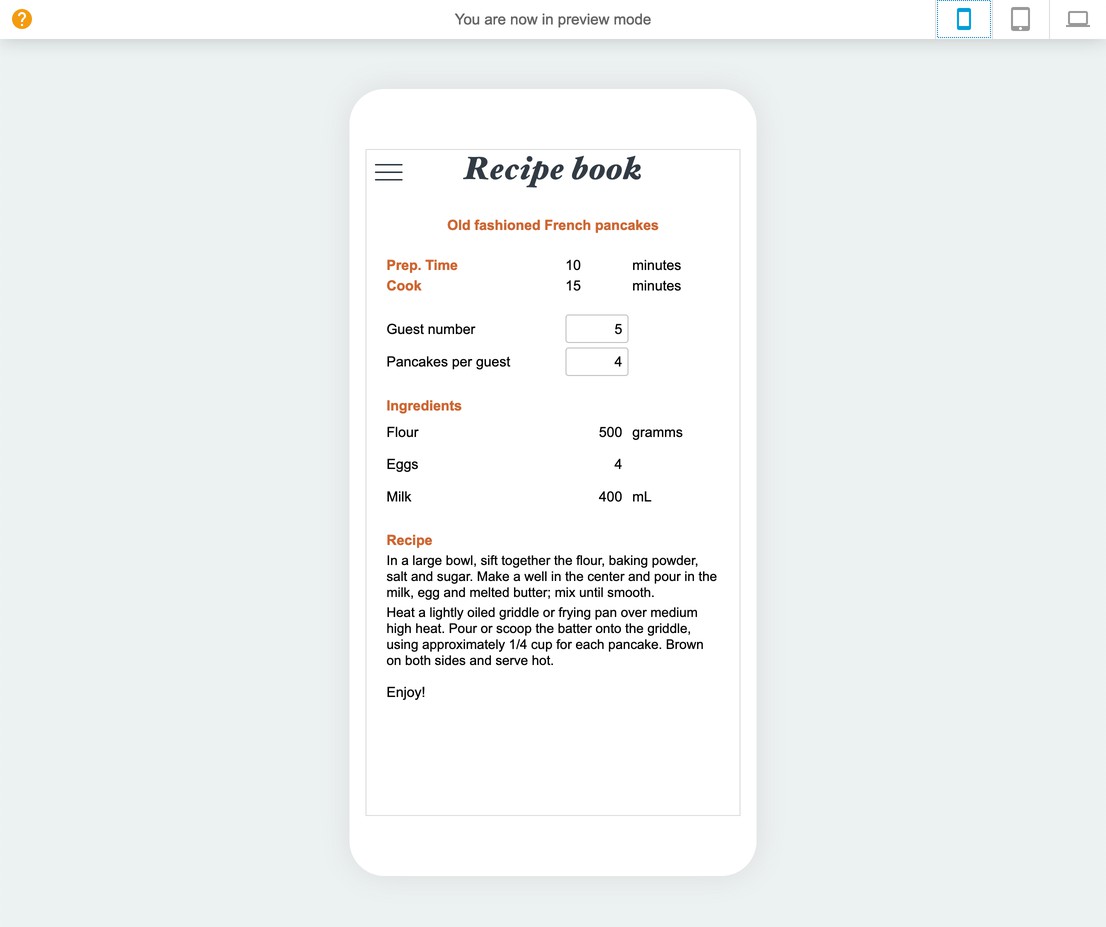
### [Convert an Excel file into a Mobile app](https://www.goodbarber.com/blog/convert-an-excel-file-into-a-mobile-app-a988/)
Plugins are one of our solutions to better customize your app to your needs.

### [How to display your own ads in your app?](https://www.goodbarber.com/blog/how-to-display-your-own-ads-in-your-app-a330/)
The internal ad network is a tool provided by GoodBarber that allows you to manage manually advertisement.
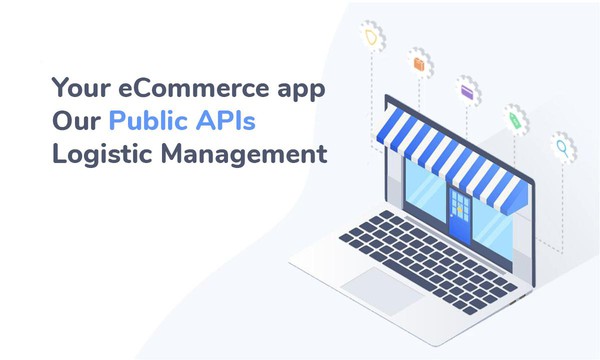
### [Extend logistic management with our API](https://www.goodbarber.com/blog/shopping-app-optimized-logistic-management-with-our-public-api-a1101/)
Our public APIs can help you unlock the power of automation in your eCommerce app
## Pricing
[Monthly](#)[Yearly](#)[One time](#)
||Standard $30/monthbilled yearlySave $72 yearly|Premium $55/monthbilled yearlySave $180 yearly|Pro $105/monthbilled yearlySave $360 yearly|Agency $215/monthbilled yearlySave $780 yearly|Pro $4600One-off paymentSave $11600 in one go|Agency $12000One-off paymentSave $21600 in one go|
|---|---|---|---|---|---|---|
|Technology|||||||
|PWA technology|yes|yes|yes|yes|yes|yes|
|Native technology||Android + iOS (iPhone & iPad)|Android + iOS (iPhone & iPad)|Android + iOS (iPhone & iPad)|Android + iOS (iPhone & iPad)|Android + iOS (iPhone & iPad)|
|Available in Google Play Store||yes|yes|yes|yes|yes|
|Available on the App Store||yes|yes|yes|yes|yes|
|Capacities|||||||
|Storage info $2 for 10 GB|2 GB|10 GB|50 GB|100 GB|50 GB|100 GB|
|Push notifications info $10 for 100K extra push notifications(per month)|10K|30K|250K|500K|250K|500K|
|Staff accounts|1|3|unlimited|unlimited|unlimited|unlimited|
|Number of projects|1|1|1|unlimited|1|unlimited|
|Page views (bandwidth & traffic)|unlimited|unlimited|unlimited|unlimited|unlimited|unlimited|
|App downloads||unlimited|unlimited|unlimited|unlimited|unlimited|
|Account manager|||yes|yes|yes|yes|
|Extensions storeLarge library 190+ [extensions](https://www.goodbarber.com/extensions/). New extensions every month info Extend the features of your app with extensions : Automations (Zapier, Make), Analytics, Monetization, Sales optimization, Integration (Wordpress, Squarespace, RSS).|||||||
|Free extensions|Up to 5|Up to 20|unlimited|unlimited|unlimited|unlimited|
|Authentication||$12/month (billed $120/year. You save 2 months)|yes|yes|yes|yes|
|Chat info The Chat extension requires the Authentication extension to be installed||$20/month (billed $200/year. You save 2 months)|yes|yes|yes|yes|
|Memberships info Offer paid subscriptions to your users to access your content. Purchases are easily made from their Apple / Google account||$49/month (billed $490/year. You save 2 months). NO additional fee based on your revenue.|yes|yes|yes|yes|
|Core features|||||||
|NO CODE drag&drop app builder|yes|yes|yes|yes|yes|yes|
|Fully customizable design|yes|yes|yes|yes|yes|yes|
|Content Management System(article, video, podcast, event, map, photo, live)|yes|yes|yes|yes|yes|yes|
|SEO friendly, AMP, ASO friendly|yes|yes|yes|yes|yes|yes|
|Support (Real human support, by the GoodBarber team itself)|yes|yes|yes|yes|yes|yes|
|Yearly plan subscription pricing|Standard$360/year|Premium$660/year|Pro$1260/year|Agency$2580/year|/year|/year|
### Create your custom app now
[Start for free](https://www.goodbarber.com/create/)
## Frequently asked questions
### What is a GoodBarber Custom App ?
GoodBarber App Builder allows you to build a custom app for your specific business needs, in addition to the pre-built app templates we offer.
It can be a content app to share your best contents among your communities, as well as an e-commerce app for selling and delivering goods.
### How much does it cost to make a Custom app?
You can start running your Custom app for free with our 30 day free trial.
Then it is up to you to subscribe to the plan that best fits your needs: the basic plan to make a Custom App start at $30/Month.
Note that additional costs apply to publish iOS apps on the App Store.
### How to monetize my Custom app?
Many strategies out there to make money with a Custom App:
1. Premium content: sell your best contents within subscription plans, using Memberships.
2. Monetize your Custom App with Advertising features.
We recommend 2 strategies:
- Generic Large Audience: monetize your Custom App with third party advertising services: activate Third Party Ads Networks (Facebook, Google Admob, Ads Manager, Google AdSense) to display ads and get paid
- Qualified Small audience: activate GoodBarber Internal Ad Server: The internal ad server is the simplest way to promote your Custom mobile app and display tailored, customized splash screens and Ad banners. You also will be able to select one or more platforms for distributing your campaigns: iOS and/or Android.
3. Sell your Custom App on the Stores for a fee.
### How can I customize my Custom app design and User Experience ?
With over 200 layout options, an impressive theme collection and modular design, you can create a unique app reflecting your Custom app branding
There are many options and levels of customization. You can choose different “Global Styles” to customize the app all in all or may just customize a given section.
Our Custom app builder offers 9 templates for listing pages and 4 templates for stand-alone pages.
You will be able to customize headers, fonts, background colors and navigation menus.
### Will my app be available in all countries ?
Yes, it can be available in all countries. You will decide about Geo-distribution, selecting those countries where the app will be available in the app stores, before publication on Apple’s App Store and Google Play Store.
### Can I create a Custom app with Premium Content behind a Paywall ?
Yes, you can build an app with Premium content only available for paying subscribers.
With our Memberships extension, your readers will be able to subscribe a Monthly/Yearly plan and get access to all your Premium content
### Do I need technical skills to build a Custom app ?
Thanks to GoodBarber No-Code App builder, you don’t need any programming skills to create your app. You can create your app for Android, iOS or a mobile website using a Progressive Web App (PWA) without a single line of code.
### Do you provide any support and After-Sales Assistance ?
Yes, indeed! GoodBarber Support and Assistance program provides for:
- Free support
- Unlimited Number of support tickets
- App Lifetime support
- Support in 5 languages
- 4 offices in 3 countries
- 3 time zones support
### Who is the Developer of my app ?
You are required to purchase your own Developer account from Apple and Google. Therefore, you are the developer of your app. GoodBarber is simply the tool to create it.
### Can I sell my custom app?
Yes, you can sell your custom app. To do this, you need to transfer the ownership of your app to the new owner, on each app store.
In addition, you must transfer the ownership of the GoodBarber back-office to the new owner. To do this, you will need to contact the Goodbarber support team
[Start for free](https://www.goodbarber.com/create/)
Starting as low as $30/month
Free 30-day trial. No credit card required
---
# Grocery apps
Source: https://www.goodbarber.com/grocery-app/
---
title: "Create a Grocery Delivery app - Online Grocery app builder"
description: "Create a Grocery Delivery app without coding and give your customers the option to do their shopping online, have it delivered or pick it up. Build a Grocery app, now."
canonical_url: "https://www.goodbarber.com/grocery-app/"
lang: en
---
# Create a Grocery Delivery app - Online Grocery app builder
### GoodBarber for Grocery Stores
# A Curbside Pickup and Delivery app for your grocery store
## Offer more convenience and flexibility to your customers by giving them the option to do their shopping online, have it delivered or pick it up.
- Payment by card and cash
- Collections and product variants
- In-store pickup with time slot
- Quick purchase of frequently ordered products
- Inventory management / Zapier and Make synchronization
- Push notification when order is ready
[Start now](https://www.goodbarber.com/create/)
From $40/month
30 days free trial. No credit card required
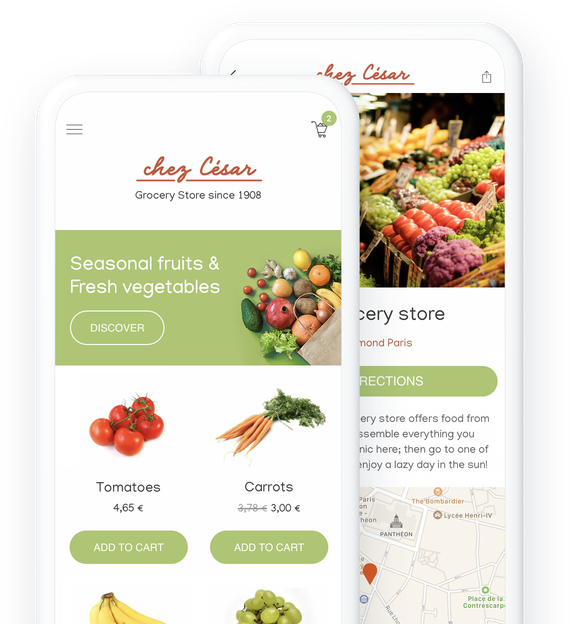
### They trust GoodBarber

## Offer your customers the opportunity to shop online
Follow consumer trends and stand out from the competition
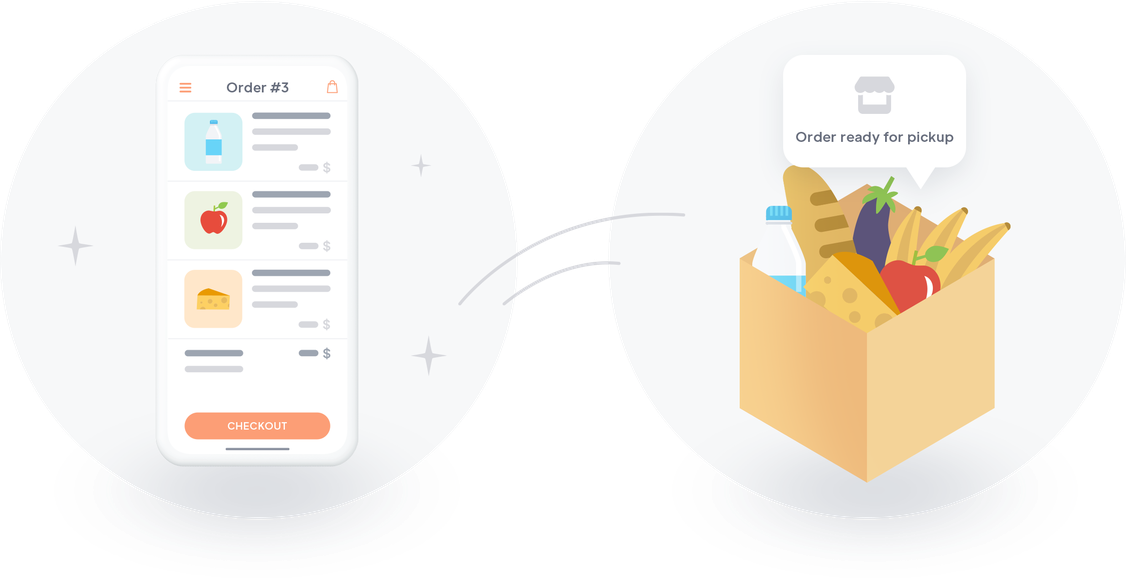
Take your grocery store to a new dimension by [offering services that will make your customers' lives easier](https://www.goodbarber.com/extensions/collections/groceries/) and put you on par with the biggest retailers. Save your customers time, they will pay you back by staying loyal to you.
## Curbside service, delivery or both
Choose the way that works best for your store and your customers
### Curbside pickup
Give your customers the possibility to do their shopping from your app and to pick it up directly in your store. Your already loyal customers will be delighted with this new option that will save them precious time. Offering click and collect in your grocery store will also allow you to attract new customers who live or work around your store
### Local delivery
You want to offer a real delivery service to your customers? It's possible and on top of that you control everything. Choose the geographical areas in which you can deliver to your customers, define your prices and let's go! All your customers have to do is fill their shopping cart online and choose their delivery time. It's a piece of cake for them and for you.
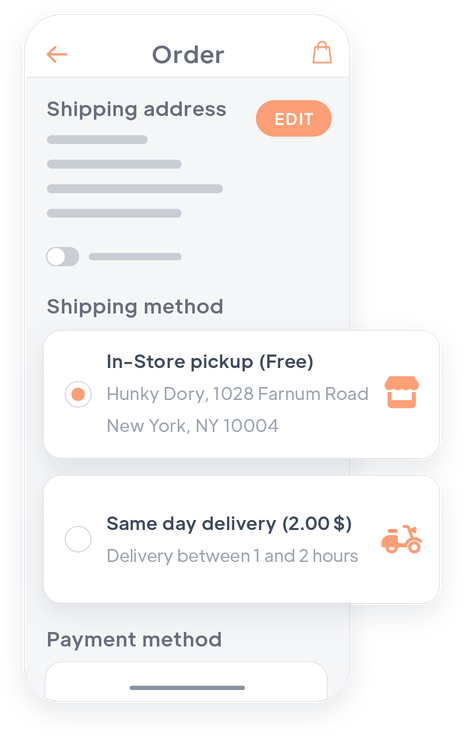
## Create and manage your catalog
A simple tool to manage your products online
### Create your product pages directly in your back office
You can create your catalog directly from your GoodBarber back office. You create your product pages, add pictures, prices, description... Everything you need to present your products in the best way. You can then publish your product pages or even save them for later.
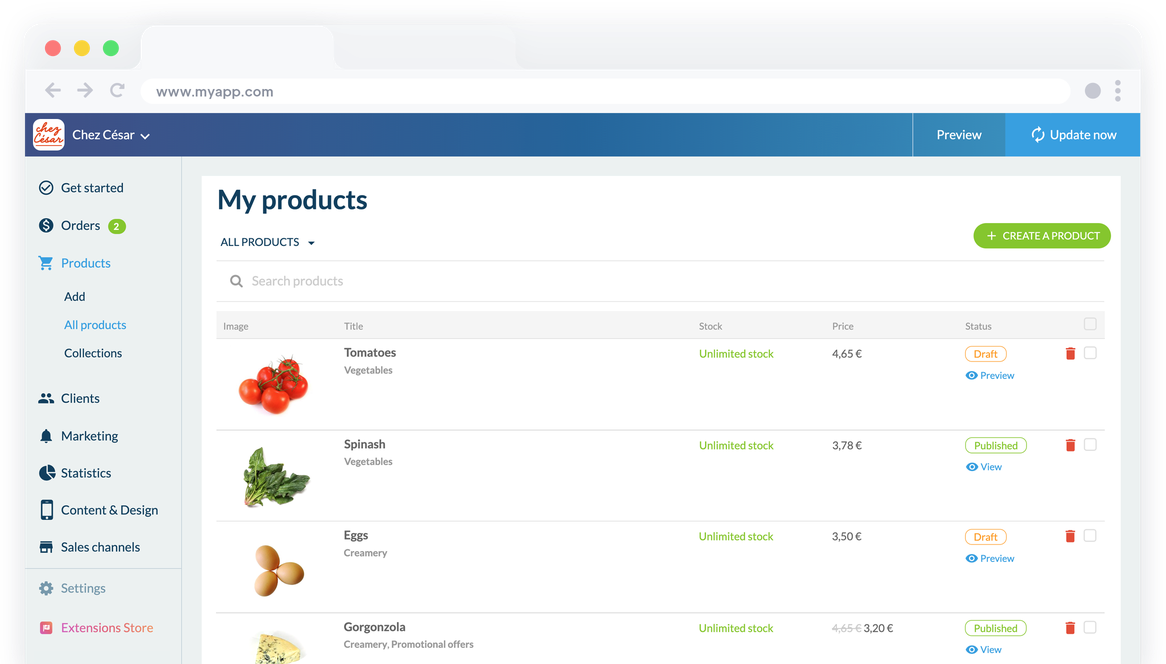
### Import or export your product pages
To manage your catalog more quickly you can import it directly from a .csv file. You can create your catalog in one click. To update it, it's just as easy: export your products, modify them directly in your .csv file and then import it into your back office.
### Easily manage your inventory
View all your products on a single back office page. Update [stock](https://www.goodbarber.com/extensions/stock-management/) in real-time and choose to display or hide out-of-stock products. Use sorting options and filters for quick management. Export your data as a .csv file for work outside the back office. For further automation, use [Zapier](https://www.goodbarber.com/extensions/zapier/) or [Make](https://www.goodbarber.com/extensions/make/) to synchronize inventory and receive alerts for low stock
## Your app as well-organized as your store
Manage your sections, your product displays and your promotions
### Several presentation templates
For a design that suits you and the products you sell, you can choose between several design templates: 2 templates for your shelves, and 3 templates for your collection lists. All templates are of course customizable.
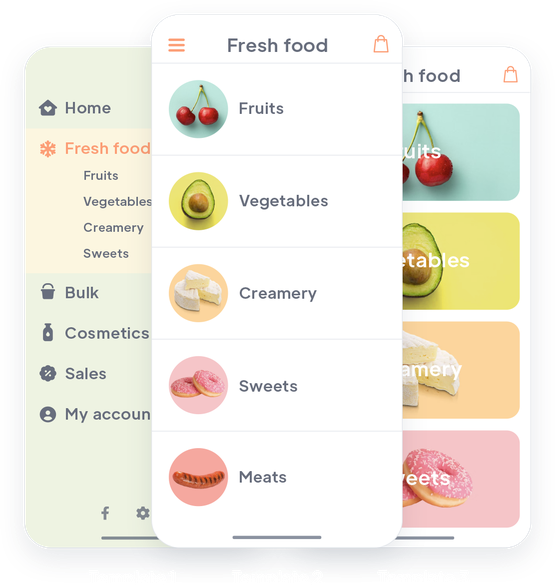
### A customized hierarchy between your sections
Create collection lists to group your products into large families. This will give you a clear organization of your products: your products are displayed in collections, and your collections in collection lists. If you want to add more navigation levels, you can also nest collection lists inside each other.
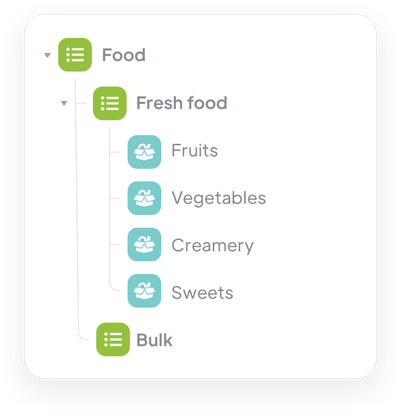
### Clear, cross-sectional aisles
Organize your products in collections that will represent the departments of your store. Each product can belong to several collections, allowing you to create a custom organization and present your permanent departments as well as your promotions or highlighted products.
## The same shopping experience as on major retailers' apps
All the tools at your disposal to offer a smooth and professional service
#### Auto login
With the auto login, your customer identify themselves only once. Then, they are immediately recognized each time they launch the application. Nothing better to meet their expectations.
#### Buy Again
Propose to your customers to renew in 1 click an order already made.
#### Quick Buy Button
Your customers will be able to easily add products to their cart from the Home of your app or by browsing a section. They will never have to leave the page they are viewing.
#### Cart Reminder
When a customer returns to your app and their cart contains items from a previous visit, a popup appears to allow them to go directly to checkout.
#### Several types of payments available
Credit cards, Paypal, Apple Pay or payment in person, offer your customers several payment options, and give satisfaction to as many people as possible.
#### Fast check out
Simplify the payment process and optimize sales by eliminating unnecessary steps. Your customers will only be asked for information specific to their chosen delivery method. No time wasted filling in unnecessary details.
#### Notifications and order tracking emails
Fully customizable push notifications and automatic emails are sent to your customers at each step of the ordering process.

#### Loyalty Program
Offer your customers a loyalty card enabling them to save money. You'll boost customer satisfaction and encourage repeat purchases.
## Control your order processing
Set up your process to guarantee smooth working conditions
### Time slot management
Your customers choose a time slot and know exactly the day and time of pickup or delivery of their order. On your side, you can organize yourselves according to your time slots. You can for example, if your products allow it, prepare your orders in advance. You can choose everything: your opening hours, the duration of each slot, the number of orders per slot, the preparation time of the orders, etc.
### My GoodBarber Shop Companion
To be able to manage the status of your orders quickly and from anywhere, you can use the My GoodBarber Shop Companion app. You and your team can access all your open orders in one click. They are organized by delivery slot and chronological order. This way you can change the status of your orders directly from your phones. A very useful tool to quickly inform your customers about the evolution of their order, and to give your staff and delivery team quick access to up-to-date information.
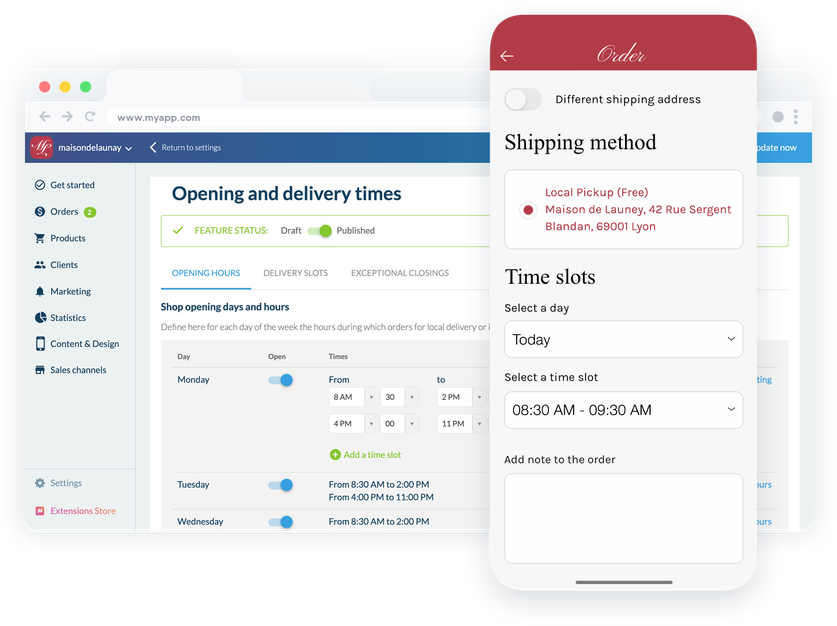
## Spread the word about your grocery store
Affordable and easy to use tools
### An app at your image
The design of your app is fully customizable. You will be able to feature your store's identity, its colors, its logo to stand out from your competitors and to make sure that your customers find themselves in a familiar environment.
### Push notifications
In addition to automatic push notifications for order tracking, you can send notifications to your customers and leads to inform them of sales or updates on your store.
### Discount coupons
Create discounts to offer to your customers. Fixed amount or percentage, validity period, conditions of use... You define your terms and then the eligible people (everyone, customers only or leads or specific customers).
## Build awareness and loyalty among your customers
Publish your app on the web and on the Apple and Google stores
### PWA
The Progressive Web App works like a website. It allows you to be present on the Web and therefore to gain visibility and make yourself known to a new clientele. Multi-platform, the PWA can be consulted by your customers on any device and ensures the traditional referencing of your content (SEO).
### Native iOS & Android
GoodBarber apps are a great way to build customer loyalty. Specially designed to run on iOS and Android, they offer an incomparable experience to your customers and allow you to keep them loyal thanks to native features that use all the potential of their phone. Available on the App Store and the Play Store, they will give a very professional look to your grocery store. Once installed by your customers they are the best way to stay in touch with them.
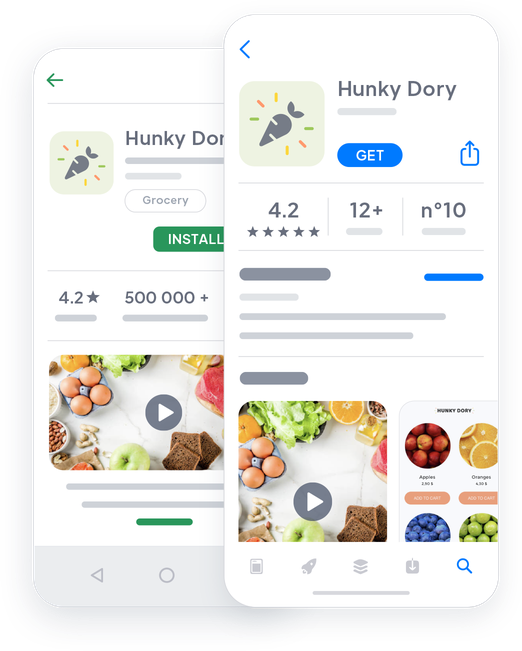
## Extensions Store
Extensions that might interest you

### Click and collect
This is the key feature to offer a curbside service: your customers order on your app and then go to the location to pick it up. Simple, efficient and essential to boost your sales.
[Discover](https://www.goodbarber.com/extensions/store-pickup/)

### Local delivery
Organize your delivery service by choosing the areas in which you offer to deliver your customers. Define the zip codes eligible for delivery according to your possibilities or simply delimit the distance radius you wish to cover. We will automatically verify that your customer's address is included in your delivery area.
[Discover](https://www.goodbarber.com/extensions/local-delivery/)

### Offline payment
To make your store accessible to everyone, offer offline payment to your customers who order their groceries online. They will be able to place their order and pay directly when they pick up or receive their products.
[Discover](https://www.goodbarber.com/extensions/offline-payment/)

### Buy again
Save time for your regular customers by offering them to renew an order they have already placed. In one click, all their favorite products will be added to their cart: very practical for your customers who are used to consuming the same type of product regularly.
[Discover](https://www.goodbarber.com/extensions/buy-again/)

### Time slots
Streamline your work by installing the Delivery Slots extension: whether for delivery or for click and collect, your customers will have the possibility to choose among the available slots. You have control over everything: opening hours, minimum time between each delivery or collection, frequency... You decide.
[Discover](https://www.goodbarber.com/extensions/time-slots/)

### Fast checkout
Another feature that will save your customers precious time. With the fast checkout, you simplify the checkout process by removing unnecessary steps. Your customers will only need to fill in their shipping information.
[Discover](https://www.goodbarber.com/extensions/fast-checkout/)

### Quick Buy
The Quick buy extension is very popular for purchases of everyday products or necessities. It allows your customers to add products to their shopping cart directly from the product list, without having to consult the product pages. Essential for a smooth user experience.
[Discover](https://www.goodbarber.com/extensions/quick-buy/)

### Form
Provide your customers with a contact form so that they can contact you for all their requests. You can customize your form according to your needs thanks to the different types of fields available.
[Discover](https://www.goodbarber.com/extensions/contact-form/)
## And so much more...
### Similar or complementary products
Activate this option and display product suggestions in your product pages. This way, you can offer your customers products that are similar or complementary to the ones they are looking at, and boost your sales.
### Order note
Add a note insert at checkout so your customers can point out a detail or instruction.
### Order Status
Manage your orders with 4 statuses: pending, processed, delivered or cancelled. You can change the status of your orders in one click from your back office or the My GoodBarber Shop Companion app. Your customers will be informed each time their order status is modified.
### Customized delivery rates
You can define your delivery rates. Free, paid, based on weight or price... You can define as many delivery zones as you want, and define a price for each of them.
## Why your grocery store needs an app?
### Consumers are shopping for food online
It was already a trend, but since the global COVID-19 pandemic of 2020, consumers have definitely embraced curbside, click and collect and delivery models. In addition to having health benefits in times of lockdown, shopping online saves consumers time and convenience. They can shop from anywhere, and choose the time of pick-up or delivery of their order. No more surprises and no more wasted time.
### An online presence ensures the survival of your business in the event of a crisis
The COVID-19 will have opened our eyes to another point: the fragility of our physical businesses in case of mandatory closure. Making your store hybrid today by offering an online shopping service will secure your business: your customers will be used to this new service and will be able to continue using it even if your physical store is no longer accessible.
### Compete with the big brands and stand out from your direct competitors
The major retailers all offer delivery, pick-up and even curbside services today. However, these practices are not yet totally democratized for the owners of local stores. Offering these services will allow any grocery store to stand out from its direct competition and to compete with large supermarkets: a professional service to fully satisfy your customers who will no longer have any reason to prefer large stores to yours.
## Clients' Love
### [GoodBarber is a powerful app builder.](https://www.trustpilot.com/reviews/60f08679f9f48702a8e6869e)
#### Melissa Okta
GoodBarber is a powerful app builder. If you want to build your app using a pre-built template, GoodBarber is ideal for you. At Global Academy, we almost completed the 5th year using their easy-to-use pre-built platforms to build premium Apps for our customers. Also, Goodbarber's customer support is excellent. Highly recommended.
-
-
-
-
-
### [Great support and always very helpful answers.](https://www.trustpilot.com/reviews/60c0ca7cf9f487099ce24eb9)
Great support and always very helpful answers. Nothing is too trivial for the team to answer.
-
-
-
-
-
### [Responsive support and usually quick.](https://www.trustpilot.com/reviews/60ad3c03f9f4870a94ace1d1)
Responsive support and usually quick. Software is by far the best in the market, with tremendous capabilities for configurations.
-
-
-
-
-
### [I really like the system.](https://www.trustpilot.com/reviews/60551146f85d7509fc10d732)
#### Gene Hieber
I have been a resller member for a month now. I've built several demo apps. I really like the system. Easy to navigate and I have sold a couple progressive web apps and am working on native apps as well. I highly recommend Good Barber.
-
-
-
-
-
### [The team at GoodBarber has been incredibly informative and helpful](https://www.trustpilot.com/reviews/6054cff7f85d7509fc1090eb)
#### W. Monahan
The team at GoodBarber has been incredibly informative and helpful during both the creation and maintenance of my app. I am not super tech savvy, and they always provide me with solid guidance on how to fix my issue or improve my app. I shopped around for different options when looking to build my app, and I am happy that I chose this company.
-
-
-
-
-
### [They helped me to create a beautiful, successful app](https://www.trustpilot.com/reviews/60511fb2f85d75064c43947b)
#### Mary Davis
I have been with GoodBarber since 2014 and I can not say enough good things about them and my experience within with them. They helped me to create a beautiful, successful app; they have been there for me every step of the way to solve customer issues and help with updates; and they have an easy to use, infinitely customizable dashboard to create the app of your dreams - which is what I did. Thank you GoodBarber. You are the best
-
-
-
-
-
### [Great tool, it has all features you need to build your own app or website.](https://www.trustpilot.com/reviews/60a22025f9f4870a94a45023)
#### Manuel Ventura
Great tool, it has all features you need to build your own app or website.
-
-
-
-
-
### [GoodBarber is a wonderful platform.](https://www.trustpilot.com/reviews/604e93b7f85d7503942a6703)
#### Mini Maestro
GoodBarber is a wonderful platform. Their support staff are helpful and the interface is easy to navigate! Thank you for enabling us to give extra support to our customers with our customer app.
-
-
-
-
-
### [The Best App Builder on the Market](https://www.trustpilot.com/reviews/604c6024f85d75064c40265c)
#### Draculapp
The Best App Builder on the Market, PWA at ease, and Native iOS assistance for the publishing issues. Very good support and constant updates. Many features and beautiful design layouts and a high level of customization. Recommended for individual Businesses or Agencies with a very good solution for the reseller program. And last but not least, friendly staff! It worth a try...
-
-
-
-
-
### [One of the best providers in the space.](https://www.trustpilot.com/reviews/604ba651f85d75064c3fd1ab)
#### K. Linton
One of the best providers in the space. Easy to use, well documented and excellent customer service. If you’re looking to create a mobile app solution for your company or clients GoodBarber is definitely the way to go.
-
-
-
-
-
## Discover
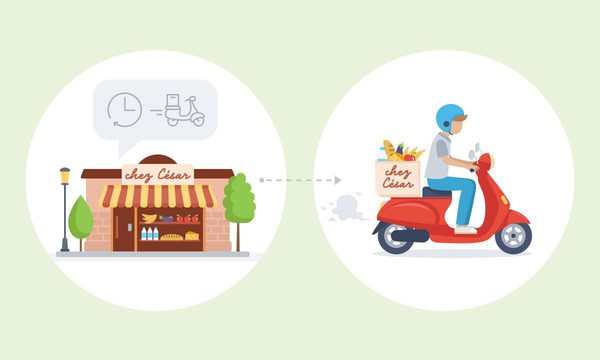
### [Chez César: a neighborhood grocery store at the service of its clientele](https://www.goodbarber.com/blog/chez-cesar-a-neighborhood-grocery-store-at-the-service-of-its-clientele-a1052/)
Chez César is a neighborhood grocery store based near the Jardins du Luxembourg in Paris. In the memory of the inhabitants, this grocery store has always been part of this neighborhood, Caesar being the great grandfather of the current manager.
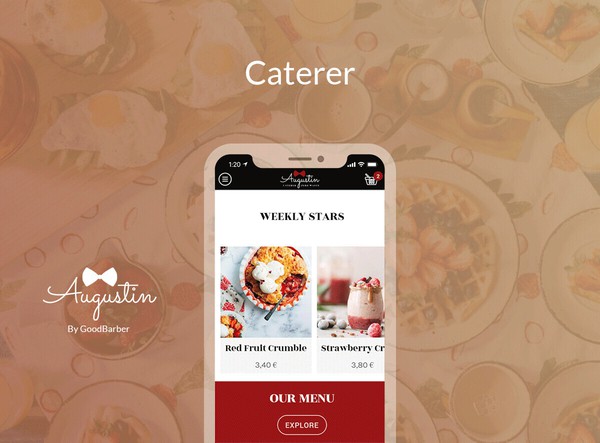
### [How to create your own Pickup & Delivery app](https://www.goodbarber.com/blog/how-to-create-your-own-local-delivery-pickup-app-a1010/)
Many physical businesses have experienced a difficult situation due to the lockdown measures put in place in several countries around the world to combat Covid-19.
### [Shopping app : A new add-on to increase conversion, the Quick Buy button](https://www.goodbarber.com/blog/shopping-app-a-new-add-on-to-increase-conversion-the-quick-buy-button-a1011/)
Easy navigation and a smooth checkout process. These are the two main reasons that will make a user stay on a Shopping App or leave it.
## Pricing
[Monthly](#)[Yearly](#)[One time](#)
||Standard $40/monthbilled yearlySave $120 yearly|Premium $70/monthbilled yearlySave $240 yearly|Pro $140/monthbilled yearlySave $480 yearly|Agency $290/monthbilled yearlySave $1080 annually|Pro $6000One-off paymentSave $15600 in one go|Agency $16000One-off paymentSave $29600 in one go|
|---|---|---|---|---|---|---|
|Technology|||||||
|PWA technology|yes|yes|yes|yes|yes|yes|
|Native technology||Android + iOS (iPhone & iPad)|Android + iOS (iPhone & iPad)|Android + iOS (iPhone & iPad)|Android + iOS (iPhone & iPad)|Android + iOS (iPhone & iPad)|
|Available in Google Play Store||yes|yes|yes|yes|yes|
|Available on the App Store||yes|yes|yes|yes|yes|
|Capacities|||||||
|Storage info $2 for 10 GB|2 GB|10 GB|50 GB|100 GB|50 GB|100 GB|
|Push notifications info $10 for 100K extra push notifications(per month)|10K|30K|250K|500K|250K|500K|
|Staff accounts|1|3|unlimited|unlimited|unlimited|unlimited|
|Number of projects|1|1|1|unlimited|1|unlimited|
|Page views (bandwidth & traffic)|unlimited|unlimited|unlimited|unlimited|unlimited|unlimited|
|Variants per product|100|100|100|100|100|100|
|App downloads||unlimited|unlimited|unlimited|unlimited|unlimited|
|Account manager|||yes|yes|yes|yes|
|Extensions storeLarge library 190+ [extensions](https://www.goodbarber.com/extensions/). New extensions every month info Extend the features of your app with extensions : Automations (Zapier, Make), Analytics, Monetization, Sales optimization, Integration (Wordpress, Squarespace, RSS).|||||||
|Free extensions|Up to 5|Up to 20|unlimited|unlimited|unlimited|unlimited|
|Abandoned orders|$10/month (billed $100/year. You save 2 months)|$10/month (billed $100/year. You save 2 months)|yes|yes|yes|yes|
|Delivery slots|$15/month (billed $150/year. You save 2 months)|yes|yes|yes|yes|yes|
|Products import|$25/month (billed $250/year. You save 2 months)|$25/month (billed $250/year. You save 2 months)|yes|yes|yes|yes|
|Payments|||||||
|No additional transaction fee|0%|0%|0%|0%|0%|0%|
|Stripe, Apple Pay, PayPal, one-click payments, offline payments|yes|yes|yes|yes|yes|yes|
|Core features|||||||
|NO CODE drag&drop app builder|yes|yes|yes|yes|yes|yes|
|Fully customizable design|yes|yes|yes|yes|yes|yes|
|Content Management System(article, video, podcast, event, map, photo, live)|yes|yes|yes|yes|yes|yes|
|SEO friendly, AMP, ASO friendly|yes|yes|yes|yes|yes|yes|
|Support (Real human support, by the GoodBarber team itself)|yes|yes|yes|yes|yes|yes|
|Yearly plan subscription pricing|Standard$480/year|Premium$840/year|Pro$1680/year|Agency$3480/year|/year|/year|
### Create your app now
[Start for free](https://www.goodbarber.com/create/)
## FAQ
### How to create a Grocery app easily?
GoodBarber Grocery App Builder allows you to build a mobile app for Grocery Shopping and Delivery in a very easy way.
It can be a content app to share Grocery Opening time, Store locations, food recipes and video tutorials through Social Media and promote your Grocery products, prices and special offers.
**Follow these steps to create your own Grocery app:**
1. Get everything you need ready for your app
2. Start your Grocery Delivery app
3. Add your products to your Grocery app
4. Design your Grocery app
5. Add your business information to your Grocery app
6. Customize your transactional emails and push notifications
7. Add app extensions to deliver the best shopping experience on mobile
8. Test and publish your Grocery app
### Who are Grocery Store apps for?
Grocery Apps are generally used by:
- “Near me” grocery stores
- Delicatessen shops
- Shops selling food and perishables
- Any Local businesses whose customers may require home delivery
- Caterers
- Small supermarkets
### What are the solutions and advantages to create a Grocery app using GoodBarber App Builder?
- Products catalog easily building and update with Import/Export features
- Pre-ordering system
- In-Store Pickup features
- Local delivery features
- Improve Customer loyalty with promo codes
- Direct line with customers via push notification
- All-in-one complete platform needed for smooth management of click and collect (time slots)
- Many features to optimize the Customer Experience, such as “Quick buy” button and Fast checkout
- Accept all types of payment (CB, PayPal, offline)
- “Buy Again” extension to repeat an order in one click
- Product listing with variations to offer different weights or packages for a given product
- Create shipping rates based on the weight
- Make promotional offers on a product
### How much does it cost to make a Grocery Delivery app?
You can start running your Grocery app for free with our 30 day free trial.
Then it is up to you to subscribe to the plan that best fits your needs: the basic plan to make your Grocery app starts at $40/Month.
Note that additional costs apply to publish iOS apps on the App Store.
### How can I customize my app design and Grocery Shopping app User Experience (UX)?
With over 200 layout options, an impressive theme collection and modular design, you can create a unique app reflecting your Grocery app branding.
There are many options and levels of customization. You can choose different “Global Styles” to customize your Grocery Store app all in all or may just customize a given section.
Our Grocery app builder offers 9 templates for listing pages and 4 templates for content pages.
You will be able to customize headers, fonts, background colors and navigation menus as well.
Furthermore, you will be able to enrich your Grocery Shopping app experience using audio, video, articles and live video streaming for your audience during courses and conferences.
### Do I need technical skills to build a Grocery Store app?
Thanks to GoodBarber Grocery App builder, you don’t need any programming skills to create your app. You can create a Grocery app for Android, iOS or a mobile website using a Progressive Web App (PWA) without writing a single line of code.
### Will my Grocery app be available in all countries?
Yes, it can be available in all countries. You will decide about Geo-distribution, selecting those countries where the app will be available in the app stores, before publication on Apple’s App Store and Google Play Store.
### Do you provide any Support and After-Sales Assistance for Grocery Delivery apps?
Yes, indeed! GoodBarber Support and Assistance program provides for:
- Free support
- Unlimited Number of support tickets
- App Lifetime support
- Support in 5 languages
- 4 offices in 3 countries
- 3 time zones support
### Who is the Developer of my Grocery Store app?
You are required to purchase your own Developer account from Apple and Google. Therefore, you are the developer of your app. GoodBarber is simply the tool to create it.
### Can I sell my Grocery app to another developer?
Yes, you can sell your Grocery app. To do this, you need to transfer the ownership of your app to the new owner, on each app store.
In addition, you must transfer the ownership of the GoodBarber back-office to the new owner. To do this, you will need to contact the Goodbarber support team.
[Start for free](https://www.goodbarber.com/create/)
From $40/month
30 days free trial. No credit card required
---
# Event apps
Source: https://www.goodbarber.com/event-app/
---
title: "Event App Builder - Create an Event App for iOS & Android"
description: "Build your event app without coding: schedules, speaker profiles and push notifications. Available on iOS, Android and the web. Start your free trial."
canonical_url: "https://www.goodbarber.com/event-app/"
lang: en
---
# Event App Builder - Create an Event App for iOS & Android
### GoodBarber for events
# Event app builder: create the app for your event
## Build your own event app, no code needed: manage your event before, run it live, keep your audience after. For conferences, trade shows, festivals and corporate events.
- Agenda
- Speakers / participants directory
- Push and location-based notifications
- Chat
- Sponsorship and advertising
- Video replay
[Start now](https://www.goodbarber.com/create/)
PWA from $30/month · iOS and Android from $55/month, billed yearly
Free 30-day trial. No credit card required
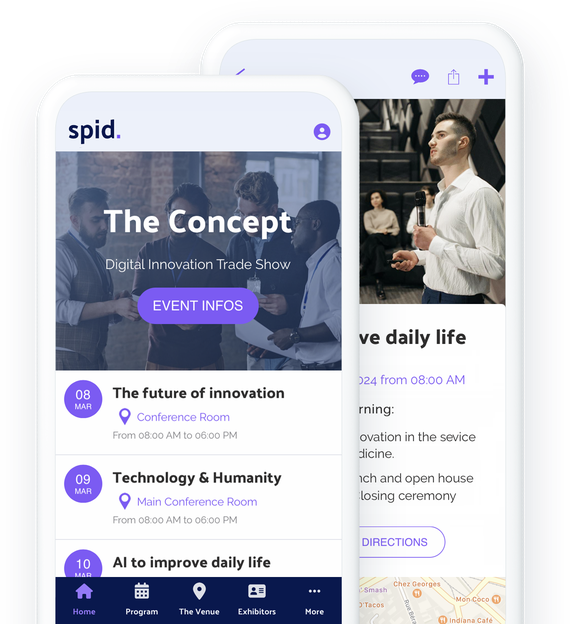
### They trust GoodBarber

## An app: the best way to present your event
Discover a multitude of formats to present your concept, your events, or the amenities around you
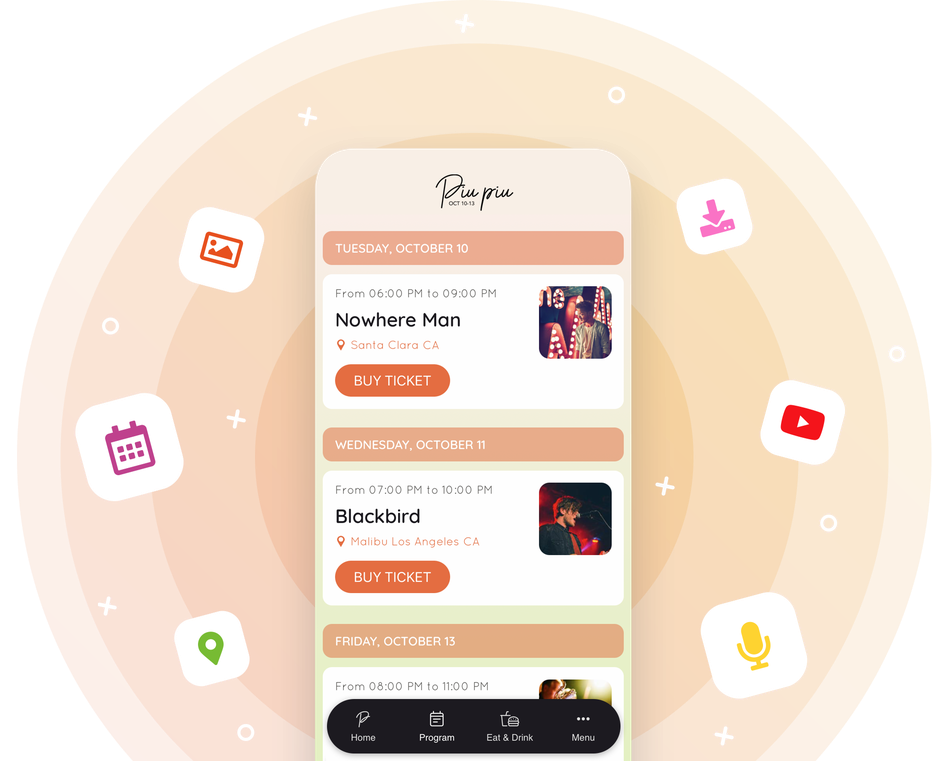
Whether you run a venue or organize temporary events, presenting yourself is crucial to attracting an audience to your events. Choosing an app is to offer you the possibility to tell more about yourself, in the form of articles, photos, videos or even sounds! Use our CMS to create the content you need to introduce yourself, the people involved in your events, the amenities around you, or talk about your past events. Your future visitors will be more inclined to attend your future events if they know a little more about you, your approach and your values. For even greater fluidity, integrate an [app Walkthrough](https://www.goodbarber.com/extensions/walkthrough/) and ensure perfect immersion from the moment users open your application. Customize the steps and guide them through your app. Rest assured they won't miss a thing!
## Present your program clearly and facilitate the attendance
Offer your visitors all the best features to view your events and get to them
### A clear event list
Thanks to the Calendar section, you can present your program as clearly as possible. Your events are sorted by date and several options are available to best fit your schedule: The Calendar section design allows you to display several events on the same day, and display of events happening on the same day with a mention of Now or the starting time for example. Thanks to these features you can manage events that take place on several days or on a single day.
### Several event presentation templates
You can choose from 3 templates for the detail view of your events. You can of course add more or less long descriptions, photos, videos or even embed code to describe and promote each event in your program.
### Event geolocation
It is essential that your audience can easily find their way to your shows, conferences or other workshops. That's why each event can be geolocated. Your users can see the location of each session, which can be particularly useful for a festival or a trade show that takes place in huge venues or in different locations. The list of geolocated events can also be displayed on a map to give a global view to your audience.
### Itineraries and ticket sales
On your event details page, you can add a buy ticket button that will redirect your users to your ticketing service. Contact buttons and directions to your event are also available to your users. Everything they need to get to your event is on this page. Selling your tickets on Ticketmaster? With the [Ticketmaster](https://www.goodbarber.com/extensions/ticketmaster/) extension, your venue’s upcoming events appear automatically in your app, each with its buy button.
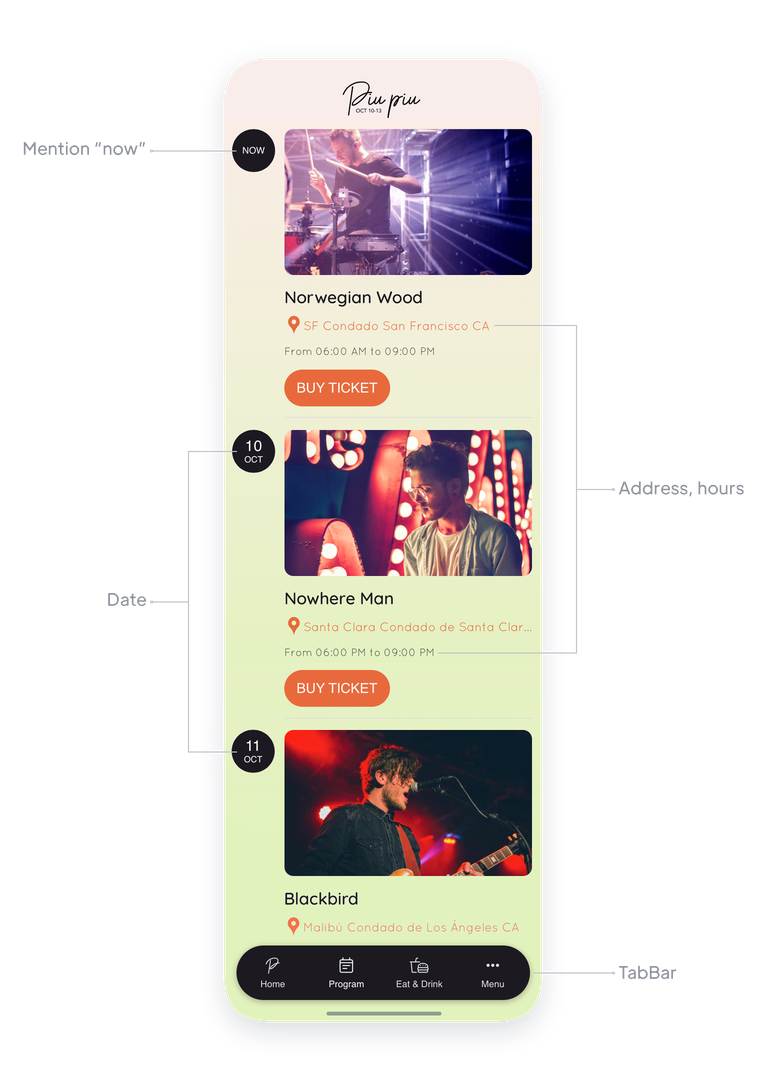
## Bring life to your event
Encourage interaction and create a buzz around your event
### List and categorize your users
Display in your app the list of your attendees, your speakers, your artists, your exhibitors... No matter what kind of events you organize, allowing your attendees to create a profile and view the profiles of others will only increase the engagement around your event. User groups will allow you to clarify your user list and provide specific content and communication for each type of user.
### Chat
What better way to encourage interaction than with a chat tool? In the context of a trade show or conference, chat is particularly useful to encourage networking and allow your audience to get the most out of your event.
## Broadcast your event live in your app
Live features to go beyond the physical and reach a maximum number of people
Stream your event live on your app as video or audio [with our advanced features](https://www.goodbarber.com/extensions/collections/events/). Offer your audience to follow your conferences, concerts, performances, game sessions... directly on their mobile from a great player. You can use the scheduling feature to give access to your live sessions only at the right time. The rest of the time, you can promote your upcoming live sessions.
## Create your own ads
Use them to promote your partners
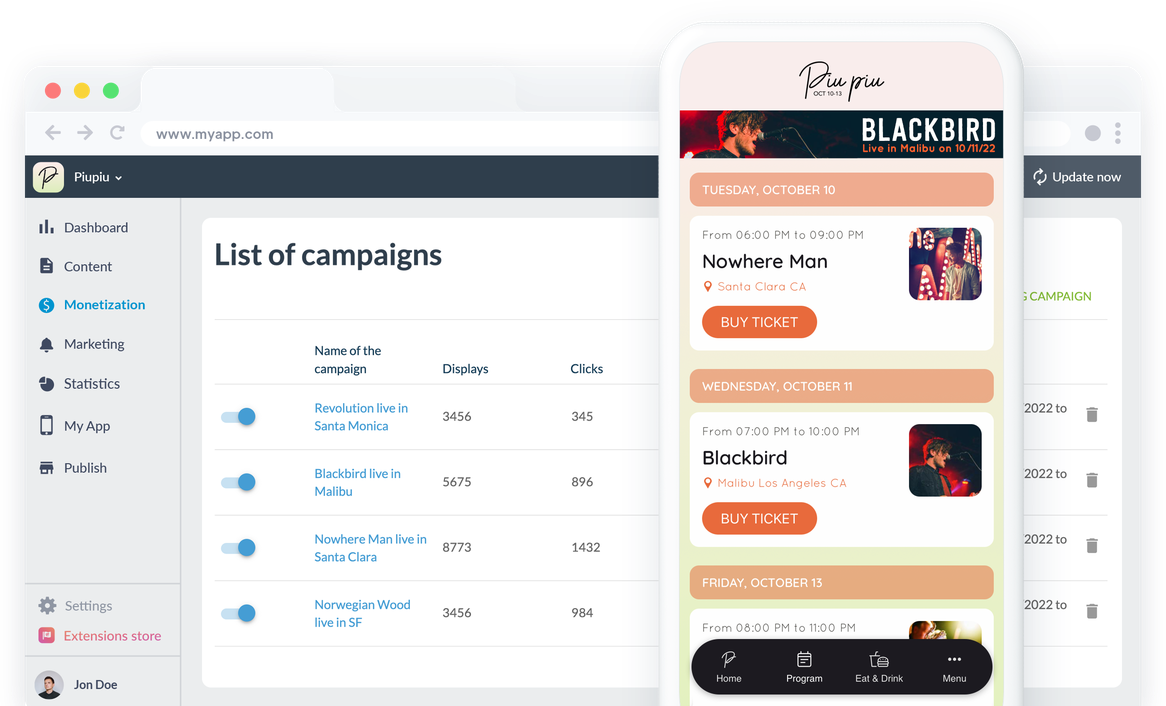
Integrate an internal ad network into your app to create your own personalized ads. Launch screens or banners, use the advertising spaces of your app to highlight your partners who sponsor your event. GoodBarber's internal ad network allows you to create customized campaigns according to several criteria: show dates, priorities, number of clicks, platforms, etc. In addition to being a major negotiation element with your partners and sponsors, the ads can be used to promote your upcoming events (next concerts in your venue, next conference in your trade show for example).
## Manage the hazards of going live
Be responsive in all circumstances and keep your audience engaged
### Push notifications
Push notifications are your best ally to communicate instantly with your audience. Use notifications to inform your audience of possible changes or to promote your events. Depending on your needs, you can target the recipients of your notifications according to your audience's behavior (frequency of use of your app, new users), or even their geographical location, which can be particularly useful if you only want to contact your users on site.
### Instant content update
A change in your program? No worries, your app content can be created or updated in a few clicks from your GoodBarber back office. Once you publish your changes or new content, it will be instantly displayed in your app.
### Submission Section
If you want to give your audience the opportunity to interact with you, you should add a Submission section to your app. It will allow your audience to send you different types of content: photos, videos and texts. In one click their message is sent, which can be useful in many situations! This user-generated content will not be automatically published in the app, you will have to publish it manually from the backoffice, so you can keep an eye on the content sent and decide what you want to display or not in your app. Discover this extension and its main features.
## Stay in touch with your audience
Benefit from your event after it closes
### Make the most of the attendee list
During your event, your visitors have created their user profile and filled in the information you asked them for. Once your event is over, think about exporting your user list (available in .csv format) in order to use it: offer discount coupons for your next events, targeted communication around specific interests. The user list allows you to create a database around your audience that can be very relevant: you decide what information you will ask your audience when creating their profile, and therefore the information present in the export of the user list.
### Collect feedback
Your app can also be a great way to collect feedback from your participants in order to improve and make your events even more attractive. Use 100% customizable forms to collect this valuable information: 16 types of fields are available to meet all your needs. Once your forms are distributed and your answers collected, you can export them in .csv format to process them in bulk. A representative survey of your audience is the best way to improve.
### Share your memories of the event
To keep your event engaged and make your audience want to come back, or talk about it, use our CMS sections to publish your event recap or memories. Photos, videos, articles or even podcasts, choose the formats that suit you best.
## Extensions Store
Extensions that might interest you
### Users Groups
You can create groups among the users of your app and offer them a specific content. For example, content for visitors to a trade show, and content for exhibitors at that same show.
[Discover](https://www.goodbarber.com/extensions/user-groups/)
### Community
Display the list of your users in your app to encourage interaction between members of your audience. Each user will be able to discover the others by looking at the list, which you can also present in the form of a map thanks to the users' geolocation.
[Discover](https://www.goodbarber.com/extensions/community/)
### Chat
Give your users a way to interact with the Chat extension. Thanks to this instant messaging service your users will be able to chat with each other directly from the app. Ideal to react to an event in progress, or to meet up.
[Discover](https://www.goodbarber.com/extensions/chat/)

### Geofences
Define geographical zones around your premises or event location, within which you can communicate with your audience. You can set up automatic notifications that will be sent to your users based on their behavior in these areas. For example a welcome message to a festival-goer who arrives at your venue.
[Discover](https://www.goodbarber.com/extensions/geofencing/)

### Beacons
Add Beacons in your venue. When your users approach these beacons, they will receive the notifications you set up. If you are organizing a trade show for example, you will be able to give information about the conferences taking place in each room.
[Discover](https://www.goodbarber.com/extensions/ibeacons/)

### Live audio
Use this extension to broadcast audio from your live events. This way, you allow thousands of listeners to follow your events on the radio, directly from your app.
[Discover](https://www.goodbarber.com/extensions/live-audio/)

### Live video
Stream your event live and on video from your app. A great way to take your event from in-person to hybrid.
[Discover](https://www.goodbarber.com/extensions/live-video/)
## And so much more...
### Time zones
Your users' time zones are respected: events are displayed on your app according to the time zone of the user who views them.
### Date display format
You can choose the format of the dates displayed on your events to best suit the habits of your audience.
### Grouping of events by date
The Calendar section has been designed to allow you to display events that last a whole day as well as several events on a single day.
### Categorization of events
You can create categories in your calendar sections to classify your events and make navigation easier for your users.
### Contact
Add a Contact section to your app and add all your contact information. Your users will know how to reach you in one click.
### About
Tell more about yourself and your your concept with the About section. You can structure the content of this page thanks to different styles of blocks (text, photos, videos, quotes).
### Favorites
Your users will be able to create their own personalized program through the Favorites section. They will be able to save all the events that interest them and view them easily .

### ChatGPT
Enhance your event application with an AI virtual assistant! Quickly answer questions about schedules, activities and event details. Deliver a smooth and engaging event experience with our integrated extension.
## Why is an app useful for events?
### Hybrid events: the new trend
Since the pandemic, event organizers have had to reinvent themselves. If 100% digital events don't meet all needs, a hybrid half-digital, half-physical event seems to be the perfect solution today. It combines the warmth and authenticity of a physical event with the ease of organization, the possibility of detailed analysis and the global reach of a digital event. An app is definitely the best way to communicate with your audience on site and remotely.
### A versatile and affordable communication tool
With an app, you meet all your needs in terms of communication. For event organizers, the app will be useful before the event to inform, during the event to animate and after the event to retain and analyze the audience. For cinemas or theaters, your app will be used to share your show times, but also as a ticket office or a loyalty card. You save time, money and resources.
### The best solution to encourage interaction between the participants
Whether it's for entertainment or business events, it's crucial to create a buzz around your events in order to engage participants and build loyalty, even turn them into ambassadors. And what better way to encourage networking than with social features? With an app, your participants will be able to view each other's profiles, locate each other and even chat via a chat service. Your app can be used to connect with people while your events are taking place, but also to create a community beyond your events.
### Conference app builder
Multi-session agendas, speaker profiles, room maps and attendee chat: build a conference app your attendees keep in their pocket, edition after edition.
### Trade show and expo apps
Exhibitor directories, hall maps and geofenced notifications guide visitors from booth to booth, while your sponsors get the visibility they paid for.
### Corporate event apps
User groups and restricted sections turn your app into the private hub of your seminar, convention or team day: one place for the agenda, the people and the follow-up.
## Clients' Love
### [GoodBarber is a powerful app builder.](https://www.trustpilot.com/reviews/60f08679f9f48702a8e6869e)
#### Melissa Okta
GoodBarber is a powerful app builder. If you want to build your app using a pre-built template, GoodBarber is ideal for you. At Global Academy, we almost completed the 5th year using their easy-to-use pre-built platforms to build premium Apps for our customers. Also, Goodbarber's customer support is excellent. Highly recommended.
-
-
-
-
-
### [Great support and always very helpful answers.](https://www.trustpilot.com/reviews/60c0ca7cf9f487099ce24eb9)
Great support and always very helpful answers. Nothing is too trivial for the team to answer.
-
-
-
-
-
### [Responsive support and usually quick.](https://www.trustpilot.com/reviews/60ad3c03f9f4870a94ace1d1)
Responsive support and usually quick. Software is by far the best in the market, with tremendous capabilities for configurations.
-
-
-
-
-
### [I really like the system.](https://www.trustpilot.com/reviews/60551146f85d7509fc10d732)
#### Gene Hieber
I have been a resller member for a month now. I've built several demo apps. I really like the system. Easy to navigate and I have sold a couple progressive web apps and am working on native apps as well. I highly recommend Good Barber.
-
-
-
-
-
### [The team at GoodBarber has been incredibly informative and helpful](https://www.trustpilot.com/reviews/6054cff7f85d7509fc1090eb)
#### W. Monahan
The team at GoodBarber has been incredibly informative and helpful during both the creation and maintenance of my app. I am not super tech savvy, and they always provide me with solid guidance on how to fix my issue or improve my app. I shopped around for different options when looking to build my app, and I am happy that I chose this company.
-
-
-
-
-
### [They helped me to create a beautiful, successful app](https://www.trustpilot.com/reviews/60511fb2f85d75064c43947b)
#### Mary Davis
I have been with GoodBarber since 2014 and I can not say enough good things about them and my experience within with them. They helped me to create a beautiful, successful app; they have been there for me every step of the way to solve customer issues and help with updates; and they have an easy to use, infinitely customizable dashboard to create the app of your dreams - which is what I did. Thank you GoodBarber. You are the best
-
-
-
-
-
### [Great tool, it has all features you need to build your own app or website.](https://www.trustpilot.com/reviews/60a22025f9f4870a94a45023)
#### Manuel Ventura
Great tool, it has all features you need to build your own app or website.
-
-
-
-
-
### [GoodBarber is a wonderful platform.](https://www.trustpilot.com/reviews/604e93b7f85d7503942a6703)
#### Mini Maestro
GoodBarber is a wonderful platform. Their support staff are helpful and the interface is easy to navigate! Thank you for enabling us to give extra support to our customers with our customer app.
-
-
-
-
-
### [The Best App Builder on the Market](https://www.trustpilot.com/reviews/604c6024f85d75064c40265c)
#### Draculapp
The Best App Builder on the Market, PWA at ease, and Native iOS assistance for the publishing issues. Very good support and constant updates. Many features and beautiful design layouts and a high level of customization. Recommended for individual Businesses or Agencies with a very good solution for the reseller program. And last but not least, friendly staff! It worth a try...
-
-
-
-
-
### [One of the best providers in the space.](https://www.trustpilot.com/reviews/604ba651f85d75064c3fd1ab)
#### K. Linton
One of the best providers in the space. Easy to use, well documented and excellent customer service. If you’re looking to create a mobile app solution for your company or clients GoodBarber is definitely the way to go.
-
-
-
-
-
## Discover
### [How to create an app for an event](https://www.goodbarber.com/blog/how-to-create-an-app-for-an-event-a1190/)
Discover how to create an app for an event in 4 easy steps
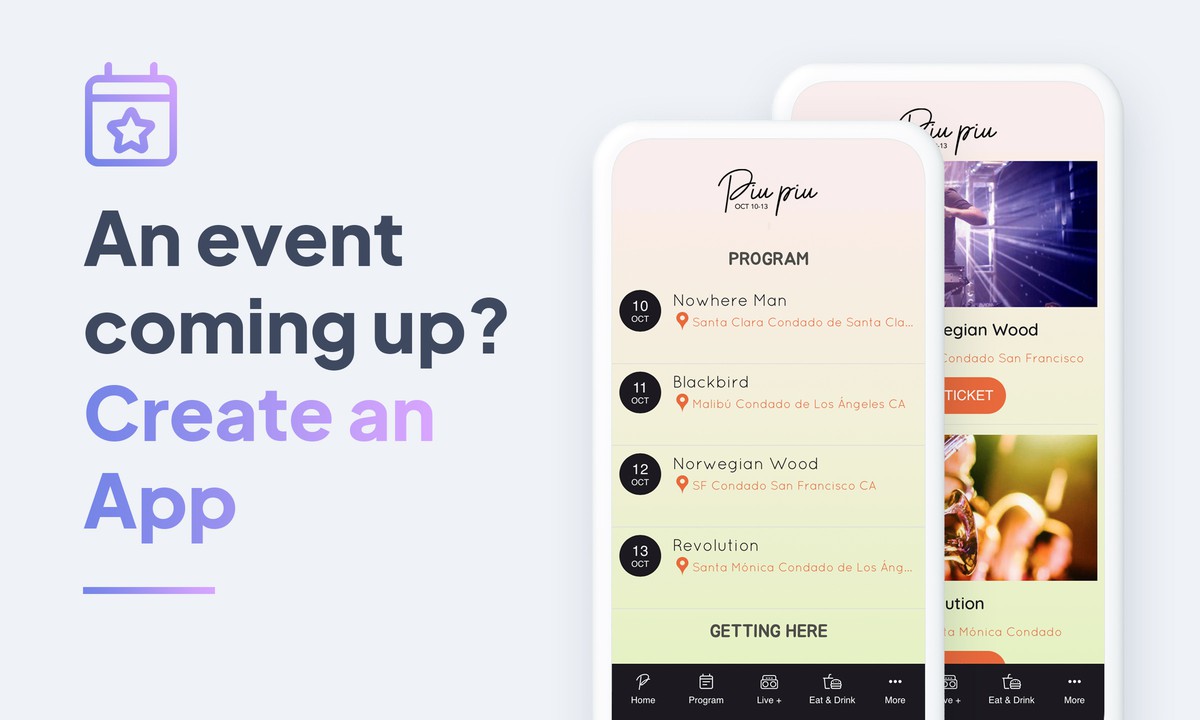
### [An event coming up ? Create an app for it](https://www.goodbarber.com/blog/have-an-event-coming-up-create-an-app-for-it-a367/)
You are in charge of hosting an event, running a festival? Have you thought about creating a mobile app to promote it?
### [Display time slots for your events](https://www.goodbarber.com/blog/display-time-slots-for-your-events-a884/)
In the list view of your Calendar, it is possible to display the start time of your events. This is particularly useful for events such as conferences or festivals, where there are usually several events on the same day.
## Pricing
[Monthly](#)[Yearly](#)[One time](#)
||Standard $30/monthbilled yearlySave $72 yearly|Premium $55/monthbilled yearlySave $180 yearly|Pro $105/monthbilled yearlySave $360 yearly|Agency $215/monthbilled yearlySave $780 yearly|Pro $4600One-off paymentSave $11600 in one go|Agency $12000One-off paymentSave $21600 in one go|
|---|---|---|---|---|---|---|
|Technology|||||||
|PWA technology|yes|yes|yes|yes|yes|yes|
|Native technology||Android + iOS (iPhone & iPad)|Android + iOS (iPhone & iPad)|Android + iOS (iPhone & iPad)|Android + iOS (iPhone & iPad)|Android + iOS (iPhone & iPad)|
|Available in Google Play Store||yes|yes|yes|yes|yes|
|Available on the App Store||yes|yes|yes|yes|yes|
|Capacities|||||||
|Storage info $2 for 10 GB|2 GB|10 GB|50 GB|100 GB|50 GB|100 GB|
|Push notifications info $10 for 100K extra push notifications(per month)|10K|30K|250K|500K|250K|500K|
|Staff accounts|1|3|unlimited|unlimited|unlimited|unlimited|
|Number of projects|1|1|1|unlimited|1|unlimited|
|Page views (bandwidth & traffic)|unlimited|unlimited|unlimited|unlimited|unlimited|unlimited|
|App downloads||unlimited|unlimited|unlimited|unlimited|unlimited|
|Account manager|||yes|yes|yes|yes|
|Extensions storeLarge library 190+ [extensions](https://www.goodbarber.com/extensions/). New extensions every month info Extend the features of your app with extensions : Automations (Zapier, Make), Analytics, Monetization, Sales optimization, Integration (Wordpress, Squarespace, RSS).|||||||
|Free extensions|Up to 5|Up to 20|unlimited|unlimited|unlimited|unlimited|
|Authentication||$12/month (billed $120/year. You save 2 months)|yes|yes|yes|yes|
|Chat info The Chat extension requires the Authentication extension to be installed||$20/month (billed $200/year. You save 2 months)|yes|yes|yes|yes|
|Memberships info Offer paid subscriptions to your users to access your content. Purchases are easily made from their Apple / Google account||$49/month (billed $490/year. You save 2 months). NO additional fee based on your revenue.|yes|yes|yes|yes|
|Core features|||||||
|NO CODE drag&drop app builder|yes|yes|yes|yes|yes|yes|
|Fully customizable design|yes|yes|yes|yes|yes|yes|
|Content Management System(article, video, podcast, event, map, photo, live)|yes|yes|yes|yes|yes|yes|
|SEO friendly, AMP, ASO friendly|yes|yes|yes|yes|yes|yes|
|Support (Real human support, by the GoodBarber team itself)|yes|yes|yes|yes|yes|yes|
|Yearly plan subscription pricing|Standard$360/year|Premium$660/year|Pro$1260/year|Agency$2580/year|/year|/year|
### Create your app now
[Start for free](https://www.goodbarber.com/create/)
## FAQ
### How can I create an event app without coding?
With GoodBarber, customize your app’s design, add your event schedule, speaker profiles and venue information, then test the attendee experience. You manage this content through a web interface without writing code. You can publish your app on the web and, with a compatible plan, submit it to the App Store and Google Play.
### Who are Event management apps for?
Event Apps are generally used by:
- performance halls /Concert halls
- conference/convention hall centers
- shows/conferences organizations and managers
- traveling shows and exhibitions organizers
### What are the solutions and advantages to create an Event app using GoodBarber App Builder?
- An app is a multi-faceted tool that allows to inform your customers and event attendees before, during and after the event
- Display Event program and schedule shaped as an agenda planner
- Use push notifications, geofences, beacons, QR codes to establish communication strategies during the event and keep your attendees updated.
- After the event, you can broadcast reports and event highlights using pictures, articles and videos
- Manage app users: create user groups and content access rules
- Export / import of users listings
- Manage private/public content
- Our Event apps allow instant content updates
- Ensure your presence on both the Web and the App stores with a unique app
- Favorite Events bookmarking
- List of speakers, participants
- Live Chat
- Upcoming events notifications
- Advertising management
- Live video / Live audio sections for events live coverage
- Map section to indicate best directions to event venues
### How much does it cost to make an Event planning app?
You can build and test your event app free for 30 days. The Standard plan, for a Progressive Web App (PWA), starts at $30/month, billed yearly. For native iOS and Android apps, the Premium plan starts at $55/month, billed yearly. Hosting and content management tools are included. You will also need Apple and Google developer accounts for store publication, and may incur additional charges for paid extensions and publishing services. [Compare our pricing plans](https://www.goodbarber.com/pricing/) to choose the right option.
### How to monetize my Event app?
There are many strategies out there to make money with an Event App:
1. Premium content: sell your best pictures and video highlights within subscription plans, using the Memberships feature.
2. Monetize your Event app with Advertising features.
We recommend 2 strategies:
- Generic Large Audience: monetize your Event app with third party advertising services: activate Third Party ADs Networks (Facebook, Google Admob, Ads Manager, Google AdSense) to display Ads and get paid
- Qualified Small audience: activate GoodBarber Internal Ad Server: The internal ad server is the simplest way to promote your Event mobile application and display tailored, customized splash screens and ad banners. You also will be able to select one or more platforms for distributing your campaigns: iOS and/or Android.
3. Sell your Event app on the Stores for a fee.
### How can I customize my app design and Event planning app User Experience (UX)?
With over 200 layout options, an impressive theme collection and modular design, you can create a unique app reflecting your Event app branding.
There are many options and levels of customization. You can choose different “Global Styles” to customize the app all in all or may just customize a given section.
Our Event app builder offers 9 templates for listing pages and 4 templates for content pages.
You will be able to customize headers, fonts, background colors and navigation menus as well.
Furthermore, you will be able to enrich your Event planning experience using audio, video, articles and live video streaming for your audience during courses and conferences.
### Would my Event app be available in all countries?
Yes, it can be available in all countries. You will decide about Geo-distribution, selecting those countries where the app will be available in the app stores, before publication on Apple’s App Store and Google Play Store.
### Do you provide any Support and After-Sales Assistance for Event sharing apps?
You can contact the support team from your GoodBarber back office for help configuring and using your app. Your conversations remain available in your support tickets. Online help and tutorials also guide you through building and managing your event app.
### Who is the Developer of my Event management app?
You are required to purchase your own Developer account from Apple and Google. Therefore, you are the developer of your app. GoodBarber is simply the tool to create it.
### Can I sell my Event app to another developer?
Yes, you can sell your Event app. To do this, you need to transfer the ownership of your app to the new owner, on each app store.
In addition, you must transfer the ownership of the GoodBarber back-office to the new owner. To do this, you will need to contact the Goodbarber support team.
[Start for free](https://www.goodbarber.com/create/)
PWA from $30/month · iOS and Android from $55/month, billed yearly
30-day free trial. No credit card required
---
# School apps
Source: https://www.goodbarber.com/schools-app/
---
title: "Create an app for your school"
description: "Create an app for your school without programming"
canonical_url: "https://www.goodbarber.com/schools-app/"
lang: en
---
# Create an app for your school
### GoodBarber for Schools
# The best communication app for your school
## Bringing students, families and teachers together
- Calendar
- User groups
- Push notifications
- Interactive map
- Form and content submission
- Instant messaging
[Get started](https://www.goodbarber.com/create/)
From $30/month
30 days free trial. No credit card required
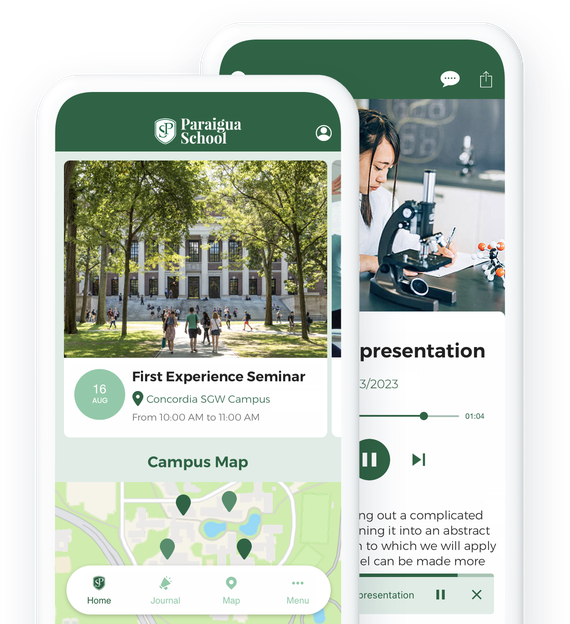
### They trust GoodBarber

## Manage your communication perfectly
A single platform to communicate with your various contacts, 100% customizable
#### All the news from your school
Keep parents and students informed, as well as teachers and alumni. Use the Blog feature to publish all the information about your school's daily life. You can create as many Blog sections as you want and/or categorize them to create a navigation totally adapted to your needs.
#### A multi-functional CMS
GoodBarber offers you an integrated CMS with which you can create any kind of content. Articles, videos, podcasts... create your content directly in your back office and choose the way you want to publish it: immediate or scheduled. If you wish you can also use one of our 30 connectors to publish external content in your app (YouTube, Wordpress, RSS feeds and many others).
#### An interactive course material
Use your school's app to deliver lessons in different formats: videos, podcasts or even live sessions. Give your teachers the opportunity to choose their preferred formats to best convey their knowledge. Your students will be delighted to be able to access their lessons anywhere and anytime from their smartphones, tablets or computers.
#### A public calendar
Use our Calendar sections to highlight key dates in your school's life. Educational events, pedagogical meetings, class councils or school outings, no date will be forgotten. All members of your school will have a clear view of the school's life.
#### Your school spirit in an app
Make your app a true reflection of your school's values. The "About" section will allow you to express the ideas that characterize your school and your teaching methods.
If you're located on a campus, the "Map" sections will be perfect to help your students find their way between your different buildings. Finally, the many design options will give you the means to create a space with your school's colors so that everyone feels a little bit at home.
#### Tailored communication tools (Push notifications, Emails)
As a school, it's important to have fast, effective means of communication, whether to inform students, parents or teaching staff. For this, there's nothing better than push notifications, which you can send manually or automatically. It's also possible to set up geolocalized push notifications. Your users can choose the types of notifications they wish to subscribe to. You can also send emails by connecting your app to external services such as Gmail or Mailchimp. You have plenty of choices to build a fast and foolproof communication process.
## Offer a secure space to your users
Only members of your school can access the content of your app
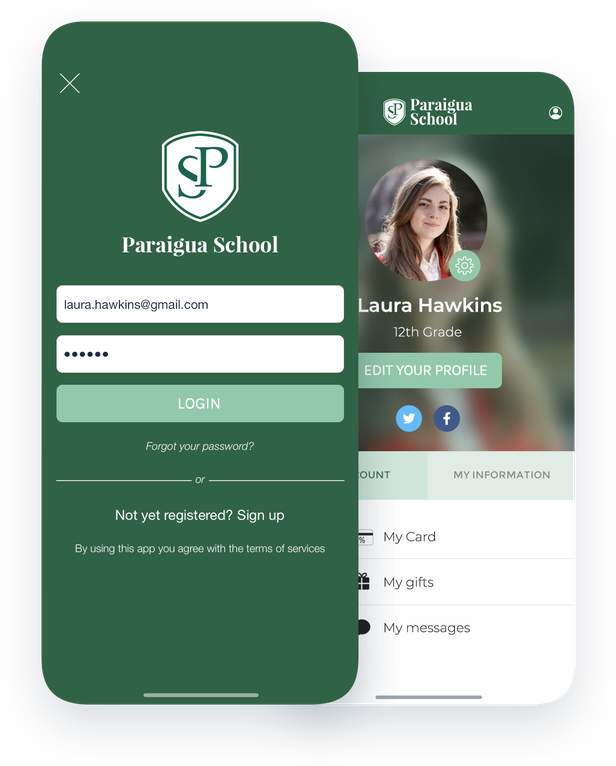
A built-in authentication system
One of the major challenges for a school is to guarantee the security of the data distributed in the app to your students and their parents. The solution is simple: integrate a reliable and scalable authentication system to your app so that access is restricted. You keep control over the identity of your audience by creating nominative accesses. Your users will then be able to manage their profile and freely consult the content you propose in your app.
## Manage your app content as a team
Give access to the back office of your app to members of your educational team
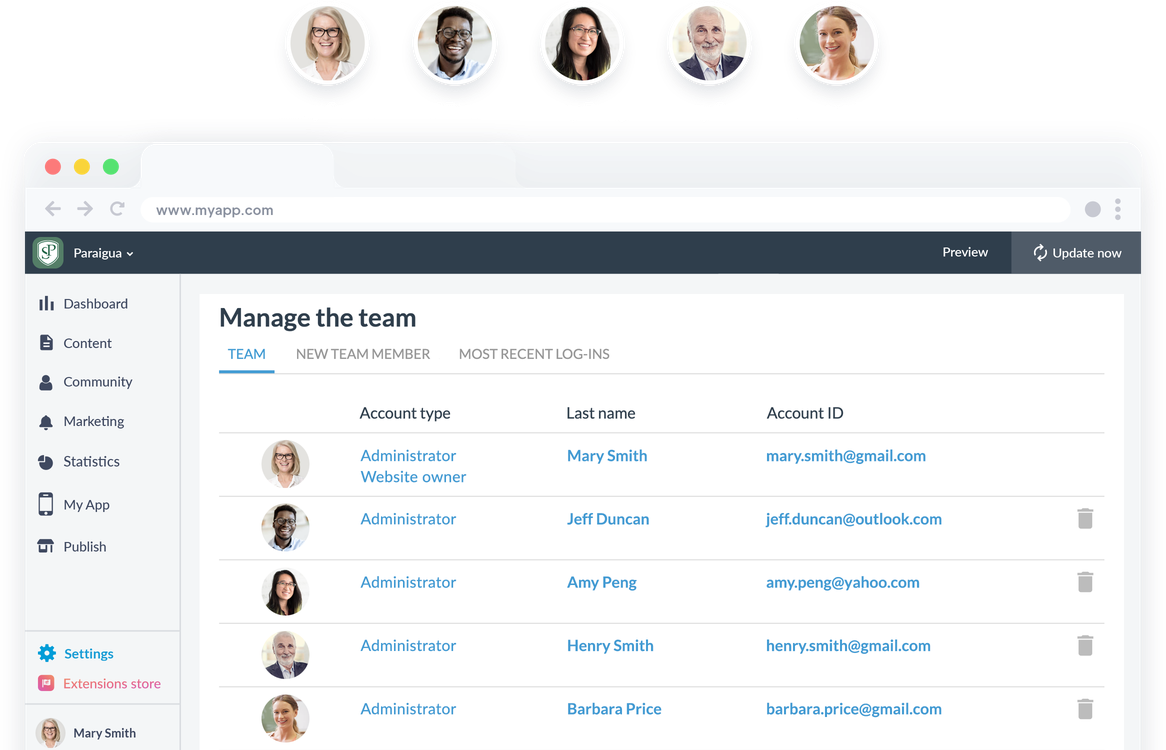
With the GoodBarber back office you have the possibility to create and manage as many accesses to your back office as you want. As an administrator you can manage the level of access rights of each member and choose exactly where they will be allowed to contribute: access to the CMS, choice of sections, sending of notifications, modification of the app's design... This way you will be able to delegate the production of content to your professors, administrative staff and why not to student delegates, association members or editors of the school newspaper. The possibilities are endless and you will always be in control.
## Create a real living space
Foster communication and interaction between your members
### An interactive directory
With the "User list" section you can create a real trombinoscope that will group all the members of your app. You will be able to choose between several display models with a list mode and a map mode. Your users will be able to browse the list according to their most recent connections or their geographical location.
### Features for listening
Give your users a say with the "Form" and "Submission" sections. Use the forms to collect opinions, create surveys. The "Submission" section allows your users to send you photos, videos or text freely. It will be perfect to leave an open door to all students or teachers who would like to share their ideas with you.
### Direct interactions
Offer a space for your users to exchange by integrating a chat into your app. They will be able to contact each other via the user list and exchange text messages in a free and secure way.
## Create user groups
Adapt your publications and your communication to each target
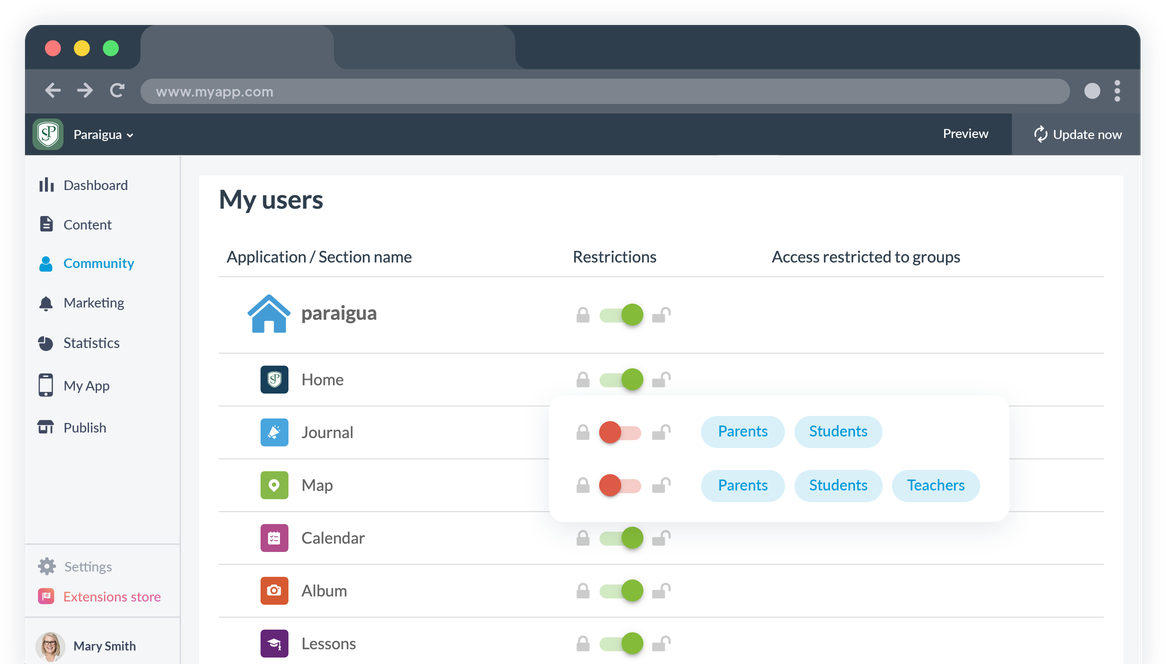
### User groups
As a school app, you address different targets and you will need to publish in your app content specific to each target: administrative notes for your teachers, online courses for your students or school news for parents, your needs are diverse.
To simplify this task, you just need to separate your audience into different user groups and communicate specifically with each group.
### Restrictions
Each member of a group can only access the content available to the group to which he belongs. You can easily manage access to the different sections of each group and use the groups to target your notifications. A single app to communicate with all your targets.
## Extensions Store
Extensions that might interest you
### Authentication
Integrate a login module into your app and restrict access to your content to members of your institution.
[Discover](https://www.goodbarber.com/extensions/authentication/)
### Community
Publish the list of your members in your app and facilitate the exchange and interaction between them.
[Discover](https://www.goodbarber.com/extensions/community/)
### User groups
Separate your members into several groups and build content and communication strategies for each group.
[Discover](https://www.goodbarber.com/extensions/user-groups/)
### Chat
Create an area of interaction in your app thanks to the Chat. Each user will be able to choose if they want to be contacted or not.
[Discover](https://www.goodbarber.com/extensions/chat/)

### Automatic push notifications
Automate the dispatch of push notifications that will be sent based on new content published in the time slots you define and to the users you choose.
[Discover](https://www.goodbarber.com/extensions/scheduled-push/)

### Live audio
Broadcast live audio in your app from a beautiful player. Ideal for a campus radio.
[Discover](https://www.goodbarber.com/extensions/live-audio/)

### Live video
Stream your classes and lectures live in your app. Your students will be able to follow your classes from anywhere.
[Discover](https://www.goodbarber.com/extensions/live-video/)

### Submission
Create a connection between you and your users by allowing them to send you photos, text or videos in the blink of an eye.
[Discover](https://www.goodbarber.com/extensions/content-submission/)
## And so much more...
### Design
Fully customize the design of your app: logo, color scheme, font...
### Domain name
Add your own domain name to your PWA to reinforce your school's identity.
### Customizable profile
Each user has a public profile visible to other users of the app. You can customize the profile fields of your users according to your needs and the information you want to display.
### Storage
You get plenty of storage space and unlimited bandwidth to host all your content.
### Automation
With GoodBarber's connectors for Zapier and Make, you have access to thousands of online services to automate and simplify your workflow. Focus on teaching your students and let these tools take care of the repetitive tasks.
### No-code
Take advantage of GoodBarber's power and [over 500 features](https://www.goodbarber.com/extensions/collections/schools/) without having to write a single line of code. No need for a technical team or specific resources.

### ChatGPT
Integrate an AI virtual assistant into your school application! Instantly answer questions about schedules, school events and important information. Facilitate communication and offer personalized support to students, teachers and parents with our integrated extension.
## Why do schools need an app?
### For students
The benefits of a school app for students are many: it provides direct access to academic resources, allows them to stay on top of school activities, but also to establish special connections with their peers and teachers. New generations of students are very tech-savvy and enjoy using them. An app increases student engagement and keeps the connection strong no matter what the conditions or location.
### For parents
Regarding the parents of students, an app allows them to benefit from a unified communication platform. It is a real link between teachers and parents thanks to the speed of communication it offers. Parents can take advantage of the app to follow their children's progress more closely and react ultra quickly to better support them. It can also be used as a messaging system between them and the teachers to better understand the schooling and the daily life of their children.
### For the faculty
An app is the best opportunity to offer more attractive and engaging courses. The variety of course formats available allows them to test what works best with their students and to perfect their courses. The app is also the ideal tool to centralize all their communication with students, parents but also the school administration.
## Clients' Love
### [GoodBarber is a powerful app builder.](https://www.trustpilot.com/reviews/60f08679f9f48702a8e6869e)
#### Melissa Okta
GoodBarber is a powerful app builder. If you want to build your app using a pre-built template, GoodBarber is ideal for you. At Global Academy, we almost completed the 5th year using their easy-to-use pre-built platforms to build premium Apps for our customers. Also, Goodbarber's customer support is excellent. Highly recommended.
-
-
-
-
-
### [Great support and always very helpful answers.](https://www.trustpilot.com/reviews/60c0ca7cf9f487099ce24eb9)
Great support and always very helpful answers. Nothing is too trivial for the team to answer.
-
-
-
-
-
### [Responsive support and usually quick.](https://www.trustpilot.com/reviews/60ad3c03f9f4870a94ace1d1)
Responsive support and usually quick. Software is by far the best in the market, with tremendous capabilities for configurations.
-
-
-
-
-
### [I really like the system.](https://www.trustpilot.com/reviews/60551146f85d7509fc10d732)
#### Gene Hieber
I have been a resller member for a month now. I've built several demo apps. I really like the system. Easy to navigate and I have sold a couple progressive web apps and am working on native apps as well. I highly recommend Good Barber.
-
-
-
-
-
### [The team at GoodBarber has been incredibly informative and helpful](https://www.trustpilot.com/reviews/6054cff7f85d7509fc1090eb)
#### W. Monahan
The team at GoodBarber has been incredibly informative and helpful during both the creation and maintenance of my app. I am not super tech savvy, and they always provide me with solid guidance on how to fix my issue or improve my app. I shopped around for different options when looking to build my app, and I am happy that I chose this company.
-
-
-
-
-
### [They helped me to create a beautiful, successful app](https://www.trustpilot.com/reviews/60511fb2f85d75064c43947b)
#### Mary Davis
I have been with GoodBarber since 2014 and I can not say enough good things about them and my experience within with them. They helped me to create a beautiful, successful app; they have been there for me every step of the way to solve customer issues and help with updates; and they have an easy to use, infinitely customizable dashboard to create the app of your dreams - which is what I did. Thank you GoodBarber. You are the best
-
-
-
-
-
### [Great tool, it has all features you need to build your own app or website.](https://www.trustpilot.com/reviews/60a22025f9f4870a94a45023)
#### Manuel Ventura
Great tool, it has all features you need to build your own app or website.
-
-
-
-
-
### [GoodBarber is a wonderful platform.](https://www.trustpilot.com/reviews/604e93b7f85d7503942a6703)
#### Mini Maestro
GoodBarber is a wonderful platform. Their support staff are helpful and the interface is easy to navigate! Thank you for enabling us to give extra support to our customers with our customer app.
-
-
-
-
-
### [The Best App Builder on the Market](https://www.trustpilot.com/reviews/604c6024f85d75064c40265c)
#### Draculapp
The Best App Builder on the Market, PWA at ease, and Native iOS assistance for the publishing issues. Very good support and constant updates. Many features and beautiful design layouts and a high level of customization. Recommended for individual Businesses or Agencies with a very good solution for the reseller program. And last but not least, friendly staff! It worth a try...
-
-
-
-
-
### [One of the best providers in the space.](https://www.trustpilot.com/reviews/604ba651f85d75064c3fd1ab)
#### K. Linton
One of the best providers in the space. Easy to use, well documented and excellent customer service. If you’re looking to create a mobile app solution for your company or clients GoodBarber is definitely the way to go.
-
-
-
-
-
## Discover
### [How to create an app for online courses ?](https://www.goodbarber.com/blog/how-to-create-an-app-for-online-courses-a1116/)
Creating an app will allow you to differentiate yourself by disrupting traditional methods with diversified content types!
### [Petit Signe, an educational app for young children](https://www.goodbarber.com/blog/petit-signe-an-educational-app-for-babies-a1111/)
Petit Signe is an e-Learning app specialized in baby language and more specifically in sign language,
### [Chat with your users](https://www.goodbarber.com/blog/offer-a-live-chat-support-to-your-users-with-tawk-to-a1177/)
Offering chat in your app is a practical solution, which helps to solve your students' problems
## Pricing
[Monthly](#)[Yearly](#)[One time](#)
||Standard $30/monthbilled yearlySave $72 yearly|Premium $55/monthbilled yearlySave $180 yearly|Pro $105/monthbilled yearlySave $360 yearly|Agency $215/monthbilled yearlySave $780 yearly|Pro $4600One-off paymentSave $11600 in one go|Agency $12000One-off paymentSave $21600 in one go|
|---|---|---|---|---|---|---|
|Technology|||||||
|PWA technology|yes|yes|yes|yes|yes|yes|
|Native technology||Android + iOS (iPhone & iPad)|Android + iOS (iPhone & iPad)|Android + iOS (iPhone & iPad)|Android + iOS (iPhone & iPad)|Android + iOS (iPhone & iPad)|
|Available in Google Play Store||yes|yes|yes|yes|yes|
|Available on the App Store||yes|yes|yes|yes|yes|
|Capacities|||||||
|Storage info $2 for 10 GB|2 GB|10 GB|50 GB|100 GB|50 GB|100 GB|
|Push notifications info $10 for 100K extra push notifications(per month)|10K|30K|250K|500K|250K|500K|
|Staff accounts|1|3|unlimited|unlimited|unlimited|unlimited|
|Number of projects|1|1|1|unlimited|1|unlimited|
|Page views (bandwidth & traffic)|unlimited|unlimited|unlimited|unlimited|unlimited|unlimited|
|App downloads||unlimited|unlimited|unlimited|unlimited|unlimited|
|Account manager|||yes|yes|yes|yes|
|Extensions storeLarge library 190+ [extensions](https://www.goodbarber.com/extensions/). New extensions every month info Extend the features of your app with extensions : Automations (Zapier, Make), Analytics, Monetization, Sales optimization, Integration (Wordpress, Squarespace, RSS).|||||||
|Free extensions|Up to 5|Up to 20|unlimited|unlimited|unlimited|unlimited|
|Authentication||$12/month (billed $120/year. You save 2 months)|yes|yes|yes|yes|
|Chat info The Chat extension requires the Authentication extension to be installed||$20/month (billed $200/year. You save 2 months)|yes|yes|yes|yes|
|Memberships info Offer paid subscriptions to your users to access your content. Purchases are easily made from their Apple / Google account||$49/month (billed $490/year. You save 2 months). NO additional fee based on your revenue.|yes|yes|yes|yes|
|Core features|||||||
|NO CODE drag&drop app builder|yes|yes|yes|yes|yes|yes|
|Fully customizable design|yes|yes|yes|yes|yes|yes|
|Content Management System(article, video, podcast, event, map, photo, live)|yes|yes|yes|yes|yes|yes|
|SEO friendly, AMP, ASO friendly|yes|yes|yes|yes|yes|yes|
|Support (Real human support, by the GoodBarber team itself)|yes|yes|yes|yes|yes|yes|
|Yearly plan subscription pricing|Standard$360/year|Premium$660/year|Pro$1260/year|Agency$2580/year|/year|/year|
### Create your app now
[Start for free](https://www.goodbarber.com/create/)
## FAQ
### How to create a School app?
GoodBarber School App builder allows you to build a mobile app for your School or University in a very easy way.
Your school app is the center of your communication between students, parents and teachers.
Our school applications allow families and teachers to easily access essential information such as events, courses and contents directly from their smartphone.
Institutional administrative staff can send real-time alerts and notifications from the mobile app and inform the entire community instantly.
The School App builder software allows you to share videos, podcasts, forms, widgets and event locations. You will be able to add Ads and school's branding to your app that will be available on both iOS and Android app stores and usable from desktop, smartphone and tablet.
### Who are School apps for?
School apps are generally used by Educational institutions and establishments:
- PreSchool
- Primary School
- Secondary / High School
- Universities
### What are the solutions and advantages to create a School app using GoodBarber App Builder?
An app is a multi-faceted tool that allows to inform students, parents and teachers about School news and events
- Public scheduling shaped as an agenda planner
- Use push notifications, geofences, beacons, QR codes to establish communication between school institutions and students.
- Manage app users: create user groups and content access rules
- Export / import of users listings
- Manage private/public content
- Our School apps allow instant content updates
- Ensure your presence on both the Web and the App stores with a unique app
- Live Chat
- Upcoming events notifications
- Advertising management
- Live video / Live audio sections for Online courses
- Map section to indicate best directions to school buildings and events locations
### How much does it cost to make a School app?
You can start running your School app for free with our 30 day free trial.
Then it is up to you to subscribe to the plan that best fits your needs: the basic plan to make your School app starts at $30/month.
Note that additional costs apply to publish iOS apps on the App Store and Android apps on the Play Store.
### How to monetize my School app?
There are many strategies out there to make money with an School app:
1. Premium content: sell your best pictures and video highlights within subscription plans, using the membership feature.
2. Monetize your School app with Advertising features.
We recommend 2 strategies:
- Generic Large Audience: monetize your School app with third party advertising services: activate Third Party ADs Networks (Facebook, Google Admob, Ads Manager, Google AdSense) to display Ads and get paid
- Qualified Small audience: activate GoodBarber Internal Ad Server: The internal ad server is the simplest way to promote your School mobile application and display tailored, customized splash screens and ad banners. You also will be able to select one or more platforms for distributing your campaigns: iOS and/or Android.
3. Sell your School app on the Stores for a fee
### How can I customize my School app design and User Experience (UX)?
With over 200 layout options, an impressive theme collection and modular design, you can create a unique app reflecting your School branding.
There are many options and levels of customization. You can choose different “Global Styles” to customize the app all in all or may just customize a given section.
Our School app builder offers 9 templates for listing pages and 4 templates for content pages.
You will be able to customize headers, fonts, background colors and navigation menus as well.
Furthermore, you will be able to enrich your School app content experience using audio, video, articles and live video streaming for your audience during courses and conferences.
### Would my School app be available in all countries?
Yes, it can be available in all countries. You will decide about Geo-distribution, selecting those countries where the app will be available in the app stores, before publication on Apple’s App Store and Google Play Store
### Do you provide any Support and After-Sales Assistance for School apps?
Yes, indeed! GoodBarber Support and Assistance program provides for:
- Free support
- Unlimited Number of support tickets
- App Lifetime support
- Support in 5 languages
- 4 offices in 3 countries
- 3 time zones support
### Who is the Developer of my School app?
You are required to purchase your own Developer account from Apple and Google. Therefore, you are the developer of your app. GoodBarber is simply the tool to create it.
### Can I sell my School app to another developer?
Yes, you can sell your School app. To do this, you need to transfer the ownership of your app to the new owner, on each app store.
In addition, you must transfer the ownership of the GoodBarber back-office to the new owner. To do this, you will need to contact the Goodbarber support team.
[Start for free](https://www.goodbarber.com/create/)
From $30/month
30 days free trial. No credit card required
---
# Faith apps
Source: https://www.goodbarber.com/faith-app/
---
title: "Create an app for your religious community"
description: "With a mobile app, keep your followers engaged and give your community a chance to stay up to date by using the most appropriate communication tools."
canonical_url: "https://www.goodbarber.com/faith-app/"
lang: en
---
# Create an app for your religious community
### GoodBarber for Religious communities
# An app to engage and bring people together
## Keep your followers engaged and give your community a chance to stay up to date by using the most appropriate communication tools.
- Live video
- Video on demand
- Donations
- YouTube, Vimeo, Wordpress integration
- Podcast
- Automatic push notifications when sermons begin
[Start now](https://www.goodbarber.com/create/)
From $30/month
30 days free trial. No credit card required
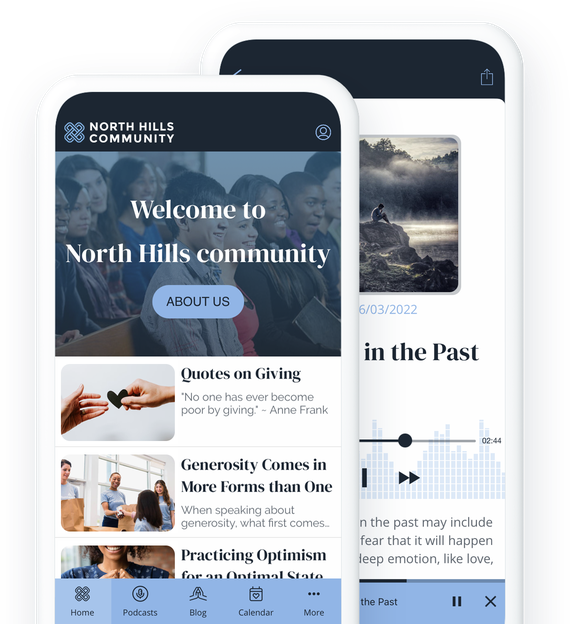
### They trust Goodbarber

## Improve your communication
Retain your members and reach new followers
Creating an app for your religious community will give you an instant communication tool that will allow you to stay in constant contact with your members. It will also allow you to promote your beliefs and share them with the world.
## Share your calendar
Promote your events, holidays and celebrations
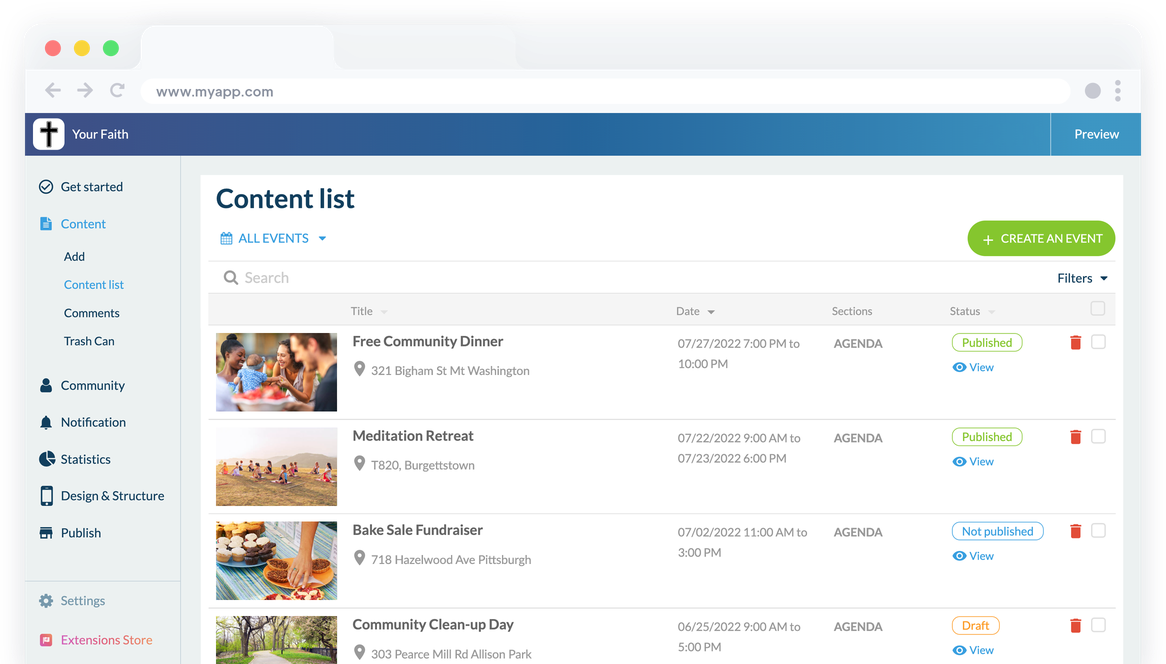
### A customized calendar
Create your events directly from the GoodBarber back office or connect an external source to centralize all your events in your app. This way, your followers can see at a glance all the parties and celebrations or appointments of your community. You can add an address to each event, as well as times. You can also create full-day events and display multiple events on the same day. Using [Planning Center](https://www.goodbarber.com/extensions/planning-center/)? The events you publish on Church Center appear automatically in your app.
### A universal calendar
Thanks to GoodBarber, the date and time of events are automatically displayed according to the time zone of the user who consults your community calendar.
## Spread your word
On the medium that suits you best
### Blog
This is one of the most classic mediums: Blog posts. Write your articles, cover all the topics that fit your beliefs and publish them in your app. Blog sections can also be used to create more static content like holy books or excerpts from foundational texts.
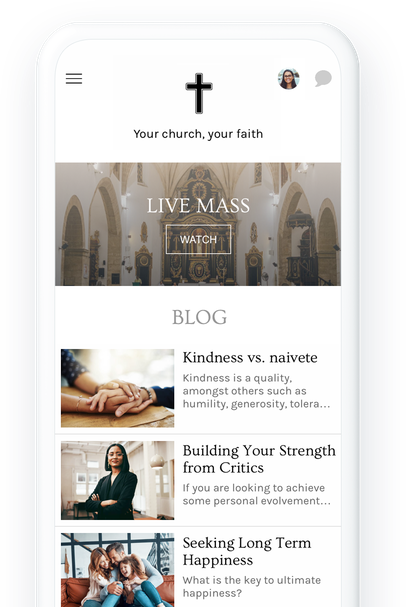
### Podcasts
Podcasts are a great way to preach your word in a more dynamic way. Your congregation will be able to listen to your sermons and talks wherever they are. They can even listen to them while using other apps on their phone. To broadcast your podcasts you can upload them directly into your GoodBarber back office, or connect an external source that already hosts your podcasts like Anchor, Ausha, Simplecast, or Spreaker.
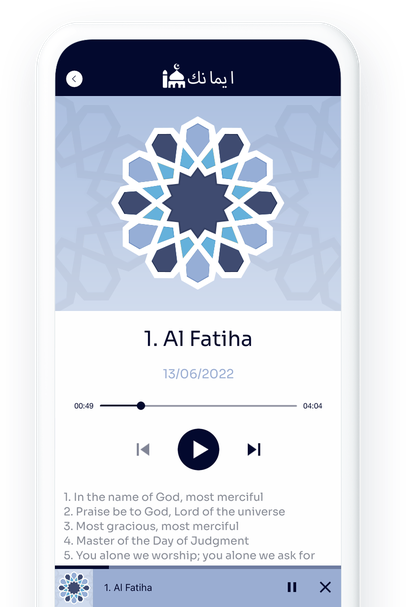
## Reach the largest number of people
Broadcast your masses, worship services and functions live
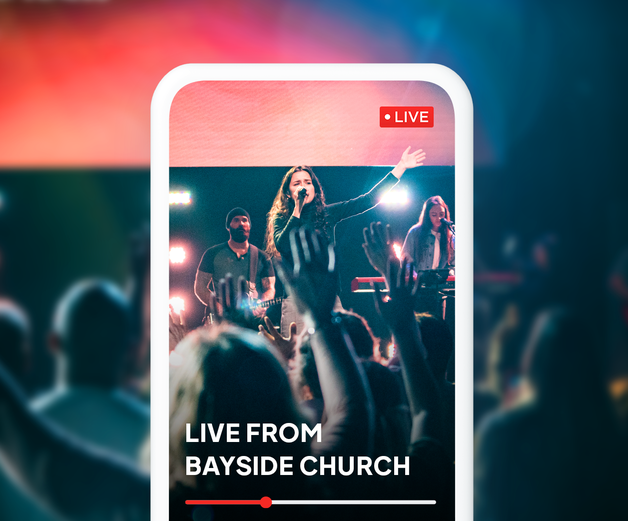
### Live Video and Audio
With our Live features, you can offer your followers the opportunity to follow all your interventions live from their phones. Whether it's simple audio or video, Live allows you to reach a very large audience, attract new members and keep your followers engaged, who can follow you without necessarily being nearby. You can schedule your live broadcasts, and only give access to them at the right time.
## Collect donations
A simple and effective way to raise funds

### Donately
Link your Donately account to your app and use it as a donation collection tool. Installing the Donately extension will be quick and easy and you will be able to manage your donations from your Donately account. You will be able to integrate donation forms and collection pages into your app for an even better donation experience.
[lab](https://www.goodbarber.com/extensions/donately/)
## Keep in touch with and among your followers
All the tools you need to build a strong community
### Submission
Give your followers the opportunity to send you content at any time. Photo, text or video can be used by your app users to send you their prayers, wishes, questions or thoughts.
### Social features
Make your app a real place of exchange and sharing between the members of your community by [integrating social features](https://www.goodbarber.com/extensions/collections/faith/): a user profile, a user list and a chat.
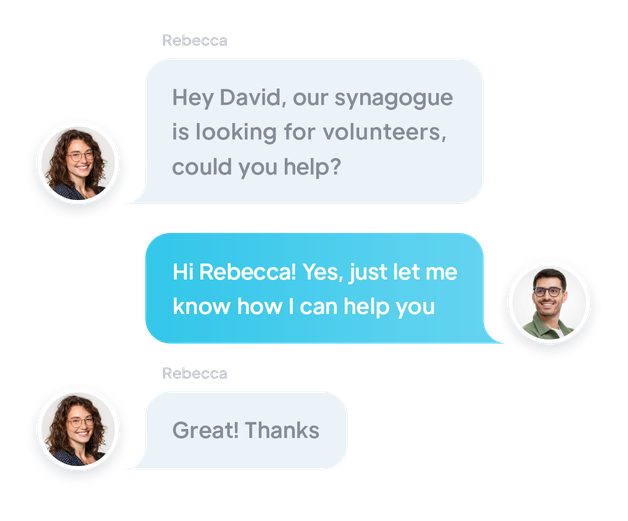
### Push Notifications
Send notifications manually to your followers or schedule them to remind them of holidays, ceremonies, celebrations or prayers.
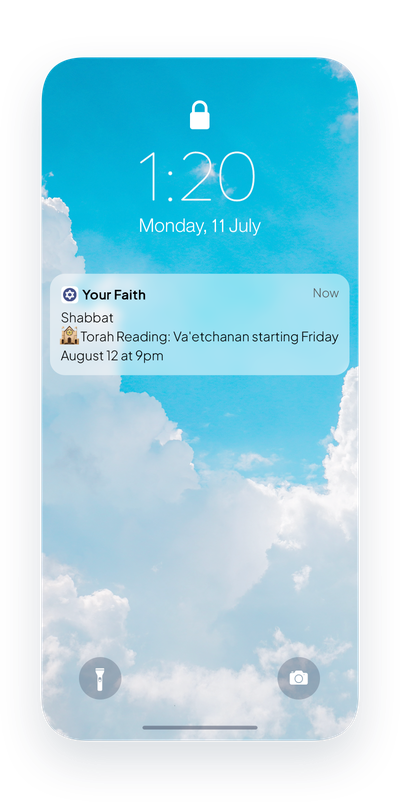
## Extensions Store
Extensions that might interest you
### Authentication
Integrate a login box to your app. Your users will be able to create their profile and fill in the information you have requested.
[Discover](https://www.goodbarber.com/extensions/authentication/)
### Chat
Create a real exchange place by adding an instant messaging service to your app. Each user will be able to choose if they want to be contacted by other members of the app or not.
[Discover](https://www.goodbarber.com/extensions/chat/)
### Community
Display the list of your members in your app. The list can also be displayed as a geolocalized map to make it even easier for your members to meet each other.
[Discover](https://www.goodbarber.com/extensions/community/)

### Automatic push notifications
Set up automatic push notifications. Notifications will be sent based on new content that is published during the time slots you set and to the users you target.
[Discover](https://www.goodbarber.com/extensions/scheduled-push/)

### Submission
Create interaction between you and your community by offering them a direct interaction space with you, directly in the app.
[Discover](https://www.goodbarber.com/extensions/content-submission/)

### Donately (lab)
Link your app to your Donately account and collect donations directly from your app. Your community will be able to support you in the easiest way possible.
[Discover](https://www.goodbarber.com/extensions/donately/)

### Live audio
Stream live audio in your app and broadcast all your events from a fantastic player
[Discover](https://www.goodbarber.com/extensions/live-audio/)

### Live video
Stream your events live and on video. Your community will be able to attend all your meetings without having to travel.
[Discover](https://www.goodbarber.com/extensions/live-video/)
## And so much more...
### Date display format
The date display format that will be used in your events can be chosen to match the habits of your community.
### Add to phone calendar
Offer a button that will allow your users to add an event from your app to their smartphone's Calendar app in one click.
### Delayed publication
All the contents of your app can be published offline: you can choose in advance the day and time of their publication.
### Content categorization
Organize your content into categories to create a smooth and clear navigation. Choose from 5 display templates and easily manage the activation and deactivation of each category.
### Management of an editorial team
Manage your app and content production with several people. You can give access to your back office to all your collaborators and manage the access rights of each.
## Why is an app useful for religious communities?
### Faith and technology
Technology has always played an essential role in helping religious communities share their message. After the age of print, it is now time to fully embrace the digital age. This evolution will also allow you to continue to engage a young and active community that no longer envisions their daily lives without technology. All studies show that although we have access to more information, our attention span has never been shorter. This is a good reason to offer a communication format that corresponds to our way of life.
### A tool to practice your faith
Holy readings, prayer times, meditation, devotions, confessions... Many religious practices can be facilitated and encouraged with an app. Holy texts can be made available, prayers can be reminded by notifications, masses and celebrations can be followed live and remotely. No matter what happens in the world, with your app your followers will always have a link to your community and will be able to continue their religious experience with you.
### An app to collect revenue
An app can be a great way to raise funds for your faith community. Whether it's by charging for your app, monetizing content within your app, integrating advertising, or linking it with Donately, a fundraising service. An app gives you the ability to choose the revenue streams that work best for you.
## Clients' Love
### [GoodBarber is a powerful app builder.](https://www.trustpilot.com/reviews/60f08679f9f48702a8e6869e)
#### Melissa Okta
GoodBarber is a powerful app builder. If you want to build your app using a pre-built template, GoodBarber is ideal for you. At Global Academy, we almost completed the 5th year using their easy-to-use pre-built platforms to build premium Apps for our customers. Also, Goodbarber's customer support is excellent. Highly recommended.
-
-
-
-
-
### [Great support and always very helpful answers.](https://www.trustpilot.com/reviews/60c0ca7cf9f487099ce24eb9)
Great support and always very helpful answers. Nothing is too trivial for the team to answer.
-
-
-
-
-
### [Responsive support and usually quick.](https://www.trustpilot.com/reviews/60ad3c03f9f4870a94ace1d1)
Responsive support and usually quick. Software is by far the best in the market, with tremendous capabilities for configurations.
-
-
-
-
-
### [I really like the system.](https://www.trustpilot.com/reviews/60551146f85d7509fc10d732)
#### Gene Hieber
I have been a resller member for a month now. I've built several demo apps. I really like the system. Easy to navigate and I have sold a couple progressive web apps and am working on native apps as well. I highly recommend Good Barber.
-
-
-
-
-
### [The team at GoodBarber has been incredibly informative and helpful](https://www.trustpilot.com/reviews/6054cff7f85d7509fc1090eb)
#### W. Monahan
The team at GoodBarber has been incredibly informative and helpful during both the creation and maintenance of my app. I am not super tech savvy, and they always provide me with solid guidance on how to fix my issue or improve my app. I shopped around for different options when looking to build my app, and I am happy that I chose this company.
-
-
-
-
-
### [They helped me to create a beautiful, successful app](https://www.trustpilot.com/reviews/60511fb2f85d75064c43947b)
#### Mary Davis
I have been with GoodBarber since 2014 and I can not say enough good things about them and my experience within with them. They helped me to create a beautiful, successful app; they have been there for me every step of the way to solve customer issues and help with updates; and they have an easy to use, infinitely customizable dashboard to create the app of your dreams - which is what I did. Thank you GoodBarber. You are the best
-
-
-
-
-
### [Great tool, it has all features you need to build your own app or website.](https://www.trustpilot.com/reviews/60a22025f9f4870a94a45023)
#### Manuel Ventura
Great tool, it has all features you need to build your own app or website.
-
-
-
-
-
### [GoodBarber is a wonderful platform.](https://www.trustpilot.com/reviews/604e93b7f85d7503942a6703)
#### Mini Maestro
GoodBarber is a wonderful platform. Their support staff are helpful and the interface is easy to navigate! Thank you for enabling us to give extra support to our customers with our customer app.
-
-
-
-
-
### [The Best App Builder on the Market](https://www.trustpilot.com/reviews/604c6024f85d75064c40265c)
#### Draculapp
The Best App Builder on the Market, PWA at ease, and Native iOS assistance for the publishing issues. Very good support and constant updates. Many features and beautiful design layouts and a high level of customization. Recommended for individual Businesses or Agencies with a very good solution for the reseller program. And last but not least, friendly staff! It worth a try...
-
-
-
-
-
### [One of the best providers in the space.](https://www.trustpilot.com/reviews/604ba651f85d75064c3fd1ab)
#### K. Linton
One of the best providers in the space. Easy to use, well documented and excellent customer service. If you’re looking to create a mobile app solution for your company or clients GoodBarber is definitely the way to go.
-
-
-
-
-
## Discover

### [Coral Hill Church App](https://www.goodbarber.com/blog/coral-hill-church-app-the-most-accessible-way-to-communicate-with-their-congregation-a1147/)
GoodBarber was really helpful and allowed me to get something out there quickly, professionally and keep it updated really easy.
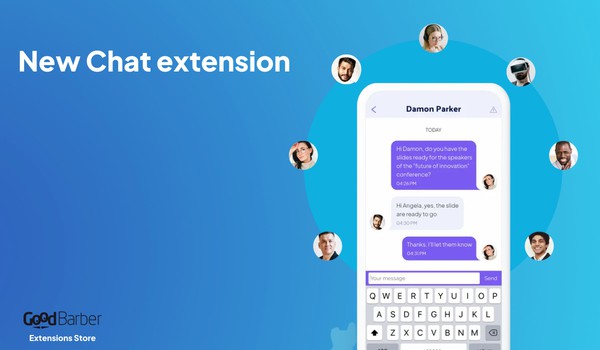
### [Make your app more social](https://www.goodbarber.com/blog/make-your-app-more-social-with-our-brand-new-chat-add-on-a731/)
Introduce a more social dimension to your app by integrating an instant messaging service, from one user to another
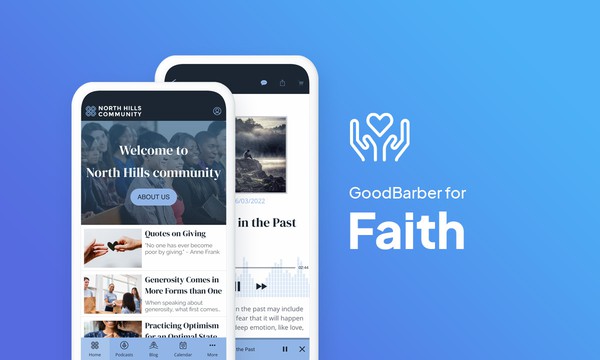
### [How to create a worship or faith-based app](https://www.goodbarber.com/blog/how-to-create-a-worship-or-faith-based-app-a1203/)
Creating a religious or spiritual app can be the ideal solution to allow your community to stand the test of time, using the most suitable communication tools.
## Pricing
[Monthly](#)[Yearly](#)[One time](#)
||Standard $30/monthbilled yearlySave $72 yearly|Premium $55/monthbilled yearlySave $180 yearly|Pro $105/monthbilled yearlySave $360 yearly|Agency $215/monthbilled yearlySave $780 yearly|Pro $4600One-off paymentSave $11600 in one go|Agency $12000One-off paymentSave $21600 in one go|
|---|---|---|---|---|---|---|
|Technology|||||||
|PWA technology|yes|yes|yes|yes|yes|yes|
|Native technology||Android + iOS (iPhone & iPad)|Android + iOS (iPhone & iPad)|Android + iOS (iPhone & iPad)|Android + iOS (iPhone & iPad)|Android + iOS (iPhone & iPad)|
|Available in Google Play Store||yes|yes|yes|yes|yes|
|Available on the App Store||yes|yes|yes|yes|yes|
|Capacities|||||||
|Storage info $2 for 10 GB|2 GB|10 GB|50 GB|100 GB|50 GB|100 GB|
|Push notifications info $10 for 100K extra push notifications(per month)|10K|30K|250K|500K|250K|500K|
|Staff accounts|1|3|unlimited|unlimited|unlimited|unlimited|
|Number of projects|1|1|1|unlimited|1|unlimited|
|Page views (bandwidth & traffic)|unlimited|unlimited|unlimited|unlimited|unlimited|unlimited|
|App downloads||unlimited|unlimited|unlimited|unlimited|unlimited|
|Account manager|||yes|yes|yes|yes|
|Extensions storeLarge library 190+ [extensions](https://www.goodbarber.com/extensions/). New extensions every month info Extend the features of your app with extensions : Automations (Zapier, Make), Analytics, Monetization, Sales optimization, Integration (Wordpress, Squarespace, RSS).|||||||
|Free extensions|Up to 5|Up to 20|unlimited|unlimited|unlimited|unlimited|
|Authentication||$12/month (billed $120/year. You save 2 months)|yes|yes|yes|yes|
|Chat info The Chat extension requires the Authentication extension to be installed||$20/month (billed $200/year. You save 2 months)|yes|yes|yes|yes|
|Memberships info Offer paid subscriptions to your users to access your content. Purchases are easily made from their Apple / Google account||$49/month (billed $490/year. You save 2 months). NO additional fee based on your revenue.|yes|yes|yes|yes|
|Core features|||||||
|NO CODE drag&drop app builder|yes|yes|yes|yes|yes|yes|
|Fully customizable design|yes|yes|yes|yes|yes|yes|
|Content Management System(article, video, podcast, event, map, photo, live)|yes|yes|yes|yes|yes|yes|
|SEO friendly, AMP, ASO friendly|yes|yes|yes|yes|yes|yes|
|Support (Real human support, by the GoodBarber team itself)|yes|yes|yes|yes|yes|yes|
|Yearly plan subscription pricing|Standard$360/year|Premium$660/year|Pro$1260/year|Agency$2580/year|/year|/year|
### Create your app now
[Start for free](https://www.goodbarber.com/create/)
## FAQ
### How to create a Religious app easily?
GoodBarber Religious App Builder allows you to build a mobile app to gather and engage your religious or spiritual community regardless of confessions and beliefs.
A Religious app can be a worthy tool to promote your beliefs, community events and send communications effectively:
- share events and religious calendars
- collect donations
- share experiences
- venues locations
**To create your Religious app follow these steps:**
1. Choose a Theme for your Religious app
2. Build your Religious app Home Screen
3. Build your Navigation Menu of your app
4. Add Content to your Religious app
5. Design your Launch Screen and App Icon
6. Test and publish your Religious app
### Who are Spiritual/Religious apps for?
**Religious apps** are generally used by:
- Religious Communities
- Spiritual groups
- Local Ministries
### What are the solutions and advantages to create a Religious app using GoodBarber App Builder?
- Cross- Platform App builder: your Religious app will be available for iOS and Android smartphones. Moreover, it will be published online and reachable from any device thanks to a PWA. All that through the same and unique interface
- Display Religious calendar according with your confession and /or single events schedule for your community
- Push notifications to engage your community
- Rich media content and Live Podcast: use videos, pictures, blog posts, music and podcasts to enliven your community. After the event, you can broadcast reports and event highlights using pictures, articles and videos
- Donately: a dedicated extension to collect donations
- Manage app users: create user groups and content access rules
- Export / import of users listings
- Manage private/public content
- Live video / Live audio sections for events live coverage
- Map section to indicate best directions to event venues
### How much does it cost to make a Religious app?
You can start running your Religious app for free with our 30 day free trial.
Then it is up to you to subscribe to the plan that best fits your needs: the basic plan to make your Religious app starts at $30/Month.
Note that additional costs apply to publish iOS apps on the App Store, and Android apps in the Google Play Store.
### How can I customize my app design and Religious app User Experience (UX)?
With over 200 layout options, an impressive theme collection and modular design, you can create a unique app reflecting your Religious app branding.
There are many options and levels of customization. You can choose different “Global Styles” to customize your Religious app all in all or may just customize a given section.
Our Religious app builder offers 9 templates for listing pages and 4 templates for content pages.
You will be able to customize headers, fonts, background colors and navigation menus as well.
Furthermore, you will be able to enrich your Religious app experience using audio, video, articles and live video streaming for your audience during courses and conferences.
### Do I need technical skills to build a Religious app?
Thanks to GoodBarber Religious App builder, you don’t need any programming skills to create your app. You can create a Religious app for Android, iOS or a mobile website using a Progressive Web App (PWA) without writing a single line of code.
### Would my Religious app be available in all countries?
Yes, it can be available in all countries. You will decide about Geo-distribution, selecting those countries where the app will be available in the app stores, before publication on Apple’s App Store and Google Play Store.
### Do you provide any Support and After-Sales Assistance for Religious apps?
Yes, indeed! GoodBarber Support and Assistance program provides for:
- Free support
- Unlimited Number of support tickets
- App Lifetime support
- Support in 5 languages
- 4 offices in 3 countries
- 3 time zones support
### Who is the Developer of my Religious app?
You are required to purchase your own Developer account from Apple and Google. Therefore, you are the developer of your app. GoodBarber is simply the tool to create it.
### Can I sell my Religious app to another developer?
Yes, you can sell your Religious app. To do this, you need to transfer the ownership of your app to the new owner, on each app store.
In addition, you must transfer the ownership of the GoodBarber back-office to the new owner. To do this, you will need to contact the Goodbarber support team.
[Start for free](https://www.goodbarber.com/create/)
From $30/month
30 days free trial. No credit card required
---
# Nonprofit apps
Source: https://www.goodbarber.com/nonprofit-app/
---
title: "Create an app to advocate and rally"
description: "Create an app to help your cause"
canonical_url: "https://www.goodbarber.com/nonprofit-app/"
lang: en
---
# Create an app to advocate and rally
### Goodbarber for non-profit organizations
# An app to advocate and bring people together
## Spread the word about your project and keep your activists and volunteers engaged by using an app as a communication tool and exchange space.
- Donations
- Geolocated user list
- Public calendar
- Broadcast live content
- Managing an editorial team
- Push notifications
[Start now](https://www.goodbarber.com/create/)
From $30/month
30 day free trial. No credit card required
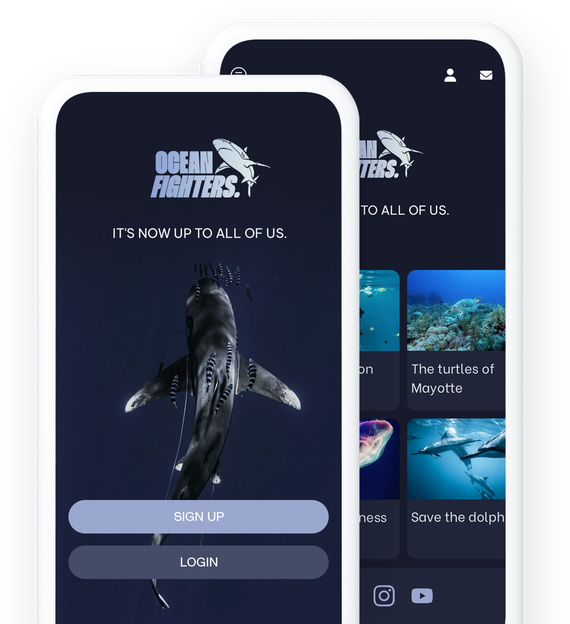
### They trust GoodBarber

## An app at the service of your convictions
Rally as many people as possible to your project and facilitate communication with your activists and volunteers
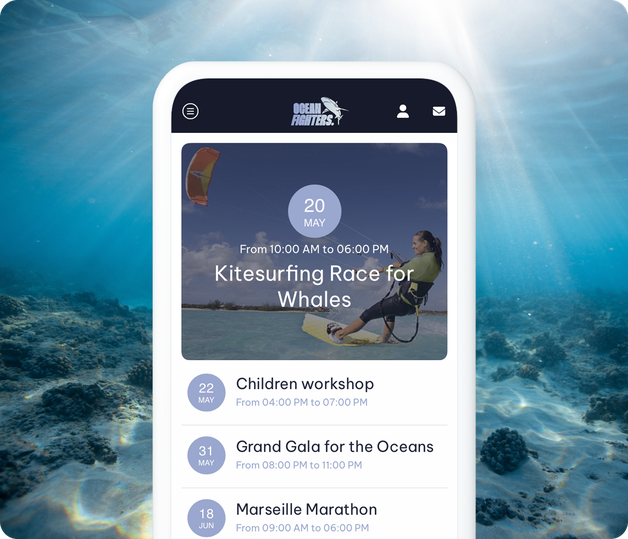
### Communication and loyalty
With an app, you offer your cause the best communication and loyalty support. You will be able to clearly present your structure, your actions and your events, and you will encourage communication between and with the members of your association. Your app will allow you to maintain a connection with your activists and to establish effective and sustainable communication strategies. In addition to maintaining the commitment around your cause, your app will offer you a great visibility thanks to the PWA indexed by search engines.
## Choose your format
Present the topics that are important to you in the most appropriate format
### A powerful CMS
With GoodBarber, you can choose how to present your content. You can create any type of content including videos, photos, articles, podcasts or even live video or audio sessions. The choice is yours.
### All your content in your app
If you already produce content on other platforms you can display it using our connectors. Your content will be automatically retrieved and integrated into your app design.

## Build a strong community
Social features to introduce yourself and foster exchanges between your members
### Introduce your members and representatives
Give an ultra-social dimension to your app by integrating a login system and user profiles. You can decide to allow the creation of user accounts to everyone or to filter exclusively your members. To make things as clear as possible, you can classify your users into different groups and offer them more relevant content and communication.
### Allow your members to connect through chat
What could be better than discussing topics that are important to us? Your app's users are passionate and engaged. Give them the opportunity to exchange with each other thanks to a chat integrated to your app or even to meet each other thanks to the geolocalized user list.
## Publish your association's calendar
Communicate around your events, meetings, conferences or any other event
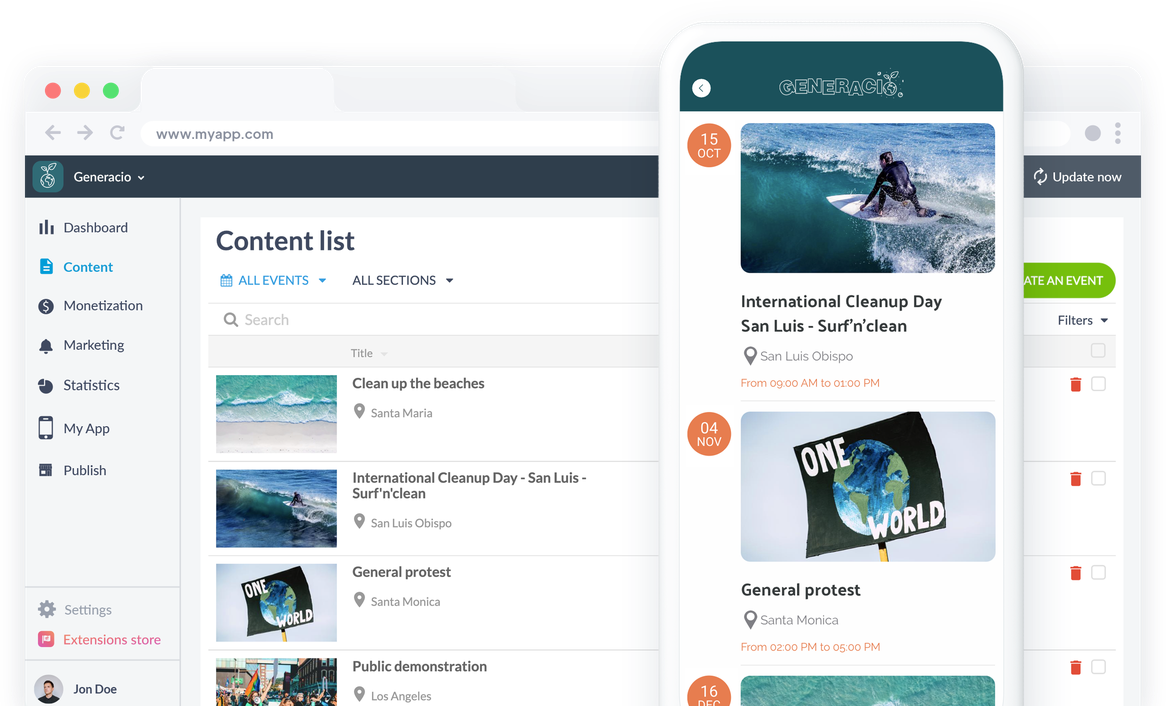
Display the events that you have created from your back office or that will be retrieved from an external source and centralize them all in your app. Your members will have an overview of your organization's calendar. They can even add them directly to their own calendar. Publishing your events on [HelloAsso](https://www.goodbarber.com/extensions/helloasso-events/), [Zeffy](https://www.goodbarber.com/extensions/zeffy-events/) or [Givebutter](https://www.goodbarber.com/extensions/givebutter-events/)? They can appear automatically in your app's calendar.
## Fundraising
The best solutions to make your donors' lives easier
### Donately or Buy me a coffee
Link your app to your Donately or Buy me a coffee account and collect donations directly from your app. Install one of these two extensions in one click and manage your donations with ease. Your donors will be able to access your donation forms and collection pages. Already collecting memberships and donations on [HelloAsso](https://www.goodbarber.com/extensions/helloasso-campaigns/), [Zeffy](https://www.goodbarber.com/extensions/zeffy-campaigns/) or [Givebutter](https://www.goodbarber.com/extensions/givebutter-campaigns/)? Your campaigns can appear in your app too.
[lab](https://www.goodbarber.com/extensions/donately/)
## Communicate in the best possible way
Everything you need to share with your members
### Push notifications
Reach your audience directly on their phones with push notifications. You can send them manually or schedule them to promote your upcoming events or announce new press releases for example.
### Submission
Open up a dialogue with your advocates by allowing them to send you content directly from the app. They can send you photos, text or even videos. It's a great way to maintain communication between all levels of your organization.
## Extensions Store
Extensions that might interest you
### Authentication
Give your users the opportunity to create a profile in your app and fill in the information you have requested.
[Discover](https://www.goodbarber.com/extensions/authentication/)
### Community
Display the list of your users in the form of a geolocalized map to make it even easier for members of your organization to meet.
[Discover](https://www.goodbarber.com/extensions/community/)
### Groups
Categorize your users into groups, and develop content and communication strategy specific to each group.
[Discover](https://www.goodbarber.com/extensions/user-groups/)

### Automatic push notifications
Automate the sending of your push notifications according to the publication of your content. Press releases, news, new events or public meetings, your members won't miss any of your news.
[Discover](https://www.goodbarber.com/extensions/scheduled-push/)
## And so much more...
### Managing an editorial team
Facilitate the management of your app and the creation of your content by giving access to your back office to your team. You manage the rights of each member of your team.
### Add to the phone's calendar
Allow your users to add events from your app directly to the Calendar app on their phone.
### Delayed publication
Prepare your content in advance and use delayed publication to manage your editorial calendar. You choose in advance the time and date of publication of each content.
### User sorting
Your users can be searched by name, and sorted by group, last login date, and registration date.
### Import/Export of users
Import and export your user list in one click with the .csv import/export.
### Shortcuts to social networks
Insert direct links to your social networks on the Home of your app and centralize your digital presence in your app.
## Why do non-profit organizations need an app?
### Collect data
For nonprofit organizations, it is imperative to record the information of their donors and advocates. Organizations may need to contact them at various intervals to keep them informed of new events and other information. Indeed, it becomes impractical to manage everything manually; it is time and energy consuming. An app allows you to automate the entire process and provides accurate and error-free data.
### Increase fundraising
Fundraising is fundamental to the sustainability and growth of any nonprofit or political organization. Investing in an app eliminates critical hurdles to your fundraising efforts. Donors can make a donation directly through the app, and there is a greater chance of repeat and ongoing donations due to the ease and accessibility of the app.
### Building a community
Your goal beyond fundraising is to bring people together around common causes or ideas. An app is a social platform par excellence that allows donors and members to get information, give suggestions or even interact with each other. The app's features allow for easy communication and connect members to each other at every event.
## Clients' Love
### [GoodBarber is a powerful app builder.](https://www.trustpilot.com/reviews/60f08679f9f48702a8e6869e)
#### Melissa Okta
GoodBarber is a powerful app builder. If you want to build your app using a pre-built template, GoodBarber is ideal for you. At Global Academy, we almost completed the 5th year using their easy-to-use pre-built platforms to build premium Apps for our customers. Also, Goodbarber's customer support is excellent. Highly recommended.
-
-
-
-
-
### [Great support and always very helpful answers.](https://www.trustpilot.com/reviews/60c0ca7cf9f487099ce24eb9)
Great support and always very helpful answers. Nothing is too trivial for the team to answer.
-
-
-
-
-
### [Responsive support and usually quick.](https://www.trustpilot.com/reviews/60ad3c03f9f4870a94ace1d1)
Responsive support and usually quick. Software is by far the best in the market, with tremendous capabilities for configurations.
-
-
-
-
-
### [I really like the system.](https://www.trustpilot.com/reviews/60551146f85d7509fc10d732)
#### Gene Hieber
I have been a resller member for a month now. I've built several demo apps. I really like the system. Easy to navigate and I have sold a couple progressive web apps and am working on native apps as well. I highly recommend Good Barber.
-
-
-
-
-
### [The team at GoodBarber has been incredibly informative and helpful](https://www.trustpilot.com/reviews/6054cff7f85d7509fc1090eb)
#### W. Monahan
The team at GoodBarber has been incredibly informative and helpful during both the creation and maintenance of my app. I am not super tech savvy, and they always provide me with solid guidance on how to fix my issue or improve my app. I shopped around for different options when looking to build my app, and I am happy that I chose this company.
-
-
-
-
-
### [They helped me to create a beautiful, successful app](https://www.trustpilot.com/reviews/60511fb2f85d75064c43947b)
#### Mary Davis
I have been with GoodBarber since 2014 and I can not say enough good things about them and my experience within with them. They helped me to create a beautiful, successful app; they have been there for me every step of the way to solve customer issues and help with updates; and they have an easy to use, infinitely customizable dashboard to create the app of your dreams - which is what I did. Thank you GoodBarber. You are the best
-
-
-
-
-
### [Great tool, it has all features you need to build your own app or website.](https://www.trustpilot.com/reviews/60a22025f9f4870a94a45023)
#### Manuel Ventura
Great tool, it has all features you need to build your own app or website.
-
-
-
-
-
### [GoodBarber is a wonderful platform.](https://www.trustpilot.com/reviews/604e93b7f85d7503942a6703)
#### Mini Maestro
GoodBarber is a wonderful platform. Their support staff are helpful and the interface is easy to navigate! Thank you for enabling us to give extra support to our customers with our customer app.
-
-
-
-
-
### [The Best App Builder on the Market](https://www.trustpilot.com/reviews/604c6024f85d75064c40265c)
#### Draculapp
The Best App Builder on the Market, PWA at ease, and Native iOS assistance for the publishing issues. Very good support and constant updates. Many features and beautiful design layouts and a high level of customization. Recommended for individual Businesses or Agencies with a very good solution for the reseller program. And last but not least, friendly staff! It worth a try...
-
-
-
-
-
### [One of the best providers in the space.](https://www.trustpilot.com/reviews/604ba651f85d75064c3fd1ab)
#### K. Linton
One of the best providers in the space. Easy to use, well documented and excellent customer service. If you’re looking to create a mobile app solution for your company or clients GoodBarber is definitely the way to go.
-
-
-
-
-
## Discover

### [Thalas Expedition](https://www.goodbarber.com/blog/the-thalas-expedition-shares-their-around-the-world-journey-with-an-app-a1174/)
Thalas goes to meet the "heroes of the ocean and the seas" working collectively to save the marine ecosystem.
### [How to create an app for an non-profit association or a political organization?](https://www.goodbarber.com/blog/how-to-create-an-app-for-an-non-profit-association-or-a-political-organization-a1210/)
In this article, you will find the main steps of designing an app for associations and ...
### [How do you write a compelling App Store listing?](https://www.goodbarber.com/blog/how-to-write-a-compelling-app-store-listing-a1059/)
Let's get into the details of writing an App Store listing
## Pricing
[Monthly](#)[Yearly](#)[One time](#)
||Standard $30/monthbilled yearlySave $72 yearly|Premium $55/monthbilled yearlySave $180 yearly|Pro $105/monthbilled yearlySave $360 yearly|Agency $215/monthbilled yearlySave $780 yearly|Pro $4600One-off paymentSave $11600 in one go|Agency $12000One-off paymentSave $21600 in one go|
|---|---|---|---|---|---|---|
|Technology|||||||
|PWA technology|yes|yes|yes|yes|yes|yes|
|Native technology||Android + iOS (iPhone & iPad)|Android + iOS (iPhone & iPad)|Android + iOS (iPhone & iPad)|Android + iOS (iPhone & iPad)|Android + iOS (iPhone & iPad)|
|Available in Google Play Store||yes|yes|yes|yes|yes|
|Available on the App Store||yes|yes|yes|yes|yes|
|Capacities|||||||
|Storage info $2 for 10 GB|2 GB|10 GB|50 GB|100 GB|50 GB|100 GB|
|Push notifications info $10 for 100K extra push notifications(per month)|10K|30K|250K|500K|250K|500K|
|Staff accounts|1|3|unlimited|unlimited|unlimited|unlimited|
|Number of projects|1|1|1|unlimited|1|unlimited|
|Page views (bandwidth & traffic)|unlimited|unlimited|unlimited|unlimited|unlimited|unlimited|
|App downloads||unlimited|unlimited|unlimited|unlimited|unlimited|
|Account manager|||yes|yes|yes|yes|
|Extensions storeLarge library 190+ [extensions](https://www.goodbarber.com/extensions/). New extensions every month info Extend the features of your app with extensions : Automations (Zapier, Make), Analytics, Monetization, Sales optimization, Integration (Wordpress, Squarespace, RSS).|||||||
|Free extensions|Up to 5|Up to 20|unlimited|unlimited|unlimited|unlimited|
|Authentication||$12/month (billed $120/year. You save 2 months)|yes|yes|yes|yes|
|Chat info The Chat extension requires the Authentication extension to be installed||$20/month (billed $200/year. You save 2 months)|yes|yes|yes|yes|
|Memberships info Offer paid subscriptions to your users to access your content. Purchases are easily made from their Apple / Google account||$49/month (billed $490/year. You save 2 months). NO additional fee based on your revenue.|yes|yes|yes|yes|
|Core features|||||||
|NO CODE drag&drop app builder|yes|yes|yes|yes|yes|yes|
|Fully customizable design|yes|yes|yes|yes|yes|yes|
|Content Management System(article, video, podcast, event, map, photo, live)|yes|yes|yes|yes|yes|yes|
|SEO friendly, AMP, ASO friendly|yes|yes|yes|yes|yes|yes|
|Support (Real human support, by the GoodBarber team itself)|yes|yes|yes|yes|yes|yes|
|Yearly plan subscription pricing|Standard$360/year|Premium$660/year|Pro$1260/year|Agency$2580/year|/year|/year|
### Create your app now
[Start for free](https://www.goodbarber.com/create/)
## FAQ
### How to create a Non-Profit app easily?
GoodBarber Non-Profit App Builder allows you to build a mobile app to gather and engage your volunteers and donors community around a common objective.
Moreover, a Charity app will be a pivotal element to raise Non-profit Organization awareness as well as your fundraising campaigns performances.
A Non-Profit app can be a worthy tool to promote a good cause, charity events and send communications effectively:
- Share events calendars
- Collect donations
- Share informations
- Introduce organizations founders and new members
- Venues locations
- Contact form
### Who are Charity/Non-Profit apps for?
**Non-Profit apps** are generally used by:
- Non-Governmental Organizations (NGO)
- Non-profit Organizations and associations
- Hobbies groups
- Religious Communities
### What are the solutions and advantages to create a Non-Profit app using GoodBarber App Builder?
- Cross-Platform App builder: your Non-Profit app will be available for iOS and Android smartphones. Moreover, it will be published online and reachable from any device thanks to a PWA. Al that through the same and unique interface
- Display Events calendar and /or single events schedule for your community
- Push notifications to engage your community
- Rich media content and Live Podcast: use videos, pictures, blog posts, music and podcasts to enliven your community. After the event, you can broadcast reports and event highlights using pictures, articles and videos
- Donately: a dedicated extension to collect donations
- Manage app users: create user groups and content access rules
- Export / import of members listings
- Manage private/public content
- Live video / Live audio sections for events live coverage
- Map section to indicate best directions to event venues
### How much does it cost to make a Non-Profit app?
You can start running your Non-Profit app for free with our 30 day free trial.
Then it is up to you to subscribe to the plan that best fits your needs: the basic plan to make your Non-Profit app starts at $30/Month.
Note that additional costs apply to publish iOS apps on the App Store.
### How can I customize my app design and Non-Profit app User Experience (UX)?
With over 200 layout options, an impressive theme collection and modular design, you can create a unique app reflecting your Non-Profit app branding.
There are many options and levels of customization. You can choose different “Global Styles” to customize your Non-Profit app all in all or may just customize a given section.
Our Non-Profit app builder offers 9 templates for listing pages and 4 templates for content pages.
You will be able to customize headers, fonts, background colors and navigation menus as well.
Furthermore, you will be able to enrich your Non-Profit app experience using audio, video, articles and live video streaming for your audience during courses and conferences.
### Do I need technical skills to build a Non-Profit app?
Thanks to GoodBarber Non-Profit app builder, you don’t need any programming skills to create your app. You can create a Non-Profit app for Android, iOS or a mobile website using a Progressive Web App (PWA) without writing a single line of code.
### Would my Non-Profit app be available in all countries?
Yes, it can be available in all countries. You will decide about Geo-distribution, selecting those countries where the app will be available in the app stores, before publication on Apple’s App Store and Google Play Store.
### Do you provide any Support and After-Sales Assistance for Non-Profit apps?
Yes, indeed! GoodBarber Support and Assistance program provides for:
- Free support
- Unlimited Number of support tickets
- App Lifetime support
- Support in 5 languages
- 4 offices in 3 countries
- 3 time zones support
### Who is the Developer of my Non-Profit app?
You are required to purchase your own Developer account from Apple and Google. Therefore, you are the developer of your app. GoodBarber is simply the tool to create it.
### Can I sell my Religious app to another developer?
Yes, you can sell your Non-Profit app. To do this, you need to transfer the ownership of your app to the new owner, on each app store.
In addition, you must transfer the ownership of the GoodBarber back-office to the new owner. To do this, you will need to contact the Goodbarber support team.
[Start for free](https://www.goodbarber.com/create/)
From $30/month
30 day free trial. No credit card required
---
# Booking apps
Source: https://www.goodbarber.com/booking-app/
---
title: "Create an appointment booking app"
description: "Create an appointment booking app without coding and offer your clients the possibility to choose the time slot that suits them"
canonical_url: "https://www.goodbarber.com/booking-app/"
lang: en
---
# Create an appointment booking app
### GoodBarber for appointment booking
# An app to manage appointment booking
## Allow your clients to book appointments directly through your app.
- Multiple calendar management
- Google Calendar integration
- Comprehensive CMS to present your services
- Loyalty program
- Contact form
- Push notifications
[Start now](https://www.goodbarber.com/create/)
30 days free trial. No credit card required
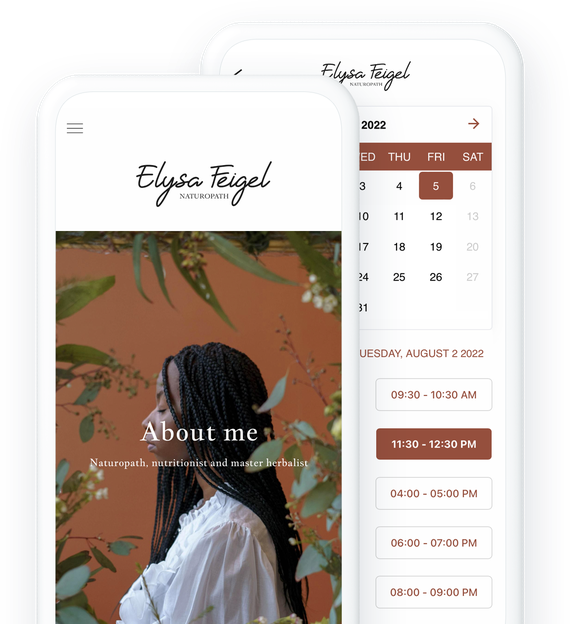
### They trust GoodBarber

## Organize your business with a customized and 100% reliable booking service
Offer your customers the possibility to book an appointment 24/7
### Create the calendar that suits you
To make your booking service a real plus for you and your customers, you need to have a calendar that fits you completely. With GoodBarber's appointment booking service, you can set up your calendar in the smallest details: opening hours, exceptional closing, duration of each slot... You can set all these options to take advantage of a powerful tool tailored to you and your business.
### A zero-frustration customer experience and error-free management
Display your availability so that your customers can identify at a glance the slots that might suit them. It's a decisive argument among your customers who aspire to maximum convenience and minimum hassle. Your availabilities are synchronized in real time, which ensures an infallible booking system as efficient for you as for your clients: the appointment booking section of your app is linked to the Google Calendar of your choice. This way, if a slot is blocked on your Google calendar, it will be automatically and instantly blocked in your app, and vice versa.
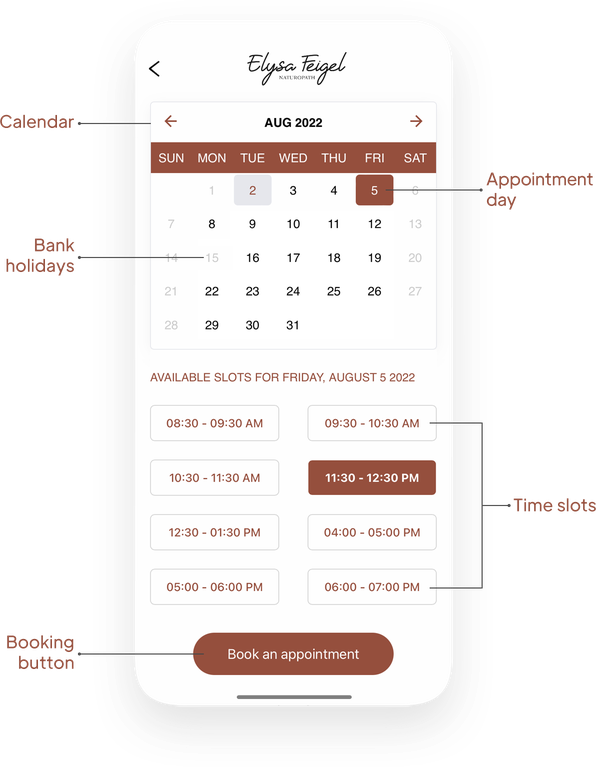
## Manage multiple calendars
Multiple providers, different types of services, directories... create the appointment scheduling system you need
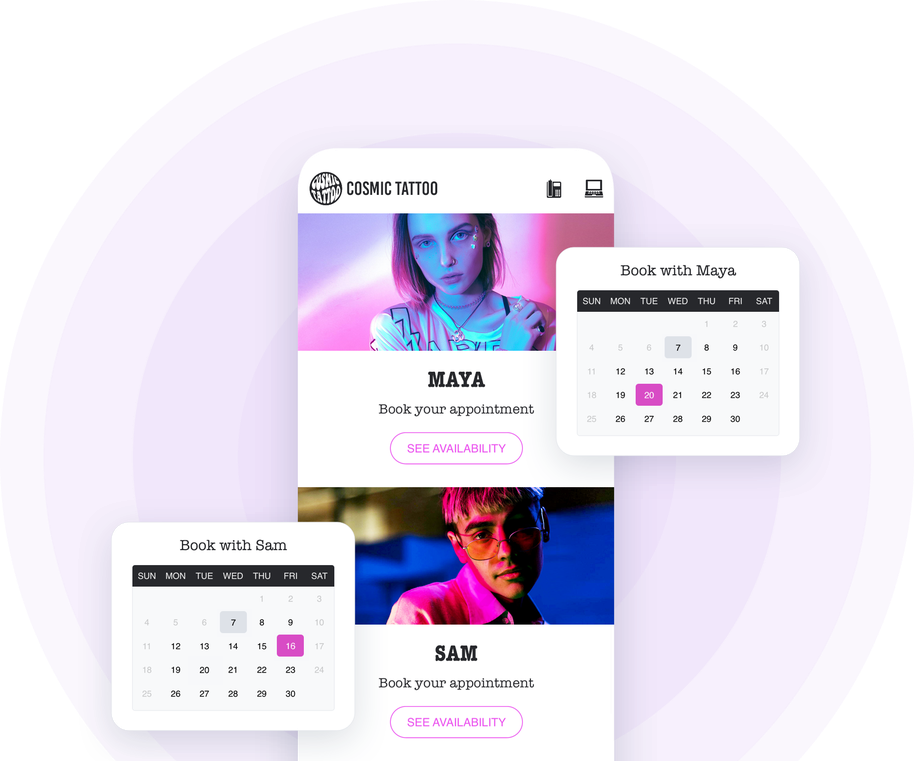
You are several service providers within the same structure? Do you offer services that require their own calendar? You can add and manage as many calendars as you want in your app. So, no matter what your activity is, you will not be limited in the management of your appointments: each calendar can be set up and managed independently for an operation totally adapted to any activity.
## Present your services
Your app is your best showcase
### The importance of presenting your catalog
Use your app to present your service catalog to your customers. Whether you are a hairdresser, a garage owner, a tattoo artist, a naturopath, a coach, or any other service provider, you need to present your catalog in a clear way. You must make your customers or future customers want to make an appointment with you by explaining your skills and the services you offer, your rates and why not the results of your work and testimonials from your customers.
### The Articles section to display your catalog
Articles, Images, Videos, everything is good to highlight your skills and display your pricing. Articles are particularly suitable for presenting your services in detail. You can illustrate each service, detail the process and of course indicate its price. Articles can also be particularly useful to present your business, your background, your team, in short everything that can be useful to gain the confidence of your customers and convince them of your skills and your professionalism.
### Your clients are your best ambassadors
Feedback from your satisfied customers is your best argument. The experience of others counts a lot when it comes to choosing a service provider, so don't hesitate to collect their testimonials and publish them in your app for your future clients to see. To do this, use the Submission section which will allow your customers to send you images, videos or text that you can then republish in your app. This way you give your customers the opportunity to contact you in a quick and easy way, and at the same time you build a solid reputation.
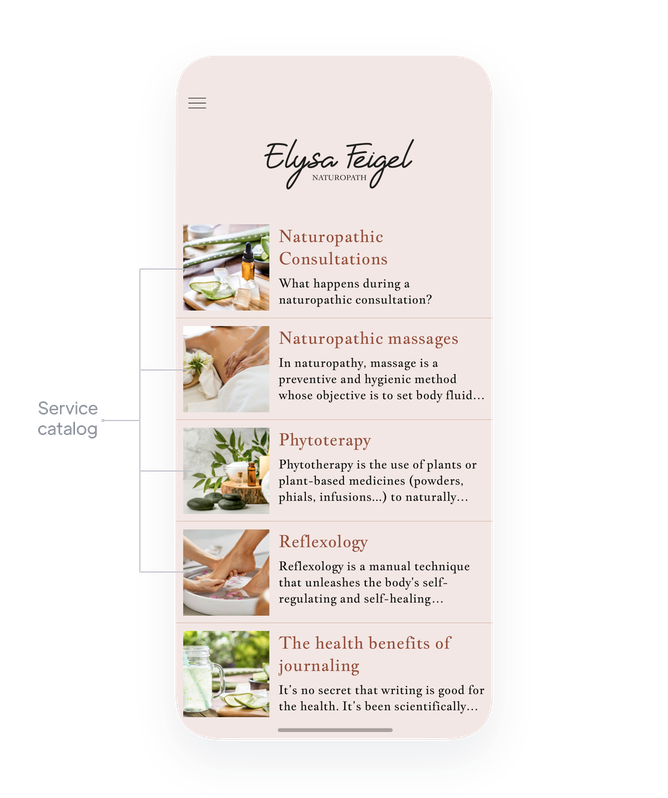
## Nurture customer relationships
You've never been so close to your customers
### Exchange
As a service provider, it's crucial for you to keep in touch with your customers and prospects. Thanks to your GoodBarber app, you can build a solid and diversified communication strategy: automatic, manual or even geolocalized push notifications, emailing... [many tools are at your disposal](https://www.goodbarber.com/extensions/collections/booking/) to communicate the right message, at the right time and in the right way.
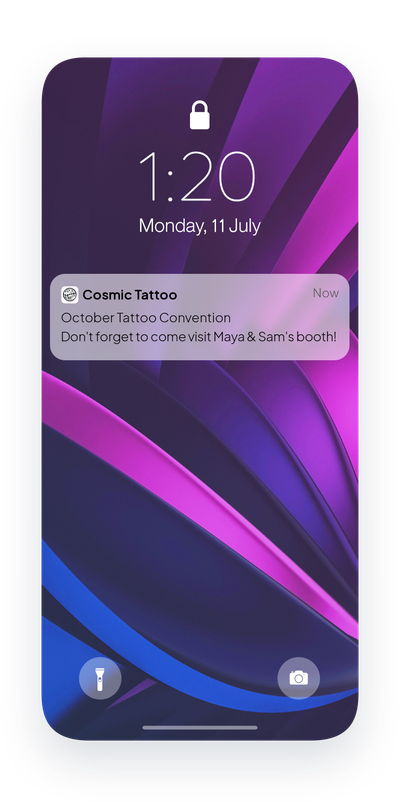
### Discover your clients
When you are in front of them, you are close to your clients and you easily manage to know more about them and identify their needs. With your app you can do (almost) the same thing. Ask your users to create their profile on your app and learn more about them: customize the fields needed to create their profile according to the services you offer and what could be useful to better satisfy them.
### Introduce yourself
In addition to taking appointments and presenting your services, your app is the ideal place to introduce yourself. The About section allows you to tell more about yourself, your history, your expertise... To tell who you are and inspire your users to choose you. Then, you can opt for a Contact section and a Map section to allow your clients and future clients to contact you and find you easily.
### Build loyalty
An app is your best tool to build customer loyalty. In addition to offering online booking, build your own loyalty program with dedicated tools such as the digital loyalty card, the membership card that offers exclusive benefits to your loyal customers or issuing discount coupons.
## Offer more convenience to your customers and promote your services
Publish your app on the web and on the Apple and Google stores
### PWA: On the web
Publish the web version of your app and make it accessible to as many people as possible. You will benefit from a high performance app, perfectly optimized for SEO. Accessible from mobile, tablet and desktop, the PWA represents an excellent opportunity to reach a new audience, and therefore potential new customers.
### Native iOS and Android
Your app is specially designed for iOS and Android. It benefits from GoodBarber's expertise in native apps. Once published, your app will be available on Apple's App Store and Google's Play Store. In addition to being listed on the Stores (ASO), GoodBarber native apps offer the best possible user experience and will help you build customer loyalty.
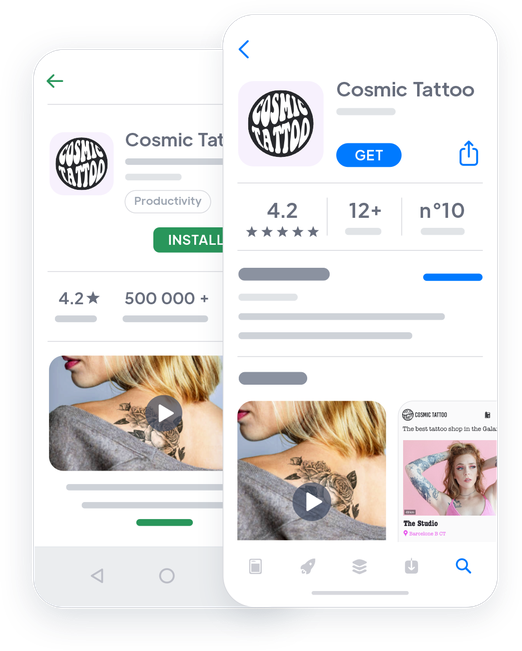

## Extensions Store
Extensions that might interest you

### Appointment booking
Post your availability and invite your clients to make an appointment with you at any time with the Appointment section.
[Discover](https://www.goodbarber.com/extensions/appointment-booking/)

### Push Notifications
Stay connected with your customers with push notifications. Send them automatically or manually, and use the targeting options to create a customized communication campaign.
[Discover](https://www.goodbarber.com/extensions/scheduled-push/)

### Geofencing
Create geolocalized notifications that will be sent automatically based on the activity of your users around the geographical area you have chosen. They will be perfect to welcome those who arrive in your store or to wish a good day to those who leave.
[Discover](https://www.goodbarber.com/extensions/geofencing/)
### Authentication
Add a login box to your app and allow your users to create their own profile. Customize the user profile fields and collect information that will be useful to know your customers.
[Discover](https://www.goodbarber.com/extensions/authentication/)

### Submission Section
Interact with your users by offering them a space to express themselves. Thanks to the Submission section, they will be able to send you text, photos or videos in 1 click.
[Discover](https://www.goodbarber.com/extensions/content-submission/)

### Contact Form
Create the contact form that suits you by choosing from the different types of fields available.
[Discover](https://www.goodbarber.com/extensions/form/)

### Menu Section
Structure your app according to your needs thanks to the Menu section: it allows you to create as many navigation levels as you want and to organize your sections to present your range of services at their best.
[Discover](https://www.goodbarber.com/extensions/menu-section/)

### Loyalty Card
Offer a digital loyalty card to your customers and encourage them to visit your store again and again. Each time they visit your store, they accumulate points. When their card is completely filled, they receive a gift.
[Discover](https://www.goodbarber.com/extensions/loyalty-card/)

### Membership card
Reward your most loyal customers by having them join a members club. Set up to 3 levels of upgrades for your private members and define the access modalities and privileges to which each level of member will have access.
[Discover](https://www.goodbarber.com/extensions/club-card/)

### Couponing
Create a buzz around your business by creating your own discount campaigns. Whether it's to launch a new offer, compensate for a seasonal drop in customers or simply to attract new users, offer your own customized coupons directly in your app.
[Discover](https://www.goodbarber.com/extensions/couponing/)
## And so much more...
### An app in your image
You can fully customize the design of your app so that it perfectly matches your business and its identity and is truly recognizable by your customers.
### Customizable domain name
Go the extra mile and customize your domain name. This way you will keep your identity and your clients will easily find their way to your PWA.
### Categories
In addition to the main navigation mode and the Menu section, use categories to organize your services
### Create your own ads
Use the advertising space of your app to promote your own services or even your partners. Create your ads, organize their display and get started!
### Statistics
Analyze your app stats with GoodBarber's internal statistics and/or Google Analytics. View your data and learn more about your customers' consumption habits and your app's performance.
## Why is an app useful for booking appointments?
### Uninterrupted service
With a telephone appointment system, your clients are forced to reach you during your opening hours which often coincide with their working hours. This system can be very frustrating for them who are more and more used to a certain level of independence. With an app, you offer a 24/7 reservation service with no added burden on you. Everyone wins.
### More convenience and autonomy for your customers
With an app, your clients can view your calendar and calmly choose the time slot that works best for them. Your calendar will be automatically updated, ensuring that your clients' appointments are honored. Your customers have new demands in terms of availability and switching to an online appointment booking system would allow you to stay competitive: according to an American study, for [94%](https://www.getapp.com/resources/research-online-booking-importance-of-appointment-scheduling/) of consumers the possibility to book an appointment online would be a crucial factor in choosing their service provider and even a good reason to leave their current provider.
### Less hassle and wasted time for you
On top of offering convenience to your customers, this autonomous system will save you time: using an app for your appointment scheduling will inevitably lead to a decrease in the number of phone calls you receive, whatever your activity. Whether you work in the medical, beauty, personal service, leisure or even maintenance, you will be less interrupted in your work, you will have less phone calls to catch up on at the end of your day. In short, you will gain time and productivity and you will be able to devote yourself fully to your job.
## Clients' Love
### [GoodBarber is a powerful app builder.](https://www.trustpilot.com/reviews/60f08679f9f48702a8e6869e)
#### Melissa Okta
GoodBarber is a powerful app builder. If you want to build your app using a pre-built template, GoodBarber is ideal for you. At Global Academy, we almost completed the 5th year using their easy-to-use pre-built platforms to build premium Apps for our customers. Also, Goodbarber's customer support is excellent. Highly recommended.
-
-
-
-
-
### [Great support and always very helpful answers.](https://www.trustpilot.com/reviews/60c0ca7cf9f487099ce24eb9)
Great support and always very helpful answers. Nothing is too trivial for the team to answer.
-
-
-
-
-
### [Responsive support and usually quick.](https://www.trustpilot.com/reviews/60ad3c03f9f4870a94ace1d1)
Responsive support and usually quick. Software is by far the best in the market, with tremendous capabilities for configurations.
-
-
-
-
-
### [I really like the system.](https://www.trustpilot.com/reviews/60551146f85d7509fc10d732)
#### Gene Hieber
I have been a resller member for a month now. I've built several demo apps. I really like the system. Easy to navigate and I have sold a couple progressive web apps and am working on native apps as well. I highly recommend Good Barber.
-
-
-
-
-
### [The team at GoodBarber has been incredibly informative and helpful](https://www.trustpilot.com/reviews/6054cff7f85d7509fc1090eb)
#### W. Monahan
The team at GoodBarber has been incredibly informative and helpful during both the creation and maintenance of my app. I am not super tech savvy, and they always provide me with solid guidance on how to fix my issue or improve my app. I shopped around for different options when looking to build my app, and I am happy that I chose this company.
-
-
-
-
-
### [They helped me to create a beautiful, successful app](https://www.trustpilot.com/reviews/60511fb2f85d75064c43947b)
#### Mary Davis
I have been with GoodBarber since 2014 and I can not say enough good things about them and my experience within with them. They helped me to create a beautiful, successful app; they have been there for me every step of the way to solve customer issues and help with updates; and they have an easy to use, infinitely customizable dashboard to create the app of your dreams - which is what I did. Thank you GoodBarber. You are the best
-
-
-
-
-
### [Great tool, it has all features you need to build your own app or website.](https://www.trustpilot.com/reviews/60a22025f9f4870a94a45023)
#### Manuel Ventura
Great tool, it has all features you need to build your own app or website.
-
-
-
-
-
### [GoodBarber is a wonderful platform.](https://www.trustpilot.com/reviews/604e93b7f85d7503942a6703)
#### Mini Maestro
GoodBarber is a wonderful platform. Their support staff are helpful and the interface is easy to navigate! Thank you for enabling us to give extra support to our customers with our customer app.
-
-
-
-
-
### [The Best App Builder on the Market](https://www.trustpilot.com/reviews/604c6024f85d75064c40265c)
#### Draculapp
The Best App Builder on the Market, PWA at ease, and Native iOS assistance for the publishing issues. Very good support and constant updates. Many features and beautiful design layouts and a high level of customization. Recommended for individual Businesses or Agencies with a very good solution for the reseller program. And last but not least, friendly staff! It worth a try...
-
-
-
-
-
### [One of the best providers in the space.](https://www.trustpilot.com/reviews/604ba651f85d75064c3fd1ab)
#### K. Linton
One of the best providers in the space. Easy to use, well documented and excellent customer service. If you’re looking to create a mobile app solution for your company or clients GoodBarber is definitely the way to go.
-
-
-
-
-
## Discover
### [6 best practices to get the most value for your push notifications](https://www.goodbarber.com/blog/6-best-practices-to-get-the-most-value-for-your-push-notifications-a975/)
In this article, we will share 6 best practices to get the most out of your push notifications
### [Instagram, WhatsApp & Skype invited in your Contact section](https://www.goodbarber.com/blog/instagram-whatsapp-skype-get-invited-in-your-contact-section-a952/)
Links to Instagram, WhatsApp and Skype are now available in your Contact section.
### [Couponing for mobile apps](https://www.goodbarber.com/blog/goodbarber-feature-highlight-couponing-a938/)
With the Couponing extension, we offer you an excellent tool to engage and retain your customers
## Pricing
[Monthly](#)[Yearly](#)[One time](#)
||Standard $30/monthbilled yearlySave $72 yearly|Premium $55/monthbilled yearlySave $180 yearly|Pro $105/monthbilled yearlySave $360 yearly|Agency $215/monthbilled yearlySave $780 yearly|Pro $4600One-off paymentSave $11600 in one go|Agency $12000One-off paymentSave $21600 in one go|
|---|---|---|---|---|---|---|
|Technology|||||||
|PWA technology|yes|yes|yes|yes|yes|yes|
|Native technology||Android + iOS (iPhone & iPad)|Android + iOS (iPhone & iPad)|Android + iOS (iPhone & iPad)|Android + iOS (iPhone & iPad)|Android + iOS (iPhone & iPad)|
|Available in Google Play Store||yes|yes|yes|yes|yes|
|Available on the App Store||yes|yes|yes|yes|yes|
|Capacities|||||||
|Storage info $2 for 10 GB|2 GB|10 GB|50 GB|100 GB|50 GB|100 GB|
|Push notifications info $10 for 100K extra push notifications(per month)|10K|30K|250K|500K|250K|500K|
|Staff accounts|1|3|unlimited|unlimited|unlimited|unlimited|
|Number of projects|1|1|1|unlimited|1|unlimited|
|Page views (bandwidth & traffic)|unlimited|unlimited|unlimited|unlimited|unlimited|unlimited|
|App downloads||unlimited|unlimited|unlimited|unlimited|unlimited|
|Account manager|||yes|yes|yes|yes|
|Extensions storeLarge library 190+ [extensions](https://www.goodbarber.com/extensions/). New extensions every month info Extend the features of your app with extensions : Automations (Zapier, Make), Analytics, Monetization, Sales optimization, Integration (Wordpress, Squarespace, RSS).|||||||
|Free extensions|Up to 5|Up to 20|unlimited|unlimited|unlimited|unlimited|
|Authentication||$12/month (billed $120/year. You save 2 months)|yes|yes|yes|yes|
|Chat info The Chat extension requires the Authentication extension to be installed||$20/month (billed $200/year. You save 2 months)|yes|yes|yes|yes|
|Memberships info Offer paid subscriptions to your users to access your content. Purchases are easily made from their Apple / Google account||$49/month (billed $490/year. You save 2 months). NO additional fee based on your revenue.|yes|yes|yes|yes|
|Core features|||||||
|NO CODE drag&drop app builder|yes|yes|yes|yes|yes|yes|
|Fully customizable design|yes|yes|yes|yes|yes|yes|
|Content Management System(article, video, podcast, event, map, photo, live)|yes|yes|yes|yes|yes|yes|
|SEO friendly, AMP, ASO friendly|yes|yes|yes|yes|yes|yes|
|Support (Real human support, by the GoodBarber team itself)|yes|yes|yes|yes|yes|yes|
|Yearly plan subscription pricing|Standard$360/year|Premium$660/year|Pro$1260/year|Agency$2580/year|/year|/year|
### Create your app now
[Start for free](https://www.goodbarber.com/create/)
## FAQ
### How to create a Booking app?
GoodBarber Booking App Builder allows you to build a mobile app to book and manage appointments directly through your app.
With the GoodBarber appointment booking service, you can set up your calendar down to the smallest detail; add and manage multiple calendars.
Your reservation service is available 24/7 thanks to your Booking app!
To create your Booking app follow these steps:
1. Choose a Theme for your Booking app
2. Build your Booking app Home Screen
3. Build your Navigation Menu of your app
4. Add Content to your Booking app
5. Design your Launch Screen and App Icon
6. Test and publish your Booking app
### Who are Booking apps for?
Booking apps are generally used by:
- Doctors
- Health providers
- beauty Institutes
- Hairdressers
- Car mechanic
- Automotive technician
- Personal Service providers
- Travel agencies (see our [travel agency app](https://www.goodbarber.com/booking-app/travel-agency/))
Examples abound. Find inspiration by exploring [different uses of appointment booking in an app](https://www.goodbarber.com/booking-app/explore/)
### What are the solutions and advantages to create a Booking app using GoodBarber App Builder?
- Cross- Platform App builder: your Booking app will be available for iOS and Android smartphones. Moreover, it will be published online and reachable from any device thanks to a PWA. All that through the same and unique interface
- Display Booking schedules, appointment free slots always synchronized
- Create multiple calendars within a unique app
- Fully customisable design
- Push notifications to engage your community
- Rich media content and Live Podcast: use videos, pictures, blog posts, music and podcasts to introduce yourself and promote your services catalog
### How much does it cost to make a Booking app?
You can start running your Booking app for free with our 30 day free trial.
Then it is up to you to subscribe to the plan that best fits your needs: the basic plan to make your Booking app starts at $30/month.
Note that additional costs apply to publish iOS apps on the App Store.
### How can I customize my app design and Booking app User Experience (UX)?
With over 200 layout options, an impressive theme collection and modular design, you can create a unique app reflecting your Booking app branding.
There are many options and levels of customization. You can choose different “Global Styles” to customize your Booking app all in all or may just customize a given section.
Our Booking app builder offers 9 templates for listing pages and 4 templates for content pages.
You will be able to customize headers, fonts, background colors and navigation menus as well.
Furthermore, you will be able to enrich your Booking app experience using audio, video, articles and live video streaming for your audience during courses and conferences.
### Do I need technical skills to build a Booking app?
Thanks to GoodBarber Booking App builder, you don’t need any programming skills to create your app. You can create a Booking app for Android, iOS or a mobile website using a Progressive Web App (PWA) without writing a single line of code.
### Will my Booking app be available in all countries?
Yes, it can be available in all countries. You will decide about Geo-distribution, selecting those countries where the app will be available in the app stores, before publication on Apple’s App Store and Google Play Store
### Do you provide any Support and After-Sales Assistance for Booking apps?
Yes, indeed! GoodBarber Support and Assistance program provides for:
- Free support
- Unlimited Number of support tickets
- App Lifetime support
- Support in 5 languages
- 4 offices in 3 countries
- 3 time zones support
### Who is the Developer of my Booking app?
You are required to purchase your own Developer account from Apple and Google. Therefore, you are the developer of your app. GoodBarber is simply the tool to create it.
### Can I sell my Booking app to another developer?
Yes, you can sell your Booking app. To do this, you need to transfer the ownership of your app to the new owner, on each app store.
In addition, you must transfer the ownership of the GoodBarber back-office to the new owner. To do this, you will need to contact the Goodbarber support team.
[Start for free](https://www.goodbarber.com/create/)
Appointment booking requires the Premium plan.
30 days free trial. No credit card required
---
# Membership apps
Source: https://www.goodbarber.com/membership/
---
title: "Create a Membership app without coding - Recurring revenue with in-app subscriptions"
description: "How to create a membership app and generate revenue from your app, using in-app purchases and subscriptions. Test now our Membership app builder for free!"
canonical_url: "https://www.goodbarber.com/membership/"
lang: en
---
# Create a Membership app without coding - Recurring revenue with in-app subscriptions
### GoodBarber for Membership
# Expand your business with a Membership app
## Offer exclusive content and generate recurring revenue with in-app subscriptions
- Financial stability
- Customized subscriptions
- Increased loyalty
- Better knowledge of your community
- Expand your audience
- Enhanced brand image
[Start](https://www.goodbarber.com/create/)
From $30/month
30-day free trial. Direct access without credit card
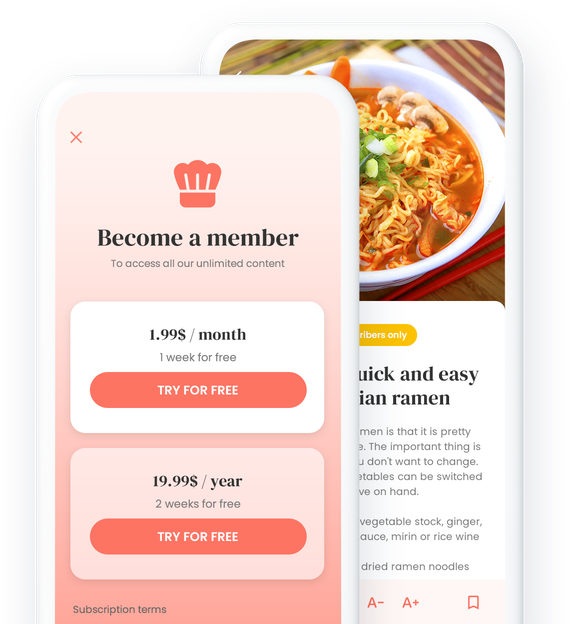
### They trust GoodBarber

## Harness the power of your work
Invent your own subscription system and turn your content into a revenue stream
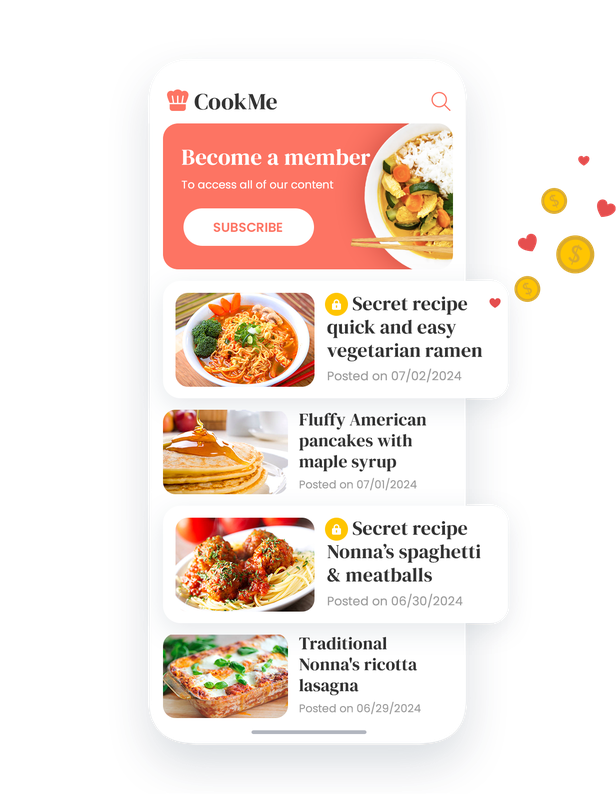

### Exclusive access for subscribers
The subscription system is a truly strategic tool for enriching the user experience within your application. By offering them a subscription to your content, you give your users exclusive access to a valuable selection. Your subscribers become privileged members of your community, and find themselves at the heart of an immersive experience, where every click reveals quality content, carefully reserved for an engaged audience. By judiciously deploying this functionality, you can build a real bulwark against the commoditization of content, positioning your app as an essential reference in your industry.
## Subscription as a catalyst for success
Explode your growth with Premium Content

### Build audience loyalty with exclusive content
Offer exclusive content that builds audience loyalty by providing a unique and rewarding experience. Subscribers enjoy privileged access to articles, videos, podcasts and other premium content that encourages them to return regularly to discover what new things your application has to offer. By offering a unique and enriching experience, you create a strong bond with your audience, reinforcing long-term loyalty.
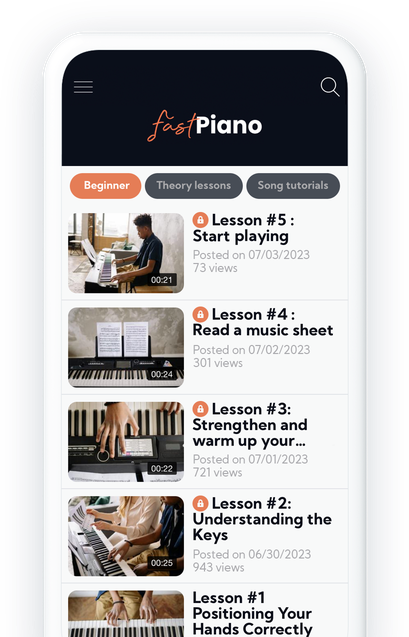

### Increase your income with paid subscriptions
Generate recurring revenue with paid subscriptions that leverage the premium content you offer. By offering exclusive, high-value content, you entice users to sign up for subscriptions, creating a stable, recurring revenue stream from your app.
### Establish your authority by offering high-quality content
Position yourself as a leading authority in your field by offering premium content that attracts and retains your audience. By offering in-depth articles, cutting-edge analysis, exclusive interviews, in-depth courses and tutorials, or other premium content, you establish your authority and credibility with your audience. This allows you to stand out from the competition and become the destination of choice for those seeking quality expertise in your field.
## Powerful features, unbeatable results
Explore our tools to power your content
### Customized Subscription Management
Define different subscription levels with customized pricing and content to meet the specific needs and preferences of your audience. Our subscription management functionality enables you to segment your audience and offer tailored offers, guaranteeing an optimal user experience and higher conversion rates.
### Easy and Secure Payment
Integrate secure payment solutions to facilitate transactions and provide a seamless shopping experience for your users. For an In-App purchase, users don't need to create an account or enter their billing information: all their data and their payment card are already stored in the stores. Thanks to one-click payment, and the means implemented by the stores, such as payment by FaceID or TouchID, purchasing is quick and easy. You can reassure your subscribers and maximize trust in your application, resulting in increased sales and revenues.
[https://portal.ww-cdn.com/portal_static/images/membership/membership-anim.df8491e5ec6e.mp4](https://portal.ww-cdn.com/portal_static/images/membership/membership-anim.df8491e5ec6e.mp4)
## A versatile tool for everyone
Optimize your application for every type of user
1. 
### Monetize Your Courses
For online learning platforms such as nutrition coaches, guitar teachers or online course creators, subscription offers the opportunity to monetize courses and educational resources. For example, a nutrition coach can offer exclusive meal plans and tips to subscribing members. In this way, users benefit from high-quality content while financially supporting the coach's work.
- [Getting started for free](https://www.goodbarber.com/create/)
- [Explore further](https://www.goodbarber.com/elearning-app/)
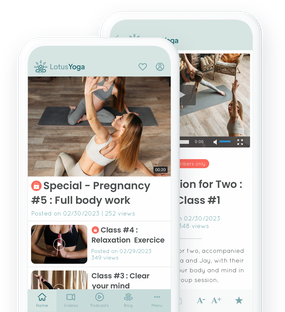
2. 
### Offer Exclusive Content
For editorial platforms such as online magazines, radio stations, news sources or specialist presses, subscription enables exclusive content to be offered to subscribers. Imagine an online magazine offering feature articles, exclusive interviews and in-depth analysis available only to paying members. This feature strengthens reader loyalty and creates an engaged community around premium content.
- [Getting started for free](https://www.goodbarber.com/create/)
- [Explore further](https://www.goodbarber.com/news-app/)
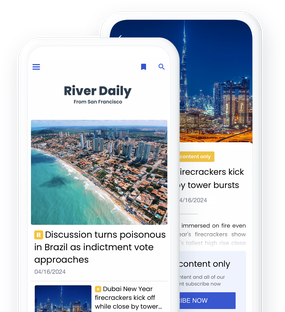
3. 
### Access to Practical Guides
For platforms offering resources such as cooking recipes, astrological guides or artists' works, subscription allows access to this valuable content to be restricted to paying members. For example, a cooking recipe app might offer exclusive recipes or cooking videos with renowned chefs reserved for subscribers. This creates an incentive to subscribe, while offering added value to users who want access to exclusive, detailed information.
- [Getting started for free](https://www.goodbarber.com/create/)
- [Explore further](https://www.goodbarber.com/travel-app/)
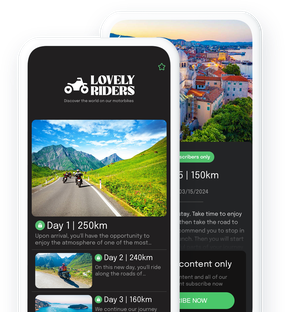
1.
2.
3.
[Browse all solutions](https://www.goodbarber.com/solutions/)
## Extensions Store
Extensions that might interest you

### Membership
This extension makes it possible to offer recurring subscriptions, paving the way for an effective content monetization strategy. It is designed to give subscribers access to valuable content. Subscriptions are just a click away. This not only makes the subscription process simple, but also encourages the discovery of new and exclusive content, increasing the chances of conversion and customer loyalty.
[Discover](https://www.goodbarber.com/extensions/in-app-purchase/)

### CMS
The CMS extension lets you easily create and manage a wide range of content (articles, videos, photos, etc.) from your back office. It offers advanced features for customizing page layouts, ensuring compatibility on different devices and optimizing SEO. What's more, it integrates a powerful text editor, customizable design options, and facilitates the management of your editorial calendar, making content publication fluid and intuitive.
[Discover](https://www.goodbarber.com/extensions/cms/)

### Automatic push notifications
The automatic Push extension enables fluid, targeted communication with users. It enables notifications to be sent according to specific events, making it easy to distribute relevant information effortlessly. You can configure sending rules according to various scenarios, targeting users by location, app usage or device, offering advanced message personalization.
[Discover](https://www.goodbarber.com/extensions/scheduled-push/)

### Favorites
The Favorites extension enables users to mark and save favorite content in a dedicated section of the application. This option gives quick and easy access to selected content, whether photos, videos, sounds or text. Easy to manage, it personalizes the user experience by consolidating all favorite content in one place, encouraging more intuitive and satisfying browsing.
[Discover](https://www.goodbarber.com/extensions/cms-bookmark/)

### Internal ad server
The Ad Server Internal extension lets you create and manage your own advertising campaigns directly from your back office. This feature offers total autonomy for displaying personalized ads, with advanced targeting options by device and the ability to track performance with detailed statistics. It supports a variety of formats, including interstitials and banners, adapting perfectly to screen sizes to guarantee an optimal user experience.
[Discover](https://www.goodbarber.com/extensions/internal-ad-server/)

### Google AdMob
Generate regular income with the Google AdMob extension. Easily connect your AdMob account and sell advertising space to a wide range of advertisers, ensuring that the ads displayed are relevant to your users. This integration supports various advertising formats, such as banners and interstitial ads, and enables precise management of advertising campaigns to optimize your revenues.
[Discover](https://www.goodbarber.com/extensions/google-admob/)

### Google Ad manager
The Google Ad Manager extension provides complete ad management within your application, offering the ability to sell ad slots and manage your inventory directly. This solution is ideal for increasing revenues while providing a quality advertising experience, thanks to precise optimization tools and extensive compatibility with various ad networks.
[Discover](https://www.goodbarber.com/extensions/google-ad-manager/)

### Offline
The Offline extension enables applications to make their content available without an Internet connection. It offers an enhanced user experience, thanks to intelligent cache optimization that guarantees access to content even in the absence of a network. This feature is particularly useful for large-format content, such as podcasts, which can be downloaded and viewed offline, giving users maximum freedom and flexibility.
[Discover](https://www.goodbarber.com/extensions/offline-mode/)
## And so much more

### CMS
Create all kinds of content directly in your back office: articles, videos, podcasts, etc.
### Categorizing content
In addition to the main navigation mode and the Menu section, use categories to organize your content.
### Domain name
Add your own domain name to your PWA to reinforce your brand and make it easier for users to find and remember.
### Favorites
Your users can bookmark your content for easy access anywhere, even without a connection.
### An app to match your image
You can fully customize the design of your app so that it perfectly matches your business and its identity, and is truly recognizable by your users.
### Display ads
Integrate an additional monetization solution into your app by displaying ads from ad networks, or by creating your own.
## Why offer premium subscriptions in an app?
### Integrated Payment Facility
In-app purchases account for almost 50% of revenues generated by native apps. In-app subscriptions allow users to subscribe and pay directly through the payment options integrated into app distribution platforms such as the Apple App Store or Google Play Store. This integration simplifies the process, reducing barriers to purchase and increasing conversions compared to a website-based payment process.
### Immersive User Experience
Apps offer the most immersive and personalized user experience. Users spend more time on apps and are often more engaged, making the subscription offer more attractive and incentivizing. In-app subscriptions are better integrated with the mobile ecosystem as a whole. Users can manage their subscriptions directly from their device settings, receive subscription renewal reminders via push notifications, and benefit from a consistent and fluid user experience on their mobile device, promoting user retention and long-term loyalty.
### Enhanced transaction security
Application distribution platforms such as the App Store and Google Play Store impose strict security standards for in-app transactions, assuring users that their payment information is secure. This increased confidence in transaction security may encourage more users to subscribe to in-app subscriptions.
## Customer feedback
### [GoodBarber is a powerful app builder.](https://www.trustpilot.com/reviews/60f08679f9f48702a8e6869e)
#### Melissa Okta
GoodBarber is a powerful app builder. If you want to build your app using a pre-built template, GoodBarber is ideal for you. At Global Academy, we almost completed the 5th year using their easy-to-use pre-built platforms to build premium Apps for our customers. Also, Goodbarber's customer support is excellent. Highly recommended.
-
-
-
-
-
### [Great support and always very helpful answers.](https://www.trustpilot.com/reviews/60c0ca7cf9f487099ce24eb9)
Great support and always very helpful answers. Nothing is too trivial for the team to answer.
-
-
-
-
-
### [Responsive support and usually quick.](https://www.trustpilot.com/reviews/60ad3c03f9f4870a94ace1d1)
Responsive support and usually quick. Software is by far the best in the market, with tremendous capabilities for configurations.
-
-
-
-
-
### [I really like the system.](https://www.trustpilot.com/reviews/60551146f85d7509fc10d732)
#### Gene Hieber
I have been a resller member for a month now. I've built several demo apps. I really like the system. Easy to navigate and I have sold a couple progressive web apps and am working on native apps as well. I highly recommend Good Barber.
-
-
-
-
-
### [The team at GoodBarber has been incredibly informative and helpful](https://www.trustpilot.com/reviews/6054cff7f85d7509fc1090eb)
#### W. Monahan
The team at GoodBarber has been incredibly informative and helpful during both the creation and maintenance of my app. I am not super tech savvy, and they always provide me with solid guidance on how to fix my issue or improve my app. I shopped around for different options when looking to build my app, and I am happy that I chose this company.
-
-
-
-
-
### [They helped me to create a beautiful, successful app](https://www.trustpilot.com/reviews/60511fb2f85d75064c43947b)
#### Mary Davis
I have been with GoodBarber since 2014 and I can not say enough good things about them and my experience within with them. They helped me to create a beautiful, successful app; they have been there for me every step of the way to solve customer issues and help with updates; and they have an easy to use, infinitely customizable dashboard to create the app of your dreams - which is what I did. Thank you GoodBarber. You are the best
-
-
-
-
-
### [Great tool, it has all features you need to build your own app or website.](https://www.trustpilot.com/reviews/60a22025f9f4870a94a45023)
#### Manuel Ventura
Great tool, it has all features you need to build your own app or website.
-
-
-
-
-
### [GoodBarber is a wonderful platform.](https://www.trustpilot.com/reviews/604e93b7f85d7503942a6703)
#### Mini Maestro
GoodBarber is a wonderful platform. Their support staff are helpful and the interface is easy to navigate! Thank you for enabling us to give extra support to our customers with our customer app.
-
-
-
-
-
### [The Best App Builder on the Market](https://www.trustpilot.com/reviews/604c6024f85d75064c40265c)
#### Draculapp
The Best App Builder on the Market, PWA at ease, and Native iOS assistance for the publishing issues. Very good support and constant updates. Many features and beautiful design layouts and a high level of customization. Recommended for individual Businesses or Agencies with a very good solution for the reseller program. And last but not least, friendly staff! It worth a try...
-
-
-
-
-
### [One of the best providers in the space.](https://www.trustpilot.com/reviews/604ba651f85d75064c3fd1ab)
#### K. Linton
One of the best providers in the space. Easy to use, well documented and excellent customer service. If you’re looking to create a mobile app solution for your company or clients GoodBarber is definitely the way to go.
-
-
-
-
-
## To discover
### [Subscribe with in-app purchase](https://www.goodbarber.com/blog/in-app-purchases-are-here-a1136/)
In-app purchases monetize an app by selling premium content, a practice that generates 48% of mobile app revenues.
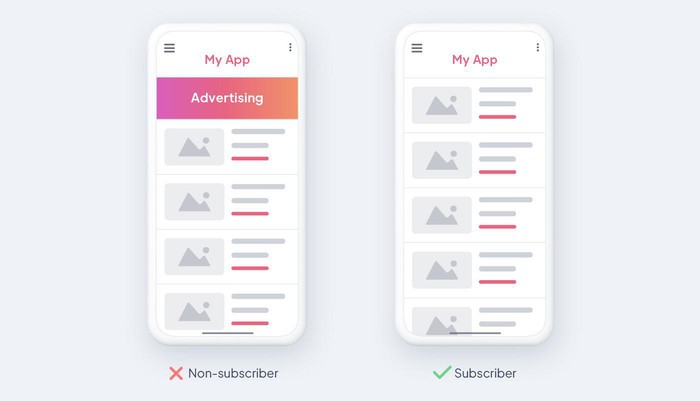
### [Ad-free content for subscribers](https://www.goodbarber.com/blog/offer-ads-free-content-to-your-subscribers-a1165/)
GoodBarber offers an option to provide ad-free content to subscribers, enhancing the user experience and supporting monetization.
### [Push notifications and in-app purchases](https://www.goodbarber.com/blog/in-app-purchases-x-push-notifications-optimize-user-engagement-a1315/)
Increase interaction with targeted push notifications based on in-app purchases
## Rates
[Monthly](#)[Yearly](#)[One time](#)
||Standard $30/monthbilled yearlySave $72 yearly|Premium $55/monthbilled yearlySave $180 yearly|Pro $105/monthbilled yearlySave $360 yearly|Agency $215/monthbilled yearlySave $780 yearly|Pro $4600One-off paymentSave $11600 in one go|Agency $12000One-off paymentSave $21600 in one go|
|---|---|---|---|---|---|---|
|Technology|||||||
|PWA technology|yes|yes|yes|yes|yes|yes|
|Native technology||Android + iOS (iPhone & iPad)|Android + iOS (iPhone & iPad)|Android + iOS (iPhone & iPad)|Android + iOS (iPhone & iPad)|Android + iOS (iPhone & iPad)|
|Available in Google Play Store||yes|yes|yes|yes|yes|
|Available on the App Store||yes|yes|yes|yes|yes|
|Capacities|||||||
|Storage info $2 for 10 GB|2 GB|10 GB|50 GB|100 GB|50 GB|100 GB|
|Push notifications info $10 for 100K extra push notifications(per month)|10K|30K|250K|500K|250K|500K|
|Staff accounts|1|3|unlimited|unlimited|unlimited|unlimited|
|Number of projects|1|1|1|unlimited|1|unlimited|
|Page views (bandwidth & traffic)|unlimited|unlimited|unlimited|unlimited|unlimited|unlimited|
|App downloads||unlimited|unlimited|unlimited|unlimited|unlimited|
|Account manager|||yes|yes|yes|yes|
|Extensions storeLarge library 190+ [extensions](https://www.goodbarber.com/extensions/). New extensions every month info Extend the features of your app with extensions : Automations (Zapier, Make), Analytics, Monetization, Sales optimization, Integration (Wordpress, Squarespace, RSS).|||||||
|Free extensions|Up to 5|Up to 20|unlimited|unlimited|unlimited|unlimited|
|Authentication||$12/month (billed $120/year. You save 2 months)|yes|yes|yes|yes|
|Chat info The Chat extension requires the Authentication extension to be installed||$20/month (billed $200/year. You save 2 months)|yes|yes|yes|yes|
|Memberships info Offer paid subscriptions to your users to access your content. Purchases are easily made from their Apple / Google account||$49/month (billed $490/year. You save 2 months). NO additional fee based on your revenue.|yes|yes|yes|yes|
|Core features|||||||
|NO CODE drag&drop app builder|yes|yes|yes|yes|yes|yes|
|Fully customizable design|yes|yes|yes|yes|yes|yes|
|Content Management System(article, video, podcast, event, map, photo, live)|yes|yes|yes|yes|yes|yes|
|SEO friendly, AMP, ASO friendly|yes|yes|yes|yes|yes|yes|
|Support (Real human support, by the GoodBarber team itself)|yes|yes|yes|yes|yes|yes|
|Yearly plan subscription pricing|Standard$360/year|Premium$660/year|Pro$1260/year|Agency$2580/year|/year|/year|
### Create your own app now
[Start for free](https://www.goodbarber.com/create/)
## FAQ
### How to create a Membership app easily?
Creating a Membership app with GoodBarber is simple! Sign up, choose your app template, customize it to match your brand, add your content, and publish. Our intuitive interface ensures an easy and hassle-free app creation process.
### Who are Membership apps for?
Membership apps cater to a diverse range of businesses and organizations. They are ideal for clubs, associations, gyms, educational platforms, content creators, and any entity looking to offer exclusive content, services, features or benefits to paying subscribers. This could include:
- Media companies: Offering premium articles, videos, or podcasts
- Educational institutions: Providing exclusive courses, workshops, or resources
- Fitness professionals: Delivering personalized workout plans or coaching
- Consultants or coaches: Granting access to exclusive content or consultations
Find inspiration by exploring [different kind of membership apps](https://www.goodbarber.com/membership/explore)
### What are the solutions and advantages to create a Membership app using GoodBarber App Builder?
GoodBarber App Builder provides a user-friendly platform with customizable templates, powerful features like push notifications, secure in-app payments, and content segmentation. The advantages include ease of use, scalability, and the ability to create a personalized and engaging experience for your members:
- Subscription management: Create different tiers with varying prices and content.
- In-app purchase: Allow users to subscribe directly within the app.
- Content management system (CMS): Easily add and manage your exclusive content.
- Customization: Personalize the app's design and user experience (UX) to your brand.
These can potentially offer:
- Increased revenue: Generate recurring income through subscriptions.
- Improved user engagement: Provide exclusive value to retain users.
- Brand building: Position your app as an authority in your field.
### How much does it cost to make a Membership app?
GoodBarber offers various plans to suit different needs.
You can start running your Membership app for free with our 30 day free trial.
Then it is up to you to subscribe to the plan that best fits your needs: the basic plan to make your Membership app starts at $30/Month.
Note that additional costs apply to publish iOS apps on the App Store.
### How can I customize my Membership app design and User Experience (UX)?
With GoodBarber, you have complete control over your app's design. Customize the layout, color scheme, fonts, and more through our intuitive design interface. Ensure a unique and engaging user experience tailored to your brand.
With over 200 layout options, an impressive theme collection and modular design, you can create a unique app reflecting your Membership app branding.
There are many options and levels of customization. You can choose different “Global Styles” to customize your Membership app all in all or may just customize a given section.
Furthermore, you will be able to enrich your Membership app experience using audio, video, articles and live video streaming for your audience during courses and conferences.
### Do I need technical skills to build a Membership app?
No, technical skills are not required. GoodBarber's drag-and-drop interface allows you to create your Membership app without coding. Our platform is designed to be user-friendly, making app development accessible to everyone.
You don’t need any programming skills to create your app. You can create a Membership app for Android, iOS or a mobile website using a Progressive Web App (PWA) without writing a single line of code.
### Would my Membership app be available in all countries?
Yes, GoodBarber ensures that your Membership app is available globally. Publish your app on major app stores, and users from around the world can access and subscribe to your exclusive content or services. However, you may want to decide about Geo-distribution, selecting those countries where the app will be available in the app stores, before publication on Apple’s App Store and Google Play Store.
### Do you provide any Support and After-Sales Assistance for Membership apps?
Yes, we offer comprehensive support. GoodBarber provides assistance during the app creation process and ongoing support post-launch. Our team is dedicated to helping you make the most of your Membership app:
- Free support
- Unlimited Number of support tickets
- App Lifetime support
- Support in 5 languages
- 4 offices in 3 countries
- 3 time zones support
### Who is the Developer of my Membership app?
You are the developer of your Membership app using GoodBarber. Our platform empowers individuals and businesses to create and manage their apps independently. You are required to purchase your own Developer account from Apple and Google.
### Can I sell my Membership app to another developer?
Yes, you can sell your Membership app. To do this, you need to transfer the ownership of your app to the new owner, on each app store.
In addition, you must transfer the ownership of the GoodBarber back-office to the new owner. To do this, you will need to contact the Goodbarber support team
[Get started for free](https://www.goodbarber.com/create/)
From $30/month
30-day free trial. Direct access without credit card
---
# AI RAG chatbot apps
Source: https://www.goodbarber.com/rag-chatbot/
---
title: "AI RAG chatbot: AI-powered conversational assistant for your app"
description: "Enrich your mobile app with the GoodBarber Chatbot, an AI assistant answering questions from your app content, PDFs, documents and podcasts. No coding required."
canonical_url: "https://www.goodbarber.com/rag-chatbot/"
lang: en
---
# Create a mobile app with a built-in AI chatbot.
The Chatbot lets you offer a seamless conversational experience built on your content, ensuring clear and relevant answers every time.
- Conversational search
- AI powered by your content
- Accurate and relevant answers
[Start for free](https://www.goodbarber.com/create/)
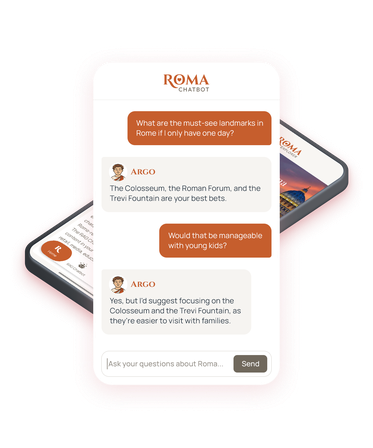
[https://portal.ww-cdn.com/portal_static/images/rag/vid/rag_chatbot-why_gb-video.e47b5299d56f.mp4](https://portal.ww-cdn.com/portal_static/images/rag/vid/rag_chatbot-why_gb-video.e47b5299d56f.mp4)
## The smartest way to integrate an AI chatbot in your app.
### With GoodBarber Chatbot and RAG (Retrieval-Augmented Generation), one question is worth more than a search. AI draws on your selected app content, uploaded documents and podcast transcripts to instantly deliver clear, accurate, and context-aware information.
The feature can be added in one click, with no development required, instantly making your content accessible through conversation:
- → Ready to use, no coding required
- → Accurate answers based on your content
- → A unique experience that boosts engagement.
Perfect for media, learning, tourism, business communication, and beyond.
[Explore Chatbot](https://www.goodbarber.com/extensions/rag-chatbot-ai/)
## Offer smart access to your content

### Multi-content
The Chatbot uses your app’s **articles, events, map points and podcasts**, alongside **uploaded documents**, to give **smart** content-based answers.
---
**Each response can include a link to the source**, taking users straight to the original page in your app.
---
Create app content in the GoodBarber **back office** (CMS), sync **external feeds** like RSS or WordPress, or upload your files.

### Relevant answers through RAG technology
**Smart search through your content** identifies the most relevant information to craft accurate answers.
---
The LLM generates responses in **natural language**, ensuring a **smooth and easy-to-understand** conversation.

### An always up-to-date chatbot
Each **new piece of content** is **automatically indexed**, ensuring answers are always up to date and relevant.
---
**Manual content selection** gives you full control over what the chatbot can access.

### Compatible with the Memberships extension
**Tailored answers**, richer for your subscribers than for non-subscribers.
---
Access to the Chatbot can also be reserved for your subscribers as a **premium benefit**.
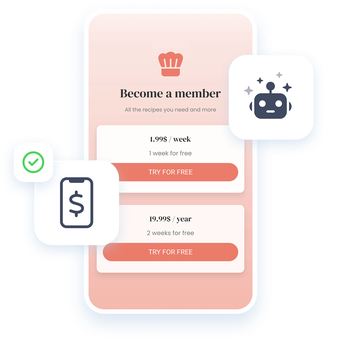
## Build an app with built-in AI, no coding required
iOS, Android, and PWA apps ready to integrate the Chatbot in just a few clicks.
- Intuitive, 100% no-code interface — accessible to everyone
- Modern, customizable designs for a unique visual identity.
- Seamless Chatbot integration, no extra development needed
## A versatile chatbot
### Covers a broad range of use cases
1. Documents
2. Podcasts
3. A smart guide
4. Accurate answers
5. Clear answers
1. 
#### Turn documents into answers
Add **PDF, Word, text and Markdown files** to your Chatbot. Make resources such as handbooks, policies and course materials easy to explore through questions.
- Internal communication
- Training and onboarding
- Customer support
Choose whether users can open or download each original file.
[Create my app](https://www.goodbarber.com/create/)
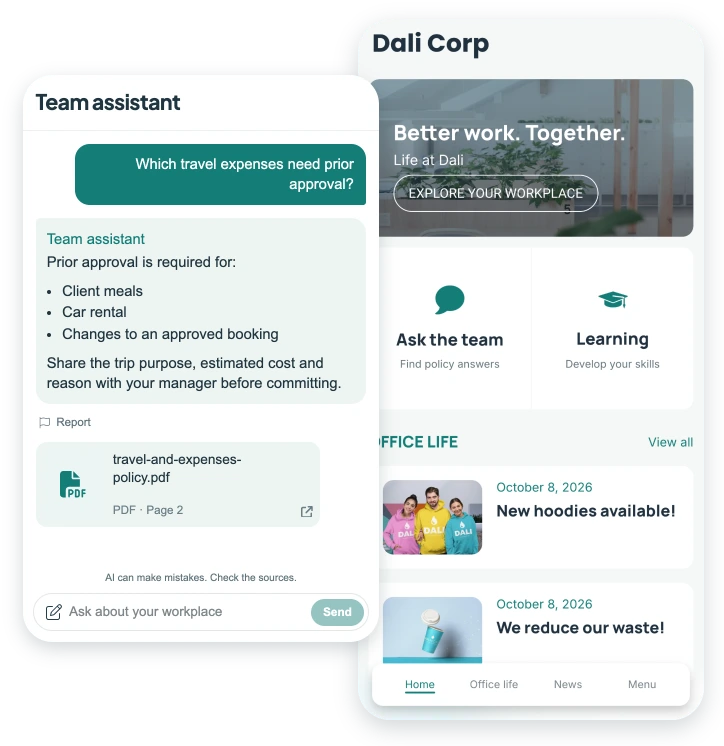
2. 
#### Find answers inside your podcasts
Turn your podcast archive into a source of answers. Enable **automatic audio transcription** so listeners can find the ideas, advice and stories inside your recordings, then return to the episode to hear more.
- Radio apps
- Interviews and talk shows
- Learning and education
Source cards can link to the episode and show the relevant time range.
[Create my app](https://www.goodbarber.com/create/)
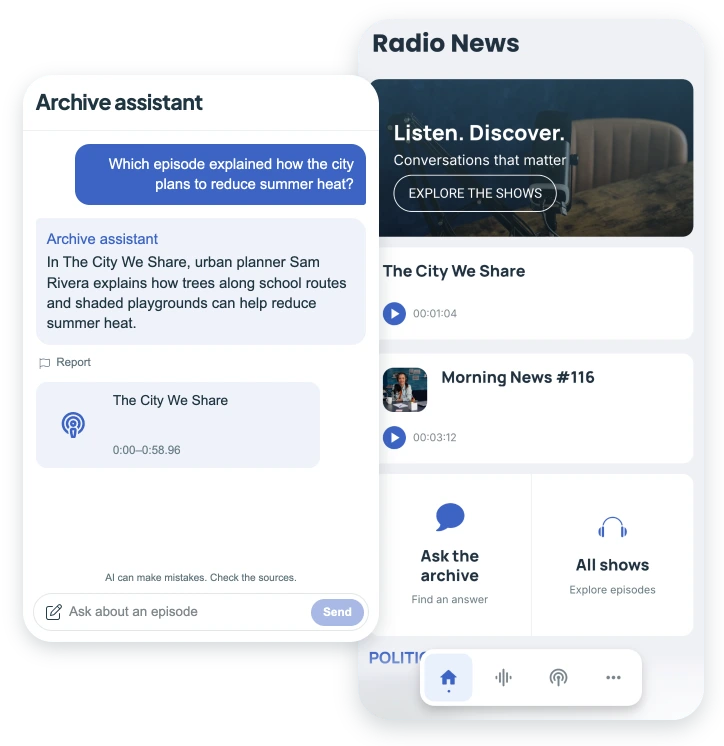
3. 
#### A smart guide
With the Chatbot, your content evolves into a smart, interactive guide built to meet your users’ specific needs.
- 
Tourism app
- 
Recipe book
- 
Astrology Guide
- 
Artistic portfolio
- 
Wellness app
Users can ask a question and instantly receive a clear, context-aware answer. **Your content becomes more accessible, more engaging, and genuinely helpful in everyday life.**
[Create my app](https://www.goodbarber.com/create/)
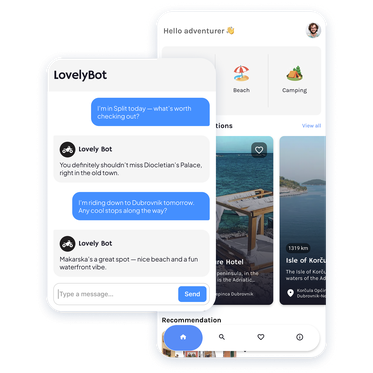
4. 
#### Accurate answers, enhanced by AI
The Chatbot changes the way your users interact with your app. No more menus or long lists: they ask a question and receive an answer based on your content.
- 
Cooking
- 
Training
- 
Tourism
- 
Internal communication
**Access to information is becoming faster and more fluid.**
[Create my app](https://www.goodbarber.com/create/)
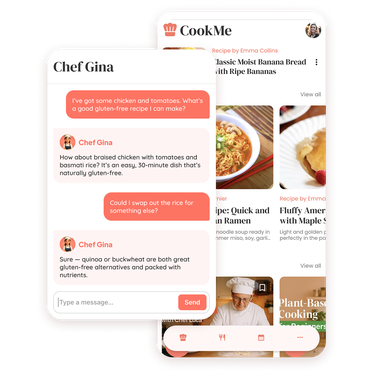
5. 
#### Turn your content into clear answers
With the Chatbot, your publications take on a new dimension. Whether it’s:
- 
An internal knowledge base
- 
A local newspaper
- 
An online magazine
- 
A niche media outlet
Each question from your users turns into a clear answer built from your content. **This increases the usefulness and value of your app.**
[Create my app](https://www.goodbarber.com/create/)
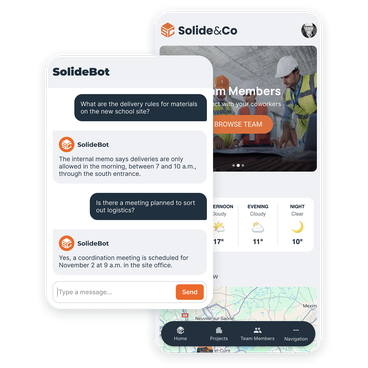
## Chatbot: Your Questions Answered
Everything you need to know to make the most of the Chatbot in your GoodBarber app
No need to be an AI expert: the Chatbot can be activated in just a few clicks and turns your content into clear, instant answers.
[Explore Chatbot](https://www.goodbarber.com/extensions/rag-chatbot-ai/)
What is the Chatbot extension?
The Chatbot (formerly RAG Chatbot) is a feature that lets you integrate a conversational AI assistant into your app. It relies on your selected articles, events, map points, podcasts and uploaded documents to provide users with reliable and relevant answers to their questions.
How does RAG (Retrieval-Augmented Generation) work?
RAG technology combines information retrieval from your content with AI text generation. When a user asks a question, the chatbot identifies the most relevant parts of your publications and generates a clear, natural-language answer.
Which types of content does the Chatbot support?
The Chatbot supports articles, events, map points and podcasts from your GoodBarber CMS or connected external feeds. You can also upload PDF, Word, plain text and Markdown documents. Podcast descriptions are supported. Audio transcription is optional.
Can I use documents without making them downloadable?
Yes. Turn off **Available to users** for a file. Its contents can still inform answers, but its filename, download link and source card are withheld. This setting controls access to the original file. It does not prevent its contents from being used in answers.
Can the Chatbot answer questions about podcast audio?
Yes, when you enable automatic audio transcription. After indexing, answers can draw on the recording. Without transcription, the Chatbot uses episode descriptions. For premium GoodBarber CMS podcasts, transcripts remain protected. Non-subscribers can only receive answers from the description’s free preview.
Can I choose which content will be accessible to the Chatbot?
Yes. From your GoodBarber back office, you can choose which content to index. This gives you full control over what the chatbot can use to generate answers.
Can I choose which AI model is used?
Yes. You choose the AI model used for indexing and generating answers. Some models are faster and more cost-efficient, while others deliver higher-quality responses. This choice affects credit usage, allowing you to tailor the Chatbot to your priorities — optimizing costs or maximizing answer accuracy.
Do I have to pay for the Chatbot extension?
Yes. The Chatbot is offered as a paid extension to be added to your GoodBarber subscription. You can activate it with a single click and automatically benefit from a monthly credit allowance included. Everything is included in the price of the extension, with no hidden costs.
How does the credit system work?
The Chatbot uses a monthly credit allowance. Credits cover content indexing, answers and optional podcast audio transcription. Usage varies with the AI model, the content processed and the complexity of the conversation. Your allowance renews every month and is large enough to let users ask thousands of questions to the Chatbot.
Can the Chatbot be limited to paying subscribers?
Yes. The Chatbot is compatible with the Membership extension. You can make it available only to paying subscribers, or keep it open to everyone while offering more detailed answers to your premium members.
Does the Chatbot work in multiple languages?
Yes. Even if your app is available in a single language, users can ask the Chatbot questions in the language of their choice. The chatbot will reply in the user’s language, using your app’s content.
Do I need technical skills to install the Chatbot?
No. Add the Chatbot extension from your GoodBarber back office, choose your app content and podcast sources, or upload documents from the Files tab of your Chatbot configuration page. Once your sources are indexed, try a question your users might ask. No development skills are required.
Is the Chatbot available on all platforms?
Yes. The chatbot works seamlessly in your native iOS and Android apps, and in your Progressive Web App (PWA).
What are some real-world use cases for the Chatbot?
The Chatbot is suitable for many industries: eLearning and coaching, online media and publishing, tourism and practical guides, internal communication, associations, spirituality, and more. Each app uses its own content to answer its users’ questions.
## Create a mobile app with the Chatbot built in
### Get started with no technical skills and offer your users a relevant conversational experience.
[Start for free](https://www.goodbarber.com/create/)
---
# Solutions overview
Source: https://www.goodbarber.com/solutions/
---
title: "Business Solutions | Create custom and business apps without coding"
description: "GoodBarber App Builder offer an extensive choice of Business Solutions, tailored on your business requirements and market challenges. Find your business app template and start the most suited app."
canonical_url: "https://www.goodbarber.com/solutions/"
lang: en
---
# Whatever your business, build the app that goes with it
Win more customers, subscribers, leads, visitors, orders, members, ... by adding a mobile application to your business. Discover and test for free the best no-code solution to create an app, without technical knowledge
eCommerce app
## [An app to sell online](https://www.goodbarber.com/ecommerce/)
What if you had an eCommerce app, like Amazon? With GoodBarber App Builder, offer the best shopping experience on mobile and increase your conversion rate by 3 times.
- 1 click payment with Google and Apple Pay
- Push notifications (discounts, shipping, ...)
- Delivery tracking
- Auto login
- Coupons
- Abandoned orders recall
[Test for free](https://www.goodbarber.com/create/)
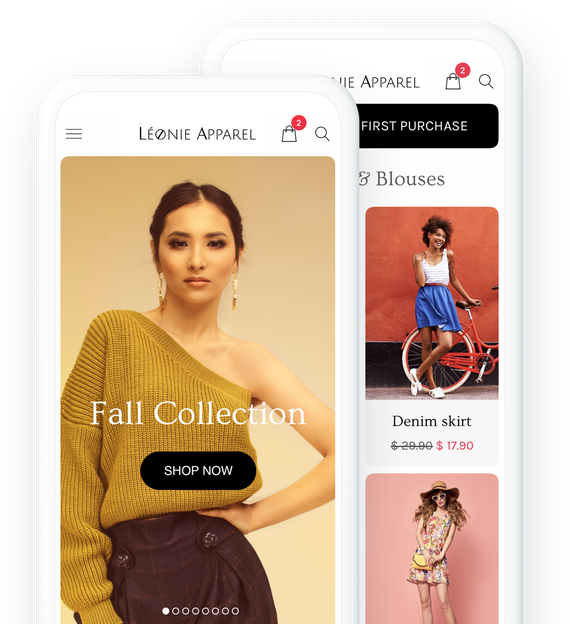
Restaurant app
## [An app to sell food to be delivered / taken away](https://www.goodbarber.com/restaurant-app/)
Win more customers by providing takeout or food delivery from your restaurant. Nothing better than a mobile app to place an order. It's clear, fast and efficient.
- Click & Collect
- Home delivery
- Orders management
- Time slots management
- Recurring purchases
- No commissions on sales
[Test for free](https://www.goodbarber.com/create/)
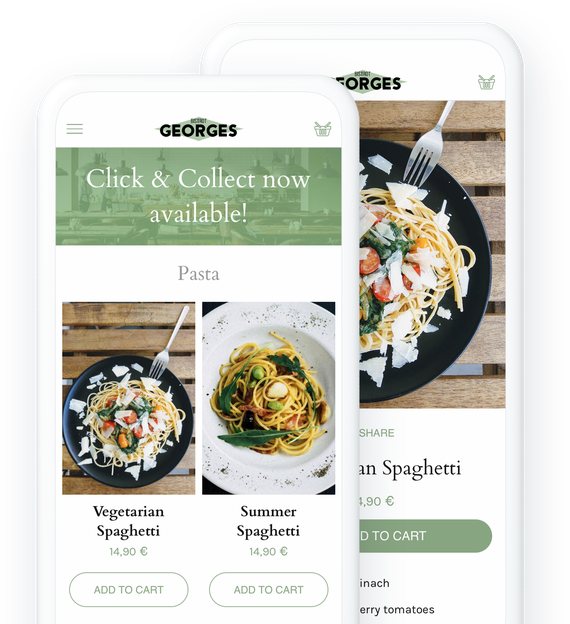
Pickup & Delivery app
## [An app for customer delivery](https://www.goodbarber.com/local-delivery-apps/)
Grow your business by offering different delivery methods and give your customers more flexibility. Build a mobile app for Pick-Up & Delivery without coding.
- Fast checkout
- Delivery by zip code or radius
- Time slots
- 1-click renewal of an order
- Customer notes
- Permanent cart
[Test for free](https://www.goodbarber.com/create/)
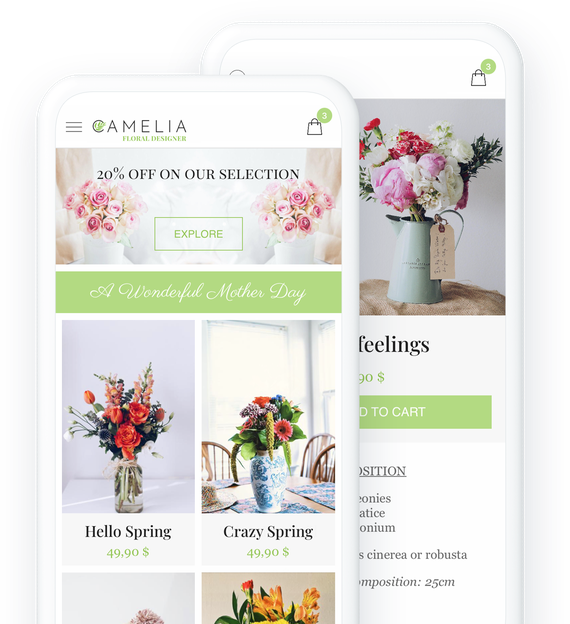
Newspaper app
## [An app to keep people informed](https://www.goodbarber.com/news-app/)
Create an app and be seen where your readers focus most of their attention: their mobile phone screen
- Memberships
- Ad networks
- Editorial team
- Editorial planning
- Automatic push notifications
- Wordpress integration
[Test for free](https://www.goodbarber.com/create/)
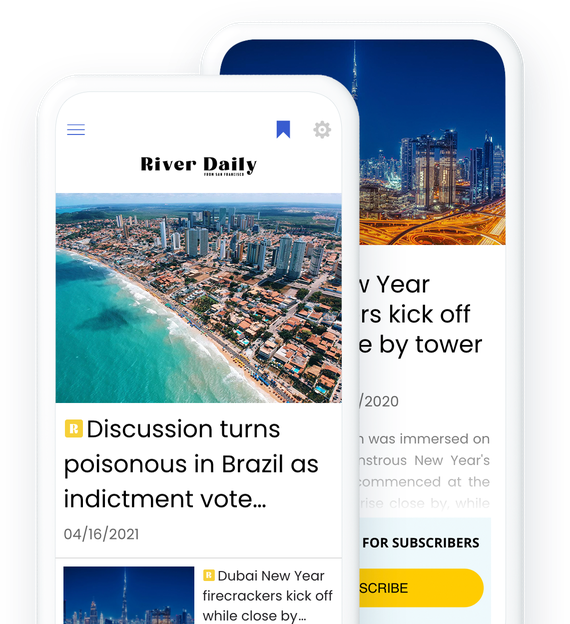
Radio app
## [An app for broadcasting your radio](https://www.goodbarber.com/radio-station-app/)
Stay close to your listeners with your radio app. Live broadcast or podcast, your listeners have never been so well informed
- Live
- Podcasts (with offline access)
- Dedications via the Form section
- Sleep mode
- Audio player in background
- Various content: text, video, photo, sound
[Test for free](https://www.goodbarber.com/create/)
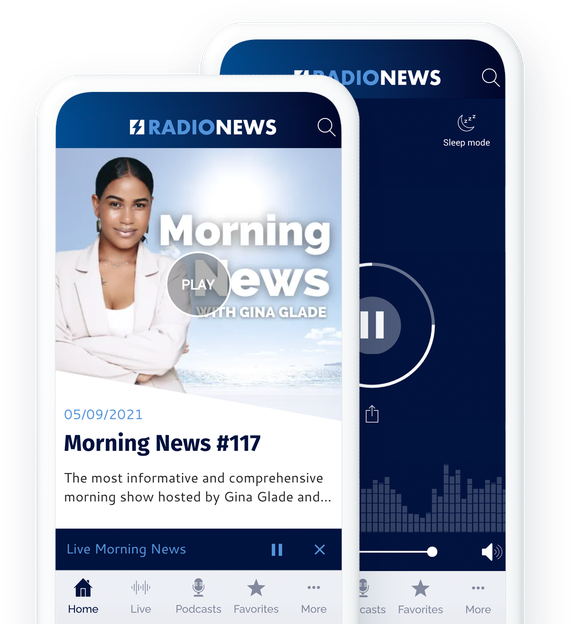
Tourism app
## [An app to showcase your area](https://www.goodbarber.com/travel-app/)
Offer your travel tips in an app. It will quickly become the indispensable guide for tourists visiting your region.
- Offline access
- Real time updates
- Easy content management
- Ultra comprehensive maps and directions
- KML import
- Coupons
[Test for free](https://www.goodbarber.com/create/)
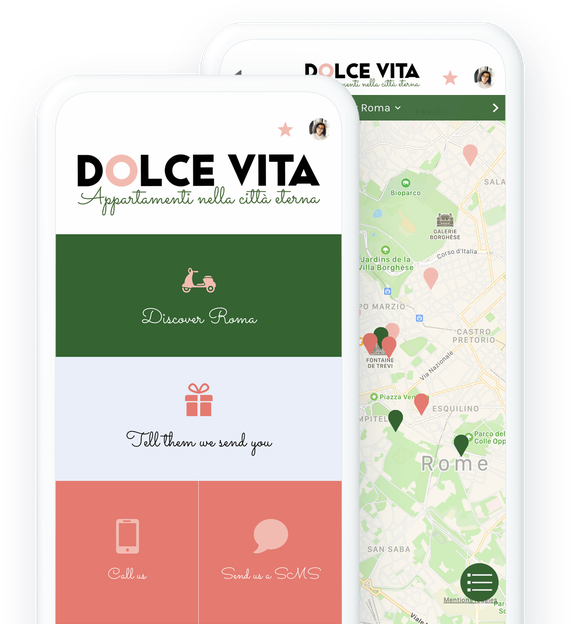
Online courses app
## [An app for sharing knowledge](https://www.goodbarber.com/elearning-app/)
Offer the best online learning experience. What could be more convenient than a mobile app to access knowledge, everywhere, all the time.
- 1 click subscriptions (memberships)
- Live courses
- Text, video and sound
- Learners's comments
- Targeted push notifications
- Course planning and organization
[Test for free](https://www.goodbarber.com/create/)
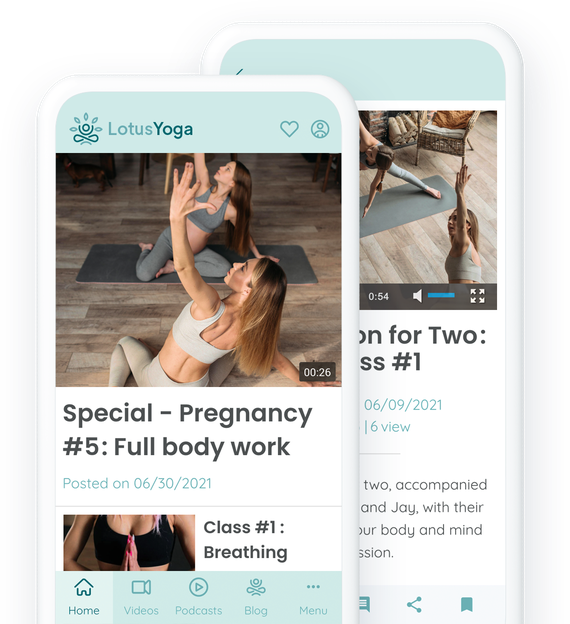
Employee communication app
## [An app for communicating with employees](https://www.goodbarber.com/employee-communication-app/)
Take your company's intranet to the next level with an app. All information and communication tools at your fingertips.
- Login
- Powerful CMS
- Push notifications by user groups
- People directory
- Instant messaging
- Editorial team management
[Test for free](https://www.goodbarber.com/create/)
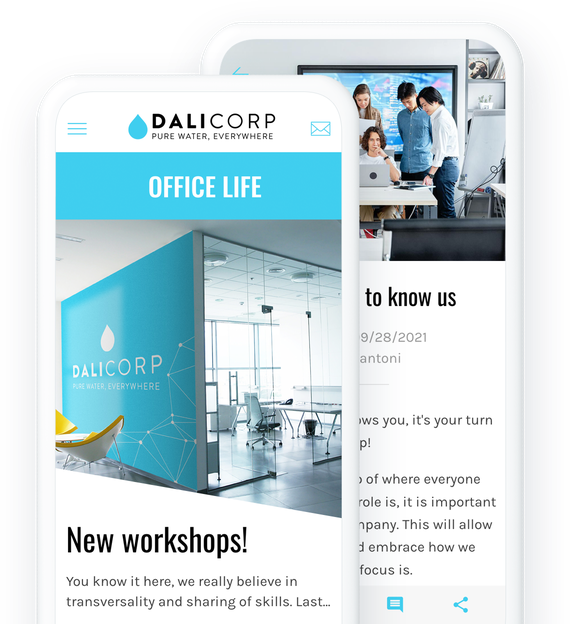
Content creators app
## [An app for engaging with your followers](https://www.goodbarber.com/content-creator-app/)
Build a unique and direct relationship with your followers through your app. Exclusive content for Social Media, special offers, audience monetization.
- 1-click subscription to premium content
- Advertising control
- Promo codes
- YouTube, WordPress, Vimeo, … integrations
- Forms
- Content submission by followers
[Test for free](https://www.goodbarber.com/create/)
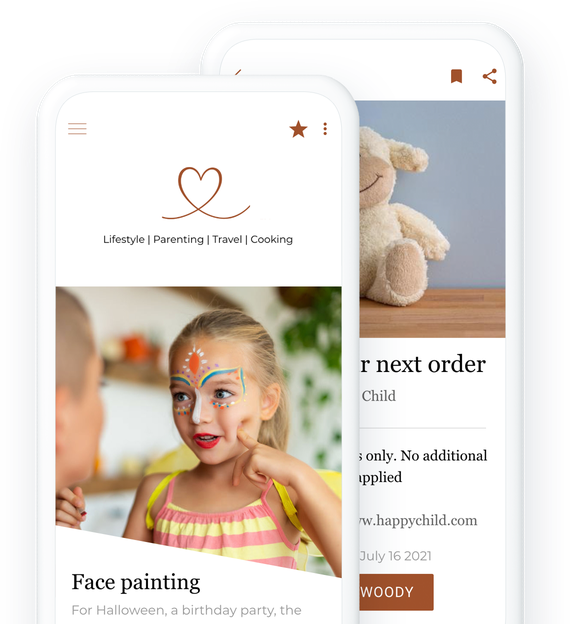
Custom app
## [The solution to make your own app](https://www.goodbarber.com/custom-app/)
GoodBarber is a no-code app builder. It allows you to build the app that perfectly fits your needs, without technical knowledge. Everyone can use it.
- Built-in CMS
- Integrations (WordPress, YouTube, Vimeo, SquareSpace, Zapier, Make…)
- Memberships system
- Login
- Chat
- Push notifications
[Test for free](https://www.goodbarber.com/create/)
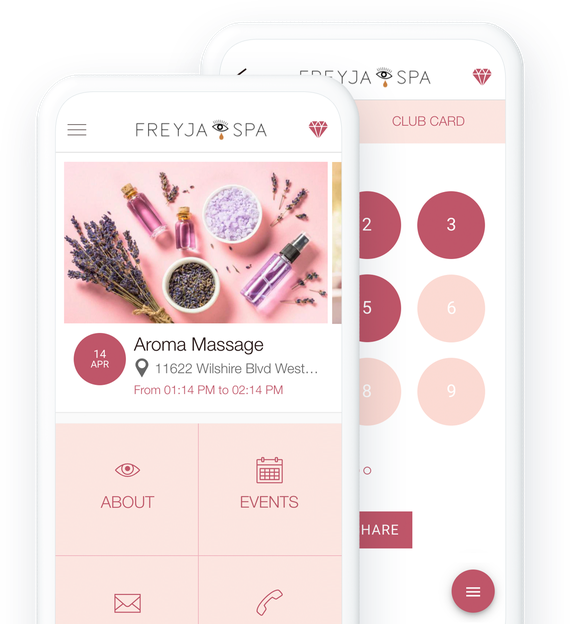
Grocery app
## [An app to do grocery shopping on mobile](https://www.goodbarber.com/grocery-app/)
Expand the walls of your store. With your grocery store's mobile app, your customers can shop from their couch, in the subway, or during their lunch break.
- Payment by card and cash
- Collections and product variants
- In-store pickup with time slot
- Quick purchase of frequently ordered products
- Inventory management / Zapier and Make synchronization
- Push notification when order is ready
[Test for free](https://www.goodbarber.com/create/)
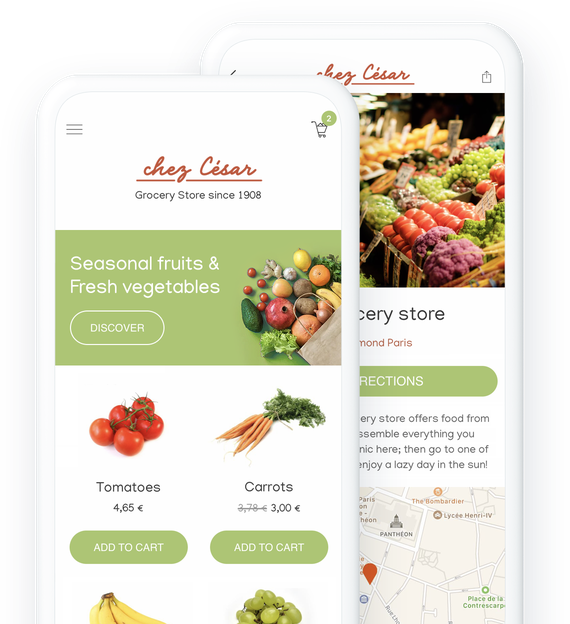
Events app
## [An app for a successful event, before, during and after](https://www.goodbarber.com/event-app/)
Impossible to consider an event today without its associated mobile application. The app allows you to prepare the event well, to give quickly all the useful information when it takes place, and to allow catch up once it is over.
- Agenda
- Speakers / participants directory
- Push and location-based notifications
- Chat
- Sponsorship and advertising
- Video replay
[Test for free](https://www.goodbarber.com/create/)
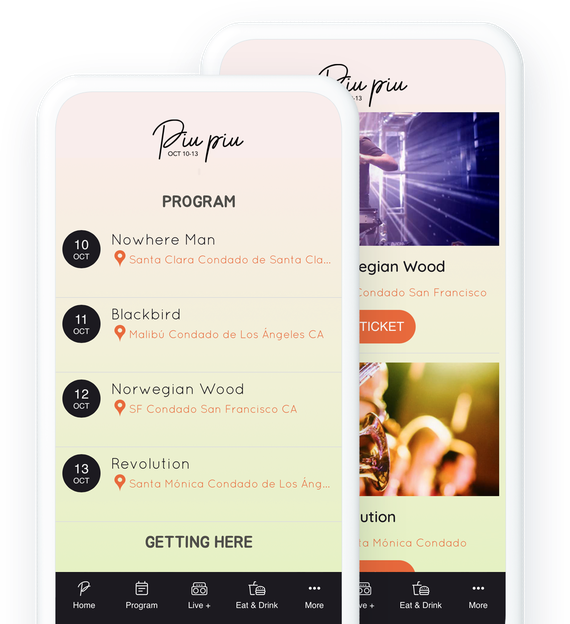
Schools app
## [An app for communicating with your students](https://www.goodbarber.com/schools-app/)
Create an app to equip your school or university with a virtual campus featuring many services
- Calendar
- User groups
- Push notifications
- Interactive map
- Form and content submission
- Instant messaging
[Test for free](https://www.goodbarber.com/create/)
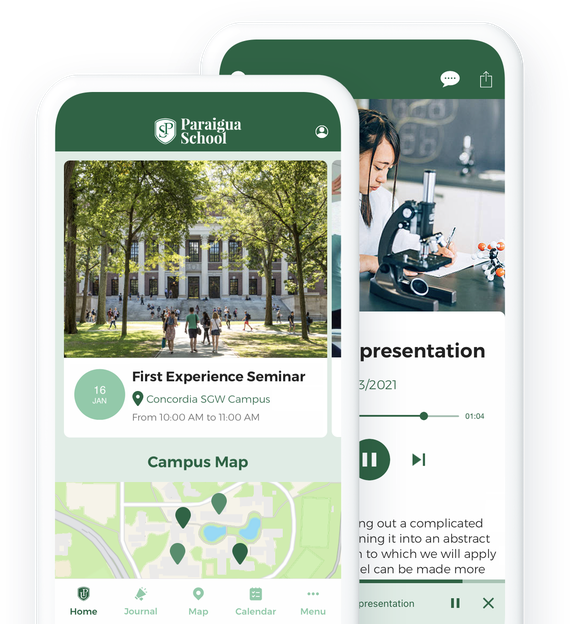
Faith app
## [An app for bringing your community together](https://www.goodbarber.com/faith-app/)
Bring your followers together in an easy-to-use app to deliver your preaching and collect donations.
- Live video
- Video on demand
- Donations
- YouTube, Vimeo, Wordpress integration
- Podcast
- Automatic push notifications when sermons begin
[Test for free](https://www.goodbarber.com/create/)
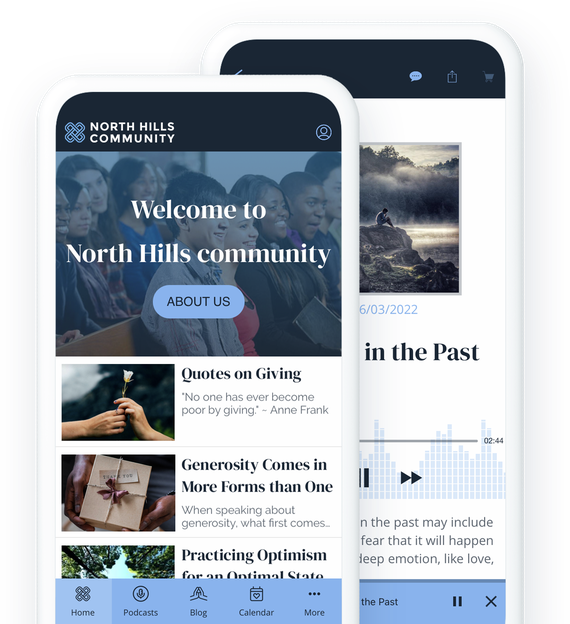
Non-profit organization
## [An app to advocate and bring people together](https://www.goodbarber.com/nonprofit-app/)
Spread the word about your project and keep your activists and volunteers engaged by using an app as a communication tool and exchange space.
- Donations
- Geolocated user list
- Public calendar
- Broadcast live content
- Managing an editorial team
- Push notifications
[Test for free](https://www.goodbarber.com/create/)
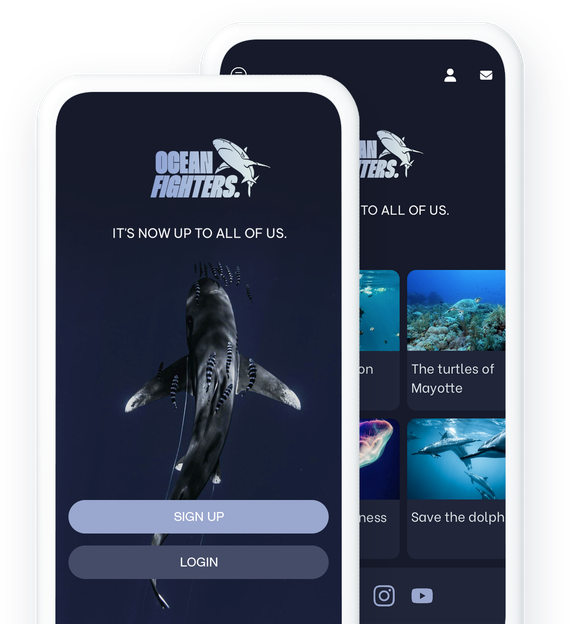
Scheduling
## [An app to take online bookings](https://www.goodbarber.com/booking-app/)
Manage reservation requests directly from your app. Your customers choose from the available time slots the one that suits them best.
- Multiple calendar management
- Google Calendar integration
- Comprehensive CMS to present your services
- Loyalty program
- Contact form
- Push notifications
[Test for free](https://www.goodbarber.com/create/)
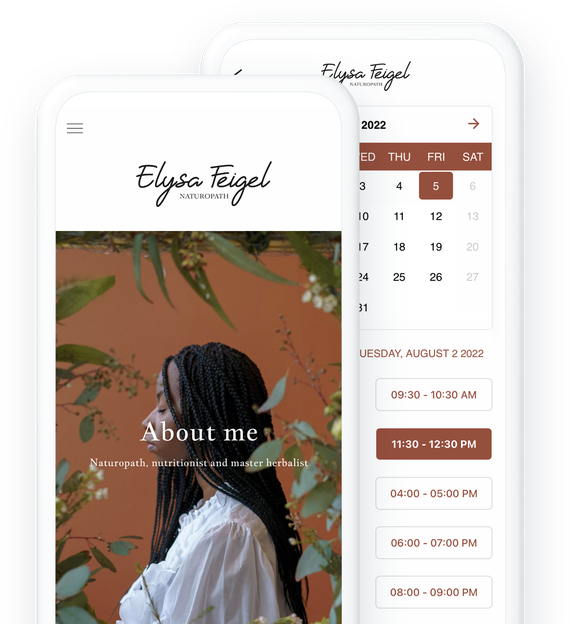
Memberships
## [An app to sell subscriptions](https://www.goodbarber.com/membership/)
Turn your content into a stable source of income with recurring subscriptions. Offer an enriched user experience with exclusive content.
- Financial stability
- Customized subscriptions
- Increased loyalty
- Better knowledge of your community
- Expand your audience
- Enhanced brand image
[Test for free](https://www.goodbarber.com/create/)

Chatbot
## [An app that turns your content into answers](https://www.goodbarber.com/rag-chatbot/)
Deliver a smart conversational experience with an AI chatbot that draws on your app’s content to give users clear, accurate, and context-aware answers instantly.
- Conversational search
- AI powered by your content
- Accurate and relevant answers
- RAG (Retrieval-Augmented Generation)
- Ready to use — no coding required
- Continuous content indexing
[Test for free](https://www.goodbarber.com/create/)
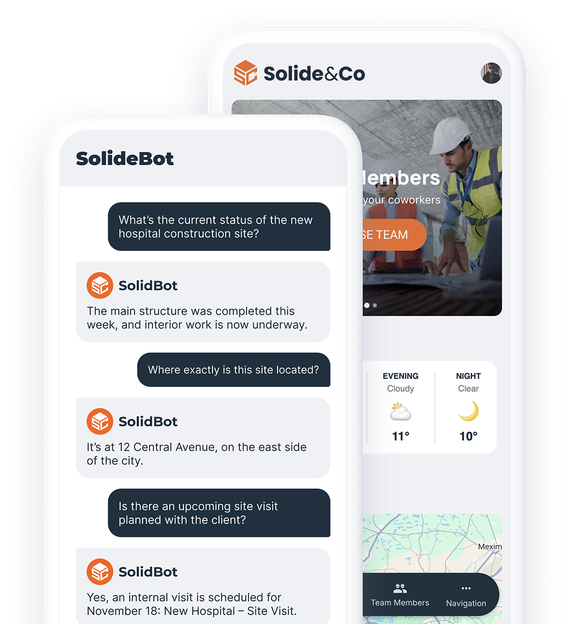
## [Explore more solutions](https://www.goodbarber.com/industry-apps/explore)
---
# Content app pricing
Source: https://www.goodbarber.com/pricing/content/
---
title: "Content Apps Pricing - Content App Builder pricing"
description: "Check out our pricing plans for Newspapers, Online Courses, Content Creators, Radio, Tourism, Events, Employee Communication, Faith apps. Free 30-day trial. Start from $30/month. Support, maintenance and updates included."
canonical_url: "https://www.goodbarber.com/pricing/content/"
lang: en
---
# Content Apps Pricing - Content App Builder pricing
Check out our pricing plans for Newspapers, Online Courses, Content Creators, Radio, Tourism, Events, Employee Communication, Faith apps. Free 30-day trial. Start from $30/month. Support, maintenance and updates included.
## Plans and prices
|Plan|Monthly|Yearly (per month)|Yearly total|One-time license|
|---|---|---|---|---|
|Standard|36|30|360||
|Premium|70|55|660||
|Pro|135|105|1260||
|Agency|280|215|2580||
|Pro||||4600|
|Agency||||12000|
---
# eCommerce pricing
Source: https://www.goodbarber.com/pricing/ecommerce/
---
title: "Shopping App pricing - eCommerce app builder prices and plans"
description: "Shopping app builder pricing. Check out how much it costs to create an eCommerce app.\r\nStarting at only $40/month. With a 30-day free trial."
canonical_url: "https://www.goodbarber.com/pricing/ecommerce/"
lang: en
---
# Shopping App pricing - eCommerce app builder prices and plans
Shopping app builder pricing. Check out how much it costs to create an eCommerce app. Starting at only $40/month. With a 30-day free trial.
## Plans and prices
|Plan|Monthly|Yearly (per month)|Yearly total|One-time license|
|---|---|---|---|---|
|Standard|50|40|480||
|Premium|90|70|840||
|Pro|180|140|1680||
|Agency|380|290|3480||
|Pro||||6000|
|Agency||||16000|
---
# Reseller pricing
Source: https://www.goodbarber.com/pricing/reseller/
---
title: "Reseller Pricing - White Label app reseller program prices"
description: "App Reseller Program pricing and plans. Starting at $215 per month. 30-day free trial. With the reseller program create an unlimited number of White Label apps."
canonical_url: "https://www.goodbarber.com/pricing/reseller/"
lang: en
---
# Reseller Pricing - White Label app reseller program prices
App Reseller Program pricing and plans. Starting at $215 per month. 30-day free trial. With the reseller program create an unlimited number of White Label apps.
## Plans and prices
|Plan|Monthly|Yearly (per month)|Yearly total|One-time license|
|---|---|---|---|---|
|Reseller Content|280|215|2580||
|Reseller Content + eCommerce|380|290|3480||
|Reseller Content||||12000|
|Reseller Content + eCommerce||||16000|
---
# Pricing overview
Source: https://www.goodbarber.com/pricing/
---
title: "GoodBarber Pricing - All our price lists - App Builder pricing"
description: "GoodBarber pricing: Content Apps from $30/month, eCommerce Apps from $40/month, billed yearly. 30-day free trial, no credit card required."
canonical_url: "https://www.goodbarber.com/pricing/"
lang: en
---
# GoodBarber pricing
GoodBarber pricing includes everything your app needs to run: hosting, push notifications, payments and updates, no third-party services to add. Every plan starts with a 30-day free trial, no credit card required.
## Content
### Share content with an app
For Newspapers, online courses, content creators, radio, tourism, events, employee communication, faith
- Press
- Online courses
- Content creation
- Radio
- Events
- Communities
Starting from
$30/month
billed yearly
Free 30-day trial - No credit card required
[Get started](https://www.goodbarber.com/create/content/)[See details](https://www.goodbarber.com/pricing/content/)
## eCommerce
### Sell products with an app
For retail, grocery, restaurant, local delivery and pickup
- Retail trade
- Grocery stores
- Restaurants
- Local delivery
- Click & collect
Starting from
$40/month
billed yearly
Free 30-day trial - No credit card required
[Get started](https://www.goodbarber.com/create/shop/)[See details](https://www.goodbarber.com/pricing/ecommerce/)
## Reseller
### Build as many apps as you want
You are an agency?
Use our technology to create apps for your customers.
- Agencies
- Developers
- Consultants
- Contractors
Starting from
$215/month
billed yearly
Free 30-day trial - No credit card required
[Get started](https://www.goodbarber.com/create/reseller/)[See details](https://www.goodbarber.com/pricing/reseller/)
Prices on this page come from GoodBarber's official price list. They are shown in EUR, USD, GBP, CAD, MXN, SEK, DKK or NOK depending on your location. Content reviewed in September 2026.
---
# Reseller program
Source: https://www.goodbarber.com/reseller/
---
title: "Resell apps with GoodBarber: App Reseller Program - White Label App Builder"
description: "Start up your App Reseller business. Thanks to GoodBarber's App Reseller program, create and sell unlimited apps without technical skills. Customize, manage and boost your revenues with unique apps for your customers. 30-day free trial, no credit card required."
canonical_url: "https://www.goodbarber.com/reseller/"
lang: en
---
# Create an unlimited number of apps, without technical skills
## Generate new revenues and offer your customers a complete, effortless white-label service. [What is a white-label app?](https://www.goodbarber.com/glossary/white-label-app/)

### GoodBarber Reseller Program
[Become a reseller](https://www.goodbarber.com/create/reseller/)
30-day free trial. Direct access without credit card.

## A program without limits
### Create and sell as many apps as you want, with no restrictions. It's real.

A complete white label
Your customers, your brand: customize your logo, domain name and emails for **a service 100% your way**.

Unique apps
Advanced options **easily let you tailor each app to your customers’ unique needs**. No two apps will be the same.

0 loss of time
Launch apps in record time from your first use. Our platform automatically generates **iOS, Android, and PWA** apps from a single project. You focus on your business, we handle the rest.

The best technologies on the market
Thanks to native and PWA: **unmatched fluidity, speed and performance**. You won't find better anywhere else.

Truly human support
Behind the platform, real people: our experts are with you every step of the way to guarantee your success. No bots, just professionals at your service.

Your business, your rules
**Create your own business model:** bill your apps as you see fit and [generate recurring](https://www.goodbarber.com/blog/resellers-how-to-set-your-prices-to-ensure-healthy-margins-a1277/) or non-recurring revenues.
## An offer tailored to your business
### Build customer loyalty, save time and boost your revenues with high-performance, personalized apps.


Agencies
**Offer more than just a service:** build customer loyalty with white-label apps that are easy to manage and perfectly tailored to their needs.

Developers
**Gain productivity with a powerful tool.** Focus on customization and let the platform manage deployment and maintenance.

Consultants
Offer simple, high-performance mobile solutions that help your customers digitize, while **generating recurring revenue.**

Entrepreneurs
Break into the mobile market with our turnkey solution. Build powerful apps without coding and **tap into a booming market.**
## An app for every need
### **Meet every request** with tailor-made, ready-to-use and fully customizable solutions, without writing code.


Content Apps
Ideal for blogs, magazines, media and content creators.

eCommerce Apps
Turnkey online stores, with secure payment and inventory management.

Community Apps
Federate communities with features like chat, user lists and push notifications.
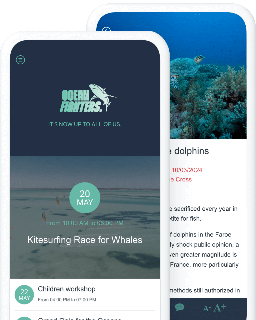

Local and Service Apps
Suitable for restaurants, events such as trade shows, and reservation services.
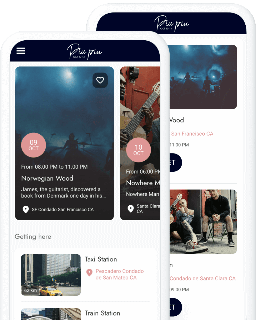
Discover even more solutions for unique projects in all sectors.
[Explore all solutions](https://www.goodbarber.com/extensions/)
## Customize your app's design in depth
### Thanks to its intuitive interface, GoodBarber gives you maximum flexibility to adjust every detail to your customer's image, with no design skills required.
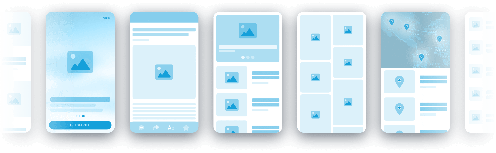
Rely on refined templates
**Create elegant, modern applications** with templates designed by experts. These templates, among the finest on the market, guarantee **an optimal user experience.**
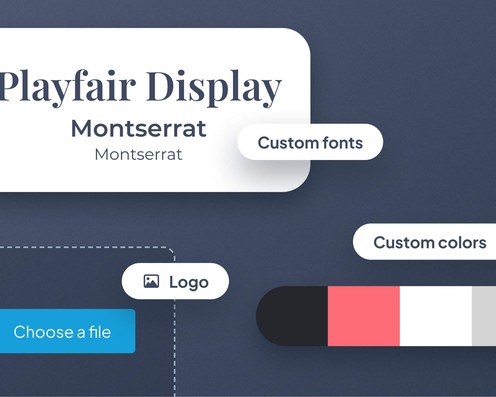
Customize every detail
Adapt every element, from colors to logos and typography. Shape a unique visual identity, in perfect harmony with your customer's image.
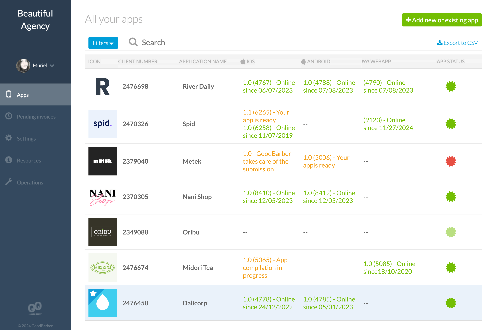

## Easily manage all your apps
### With the **Reseller interface**, control your success with a powerful tool

**View and manage all your applications in one place** thanks to a single, intuitive dashboard.

**Assign roles, manage permissions** and collaborate easily, whatever the number of team members.

**Offer each customer a customized, white-label dashboard,** with your visual identity for a premium experience.
## The best tools for unique projects
### Advanced integrations to meet your customers' specific needs.
Importing external content
WordPress, YouTube, RSS connectors and custom feeds to keep your customer's app always up to date.
Public APIs
Use GoodBarber's [API content](https://classic.goodbarber.dev/publicapi/v1/documentation/) and [API eCommerce](https://commerce.goodbarber.dev/publicapi/v2/documentation/) to connect your customer's application with external services.
No-code automation
Connect GoodBarber with other services via [Zapier](https://www.goodbarber.com/extensions/zapier-integration/) and [Make](https://www.goodbarber.com/extensions/make-integration/), without writing a single line of code.
Low-code customization
[Use custom code](https://goodbarber.github.io/) (HTML5, CSS, JavaScript) to integrate unique features, or collaborate with a developer if required.

## They boosted their business with GoodBarber
### Mobile professionals explain why they chose GoodBarber.

The app builder allows us to make changes on the fly, while reducing costs for both our customer and us. We chose GoodBarber after an in-depth analysis and rigorous selection of 5 app builders, over a period of almost a year.

Draculapp, UK/Italy/Middle East
Martin de Bonis, CIO
- 
- 
- 
- 
- 

## Join the GoodBarber Reseller Program
### Take the next step to create an unlimited number of personalized apps, and grow your revenues.
[Become a reseller](https://www.goodbarber.com/create/reseller/)
30-day free trial. Direct access without credit card.
## Our prices
[Monthly](#)[Yearly](#)[One time](#)
Save $780 yearlyResellerContents
$215/month
billed yearly
Save $1080 yearlyResellerContent + eCommerce
$290/month
billed yearly
Save $21600
in one goResellerContents
$12000
One-off payment
Save $29600
in one goResellerContent + eCommerce
$16000
One-off payment
Type of apps
Content Apps
yes
yes
yes
yes
eCommerce Apps
yes
yes
Technology
PWA technology
yes
yes
yes
yes
Native Android + iOS appsiPhone & iPad
yes
yes
yes
yes
Available in Google Play Store
yes
yes
yes
yes
Available on the App Store
yes
yes
yes
yes
Capacities
Storage
100 GB
100 GB
100 GB
100 GB
Push notifications
info
$10 for 100K extra push notifications
(per month/per app)
500K
500K
500K
500K
Staff accounts
unlimited
unlimited
unlimited
unlimited
Number of projects
unlimited
unlimited
unlimited
unlimited
Page viewsbandwidth and traffic
unlimited
unlimited
unlimited
unlimited
App downloads
unlimited
unlimited
unlimited
unlimited
Account manager
yes
yes
yes
yes
Variants per product
100
100
Number of products
unlimited
unlimited
Extensions store
info
Extend the features of your app with extensions : Automations (Zapier, Make), Analytics, Monetization, Sales optimization, Integration (Wordpress, Squarespace, RSS).
Free extensions
info
Number of free extensions you can add to your project.
unlimited
unlimited
unlimited
unlimited
Authentication
yes
yes
yes
yes
Chat
info
The Chat extension requires the Authentication extension to be installed
instant messaging
yes
yes
yes
yes
Abandoned orders
yes
yes
Delivery slots
yes
yes
Products import
yes
yes
Payments
Additional transaction feesfree of charge!
0%
0%
Stripe
yes
yes
Apple Pay
yes
yes
PayPal
yes
yes
Mercado Pago
yes
yes
1-click payments
yes
yes
Payment by cash or cheque
yes
yes
Key features
App builder NO CODEdrag & drop
yes
yes
yes
yes
Fully customizable design
yes
yes
yes
yes
Content Management System(article, video, podcast, event, map, photo, live)
yes
yes
yes
yes
Optimized for search engine optimizationin Google, the Stores (SEO, ASO) and AMP
yes
yes
yes
yes
Technical supportby the designers of GoodBarber
yes
yes
yes
yes
Yearly plan subscription pricing
Reseller Content
$2580/year
Reseller Content + eCommerce
$3480/year
/year
/year
Save $780 yearlyResellerContents
$215/month
billed yearly
|||
|---|---|
|Type of apps||
|Content Apps|yes|
|eCommerce Apps||
|Technology||
|PWA technology|yes|
|Native Android + iOS apps|yes|
|Available in Google Play Store|yes|
|Available on the App Store|yes|
|Capacities||
|Storage|100 GB|
|Push notifications info $10 for 100K extra push notifications|500K|
|Staff accounts|unlimited|
|Number of projects|unlimited|
|Page views|unlimited|
|App downloads|unlimited|
|Account manager|yes|
|Variants per product||
|Number of products||
|Extensions store||
|Free extensions info Number of free extensions you can add to your project.|unlimited|
|Authentication|yes|
|Chat info The Chat extension requires the Authentication extension to be installed|yes|
|Abandoned orders||
|Delivery slots||
|Products import||
|Payments||
|Additional transaction fees||
|Stripe||
|Apple Pay||
|PayPal||
|Mercado Pago||
|1-click payments||
|Payment by cash or cheque||
|Key features||
|App builder NO CODE|yes|
|Fully customizable design|yes|
|Content Management System|yes|
|Optimized for search engine optimization|yes|
|Technical support|yes|
Yearly plan subscription pricing
Reseller Content
$2580/year
Save $1080 yearlyResellerContent + eCommerce
$290/month
billed yearly
|||
|---|---|
|Type of apps||
|Content Apps|yes|
|eCommerce Apps|yes|
|Technology||
|PWA technology|yes|
|Native Android + iOS apps|yes|
|Available in Google Play Store|yes|
|Available on the App Store|yes|
|Capacities||
|Storage|100 GB|
|Push notifications info $10 for 100K extra push notifications|500K|
|Staff accounts|unlimited|
|Number of projects|unlimited|
|Page views|unlimited|
|App downloads|unlimited|
|Account manager|yes|
|Variants per product|100|
|Number of products|unlimited|
|Extensions store||
|Free extensions info Number of free extensions you can add to your project.|unlimited|
|Authentication|yes|
|Chat info The Chat extension requires the Authentication extension to be installed|yes|
|Abandoned orders|yes|
|Delivery slots|yes|
|Products import|yes|
|Payments||
|Additional transaction fees|0%|
|Stripe|yes|
|Apple Pay|yes|
|PayPal|yes|
|Mercado Pago|yes|
|1-click payments|yes|
|Payment by cash or cheque|yes|
|Key features||
|App builder NO CODE|yes|
|Fully customizable design|yes|
|Content Management System|yes|
|Optimized for search engine optimization|yes|
|Technical support|yes|
Yearly plan subscription pricing
Reseller Content + eCommerce
$3480/year
Save $21600
in one goResellerContents
$12000
One-off payment
|||
|---|---|
|Type of apps||
|Content Apps|yes|
|eCommerce Apps||
|Technology||
|PWA technology|yes|
|Native Android + iOS apps|yes|
|Available in Google Play Store|yes|
|Available on the App Store|yes|
|Capacities||
|Storage|100 GB|
|Push notifications info $10 for 100K extra push notifications|500K|
|Staff accounts|unlimited|
|Number of projects|unlimited|
|Page views|unlimited|
|App downloads|unlimited|
|Account manager|yes|
|Variants per product||
|Number of products||
|Extensions store||
|Free extensions info Number of free extensions you can add to your project.|unlimited|
|Authentication|yes|
|Chat info The Chat extension requires the Authentication extension to be installed|yes|
|Abandoned orders||
|Delivery slots||
|Products import||
|Payments||
|Additional transaction fees||
|Stripe||
|Apple Pay||
|PayPal||
|Mercado Pago||
|1-click payments||
|Payment by cash or cheque||
|Key features||
|App builder NO CODE|yes|
|Fully customizable design|yes|
|Content Management System|yes|
|Optimized for search engine optimization|yes|
|Technical support|yes|
Yearly plan subscription pricing
/year
Save $29600
in one goResellerContent + eCommerce
$16000
One-off payment
|||
|---|---|
|Type of apps||
|Content Apps|yes|
|eCommerce Apps|yes|
|Technology||
|PWA technology|yes|
|Native Android + iOS apps|yes|
|Available in Google Play Store|yes|
|Available on the App Store|yes|
|Capacities||
|Storage|100 GB|
|Push notifications info $10 for 100K extra push notifications|500K|
|Staff accounts|unlimited|
|Number of projects|unlimited|
|Page views|unlimited|
|App downloads|unlimited|
|Account manager|yes|
|Variants per product|100|
|Number of products|unlimited|
|Extensions store||
|Free extensions info Number of free extensions you can add to your project.|unlimited|
|Authentication|yes|
|Chat info The Chat extension requires the Authentication extension to be installed|yes|
|Abandoned orders|yes|
|Delivery slots|yes|
|Products import|yes|
|Payments||
|Additional transaction fees|0%|
|Stripe|yes|
|Apple Pay|yes|
|PayPal|yes|
|Mercado Pago|yes|
|1-click payments|yes|
|Payment by cash or cheque|yes|
|Key features||
|App builder NO CODE|yes|
|Fully customizable design|yes|
|Content Management System|yes|
|Optimized for search engine optimization|yes|
|Technical support|yes|
Yearly plan subscription pricing
/year
## Frequently asked questions
What do we mean by "Unlimited number of Apps"?
You can create as many apps as you like for your customers, without restriction, and freely determine the price of each app.
What exactly does the white label include?
As a white label, each app and customer dashboard carries your identity: domain name, logo, and communication emails. GoodBarber remains in the background, so your brand is always front and center.
What does the level of app customization mean?
With GoodBarber, you can adapt every graphic detail - colors, typography, logos and layout - to create unique, impactful apps designed on solid aesthetic foundations.
Can I integrate external systems?
Yes, you can connect public APIs, import external content, and automate with no-code tools. The platform adapts to offer you flexible functionality.
How does access management work for my customers and staff?
You can assign roles and manage permissions for each user, whether they're your customers or collaborators. An ideal solution for secure access and collaborative app management.
What's the difference between a native app and a PWA?
Native iOS and Android apps offer maximum performance with seamless integration of device functionality. PWAs enable wide accessibility via the browser, without the need for application stores.
How can GoodBarber support its resellers?
GoodBarber offers you tailor-made support, with experts on hand to answer your questions and help you every step of the way in creating and managing your apps.
Is it possible to develop additional features with GoodBarber?
Of course you can. This is possible for both content and eCommerce apps. As a Reseller, you can use the "Custom code" sections to develop specific functionalities on your application. To do this, you'll need skills in the following programming languages: html, javascript, css. But that's not all: you can also gain access to your application's hidden settings file, which enables advanced design customization. What's more, you can set up automation processes between your app and external tools via public APIs, or thanks to no-code tools for which we offer extensions: we're talking here about Zapier and Make, two no-code platforms enabling you to connect an app to thousands of services such as Gmail, Excel and Mailchimp. GoodBarber also lets you import content hosted on other platforms directly into your app, thanks to custom content feeds. Finally, if you don't have the necessary resources, you can call on our team of experts, who offer tailor-made developments for resellers. Full details of the tools available to you for developing additional functionality are available on the [GoodBarber for developers](https://www.goodbarber.com/developers/) page.
How does my customer manage his app?
You can give your customers access to the back office of their app, choosing precisely which sections they can contribute to and which will be restricted. Sending push notifications, checking statistics, creating advertising campaigns, publishing content... it's up to you to choose which pages are visible and which are not.
Can I replace an existing app on the Stores with one built with GoodBarber?
It's possible. Once you've built your app with GoodBarber, all you have to do is submit an update for that app on the Store. To do this, you (or your client) must own the Apple Developer and Google Publisher accounts used to publish the app. End users (who have downloaded the app) will simply need to update it on their smartphone (no need to re-download the app).
At what price should I sell the apps I create?
GoodBarber does not intervene in the commercial relationship between you and your customer. We take no commission on your sales. So you're free to sell the app at any price you like. To establish the price, you need to take into account the creation of the app itself, but not only. An app requires regular updates, and you're bound to be asked to update it. What's more, your customer may contact you several times a year to request modifications. Think about including these services in your rates. Last but not least, don't forget to carry out a market study to find out what your target audience's budgets are, and what the competition is like in your sector.
How can I test the Reseller account for free?
Just follow this link and fill in the form:
What are the different options for receiving payments for my mobile app agency?
To receive payments for your app sales business, you can use various online payment options. Here are some of the most common options:
- Payment processors such as PayPal, Stripe, or Square are popular options for small online businesses. You can create an account and follow the instructions to start accepting online payments.
- Payment gateways such as Authorize.net or Braintree are also popular options for online businesses. They can offer advanced features for payment management and transaction security.
- Mobile payment solutions such as Apple Pay, Google Pay or Samsung Pay are becoming increasingly popular for online purchases, especially on mobile.
- Billing solutions like Freshbooks or Quickbooks can also allow you to send invoices and receive payments online.
It's important to consider transaction fees, transaction security, as well as ease of use for you and your customers when choosing an online payment option.
How do you go about drawing up a model contract to propose to customers for the creation and sale of mobile applications?
Establishing a contract template for your customers can be an important step in setting up your app sales business. Here are some steps you can take to develop a basic contract:
- Determine terms and conditions: Before drafting your contract, identify the terms and conditions you want to include. This may include information on payments, deliveries, warranties, terms of use, etc.
- Draft your contract: use word processing software or an online contract template to create your contract. Be sure to include all terms and conditions relevant to your business and your customers.
- Include confidentiality provisions: if necessary, include confidentiality provisions to protect your company's and your customers' confidential information.
- Read the contract: Have a lawyer or legal drafting professional read the contract to ensure it is clear, complete and compliant with local laws.
- Sign the contract: Make sure your contract is signed by you and your customer to formalize the agreement.
Don't forget that contracts can vary according to local laws and your company's specific needs. So it's important to work with a lawyer or legal drafting professional to ensure that your contract is tailored to your specific needs.
---
# Reseller blog articles
Source: https://www.goodbarber.com/blog/reseller-r16/
---
title: "Reseller and Agency Tips | The GoodBarber Blog"
description: "Resources and articles for Mobile App Resellers. Application resellers find market news and technologies dedicated to the creation and resale of mobile applications."
canonical_url: "https://www.goodbarber.com/blog/reseller-r16/"
lang: en
---
# Reseller
Apr 12, 2024 · 7 min read
## [Maximizing recurring revenue with mobile apps: Strategies for resellers](https://www.goodbarber.com/blog/maximizing-recurring-revenue-with-mobile-apps-strategies-for-resellers-a1384/)
As mobile devices become increasingly important in business, app business models have changed. While one-time payments were once the standard, recurring revenues have now become a popular option for many companies. Subscriptions, in particular, provide a stable and predictable revenue stream that is essential for long-term growth and financial sustainability. Additionally, they allow you to establish a closer, ongoing relationship with your users, thereby promoting customer loyalty and continuous improvement of your services. GoodBarber is a no-code platform that helps vendors adjust to the evolving market. It is an ideal solution for web agencies and freelancers who want to offer subscription systems in their customers' mobile apps. Our subscription models are customizable and tailored to meet the specific needs of each company. Whether you need premium content, exclusive services, or VIP access to special offers, we've got you covered. GoodBarber's membership system offers resellers a golden opportunity to stand out. Not only can they expand your portfolio of services, but they can also help your customers maximize their recurring revenues. It's a win-win proposition: end companies benefit from a new revenue stream and a strengthened customer relationship while you, the reseller, consolidate your position as a strategic partner essential to your customers' digital success.
Feb 29, 2024 · 4 min read
## [Resellers: How to sell an app for employee communication](https://www.goodbarber.com/blog/resellers-how-to-sell-an-app-for-employee-communication-a1258/)
This article presents GoodBarber's various features for corporate apps, for internal, employee-to-employee communication. As this article is aimed specifically at GoodBarber resellers, the agencies who use our app builder to create and sell apps to their customers, we also provide several selling points to enable them to approach customers with confidence.
Jan 25, 2024 · 3 min read
## [Resellers: How to sell an app to an association](https://www.goodbarber.com/blog/resellers-how-to-sell-an-app-to-an-association-a1256/)
GoodBarber is a no-code app builder that lets you create a mobile app to be published on the web with a Progressive Web App; the Google Play Store with a native Android app; and the Apple Store with a native iOS app. In this article, we present the main features of the GoodBarber builder for creating an app for an association. For GoodBarber resellers, we also provide sales arguments to help them prospect this type of customer.
Dec 28, 2023 · 4 min read
## [Resellers: How to sell an app to manage appointments booking](https://www.goodbarber.com/blog/resellers-how-to-sell-an-app-to-manage-appointments-booking-a1257/)
As a no-code app builder, GoodBarber lets you create apps to manage appointment booking. This kind of feature can be very useful for a whole range of businesses, including hairdressers, barbers, beauty salons and so on. In this article, we present the features to be used for an appointment scheduling app and develop a sales pitch for GoodBarber resellers.
Nov 24, 2023 · 3 min read
## [Resellers: How to sell an app to a radio station](https://www.goodbarber.com/blog/resellers-how-to-sell-an-app-to-a-radio-station-a1260/)
In this article, you'll find out how GoodBarber can help you sell an app to a radio station. Now it's much more convenient for end-users to have an app to listen to their favorite shows.
Oct 27, 2023 · 7 min read
## [How to promote an app?](https://www.goodbarber.com/blog/how-to-promote-an-app-a1302/)
Discover all the ways to promote your app and make it a success. After all, if creating your app with a no-code app builder is great, making your app a success is even better!
Sep 29, 2023 · 9 min read
## [With eCommerce apps, enable your customers to generate revenue by selling products online](https://www.goodbarber.com/blog/with-ecommerce-apps-enable-your-customers-to-generate-revenue-by-selling-products-online-a1287/)
GoodBarber App Resellers: full range of features available on eCommerce apps and spectrum of potential customers that resellers can target in Commerce.
Aug 29, 2023 · 3 min read
## [Resellers: How to sell an app to schools](https://www.goodbarber.com/blog/resellers-how-to-sell-an-app-to-schools-a1262/)
The reseller program allows you to create unlimited apps to be published on three different platforms: the web with a Progressive Web App, the Google Play Store with a native Android app and the App Store with a native iOS app. With more than 500 features and 140 extensions, GoodBarber allows you to target a wide range of customers, with content management apps and eCommerce apps. Today, we're going to look at how to sell an app for a school.
Jul 28, 2023 · 5 min read
## [Resellers: how to set your prices to ensure healthy margins?](https://www.goodbarber.com/blog/resellers-how-to-set-your-prices-to-ensure-healthy-margins-a1277/)
The Reseller program lets you create an unlimited number of mobile apps. Each of the reseller agency's apps can be published both on the web, with a Progressive Web App, and on the Android and Apple Stores, with native applications. With the GoodBarber Reseller program, you can sell your mobile services by making it easy to create and publish applications for your customers. Our platform offers more than 500 features to meet every demand. We also focus on the design of your apps, providing ready-to-use, customizable templates. With our solution, you save time by delivering professional apps with impeccable design to your customers, while reducing your costs. In addition, with our "GoodBarber takes care " offer, our team can take care of app publishing for you. Previously, we published an article entitled "What should you charge for your mobile services?", outlining the strategy for setting your prices for customers. In this new article, we'll be focusing on cost analysis and the margins you need to apply to make your mark in the app market, while still making a comfortable profit.
Jul 21, 2023 · 4 min read
## [Resellers: How to sell an app for an event](https://www.goodbarber.com/blog/resellers-how-to-sell-an-app-for-an-event-a1259/)
The reseller program allows you to create unlimited apps to be published on three different platforms: the web with a Progressive Web App, the Google Play Store with a native Android app and the App Store with a native iOS app. With more than 500 features and 140 extensions, GoodBarber allows you to target a wide range of customers, with content management apps and eCommerce apps. Today, we're going to look at how to sell an app for an event. For a trade show, concert, or any other event, a mobile app is a great way to make your customer's event a success!
Jun 29, 2023 · 4 min read
## [Resellers: How to sell a tourism app](https://www.goodbarber.com/blog/resellers-how-to-sell-a-tourism-app-a1263/)
The reseller program allows you to create unlimited apps to be published on three different platforms: the web with a Progressive Web App, the Google Play Store with a native Android app and the App Store with a native iOS app. With more than 500 features and 140 extensions, GoodBarber allows you to target a wide range of customers, with content management apps and eCommerce apps. Today, we're going to take a look at how to sell a tourism app. Gone are the days of paper tourist guides! To ensure that visitors have the holiday of their dreams, you need an app.
May 26, 2023 · 3 min read
## [GoodBarber: become a reseller of mobile apps!](https://www.goodbarber.com/blog/goodbarber-become-a-reseller-of-mobile-apps-a377/)
If you think about starting your own mobile apps development agency, you're at the right place. The GoodBarber reseller program brings all the flexibility to make your projects grow, maintaining a good quality price rapport, with a fixed pricing to create unlimited apps. Our app builder is an efficient tool used by more and more agencies to create and sell apps for their customers. The main goal is to sell your mobile services using our platform. In other words, the idea is not to resell the actual app builder platform itself, but to resell apps that you make. The process usually goes something like this : clients will communicate their mobile needs to the reseller, the reseller works their magic in the backend, invites the client to review their work, and the deal is sealed. When the client logs into the backend, the GoodBarber logos and references are eliminated and replaced by those of your agency, so coherence in branding can be maintained. Only your brand will be highlighted when the customer connects to the back office of his app. The white label option is included in the Reseller program. In addition, we have resources available to help you sell apps and improve your knowledge of the GoodBarber platform. All of the available resources are listed here. In particular, we've created white label documents with a clean design and arguments that will help you sell apps. These documents are available as a word file and slides. You can download them and use them as you wish! This video gives you an overview of the reseller dashboard and the possibilities offered by the white label option, included in the reseller subscription:
Apr 28, 2023 · 8 min read
## [Mobile app reseller: which offer to choose?](https://www.goodbarber.com/blog/mobile-app-reseller-which-offer-to-choose-a1245/)
The reseller program allows you to create an unlimited number of apps with GoodBarber. The management of the apps is facilitated by access to the reseller dashboard, which allows you to visualize all the projects of the reseller agency as well as the publication status on the different platforms. Indeed, with GoodBarber's reseller program, each app created within your agency can be published on 3 different publishing platforms: the web, with a Progressive Web App, the Google Play Store with a native Android app and the App Store, with a native iOS app. This gives you all the latitude you need to convince your customers by offering them an app available on the most known and most frequented platforms by users today.
Mar 24, 2023 · 7 min read
## [Resellers: how to sell a News app?](https://www.goodbarber.com/blog/resellers-how-to-sell-a-news-app-a1238/)
Using GoodBarber, a no-code mobile app creation platform, resellers can target many types of customers. Today, we'll see how you can sell a "News" app to a newspaper or online media, for example. While users spend on average 4 hours a day on their smartphones (sometimes more), having an app, for a newspaper or an online media, is almost a must. An app is an essential tool to continue to inform and maintain a connection with its readers. As such, a mobile app is an essential extension of existing print or web formats to continue to inform and be read. Today we will see how GoodBarber can help you meet the demand of newspapers, media, and content publishers who want to offer a unique experience to their users with a mobile news app.
Feb 24, 2023 · 6 min read
## [Mobile App Resellers: the best marketing tips from Apple and Google](https://www.goodbarber.com/blog/mobile-app-resellers-the-best-marketing-tips-from-apple-and-google-a1231/)
With GoodBarber's Reseller program, you can create an unlimited number of apps. One of the many advantages of the program is that each app can be published on three different platforms: the Web, with a Progressive Web App, the Google Play Store and the Apple App Store.
Feb 3, 2023 · 13 min read
## [Getting Started? Checklist for New Agencies](https://www.goodbarber.com/blog/getting-started-checklist-for-new-agencies-a749/)
Whether you're starting a new agency entirely or expanding your range of offerings with apps, make sure you have the basics covered before launching into your new endeavor.
Dec 23, 2022 · 13 min read
## [5 things our Resellers learned in 2022](https://www.goodbarber.com/blog/5-things-our-resellers-learned-in-2022-a1218/)
It's time to review the year-end results for mobile app resellers. The activity of app sales is very strong and the demand is there. That's why we take advantage of this busy year to summarize the lessons learned by resellers. Of course, don't hesitate to use these best practices as inspiration for your 2023 strategy.
Nov 25, 2022 · 4 min read
## [Agency Spotlight: Dapper Mobile Apps](https://www.goodbarber.com/blog/agency-spotlight-dapper-mobile-apps-a1211/)
For this month's agency spotlight, we interviewed Dan Hafner, founder of Dapper Mobile Apps. An Agency providing small and online businesses access to mobile and web-app technology.
Nov 2, 2022 · 4 min read
## [Agency Tips - What if my Clients Need Custom Features?](https://www.goodbarber.com/blog/agency-tips-what-if-my-clients-need-custom-features-a763/)
Relying on an App Builder to sell mobile applications allows you to offer very competitive rates while saving time, having the necessary flexibility to meeting the demand of your clients. However, when relying on a generic tool, you can expect some limitations related to tailor-made development. Hence the importance of asking yourself the right questions before choosing an app builder among all the available tools. Indeed, it is crucial to study the possibilities and opportunities in terms of customization and purposes to meet your client’s needs. GoodBarber offers a few options depending on your needs and skills. Let’s take a closer look:
Sep 23, 2022 · 15 min read
## [Resellers: 10 industries to target with your mobile app reseller agency](https://www.goodbarber.com/blog/resellers-10-industries-to-target-with-your-mobile-app-reseller-agency-a1070/)
The GoodBarber app creation platform offers a lot of different features, so you can target a whole bunch of prospects. Moreover, thanks to the extension store, you will have the possibility to add interesting options to your apps. All in all, there are more than 500 features that cover the needs of your customers. If you don't know which sector to target first, we give you a list of sectors to consider first.
Sep 2, 2022 · 4 min read
## [Agency Spotlight: BPM helps business owners develop their digital presence.](https://www.goodbarber.com/blog/agency-spotlight-bpm-helps-business-owners-develop-their-digital-presence-a1197/)
We recently asked a few questions to Cécile, the founder of BPM-Ad, an agency based in Martinique helping small business owners to develop their digital presence.
Jul 29, 2022 · 9 min read
## [Resellers: How to make the most of slow periods?](https://www.goodbarber.com/blog/resellers-how-to-make-the-most-of-slow-periods-a1192/)
During the summer months, agencies (and clients!) take a well-deserved vacation. So, unless your clientele is tourism-oriented, you might have quite some downtime during the summer. In our case, we don't shut down during the summer. And we give you some tips to take advantage of this quiet time to brush up on your knowledge and refine your app sales strategies.
Jul 4, 2022 · 11 min read
## [Mobile App Resellers: Set your customers up for success](https://www.goodbarber.com/blog/mobile-app-resellers-set-your-customers-up-for-success-a1183/)
As a mobile app reseller, your first concern will be finding customers to sell apps to. But once you start getting a few customers, you'll need to sustain your business and retain your clients. We regularly advise you to charge a subscription fee (even a small one) to your customers to cover your fixed costs. And so, it is essential that your customers find value in the service you sell them. To do this, their app must be successful and useful. Here are some tips you can apply to ensure the success of your customers' apps.
Jun 14, 2022 · 14 min read
## [Who are GoodBarber App Resellers?](https://www.goodbarber.com/blog/who-are-the-goodbarber-app-resellers-a1158/)
To answer the question "Who is an app reseller" and who is eligible to become an app reseller, we can start describing two main categories of usage of the App Reseller Program that we have identified through GoodBarber's customer base.
---
# Become a reseller
Source: https://www.goodbarber.com/blog/goodbarber-become-a-reseller-of-mobile-apps-a377/
---
title: "GoodBarber: become a reseller of mobile apps!"
description: "If you think about starting your own mobile apps development agency, you're at the right place. The GoodBarber reseller program brings all the flexibility to ma"
canonical_url: "https://www.goodbarber.com/blog/goodbarber-become-a-reseller-of-mobile-apps-a377/"
lang: en
date: 2023-05-26
last_updated: 2024-02-05
---
# GoodBarber: become a reseller of mobile apps!
Ghjuvan Simeoni
May 26, 2023 · Updated Feb 5, 2024 · 3 min read
If you think about starting your own mobile apps development agency, you're at the right place. The [GoodBarber reseller program](https://www.goodbarber.com/reseller/) brings all the flexibility to make your projects grow, maintaining a good quality price rapport, with a fixed pricing to create unlimited apps. Our app builder is an efficient tool used by [more and more agencies to create and sell apps for their customers](https://www.goodbarber.com/blog/gaining-access-to-the-app-market-the-guide-for-web-and-media-agencies-a568/) .
The main goal is to [sell your mobile services](https://www.goodbarber.com/blog/resellers-agency-pricing-strategies-a746/) using our platform. In other words, the idea is not to resell the actual [app builder platform](https://www.goodbarber.com/blog/app-builder/) itself, but to resell apps that you make. The process usually goes something like this : clients will communicate their mobile needs to the reseller, the reseller works their magic in the backend, invites the client to review their work, and the deal is sealed.
When the client logs into the backend, the GoodBarber logos and references are eliminated and replaced by those of [your agency](https://www.goodbarber.com/blog/getting-started-checklist-for-new-agencies-a749/) , so coherence in branding can be maintained. Only your brand will be highlighted when the customer connects to the back office of his app. The white label option is included in the Reseller program.
In addition, we have resources available to help you sell apps and improve your knowledge of the GoodBarber platform. All of the available resources are listed [here](https://www.goodbarber.com/blog/resellers-discover-the-resources-at-your-disposal-a1022/) . In particular, we've created white label documents with a clean design and arguments that will help you sell apps. These documents are available as a [word](https://goodbarber.co/whitelabeldoc) file and [slides](https://goodbarber.co/whitelabelslide) . You can download them and use them as you wish!
This video gives you an overview of the reseller dashboard and the possibilities offered by the white label option, included in the reseller subscription:
## They know better than us...
Don't take our word for it, check out what some of the top agencies using GoodBarber have to say about using our app builder for their business:
> "The builder allows us to make modifications on the go, cutting down time and costs, even for our client. By the way, GoodBarber was chosen after a careful selection and analysis of over 5 different app-builders, lasting more than 1 year."
Martin de Bonis, [DraculApp](https://www.goodbarber.com/blog/agency-spotlight-draculapp-a-digital-integration-agency-with-a-fang-for-design-a814/)
> "We are very honest about the fact that we use a "proprietary platform" to build on, which is how we can keep our prices reasonable, and turnaround time quick."
Matt Egelhoff and Adam Wood, [Fire Breathing Penguin](https://www.goodbarber.com/blog/agency-spotlight-outstanding-app-experience-with-fire-breathing-penguin-a801/)
> "We started selling apps in August, 2015 when we discovered GoodBarber. We first invested time and resources in order to study and understand how to get the best out of this wonderful CMS, we then worked with our clients to provide them the right app tailored to their needs."
[Hago ADV](https://www.goodbarber.com/blog/agency-spotlight-digital-growth-in-italy-with-hago-adv-a790/)
> "Offering a real mobile solution, has opened the door to speak with ministries that I wouldn’t have been able to if I merely offered websites."
Eric Pastorek, [Reformed Media](https://www.goodbarber.com/blog/agency-spotlight-the-success-story-of-reformed-media-a779/)
## What does the reseller program include?
- Unlimited apps creation, white label option included for a pricing starting at $200 per month
- Access to the most advanced features for every app
- 3 publishing platforms per app: the web, the Google Play Store, the App Store
- Access to the [reseller dashboard](https://www.goodbarber.com/blog/how-to-get-started-with-your-reseller-account-a1068/) to manage all your projects
- Possibility of editing the [access to the backend](https://www.goodbarber.com/blog/agency-tips-giving-clients-backend-access-a764/) of the app for each client
- Best support, available 7 days on 7, 24 hours on 24
- Regularly updated tips and advice for agencies, for example our [Agency Guide](https://www.goodbarber.com/blog/agency-guide-the-complete-handbook-for-selling-apps-a774/)
- Free access to our public APIs for [content](https://classic.goodbarber.dev/publicapi/v1/documentation/) and [eCommerce](https://commerce.goodbarber.dev/publicapi/v2/documentation/) apps
Not yet a reseller? Create a test version here:
- [#Agency](https://www.goodbarber.com/blog/tags/agency/)
- [#Reseller](https://www.goodbarber.com/blog/tags/reseller/)
- [#Reselling Apps](https://www.goodbarber.com/blog/tags/reselling%20apps/)
- [#Update](https://www.goodbarber.com/blog/tags/update/)
---
# Agency guide
Source: https://www.goodbarber.com/blog/agency-guide-the-complete-handbook-for-selling-apps-a774/
---
title: "Agency Guide - The Complete Handbook for Selling Apps"
description: "Discover our free Agency Guide, a comprehensive guide for agencies or individual considering using an app builder to create apps for clients."
canonical_url: "https://www.goodbarber.com/blog/agency-guide-the-complete-handbook-for-selling-apps-a774/"
lang: en
date: 2020-04-01
last_updated: 2023-06-19
---
# Agency Guide - The Complete Handbook for Selling Apps

[Marie Pireddu](https://www.goodbarber.com/blog/author/marie-pireddu/)Employee at GoodBarber
Apr 1, 2020 · Updated Jun 19, 2023 · 2 min read
For anyone considering [entering the app selling market](https://www.goodbarber.com/blog/gaining-access-to-the-app-market-the-guide-for-web-and-media-agencies-a568/) or even already in it, we have good news—we’ve just released a **newly updated guide** for agencies, that will take you from A to Z with everything you need to know to be successful in the industry.
With Mobile sales statistics setting new records every year and shopping apps usage growing faster than any other category of apps, the development of Shopping Apps offers your **new opportunities for business developmen**t and growing your clients' base by offering a complete and attractive portfolio.
While selling mobile applications is quite a feasible activity for many to enter into, there is still a lot to consider when making the launch, and this ebook will be your companion in navigating through the process.
## What are the key points to consider?

Here are some of the things you need to evaluate when getting started, that are covered in the ebook :
- What are the benefits of becoming a player in this industry?
- What are the must-have of an Agency?
- What type of apps can I offer my clients? what type of features?
- How do I go about pricing this product? What are the different strategies and their advantages and disadvantages?
- Using the GoodBarber platform, what exactly can I offer my clients? What if they need something beyond what the platform can provide?
- What is the app building process like in regards to interaction with my clients? How can they participate? How can they preview and approve the work I’ve done?
- How can I make sure I’m not locked into anything if I want to change my business model one day? What options do I have?
- What else can GoodBarber do to help my business grow?
## What's the next move?
After reading this guide you should have a better idea of a) whether or not the app industry is for you, and b) if it’s a go, exactly what the next steps you need to take are. The Agency Guide is available in PDF as well as ePUB format, and is completely free. Get your copy today and start tackling the ever growing demand for mobile apps.
[](https://get.goodbarber.com/en/ebook-agency-guide/)
*Article written on 08/05/16
Updated on 04/01/20*
## Related articles
- [Resellers: what do you need to know before you get started](https://www.goodbarber.com/blog/resellers-what-you-need-to-know-before-getting-started-a939/)
- [Introduction to the Reseller Dashboard](https://www.goodbarber.com/blog/introduction-to-the-reseller-dashboard-a800/)
- [Agency tips: How to take advantage of social media](https://www.goodbarber.com/blog/agency-tips-how-to-take-advantage-of-social-media-a836/)
- [How to test an app with Testflight](https://www.goodbarber.com/blog/how-to-test-an-app-with-testflight-a802/)
- [#Agency](https://www.goodbarber.com/blog/tags/agency/)
- [#Agency Guide](https://www.goodbarber.com/blog/tags/agency%20guide/)
- [#Ebook](https://www.goodbarber.com/blog/tags/ebook/)
- [#Reseller](https://www.goodbarber.com/blog/tags/reseller/)
- [#Reselling Apps](https://www.goodbarber.com/blog/tags/reselling%20apps/)
- [#Tips](https://www.goodbarber.com/blog/tags/tips/)

About the author
Marie Pireddu
Employee at GoodBarber
[More from Marie](https://www.goodbarber.com/blog/author/marie-pireddu/)
---
# Marketing tips for resellers
Source: https://www.goodbarber.com/blog/mobile-app-resellers-the-best-marketing-tips-from-apple-and-google-a1231/
---
title: "Mobile App Resellers: the best marketing tips from Apple and Google"
description: "With GoodBarber's Reseller program, you can create an unlimited number of apps. One of the many advantages of the program is that each app can be publishe"
canonical_url: "https://www.goodbarber.com/blog/mobile-app-resellers-the-best-marketing-tips-from-apple-and-google-a1231/"
lang: en
date: 2023-02-24
last_updated: 2024-05-31
---
# Mobile App Resellers: the best marketing tips from Apple and Google
Ghjuvan Simeoni
Feb 24, 2023 · Updated May 31, 2024 · 6 min read
With GoodBarber's [Reseller](https://www.goodbarber.com/reseller/) program, you can create an unlimited number of apps. One of the many advantages of the program is that each app can be published on three different platforms: the Web, with a Progressive Web App, the Google Play Store and the Apple App Store.
Today, we're going to see what marketing tips Apple and Google use to create excitement around their products (software, apps, etc.) and to add value to their services. You will be able to draw inspiration from these two digital giants to help you sell apps!
## Here are some examples of Apple's marketing tactics:
**1/ Elegant and simplified design**
Apple has always emphasized the elegant and simplified design of its products, which differentiates them from the competition. When presenting your services to a potential customer, highlight the beautiful design of your apps. GoodBarber has always made [design](https://www.goodbarber.com/feature-index/design/) the fundamental element of its apps. Take advantage of the many design possibilities offered by our platform to create professional apps with impeccable design. This will catch the eye of your customers and boost their interest!
**2/ Event-driven launch strategy**
Apple launches its products with well-planned media events that generate excitement and interest among consumers.
As a Reseller, you create and publish apps for your customers. GoodBarber is constantly evolving with the regular release of new features. You, the [Resellers](https://www.goodbarber.com/blog/who-are-the-goodbarber-app-resellers-a1158/) , have an advantage because if you subscribe to our newsletter, you are informed in advance of the upcoming release of new features. Use this advantage to communicate with your customers and generate their interest.
Also, work with your clients before the release of their app to maximize the number of downloads and make their app release a success!
The better your client's app works, the longer the customer relationship will last. Customer loyalty will therefore be increased.
**3/ Effective advertising campaigns**
Apple has always been known for its creative and memorable advertising campaigns, which have helped strengthen the brand and attract new consumers.
Don't neglect advertising to highlight your business, and your services and to get your customers to know you. You can of course focus on physical canvassing by going out and prospecting for customers around your area, in your city or in the region where you live. But don't forget to use the web and [social networks](https://www.goodbarber.com/blog/resellers-how-to-use-social-media-to-boost-your-acquisition-a836/) to promote your business!
Create a website - why not create a website and a showcase app with GoodBarber? - and register on social networks: Facebook, Instagram, Twitter, and Linkedin. The goal is to be present on as many platforms as possible to make yourself known and get more customers.
**4/ The user experience**
Apple focuses on the user experience of its products, making sure they are intuitive and easy to use.
You can gain a lot of points in the customer experience you deliver to your customer by giving them access to the back office of their app, in white label. This allows you to benefit from GoodBarber's back office while having your brand and company logos inside. The back-office is simple, and intuitive and allows your customers to save time adding, editing, deleting content or sending push notifications to their users, for example. All this with incredible speed. With a top-notch user experience, your customers will be satisfied!
**5/ Customer loyalty**
Apple has created a loyal customer base by offering a superior product line and providing excellent customer support.
GoodBarber has been in the no-code app builder business for over a decade. Throughout these years, we have focused our work and efforts on providing our customers with a [reliable solution with a particularly strong technical foundation](https://www.goodbarber.com/blog/app-builder/) . Thus, GoodBarber's apps published on the Google and Apple Stores are generated in native code, which ensures the performance of our apps. In parallel, our engineers work every day to update our platform according to the latest developments in the publishing platforms we offer.
As far as you are concerned, think about building [customer loyalty](https://www.goodbarber.com/blog/5-tips-for-building-clients-loyalty-a1080/) by focusing on the commercial aspect: carry out acquisition campaigns, offer reduced rates at well-chosen times (Black Friday, Christmas), and offer discounts to your most loyal customers. Your customers will return the favor: they will want to continue their relationship with you and you will have built a relationship of trust with them.
Don't neglect [customer service](https://www.goodbarber.com/blog/how-to-stand-out-from-the-competition-to-sell-apps-a1078/) either! Answer your customers with maximum precision and in acceptable delays. Emphasize your professionalism and the fact that you are committed to helping your customers. And if your customer asks you technical questions that you don't know the answer to, contact GoodBarber support from the app's back office ;)
## Here are some marketing tips frequently used by Google:
**1/ Consumer Education and User Experience**
Google focuses on educating consumers about the benefits of its products, highlighting their ease of use and usefulness to users. For example, the company offers online tutorials to help consumers better understand its products. These tutorials often include how-to videos and guides that explain product features and how to use them.
Also consider producing educational content, such as blog posts and guides to help your customers better understand your services and how they work, as well as the world of apps. This will have a dual effect: on the one hand, customers will more easily understand your offering and learn how to manage their apps more easily. On the other hand, your customers' trust in your company will be reinforced. They will see that you are invested in helping and accompanying them!
**2/ Establish partnerships**
Google partners with companies and organizations to promote its products to a target audience.
Google may partner with advertising agencies to promote its products online. Ads can be served on third-party websites, social networks, YouTube videos, and other platforms.
Take a cue from this best practice to consider partnerships with businesses around you. This will give you the opportunity to showcase your app creation services! Your reputation will grow and interested people will turn to you much more easily! You will then only have to make a few efforts to find clients: they will come to you naturally ;)
**3/ User ratings and reviews**
Google encourages users to provide feedback on its products by posting positive reviews and comments on online stores and social media.
Google may send emails or notifications to users who have purchased or used its products asking them to leave a review or comment. Google may also include invitations to leave a review on its products, such as pop-ups or notifications in apps.
It's crucial to get your customers' feedback on the service you provide. Be sure to offer incentives to encourage users to leave reviews, such as discounts on future purchases or contests with attractive prizes. To collect reviews from your customers, several platforms exist. You can also use social networks.
Allow your customers to value your work by leaving a positive review. You can republish the review on your website. If a customer leaves you with a more critical comment, don't panic. Don't hesitate to respond to their comment by providing explanations and offering solutions to the customer. This answer will be useful for the customer himself but also for all those who will see the comment. And then, receiving criticism is not something bad in itself: it is also an opportunity to improve ;)
**4/ Special offers and discounts**
Google regularly offers special deals and discounts to entice users to buy its products. This can help increase sales and retain existing customers by offering them exclusive benefits.
You can offer coupons and discount codes to users to offer them discounts when they purchase your services. Organize flash sales by offering exceptional discounts for a limited period of time. These sales can be advertised on your website or on your social networks. Also think about setting up a loyalty program to reward your most dedicated customers: exclusive discounts, the addition of features for free, etc. This way, increase sales and encourage your customers to continue their relationship with you.
Now that Google and Apple have no secrets for you when it comes to marketing strategies to enhance your products and services, you can confidently go out and conquer new customers!
Not yet a reseller? Create a test version here:
---
# Custom development
Source: https://www.goodbarber.com/custom-development/
---
title: "Custom app development | Custom app design service - GoodBarber"
description: "Custom mobile app development service to meet your unique business needs. GoodBarber's expert designers and developers provide you with customized design apps tailored to your requirements."
canonical_url: "https://www.goodbarber.com/custom-development/"
lang: en
---
# Custom mobile app development
## Get the app that suits your needs
GoodBarber offers a custom mobile app creation service to meet your unique business needs.
We work closely with you to understand your goals and needs, and then we put our mobile development expertise at your disposal to create a custom app that perfectly meets your expectations.
pen and ruler icon
### Custom app
With our custom mobile app creation service, you get a unique app that perfectly reflects your business and its values. We take into account all aspects of your business, from ergonomics to security, to create an intuitive and reliable app that meets the expectations of your users.
## User experience (UX) and high level design
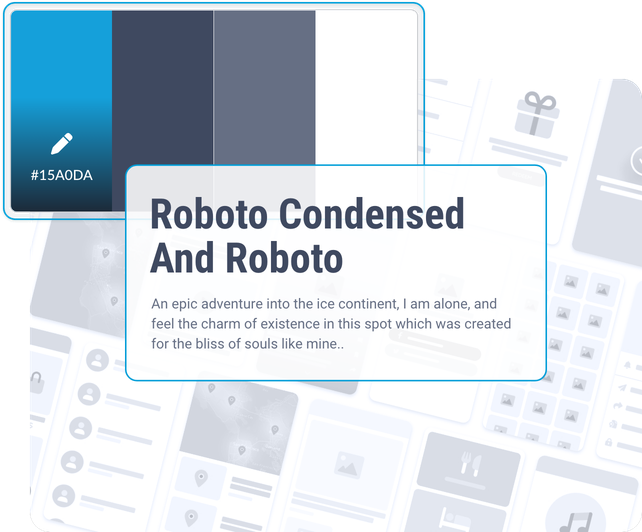
GoodBarber prides itself on delivering the best user experiences and designs for its clients. We strongly believe that the quality of the user experience (UX) is one of the most important factors for the success of an app, which is why we invest a lot of time and effort in designing intuitive and engaging user interfaces.
Our experienced designers work closely with our developers to ensure that every aspect of the app is perfectly thought out and designed to provide a smooth and enjoyable user experience. We also use analysis and testing tools to evaluate the effectiveness of our designs and make improvements accordingly.
As a leader in UX and design, we pride ourselves on our ability to create apps that not only meet the needs of our clients, but are also enjoyable to use and engage users. We are confident that our user experience approach is one of the reasons why our clients choose us for their projects.
[Discover our design system](https://www.goodbarber.com/uxdesign/)
## Cutting-edge technologies

### Native apps
Our team of experienced developers designs native apps. A native app is an app that is designed to run on a specific operating system, such as iOS for Apple devices or Android for devices running on that operating system. It is written in a programming language specific to that operating system, which allows it to take full advantage of the device's features and provide an optimal user experience.

### Progressive Web Apps
GoodBarber also makes Progressive Web Apps (PWA). A PWA is a web app that uses the latest advances in web technology to provide a user experience similar to that of a native app. It can be used through a web browser, but also offers some of the functionalities of a native app, such as the ability to be installed on the user's home screen and used offline. PWAs are designed to be fast, secure and easy to use.

### Distribution: App Store and Google Play Store
Our team of experts publishes your app in the most popular app stores, the Apple App Store and the Google Play store. We take care of every step of publishing your app, from submitting the binary file to showcasing your app on the stores. We also take care of the management of updates and versions of your app, allowing you to focus on the relationship with your users through your app. With this service, you have access to a large audience and can easily expand your reach through the App Store and Google Play store.
## Methodology: UX first
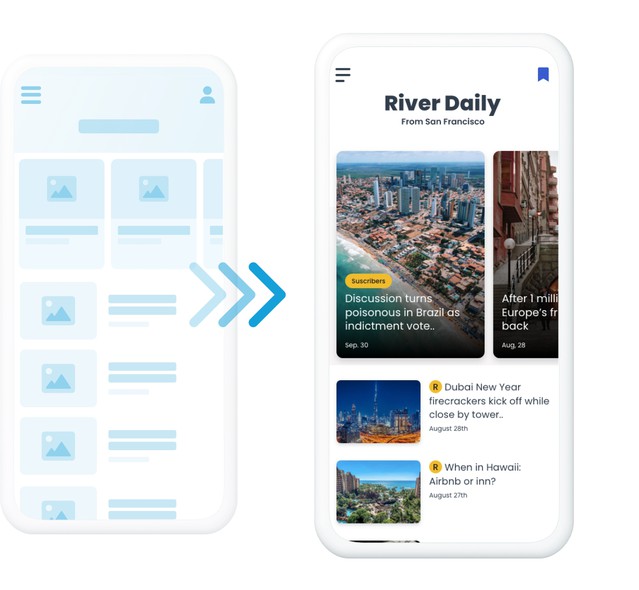
The methodology we follow to create a custom application consists of two main steps.
First, we take screenshots of the app you want to create. This allows us to visualize the user interface and determine the features and interactions that will be required to meet your needs and those of your users. We work closely with you to ensure that the app meets your expectations and that its design and operation are in line with what you originally intended.
We then move on to develop the app using the appropriate technologies and tools. Once the app is ready, we test it to ensure that it works properly and is stable before releasing it.
By following this methodology, we are able to create a custom app that perfectly meets your needs and provides a quality user experience.
## Contact us
To learn more about the benefits of creating a mobile app for your business, schedule a consultation with one of our mobile app creation consultants today. We'll be happy to help you determine how a mobile app can help you achieve your business goals and guide you through the app creation process. Don't miss this opportunity to learn how a mobile app can boost your business
---
# Developer tools
Source: https://www.goodbarber.com/developers/
---
title: "GoodBarber for developers: APIs, MCP server and AI skills | GoodBarber"
description: "Public APIs, a hosted MCP server, 44 open-source skills, Zapier and Make integrations, custom code and data tools: everything to build on your GoodBarber app."
canonical_url: "https://www.goodbarber.com/developers/"
lang: en
---
# Build with GoodBarber
Public APIs, a hosted MCP server, open-source skills, Zapier and Make integrations, custom code and data tools. Whether you write code, automate without it, or hand the work to an AI agent, it all runs on the same app: yours.
[Explore the APIs](#apis)[Connect an AI agent](#agents)
Works with Claude, ChatGPT, Cursor, VS Code, Codex CLI, Gemini CLI and any MCP-compatible client.
Claude Code
`claude mcp add goodbarber --transport http https://mcp.goodbarber.dev/mcp/sse`
Cursor · VS Code · Windsurf
```
{
"mcpServers": {
"goodbarber": {
"url": "https://mcp.goodbarber.dev/mcp/sse"
}
}
}
```
## Everything you need to build
Six entry points, one app. Pick the one that matches how you work.
[Public APIs REST APIs for content apps and eCommerce apps, plus the App API. Read and write users, products, orders, content and statistics from your own code. See details](#apis)[MCP server A hosted Model Context Protocol server. Claude, ChatGPT, Cursor and any MCP client manage your app by conversation, with OAuth sign-in and access scoped to one app. See details](#mcp)[Skills & plugin 44 open-source skills turn the MCP tools into complete workflows: best sellers, promo campaigns, editorial calendar, subscription audit. Packaged as a Claude Code plugin, usable in Cursor, Codex CLI and Gemini CLI too. See details](#skills)[No-code integrations Zapier and Make connect your app to thousands of online services without writing code: a new user lands in Mailchimp, a new order becomes a row in Google Sheets. See details](#no_code)[Custom code & design Build your own sections, menus and widgets with standard web languages, start from the examples on our GitHub, and edit the app's design configuration file for deeper customization. See details](#custom_features)[Data: feeds & CSV Sync content from a third-party CMS into your app's native layouts with custom feeds, and import or export users, products, customers, orders and traffic statistics as CSV. See details](#content_sync)
## AI agents welcome
Agents are first-class users of GoodBarber. What you do in the back office, an assistant can do through one MCP connection, scoped to your app and nothing else.
1
### Connect the MCP server
One click from the Claude connectors directory or the ChatGPT plugin directory, one command in Claude Code, or one URL in Cursor or VS Code. Sign in with an API key from your back office; OAuth takes care of the rest.
`claude mcp add goodbarber --transport http https://mcp.goodbarber.dev/mcp/sse`
2
### Add the skills
Install the GoodBarber plugin in Claude Code, or copy the skills into the assistant you use. Each skill runs a complete workflow, from data retrieval to a formatted report.
```
git clone https://github.com/goodbarber/goodbarber-skills.git
claude --plugin-dir ./goodbarber-skills
```
3
### Ask in plain language
“Schedule a push for tonight announcing the summer sale.” The agent picks the right tools, runs them against your app and reports back in the conversation.
[Connect Claude](https://www.goodbarber.com/connect-claude-app/)[Connect ChatGPT](https://www.goodbarber.com/connect-chatgpt-app/)[Read the complete MCP guide](https://www.goodbarber.com/mcp-complete-guide/)[Browse the skills on GitHub](https://github.com/goodbarber/goodbarber-skills)
## GoodBarber MCP server
GoodBarber MCP exposes your app to AI assistants through the Model Context Protocol: 150 tools covering shop, orders, content, push notifications, customers and analytics, of which a session only sees those matching your app's features. Sign-in uses OAuth 2.0, every session is scoped to a single app, and the server speaks Streamable HTTP. It is listed in the official MCP registry.
[Discover GoodBarber MCP](https://www.goodbarber.com/mcp/)
**Your AI assistant**Asks in plain language
**GoodBarber MCP**One well-defined connection
**Your GoodBarber app**Content · shop · actions
- `shop-best-sellers`
- `shop-promo-campaign`
- `shop-stock-check`
- `cms-article-publish`
- `cms-editorial-calendar`
- `community-push-broadcast`
- `membership-expiration-calendar`
- `membership-subscription-audit`
## Open-source skills
A skill is an instruction file that teaches an assistant how to run a complete workflow with the MCP tools, from data retrieval to a formatted report. We publish 44 of them on GitHub, in the public domain, grouped by eCommerce, CMS, Community and Membership, and packaged as a Claude Code plugin.
[Get the skills on GitHub](https://github.com/goodbarber/goodbarber-skills)
## Make your first call
Three steps from a GoodBarber account to a working integration.
1
### Get an API key
In your app's back office, open the Public API / MCP server page and generate a key. Each key is tied to one app: that is the app your code or your assistant will manage.
2
### Call the API
Use the key with the content, eCommerce or App API. The documentation lists every endpoint, so your first request is a matter of minutes.
3
### Or hand it to an agent
Connect the MCP server with the same key and ask your assistant to do the work. No client code to write, no endpoint to learn.
[Read the API documentation](#apis)
- [No-code integrations](#no_code)
- [APIs](#apis)
- [Custom features](#custom_features)
- [Advanced design edition](#advanced_design)
- [Content synchronization](#content_sync)
- [Data import & export](#imp_exp)
- [Hire our experts](#hire)
## No-code integrations+
Use GoodBarber integrations for Zapier and Make to automate workflows. You can plug your app to 1000+ of third party services.
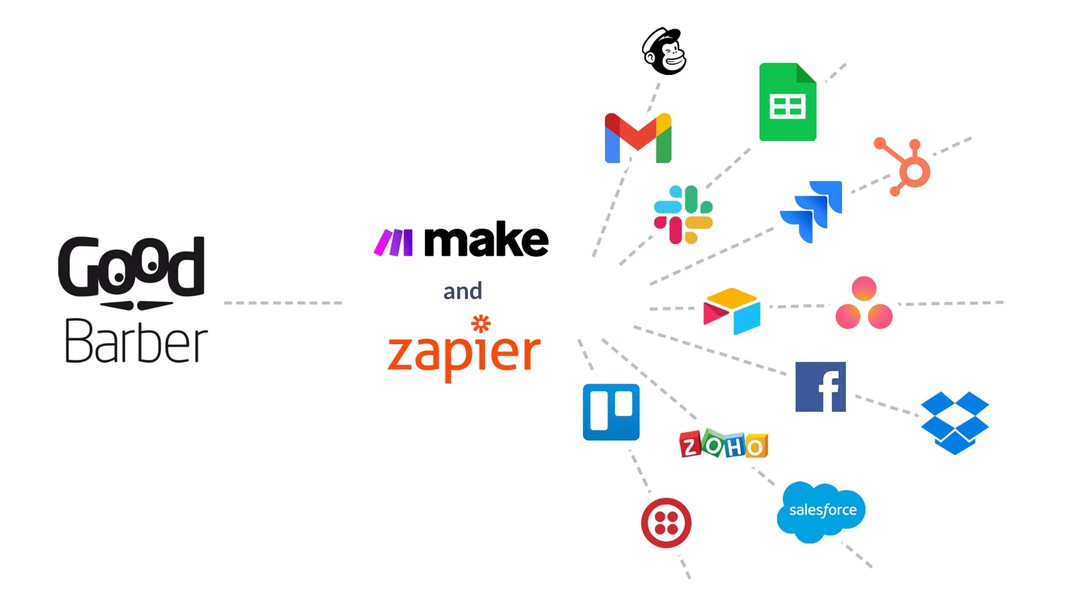
### Zapier
With the Zapier extension, you have the ability to connect your app to thousands of other online services. For example, when a new user creates an account in your GoodBarber app, Zapier can ask Mailchimp to add them to one of your audiences
[View the extension](https://www.goodbarber.com/extensions/zapier-integration/)
### Make
Make is the perfect extension to set up automations without having to code. For example, you could create a scenario that adds the email of your new users to a Salesforce campaign
[View the extension](https://www.goodbarber.com/extensions/make-integration/)
### Zapier (for eCommerce)
Zapier is a tool that helps you automate repetitive tasks between your GoodBarber app and other online services, without any coding. For example, when an order is placed in your GoodBarber app, Zapier can ask Google Sheet to create a new row in a spreadsheet.
[View the extension](https://www.goodbarber.com/extensions/zapier/)
### Make (for eCommerce)
Connect your eCommerce app to Make and automate operations. For example, you could create a scenario that updates the stock of a product when a row is added to a Google Sheet table.
[View the extension](https://www.goodbarber.com/extensions/make/)
## APIs+
Build with GoodBarber
### For your Content app
Use our APIs to build a custom made workflow. You could for example make an integration that adds a user to a group when an email is added to a Google Sheet.
[Read the documentation](https://classic.goodbarber.dev/publicapi/latest/documentation/)
### For your eCommerce app
With GoodBarber's APIs, build solutions around your eCommerce app to boost your business. For instance, when an order is placed in your GoodBarber app, you could automatically print it in your kitchen or in your warehouse.
[Read the documentation](https://commerce.goodbarber.dev/publicapi/latest/documentation/)
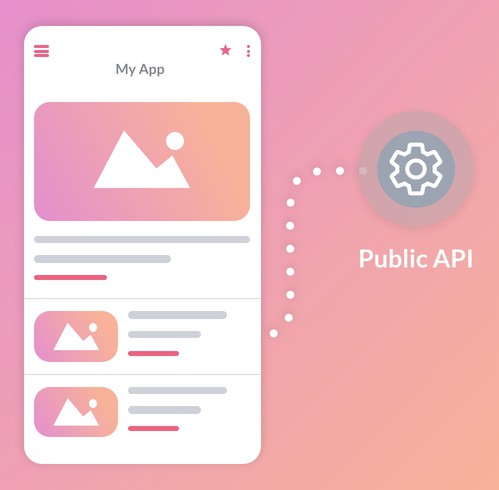
## Custom features+
Add your own custom features into your app
### Create your own feature
Use our Custom sections to create customized features that are deeply integrated into your application. Menu, widget, navigation mode or full-fledged section, you can create your own elements from scratch, using common languages such as HTML, JS and CSS.
We provide you with the [GoodBarber App API](https://app.goodbarber.dev/v2/documentation/), offering simplified access to interact with built-in parts of the app. The GoodBarber App API provides you with complete flexibility, unlocking a world of opportunities to tailor your application to your specific needs.
[Discover the Custom Code extensions](https://www.goodbarber.com/extensions/usecases/goodbarber-open-custom-code/)
### Code examples
Feed your creativity by exploring the practical examples available on our Github. These concrete examples will guide you in the creation of unique functionalities, offering you a constant source of inspiration.
[Browse examples on GitHub](https://goodbarber.github.io/)
## Advanced design edition+
Go the extra mile in design customization
### App design configuration file
Get a direct access to the configuration file of your app. You will be able to edit hidden parameters to make deep design customizations.
[More details](https://www.goodbarber.com/extensions/advanced-edition/)
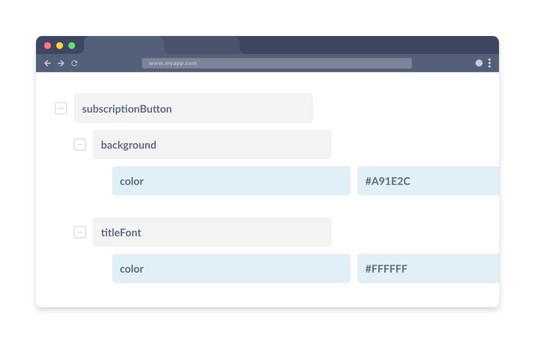
## Content synchronization+
Build a custom connector to display content in your app
### Custom content feeds
With a custom content feeds, you can synchronize the content you manage with a third party CMS into your app. The content is displayed into GoodBarber's native templates and benefits from all the features of your app.
[Explore the custom feed documentation](https://www.goodbarber.com/help/custom-feeds-r111/)
## Data import & export+
Use CSV imports and exports to ingest data within your app, manage or re-use your data outside GoodBarber
### For your Content app
You can manage data related to your users (with the Authentication extension), as well as extract traffic statistics of your app.
[Online help](https://www.goodbarber.com/help/authentication-and-users-groups-r102/export-or-import-a-list-of-users-a184/)
### For your eCommerce app
You can manage data related to your products, customers and orders of your shop, as well as extract traffic statistics of your app.
[Online help](https://www.goodbarber.com/help/shop/import-export-csv-r140/product-import-csv-a457/)
## Hire our experts
If you are not a developer you can also hire our Service+ team.
[Get in touch with Service+](https://www.goodbarber.com/custom-development/)
---
# GoodBarber Academy
Source: https://www.goodbarber.com/academy/
---
title: "GoodBarber Academy"
description: "17 guides to get the most out of your app. Each one reads in one sitting and covers its subject from end to end."
canonical_url: "https://www.goodbarber.com/academy/"
lang: en
---
17 guides to get the most out of your app. Each one reads in one sitting and covers its subject from end to end, from choosing your content to handling your orders.
Content app10
E-commerce app10
[Every app Managing your app with AI The feature built from a plain description, the app run from Claude or ChatGPT, the assistant that writes with you, and the palette generated in one click. 12 min read 6 chapters](https://www.goodbarber.com/academy/managing-with-ai/)[Every app Measuring what your app does Where the numbers are, which question each one answers, and how to read them so they turn into a decision. 12 min read 8 chapters](https://www.goodbarber.com/academy/measuring/)[Every app Getting your app compliant What your app collects because of the features you put in it, the four screens that settle it, and the two store forms. 7 min read 4 chapters](https://www.goodbarber.com/academy/compliance/)[Content app What content for your app The nine content sections reviewed one by one: what each allows, how to use it, and which layout to choose. 23 min read 12 chapters](https://www.goodbarber.com/academy/content/)[Content app Sending push notifications The notification you write by hand, the one that goes out on every post, the one a place triggers, and SMS when you have to be sure you arrive. 12 min read 8 chapters](https://www.goodbarber.com/academy/push-notifications/)[Content app AI in your app Two assistants that look alike on screen: the Chatbot answers with your content, the ChatGPT extension answers with what the model learned. 12 min read 5 chapters](https://www.goodbarber.com/academy/ai-in-your-app/)[Content app Building a community with your app User authentication as the foundation, then the user list, the groups and the chat that plug into it. 7 min read 4 chapters](https://www.goodbarber.com/academy/community/)[Content app Creating a loyalty program in your app Loyalty card, club card and coupons: three tools that turn passing visitors into customers who come back. 9 min read 3 chapters](https://www.goodbarber.com/academy/loyalty-program/)[Content app Making money with your content app The in-app membership, advertising handed to a network or run by you, and the paid download on the stores. 9 min read 3 chapters](https://www.goodbarber.com/academy/monetization/)[Content app Charging for access to your content Choosing what goes behind the paywall, gauging the preview that creates desire, and making your offer visible to those who haven't taken it yet. 11 min read 7 chapters](https://www.goodbarber.com/academy/memberships/)[E-commerce app Organizing your shop Collections, collection lists and tags: three levels of tidying for a catalog that stays readable. 8 min read 3 chapters](https://www.goodbarber.com/academy/shop-organization/)[E-commerce app Getting your product pages right Writing, visuals, structure, SEO, variants and cross-selling, with one rule: write from the customer's seat. 20 min read 9 chapters](https://www.goodbarber.com/academy/product-pages/)[E-commerce app Managing your catalog in bulk When the spreadsheet takes over from the screen, what decides whether an import updates, and how to prepare a price operation along with its exit. 6 min read 6 chapters](https://www.goodbarber.com/academy/bulk-catalog/)[E-commerce app Choosing your payment methods Online payment gateway, offline payment for local delivery, and why you're better off offering both. 4 min read 3 chapters](https://www.goodbarber.com/academy/payment-methods/)[E-commerce app Defining your shipping strategy Which type of delivery to offer, which pricing strategy to adopt, and how to set it up in the back office. 7 min read 4 chapters](https://www.goodbarber.com/academy/shipping/)[E-commerce app Boosting your sales Discounts, push notifications, shortcuts in the purchase journey and a loyalty program: selling more without acquiring new customers. 11 min read 4 chapters](https://www.goodbarber.com/academy/boosting-sales/)[E-commerce app Managing your orders Tracking your orders, the information sent to the customer at each stage, and recovering abandoned orders. 6 min read 3 chapters](https://www.goodbarber.com/academy/orders/)
## Ready to launch your app?
These guides apply to your project the moment your app exists.
[Create my app](https://www.goodbarber.com/create/)[See pricing](https://www.goodbarber.com/pricing/)
---
# Managing your app with AI
Source: https://www.goodbarber.com/academy/managing-with-ai/
---
title: "Managing your app with AI"
description: "The feature built from a plain description, the app run from Claude or ChatGPT, the assistant that writes with you, and the palette generated in one click."
canonical_url: "https://www.goodbarber.com/academy/managing-with-ai/"
lang: en
---
GoodBarber's AI doesn't only work on the app your users see. Four tools work on your side of the screen, and each one opens a door that used to be closed: getting a feature that exists nowhere else, running your app from Claude or ChatGPT, writing your content with a second pair of hands, finding a color scheme without losing a day to it.
## Four tools, and where to find them
They are already in your app. Nothing to install, nothing to switch on before you start: you just need to know where to look.
The toolWhat it doesWhere to find it**AI Extension Builder**Builds a section from your descriptionMy App > Structure > Add, first tile in the list**MCP Server**Opens your app to Claude, ChatGPT, Cursor and other AI toolsSettings > MCP Server & Public APIs**AI Assistant**Writes, summarizes, translates and rewrites your contentFirst button in the editor toolbar**Genius Palette**Suggests a color scheme for the whole appMy App > App style > Colors
The feature builder, the MCP server and the palette work the same way on content apps and on e-commerce apps. The writing assistant shows up wherever there is a rich text editor: articles, events, locations.
## Describe a feature, and get it
This is the most recent of the four, and the most surprising to watch work. Its entrance isn't where you would look for it: it sits in the section type picker.
Go to My App › Structure, click Add, and look at the first tile in the list, before articles and photos: the one that builds a section with AI. Instead of picking an existing section type, you describe the one that doesn't exist.
### How it works
The screen opens in two columns. A conversation on the left. A preview of what has been built on the right. You describe what you want, in whichever language you want, in as much detail as you want. The assistant builds it, tells you in one sentence what it did, and the preview fills in.
You keep the conversation going to adjust. Every exchange produces a version, and the history keeps them all, each one labeled with the request that produced it. Going back is always possible, which is what makes it safe to experiment.
A second tab gives you the generated code, with the extension's files. You don't have to go there, and the vast majority of users never will. It's there for people who can read it, or for a developer you call in for help.
When the result suits you, one button publishes it to your app, where it becomes a section like any other, in your menu.
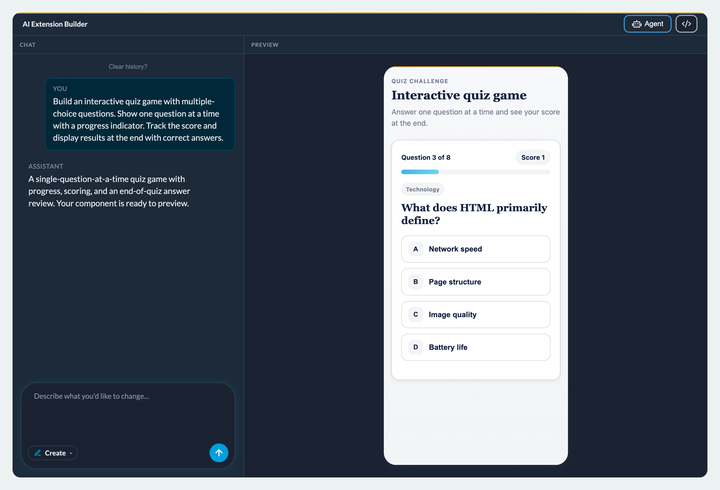
### Describe the result, not the method
This is the habit that changes the quality of what you get more than anything else. Say what the feature has to do, not how it should go about it. "A button to remember where I parked my car, and another one to walk me back to it" is enough: the assistant will find the platform's own tools by itself, the location permission your app already has, the phone's map app, the device's memory.
Name a specific technique or an outside service, and you push it out of that frame. You'll then have to explicitly authorize access to that service, and what worked as a built-in feature becomes a feature wired to the outside.
### Three settings that widen the field considerably
The studio holds three discreet panels that change the nature of what you can ask for.
The first one takes **your files**: images, in just about every format, and data tables in CSV, TSV or JSON. Dropped there, they are hosted by GoodBarber and get a stable address, so the feature can use them without depending on an outside service. To point to one in your request, type the at sign followed by the start of its name.
This is the panel that turns a file into a section: a directory, a rate card, a price grid become browsable in the app without going through the CMS. With one limit worth knowing today: the assistant reads your tables at their address, it doesn't analyze them column by column. Displaying them, yes; cross-referencing them in detail, not yet.
The second one stores **access keys** to outside services, for when the feature you describe has to query a service of your own.
The third one connects **a shared database**. Without it, whatever your users enter into the feature stays on their device, and nobody else sees it. With it, the data is stored server-side and shared by everyone. That's the difference between a personal calorie counter and a leaderboard shared by your whole community: same feature, two different products.
You don't have to work this out on your own: when what you describe needs a common memory, the studio offers to connect one itself. One button, a connection to your Supabase account, and the tables and access rules are created for you. Later features reuse the same connection in one click.
### The limit worth knowing
What you get is a feature built on demand, not a building block of the product. It is built with what's at hand: no outside library, no copyrighted image, everything on screen is original. And it stays a section inside your app, not a piece of software of its own: the studio builds a mini-game, it isn't a game engine.
The right way to place it: when what you want already exists as a section type or as an extension in the store, take the native block, it will always be better integrated and better maintained. When what you want exists nowhere and a developer's quote would kill the project, describe it. That's where it does something nothing else was doing.
And test it the way you would test a contractor's work: on a real phone, with real content, before you publish it.
### Four examples, with the results in view
The blog goes through each point in this chapter and shows what it produces for real, prompt included.
- **Describing the result rather than the method**: seven words are enough to get a complete geolocation feature, taken apart step by step in [Prompt teardown: GPS memory and Maps from a single sentence](https://www.goodbarber.com/blog/prompt-teardown-gps-memory-and-maps-from-a-single-sentence-a1564/).
- **Your files**: what the assistant can do with them, format by format, in [AI Extension Builder: upload your own files](https://www.goodbarber.com/blog/ai-extension-builder-upload-your-own-files-a1546/).
- **The shared database**: what the studio creates for you, tables and access rules included, in [AI Extension Builder: add a Supabase database to your app](https://www.goodbarber.com/blog/ai-extension-builder-add-a-supabase-database-to-your-app-a1550/).
- **And the limit, properly tested**: a playable game with its shared leaderboard, which is still a section of your app, in [Can a no-code app builder make Flappy Bird? I tried](https://www.goodbarber.com/blog/can-a-no-code-app-builder-make-flappy-bird-i-tried-a1557/).
## Running your app from Claude or ChatGPT
The other three tools live in the back office. This one does the opposite: it opens your app to the AI tools you already use elsewhere, Claude, ChatGPT, Cursor or another.
The mechanism is called an **MCP server**, for *Model Context Protocol*. The one-sentence version: it's a standard socket that lets an AI act on your app, instead of only talking about it. You ask which ten products sold best this month, and it actually goes and gets the answer from your shop. You ask it to schedule a notification for six in the evening, and the notification is scheduled.
### Where you set it up
The screen is deliberately short.
It holds two things. **Your server address**, with its copy button, which identifies your app and no other. And your **API keys**, which you create in sets from this page, each set revocable without touching the others.
The connection itself doesn't happen here. **It starts from the other end**: it's in Claude or in ChatGPT that you add GoodBarber, the way you would add any other tool, and the key created on this page is what identifies you there. Keep that direction in mind, it explains why the screen is so short: GoodBarber opens the socket, your AI comes and plugs into it.
The procedure is published tool by tool: [connect Claude](https://www.goodbarber.com/connect-claude-app/), [connect ChatGPT and Codex](https://www.goodbarber.com/connect-chatgpt-app/), and the [full MCP overview](https://www.goodbarber.com/mcp/).
Settings › MCP Server & Public APIs
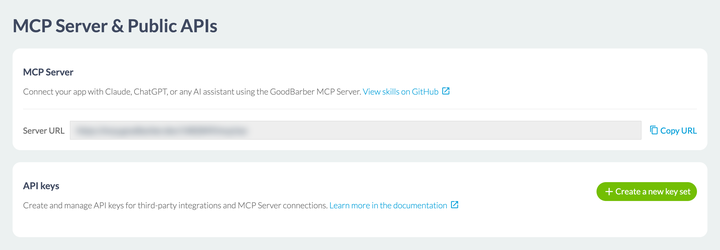
### The 44 ready-made recipes
An open socket doesn't tell you what to ask for. That's the job of the **44 skills** GoodBarber publishes openly on GitHub, reachable from the link on that same screen. Each one is a written recipe that teaches your AI to carry a common task from start to finish.
FamilyHow manyThe kind of request they cover**eCommerce**18Best sellers, stock levels, promotional campaigns, customer knowledge**Content and CMS**11Publishing an article, auditing what's live, keeping an editorial calendar**Memberships**10Tracking subscriptions, watching renewal dates, targeting a notification**Community**5Audience reports, notifications to everyone, device overview
They are open and redistributable, which matters most to resellers: they can be renamed and republished under their own brand.
### What it changes, and what it doesn't
What it changes: repetitive gestures and monitoring questions. Getting your Monday morning picture without opening four screens, fixing twenty product pages in one go, preparing a campaign by dictating it. These are tasks where the back office asks for a lot of clicks and very few decisions.
What it doesn't change: **the responsibility stays yours**. The platform is ready for agents, it is not on autopilot. An AI connected to your app acts in your name, on real data, and it doesn't have your judgment about what should be published. Start with requests that read before requests that write, check what has been done, and keep your hand on whatever goes out to your users.
## The assistant that writes with you
An icon opens the editor toolbar, to the left of the formatting buttons. You'll find it in the same place in an article, in an event and in a location. It drops down five commands, and the difference between them is worth understanding before you click.
Four of them work on **the text you have selected**: complete it, summarize it, translate it, change its tone. Never on the whole page, always on the highlighted passage, which lets you rework one paragraph without touching the others. Translation covers seven languages: Dutch, English, French, German, Italian, Portuguese and Spanish. Tone comes in five registers, from educational to casual, by way of professional, empathetic and neutral.
The fifth one, in the middle of the menu, is a free-form assistant, and it's the only one that starts from nothing: you describe what you want to get.
Hence the logic of the tool, worth understanding before you click: **the assistant reworks a text, it doesn't fill a blank page**, unless you tell it precisely what to put there. The habit that follows is simple, and it saves you wondering why nothing is happening: select first, ask second.
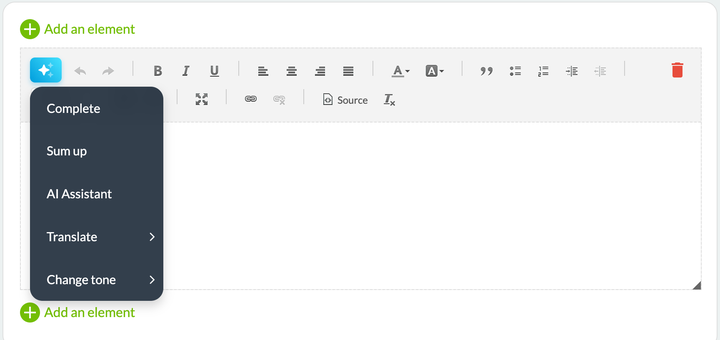
### What it really changes
The gain shows on volume, not on the one-off piece. A shop putting forty products online has forty descriptions to write, all built the same way, all tedious to produce and yet decisive for SEO as well as for sales. A publisher working in three languages does the same translation job three times. Those repetitions are what the assistant absorbs.
It also absorbs mismatches in register. A text written by an engineer, run through the educational tone, becomes readable by a customer without anyone having to negotiate with its author.
### The limit worth knowing
The assistant writes **correctly**, it doesn't write **like you**. It produces clean, average prose with no rough edges, and rough edges are precisely what sets your app apart from the thirty others in your field. Use it for the thankless material, keep your voice for what your readers come to you for, and read everything that goes out under your name.
One simple rule, kept by the teams who use it well: AI writes the first draft, never the last.
## A color scheme in one click
The tool is called **Genius Palette** in the Extensions Store, and the link that fires it is called **Magic palette** on the colors screen. It's the same one.
The link is at the top right of the color themes block. One click, and the whole scheme changes at once: the two header colors, the four main colors Smart Design uses to build the rest of the app, and the secondary colors below.
Click again and you get a completely different suggestion: you regenerate until you land on a scheme that speaks to you. A button puts the original colors back, and above all **nothing is applied to your app until you confirm**, the footer leaving you free to cancel right to the end. So you can try fifteen of them without risking anything.
What the palette doesn't do: it knows nothing about your logo, your brand guidelines, or the field you're competing in. It's excellent for getting off a blank page, or for showing three directions to someone who can't decide. It doesn't replace a brand identity when you have one.
A useful habit: once you've applied a palette, open two or three real screens in the preview, a list, an article, a form. A scheme that looks appealing on four swatches can turn out to be unreadable on a dense list.
My App › App style › Colors
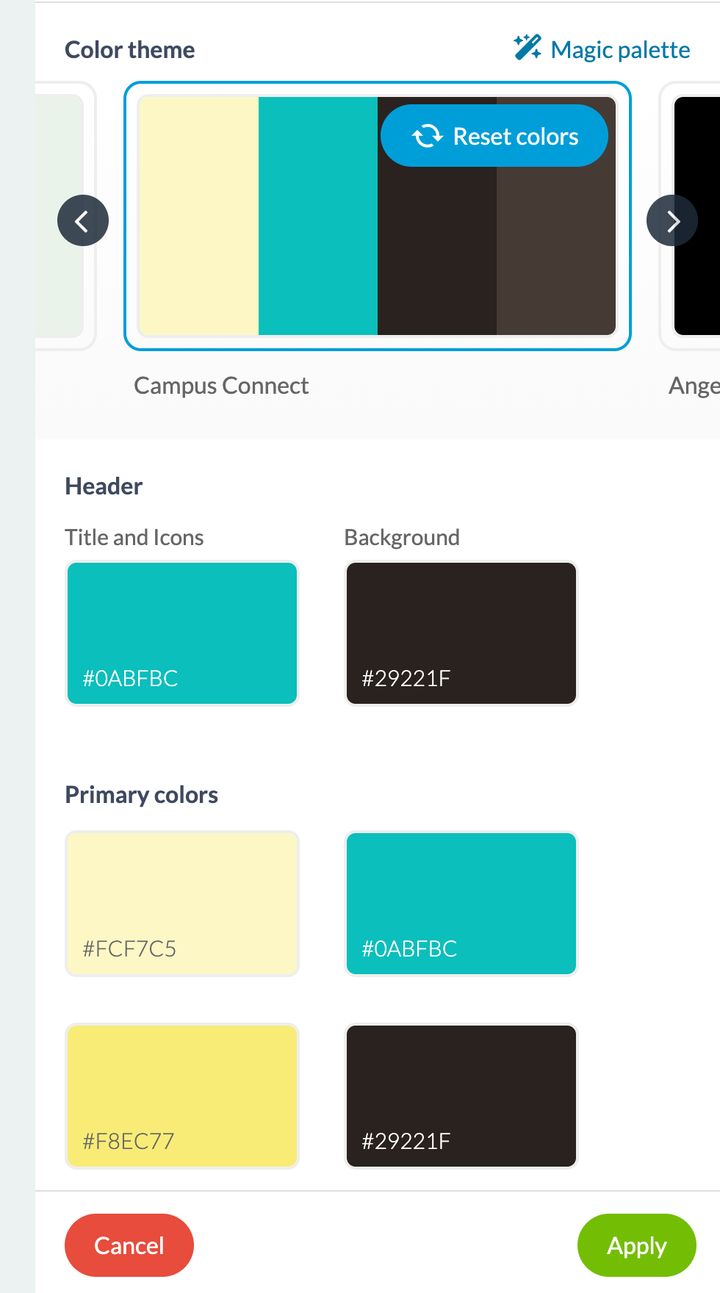
## Three things to know before you start
**GoodBarber opens the door, it doesn't sell what comes through the door.** The four tools are within reach from your back office, but the MCP server assumes you already have Claude, ChatGPT or an equivalent tool on your side, with the subscription that goes with it.
**AI works well on what is already in order.** That's true of all four tools, and it's the least obvious thing they have in common. An AI reworking a confused text produces a confused text that reads well. A palette laid over an app whose structure is unreadable doesn't make it readable. Tidy up first, accelerate second.
**Start with one.** These four tools touch four very different moments of your work, and nothing says you have to adopt them together. Take the one that matches your most painful week: the feature builder if a project is stuck for want of a developer, the MCP server if you spend more time consulting your app than running it, the writing assistant if you publish a lot, the palette if you're just starting out.
---
# Measuring what your app does
Source: https://www.goodbarber.com/academy/measuring/
---
title: "Measuring what your app does"
description: "Where the numbers are, which question each one answers, and how to read them so they turn into a decision."
canonical_url: "https://www.goodbarber.com/academy/measuring/"
lang: en
---
You've published content, sent notifications, opened a shop. That leaves the question every other guide asks without answering: is it working? Your back office is already counting all of it for you, with nothing to set up and nothing to install. This guide says where the numbers are, which question each one answers, and how to read them so they turn into a decision.
## Two places, not one
The first is the **Dashboard**, the first entry in your menu, which opens a page titled Overview. It sums up the last thirty days, ready to read, nothing to configure. Its job is to show you in ten seconds whether anything has moved.
The second is the **Statistics** menu, one notch below. Each of its screens covers one subject, and that's where you go for a precise answer. The controls depend on the screen: traffic is the best equipped, with a period, a platform filter and an export; the technical and international screens display as they are.
The two product lines don't have the same screens, because they aren't measuring the same thing. A content app counts reads, a shop counts sales.
Your questionThe screen that answers itOn which appIs my audience growing?Statistics › TrafficBothWhich phones are my users on?Statistics › TechnicalContent appWhich countries, which language?Statistics › SocialContent appHow much did I sell, and where does it stall?Statistics › ActivityE-commerce appDid my last notification land?Notification › Push › History, or Marketing › Push historyBothIs my loyalty program working?Business › Loyalty › StatisticsContent appTracking journeys and traffic sourcesStatistics › External toolsBoth
Two landmarks to get you straight to the right place. The **Social** entry opens the International screen, the one with countries, cities and languages. And on the shop side, the External analytics entry opens the same External tools screen as on the content side.
## What traffic counts
This is the only screen both product lines share. It opens on three numbers that look alike and answer three different questions: telling them apart changes everything you'll take away from them.
Statistics › Traffic
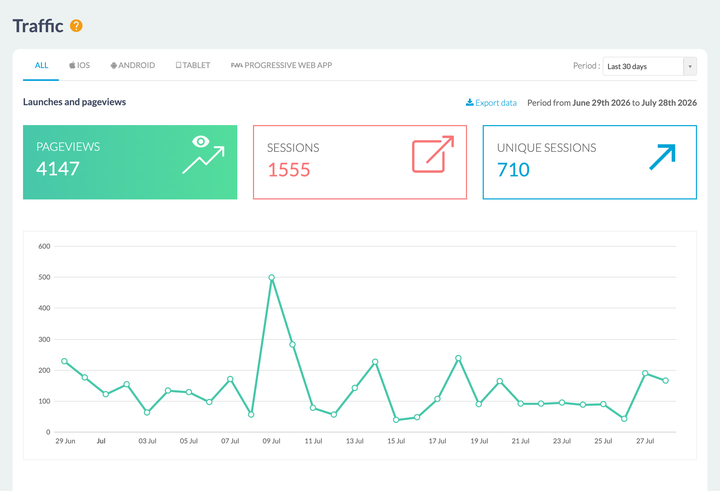
### Three counters, three different questions
**Pageviews** count screens displayed. A reader who opens three articles produces at least three: it's a measure of consumption, not of attendance.
**Sessions** count app openings. The same reader coming back three times in a day produces three. This is your habit metric, and it's the number your Dashboard picks up under the same name.
**Unique sessions** count people who come back several times only once. This is the number to look at when you want to know how many people you're reaching, and the only one of the three that doesn't move when a regular becomes more regular.
The ratio between the last two says a great deal on its own: if your sessions climb while your unique sessions stay flat, you haven't widened your audience, you've made it more devoted. Both are wins, they simply call for different decisions.
Those three blocks aren't three numbers sitting side by side: they're three tabs. The one you select decides which curve is drawn below, which gives you three readings of the same month without leaving the screen.
### Downloads, time spent, top days
The **Downloads** block gives installs for the period, their variation, a daily average, and a running total. Each number has its use: the total is the one you'll put forward, the period is the one you steer by.
**Visit Duration** splits your sessions into five brackets, from under ten seconds to the last one, which runs from three to ten minutes. This is the indicator that resets expectations best: on many apps the shortest bracket is the fullest, and that isn't necessarily a failure. Someone who opens a notification, reads the headline and closes has consumed exactly what you sent them.
**Top days** ranks pageviews by day of the week. Cross it with your publishing habits: if your best day is the one you publish nothing on, you have an easy decision to make.
### The two filters, and the export
At the top of the screen, a period selector offers the last 7 or 30 days, this month, last month, or a customized range you set with two dates. Next to it, a filter narrows the display to one platform: iOS, Android, tablet or Progressive Web App.
That second filter is worth the detour. Your iOS users and your PWA users have neither the same install journey nor the same relationship with the app, and the average of the two describes neither.
Finally, every block on this screen has its own **Export data** link, which produces a CSV file. That's what opens the spreadsheet to you: putting two periods side by side, working out a change, keeping a record month after month, all of it becomes possible in five minutes.
## Who your users are, and where they are
Two screens reserved for content apps, and two concrete decisions at the end of them.
Statistics › Technical gives the split between platforms, the detail of operating system versions, and the list of the most common devices. The OS versions are what matters: they tell you whether the old phone one user is complaining about represents one person or a third of your audience.
Statistics › Social opens the International screen, which ranks your installs by country, by city and by device language. Two uses: deciding whether to add a language to your app, and knowing what time to send a notification. An audience spread over several time zones makes the local-time sending option, described in "Sending push notifications", far less incidental than it looks.
One point that helps read it right: the language measured is the device's. A French reader living in Portugal therefore shows up as French, which makes it the right indicator for choosing your interface language, to be crossed with the country column when you decide what language to publish in.
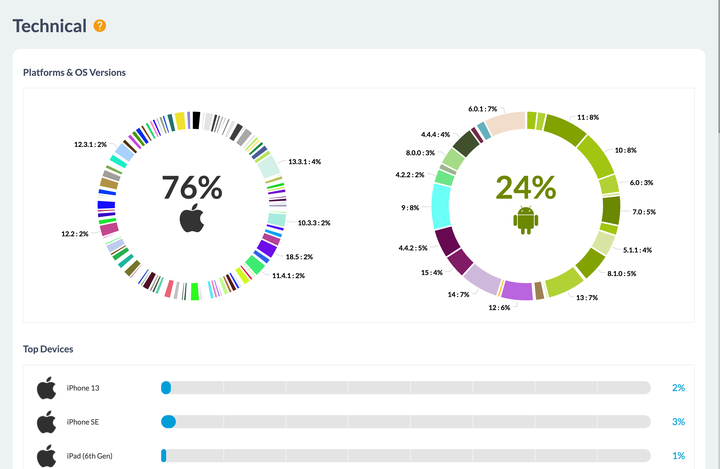
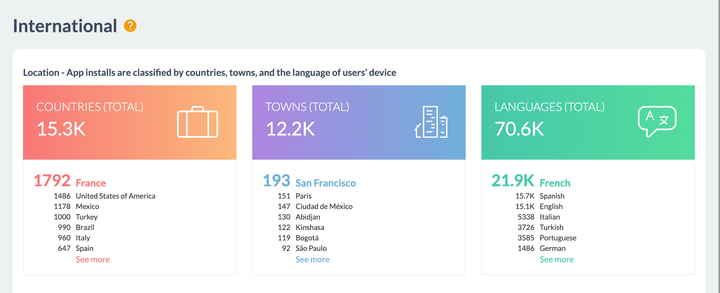
## What a shop brings in
E-commerce apps have their own screen, Statistics › Activity, which gathers everything to do with sales. Its period is set by week, month or year, current or previous, with a custom view if you want other boundaries.
Four indicators open it: **Total sales**, **Average cart**, **Orders**, and the **Conversion rate of the checkout process**. Each carries an arrow and a percentage comparing it with the previous period. That comparison is what makes it information: a revenue figure on its own says nothing until you know whether it's climbing.
### The conversion funnel, the screen that shows where to act
Below, the **Conversion funnel** lines up three steps: started carts, started checkouts, then orders. The first two count visitors, the last one counts paid orders, and each shows its share of the total.
The two drops are read separately, because they don't have the same causes. Between the cart and the checkout, shipping is usually what's at stake, its cost discovered at that moment or a sign-up asked for too early: "Defining your shipping strategy" covers that ground. Between the checkout and the sale, it's payment: a form that's too long, an expected payment method missing, a doubt about security. "Choosing your payment methods" covers that one.
The **Abandoned orders** counter, right next to it, gives the volume side of the same story, with a link to the detail. They aren't lost: "Managing your orders" explains how to win them back one by one.
The screen ends with **Top sellers** and the **Distribution of sales by channel**, between PWA on mobile, PWA on desktop, iOS and Android. That last split is useful when deciding where to put your effort, and it often holds a surprise for anyone who has only ever looked at their download numbers.
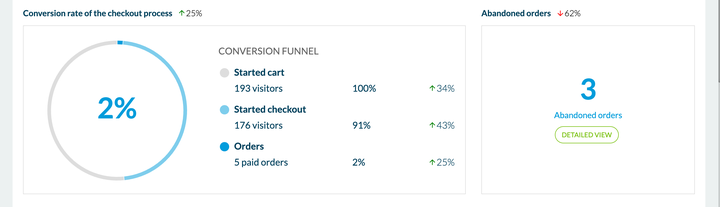
## The effect of a send
Every notification you send keeps its own report, opened from your send history: Notification › Push › History on a content app, Marketing › Push › Push history in a shop. It shows the number of sent notifications and the number of opened notifications, each split between iOS, Android and PWA, the click rate, and a chart of openings by hour.
That last curve is the most directly actionable: it tells you not when you sent, but when people opened. Two or three sends are enough for a time slot to appear.
### A benchmark figure, calculated on your own sends
The report carries a block titled **Expected rates based on previous notifications**, with your average CTR, your highest and your lowest. So the back office does the maths for you, on your own history.
That's the right instinct, and it beats a market average: a daily news app, a sports club app and a shop have neither the same sending rhythm nor the same audience. The comparison that actually concerns you is your previous send.
One point of interpretation, so you read those rates correctly. The recipient count covers **registered devices**: everyone who has your app installed and accepts your notifications, including people who haven't opened it in a while. That's the right number for measuring your reach. When you want to measure engagement, compare your openings with the month's unique sessions instead: both readings are correct, they simply answer different questions.
## The loop that makes measurement useful
A number that changes nothing you do is worth nothing. Three screens talk to each other, and that circuit is what turns an observation into an action.
You notice a behavior in your statistics. You build a **group** in Community › User list, where the list of your registered users shows their last login and lets you move them from one group to another. That group then becomes a targeting criterion when you send a notification, and it also serves to restrict access to a section: it's the same object on both sides, and "Building a community with your app" describes the extension that provides it.
Push targeting can also do part of the work on its own: it offers behavioral criteria, including the number of openings over the last thirty days, with nothing for you to prepare.
On a content app, the loyalty program has its own measurement screen in Business › Loyalty › Statistics: sign-ups, points awarded, completed cards, redeemed gifts, and a per-reward breakdown between those offered and those opened. So you see directly what a reward produced, which tells you which one to run again. The screen adds an estimate of the earnings the program brought in: an order of magnitude, to be read as such.
## Going further with an analytics tool
The screens above answer questions of attendance, equipment and sales, and they answer them with nothing for you to install. Other questions call for a specialist tool: knowing which article was read most, following the journey screen by screen, or attributing a wave of installs to the campaign that produced it.
GoodBarber lets you plug in the tool of your choice, and that's the job of the Statistics › External tools screen. It's organized in three panels, one per platform, because the wiring isn't the same.
On **iOS**, you connect your app to Google Analytics for Firebase: the screen gives you your application identifier to declare in the Firebase console, and you then send back the configuration file downloaded from that console. On **Android**, there's nothing to send, Firebase is set up automatically when the app is compiled and the screen only switches it on or off. On the **Progressive Web App**, you paste a Google Analytics measurement ID, and optionally a Google Tag Manager container ID if you'd rather drive your tags from there. Content apps also offer Count.ly, an open platform you can host yourself.
The two complement each other more than they replace each other, and the table below helps you decide which one to open depending on the question.
GoodBarber's back officeA third-party analytics tool**Getting started**Nothing to do, it's already thereAn account to create, a key to paste, an app to recompile**What it gives you**Attendance, devices, countries, sales, notifications, loyaltyScreen-by-screen journeys, content consulted, where installs come from**Where the data lives**With GoodBarber, alongside your appWith the provider you choose**What it asks of you**NothingA consent banner and a line in your privacy policy
That last point deserves your attention, and the screen helps you handle it: each panel has its own anonymization checkbox, adapted to its platform. iOS gives up Apple's advertising identifiers, Android gives up Google's, and the PWA anonymizes IP addresses while bringing the retention of measurement cookies down from twenty-four months to six. If you aren't running targeted advertising, tick them: you keep your measurements and you make your compliance a great deal simpler.
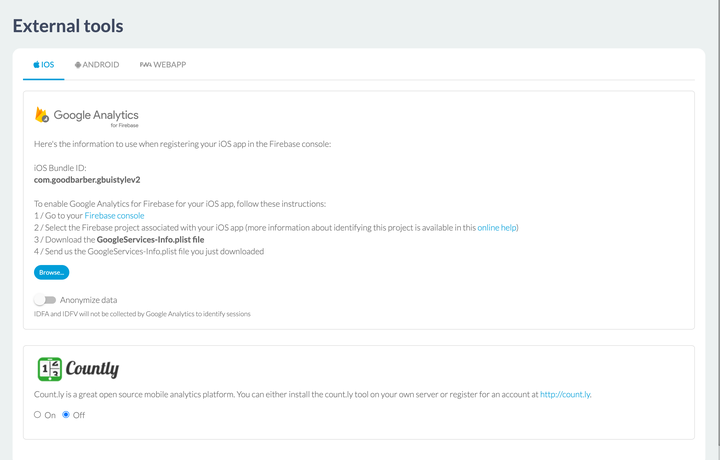
## The right benchmark is you
That leaves the question everyone asks on discovering these screens: what open rate is a good rate, how many sessions per user should you aim for, what retention is normal. The answer fits in one sentence: whatever your app did last month.
These values depend on your field, your publishing rhythm, how long your app has been out and how your users found you. The averages circulating on the web pool apps that have nothing to do with each other, while your own history describes your situation exactly. That, in fact, is what a notification's report gives you: your own reference rates, not a market average.
Three habits get the most out of them. Compare two periods of the same length, which the spreadsheet export makes immediate. Change one thing at a time, so you know what to attribute a movement to. And watch the direction rather than the value: a curve rising gently over three months teaches you more than one excellent number in isolation.
---
# Getting your app compliant
Source: https://www.goodbarber.com/academy/compliance/
---
title: "Getting your app compliant"
description: "What your app collects because of the features you put in it, the four screens that settle it, and the two store forms."
canonical_url: "https://www.goodbarber.com/academy/compliance/"
lang: en
---
You never decided to collect data. You chose features.
You added authentication, so you hold accounts. You plugged in an ad network, so an advertising identifier is circulating. You opened an Events section, so your app asks for access to your users' calendars. None of those moves looks like a privacy decision, and yet each one adds a line to what you'll have to declare to Apple and to Google.
That's the particular thing about building without code, and it's what this guide is about: **taking inventory of what your app collects, starting from what you put in it**, then turning that into settings and declarations.
The step-by-step for each form is in our help center. What follows is the other half, the half that decides what you're going to answer.
## What your app collects
### The screen that takes inventory for you
Go to Settings › Privacy center, **Permissions** tab.
There you'll find the list of permissions your app may request from your users' devices, and, for each one, a **Usage** column naming the feature or features that trigger it.
That's what makes this screen valuable: it doesn't ask you to guess, it tells you where each permission comes from.
The list isn't the same length on every app, because it follows what your app carries. A shop shows twenty permissions; a content app carrying media playback and geolocated notifications shows more.
A few lines, to give you the flavor:
PermissionWhat triggers itCalendarThe Events section, to add an event to the device's calendarMicrophoneThe Form and Submission sections, to record videosCameraQR code scanning, the loyalty card, submissions, forms, the user profileAccess to the photo gallerySubmissions, forms, and the profile pictureForeground PositionMaps, events, push, forms that pick up an addressBackground serviceThe audio player for podcasts and live streams, iBeaconsAdvertising IDAnalytics and advertising tools
Read that column as an inventory. If a permission surprises you, look for the feature named next to it: that feature asked for it, not the platform.
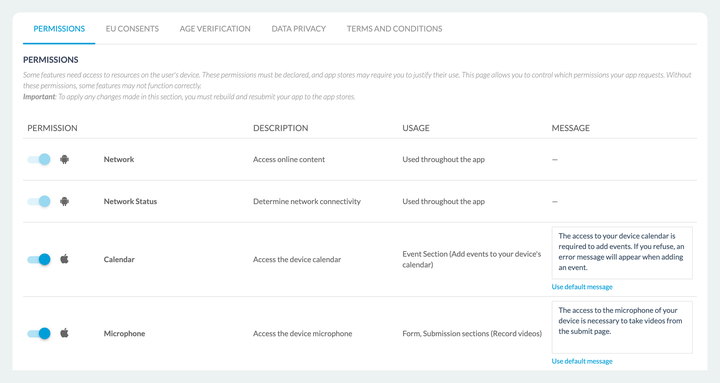
### The sentence your users are going to read
Every permission that interrupts the user carries a **Message** field. This is the text the system displays at the moment your app asks for access, and a default text is suggested.
That field deserves better than its default value, for a simple reason: it's the only place where you can explain **why** you're asking. A user who understands accepts, a user who doesn't refuses, and a refusal is paid for in degraded features. So write what the permission is for in your app, not what it is.
The **Use default message** link puts the original text back if you want to undo.
### A change means recompiling
The screen says so itself: any change to permissions only reaches your users once your app has been recompiled and resubmitted to the stores. That's true of all three outputs, iOS, Android and the Progressive Web App.
This isn't a scheduling detail. It means this chapter is dealt with **before** your submission, not during it.
## The screens, and which one concerns you
The Privacy center files its settings under tabs, and they don't all speak to every app.
TabIt concerns you if**Permissions**Always. It's the inventory from the previous chapter**EU Consents**You run advertising or measure your audience, and you have European visitors**Age verification**Your app is published on the stores and its content isn't meant for all ages**Data Privacy**You process personal data belonging to European residents**Terms and Conditions**You publish a content app. A shop has its own screen, see below
### EU Consents
The screen separates two mechanisms, because they don't apply in the same place.
**For your native apps**, the alert goes through Funding Choices, and it's switched on platform by platform, iOS, Android and Progressive Web App each having their own toggle, with your advertising account identifier to fill in. The screen leaves no doubt about what's at stake: without it, your ads stop being served to your European visitors.
**For your Progressive Web App**, it's the cookie alert. You choose between a **quick consent** and a **detailed consent**, you write its title and its text, you choose the page its link leads to, and you dress it in your logo, your main color and your font.
This chapter overlaps with "Making money with your content app", which covers the same screen from the advertising angle.
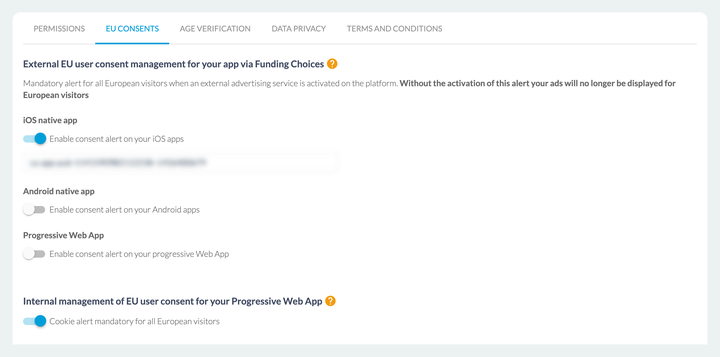
### Age verification
This screen switches on age verification for native apps. Once it's on, your app adapts its features to the declared age and closes off the parts that aren't meant for minors.
It's the only one of these tabs that changes what your users see, rather than what you declare.
### Data Privacy
Two contact blocks, each with a name, an address, a phone number and an email: your **data protection officer**, and your **representative in the European Union**. Fill in the ones that apply to you.
The same screen asks you to download and sign the **data processing addendum**, which is an integral part of the terms of service.
### Terms and Conditions
**This is the point where the two product lines diverge**, and the confusion is common. A content app handles its terms and its privacy policy from a fifth tab of the Privacy center, and the guide "Charging for access to your content" describes that path. A shop doesn't have that tab: it has its own screen, Settings › Terms and Conditions, where the shop's terms of sale and privacy policy are set.
## The two store forms
Apple and Google both ask you to declare what your app collects, each in its own form. Our help center gives the step-by-step, screen by screen, including how to enter the address of your privacy policy on each side.
What matters here is **where the answers come from**.
Both forms ask their questions by data category: location, identifiers, in-app activity, photos and videos, personal information. And for almost every one of them, the answer depends on what you switched on. Location is only declared if the matching permission is active. A user identifier is only declared if you have authentication or in-app purchases. Advertising data is only declared if the advertising identifier is.
In other words, **chapter 1 of this guide is the answer to the form**. Take inventory first, fill in second, and you'll tick neither too much nor too little.
One point our help center states in black and white, and it bears repeating: you are responsible for the accuracy of what you declare. The platform tells you what it collects to make your app work, it doesn't know about the uses you add on top.
## Timing
This whole guide comes down to a question of timing.
All four screens are set **before submission**. A change to permissions means recompiling and submitting again. A missing consent alert doesn't show up while you're building, it shows up when your ads stop being served in Europe, or when a reviewer rejects your app.
The cost of a rejection isn't the rejection itself, it's when it lands: once everything is built, announced, and often dated. A quarter of an hour on these four screens before you press the submit button saves you a round trip of several days.
And if a rejection comes anyway, our help center has a whole category for dealing with them, on Apple's side as well as Google's.
---
# What content for your app
Source: https://www.goodbarber.com/academy/content/
---
title: "What content for your app"
description: "The nine content sections reviewed one by one: what each allows, how to use it, and which layout to choose."
canonical_url: "https://www.goodbarber.com/academy/content/"
lang: en
---
"Content app" is a broad term. Between the sections and the features available in your back office, you can cover almost any project, whatever your field.
This guide runs through the nine content sections, with, for each one, what it allows, how to use it, and which layout to choose when there is one. It ends on the CMS and the connectors, which settle a fundamental question: creating your content in GoodBarber, or bringing in the content you already produce elsewhere.
## The seven demo apps
The examples below rest on seven applications, split into three families. Find the one that looks like your project, then adapt.
### Apps for content creators
River Daily for a local paper, Piu Piu for a festival, Portland for a travel guide.
- **Blog**: create articles freely, illustrated with images and videos.
- **Gallery**: display your images in several presentations.
- **Video**: share your filmed content.
- **Sound**: publish your podcasts.
- **Map**: create content tied to specific locations.
- **Form**: ask your users questions, collect and analyze the answers.
- **Events**: communicate about events, presented by date.
- **Internal and external advertising**: generate revenue from your content.
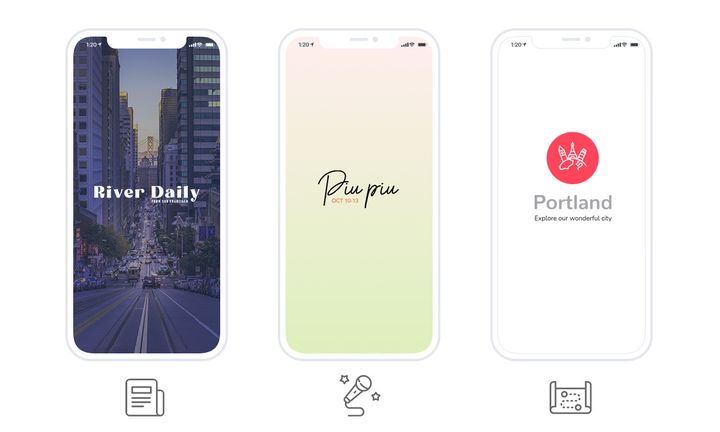
### Service businesses
Freyja Spa for a beauty salon, Ivar Madsen for an interior design agency.
- **Blog**: present your services and treatments, or build a portfolio.
- **Contact**: gather your contact details on a single page.
- **About**: introduce yourself on a dedicated page.
- **Form**: turn it into an appointment request.
- **Loyalty card and club card**: build a loyalty program and increase engagement.
### Education and organizations
Paraigua for a school, Dali Corp for an internal company app.
- **Blog**: distribute your content to your audience.
- **Authentication**: let your users create a profile.
- **Users**: publish the list of your users and their profiles.
- **User groups**: segment your audience and serve content specific to each group.
- **Chat**: open a discussion space in the app.
- **Events**: communicate about your events.
- **Form**: ask your users questions and analyze the answers.
## Adding a section
The move is the same for every section described in this guide. Go to My App › Structure, click **Add**, then choose the type you want.
You can add up to **120 sections** to an app, and the same content can appear in several sections at once. That's what makes the organization so flexible: a section isn't a sealed drawer, it's a view onto your content.
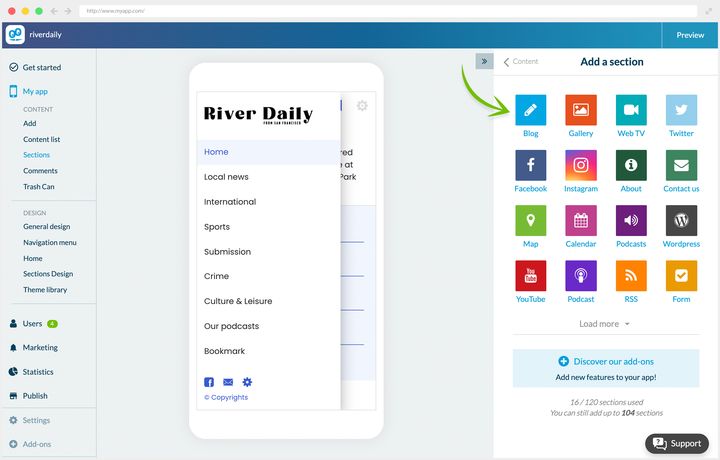
## The blog
### What it's for
The Blog section lets you create content directly from the back office, in the form of articles enriched with photos and videos.
For a content creator, it's the central section. But whatever your project, you'll use it at least once: it's the most versatile section of all, and you'll see below that it bends easily to other uses.
**Creating articles.** An article is built in paragraphs of text, to which you add photos, videos, quotes or embed code.
The editor opens from Content › Add › An article. Articles you've already published are in Content › Content list › All articles.
Once the content is created, you set:
- the section or sections the article belongs to
- the author
- the thumbnail
- a summary, which will appear in the article list
- whether comments are switched on or not
The SEO tab also lets you fill in the metadata and customize the URL.
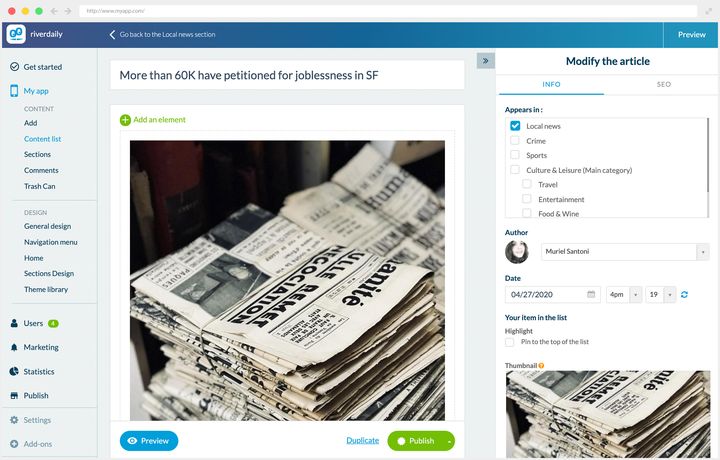
### Three ways to use it
**Dynamic content.** That's its first purpose. In the River Daily news app, several Blog sections cover the paper's different desks, some with categories to refine navigation further.
In the article detail, the publication date is shown, comments are switched on, along with sharing and favoriting.
**A catalog presentation.** At Freyja Spa, the Blog sections present the salon's treatments. The three sections used are gathered inside a menu section.
The interesting diversion is here: the summary field, meant for a standfirst, is used to display each treatment's duration in the list. The most decisive piece of information is therefore readable at a glance, without opening the page.
The detail repeats the duration, the price, the description of the treatment and a link to the booking form. Comments are switched on and act as a collection of customer reviews.
**Static content.** The Portland app is a travel guide, and its Blog sections serve tips to visitors.
Here there's no author and no publication date: that information would add nothing to content that doesn't go out of date.
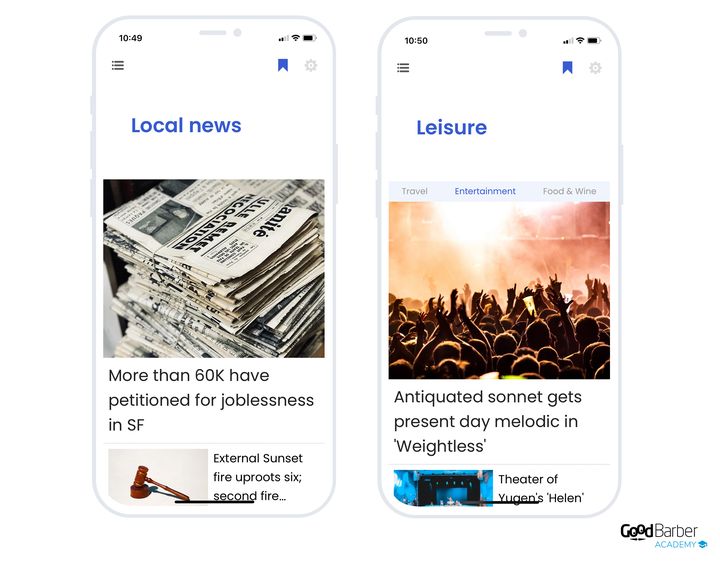
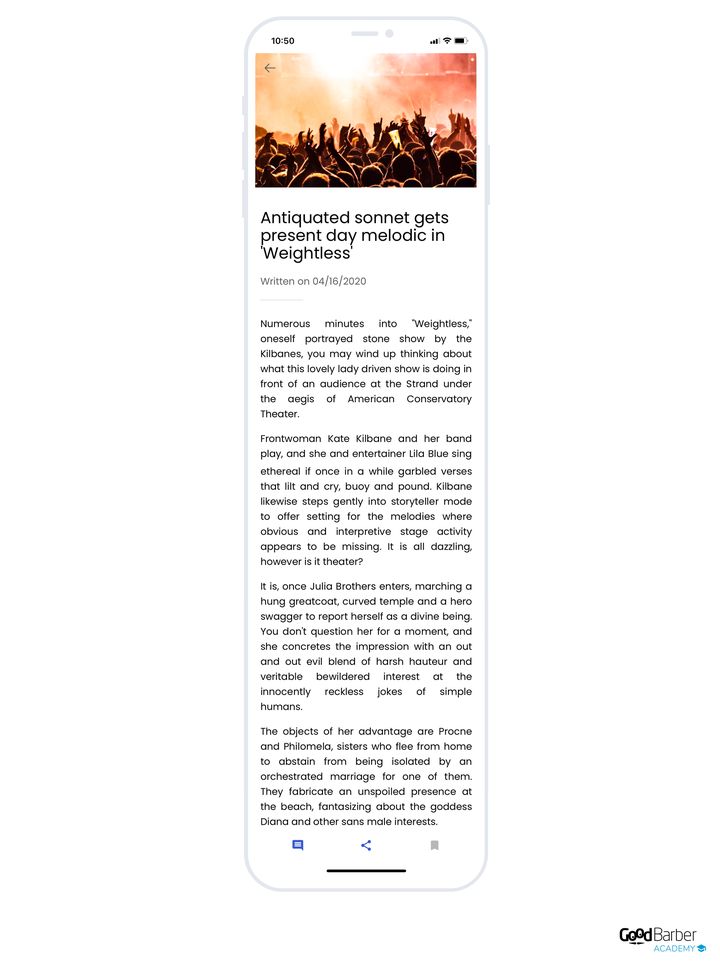
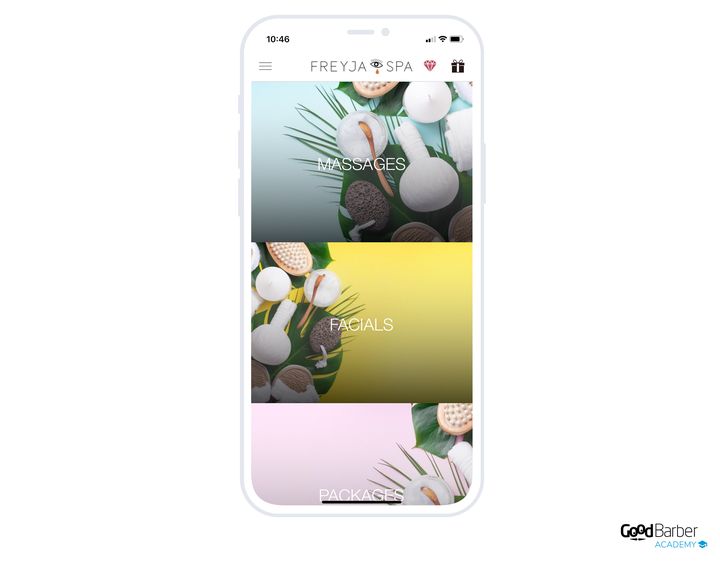
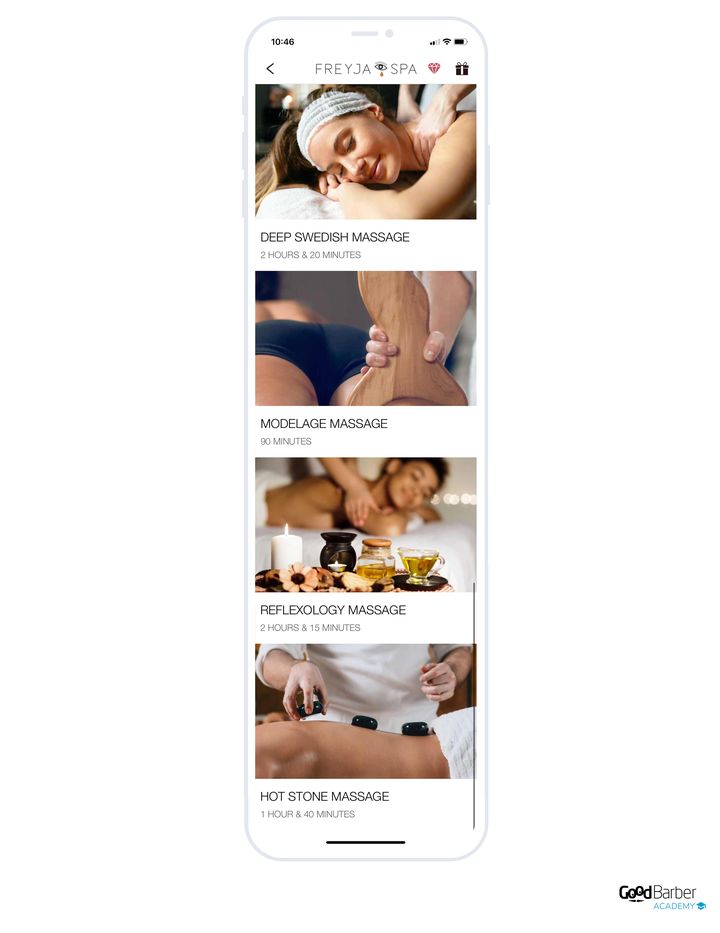
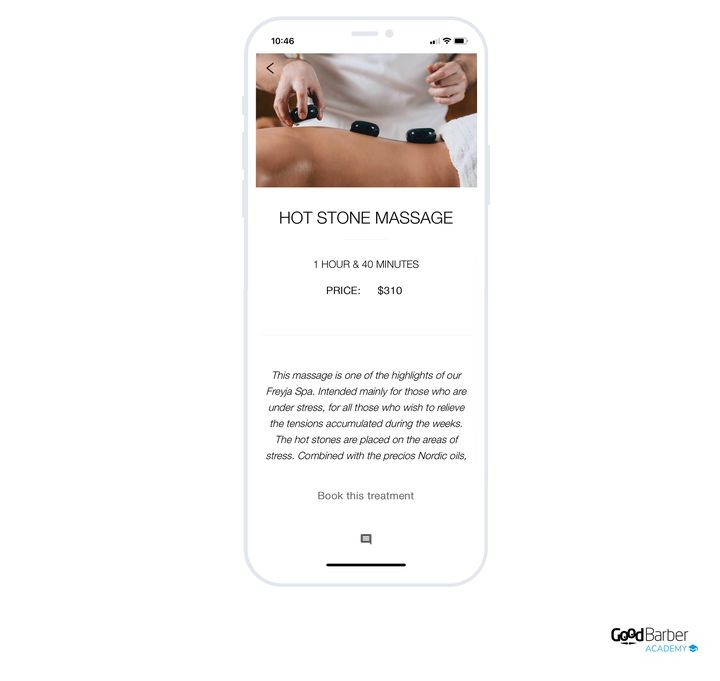
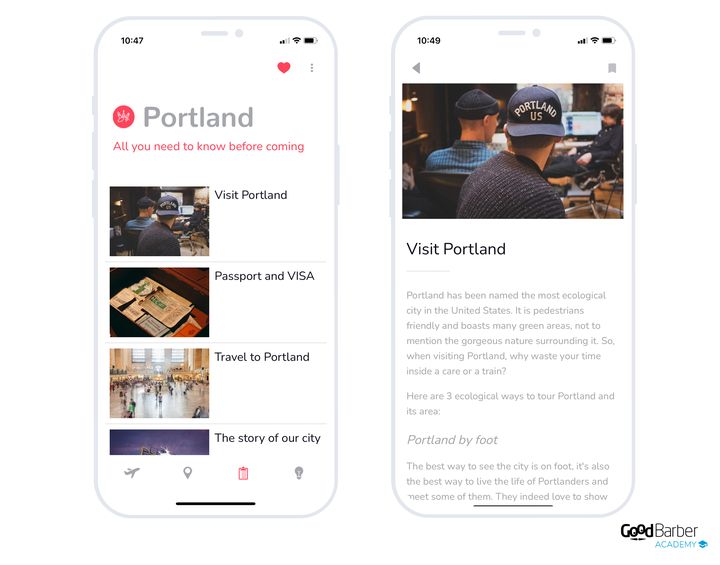
### Which layout to choose
Nine layouts are available for the list. They're told apart on three criteria: the volume of articles you publish, the strength of your visuals, and whether or not you want to feature one article.
The layout is changed in My App › Structure: open the menu of the section concerned, then **Edit the design**.
**Without a featured item, every article at the same rank:**
- **Enriched Classic**, the universal default. Moderate rhythm, key metadata visible. Take it when nothing pushes you towards a more specialized layout.
- **Condensed**, for high editorial volume to be skimmed quickly. The visual comes second.
- **Visual Card**, full-width cards in a single column: large image on top, title and standfirst below. For when the image is what makes people click.
- **Checkerboard**, for static content, with titles read in a "Z" pattern.
- **Grid Visual**, a grid of equal articles. Requires a visual on **every** item.
**With one article featured:**
- **Une Condensed**, one flagship article followed by many compact items. The feed absorbs the volume.
- **Une Grid Visual**, one featured article then a grid. Requires a visual on every item too.
- **Une Story**, several "front pages" in a swipeable carousel, social-network style, with a compact feed below. For very regular publishing with strong visuals. **Available on articles only.**
**The special case:**
- **Immersive**, one article per screen, dominant image and vertical swipe navigation. Superb with strong visuals, but it doesn't hold high volume.
**The rule that overrides all the others:** if your articles have no visuals, or poor-quality ones, rule out Visual Card, Checkerboard, Une Grid Visual, Grid Visual, Une Story and Immersive. That leaves Condensed if the volume is high, Enriched Classic otherwise.
**For the article detail**, the default view puts the cover image in the hero, then the title, the date and the author, the action bar (share, favorite, comment) and the body text. When an article has no cover, the title comes first rather than leaving an empty hero.
One remark that holds for every section: while we sometimes associate a layout with a type of use, none is reserved for a particular field. It all depends on your needs and on your app's overall design.
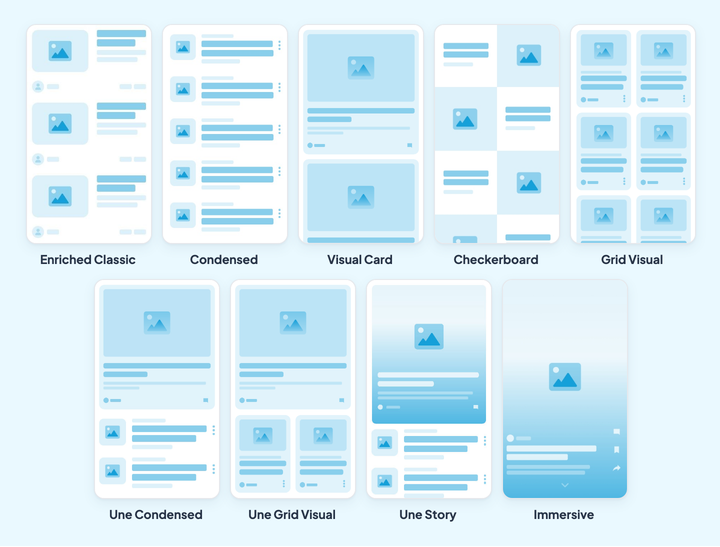
## The gallery
### What it's for
The Gallery section displays a gallery of images. How it works is minimal: you add your photos, you choose the layout, and that's it.
Add your photos with the Add a photo button, or by dragging and dropping from your computer. Multiple uploads are possible, which speeds the work up considerably.
That screen is in Content › Content list › All photos, and direct adding is in Content › Add › A photo.
Once your images are in the back office, you can give them a title and a description, which will appear in the detail view.
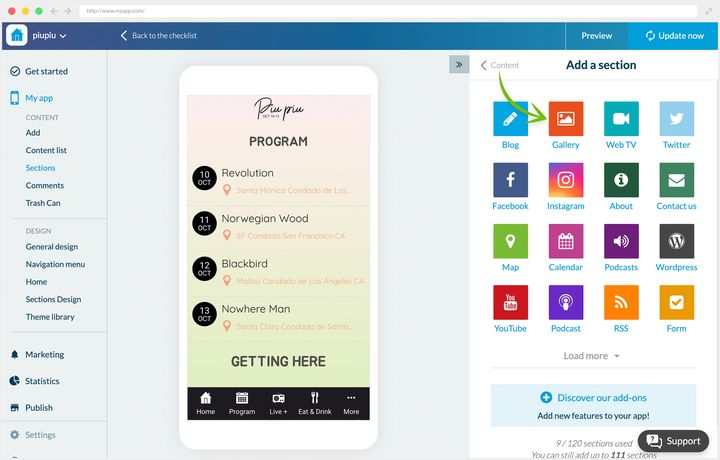
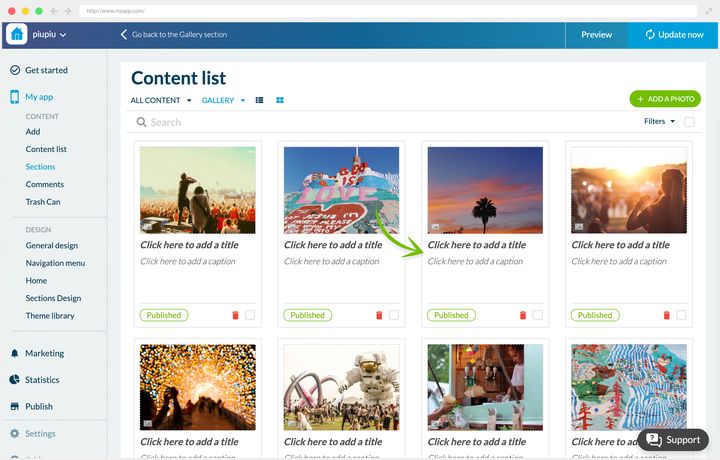
### Two ways to use it
**Life at a school.** The Paraigua app serves information to pupils and parents, and aims to build a community around the school. Its Gallery section regularly publishes photos of life at the school. The chosen layout leaves the title and description of each shot visible, to put them in context.
**A music festival.** The Piu Piu app is refreshed each year for the new edition. The gallery acts as an archive: it gathers photos from previous years, which keeps the memory alive for regulars and passes the festival's spirit on to newcomers.
### Which layout to choose
Three layouts, answering three different intentions.
The layout is changed in My App › Structure: open the menu of the section concerned, then **Edit the design**.
- **Visual Card**, the default. One column, full-width cards, and above all **a title and a caption per photo**. It's the only one of the three that lets you put your images in context.
- **Square**, a two-column grid of squares, with no titles. For a very condensed visual archive, when the coherence of the whole matters more than each photo taken on its own.
- **Ratio**, a two-column mosaic that respects each image's native proportions. For a portfolio with mixed formats.
In other words: if your photos need explaining, take Visual Card. If they speak for themselves and there are many of them, Square or Ratio depending on whether they're uniform or not.
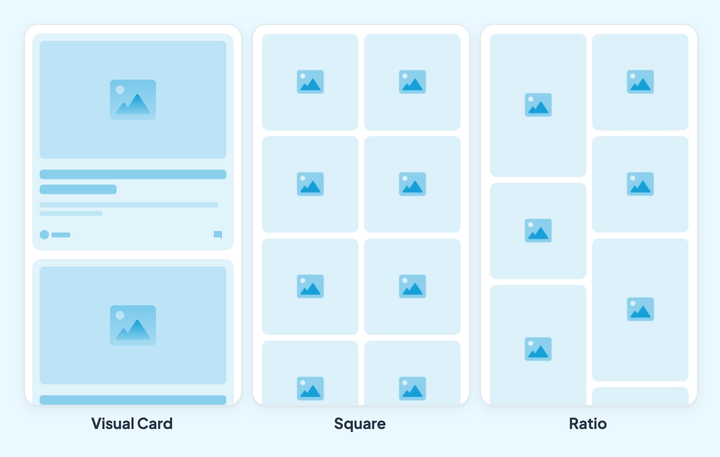
## Videos
### What it's for
The Video section serves videos in your app, whether they're already hosted on an external site or not.
Add your videos by uploading them from your computer, or by entering their embed code if they already live elsewhere. As with the blog, you then choose the display sections, the author, the publication date, the summary and whether comments are on.
The editor opens from Content › Add › A video.
You can finally structure the page by adding, if needed, paragraphs of text, photos and quotes.
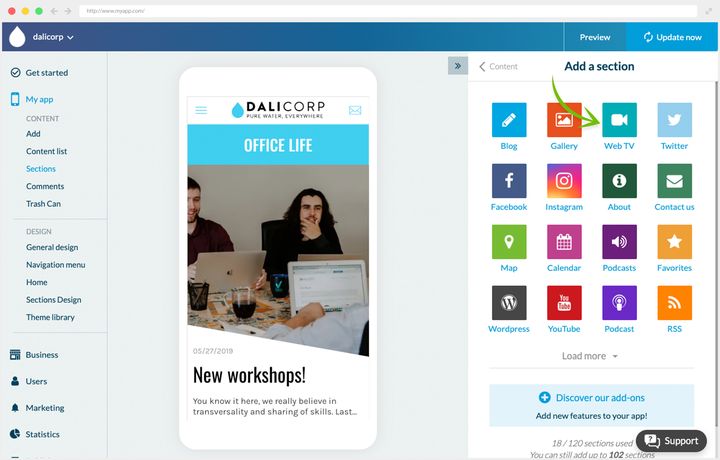
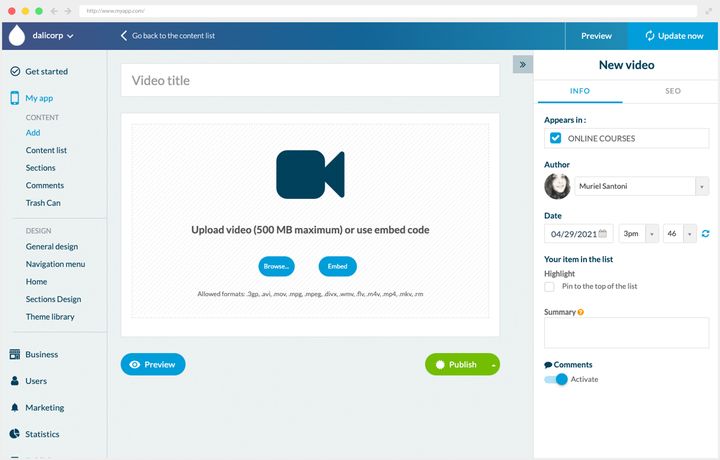
### Two ways to use it
**A local paper.** River Daily has no television channel, but broadcasts regular shows on YouTube, including a daily one. They're gathered in the app's Video News section.
**An internal company app.** At Dali Corp, the Video section serves online courses created by employees for employees. The scheme does two jobs at once: it rallies staff around a shared project, and it gives them free training.
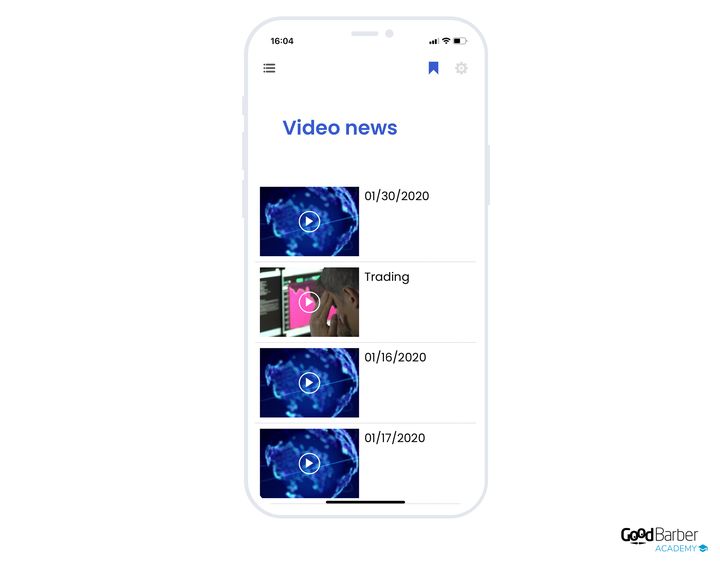
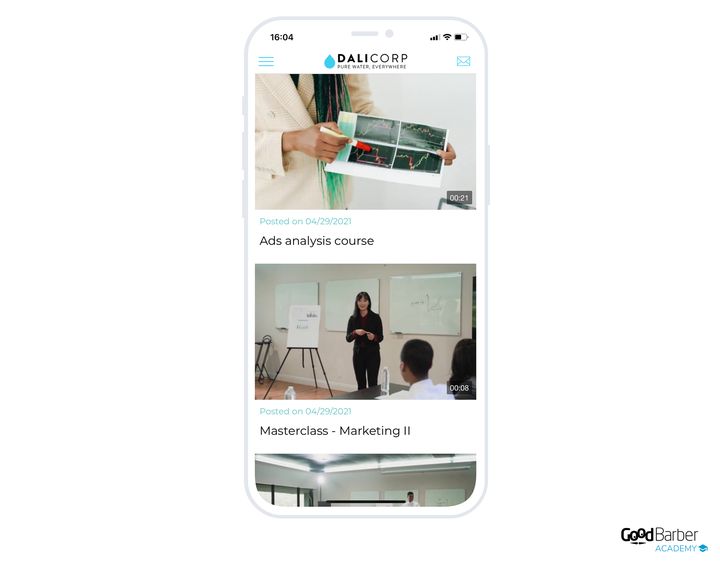
### Which layout to choose
Three layouts for the list.
The layout is changed in My App › Structure: open the menu of the section concerned, then **Edit the design**.
- **Enriched**, the default. Compact list, small 16:9 thumbnail, metadata in the foreground (title, date, author, description). It's the right choice for high volume to be skimmed.
- **Une Condensed**, one featured video shown large with its standfirst, then a compact feed below. This is the "video paper", with the day's front page. Holds moderate to high volume.
- **Visual Card**, large full-width cards with the 16:9 frame and the play button centered. Take it when the thumbnail is what makes people click.
**For the detail**, the video player takes the hero, followed by the title, the date, the actions, the description and, if you enter one, the address.
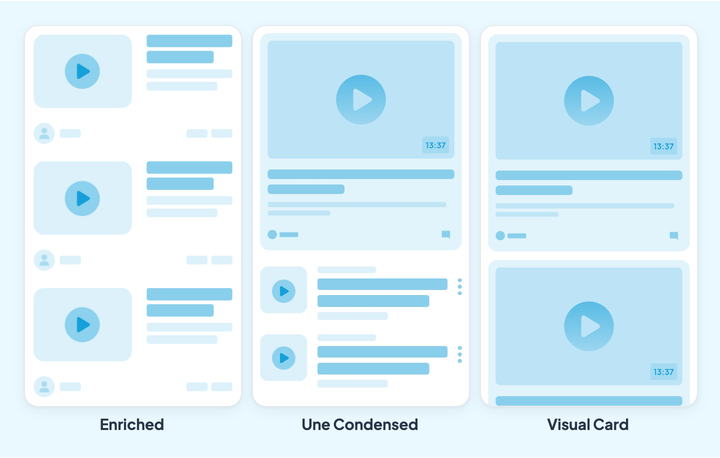
## Podcasts
### What it's for
The Podcasts section serves audio in your app.
Add your audio by uploading it from your computer. As with the blog, you choose the display sections or categories, the author, the date, the summary and comments. You can also add external links to buy the track.
The editor opens from Content › Add › A sound.
The page is then structured with paragraphs of text, photos, videos, embed code and quotes.
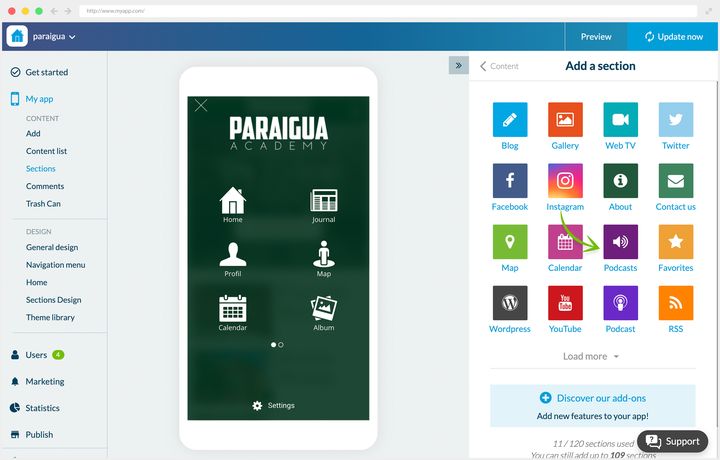
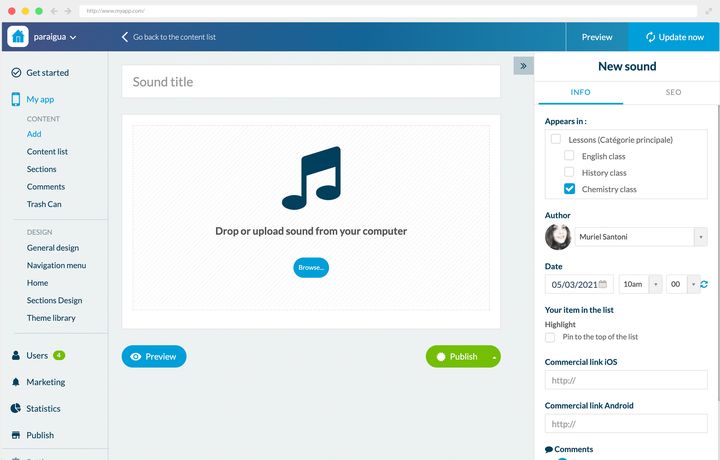
### Two ways to use it
**A news app.** River Daily also broadcasts a live radio station. The Podcasts section makes certain shows permanently available. Dates are shown in the list, to help listeners find the show they're after. The detail page stays bare, with no extra information.
**A school.** Paraigua needed to deliver its lessons remotely. They're presented as a list, categorized by subject.
The idea worth keeping is in the detail page: a transcript of the lesson is published there as paragraphs and images. The pupil follows the text and the illustrations while listening to the audio version, which makes the lesson usable in very different situations.
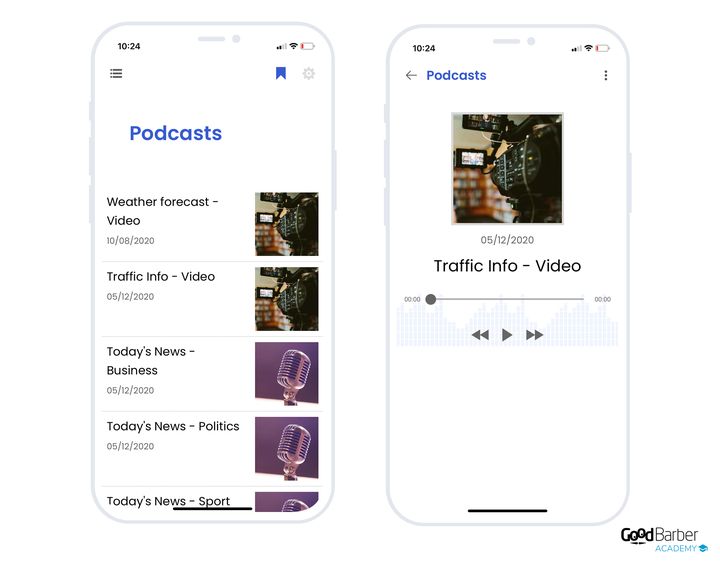
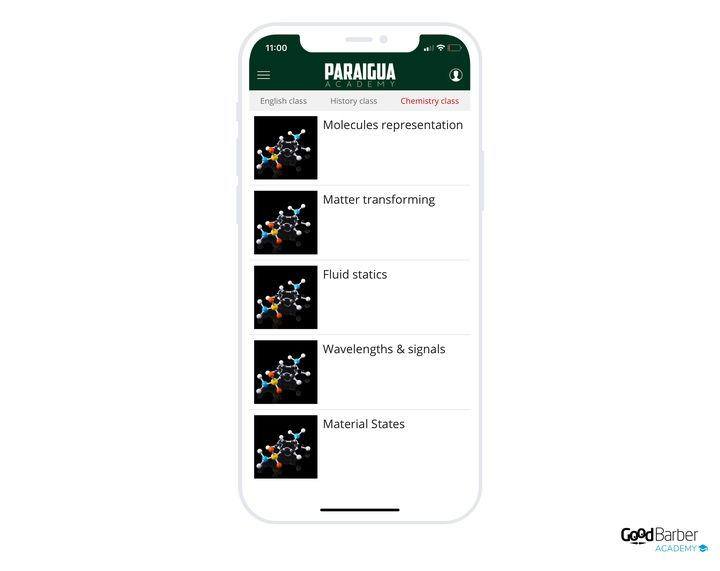
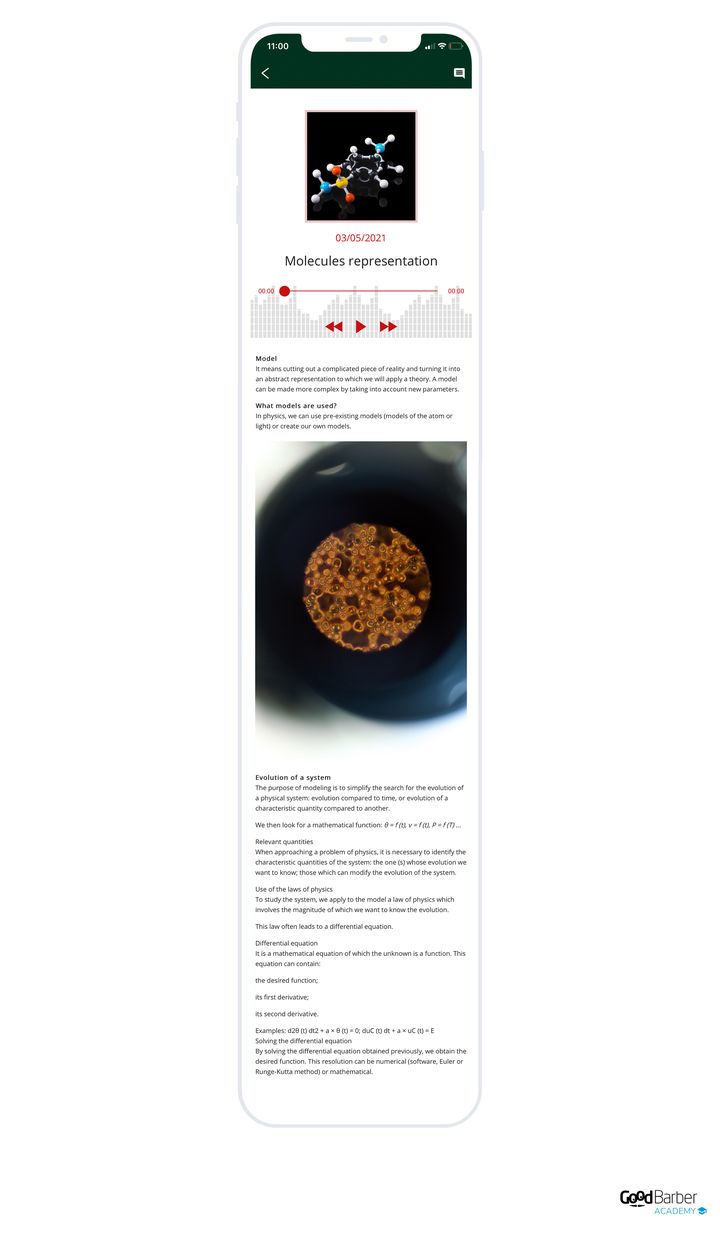
### Which layout to choose
Two layouts, and the criterion that separates them is the size of the thumbnail. Both embed the player in the cell, with the play button and the duration: so it isn't playback that tells them apart.
The layout is changed in My App › Structure: open the menu of the section concerned, then **Edit the design**.
- **Classic Play**, the default. Smaller thumbnail, text and metadata dominant. It's the layout for long episode lists, and the one for the radio pattern.
- **Enriched**, larger thumbnail, putting the artwork forward. Choose it when the cover art is part of your content's identity, on moderate volume.
**For the detail**, the artwork acts as an immersive cover, with the audio player, the title, the actions and the body text.
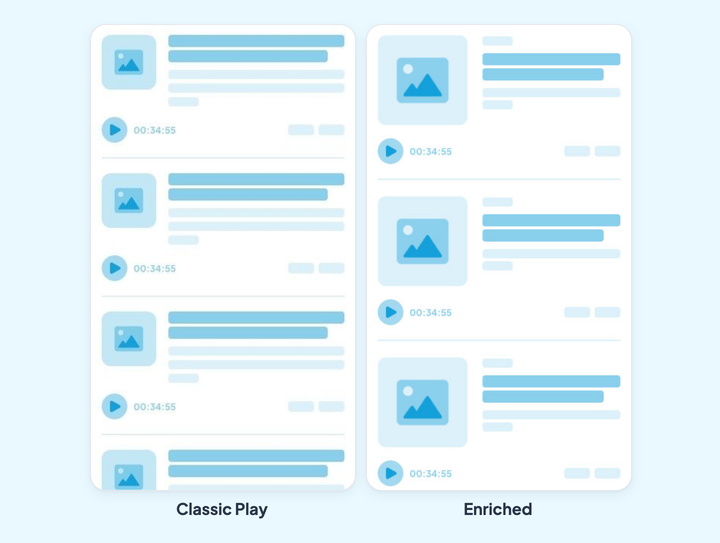
## Live
### What it's for
The sections above publish recorded content, available whenever your listener decides. Live does the opposite: it broadcasts in real time, and it's the appointment that makes the event.
Three building blocks, to be combined according to what you broadcast.
- **Live audio** is the base block: the section exists with nothing added. You enter your stream's address, and the app broadcasts it. IceCast encoders are supported natively, which covers the vast majority of radio setups.
- **Live video** does the same for a picture broadcast. It's an extension, and its listing shows the price that applies to your app.
- **Live+** is a layer on top of live audio, also brought by an extension. It displays your stream's metadata next to the player: the track playing, the host, the show. Without it, your listener sees a play button and nothing else; with it, they see what they're listening to.
Two properties are worth knowing before you decide.
**The sound doesn't stop when your listener navigates.** The player follows the user from screen to screen and keeps going with the screen off. In practice, people can listen to your station while reading your articles, which completely changes how a radio app is used.
**You can open several live sections.** A radio station with two channels, a festival with two stages, a parish with two services: each stream has its own section.
One last difference with the sections above: live has only one presentation. There's no layout to choose.
### Two ways to use it
**A local radio station.** River Daily's radio, mentioned in the previous chapter, lives in a Live section. The podcasts keep the shows on demand, the live section carries the station. Live+ displays the track playing and its artist, which gives a listener arriving mid-show something to place themselves by.
**A festival.** Piu Piu broadcasts its stage live across the four days. The audience that couldn't come follows the evening, and the regulars find the atmosphere again from home. Live works alongside the Events section, which remains the app's main section: the program announces, the live broadcasts.
Two details on that screen are worth pointing out. **Sleep mode** stops playback after a chosen delay, which counts on a station people listen to in the evening. And the player picks up the app's colors and typography: it's the same screen as at River Daily, and yet it doesn't look like the same product.
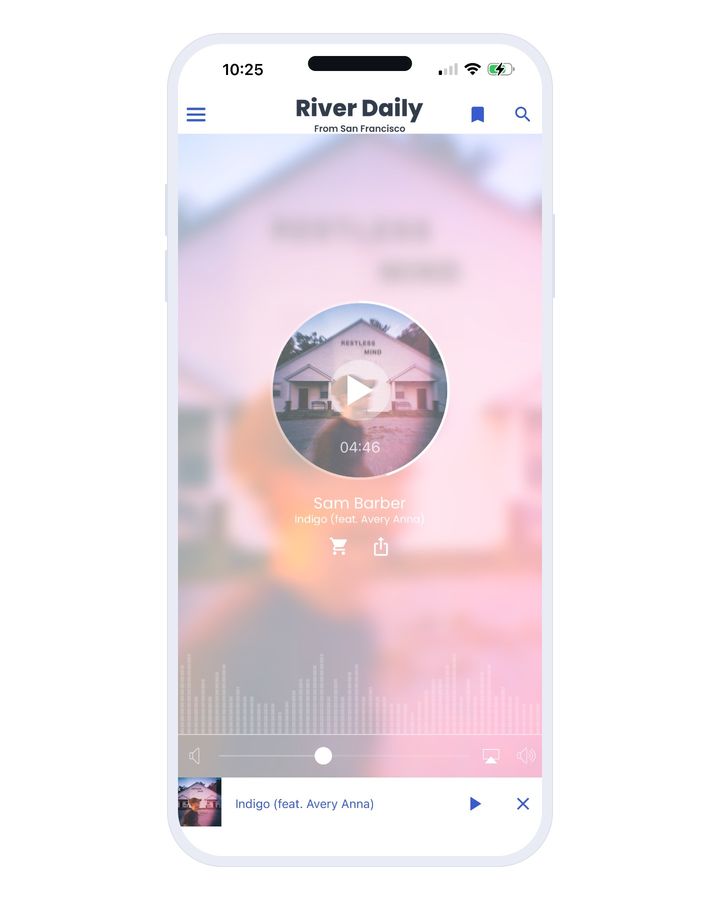
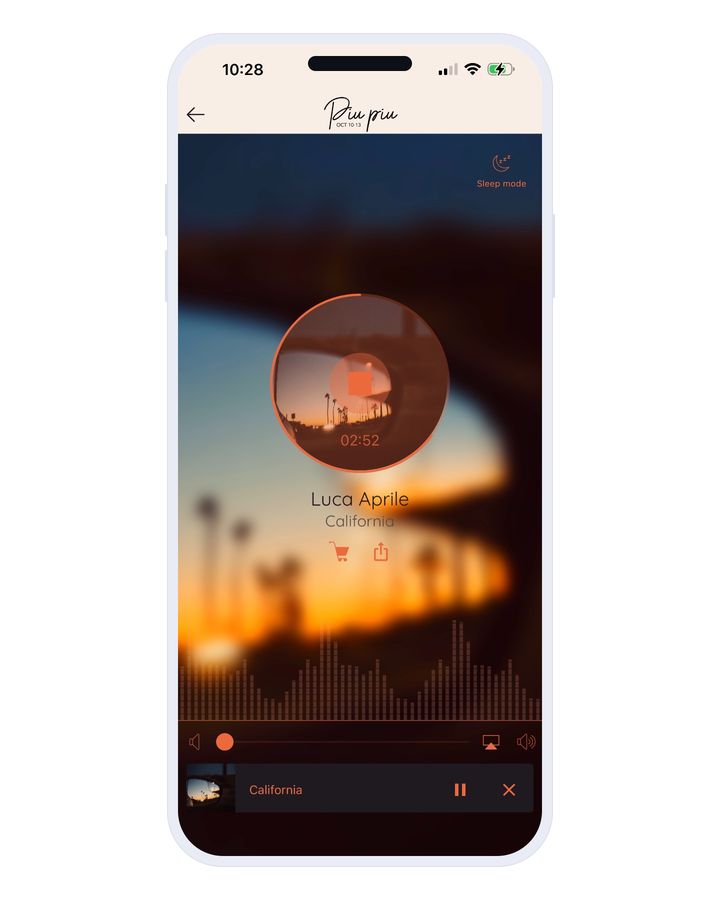
## Map
### What it's for
The Map section creates geolocated points displayed on a map. Your users spot the places and get directions to them.
To create a point, enter its address or its coordinates on the editing page.
The editing page opens from Content › Add › A location.
You then fill out the description with text, photos, videos, quotes or embed code. The right-hand panel lets you choose the display sections and add action buttons:
- a call button
- an email button
Finally you can add an external link, and customize the shape and color of the icon representing the point.
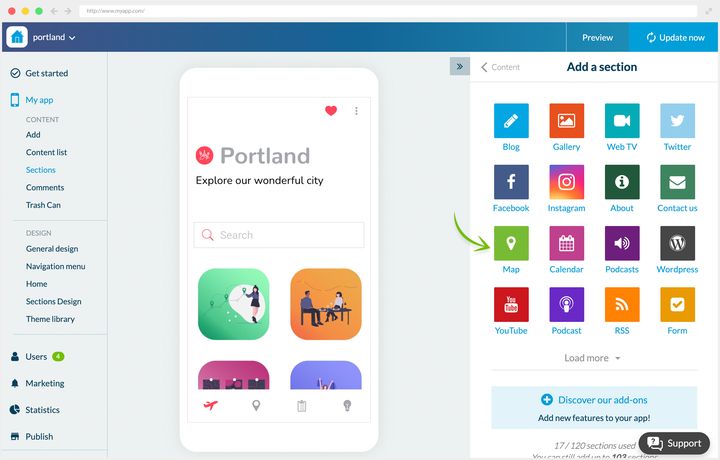
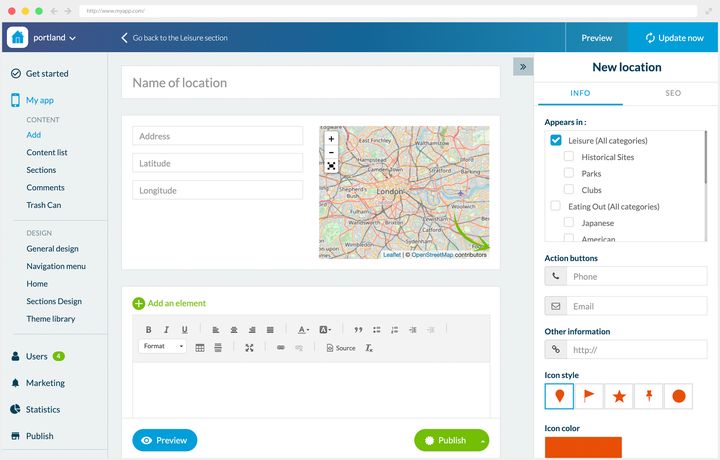
### Three ways to use it
**A school campus.** Paraigua is spread over several buildings. Newcomers, pupils and parents alike, needed to identify them at a glance and get directions.
Four locations were created, presented first as a list. The Map view shows all the points and the distances. Clicking a point gives a summary and access to the detail, where the directions button is the main feature, completed by a description and an image.
**A multi-site company.** Dali Corp has offices in several American cities, and cares about its company culture. A Map section presents the three offices.
The detail is fuller than at Paraigua: photos describe the office and its atmosphere, and the directions button sits below the photos. The map isn't only there to orient people, it's there to make the other sites exist for those who never go.
**A travel guide.** In the Portland app, the map is the heart of the product. Several Map sections present the city's places, sorted by type.
The detail includes a full description, photos where needed, the directions button given prominence, and an external link to each establishment's website when it has one.
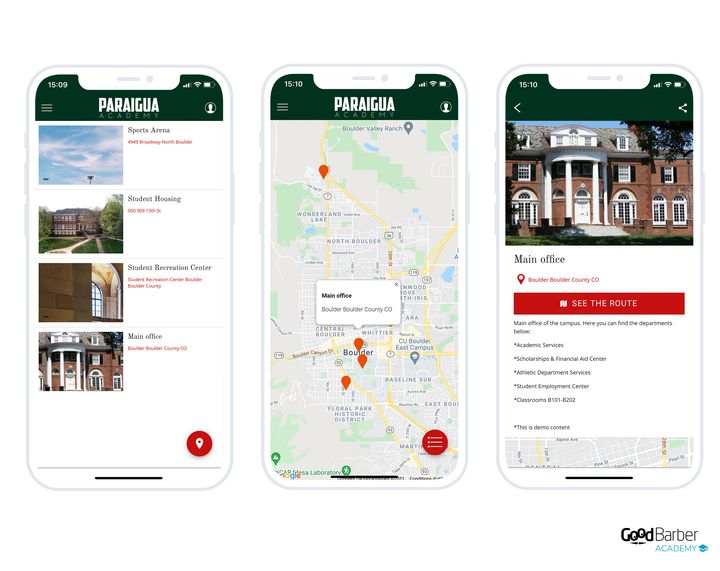
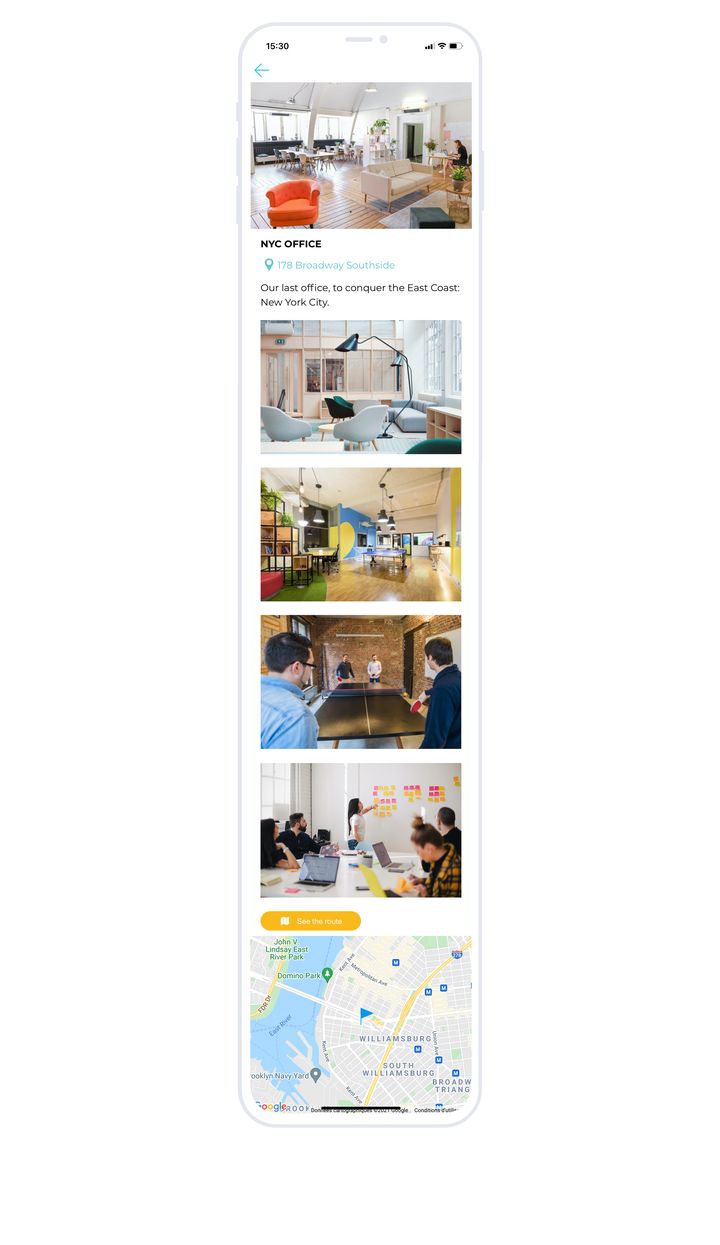
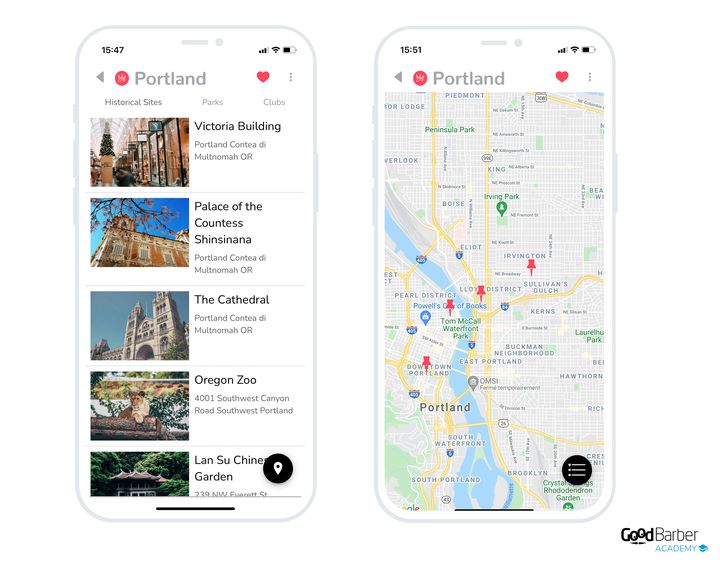
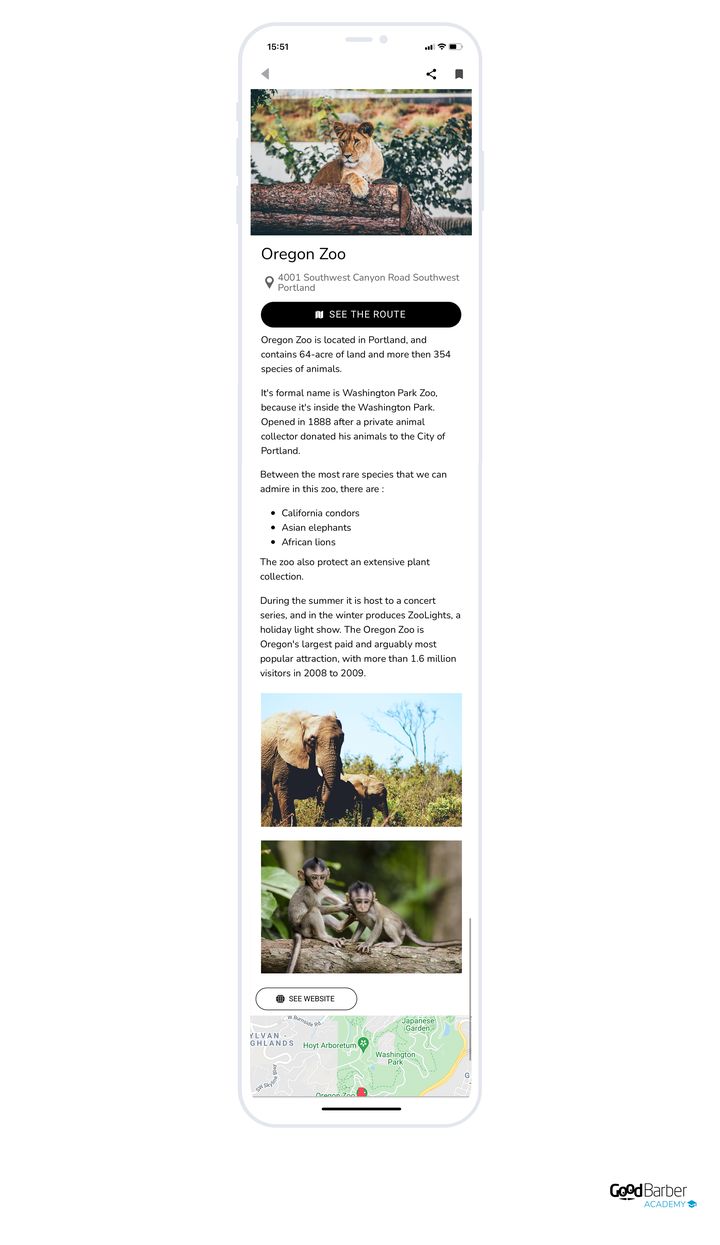
### Which layout to choose
Three layouts, and the real criterion is how much room you give the map itself.
The layout is changed in My App › Structure: open the menu of the section concerned, then **Edit the design**.
- **Enriched**, the default. Compact list, small thumbnail, title and address, several places per screen. The map is hidden behind a button. It's the directory layout, for when the user already knows what they're looking for.
- **Visual**, large dominant thumbnail, few places per screen. The map stays hidden behind a button. For a gallery of places where the image is what appeals.
- **Split Enriched**, the interactive map takes the top of the screen and the list appears below. Choose it when the spatial relationship between the places carries meaning, that is when the map **is** the subject.
You also decide whether or not to display a summary list over the map. Go to My App › Structure, open the Map section, then the point list view: the setting is in the content area, under "Map view".
**For a location's detail**, you get the photo, the name, the address, the directions button, a gallery and the located map.
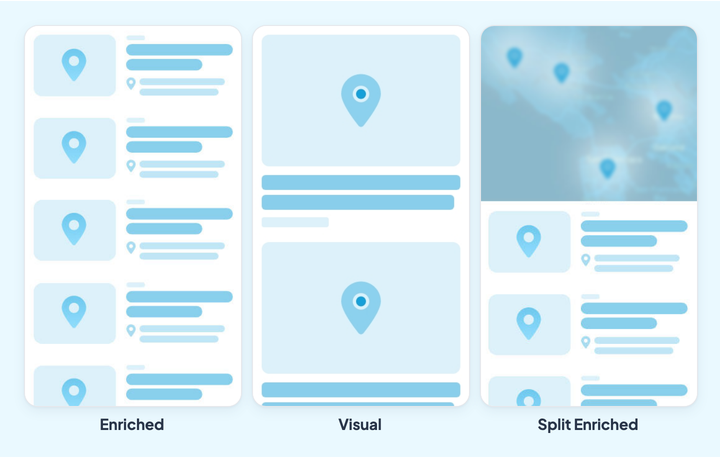
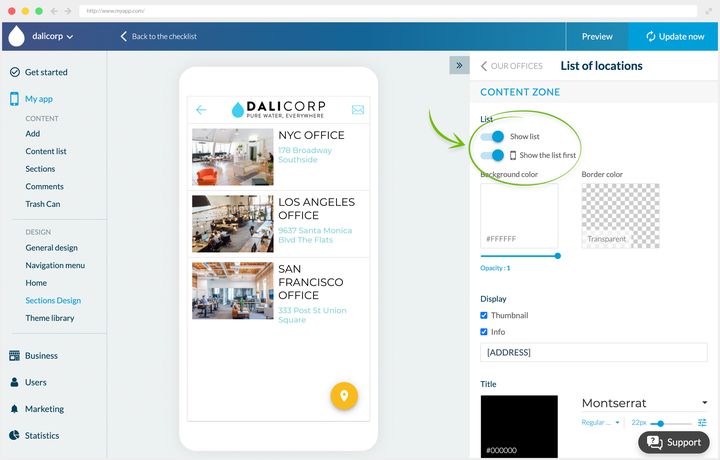
## The form
### What it's for
The Form section collects information from your users, through fields of various types.
Your forms are listed in Content › Content list › All forms. Opening one shows the form editing panel on the right, whose fields tab carries the palette below.
Sixteen field types are available:
- single line of text
- paragraph of text
- multiple choice
- name
- date
- email
- external link
- file upload
- numbers
- checkboxes
- dropdown
- address
- time
- telephone
- price
- section break
Click the type you want and it appears in the editing area, where you customize its content.
Remember to enrich the form with photos, videos, text, quotes or embed code too: a bare form gets fewer answers than a form that explains what it's after.
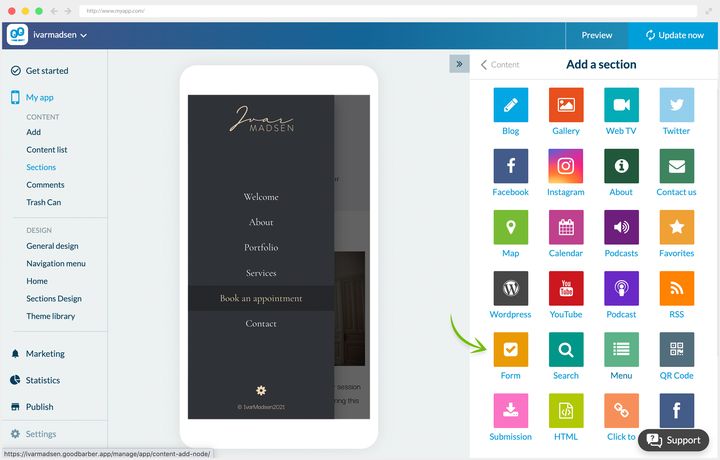
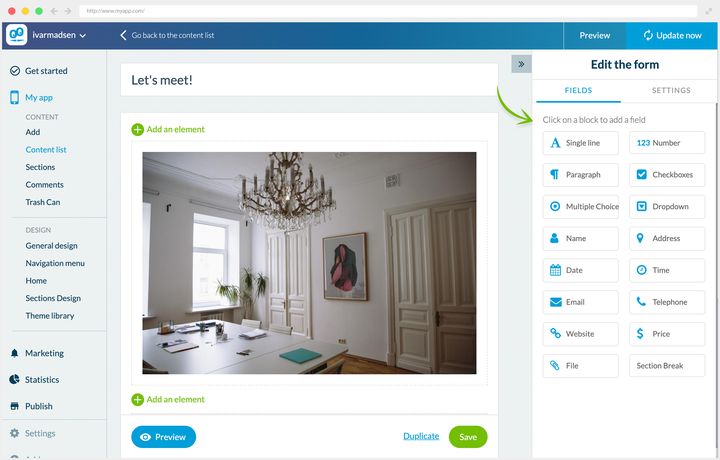
### Two ways to use it
**A service app.** At Ivar Madsen, interior designer, the form handles appointment and quote requests.
The page has three goals: present the offer, get to know the future client, allow a first contact. An image and an explanatory text set the context, then the form gets straight to the point:
- a name field and an email field to identify the client
- two paragraph fields to express their needs and their project
- a date field to indicate their availability
**A company app.** At Dali Corp, HR regularly runs surveys to measure employee wellbeing and gather their opinions.
The form is deliberately very short, to maximize the response rate. An introductory text, then five fields:
- a name field and a team field to identify the employee
- two multiple-choice fields to answer management's questions
- a paragraph field to speak freely
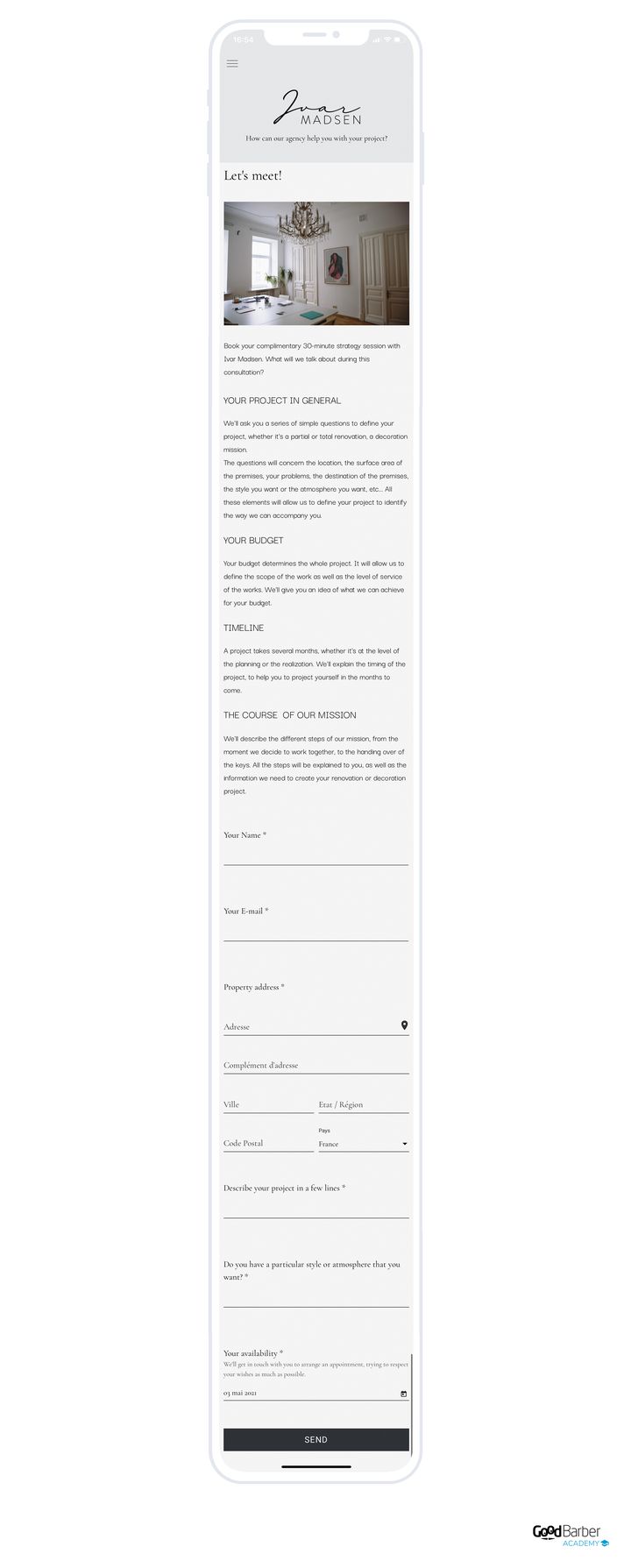
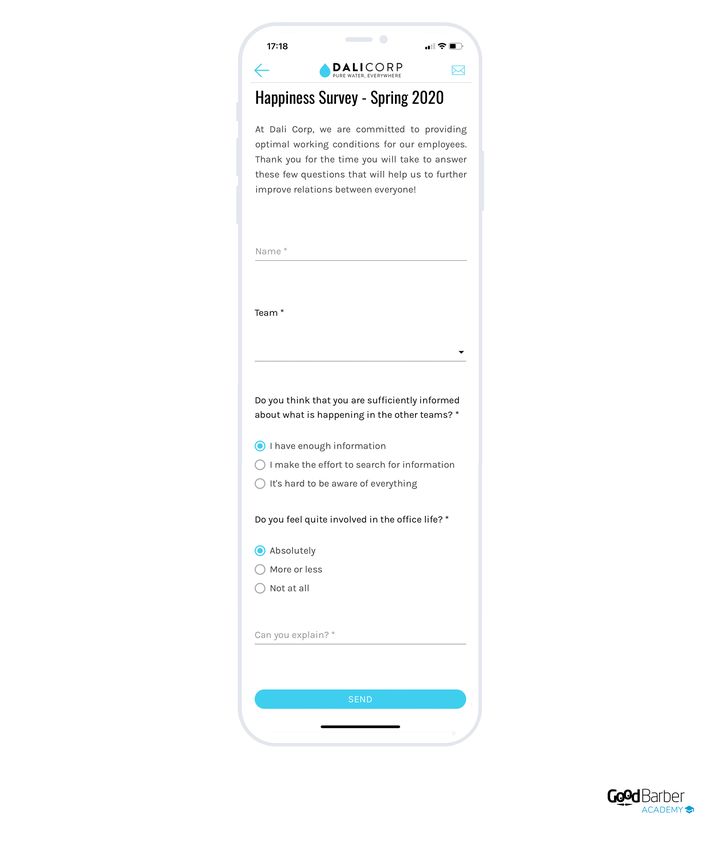
### Making use of the answers
Go to Content › Content list. Hover over the Form section concerned and click the link that shows its content. There you'll find the list of answers received.
Clicking a row shows one user's answers, which you can export as a .csv through **Export data**. The same button, from the list view, exports all the answers.
That export is what makes the section genuinely useful: without it you're reading answers one by one; with it, you analyze them as a whole.
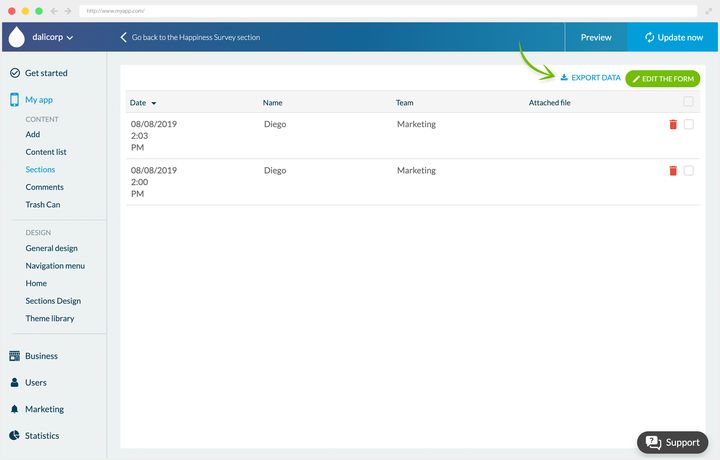
## Submissions
### What it's for
The Submission section lets your users send you content from the app, as text, photos or videos. It all arrives in your back office.
What you receive arrives in Content › Content list › All sent in content.
There's nothing to configure, unless you want to restrict the types of content accepted. In that case, add the **API Access** extension and edit the section's JSON. It's a simple operation and step-by-step help is available in your back office.
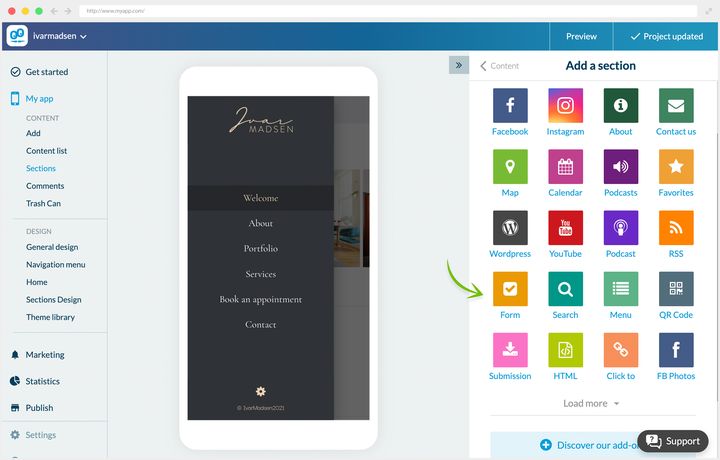
### Three ways to use it
**An internal suggestion box.** At Dali Corp, management opened a space where employees can leave their remarks and recommendations at any time. The content received isn't published: it's analyzed to improve working conditions.
**A festival's memories.** Piu Piu banks on its community and wants to show the festival's real atmosphere. The Your Memories section collects participants' photos and videos. Sending text was switched off.
**Readers' tip-offs.** River Daily wants to be first on local news. An open section lets readers pass on their information, which journalists rework before publishing.
Those three cases show three different regimes: content that will never be published, content published almost as it is, and content that serves as raw material for editorial work. Decide which is yours before opening the section, because it changes what you announce to your users.
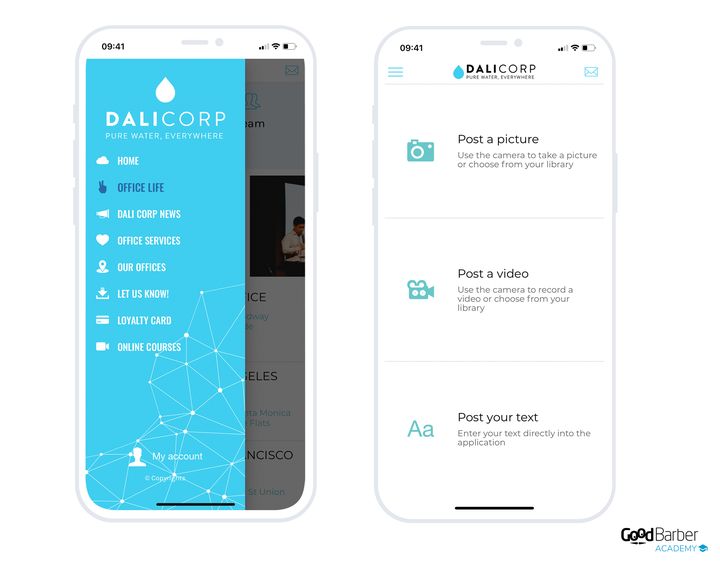
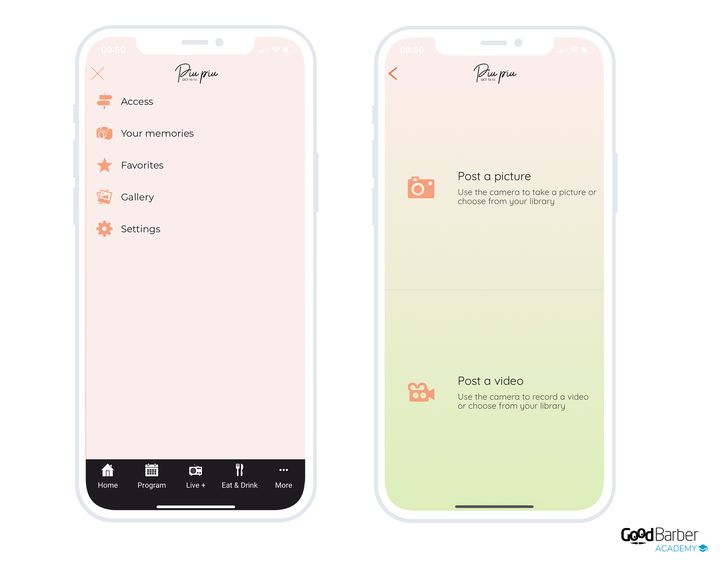
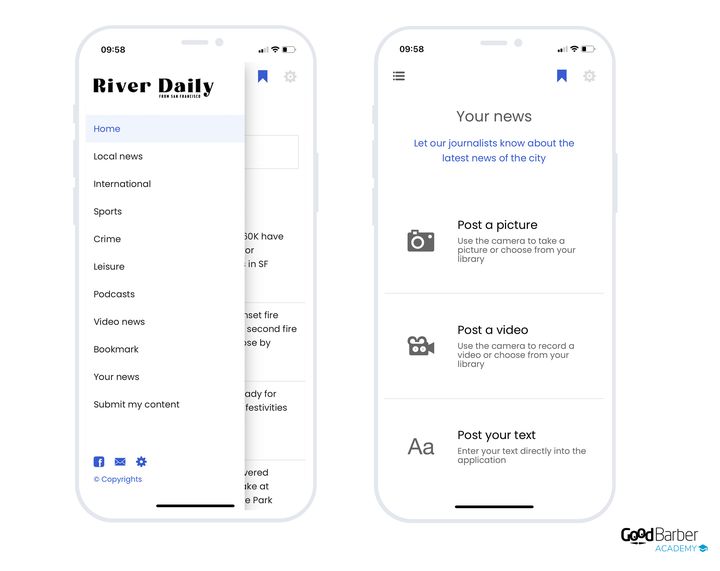
### Managing what you receive
Go to Content › Content list, hover over your Submission section and click the link that shows its content.
You handle publication in bulk, through the checkboxes to the right of each row, or case by case by opening an item. So you can edit and then publish in one click what your users have sent you.
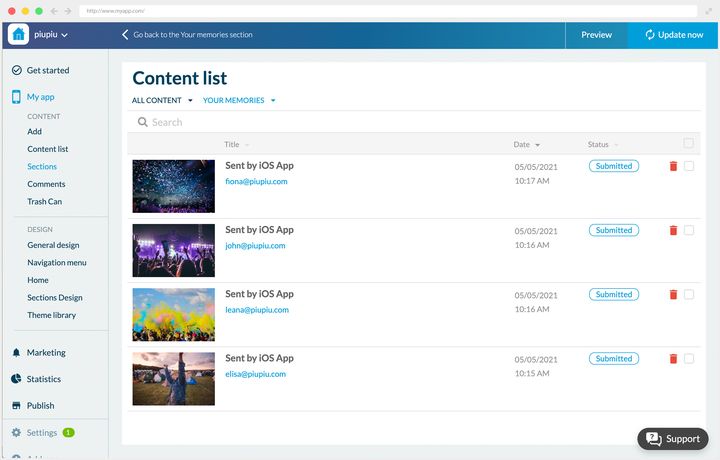
## Events
### What it's for
The Events section presents your content as dated events.
To create an event, first choose its date and its duration. The "all day" option saves you entering a time range. You can then attach an address to it.
The editor opens from Content › Add › An event.
The page is built in paragraphs, with text, photos, videos, quotes and embed code.
The right-hand panel lets you choose the display sections or categories, add action buttons (call, email), an external link and a ticket purchase button.
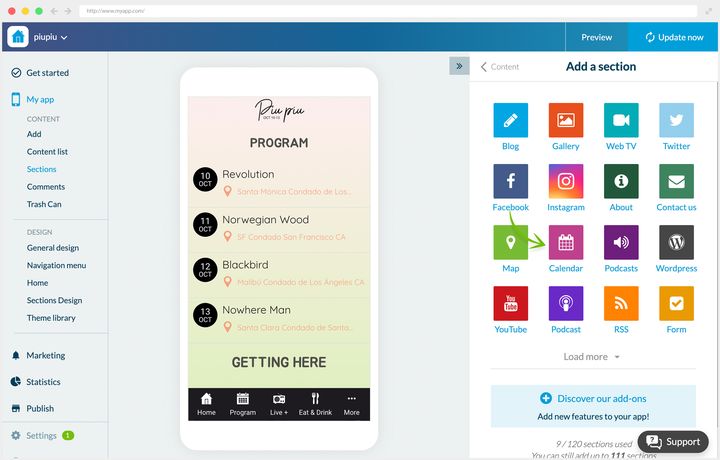
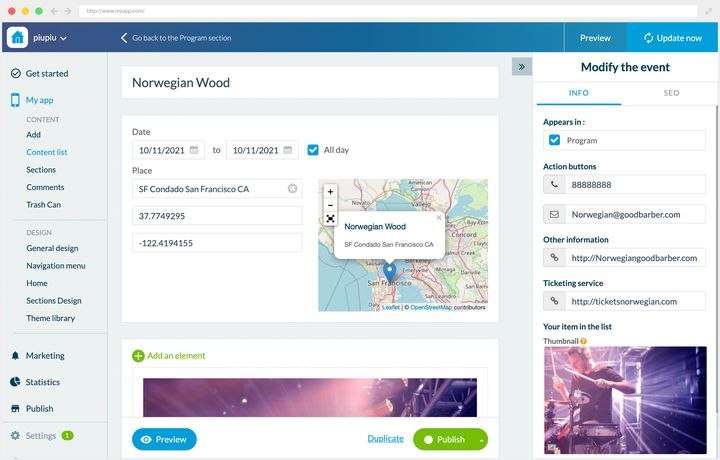
### Two ways to use it
**An internal company app.** Dali Corp uses two Events sections. The first communicates about internal events: workshops, after-work drinks, open days. The second shares the company roadmap, so that everyone knows the deadlines and the projects under way.
That second use is the most transferable: the events section isn't reserved for events you attend, it also serves to make a calendar visible.
In the detail, the address and the directions button appear when they're relevant.
**A festival.** At Piu Piu, Events is the app's main section: it's the festival program.
The detail is complete: address, date, ticket purchase button, description, link to the artists' website, call button, email button, directions button, along with favoriting and sharing.
### Which layout to choose
Two layouts, matching two opposite stances.
The layout is changed in My App › Structure: open the menu of the section concerned, then **Edit the design**.
- **Classic**, the default. Events are grouped under day banners, with a small thumbnail, the time, the title and the place, several per screen. It's the calendar you browse by date, when the "when" and the "where" matter more than the image.
- **Classic Bullet**, each event in a large dominant thumbnail with a date pill, one or two per screen. It's the shop window, when it's the event's poster that makes people want to come.
So the choice comes down to one question: are your users coming to consult a program, or to be tempted?
**For an event's detail**, you get the cover image, the title, the address, the dates, the description, the directions and the map of the place.
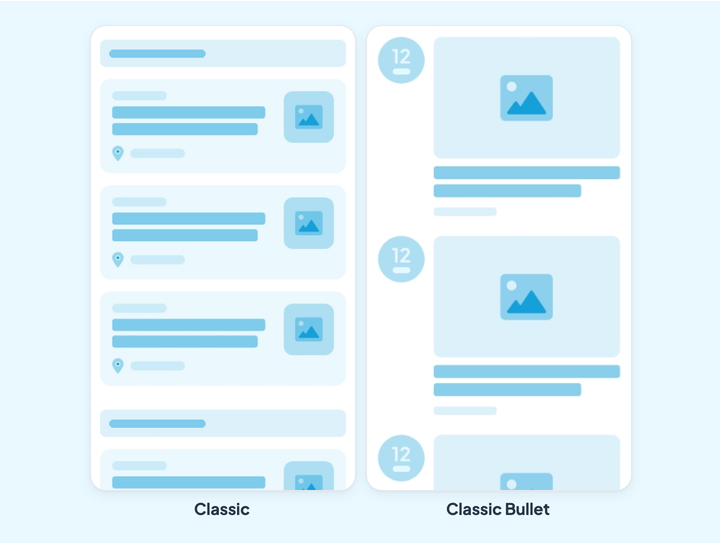
## The CMS and the connectors
### What the CMS brings
A CMS (content management system) lets you create and format your content from a back office in order to publish it. At GoodBarber, it's the heart of the platform.
Beyond creation, it gives you:
- **Content status management.** Published, In stock or Draft, to steer what you publish.
- **Scheduled publishing.** You set the day and time of going live in advance, which matters especially for news or blog apps.
- **Categorization.** An unlimited number of categories to sort a section's content, so an extra level of navigation without overloading your menu.
- **Sorting.** By writing date, alphabetically or by number of comments.
- **Centralized management.** A dashboard gathers all the content created in the CMS, with filters to find and handle items in bulk.
- **Advanced customization of the metadata.** It serves both to encourage reading and your SEO, and you keep control of how it's displayed.
- **Featuring content.** Preferential display for the content of your choice, from its editing page.
- **Advanced design customization.** Each item's design can be set independently of the application's general settings.
### What the connectors bring
If you already produce content elsewhere, you don't have to publish it again. More than 30 connectors developed by GoodBarber bring it into your app, formatting it to respect the app's display standards and design.
A caching system guarantees loading times and stability, without overloading your servers. Your images are resized, compressed and cached by GoodBarber.
The decisive advantage is synchronization: content produced on your external source stays up to date in the app, with a display adapted to mobile, tablet, laptop and desktop. You never have to publish twice again.
### The list of connectors
Each connector feeds a specific content type, and the content brought in then behaves as if it had been created in the CMS.
**Articles**: WordPress, Squarespace, Wix, Medium, Substack, X, RSS
**Photos**: Flickr
**Videos**: YouTube, Vimeo, RSS
**Audio and podcasts**: Ausha, Spreaker, Simplecast, Spotify for Podcasters, podcast feed, RSS
**Events**: iCal and vCalendar, RSS
**Maps**: KML, RSS
**Custom connectors.** If your source isn't covered, you produce a feed in the format expected by the target content type, and you declare its address. The bespoke work is limited to producing the feed: the display, the layouts, the search and the metadata remain the platform's. Detailed documentation describes the expected format.
Nothing forces you to choose between the two: you can mix internal content, created in the CMS, and external content brought in by the connectors, in one and the same application.
---
# Sending push notifications
Source: https://www.goodbarber.com/academy/push-notifications/
---
title: "Sending push notifications"
description: "The notification you write by hand, the one that goes out on every post, the one a place triggers, and SMS when you have to be sure you arrive."
canonical_url: "https://www.goodbarber.com/academy/push-notifications/"
lang: en
---
A content app lives off what it publishes, but a post nobody sees is worth nothing. The notification is the only channel that puts you on your readers' screen without an intermediary, and GoodBarber offers three forms of it. They aren't triggered the same way, they don't reach the same devices, and they don't require the same plan.
## What push does, and what it doesn't
### Three reasons it still works
**It's instant.** Announcing a live broadcast that's starting, an episode that just went up, a piece of news that won't keep until tomorrow: delivery is immediate, and so is reading. No other channel holds that timing.
**It's built for mobile.** A notification that isn't opened right away doesn't disappear: it stays in the notification center and on the icon's badge. It waits on the home screen, next to the app.
**Nobody stands in the way.** On a social network, an algorithm decides who sees your post. In an inbox, a filter decides whether your message arrives. A notification leaves your back office and lands on the device, with no referee in between. That's precisely what you're buying by having an app rather than a page.
### Where this guide stops
This guide treats push as an audience tool. Two neighboring uses are covered elsewhere, because they belong to a different job.
Notifications sent automatically at each stage of an order, from confirmation to delivery, are described in "Managing your orders". A shop's promotional campaigns, from discount codes to new collections, are in "Boosting your sales".
## Three kinds of notification, plus SMS
They all go by the same name in everyday conversation, but they don't share a trigger or a scope. The table below is the plan of this guide.
What triggers itWhere it's set upOn which apps**The manual notification**You, the moment you click SendNotification › Push › SendiOS, Android and PWA**The automatic push**Publishing content in a section you've designatedNotification › Push › AutomateiOS, Android and PWA, from the Premium plan up**The location notification**The user entering a zone, or a Bluetooth beacon being detectedNotification › GeoalertiOS and Android only, from the Premium plan up**SMS**You, on a separate screenNotification › Push › Send SMSExtension, on every type of app
One point of vocabulary with practical consequences: the location notification **is not a push**. Nothing leaves our servers. The zone and the beacon are embedded in the application, and it's the device that decides to display the message when the condition is met. The chapter devoted to it draws two limits from that.
## Sending a notification by hand
This is the basic move, and the screen is the same for everyone.
Notification › Push › Send
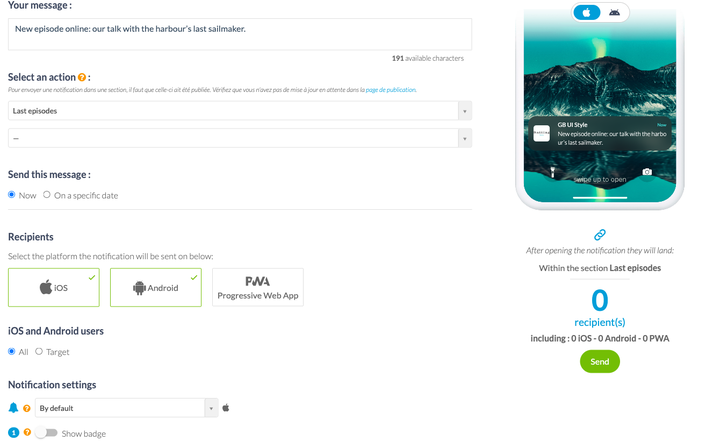
### Writing the message
One field, 256 characters, and no separate title: the title shown on the device is your app's name. So write a sentence that stands on its own, without counting on a headline above it.
The preview on the right shows the iOS rendering and the Android rendering as you type. Use it, the two systems don't cut in the same place.
### Choosing what opens
A notification that opens the app on its home page forces the reader to go looking for what you've just announced. The **Select an action** picker avoids that misstep: you choose to open the application, a specific section, or an external link.
One caveat before you rely on it: a section only appears in the list once it has been published. If you've just created it, check first that no update is pending on your publication page.
### Sending now, or on a set date
The same screen does both. **Now** goes out on click; **On a specific date** opens a calendar and a time.
The option worth knowing is the **local time** checkbox. Ticked, your notification scheduled for 8am goes out at 8am for each person, not at 8am your time. That's the difference between a good-morning message and a 3am wake-up call for your readers on the other side of the world.
### Sound and badge
Two settings that look secondary, but they decide how intrusive you are. You pick a sound from a list, or no sound at all. You switch the badge on or off, that small red counter on the app icon.
A custom sound on every notification gives yours the same status as a phone call. Save it for what deserves it.
## Choosing who receives it
Below the message, the **Recipients** block starts with the platforms: iOS, Android, Progressive Web App. Then comes the choice that matters, **All** or **Target**.
The counter at the bottom of the page recalculates the number of recipients on every change, broken down by platform. Look at it before you send: it's the only place that tells you whether your targeting makes sense or whether it has emptied your audience.
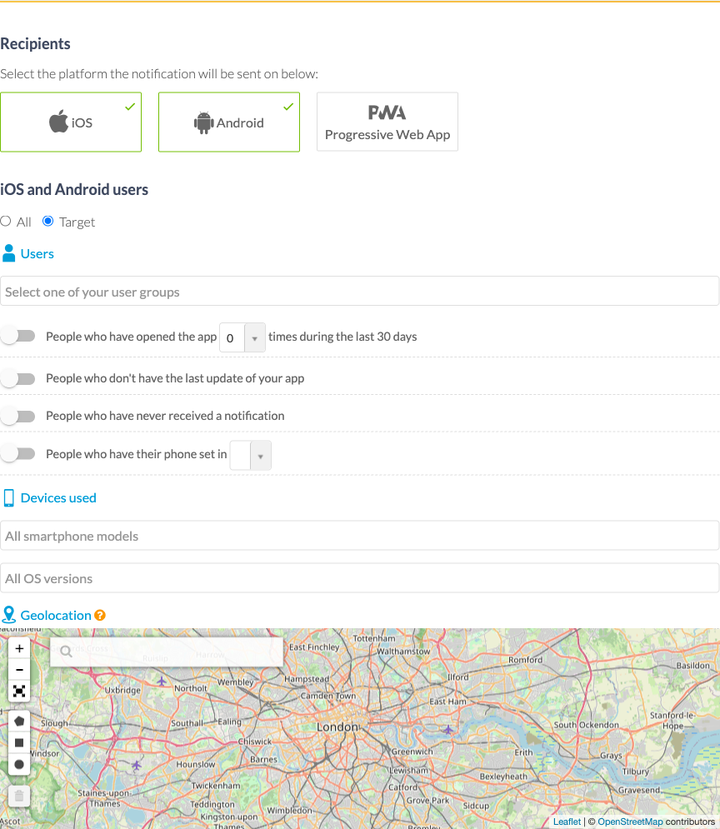
### Users
Three people-based criteria, and the third is the most interesting.
Your **user groups**, the ones you've built in your community space, are offered as they are. They require the Authentication extension, described in "Building a community with your app".
The **number of app openings over the last thirty days** gives you behavioral targeting with nothing to prepare: people who have never opened it, one to five times, five to ten, fifteen to thirty. That's what lets you write a win-back message to those who are drifting away, and leave the daily regulars in peace.
Two special cases complete the list: people who don't have the latest update of the app, and people who have never received a notification. You can also filter on the phone's language, which cleanly settles the case of an audience spread over two countries.
### Devices
You restrict the send to iOS smartphones, to Android smartphones, or to certain OS versions. This filter mainly serves one case: not announcing a feature to people whose device can't run it yet.
### The geographic area
A map, a point, a radius. The notification only goes out to users inside the circle you've drawn.
Not to be confused with the next chapter: here it's you who decides when to send, and position acts as a filter. In a location notification, it's the user's movement that triggers the message.
### The PWA is targeted separately
Progressive Web App users have their own targeting block, and it's shorter: your groups, the number of openings over thirty days, the browser language, the device and the browser. No geolocation, no OS version.
That isn't an oversight, it's what a browser is willing to say about a visitor. Plan for it if your audience is mostly on PWA.
## Announcing every time you publish
Writing a notification after every article means doing the same job twice, and forgetting it every other day. The automatic push takes it over: you designate a section, and every post triggers a notification carrying the content's title.
Notification › Push › Automate
### Creating a rule
Creating a rule opens the same form as a manual send, except that the message is replaced by a choice of section. You can go one notch down and only trigger on a category: the whole Articles section, or only the Concerts category.
A **prefix** field lets you add a mention in front of the title, along the lines of "New episode". It's the only place where you write any text, since the rest comes from the published content.
### Choosing when it's allowed to go out
Publishing at 11pm doesn't mean waking your readers at 11pm. The **Send this message** picker offers three regimes: any time, during a time range you define day by day, or during a period bounded by two dates.
The second option is the one that protects your audience, and it's also the one people forget to set. A rule running without a time range always ends up going out at the wrong moment. While you're there, check the time zone shown under the seven lines of the week: that's what decides what 9am means.
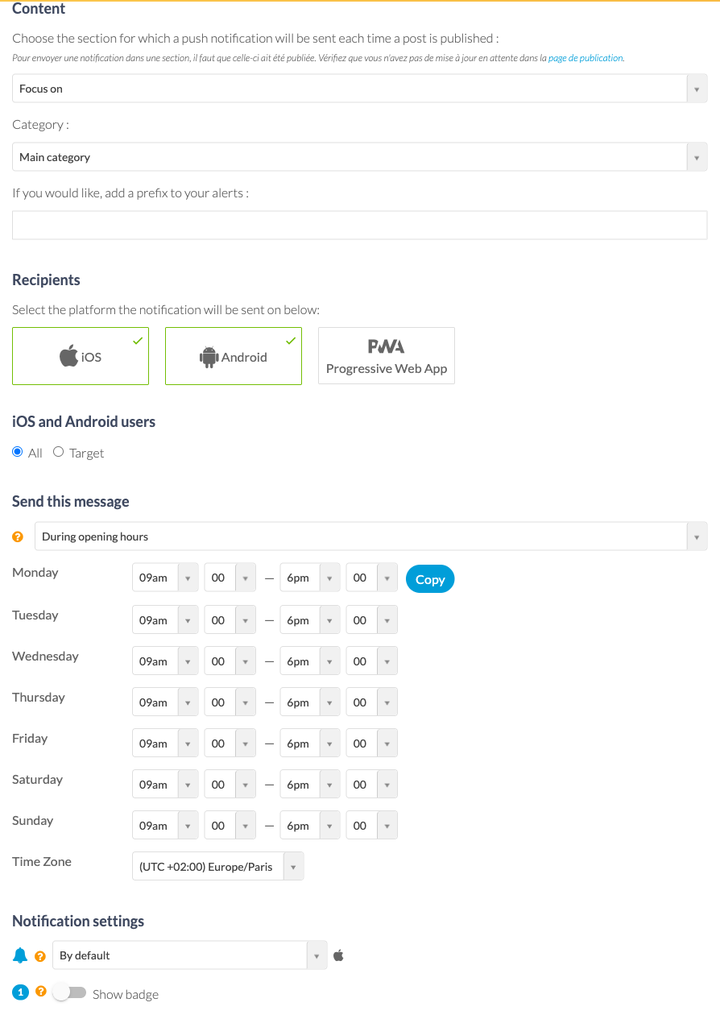
### The limit worth knowing
The automatic push is an extension, and it isn't available on the Standard plan. A Standard app sends notifications, but only by hand.
Your list of rules shows a toggle for each one, its settings, its statistics and its status. So a rule can be switched off without being deleted, which is the right move for a seasonal announcement.
## Notifications triggered by a place
A museum that explains a room when a visitor walks into it, a shop that flags its offer of the day when a customer walks past, a festival that welcomes people at the entrance: the location notification responds to the moment rather than to your calendar.
The Geoalert group only appears in your menu once the matching extensions are switched on.
Notification › Geoalert › Notifications
### Two ways to define a place
The **geofence** is a circle on a map: an address, a radius in meters. You manage them in Notification › Geoalert › Geofences, as a list or on a map, and each one shows the number of notifications attached to it.
The **iBeacon** is a Bluetooth beacon placed in a location. It serves where GPS isn't enough: inside a building, in a lobby, in front of a specific aisle. You enter its unique identifier in Notification › Geoalert › iBeacons.
### Setting the trigger
Three possible moments: when the user enters the zone, when they leave it, or after a stay of a length you set.
Then comes the setting that prevents harassment, and it deserves a pause: you decide how long before the same person can receive the message again. On every new entry into the zone, or after 12 hours, 24 hours, two days, two weeks, up to a year. A passing-trade shop wants daily; a museum doesn't want to repeat the same explanation in every room.
As with the automatic push, a time range limits the hours it can be displayed.
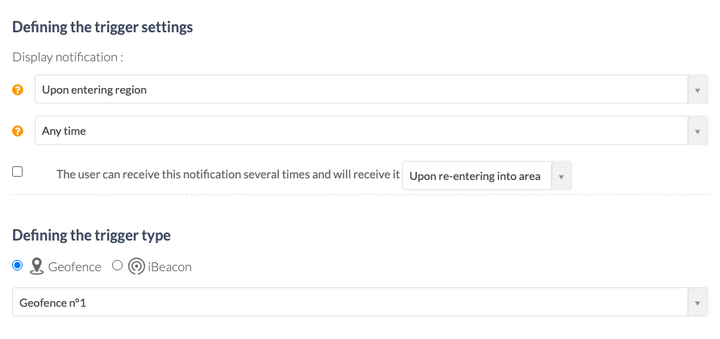
### Two limits worth knowing
**Native apps only.** The recipient counter only mentions iOS and Android: your PWA doesn't receive location notifications. That's the direct consequence of what makes them interesting in the first place, the fact that position monitoring happens inside the installed application.
**A beacon is placed before compiling.** Your iBeacons' identifier travels inside the app's binary. Changing it therefore means recompiling the application and submitting it to the stores again, which the back office flags on screen. A geofence, on the other hand, can be changed without republishing.
A third caveat, rarer but brutal: switching on Apps for Kids mode automatically disables geofences and iBeacons, along with chat. An app for children doesn't geolocate its users.
## SMS, when you want to be certain of arriving
A notification only reaches people who have installed your app and accepted notifications. SMS talks to a phone number, which makes it the only channel left once the app has been uninstalled.
Notification › Push › Send SMS
### How it works
A 140-character message, a button, a recipient counter. No targeting, no scheduling: what you write goes out as it is to the people who gave you their number.
That consent is prepared in the **Settings** tab of the same screen. There you write the dialog box that asks for the number inside the app, its two buttons, its success and error messages, the default country code, and the welcome SMS sent on sign-up. A carefully written request is the difference between a list of numbers and an empty one.
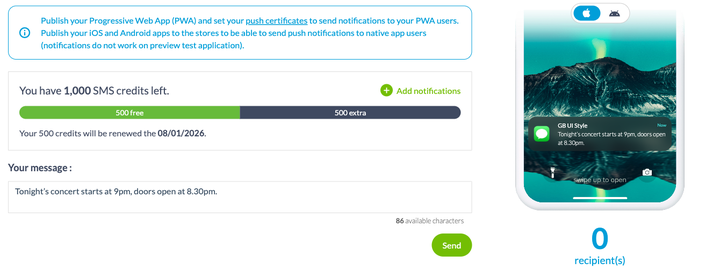
### What it costs
SMS is an extension, and its listing shows the price that applies to your app. It includes 500 SMS a month, renewed on a fixed date, and the screen shows the remaining balance along with the next renewal date. Beyond that, extra credits are bought from the same page.
At 140 characters and with a real cost per send, SMS isn't a publishing channel. Keep it for what justifies interrupting someone: a cancellation, a change of time, a piece of information your audience would hold against you for not sending.
## Before the first send
### Three technical conditions
They're recalled at the top of every notification screen, and they explain most cases of "I didn't get anything".
Your PWA must be published and its push certificates set up, in Publish › PWA › Push Certificates. Your iOS and Android apps must be published on the stores. And the preview application doesn't receive notifications: testing a send from the test app proves nothing, either way.
### What your plan allows
The number of notifications you can send each month depends on your plan.
StandardPremiumPro**Notifications per month**10,00030,000250,000**SMS per month**500500500**Automatic push**noyesyes**Geofence and iBeacon**noyesyes
One point to read the right way round: the quota counts notifications sent, not messages written. A notification addressed to 5,000 people uses up 5,000. That's one more reason to target.
### What your readers control
The first lock isn't yours: the operating system asks permission to send notifications, and the user can refuse it or withdraw it at any time.
The second one you can open. If your app has a member area, Settings › Profile settings lets you show the history of received notifications in the profile, and allow your users to subscribe to or unsubscribe from your scheduled notifications. This option requires the Authentication extension.
It's worth switching on, even though the idea of letting subscribers go is unpleasant. Between a reader who unsubscribes from your alerts and a reader who uninstalls the app, the first one is still reachable.
---
# AI in your app
Source: https://www.goodbarber.com/academy/ai-in-your-app/
---
title: "AI in your app"
description: "Two assistants that look alike on screen: the Chatbot answers with your content, the ChatGPT extension answers with what the model learned."
canonical_url: "https://www.goodbarber.com/academy/ai-in-your-app/"
lang: en
---
Your readers arrive with a question. Today they either ask a search engine, which answers in your place, or they dig through your app until they find it. GoodBarber lets you open a third path: an assistant that answers inside the app, right next to your content.
Two extensions do this. On screen they look alike: a conversation, a question, an answer. Under the hood, they don't fetch the answer from the same place, and that's the whole difference. Picking the wrong one means promising a reliable answer and delivering an invented one.
## Two assistants, two sources of answers
The table below is the plan of this guide. Read it first: it prevents three quarters of the bad choices.
The ChatbotThe ChatGPT extension**Where the answer comes from**Your published content, and nothing elseThe model's general knowledge**What you set up**The sections that feed its knowledge baseAn instruction describing its role and its tone**Who pays for the AI**GoodBarber, through the extension's creditsYou, directly with OpenAI**API key to provide**NoYes, your own**On which apps**Content appsContent apps and e-commerce apps**What it costs**Its listing shows the price that applies to your app, credits includedIts listing, plus your usage at OpenAI
One sentence to hold on to the distinction: **the Chatbot knows what you published, the ChatGPT extension knows what the model learned.** The first one can't answer on a subject you've never covered. The second one will answer anyway, and that's sometimes exactly what you don't want.
The two can coexist in the same app. A general conversation assistant on the home screen and a documentary chatbot in the archive section aren't competing.
## The Chatbot, which answers with your content
RAG stands for *retrieval-augmented generation*. The principle fits in one sentence: before answering, the assistant goes and finds the relevant passages in **your** content, and writes its answer from those passages.
That's the difference between an assistant that knows your subject and an assistant that knows yours. For a ten-year article archive, a travel guide, an internal manual or a base of frequently asked questions, it's the only form that holds up: the answers stay within the boundaries of what you've written, and they age at the same rate.
The chatbot is an extension before it is a section, and the order matters. Everything starts from the **Chatbot** entry in the main menu, at the first level between Notification and Statistics: that's where you add the extension, and **only once it has been added does the section become available** in your app. Looking for it in the list of sections before going through there means not finding it.
Once it's in place, it behaves like any other section: it takes its place in your menu, it counts towards your 120 sections, and it picks up your app's colors and typography.
Its settings open from the same menu entry, on a screen with four tabs: settings, design, source sections, and reports.
### You choose what it's allowed to know
This is the setting that decides the quality of your chatbot, and it's also the one people rush.
The **Sections** tab lists yours, filed by content type: your articles, your events, your locations. You tick the ones that should feed the knowledge base, and you can go down to **category** level: the whole Articles section, or only the Practical category.
Everything you publish in those sections afterwards enters it automatically. There's no update button to remember, no export to redo: your knowledge base follows what you publish.
One last setting completes the picture: a cap on how many items are kept from each selected source, from the most recent backwards. Raising it gives the assistant more material and uses more credits. A publisher posting every day and a stable travel guide don't need the same value.
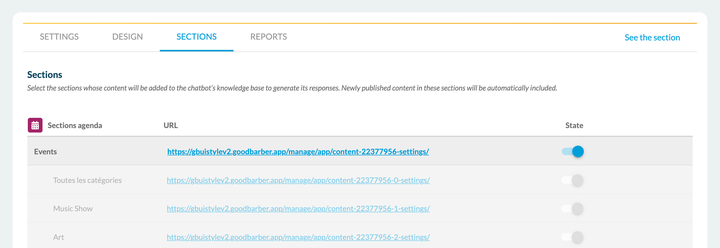
### Choosing the model means trading detail against cost
Two models are set separately, and they don't do the same job.
The **generation model** is the one that writes the answer. The list runs from the most recent models down to their Mini and Nano variants, faster and more frugal. It includes OpenAI models and **Mistral** models, which lets you stay on European infrastructure when that matters to you.
The **indexing model** is the one that turns your content into something search can work with. Its large version handles long, nuanced texts better; its economical version is faster and uses less.
The practical rule: start with an economical variant, measure the quality of the answers on your real questions, then move up if you aren't there. Doing it the other way round costs money for nothing.
### The tone, and what to do when the answer doesn't exist
A writing tone field lets you describe how the assistant addresses your readers: the level of formality, the style. This field isn't there to add knowledge, it's there to set the voice.
It carries the most useful instruction on the whole screen, though: the one saying **what to answer when the answer isn't in your content**. Without it, an assistant often prefers to improvise rather than admit it. Write it explicitly: tell it to say it doesn't know and to point to your contact page. One sentence, and your chatbot stops inventing.
### Showing where the answer comes from
Two toggles decide what appears beneath the answers. Interactive source cards show the article, event or location the answer was built from, and the reader opens it in one move. A second toggle adds a copy button on each message in the conversation.
Look at that answer: it isn't just correct, it says where it comes from. Every recipe quoted carries its link to the article, and the row of cards below the conversation takes the reader back into the content. That's the visible difference between an assistant drawing on you and an assistant talking from memory.
Switch the source cards on. They do three things at once: they prove the answer really comes from you, they bring the reader back into your content instead of leaving them in the conversation, and they give you a way to check your chatbot at a glance.
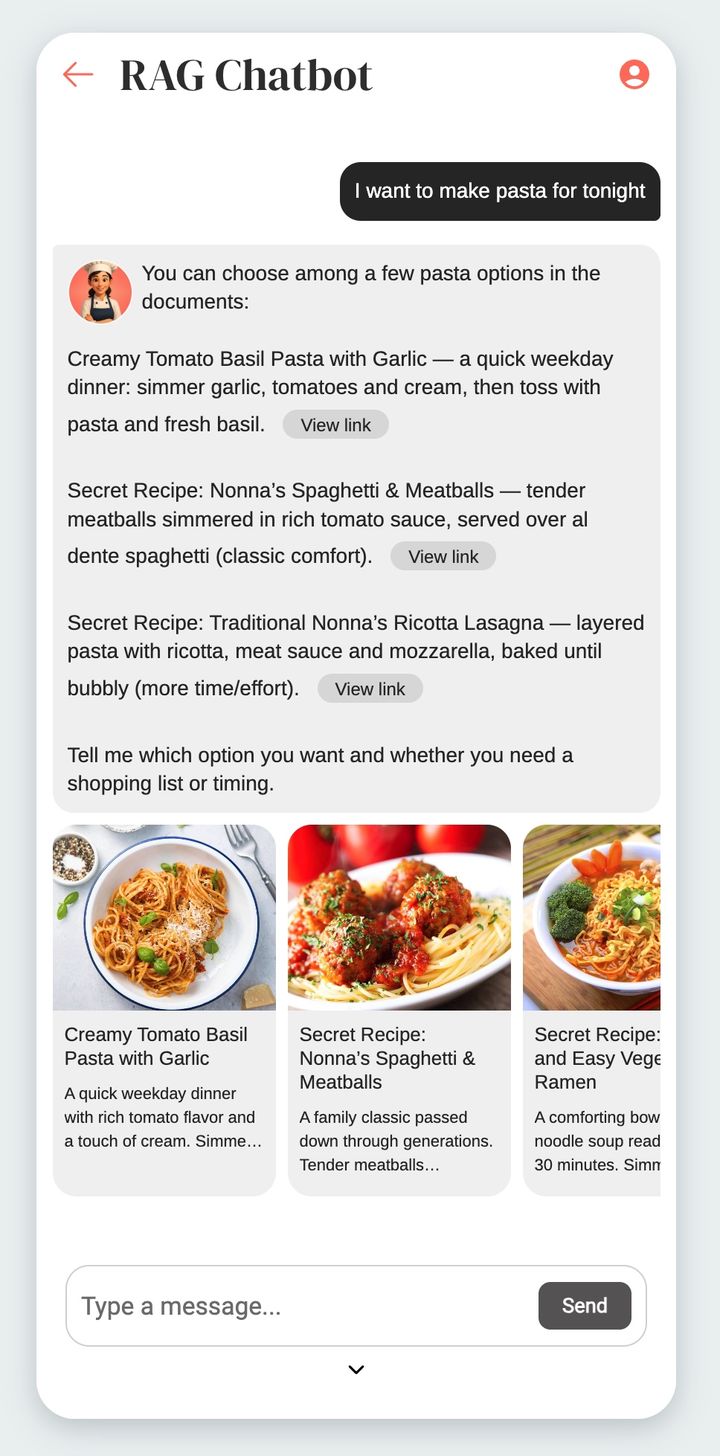
### Reserving it for your subscribers
An access restriction option closes the chatbot to passing visitors and reserves it for people who are logged in or subscribed. It leans on one of the platform's two access families, the in-app membership extension or the **Authentication** extension, so one of the two has to be active in your app.
Those two families don't stack: that's the fork described in "Building a community with your app", and it's decided beforehand, not afterwards. If your app lives on an in-app membership, that's what the restriction goes through.
It's a good candidate for reserved content. An assistant that knows ten years of your archive has a value a reader grasps immediately, which is rarely true of one more article.
### What it costs
The Chatbot is an extension, and **its listing shows the price that applies to your app**. It includes a volume of credits, renewed each month, and a counter at the top of the screen shows the remaining balance along with the next renewal date. The volume included is on that same listing.
Two things consume those credits, and not in the same proportions. Indexing your content costs little and happens once, then on each publication. Your users' questions cost the rest, and their consumption depends on the model chosen and on the complexity of the question. In other words, your bill follows your audience: that's good news, provided you saw it coming.
## The ChatGPT extension, an assistant you frame
The other kind of assistant doesn't read your content. It plugs an instance of ChatGPT into your app, and you give it a role.
Like every extension, **its listing shows the price that applies to your app**, and it works on both product lines, content apps as well as e-commerce apps.
Like the Chatbot, it's **an extension before it's a section**, and the same order applies: you switch it on first in Extensions Store › All extensions, and the section only appears in the list of types once that's done. You'll then find the status of all your extensions in Extensions Store › Management.
Its settings open from the section's menu, through the entry that configures the assistant. Its screen has only two tabs, settings and design, where the Chatbot has four. That's the difference in nature, visible to the naked eye.
### Your key, your bill
The first difference is right there, and it isn't trivial. An OpenAI access block asks you for a secret API key, which you create on your OpenAI account. The commercial relationship stays between you and OpenAI: GoodBarber charges nothing on the conversations and takes nothing on the way through.
What that means in practice: you open an account at OpenAI, you put a payment method on it, and you watch consumption from their dashboard, not from your back office. Some recent models also require your organization to be verified at OpenAI, which the screen flags.
### The system message does all the work
Three fields only, and the third one carries everything else. You enter the assistant's name, you choose a generation model from a list running from the most recent to the most economical, then you write the system message.
That text is the only thing separating your assistant from an ordinary ChatGPT. It describes its role, its tone, and above all the range of subjects it agrees to handle. An assistant that hasn't been told what it talks about will talk about everything, including things you don't want in your app.
Write it in two parts. First the role, put simply: who it is, who it's talking to, on what subject. Then the closure, just as important: what it should answer when the question falls outside the subject. That second half is the one people forget, and it's what keeps the assistant in its lane.
Like the Chatbot, the ChatGPT extension can be reserved for your logged-in users, through the same restriction option, and its appearance is set in the design tab.
### The limit worth knowing
It follows directly from how it works: **this assistant doesn't know your content**. It doesn't know what you published yesterday, or your opening hours, or your prices, or the name of your new collection. If a user asks, it will answer all the same, with whatever the model believes it knows.
The system message reduces that risk, it doesn't remove it. So keep this extension for uses where the answer doesn't have to be yours: an assistant that advises, that rephrases, that walks someone through their first steps. As soon as the answer has to be exact and verifiable, the Chatbot is what you need.
## Which one to choose
The question is settled on a single line: **does the answer have to come from you?**
What you want to doThe extension to chooseAnswer on your hours, your prices, your news, your archiveThe ChatbotTurn a body of documents into direct answersThe ChatbotMake an internal manual or a set of procedures searchableThe ChatbotGuide a visitor around a city, a site, an eventThe ChatbotOffer a themed advisor that suggests and rephrasesThe ChatGPT extensionHelp people discover the app, in plain languageThe ChatGPT extensionTest your users' appetite for an assistant, with no subscription costThe ChatGPT extension
Three examples to anchor the rule.
**A school.** Paraigua publishes its calendars, its rules and its circulars. The same questions come back every year, on the same dates, and each one already has its answer written somewhere. This is the textbook RAG case: the material exists, it's just badly reachable.
**A travel guide.** Portland describes places, events, routes. A visitor asking "what's open on Sunday morning near the harbor" is asking something the content answers, but that no menu lets them phrase. RAG again.
**A beauty salon.** Freyja Spa has no body of documents, but it does have clients hesitating between two treatments. An assistant framed by a system message, asking two or three questions and steering towards the right service, is useful without needing to know the catalog by heart. The ChatGPT extension is enough, and it costs nothing more.
## Three things to know before you start
**The Chatbot only exists on content apps.** An e-commerce app can't switch it on today. On that line, the ChatGPT extension is still available.
**A chatbot only answers well if your content answers.** This is the limit most often discovered too late. An assistant plugged into thirty vague articles produces thirty vague answers, and it makes visible a content problem that went unnoticed as long as nobody asked the question directly. Before switching it on, reread what you publish and ask yourself whether a reader would find their answer there. If not, it's the content that needs work, not the model.
**You stay responsible for what your app says.** An assistant speaks under your name, in your app, in your colors. Test it with your real questions before publishing, including the awkward ones, and keep the instruction telling it to admit what it doesn't know. An assistant answering "I don't know, write to us" costs you nothing. An assistant inventing your opening hours costs you a customer.
---
# Building a community with your app
Source: https://www.goodbarber.com/academy/community/
---
title: "Building a community with your app"
description: "User authentication as the foundation, then the user list, the groups and the chat that plug into it."
canonical_url: "https://www.goodbarber.com/academy/community/"
lang: en
---
Building a community around your app makes it more valuable and keeps your users coming back. The mechanism is simple: once a user is logged in, you learn more about them, so you meet their needs better.
On download, users often fill in a first form of personal details. That's a first commitment to the brand. A community space turns that one-off commitment into lasting use.
It all rests on one foundation feature, user authentication, onto which the user list, the groups and the chat are then plugged.
## User authentication
### What it's for
It creates a login module, which you make mandatory or not at the entrance to the application.
Being able to close all or part of your app is decisive for many creators: it's what lets you reserve content and features for members. Beyond protecting content, closing the app encourages your users to create a profile, and so tells you more about your audience.
Dali Corp's internal app, meant for employees, is entirely closed to anyone without credentials.
Two settings combine freely:
- you close **the whole** application, or **only part of it**
- you let **all your users create a profile**, or you switch that option off and only admit chosen people, whose profiles you create by hand from the back office before sending them their credentials
That flexibility is what makes the feature universal: the same tool serves a public app wanting to know its readers and a strictly closed company app.
Above all, remember that authentication is the **parent feature** of many others: the loyalty features depend on it, as do all the community features that follow.
**One fork to know about before you start.** This guide describes the standard authentication flow, the one that opens accounts, groups, per-section rights, chat and the loyalty tools. There is a second one, reserved for apps selling access to their content through an in-app membership, and it only grants binary access: subscribed, or not subscribed.
**The two flows are mutually exclusive.** An app uses one or the other, never both. If selling memberships is part of your project, settle it before you build your community, because switching from one flow to the other undoes what you've put in place. The back office warns you explicitly at the moment of switching. The subject is covered in "Making money with your content app".
One reassuring detail as you decide: if you do switch, we migrate the accounts created with an email address, so your list of registered users follows you. Only accounts opened through a social network don't migrate.
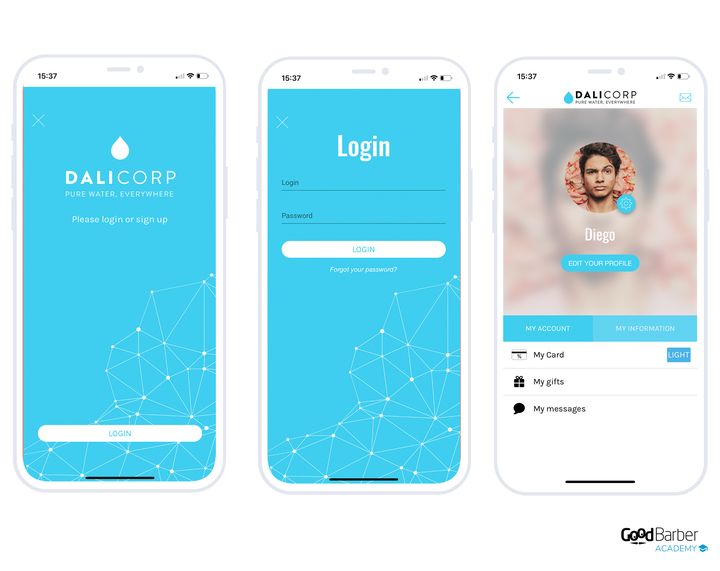
### Setting it up
Adding the **Authentication** extension creates a new **Community** menu in your back office. The settings themselves are in Settings › Registration process.
It also adds two sections to your app: the login section, which the back office calls the **Log box** and which stays at the top of your structure, and the **User profile**, each registered user's personal space. You make the latter reachable through a link on the home screen, a menu entry or a header button.
There you decide whether to allow account creation from the app, whether to allow access without logging in, and you edit the message shown to visitors who don't have a profile.
One option on that same screen deserves to be known before you open registrations: **Force email validation at registration (double opt-in)**. Switched on, it only opens the account once the confirmation link has been clicked. It's one more step, and it will cost you a few sign-ups along the way. In exchange, your user list doesn't fill up with mistyped or borrowed addresses, and every account corresponds to someone who did receive your message. On an app where the account gives access to reserved content, that's the right setting.
**The User profile tab** lets you allow profile pictures, links to social networks, and per-user management of push notifications. That last option deserves attention: your users can then look through the history of notifications they've received and choose which streams they subscribe to.
This is also where you set up the profile fields. You can add several types of extra field, required at sign-up or not.
**External connections** save your visitors from creating one more password. There are three of them, and each has its own screen: Settings › Connection with Facebook, Settings › Connection with X and Settings › Sign in with Apple.
Two things to know before switching them on. None of them plugs in by ticking a box: each one requires a developer account with the service concerned, and an application declaration procedure the back office details step by step. Allow time for it, and above all don't switch them on the day before a launch.
And they don't replace account creation by email, which stays the foundation. That's what lets you recover your list if you ever change authentication system: as noted above, accounts opened through a social network don't migrate.
Community › Public/Private manages access to sections. You close the whole application or only certain sections, in one click.
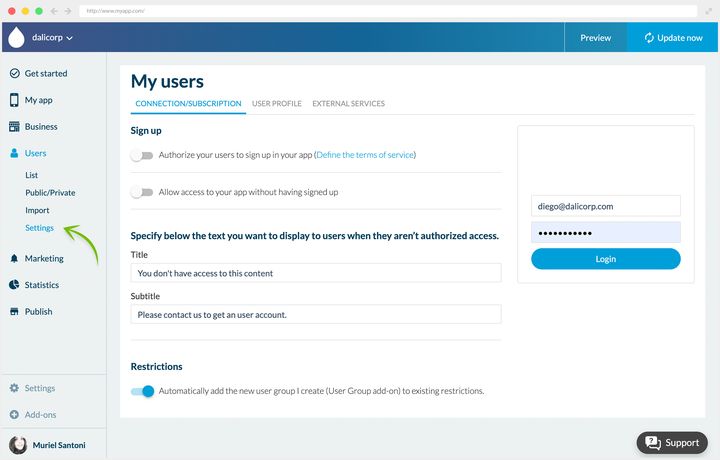
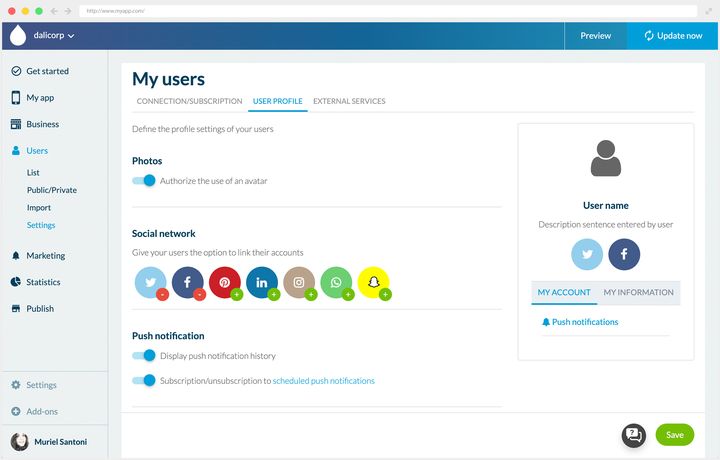
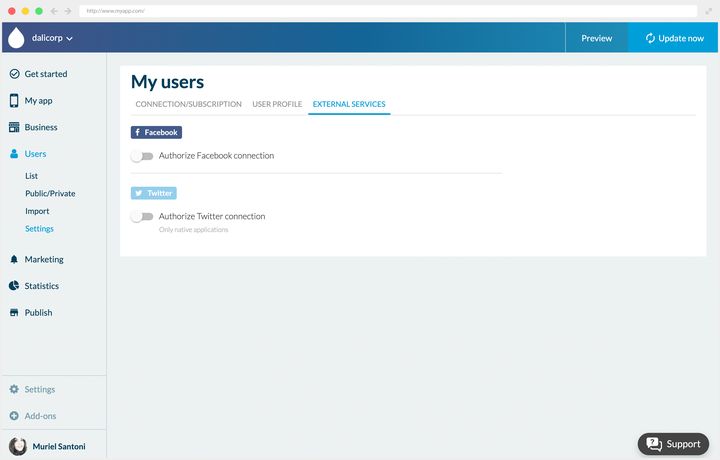
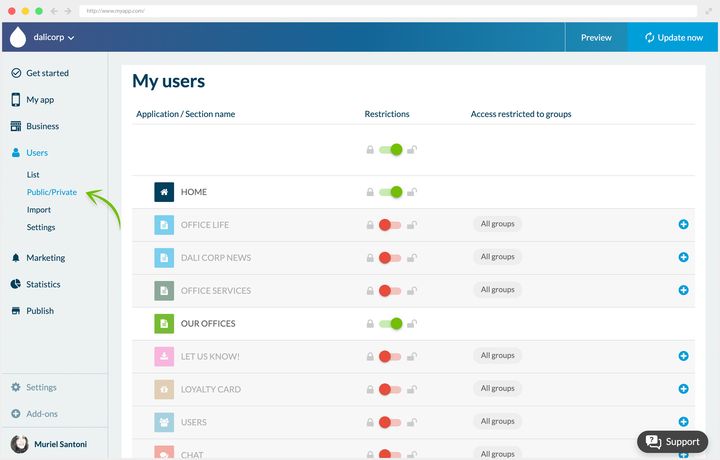
## The user list
Once authentication has been added, you get Community › User list, from which you manage all your registered users.
The list shows their main details and filters by most recent signups or most recent logins. You can export the data as a .csv, add a user by hand, or delete several using the checkboxes at the end of each row.
Clicking a user opens their profile in detail, which you can edit. You'll find the default fields there along with the ones you set up.
**Bulk import** is done from Community › User list, through the **Import** link at the top of the list, from a .csv file.
Two columns are mandatory and open the file: the **email**, which acts as the identifier, and the **password**, in plain text. The columns after that fill out the profile. One import carries up to **10,000 users**, and an email tells you when processing is done.
A practical tip: start by running an export. That gives you a spreadsheet already in the right format, which you only have to fill with your new users, adding the password column. The safe move is to put the same neutral password for everyone, then ask your users to reset it on first login.
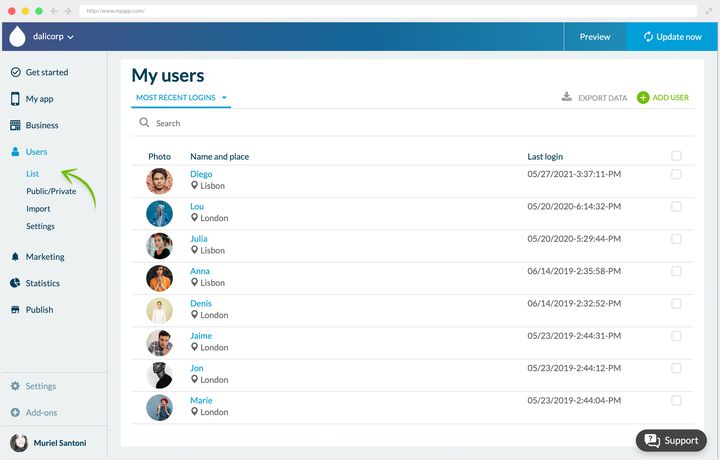
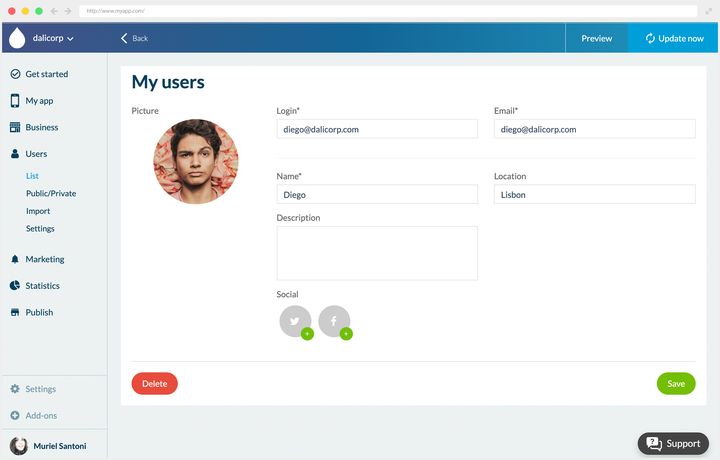
## User groups
The **User Groups** extension comes into its own if you plan to restrict parts of your content. It lets you create groups and reserve sections of the app for one or several of them. Like every extension in this family, it requires the Authentication extension, and its listing shows the price that applies to your app.
A user can belong to no group, one group or several. If they're in none, they automatically join the **Default** group. Groups are managed from Community › User list, **Groups** tab.
You create as many as you like. At Dali Corp they match the company's departments: each employee reaches the content meant for their team and has a private communication space inside the app.
Groups also serve to **target push notifications**, which changes the quality of your communication a great deal: you stop sending everyone what only concerns some of them.
The mechanism carries well beyond the company setting, into a school or an editorial app wanting to target its readers better.
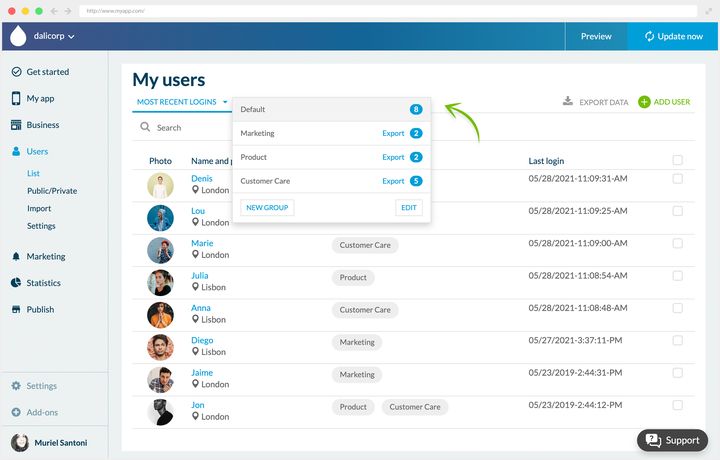
## Chat
Chat is an extension too, added from the store, and it requires the Authentication extension just as groups do. Its listing shows the price that applies to your app.
Chat first brings your users closer to each other, which serves an app with a social purpose. But above all it creates a space to exchange and debate, and it improves a company's internal communication by letting employees contact each other.
The member directory is a separate section, brought by another extension in the same family. Your registered users browse other members' public profiles there and contact them from their card, and a map view lets them spot the ones nearby. That section, not the chat, is what makes your community visible inside the app.
**Two limits to know before rolling it out**: it's a one-to-one chat, and only text can be exchanged.
Chat is central to building a real community. Company apps and purely community apps benefit from it first, but think about bending it to other uses too, to run a customer service desk or to make an event app feel more alive.
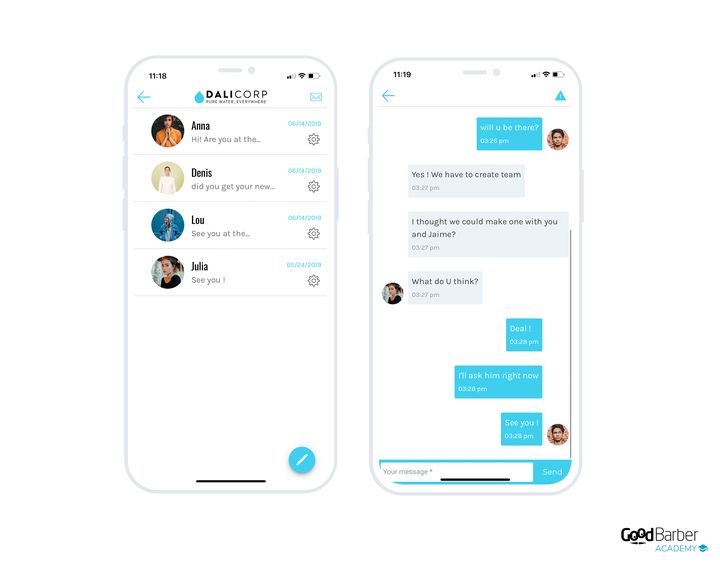
---
# Creating a loyalty program in your app
Source: https://www.goodbarber.com/academy/loyalty-program/
---
title: "Creating a loyalty program in your app"
description: "Loyalty card, club card and coupons: three tools that turn passing visitors into customers who come back."
canonical_url: "https://www.goodbarber.com/academy/loyalty-program/"
lang: en
---
Many app creators use one alongside a physical shop or to present a range of services. In that case a loyalty program changes the economics of the app: it turns passing visitors into customers who come back, and it puts word of mouth to work for you.
## The loyalty card
### The principle
GoodBarber's loyalty card is a points card. On each visit to your outlet, your customer validates a point. Once the card is full, they get their gift. You set all of it: the number of points to reach, the validation method, the nature of the reward.
The whole module sits in Business › Loyalty › The cards, where each panel, loyalty card, validation process, gift and club card, has its own **Settings** button.
The advantage over a cardboard card is direct. Your customers don't lose it, don't leave it at home, and always have it on them since it lives in their phone. So the scheme actually works, instead of eroding with every mislaid card.
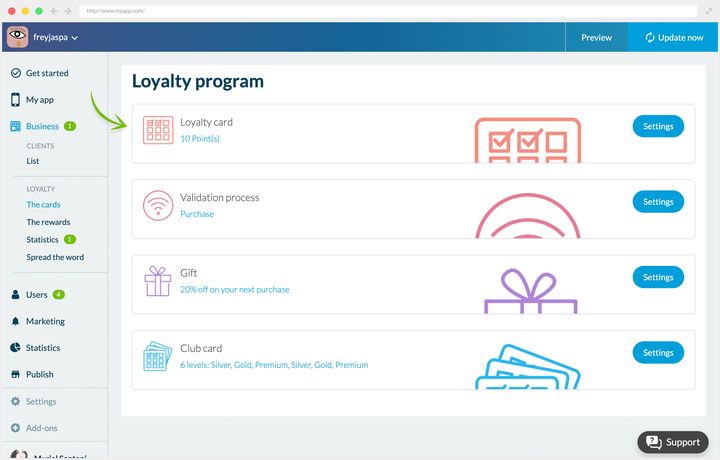
### Choosing the validation method
Three processes are available, and the right one depends on what you're trying to bring about.
**The purchase**, validated by scanning a QR code. This is the method to use if you want to validate the point at the till: you make the QR code available, the customer scans it once they've paid.
**Manual check-in**, based on a geographic zone you define in your back office. As soon as your customers are inside it, they validate their own point. Handy for cafés and busy locations. It's also the right choice if your goal is to increase footfall rather than basket size, since validating doesn't require a purchase.
**Sharing on social networks**, where the customer validates their point by sharing the URL of your choice. The point costs you nothing in margin and earns you visibility.
In every case, you can impose a mandatory delay between two validations, which protects you from abuse.
The setting is in Business › Loyalty › The cards, **Validation process** panel, **Settings** button.
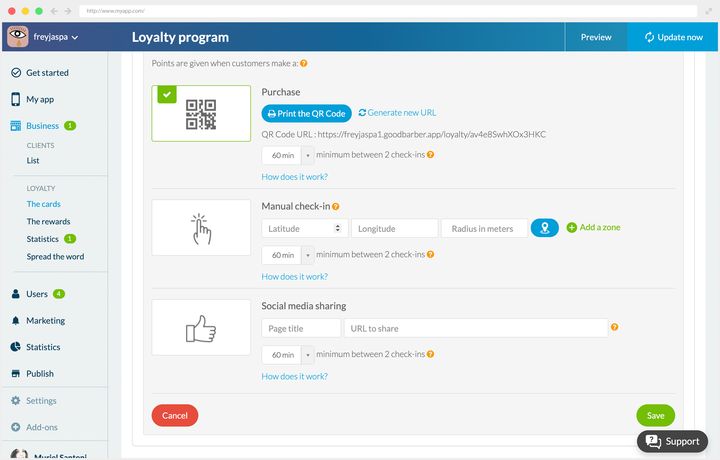
### Gifts and rewards
The end-of-card gift isn't your only lever. You also have two types of reward.
**Automatic rewards** fire on their own, once switched on in your back office. They cover the moments that count: welcoming a new user, filling quiet hours, winning back a customer who's slow to return, or catching the attention of people passing nearby.
**Manual rewards** are sent when you decide, with their own settings: title, description, reward, expiry date.
Both are set in Business › Loyalty › The rewards, under the **Automatic** and **Manual** tabs.
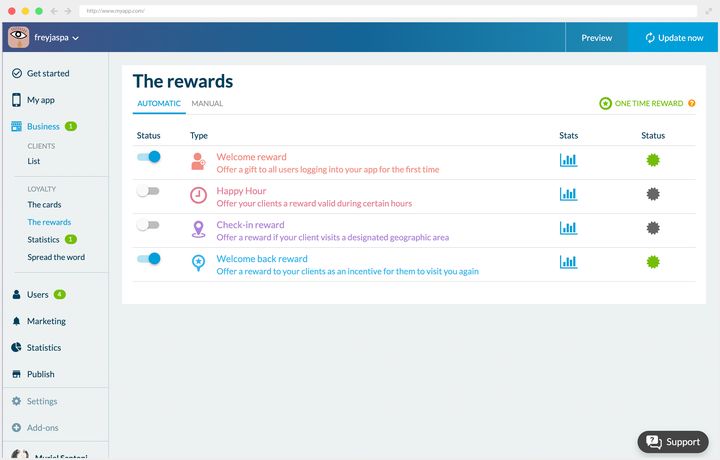
### Choosing the right gift
A loyalty program is only worth as much as its reward. Two questions determine it: what is your goal, and who is your customer.
If you're trying to make something new known, give it away. A spa launching a treatment is better off giving a session than a vague discount: the gift then does the promotional work.
If you're after visibility, bet on sharing, and choose validation through social networks.
The value of the gift depends on your model. On small amounts, a coffee for instance, the maths is simple: you set a number of orders after which the drink is free. On a wide range, a single prize rarely satisfies everyone, and a discount is often fairer. It has a useful side effect too: baskets are generally bigger when there's a discount to be used.
### In practice
#### A spa
Freyja Spa validates a point on every visit, for a treatment as well as for a purchase, by QR code. Card complete, the client gets 20% off her next visit. The salon has also switched on the welcome and win-back rewards, to capture new clients and bring them back quickly.
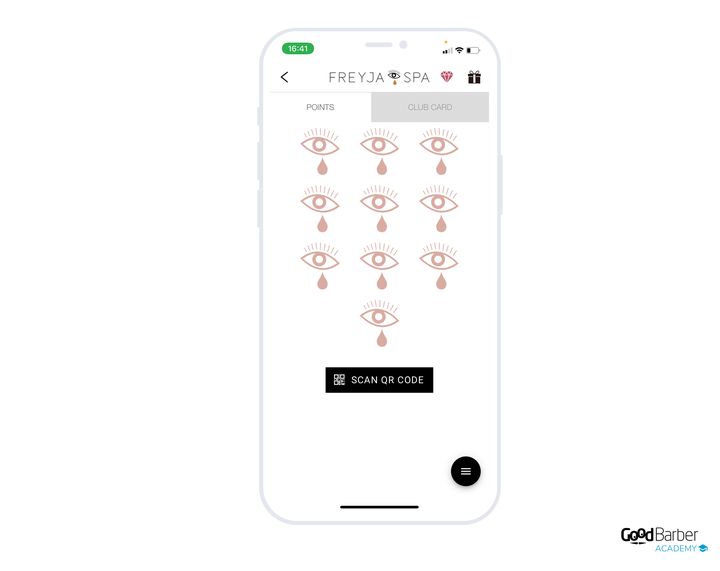
#### An internal company app
Dali Corp bends the tool away from its commercial use: the card encourages attendance at training and team-building workshops. Each attendance is worth a point, and a full card gives access to perks at partner shops around town. The company doesn't use automatic rewards, but uses the manual ones to mark the high points, a project shipping or the end-of-year holidays.
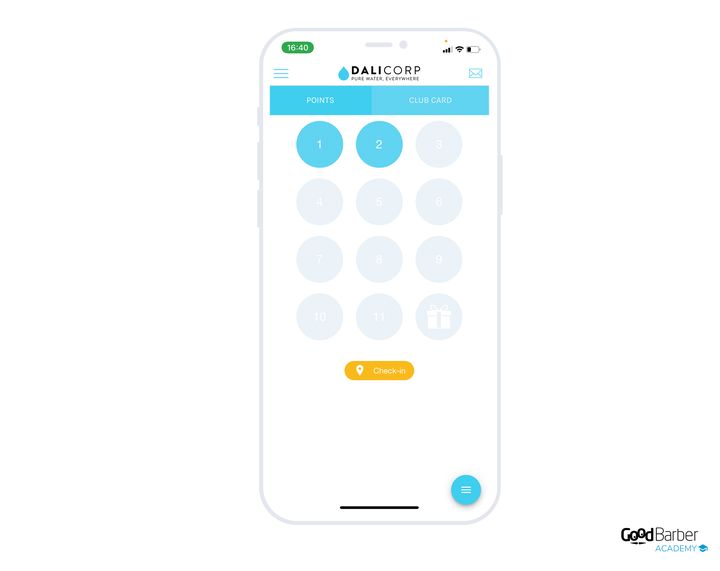
## The club card
### The principle
The club card works in a different register from the loyalty card: where that one rewards repetition, this one establishes a status. The customer isn't just rewarded any more, they're recognized, and that recognition is kept over time.
Three levels exist by default, Silver, Gold and Premium, and you can create up to six. You're free to change the names, and for each one you define the number of points needed to reach it and to move up to the next.
It's set in Business › Loyalty › The cards, **Club card** panel, **Settings** button.
To each level you attach the privilege of your choice: free delivery, a percentage off online or in store, reserved access. That's where a genuinely personalized mechanic is built.
Let's go back to the spa to see how the two cards fit together. With the loyalty card, after 10 treatments the client receives a body oil. With the club card, after 30 treatments, that is 3 completed cards, she becomes a Silver member and gets one free treatment a month plus 5% off the shop. At 50 treatments she moves to Gold: two treatments a month and 10%. At 100 sessions she becomes Premium, with 30% for life on the shop and on treatments.
The back office gives you detailed statistics and the list of your members. That's what lets you adjust: if nobody reaches the next level, it's too high; if everybody reaches it, the reward costs you without producing anything.
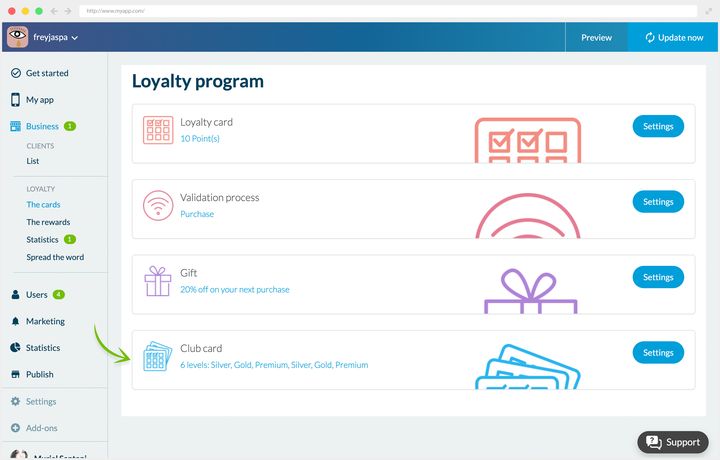
### Setting up the statuses
The setting is in the same place as the loyalty card, in Business › Loyalty › The cards, Club card panel, **Settings** button.
There you define, for each level you switch on, the number of points required, the wording of the privilege and a note explaining how to claim it. Take care with that wording: an ambiguously phrased privilege turns into a discussion at the counter when it's time to redeem it. This is also where you change the design of the cards and the name of the statuses.
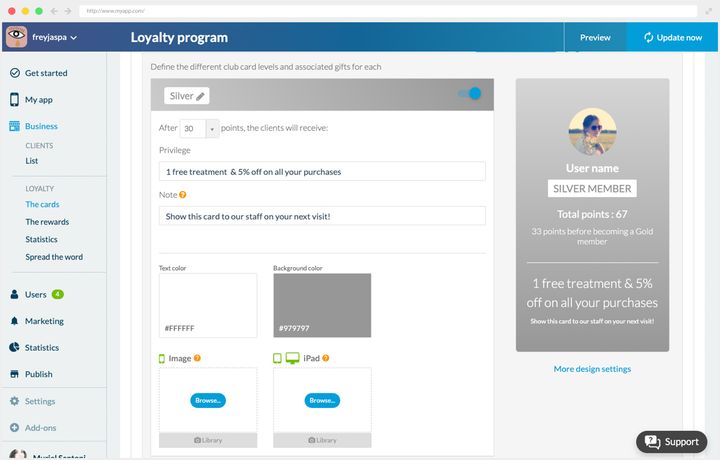
### In practice
#### A spa
Freyja Spa created three house statuses, Freyja Light, Medium and Star, giving respectively one monthly treatment plus 5% off the shop, 10% off all purchases, and 30% off all purchases. The rewards were calibrated to carry enough value in the clients' eyes while staying sustainable for the salon.
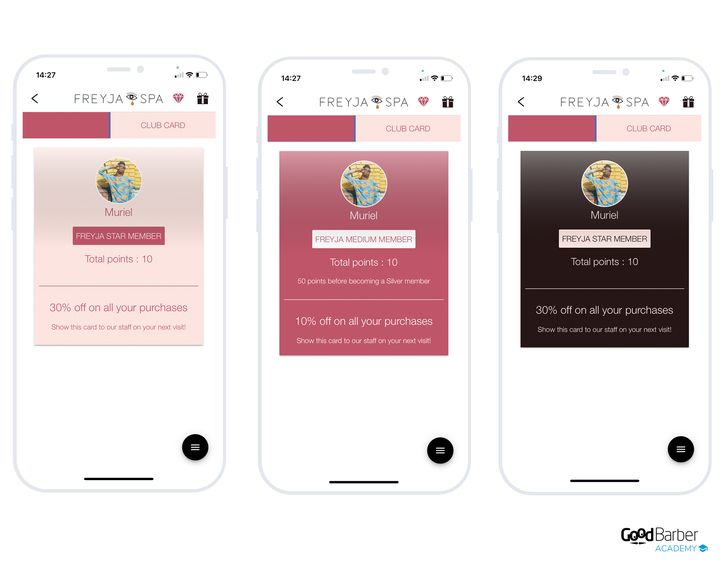
#### A company app
Dali Corp applies the same logic as for its loyalty card. Employees who accumulate the most points during activities reach statuses valid for a year: unlimited access to the library, two free coffees a day at the cafeteria, or a parking space for the year.
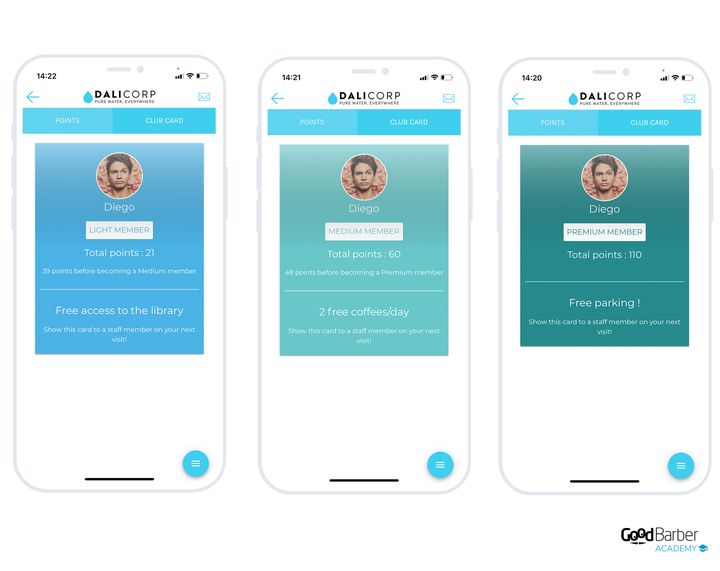
## Discount coupons
### Why offer them
Both cards reward customers you already have. The coupon is there to provoke an action, and it works as well for recruiting as for retaining. You can create an unlimited number of them from your back office.
Four uses come up most often:
- **Generating footfall.** A coupon usable in store gives a concrete reason to make the trip.
- **Encouraging impulse buying.** Once people are there, baskets grow, and a clear promotion sets you apart from the competition.
- **Pushing one specific product.** To launch something new or revive an existing offer, it's the most direct tool.
- **Working on your image.** A well-placed discount establishes you as a trustworthy merchant.
### Two validation methods
The validation method depends on where the sale is concluded.
For a physical shop, the coupon carries an **activation button**, which you click at the till.
For an online shop, you offer a customizable **promo code**, which the customer enters when ordering.
The design of the coupons is fully configurable: fonts, background color or image, additional information.
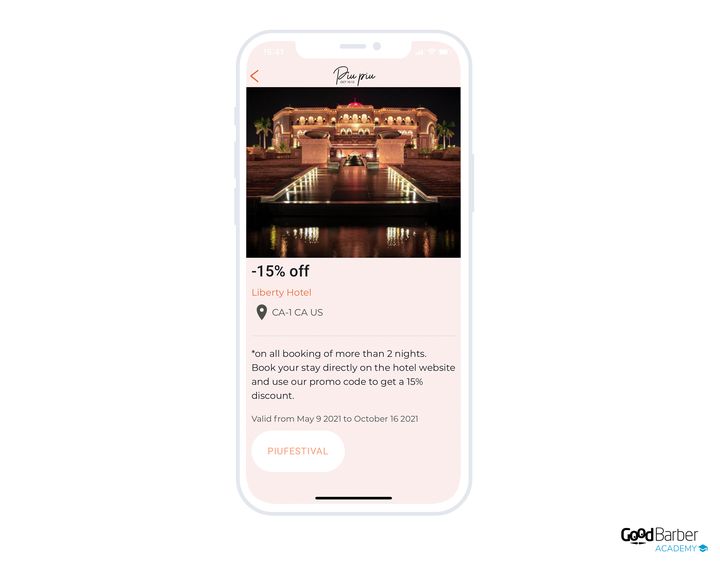
### Creating a coupon
You fill in the title, additional information such as the terms of use, then the validation method and the conditions: validity period, number of coupons available, number of uses per customer.
You can also categorize your coupons, choose a background image and enter the name and address of the shop concerned. The preview appears on the right throughout creation. The link under that preview leads to My App › Structure, where the section's advanced design options live.
Once your coupons are out there, Business › Couponing › My redeemed coupons keeps the log of validations: the customer's photo and name, the coupon, the shop and the date of use. That's where you see what caught on, and with whom.
Business › Couponing › My coupons
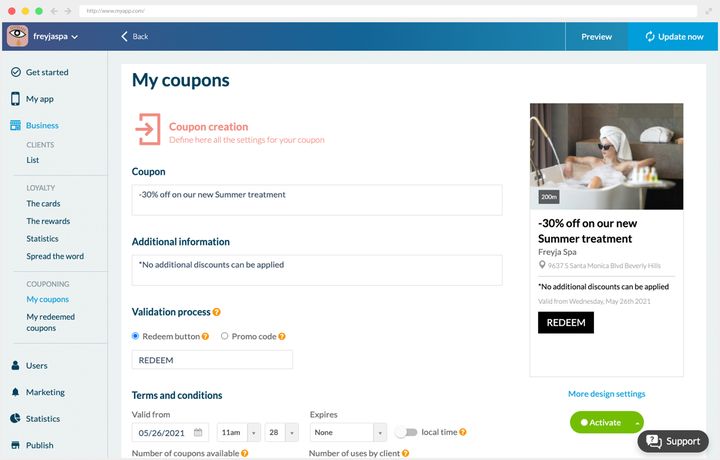
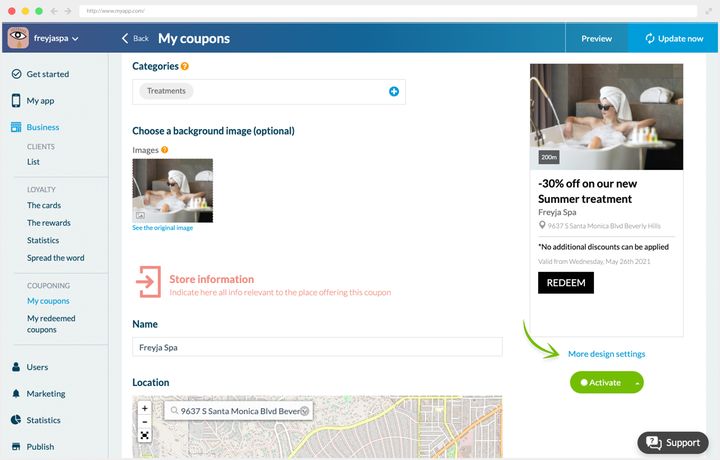
### In practice
#### A physical shop
Freyja Spa complements its loyalty program with one-off coupons, mainly to make a new treatment known. The coupon is valid with no end date, with a maximum of one use per client, and little additional information. Activation happens at the salon: the client shows her coupon, the receptionist validates it in one click.
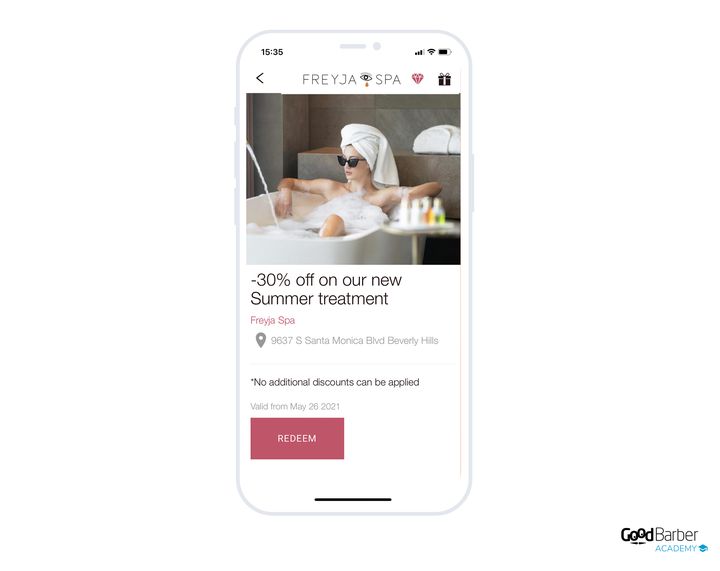
#### Multi-brand coupons
The organizers of the Piu Piu festival negotiated discounts with local businesses, in exchange for a presence in the app. Each coupon carries the amount of the offer, the name and address of the establishment, and the validation method.
The process varies by partner. At King's Taste, the 15% only applies to certain menus that change from day to day: the customer shows their coupon to the waiter, who tells them which dishes qualify, and validation happens at the till. For the hotels, the discount goes through a promotional code entered when booking, on the establishment's own website.
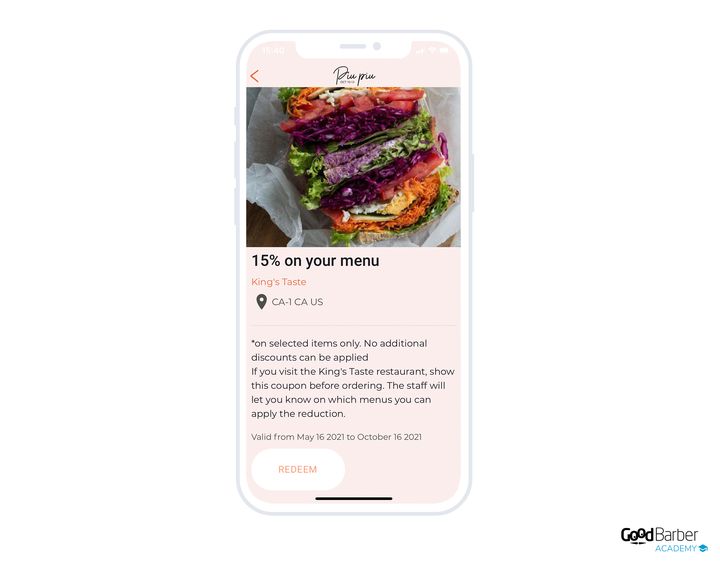
---
# Making money with your content app
Source: https://www.goodbarber.com/academy/monetization/
---
title: "Making money with your content app"
description: "The in-app membership, advertising handed to a network or run by you, and the paid download on the stores."
canonical_url: "https://www.goodbarber.com/academy/monetization/"
lang: en
---
Three ways to monetize a content app: the in-app membership, which charges for access to your content, advertising, which you can delegate or run yourself, and the paid download on the stores, which deserves a close look before you commit to it.
They aren't all mutually exclusive. Memberships and advertising combine very well, free content funding through ads what the membership doesn't cover. But the membership commits you to a choice that affects the rest of your app, and that's the first thing to settle.
## The in-app membership
### The principle
You sell access to your premium content: articles, videos, podcasts, courses, or whole sections reserved for subscribers. Your readers subscribe from within the app, and payment goes through the store, Apple StoreKit on iOS and Google Play Billing on Android.
From your reader's side, it's one gesture. No payment form, no card number to type, no billing address, no account to create on a site they don't know. The store already holds their payment method, and the subscription is concluded with one confirmation.
### What the platform takes care of
You define the offer: a name, a description, a duration, a price, and if you want a free trial period. The rest isn't your concern. Registering the products with both stores, validating receipts server-side, renewals, refunds and each store's special cases are handled by the platform. No payment SDK to integrate, no server to run, no compliance code to write.
Keep that in mind for the next section: part of what the stores take pays for work you don't have to do.
### The store commission, and why it's arguable
Apple and Google take **15 to 30%** on each subscription, depending on the program you qualify for and your history with the store. It's a real cost, and it deserves to be looked at squarely.
What it buys is the shortest purchase path on mobile. The alternative is to send your reader to a payment page on the web, where they have to open a browser, enter a card and create an account. On the audiences that matter here, a decision made on the spot, on mobile, for content, the gap in conversion between the two paths is considerable. The commission isn't a tax on the feature, it's the price of the single gesture.
The trade-off is yours to make, but make it on both columns, not on the commission alone.
### The three models, side by side
Three ways of charging coexist at GoodBarber, and they're often confused. They don't sell the same thing.
In-app membershipE-commerce shopPaid downloadWhat you sellaccess to your contentgoods and servicesthe app itselfWho collectsApple and Googleyour payment gatewayApple and GoogleCommission15 to 30%0% for GoodBarber, gateway fees aside15 to 30%Effort for the userone gesturea payment formone gesture, but before they've tried itType of revenuerecurringper orderonce per userProduct linecontent appe-commerce appboth
### What to know before you start
**You need an app on the stores.** Memberships rely on Apple's and Google's payment mechanisms: without an iOS or Android app, there's nothing to plug them into. The Standard plan only produces a Progressive Web App, so it doesn't allow selling memberships. That becomes possible from the Premium plan up.
The in-app membership is an extension: its listing shows the price that applies to your app.
**And above all, it commits the rest of your app.** The in-app membership rests on an authentication flow of its own, and that flow is mutually exclusive with the other one. An app uses one or the other, never both at once.
Standard flowMembership flowWhat it allowsaccounts, user groups, per-section rights, chat, loyalty card, club card, couponsbinary access to content, subscribed or not subscribedWhat it servesrunning a community, building loyaltyselling access to content
So switching the in-app membership on makes everything described in "Building a community with your app" and "Creating a loyalty program in your app" unavailable. The back office warns you explicitly at the moment of switching, so that the choice is deliberate.
Settle it before you build, not after: changing flow undoes what you've put in place.
**You don't lose your registered users, though.** If you do switch, we migrate the accounts created with an email address to the new flow: your list follows you. Only accounts opened through a social network don't migrate.
Once that decision is made, the guide "Charging for access to your content" takes over: choosing what goes behind the paywall, gauging what non-subscribers see, building your offer and making it visible.
## Advertising
### Ad networks or your own campaigns
You switch advertising on in your app entirely on your own, through two routes that complement each other very well.
**External ad networks** serve advertising through a third party. You sell them your space, they fill it. Depending on the service and the settings you choose, you refine contextual targeting to a greater or lesser degree.
One temptation to avoid: widening your criteria so as not to leave any ad space empty. A well-targeted campaign, even with limited reach, generally earns more than a massive unqualified display.
GoodBarber lets you improve that yield further by **choosing several networks and ranking them by priority**. If the first one has no ad to serve, the second takes over, and so on.
An ad network's profitability depends on your traffic and on the network itself. That's precisely why you're free to change: don't hesitate to test them to identify the one that pays best in your case.
**The internal ad server** hands you control from end to end. You serve your own advertising, set up from your back office, and you track your campaigns' performance there.
The principle is the same as with a network, except that you sell your space yourself and negotiate your own terms with your partners. The benefit goes beyond the revenue: you choose what appears, so you guarantee that the advertising fits your editorial line. Advertising that fits holds your readers' attention, which translates into clicks.
### Setting them up
Switch on the extensions you want first. There are two of them, one for external networks and one for your own campaigns, and each shows in the store the price that applies to your app. You then get Monetization › Advertising, which holds the three dedicated screens.
**For external networks**, go to Monetization › Advertising › External service. There you switch on the networks of your choice by filling in the details they will have given you.
The available networks depend on the type of app:
- **Native apps**: AdMob, Ad Manager, Meta Audience Network
- **Progressive Web Apps**: Ad Manager, Google AdSense
Your networks then serve as interstitial screens or banners.
**For your own advertising**, go through Monetization › Advertising › Internal ad network.
You create a campaign by giving it a title, selecting the platforms it runs on and setting its display rules:
- no rule
- display over a given period
- number of impressions
- number of clicks
The second tab lets you add the visuals, choose their format and put a link on them.
**To combine several campaigns**, use Monetization › Advertising › Strategy. If you mix external networks and the internal ad server, all your campaigns appear there together.
There you set the display order, bearing in mind that **only one campaign is served at a time**. If the campaign in first position has nothing to serve, the second takes over, then the third, and so on.
For internal campaigns, the same cascade applies to the limits you've set: as soon as a limit of duration, impressions or clicks is reached, the next campaign takes over in priority order.
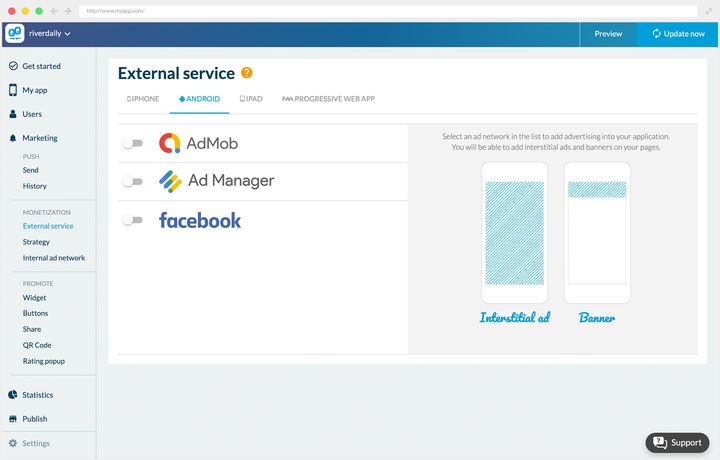
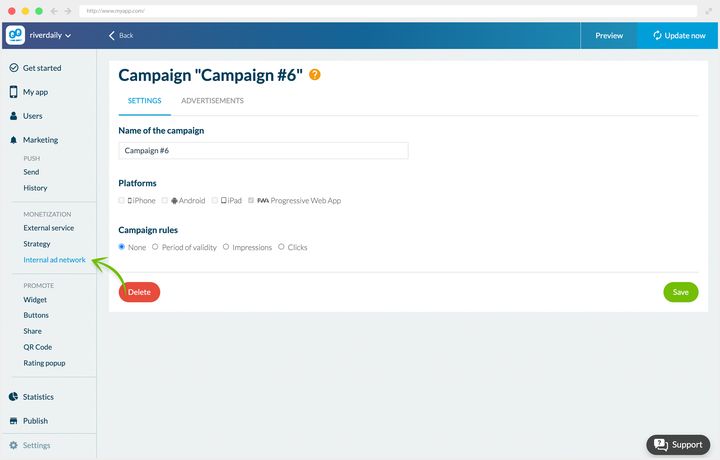
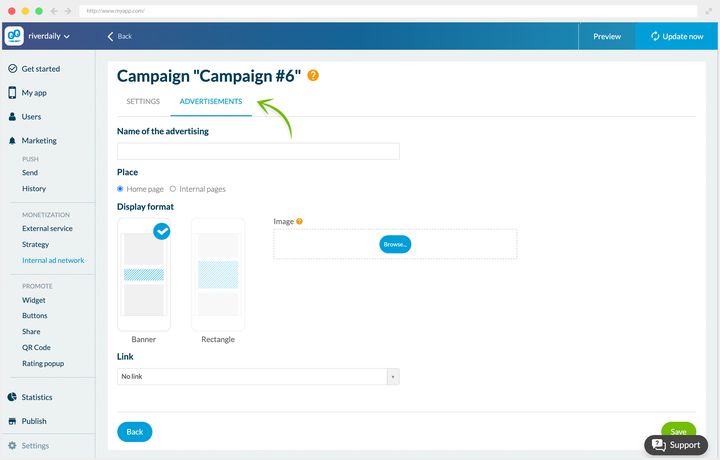
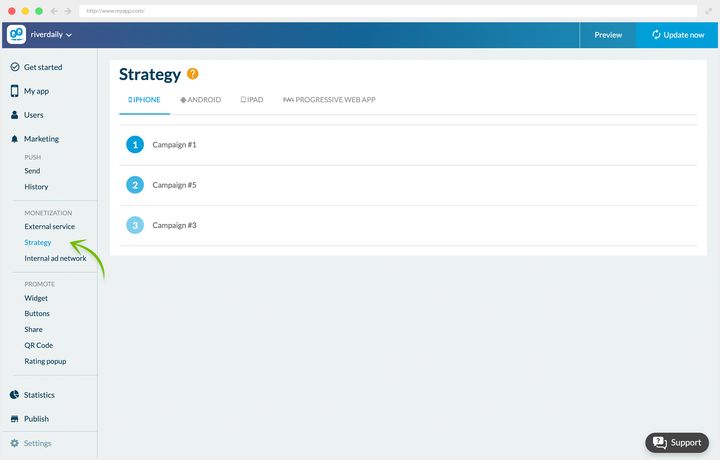
### Consent, before the first impression
Serving advertising in Europe means having collected your users' consent beforehand. This isn't an end-of-project formality: an app serving ads without that collection risks a rejection at submission, and puts itself in breach of the GDPR.
GoodBarber builds the consent management platform into your back office's Privacy center, **EU Consents** tab. It supports the **IAB TCF v2** standard, which is the common framework for collecting consent for ad networks, and **Google Funding Choices** for apps monetizing with Google's advertising tools. Your users see a clear choice screen, and the app records then respects their decisions.
The screen separates two things. At the top, the consent alert for native apps, switched on platform by platform, with your advertising account identifier. At the bottom, the Progressive Web App's alert, which is the cookie one, with a preview of what your visitors will see and where your logo goes. The text on the screen is unambiguous about the stakes: without this alert, your ads stop being served to European visitors.
Set it up before you launch your first campaign, not after.
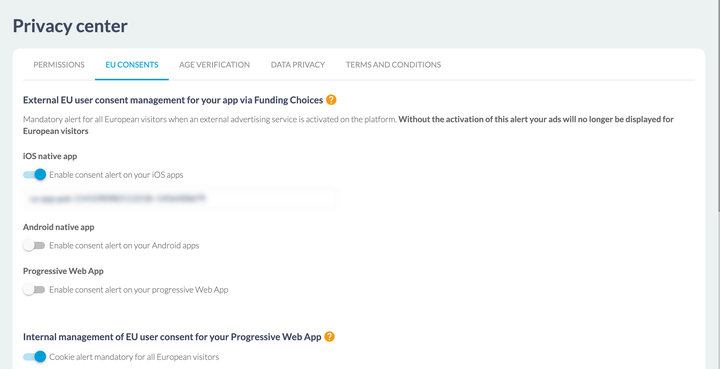
## Charging for your app on the stores
First, a question to answer honestly: what value does your app bring your users? The paid download only becomes a serious lever if your app offers something they can't find for free elsewhere on the store.
Two conditions to meet:
- **A user base that's already loyal.** That's the case for some magazines, newspapers, specialist blogs, journals and scientific publications.
- **Content that meets a real need, uncovered and hard to replace.** Exam preparation apps are a good example.
Be aware that a paid app will probably cut your download numbers considerably. Before deciding, go and look at the strategies your competitors have adopted on the stores.
### Our view
The business model of paid applications remains precarious. Games aside, and a few niche applications such as exam preparation, charging for your app on the store is risky.
Do the maths: at one or two euros a unit, it takes a considerable number of downloads just to break even. A low price doesn't protect you from the risk, it moves it onto volume.
It's up to you to decide, knowing all that, whether your app will be free or paid.
---
# Charging for access to your content
Source: https://www.goodbarber.com/academy/memberships/
---
title: "Charging for access to your content"
description: "Choosing what goes behind the paywall, gauging the preview that creates desire, and making your offer visible to those who haven't taken it yet."
canonical_url: "https://www.goodbarber.com/academy/memberships/"
lang: en
---
Selling access to your content from your app is the most direct revenue channel the platform offers: your reader subscribes in one gesture, without leaving the app, and payment goes through their store. The setup itself is documented step by step in our help center, getting-started guide included. This guide covers the other half of the subject, the half nobody does for you: deciding what goes behind the paywall, what you leave open, and how your paid content keeps its promise once somebody has paid.
## What you're actually selling
A one-off purchase is decided on what the reader has in front of them. A subscription is decided on what they think they'll find next month.
That's the whole difference, and it drives the rest of this guide. So the question isn't "what content is worth money", it's "what gives someone a reason to come back". An archive is often worth less than an appointment: ten years of articles available all at once are consumed in a week and don't justify a second month, whereas a weekly column, a series that keeps going, or a format your reader finds at a fixed time justify every renewal.
Your offer is prepared from Monetization › Memberships › Settings guide, a screen listing the six configuration steps with their status, which you come back to as long as one of them is still outstanding.
## Two conditions before you start
There's no way around them, and it's better to know them before you've built your app around memberships.
**You need an app on the stores.** Memberships rely on Apple's and Google's payment mechanisms: without an iOS or Android app, there's nothing to plug them into. The Standard plan only produces a Progressive Web App, so it doesn't allow selling memberships. That becomes possible from the Premium plan up. The membership system is an extension, and its listing shows the price that applies to your app.
**And it commits the rest of your app.** The in-app membership rests on an authentication flow of its own, and that flow is mutually exclusive with the other one. Switching memberships on makes everything described in "Building a community with your app" and "Creating a loyalty program in your app" unavailable: standard user accounts, groups, per-section rights, chat, the loyalty card, the club card and coupons. The back office warns you at the moment of switching, so that the choice is deliberate.
Settle it before you build, not after. On the economic trade-off itself, the store commission and what it buys, the guide "Making money with your content app" sets out the comparison with the other ways of monetizing.
## Choosing what goes behind the paywall
This is the decision that makes or breaks a subscription, and it's the only one the back office doesn't take for you.
It sets a single rule, and it's a floor: **you need at least ten restricted items** for the extension to work, and the restriction screen states it in black and white. It says nothing about a maximum, because there isn't one. Everything above ten is your judgment.
### Free content proves it, paid content keeps the promise
The natural instinct is to lock everything, on the grounds that every item left open is a subscription lost. The opposite happens. A visitor who can't read anything has no way of convincing themselves your work is worth their money: you're asking them to pay in order to find out, which nobody does. Your free content isn't lost revenue, it's your argument.
The symmetrical risk exists too. If your paid content is just the same thing in greater quantity, it's judged on volume, and volume keeps nobody. What keeps people is a difference in kind: a format the free content doesn't have, earlier access, a depth you couldn't afford to give away.
A good way to settle it: your reader should be able to **name what they're buying**. "The Monday analyses", "the series on the trials", "the full episodes" are answers. "Some of the articles" isn't one, and restricting item by item produces exactly that. Choose by kind of content rather than piece by piece, even though the setting itself is applied one item at a time.
### What can be put behind the paywall
The scope is clear-cut, and it's worth looking at before you choose your content sources.
Restriction possibleRestriction impossibleCMS contentarticles, map points, events, podcasts, videosphoto galleriesExternal contentWordPress, RSS feeds, YouTube, custom feeds, XSectionsChatGPT, ChatbotAbout, Contact, Form, Search, QR Code, Settings, Favorites, Menu, custom HTML
The middle row is the one that weighs most on a project. What you publish from your back office can be sold; what you pull in from elsewhere is displayed, freely. So an app fed by a WordPress feed or a YouTube channel serves content that stays open to everyone, and its subscription offer is built on what it publishes itself. Worth knowing before you choose your sources.
### The setting, and the control tool that comes with it
Restriction is applied from Content › Content list, in the Restriction column, by clicking the pill on the row, which toggles between **Free** and **Paid**. You can also tick several items and switch them all at once.
The same screen carries a **restriction filter**: free, paid, or all. That's your editorial dashboard, and the only place that tells you what someone who isn't subscribed actually sees. Get into the habit of opening it on "free" now and again: if the list is empty or trivial, your app isn't convincing anyone to subscribe any more.
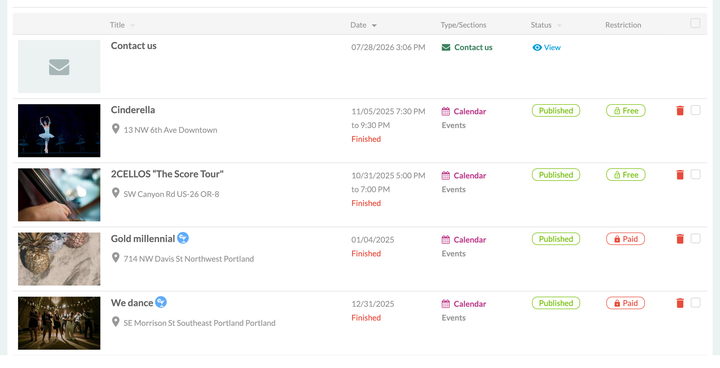
## Gauging the preview
You don't have to choose between showing everything and hiding everything. **On an article**, two settings decide what a non-subscribed visitor sees: they're in the **Restriction** tab, under the **Free preview** heading, and that's where desire is created.
**The first lever is the number of visible elements**, from zero to five. An element is a block of your content, a paragraph, an image, a video. The cap of five is structural: you never show half of a long article, only its opening.
**The second is the summary in lists.** The **Display the summary in your list pages** toggle decides whether the summary stays visible on your list pages while the content is paid. It's often the more profitable of the two, because it acts where your reader is moving around, before they've even clicked.
What it setsWhat it changes for the readerVisible elementsthe start of the content, 0 to 5 blocksthey get into the subject, then meet the offerSummary in liststhe summary on list pagesthey know what the thing they can't read is about
**Other content is set as a whole.** An event, a video, a podcast or a map point is free or paid, with no middle step: their Restriction tab carries only the choice between the two pills. If your offer rests on those formats, desire is built elsewhere, in the episodes you leave open and on your subscription page. It's also an argument for pairing a video or audio series with articles, which can open halfway.
**Where to cut.** The right stopping point is where the promise has been made but not yet kept: the reader knows what it's about, they don't yet know what you have to say about it. At zero elements you're putting up a wall, and a wall is only climbed on a reputation you've already made. At five on a short piece, you've given everything and the subscription serves no purpose.
That last remark has a consequence: **a short format handles previews badly.** If your paid content fits in six paragraphs, the useful lever isn't the preview but the summary, and your argument moves to the subscription page.
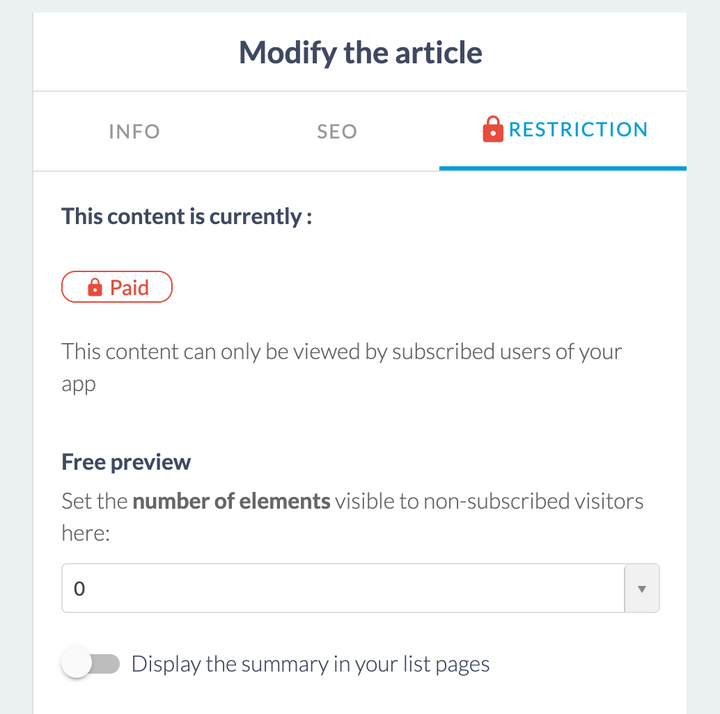
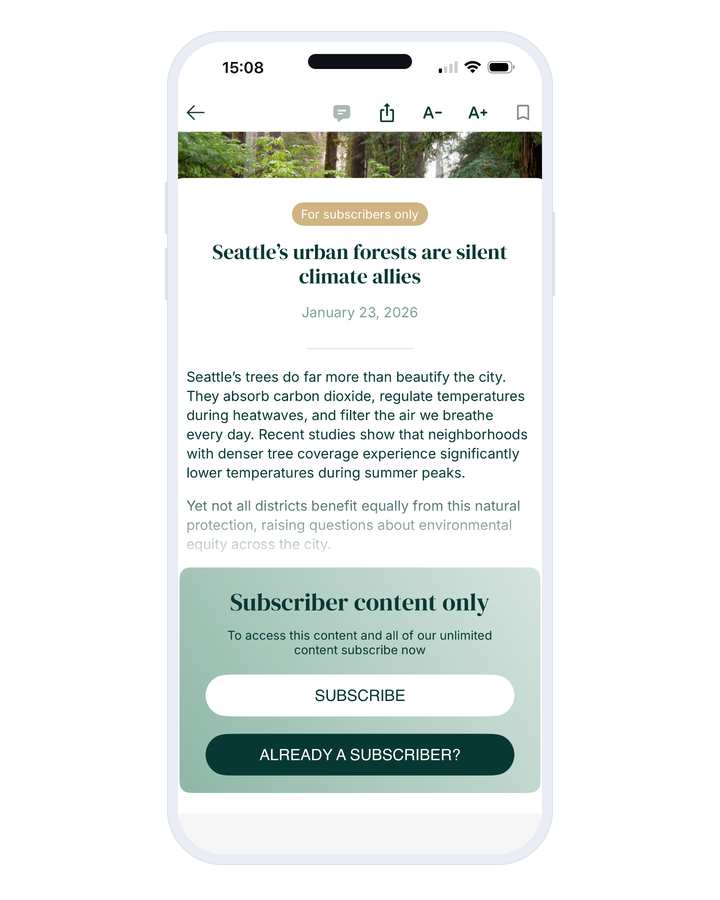
## Showing what people can't see
A reader who sees nothing misses nothing. That's the most common flaw in a badly tuned subscription: the paid content is invisible to non-subscribers, so nobody misses it, so nobody subscribes. Four surfaces exist to answer that, and the settings guide gathers them together.
**The Subscribers sticker** marks your paid content, in lists and in the content itself. In a list it takes the form of an icon or your logo. That's what keeps your offer visible at all times, without writing a word.
**The Subscription block in the restricted content** is what a reader meets at the end of their preview: a title, a description, a button to subscribe and a button to log in, all in your colors. Write that title as a promise, not as a barrier. "This article is for subscribers" describes a lock; "The rest of this analysis, and the ones to come" describes what you get.
**The Subscription page** is your sales page. It carries a title area with your logo, then **a headline, a description and a button label per offer**, which lets you say why the quarter beats the month rather than lining up three prices. Its footer carries the terms and the restore-purchases link, which lets someone changing phones find their subscription again.
Each offer's details are inserted through tokens. They give you a preview of the page while you're testing; once the app is published, the price and duration shown come from the stores, so they follow the real local price in each country without you having to keep them up to date.
**The Progressive Web App version of this page has a different job.** Since the subscription goes through the stores, it lives in the native app: so this page is there to take the visitor to it. It holds a title and a description, and the default title says it plainly, "Download our app and become a Premium member". It's your bridge from the web to the app, and it deserves the same care as the rest.
**The Widget to promote the subscription offer** displays your offer in the app's navigation, with its title, its description and its button.
One requirement ties all four together: **they have to say the same thing.** A sticker promising premium, a block talking about reserved content and a subscription page selling a community describe three different products. Write the promise once, then decline it.
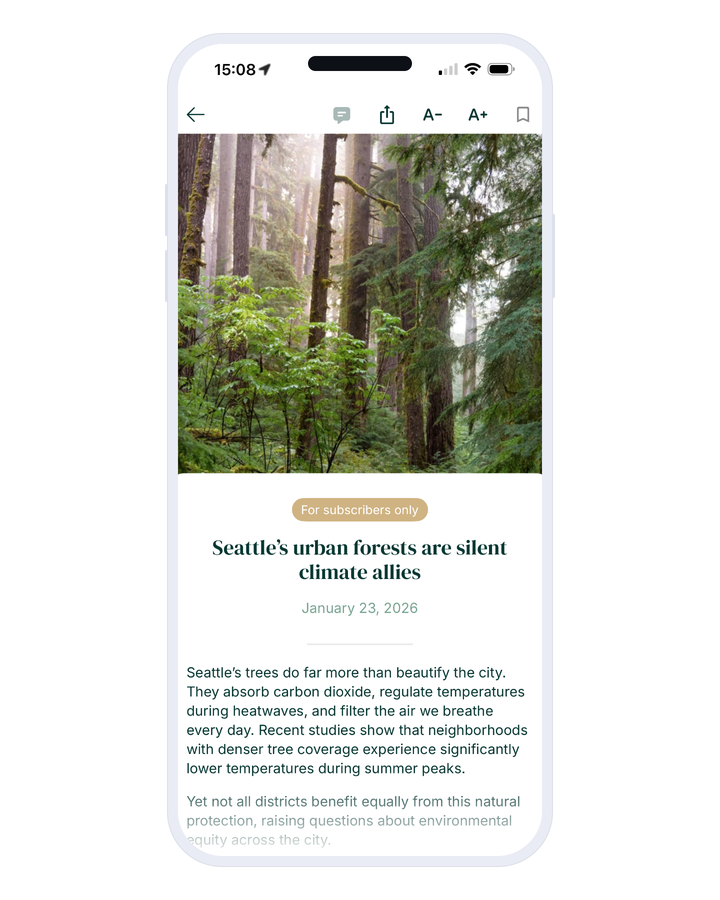
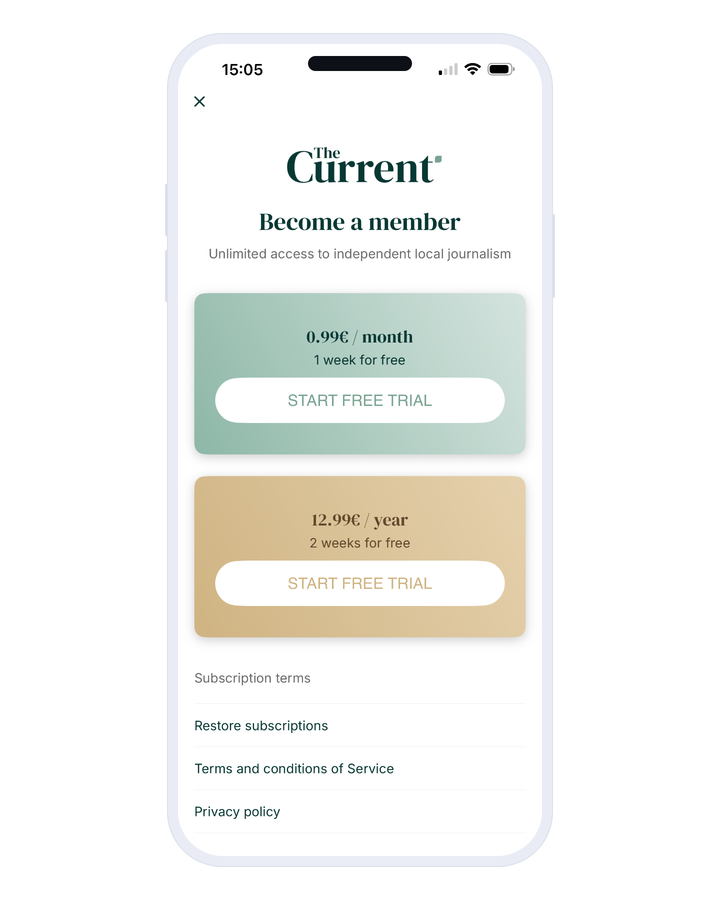
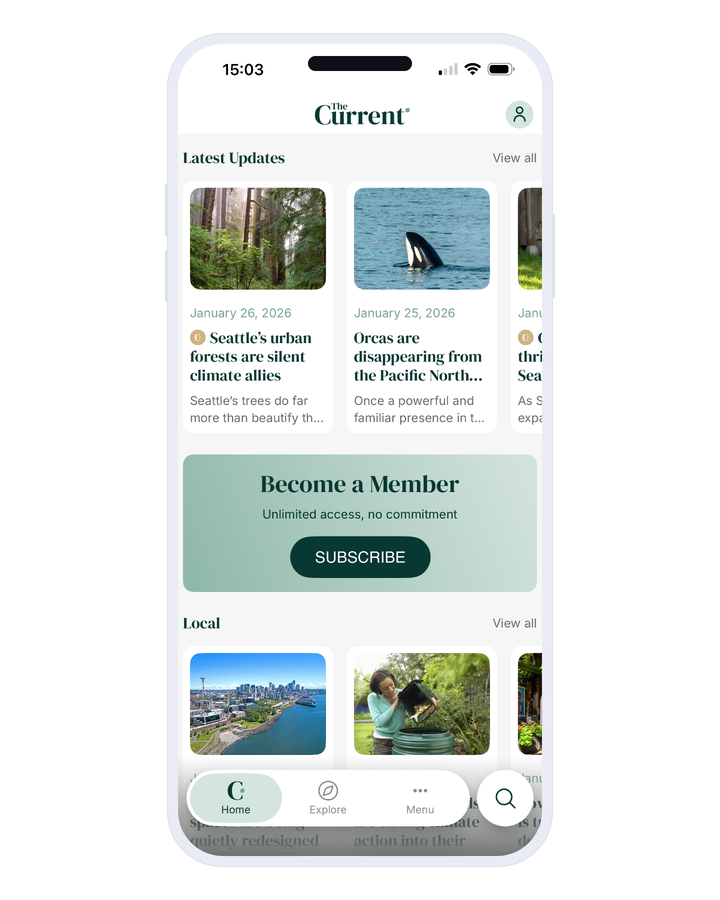
## Building your offer
The form for an offer asks for a name and a description, which will be read in the stores, a duration, a price, and if you want a trial period.
**Five durations** are offered, from a week to a year, taking in the month, the quarter and the half-year. **The free trial** runs from three days to a year, and the subscription starts at the end of it at full price, unless it's cancelled in the meantime.
**The price is set separately for the two stores**, because they don't ask for it the same way. Apple wants a price including tax, chosen from a grid of tiers. Google wants a price excluding tax and works out what the user will see itself. Both convert at the most recent exchange rates.
One last setting, in the additional options: **disabling ads for your members**. If your free content is funded by advertising, the subscription then sells two things at once, access and comfort.
**A client account, though, is never mandatory.** The **Subscription process** screen gives you two options: "An account is optional", which lets people subscribe as guests, or "An account is suggested", which offers account creation after subscribing without ever forcing it. It's a real trade-off. Asking for nothing removes friction at the exact moment your reader has decided; offering an account gives you an email address and a way to find them again, but only for those who accept. On a subscription bought on impulse, the friction costs more than the address earns.
You then follow your subscribers from Monetization › Memberships › Subscribers, which lists active subscriptions, expired ones and your users, with a data export. Expired subscriptions deserve a regular look: it's the only measure you have of your ability to keep your promise over time.
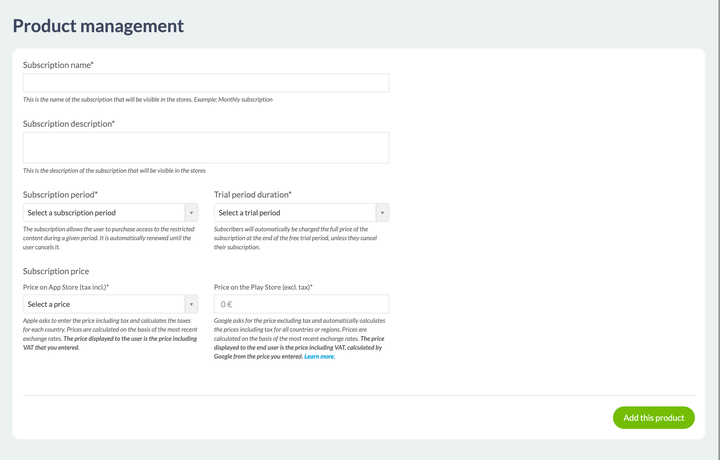
## Before you publish
Two things to prepare, and the first one takes time.
**Restrictions only take effect once the app has been published or updated on the stores.** But the stores require content that's already restricted before they'll accept your app with its subscriptions. In between, during review, your restricted content isn't accessible and nobody can subscribe yet. That isn't an incident, it's the normal sequence, and it can be planned for: try not to have it land when you're expecting the most traffic.
**The terms of service and the privacy policy** are written in Settings › Privacy center, in the terms tab, and the settings guide takes you there. Both stores require them as soon as you sell a subscription.
The rest belongs to the step-by-step, and our help center covers it entirely: the contracts and bank details in App Store Connect, the payment profile in Google Play, creating the products on the store side, and testing your subscriptions before publishing. Open it when you get to the configuration; the "Monetize your app with subscriptions" section follows exactly the steps of your settings guide.
---
# Organizing your shop
Source: https://www.goodbarber.com/academy/shop-organization/
---
title: "Organizing your shop"
description: "Collections, collection lists and tags: three levels of tidying for a catalog that stays readable."
canonical_url: "https://www.goodbarber.com/academy/shop-organization/"
lang: en
---
Three tools structure your catalog, and they work at different levels. Collections are your shop's aisles. Collection lists tidy those aisles so your menu doesn't overflow. Tags work in the background, like invisible secondary collections.
## Collections
### What they are
Collections structure your Shopping App and organize your products. **If your app were a physical shop, the collections would be its aisles.**
They also decide what your customer can reach. A product attached to no collection does exist in your shop, and it does sell, but it's reached through its direct address: through a link you send, through a search, through a home screen widget. Attaching every product to at least one collection is therefore the first reflex, before even thinking about your organization.
They're flexible on two counts. In time first: a collection is added, deleted, shown or hidden in one click, which makes temporary collections possible. In organization next: they cut across each other, and the same product belongs to several collections at once.
That cross-cutting quality is what deserves your attention when you create them. Take our home decoration shop. A customer looking for a decorative object can think along three different lines: the room concerned, the type of object, the trend of the moment. So we created nine collections spread over those three lines:
**By room**: Bedroom, Bathroom, Kitchen
**By type of object**: Frames, Vases, Pillows
**By trend**: Big in Japan, Keep it Slow, Words matter
Every product therefore belongs to several collections. It has more chances of being seen, and the customer has more chances of finding it by the route that comes naturally to them.
On top of that comes a Sales collection, which gathers discounted products. It changes over time, and is hidden outside the sales season.
### Creating them
Go to Products › Collections. Click Create a collection.
You then enter the title, an illustration image, and the display order of the products. The title is limited to **32 characters**, which is a useful constraint: an aisle name is read in a menu, on a phone screen, and short names always win there.
For the display order, the rule is always the same: ask yourself what your customer is looking for.
Six automatic orders are offered, in pairs: creation date, newest to oldest or the reverse, price, lowest to highest or the reverse, and title, A to Z or Z to A. The seventh mode is manual.
- **Date** puts new arrivals first. That's the right choice for a clothing shop restocked regularly, or for a bookshop whose customers come back looking for new reading.
- **Ascending price** suits a grocery store, where the customer wants to control their budget. Descending price rather serves a high-end collection, where the first item sets the level.
- **Alphabetical order** is for catalogs people browse already knowing the name of what they want: spare parts, technical references, wines.
- **Manual mode** lets you push to the top whatever you want to sell first, and gives you complete control over how your list looks.
**That order belongs to the collection, not to the shop.** So your new arrivals can be sorted by date while your monthly selection stays arranged by hand. That's what makes manual mode sustainable: automatic orders apply themselves to products you add later, manual mode asks you to come back to it, so save it for the collections that deserve it.
**Don't forget SEO.** Your collections are indexable just like your product pages. Fill in the Title and Meta description tags, and customize the URLs with your keywords.
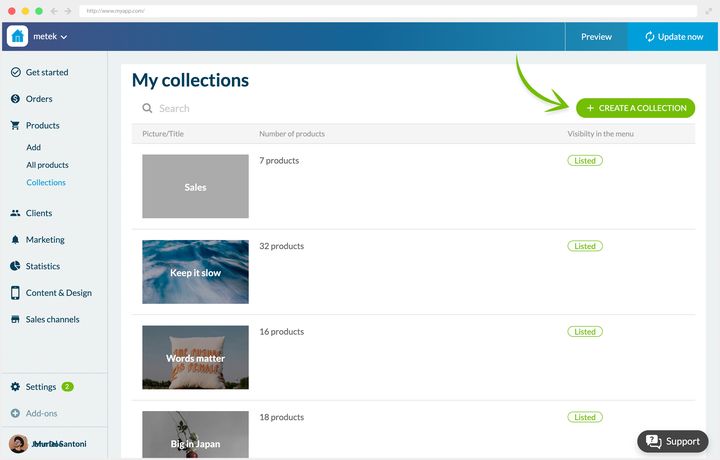
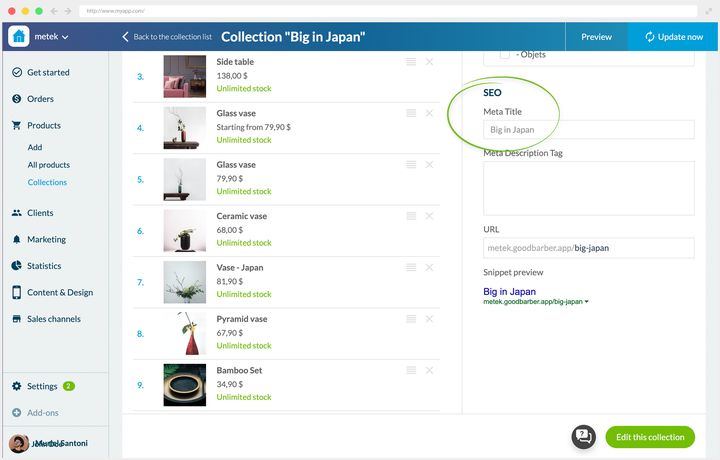
## Collection lists
### What they're for
A collection reaches your app's menu in two ways, and that's where the look of your navigation is decided.
**On its own.** Each collection carries its menu visibility block, where you tick the option listing the collection in the menu and choose its place. It becomes an entry in its own right, on a par with a section. A shop with three aisles displays them that way, and its customer takes in the whole catalog at a glance.
**Grouped.** The Collection list section gathers several of them under a single entry. The useful marker: beyond five aisles, the menu gains from being grouped.
In e-commerce vocabulary, that second way is the distinction between category and subcategory, the list holding the category and the collections the subcategories. If you're arriving from another platform, this is the move you know under another name.
Let's go back to the decoration shop and its ten collections. Without grouping, the app's menu would be saturated.
So we created three lists, taking up the three lines of search, with three collections each:
- **Rooms**: Bedroom, Bathroom, Kitchen
- **Objects**: Frames, Vases, Pillows
- **Trends**: Big in Japan, Keep it Slow, Words matter
The Sales collection stays outside any list: we want it to be as directly reachable as possible. That's a decision worth keeping in mind, tidying up must never bury what has to stay on the surface.
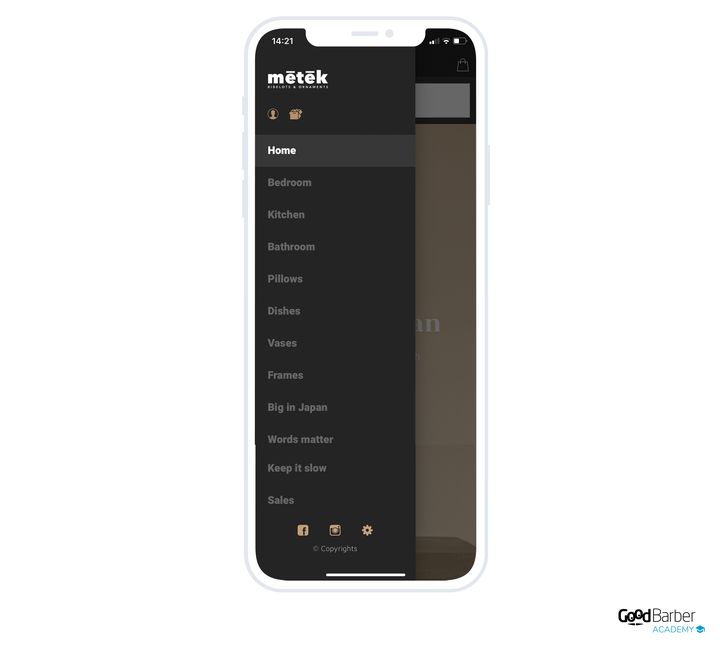
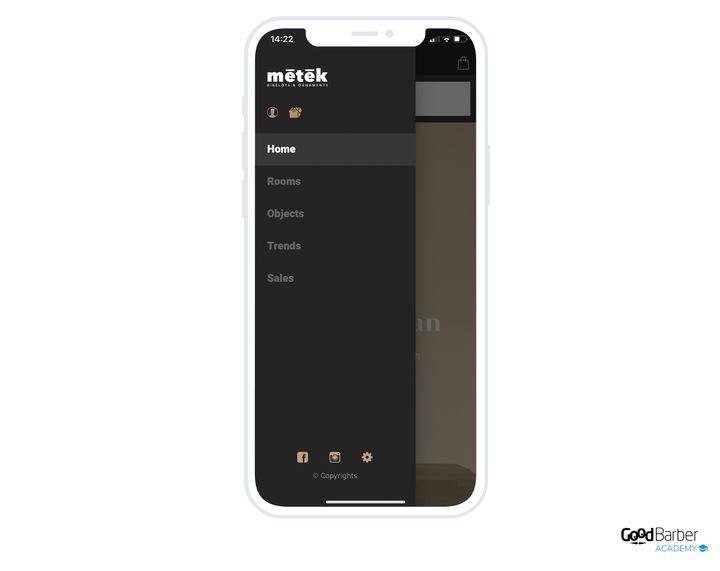
### Creating them
A collection list is a section of your Shopping App. It's added like any section, from My App › Structure. Click Add a section, then choose Collection list.
Give your section a title, attach an image to it, and confirm.
**To put your collections in it**, two methods:
- click the "+" icon to select the collections to include
- or drag the collections directly under the Collection list section
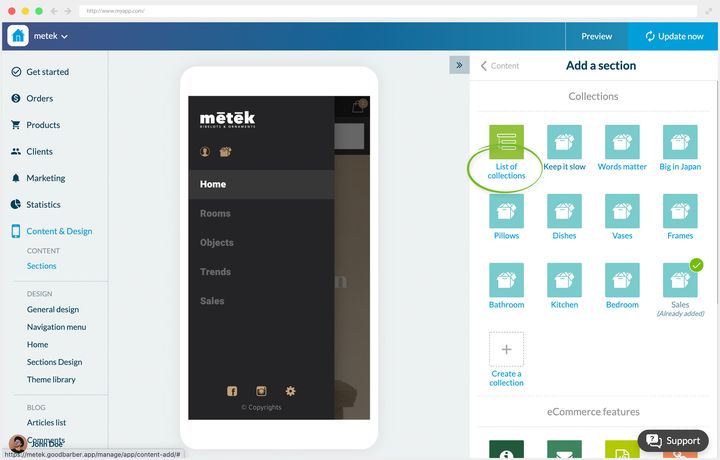
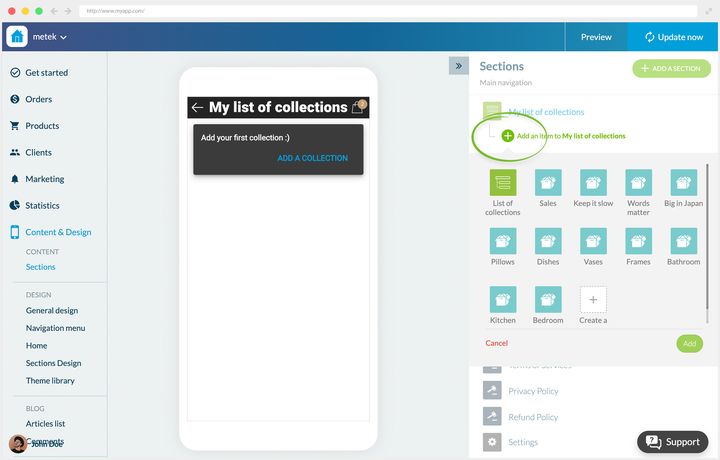
### Which layout to choose
Three layouts, one of which depends on your navigation mode.
**Swipe Submenu** puts your collections in a submenu, below the app's main navigation. It's only available in "Swipe" navigation mode, the one where you move from section to section by swiping the screen horizontally. It's the catalog's default layout, but it's **tied to the navigation**: only choose it if your app commits to that mode, never as a simple fallback.
**Classic** presents your aisles in rows, with a small thumbnail and the name in bold, several per screen. That's the directory stance: it suits you when you have many aisles, when the name matters more than the image, and when it has to work even without strong visuals. It's also the natural fallback from the other two.
**Visual** is a shop window: large full-width cards, the aisle's image as background and the name overlaid. Choose it when aisles are chosen by eye, in fashion, decoration or food.
One caveat on that last one: it demands good visuals on **all** your collections. If some don't have any, or poor ones, fall back on Classic.
The choice is made in My App › Structure, on your section's menu, **Edit the design**. Classic and Visual apply to any navigation mode. If your app isn't in Swipe mode, the back office greys out Swipe Submenu and offers you a link to change your menu.
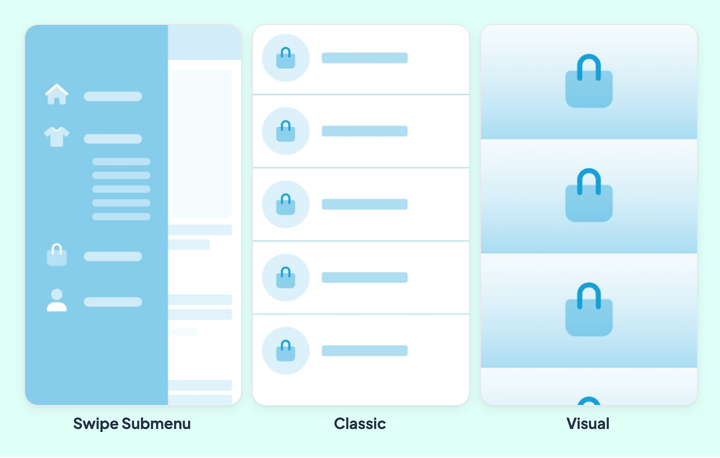
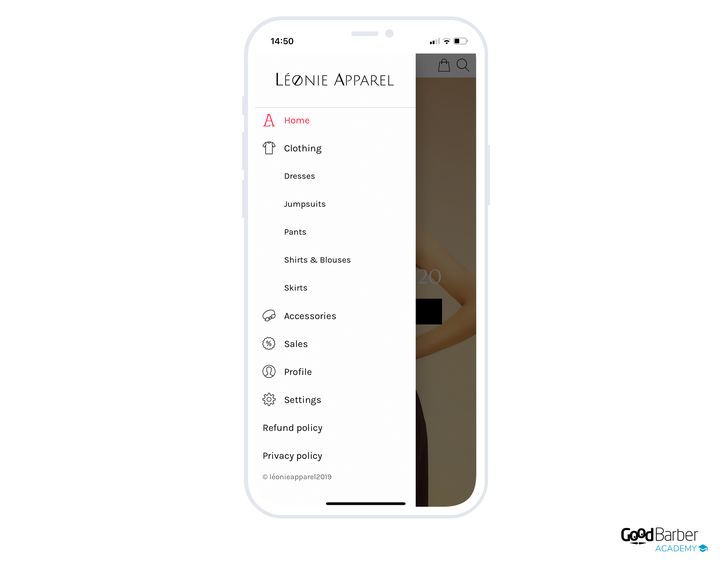
### Should you use the same layout everywhere
No, and it's a detail that can matter. We recommend keeping design consistency throughout your app, but varying layouts lets you signal a hierarchy.
Take a grocery store whose catalog is organized like this:
- **Food**
- Fresh: Fruit, Vegetables
- Bulk: Cereals, Rice & Pasta
- **Health & Beauty**: Cosmetics, Essential oils
Here, some collection lists contain not collections but other collection lists. So there are two levels to tell apart. Applying a different layout to level 1 and level 2 stops the customer getting lost in the tree.
## Tags
### What they are
A tag is a keyword attached to a product, like a marker. You can attach several to the same product.
They serve first to find your products again in your back office. But their main value is elsewhere: they drive what's displayed on the customer's side.
- they filter the product list widgets on your home screen
- they feed, along with collections, the similar products block on your product pages
- they feed the results of your shop's search section
### How to choose them
Think of tags as secondary collections, invisible in the navigation but active in the display. They're generally built on your products' characteristics: color, material, shape.
An example. In a clothing shop, a brown wool turtleneck sweater goes in the *"Clothing"* collection list, *"Sweaters"* collection. It gets the tags *"turtleneck"*, *"brown"*, *"wool"*.
Two uses follow immediately. To display all your wool items on the home screen, you just filter on the *"wool"* tag. And the sweater can appear as a complementary product under a pair of brown trousers.
That's the fundamental difference with collections: the collection organizes what the customer browses, the tag organizes what you present to them.
### Creating them
They're added when creating or editing a product. In the right-hand menu of the product's editing page, enter your tags in the **Tags** field. Publish to confirm.
Two writing rules decide the health of your vocabulary over time. **A tag is written as one word, with no space**, which is why the example above says "turtleneck". And **case is ignored**, wool and Wool are the same tag, so you don't have to police your capitals.
The rest is discipline, and the back office gives you the tool: above the field, **View all tags** opens the list of the ones already in your shop, with a search and a sort by alphabetical order or by frequency of use. Get into the habit of picking from it rather than retyping. A vocabulary that drifts into wool, woollen and purewool filters three times fewer products than exist, and it's a drift you discover after two hundred product pages.
---
# Getting your product pages right
Source: https://www.goodbarber.com/academy/product-pages/
---
title: "Getting your product pages right"
description: "Writing, visuals, structure, SEO, variants and cross-selling, with one rule: write from the customer's seat."
canonical_url: "https://www.goodbarber.com/academy/product-pages/"
lang: en
---
The product page is the most neglected element of online shops, and the most decisive. It's where your customer judges the quality of what you sell, decides whether to trust you, and either buys or leaves. Everything below starts from a single rule: a good product page is written from the customer's seat, not the seller's.
This guide covers writing, visuals, structure, attachments, SEO, variants, cross-selling and featuring.
## The nine demo shops
The examples in this guide rest on nine demo applications, split into two families. Find the one that most resembles your project: the advice then adapts to any business.
### Online selling
Yogii for a store, Léonie for a ready-to-wear shop, Urban Shango for fashion items, Metek for a decoration shop.
The features that structure this family:
- **Product Import**: manage your catalog in bulk, with no limit on numbers.
- **Product variants**: several options for the same product.
- **Abandoned Orders Recovery**: emails and push notifications to encourage completion.
- **Cart reminder pop-up**: on the customer's return, if items remain from a previous visit, a pop-up leads straight to checkout.
- **"Buy again" button**: adds all the products from an existing order to the basket in one click.
- **Quick buy**: buy buttons on the home screen and in product lists, to add to the basket without leaving the page.
- **Blog**: extra content in the app, and extra visibility on search engines.
- **One-click payment**: access to digital wallets.
### Click & Collect
Augustin for a caterer, Oribu for a local producer, Camelia for a florist, Hunky Dory for a grocery store, Bistrot Georges for a restaurant.
The features that structure this family:
- **Offline payment**: the customer pays outside the application, when they receive their order.
- **Local delivery by postcode**: your delivery zones are configured by postcode.
- **Delivery slots**: you define the windows during which you deliver or hand over orders, and your customer chooses theirs when ordering.
- **Points of sale**: a quick overview of your different outlets.
- **Click & Collect**: the order is collected directly in store.
- **Fast checkout**: the unnecessary steps disappear, only the information tied to the delivery method is asked for.
- **Order instructions**: the customer leaves a comment.
- **Automatic login**: the customer identifies themselves once, then is recognized on every launch.
## Writing a product page
### Putting yourself in the customer's seat
If you only remember one rule, it's this one. And it starts with a counter-intuitive warning: don't bet everything on SEO.
Search engine optimization is still necessary, it governs your visibility. But a product page written only for the engines won't be read attentively by your prospects. And they're the ones who buy.
Putting yourself in the customer's seat plays out on two levels.
**The form.** Choose your target's words, not yours. Overly technical terms often only speak to the seller. The expressions your customers actually use make the page more readable, and they recognize themselves in it.
**The substance.** These are your selling arguments. Careful: the advantages you see in your product aren't necessarily the ones your customer is looking for. Start from their needs, then put forward the qualities of the product that answer them.
Take Oribu, our local producer, on a jam's product page. The commercial title announces the flavor: the customer immediately knows what it is. The subtitle specifies that the product is organically farmed, and that's no accident. Oribu speaks to committed consumers, attentive to origin and ethics. So the description uses their words: "organic farming", "local and sustainable production", "produce harvested in season". The delivery conditions, at the bottom of the description, put forward the same values.
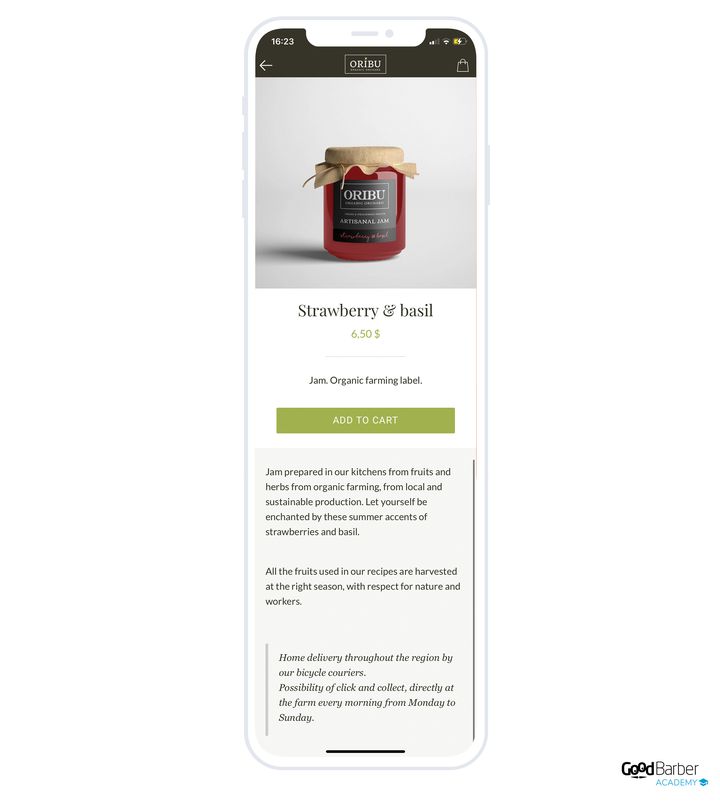
### Writing unique pages
Once your arguments are chosen, make sure they belong to you.
At Oribu, the products are unique by nature since they're made on site. But other people sell artisanal jams, and the description mustn't be interchangeable with theirs.
The risk is greater still when you resell a supplier's products, in decoration for example. You're probably not the only one to have drawn on their catalog. The worst mistake then is to copy and paste the supplier's page, or worse, a competitor's.
Consumers compare from one shop to another. A unique page sets you apart and proves you're serious.
In the Metek application, the tableware set is presented technically, but also with styling and decoration advice, which is the shop's core expertise. Then come tips on use and care. Those attentions build trust and position Metek as a reference.
One last, more mechanical argument: Google doesn't like copy-paste. Not personalizing your product pages directly holds back your ranking.
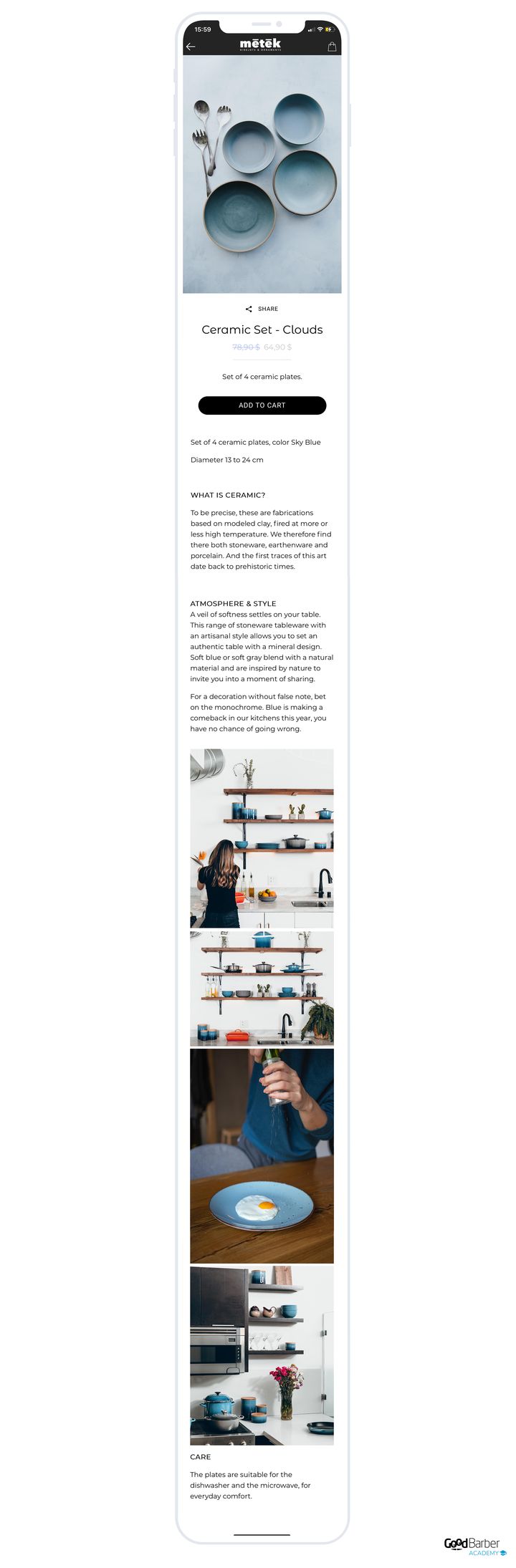
### Telling a story
Beyond being unique, a product page can carry a narrative. Storytelling brings your customer into your brand's story, catches their interest and prepares them for loyalty.
You necessarily have a reason for having set this shop up, and codes you share with your target. The product page is the right place to bring them out. The condition is honesty: it isn't about inventing a story, it's about producing an emotion, because that's what your customer will remember.
The aim isn't to tell a complete story on the page, but to add a touch of sensation to the description.
The Augustin app, a caterer, gives a good example. Beyond the ingredients, the description plunges the reader into the mood of the dish. Here's the text added to their burrata page:
The customer is no longer buying a dairy product, they're buying an escape. It can be done on a product of total simplicity, which makes the method transferable anywhere.
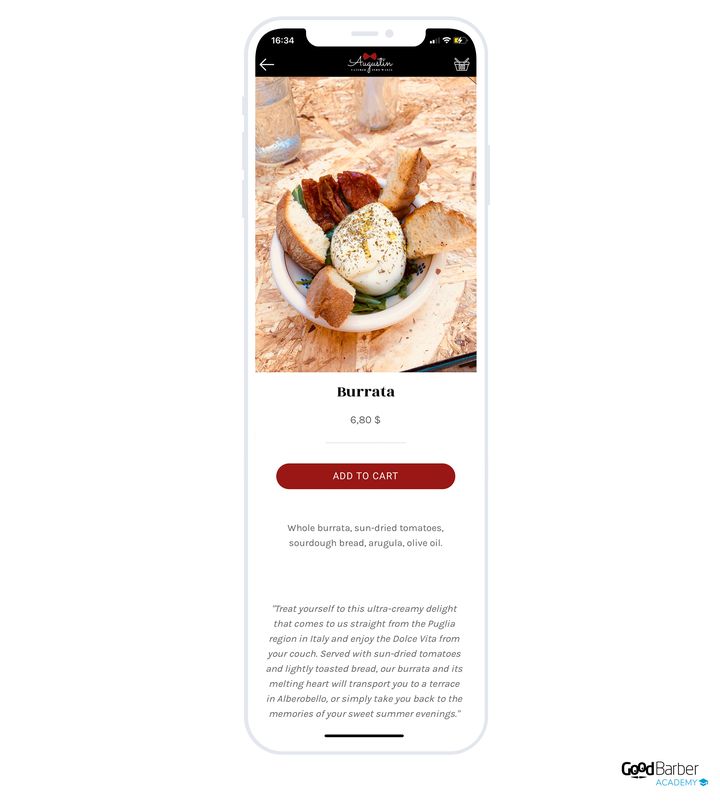
## Visuals
### Why the visual decides
In a physical shop, the customer touches, weighs, smells. Online, all they have left is sight. So your images are the only sensory contact with your product, and the human connection that exists naturally in a shop has to be made up for another way, through the visual and through the story.
The most telling comparison: would you trust a merchant selling you their goods in torn packaging? Online, a pixellated or dark photo produces exactly that effect. Your visuals have to be good enough for the customer to picture themselves holding the product.
Is the visual more important than the text? Neither: they complement each other, and neglecting one ruins the other. A beautiful photo on a rushed description leaves the customer with no answers to their questions; a careful description on a mediocre photo never makes them want to read it.
Think about varying formats too. Video simplifies your message, since the customer no longer has to cross-reference text and images to form an idea. It places the product in space, shows it in action, demonstrates how easy it is to use. It's the format closest to what handling it in a shop would have been, and that's why it weighs so much at the moment of deciding. It can also serve to carry customer reviews in a livelier way.
GoodBarber lets you display one or several videos in your product pages, at the description level.
https://youtu.be/scpB6PnaShM
**GIFs, an alternative to video.** Producing a video often calls for a professional, and therefore a budget. A GIF is far simpler to create, it animates your page and sets you apart from your competitors, for the same uses: setting the scene, demonstrating. GoodBarber lets you insert GIFs into the product page, including among the main images.
https://youtu.be/yLgQ-47DnJ4
### The principles of product photography
**Prefer natural light.** In daylight, you'll get the best results. If that's impossible, artificial lighting works, on one condition: the smaller the light source, the harsher the shadows. A source smaller than the product gives hard shadows. So favor diffuse, dominant sources that spread around the product. If you use a flash, a diffuser stops shadows polluting the photo, and a simple piece of tape or a plastic film stuck over the flash does the job.
**Bet on a white background.** It concentrates attention on the product, gives the page a clean style, and above all it makes your product list uniform.
**Shoot from several angles.** It's the best way to present a product in detail and let the customer picture it. Add close-ups, which let people appreciate the finish, and photos in context, which give an idea of real size.
### Setting up a home studio
**The camera.** You don't need to invest heavily. The latest generations of smartphones are more than enough for very good photos. Equipment matters, but it must never become the excuse that stops you starting. For more experienced merchants, or for very precise images, an SLR becomes necessary: it gives access to white balance and focus.
**Background and light.** You need a smooth white background and dedicated lighting. Buy rolled paper from a craft supplies shop, as white as possible. Add a white foam board or a piece of card to bounce light back onto the product and get even lighting. Affordable lighting kits exist, it's a small investment that pays off.
**The space.** For small objects, a table against a white wall is enough. Check the decor around it and avoid brightly colored rooms: a shiny product reflects everything around it. If you can't change rooms, cover the space with white paper or fabric.
The move that changes everything: tape the white paper to the wall and bring it back onto the table, so as to create a gentle curve. It softens shadows and diffuses light better. Then place the lighting and move the white board so that the whole product is in the lit zone.
### Retouching
Retouching is the last step before publishing. It genuinely improves a photo through corrections of color, brightness and contrast. But it doesn't save a bad photo: a bad photo will stay bad, whatever your skills.
Adobe Photoshop and Lightroom are very powerful, with two drawbacks: you have to learn them, and they cost money. For the learning, tutorials abound online. For the price, there's no way around it. If you're looking for free, GIMP and Pixlr do the job.

### Choosing your props
**Objects.** Look around you: you'll certainly find objects capable of showing your products off. For a clothing shop, choose props consistent with the storytelling you've established and with the image you want to give. The principle holds for every type of product.
**People.** As well as photos where the product is alone, include people. The use is obvious for clothing, where it shows the cut and the drape. But it holds elsewhere: in decoration, a human presence puts the object back into context and gives its scale. In food, it helps the customer picture it.
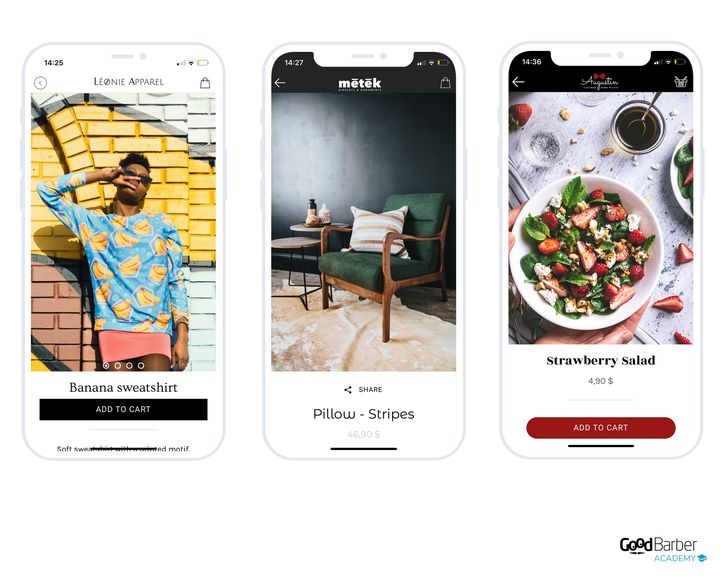
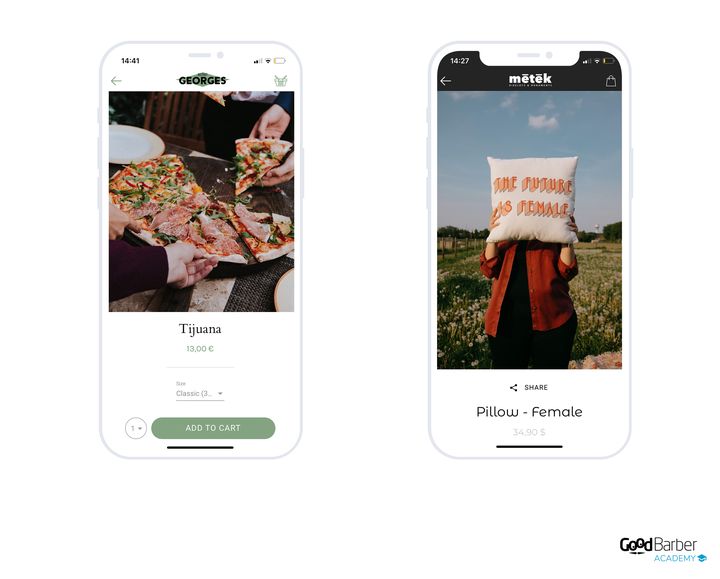
### Organizing the images and choosing the thumbnail
**The technical characteristics.** GoodBarber accepts up to 25 images per product.
- Maximum size: 4 MB
- Recommended format: JPEG
There's no restriction on dimensions, but bear this in mind: when you add several images, **the dimensions of the first one set the height of the slideshow** your customer sees. So the choice of that first image isn't neutral.
**The order.** Once all your images are added, you define the order they appear in. Put the most persuasive one first, according to the type of product.
Think about what each image is for. The useful minimum:
- an image of the product on a white background
- a close-up on the important details
- an image in context, which shows the product off
**The thumbnail.** You manually choose the one that will appear in your product list and on your home screen widgets. The only principle to remember is harmonization: thumbnails are almost always seen several at a time, side by side. So think about the overall effect, not about each thumbnail in isolation. A white background is the safest solution.
If a white background doesn't suit you, at least keep a consistent treatment. In the Hunky Dory app, all the products without a white background are photographed in close-up, as a pattern.
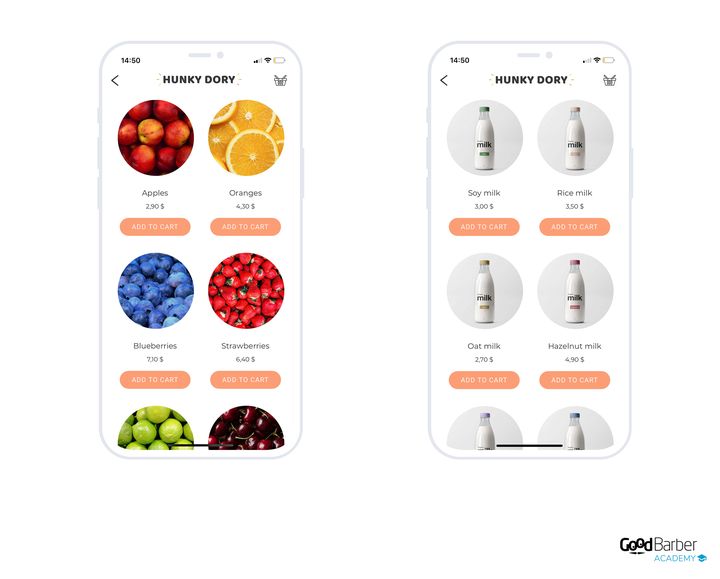
## Structuring the content
### What a product page is, and what it's for
A product page gathers all of a product's characteristics, one page per product. It's your best chance of convincing.
Its first purpose is to inform: price, weight, dimensions, material, ingredients, depending on what you sell. It should be as detailed as possible, for two reasons:
- your customers need as much information as possible to choose correctly
- a detailed page establishes you as an expert in your field
Content and organization vary with the product. Some need a lot of visuals, others precise technical characteristics. Beyond the description and the images, the page can hold dynamic elements that serve your selling strategies.
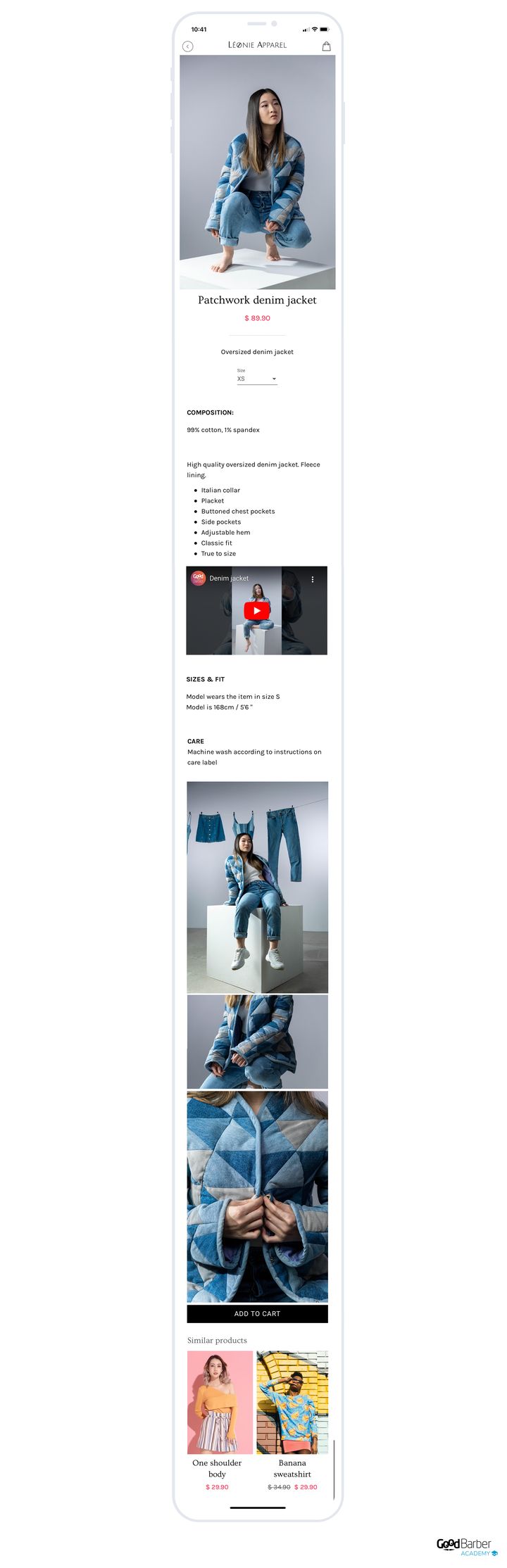
### The information to include
Your back office lets you add, on top of the main images, text, extra images and videos.
Structure the description. The customer has to understand immediately where to find what they're after. There's no ideal structure, it depends on the product, but here's a base to adapt.
- **The main characteristics.** The major information: materials for a garment, dimensions for a piece of furniture, ingredients or composition for a dish. This part doesn't need to be long, but it has to be clear and direct, so that the customer knows straight away what they're about to buy.
- **The use cases.** Put the product in a situation. Photos of the garment being worn, staged shots for decoration. If you can, add a video here: showing the product in use is still the best trigger.
- **The instructions.** The technical part, presented concisely. Nobody expects a complete manual, but the useful information: a care guide for textiles, preparation tips or allergens for food.
Two habits to finish. Take the time to list, from your customer's seat, all the information needed to sell the product clearly. And keep a consistent structure from one page to the next: if the composition is in the last paragraph, let it be there everywhere. Your customers will know immediately where to look, instead of reorienting themselves on every page.
## PDF attachments
### When a PDF is useful
Sometimes the page isn't enough. You can then attach a PDF file to it.
That's useful for a complex product calling for a very precise description, in consumer electronics or home appliances for example. Fitting a coffee machine's complete manual into a product page would make no sense: you'd drown your selling arguments in technical documentation. The PDF makes that information available without polluting the main content.
Second advantage: it can be downloaded. Your customer keeps it, consults it later, prints it if it's a manual. It's a link that survives even when the purchase doesn't conclude straight away.
### Creating and optimizing the PDF
Before attaching it, know that search engines treat PDFs like web pages and index their content. So your file can earn you traffic, which immediately rules out the idea of duplicating your product page in it.
A few optimization rules:
- Create the document at standard print size (A4), for those who will print it.
- Fill in the metadata: title, author, subject, keywords. They're generally edited in the "Properties" section of your editing software.
- Avoid files that are too heavy, which display slowly.
- Take care with the file name. Not *manual.pdf*, but *manual_your_product_name_model_name_year.pdf*.
- Put a link to your app in the document. It helps navigation, and it serves your link building.
### Inserting it
Open the product from Products › All products. In the **Edit Product** panel, **Info** tab, the **PDF attachment** block offers **Browse...**, then adds your .pdf file.
Choose your file, then click Add. It's immediately available on the page.
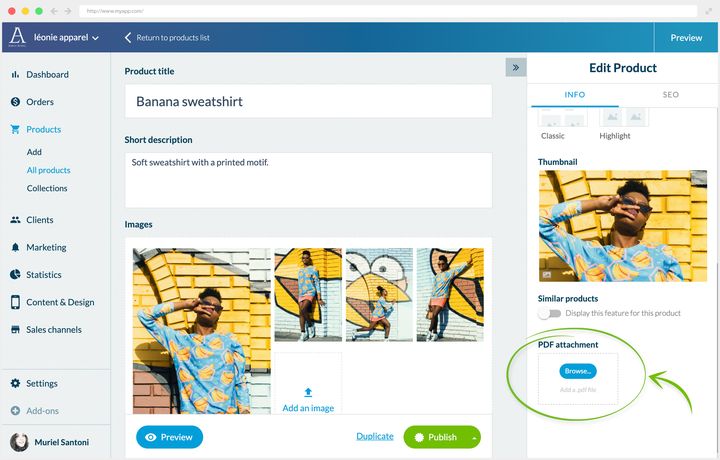
## SEO
### Choosing your keywords
Product pages are the main content of your Shopping App. How you place your keywords in them determines the quality of the traffic you attract.
The obvious strategy is to aim at the most searched keywords. It carries a bias: intent. Searching for *"oversized shirt"* doesn't mean wanting to buy one. The person may be looking for outfit ideas, because they already own one.
Three ways to correct that bias:
- **Analyze the top 10 results** for the keyword you're targeting. If those pages resemble yours, the engine has understood the link between that keyword and your page's purpose.
- **Look at the search volume.** The lower it is, the more the query is a niche one. A user searching a niche term already knows your field and converts more easily.
- **Spot the intent markers.** Action verbs and geographic details betray a purchase intent: *"buy"*, *"purchase"*, *"cheap"* signal someone looking for a seller. A product name followed by a town or a region often means someone looking for a physical outlet.
### Where to place them
Once your keywords are chosen, place them at the strategic spots:
- the product page's title
- the short description
- the overall description, at least twice per keyword
- the page's URL
Two complementary habits: work in phrases rather than isolated words, and put in bold the terms you want to flag to the engines.
### The back office fields
Open the product from Products › All products: the right-hand panel, **Edit Product**, carries two tabs, Info and SEO. In the **SEO** tab, you'll find three fields:
- the Title tag
- the Meta description tag
- the URL
Those are exactly the three strategic spots mentioned above. The back office also gives you a preview of the search result as it will appear.
In the example, a restaurant offering a Click & Collect service: the keywords answer the three questions the buyer is asking, what's being sold, where, and how.
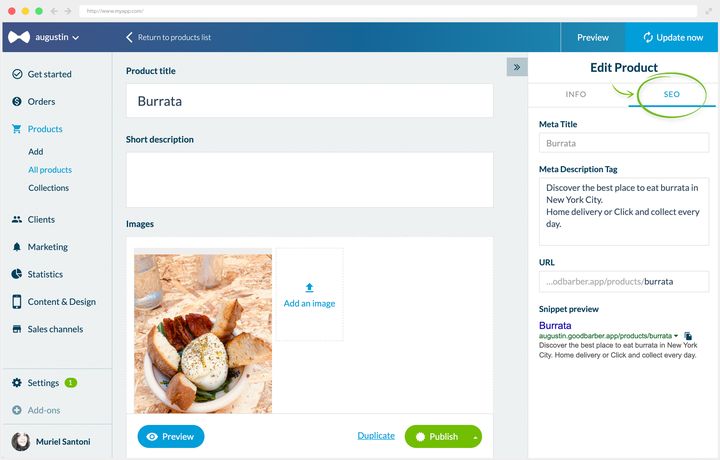
## Variants
### What they're for
Variants let you sell a product with several options, without duplicating it.
Take a skirt available from XS to XL. The SKIRT product carries a SIZE option with 5 variants. If the skirt also exists in a second color in the same sizes, the product carries two options, SIZE and COLOR, and counts 10 variants.
Each variant can have its own image and its own price, which leaves you free to manage your range as you like. The mechanism holds for every business: a grocery store sells the same food in several sizes, a restaurant offers several sides with a dish.
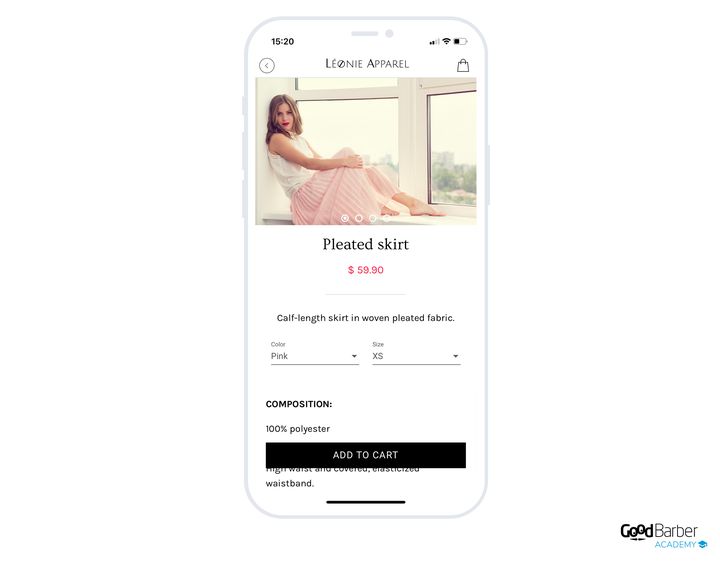
### Creating them
Open your product from Products › All products, then, in the **Pricing and variants** block, click **Add an option**.
Name your option. Back to the skirt, the first one is called *"COLOR"*.
Then create the *"SIZE"* option.
Finally, create as many variants as needed to cover every combination. If the visuals differ by option, attach its own image to each variant.
You can do the same on prices. If the green skirt is on sale:
Your customers then choose their options directly from the product page.
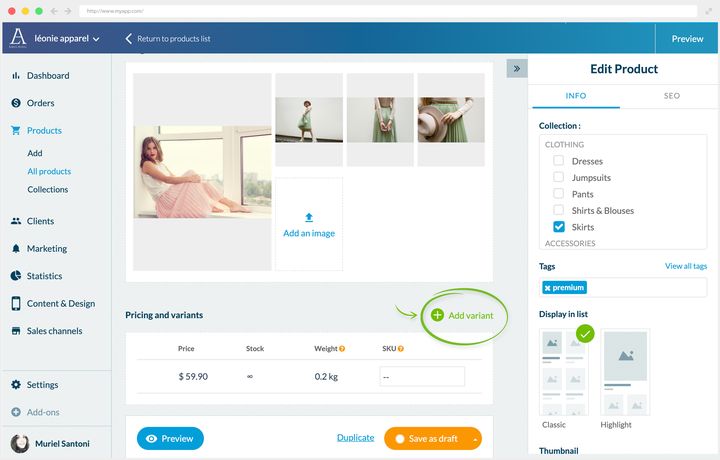
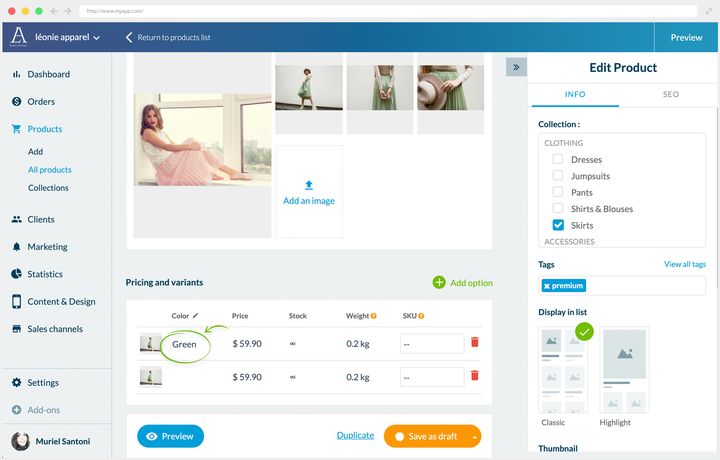
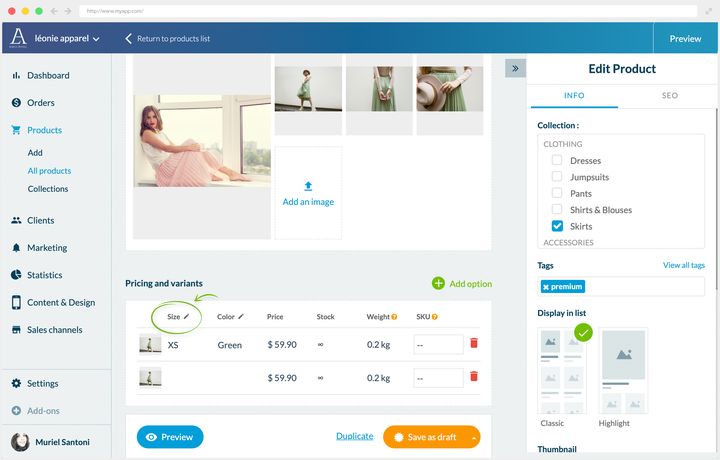
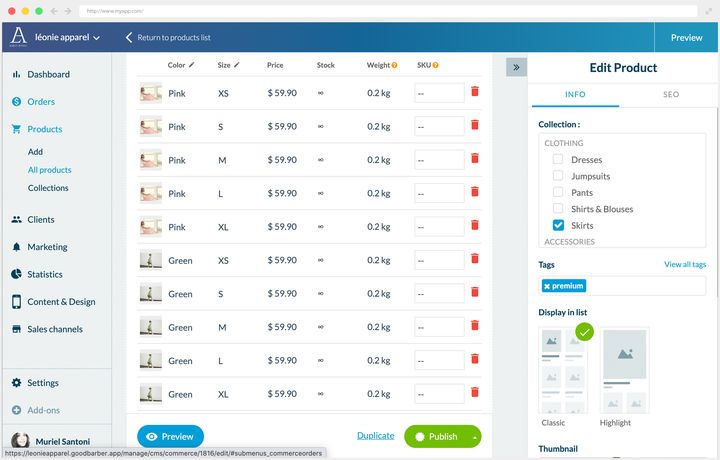
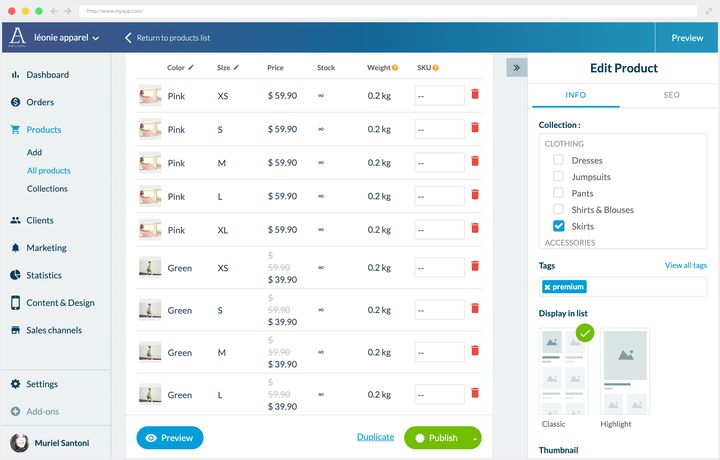
### Knowing when to stop
Variants are sometimes essential, but use them sparingly: too many options weigh the page down and complicate the decision.
Back to the skirt. Two options, color and size, stay readable: the customer understands immediately.
If that model also existed in several materials, on the other hand, you'd have to add a *"MATERIAL"* option with the variants *"LEATHER"*, *"TULLE"* and *"SILK"*. The number of combinations explodes.
The product will eventually stop you, in fact: a page accepts **100 variants at most**, and the back office only flags it once the ceiling is reached. It's possible, but it's neither the most intuitive for the customer nor the most flattering for your products. Better then to split into three separate products: a tulle skirt, a leather one, a silk one.
The gain is twofold. The three options become visible directly in the product list. And the keywords *"silk"*, *"tulle"*, *"leather"* become usable, since each version then has its own page, its own title and its own tags.
In other words: variants serve secondary differences, separate products serve the differences your customer considers major. That boundary is what decides, and it depends on what you sell.
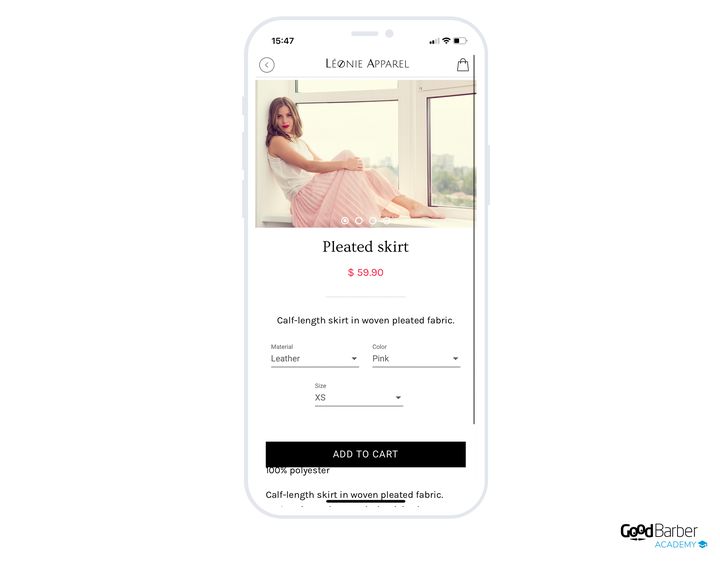
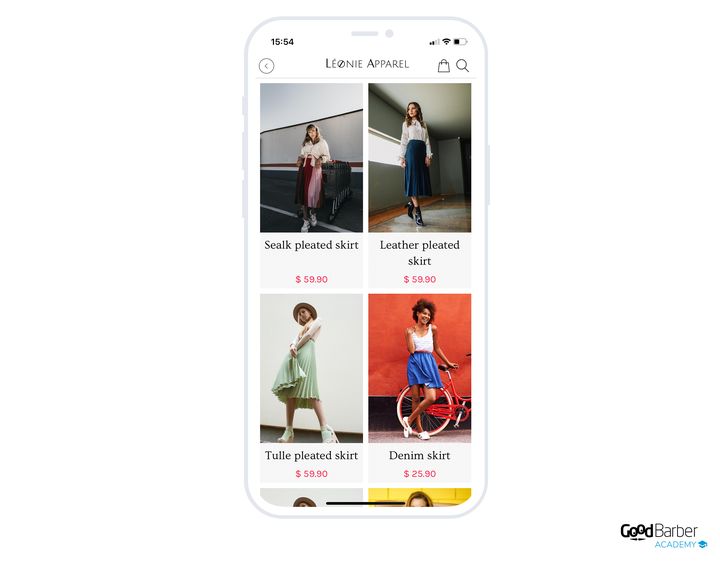
## Cross-selling
### Why do it
Cross-selling suggests additional purchases to a customer already on one of your pages. It raises the average basket at no cost to you, and works on three levels.
**The average basket**, first. Beyond the number of sales, you optimize your handling costs: selling three products in one order beats three separate orders. Less processing time, shipping costs paid once. The saving looks derisory per unit, it stops being so at scale.
**Loyalty**, next. From the customer's point of view, a relevant suggestion amounts to anticipating their need. You become a facilitator, and that weighs on their attachment to your brand.
**The visibility of certain products**, finally. Cross-selling brings a little-known item or a new arrival into the light, and shows how useful it is once paired with others.
### The four strategies
**Similar products.** The most common one: you offer products that meet the same need. A customer is looking at a cushion's page, you show them other cushions in a comparable price range.
**Products sold separately.** Particularly effective, because it touches on use. You show what's needed to use the product being viewed. On a cushion cover's page, you offer the matching cushion. The principle is that the complementary purchase conditions the use of the main product. The customer may already own it, but if not, one click saves them a search. One caution though: be very clear about what is and isn't included in the purchase, or you'll create disappointment on delivery.
**"You'll also like" products.** You show items sharing characteristics with the main product: color, material, style, collection. This is where your expert eye counts most. The right question to ask is simple: what would you have advised if the customer were standing in front of you?
On a terracotta tableware set's page, the main asset is the material, which is much sought after. So you bet on it to offer other terracotta items in the same price range.
**"Buy the set" products.** You offer the complete package. If your page presents the product in a staged shot, offer the other elements of the scene. The strategy works particularly well in clothing, in decoration and in fine food around recipes.
Picture sliced truffles served on toast over a watercress salad: from that page, offer the country bread, the watercress, the sea salt and the olive oil. You're the expert, your customer isn't necessarily, and they may have neither the time nor the confidence to combine the products themselves. The more supported they feel, the more they buy and come back.
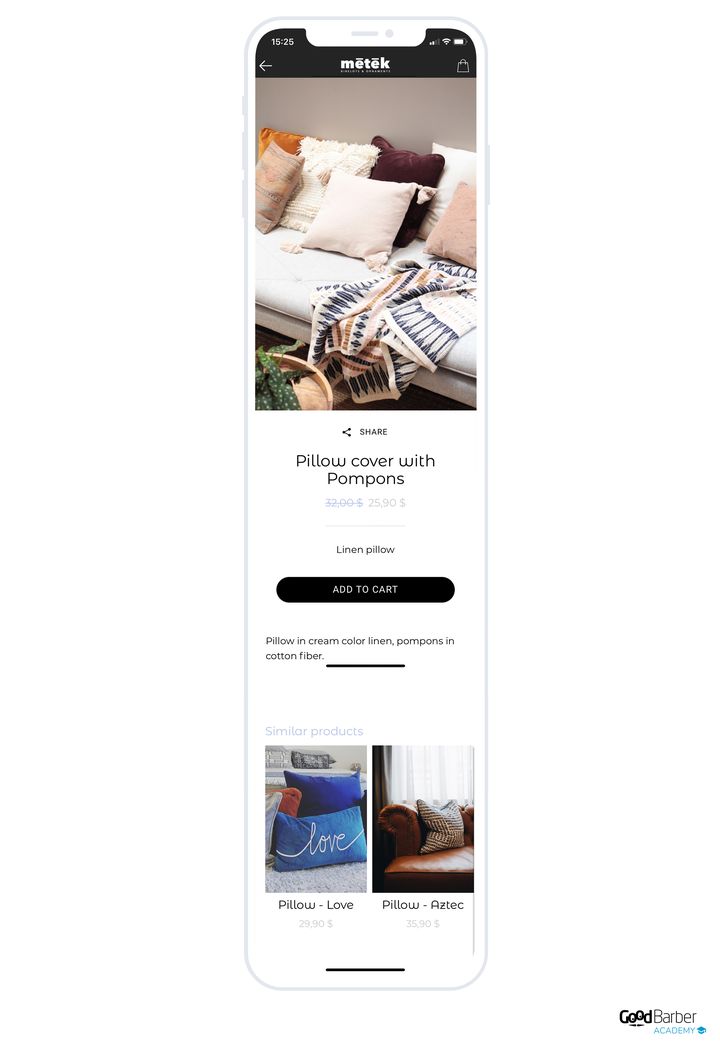
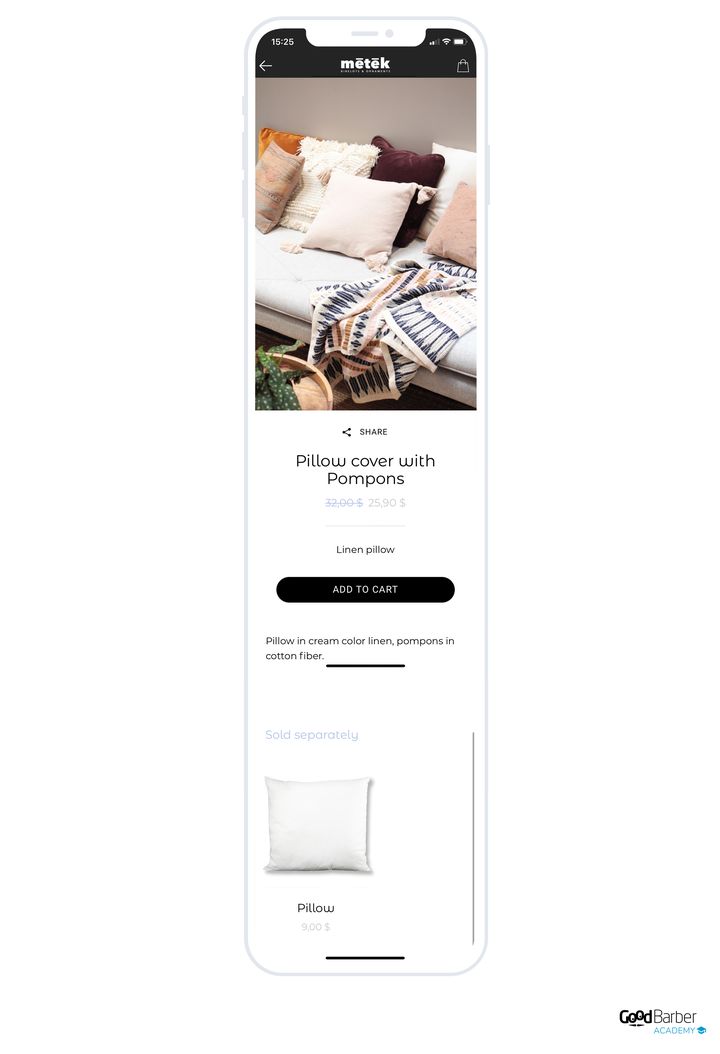
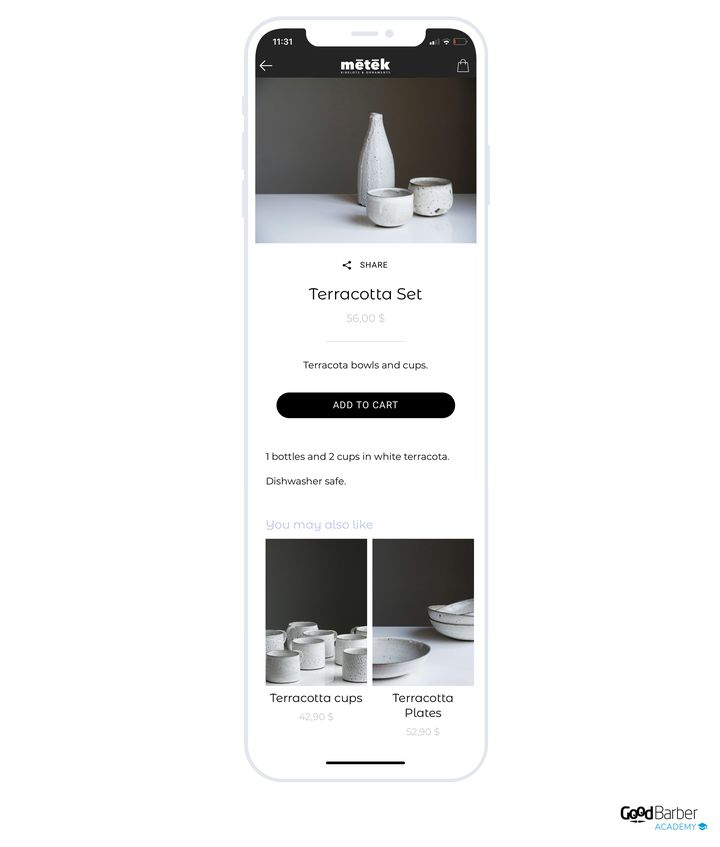
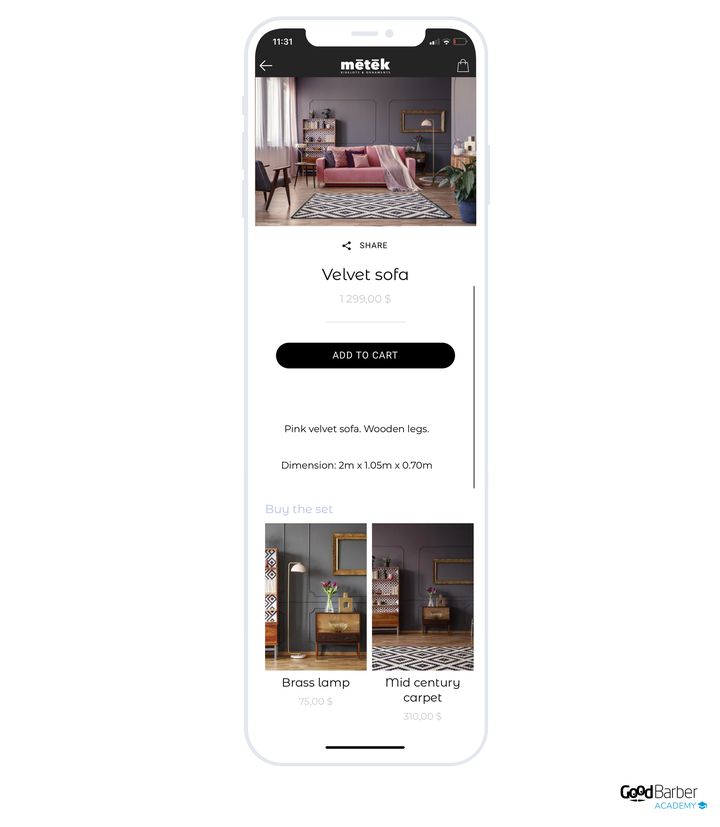
### Setting them up
Open the page from Products › All products: the **Similar products** block is in the **Edit Product** panel, **Info** tab.
By default, items are added automatically, based on the tags applied to your products and on the collections they belong to.
That automatic behavior is already enough for some strategies. For the "you'll also like" strategy above, it would have been enough to apply the "terracotta" tag to the products concerned for them to come up in the tableware set's suggestions.
For more precise strategies, take back control: delete the automatically added products, then search for the ones you want to display.
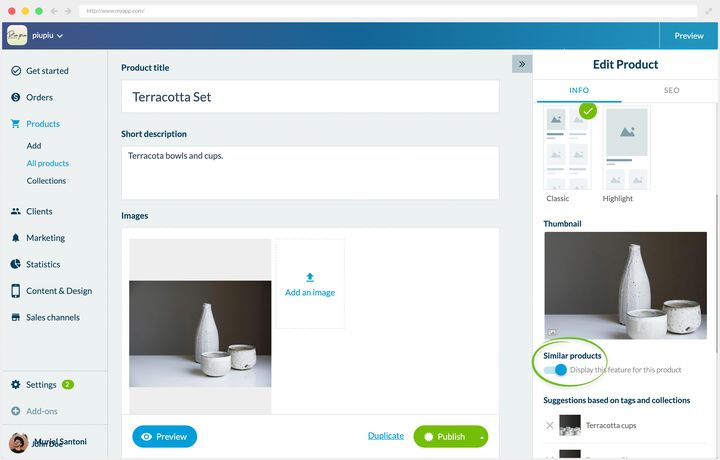
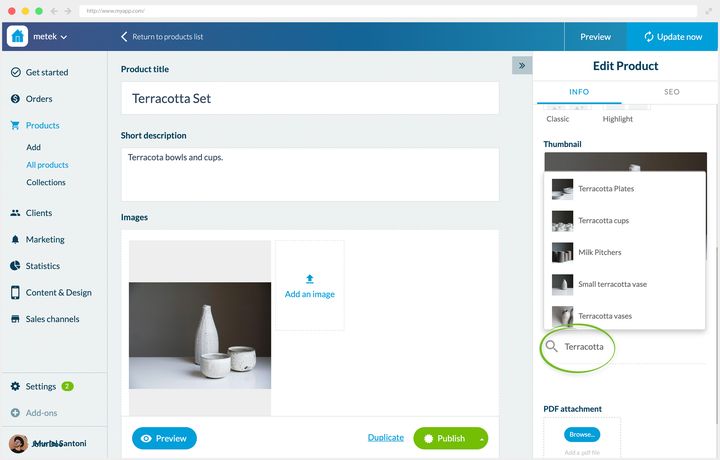
## Featuring a product
### What to feature
Featuring a product gives it a bigger place than the others in a list, and directs your customers' attention where you decide.
Three main uses:
- displaying your best sellers, to show the shop's successes
- presenting your emblematic products, to establish your reputation
- pushing your promotional items, to increase your sales
A fourth, less obvious use: presenting the centerpiece of a collection. On a list devoted to a trend, the ceramic set is displayed large, and the collection's other products arrange themselves around it.
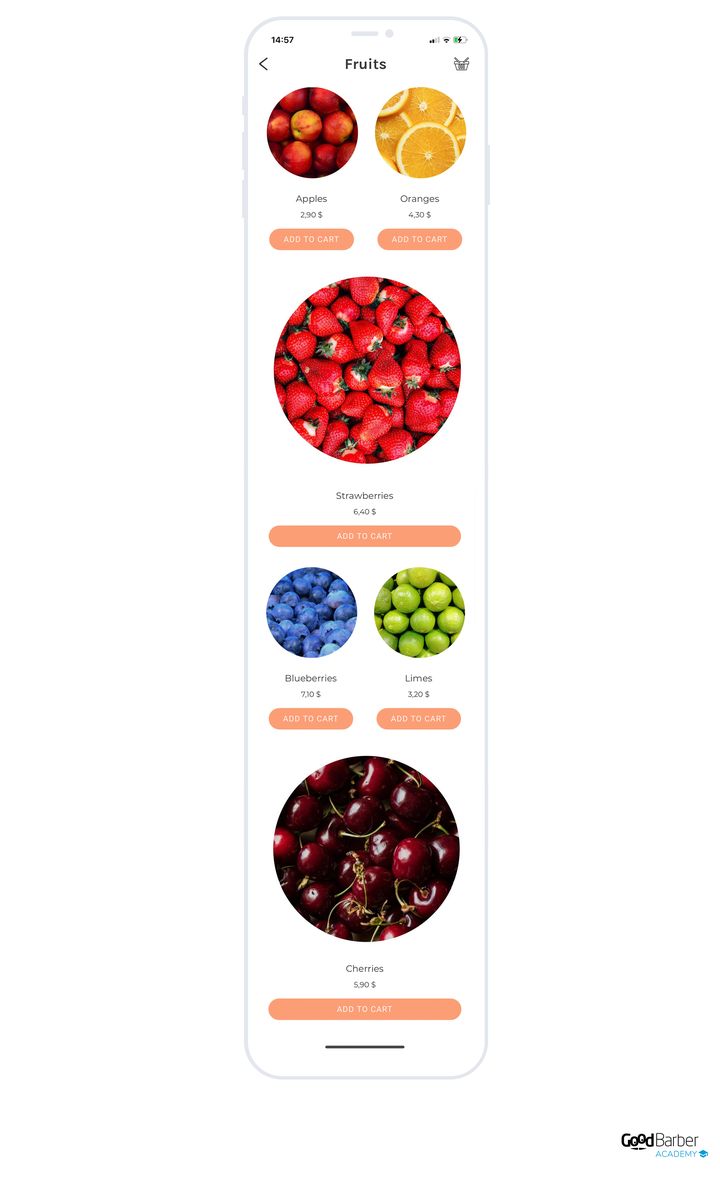
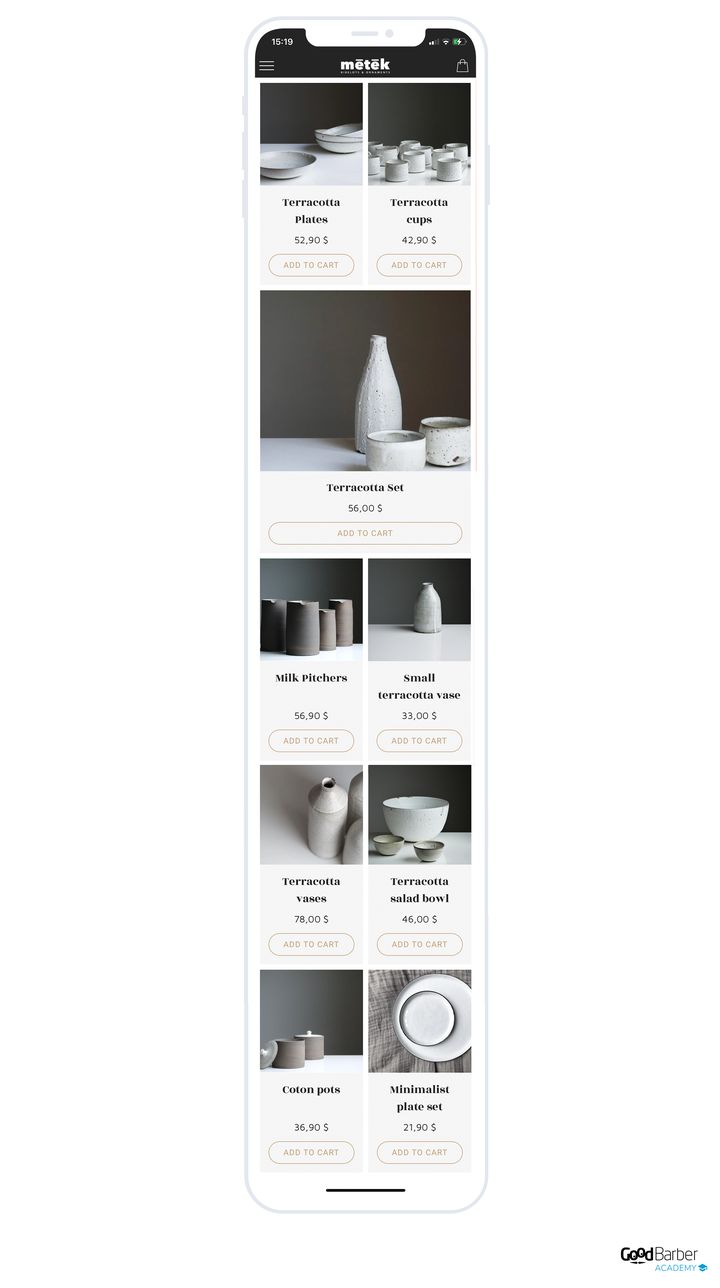
### How to do it
On the product's editing page, right-hand panel, **Display in list** section: choose **Highlight** instead of **Classic**. Your product then appears with a bigger thumbnail than the others.
You can feature several products in the same list, according to your needs.
---
# Managing your catalog in bulk
Source: https://www.goodbarber.com/academy/bulk-catalog/
---
title: "Managing your catalog in bulk"
description: "When the spreadsheet takes over from the screen, what decides whether an import updates, and how to prepare a price operation along with its exit."
canonical_url: "https://www.goodbarber.com/academy/bulk-catalog/"
lang: en
---
A catalog is worked on in two places. In the back office, product by product, when you're refining a page. In a spreadsheet, the whole catalog at once, when you're repeating the same move across a hundred products. The **Product Import** extension bridges the two: it exports your catalog into a .csv file and takes it back in once modified. The procedure, the column names and the sample files are documented step by step in our help center. This guide covers the other half, the half that decides the outcome: when to go through the file, what makes the operation safe, and what it lets you do that the screen does differently.
## When the file takes over
The **Import** and **Export** links are waiting at the top of the list, in Products › All products.
The split between the two ways of working is fairly clear. The file is made for fields carrying a value: a price, a stock level, a reference, attaching a variant to its product. It handles the same move across a thousand rows as fast as across one. The product page is made for what convinces: the description, the order of the visuals, the complementary products. That's the subject of the guide "Getting your product pages right", and it's decided one product at a time.
A simple rule to settle it. If you're about to repeat the same manipulation more than about ten times, it's a file job. If each product calls for a decision of its own, it's a screen job.
A word on rhythm, because it changes how you organize yourself. The export is prepared in the background: an email tells you when it's ready, and the file waits for you in Settings › My files. The import works the same way, with its own email confirmation. On a large catalog, start the operation at a moment when you'll be able to come back to it a few minutes later.
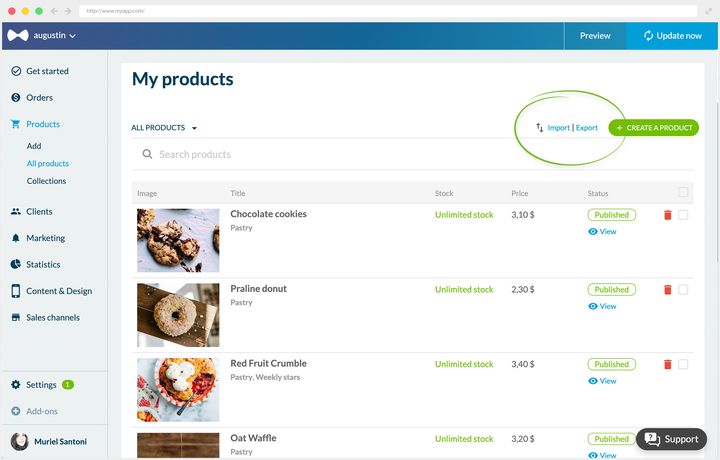
## What decides whether an import updates
This is the only mechanism to understand, and it explains most imports that produce something other than what was expected.
Each row of your file carries a product identifier, and each variant carries its own. Identifier filled in, the platform recognizes the item and updates it. Identifier left empty, it creates it. That's what makes the same file able to correct your catalog or to build a second one alongside it.
Hence the reflex that holds for any update: **always start from an export, never from a blank sheet.** The export gives you back two things you have no way of reconstructing from memory. The identifiers first. Then the exact column names, which the import reads to the letter: one misspelled column makes the whole file fail.
Two points attach to that, and they decide the shape of your file. A variant's reference is unique in the shop, and it's what lets you find your way around a thousand-row file. And a product available in three sizes takes up three rows, linked to each other by a shared column: price, stock and reference live on the variant, not on the product.
## The method that makes the operation safe
An import applies as it is: it modifies your products directly, and the previous state only exists in your file. So the whole safety of the operation rests on what you do before clicking, and it comes down to three moves.
**Export your complete catalog first.** Not one product, not just the collection you're working on: the whole catalog, with every attribute. That file isn't for the operation, it's your reference copy, and it's what lets you go back.
**Work on a duplicate.** The reference file stays closed in a corner, you edit a copy. A spreadsheet open for two hours always ends up receiving an accidental keystroke, and you want that to be on the copy.
**Start with a small scope.** The export can take just one collection. The first time you carry out an operation, export one collection, apply your change to it, import, then go and look at the result in your product list and in your app preview. What works on twelve products will work on a thousand.
## A commercial operation, and its exit
This is where the file becomes a merchant's tool, because it does in one go what would take a day by hand.
Sales across the whole catalog, for example. The operation fits in two columns: the base price moves into the struck-through price, the reduced price takes its place in the price. You import, and the whole catalog switches over, struck-through prices included. At the end of the operation, the reverse import puts everything back.
What's worth remembering isn't the manipulation, it's what it lets you plan for: **prepare the exit file at the same time as the entry file.** Putting things back to normal is what gets forgotten, and it's what costs, because you discover it on a Monday morning with the catalog still on promotion. Your reference export is already that exit file, provided you kept it intact.
A blanket operation on prices is one tool among others. When your discount targets a period, an order value or part of your customer base, it's set in Marketing › Discounts › Discount list, without touching the catalog. The guide "Boosting your sales" sets out the comparison between the two.
## Stock, at the pace of your business
Stock is read product by product in your list, it has its own screen in Products › Stock, and it's edited on the product page. That pace suits you as long as the movements are those of online sales, which the shop counts down on its own.
It changes as soon as your stock moves somewhere other than in the app: a delivery arriving, a day at the market, an end-of-month inventory. Then you have fifty quantities to correct at once, and that's exactly what the file does well. You export, you fill in the stock column of each variant, you import again.
One value is worth knowing before you fill that column: unlimited stock is a value like any other, the one taken by products you don't count, a service or a made-to-order product. You'll find it as it is in the export, and you can put it on other rows.
## Taking over a catalog from elsewhere
The import also serves for moving in, when your catalog already exists on another platform and you're opening your app. That's the case where the time saved is most visible, and where the order of operations matters most.
The file carries the skeleton: titles, references, prices, variants, stock levels, attachment to collections. It puts a shop on its feet in one import.
With the skeleton in place, what's left is what makes people buy. So plan a second pass for the descriptions and the visuals, page by page, and bear in mind that a photo travels by its address: for it to follow your import, it has to be online somewhere already and publicly reachable. Many migrations happen in two stages for that reason, and it's a good plan of action: the file gives you the structure in an hour, the product pages are then worked on at the pace you refine them.
The guide "Getting your product pages right" covers that second pass, and the guide "Organizing your shop" covers the collections to file it all in.
---
# Choosing your payment methods
Source: https://www.goodbarber.com/academy/payment-methods/
---
title: "Choosing your payment methods"
description: "Online payment gateway, offline payment for local delivery, and why you're better off offering both."
canonical_url: "https://www.goodbarber.com/academy/payment-methods/"
lang: en
---
The classic pattern has your customer ordering in the app and paying online. That's perfectly workable through a payment gateway. But where local delivery is involved, offline payment becomes a serious option.
Nothing forces you to choose: offering both maximizes your chances of suiting the largest number of people.
A word on scope, because the confusion is common. This guide covers taking payment for goods and services in an e-commerce app. If you're selling access to premium content by subscription, you don't go through these gateways: you go through the stores' in-app purchases, which follow different rules and different economics. That model is described in "Making money with your content app".
## Online payments
### What a payment gateway is
To take payment online, you have to go through a payment gateway.
These are third-party providers. When your customer enters their payment details in your app, the gateway takes care of passing them securely to the payment processor.
The journey happens in three steps:
- your customer places the order and enters their payment details
- the gateway picks up those details and sends them to the payment processor
- the customer is redirected to the processor and completes their payment
The gateway handles collection from end to end and encrypts sensitive card data.
You don't have to master how this works in detail. Your responsibility stops at choosing your gateways and offering them to your customers.
### The point to watch
Gateways are third-party services, and they take a fee. Charges can take several forms: a monthly subscription, a fixed amount per transaction, a percentage of the amount collected, or a combination of the three. Some also apply restrictions on the products sold through their services.
So read their terms of use carefully before committing, particularly if your catalog includes sensitive or regulated products.
### The available solutions
**Stripe** lets you take the main bank cards, from customers all over the world, on the web as well as in mobile applications. With it switched on, your customers can:
- pay by credit card
- pay with Apple Pay
Apple Pay works like a mobile wallet and allows one-click payment on the services that accept it. Using Stripe requires a Stripe account.
**PayPal** is a global real-time payment solution, and one of the main networks used for online purchases. Here too, a PayPal account is required.
**The test gateway** isn't there to take money, it's there to check. It lets you run a whole order through without any money moving, so you can check your funnel, your confirmation emails and your order statuses before opening the shop. Each payment service also has its own **test mode** and **live mode**, which you switch when you're ready.
## Offline payments
You can also accept payments outside your application. Where local delivery is involved, it simplifies the purchase journey considerably.
Offline payment is an extension: you add it from the store, where its listing shows the price that applies to your app, and it then switches on among your payment services. Like the gateways, it has a test mode and a live mode.
**You reach a wider audience.** Not everyone is comfortable entering their bank details online, and those people sometimes give up on the purchase. Offline payment lets them order and pay you in person, on delivery or on collection.
**You remove a brake on sales.** Paying outside the app is immediately understandable, including by people who struggle with online payment.
**You don't depend on any gateway.** You can sell online without creating a Stripe or PayPal account. Payments are direct, with no extra charges. That's an argument worth weighing if your volumes are low and gateway fixed fees would weigh heavily.
Once the option is switched on, your customers confirm their order without paying, and settle later, on receipt or on collection.
## What the app brings to payment
The payment process is one of the main reasons baskets are abandoned in e-commerce. That's exactly where a Shopping App takes the advantage, thanks to one-click payment.
### Apple Pay and digital wallets
With Apple Pay, confirming a transaction takes a single glance. These native solutions pass your customer's address straight to your application and confirm the payment with nothing to re-enter.
The gain isn't only comfort: every field removed is one fewer opportunity to abandon, which reads directly in the conversion rate.
### Saved cards and fast checkout
Optimizing your payment page is the most profitable lever against basket abandonment.
**Fast checkout** removes the unnecessary steps. Your customers only provide the information specific to the delivery method they chose, without filling in superfluous details before ordering. It's an extension, and it rests on Click & Collect: it's because the order is collected in person that the form can be reduced to the essentials.
**One-click payment** rests on the Payment Request API, which uses an already-saved credit card to make payment immediate.
---
# Defining your shipping strategy
Source: https://www.goodbarber.com/academy/shipping/
---
title: "Defining your shipping strategy"
description: "Which type of delivery to offer, which pricing strategy to adopt, and how to set it up in the back office."
canonical_url: "https://www.goodbarber.com/academy/shipping/"
lang: en
---
Shipping isn't an end-of-journey formality. It decides your margin, your average basket, and often the sale itself. This guide covers three questions: which type of delivery to offer, which pricing strategy to adopt, and how to set it up in your back office.
## Which type of delivery
You can switch on one or several options. The only question to settle is what kind of business you run.
### Carrier shipping
This is the most common one. Your customers order, you ship by post or by carrier. You choose the countries and regions you serve, and you attach to each one a price matching your shipping costs. In your settings it goes by the name **Shipping by carrier**.
It's the option that opens the widest audience, since GoodBarber lets you sell anywhere in the world.
### Local delivery
It's aimed at neighborhood businesses, physical shops putting their catalog online, and food service.
It's an extension, as is the Click & Collect that follows: you add it from the store, where its listing shows the price that applies to your app.
The principle is that of postal shipping, but delivery is almost instant: you define a geographic zone and you deliver quickly to the customers inside it. That zone is drawn in two ways, by **postcodes** or by **radius around your shop**. The radius is quick, postcodes let you rule out a town or a neighborhood you don't serve. A Paris florist delivers bouquets the same day, a New York sushi shop delivers to the office. You can add time slots to smooth out your orders.
Fast delivery is still rarely offered outside food service, while consumers put up with waiting less and less. So it's ground where you get ahead easily.
### Click & Collect
Same principle as local delivery, except that the customer comes to pick their order up from you. Your delivery costs drop to zero.
If you have a physical shop, this option has nothing but advantages, and they go beyond the postage saved.
**Your customers save time and money.** They prepare their order in the app and drop by to collect it. They choose their products at leisure online, and visit your shop when they pick up.
**You multiply impulse purchases.** That's the real hidden benefit of Click & Collect: it brings people back into your shop. Once they're there, your customers look at what you have, and often add to their order what they'd forgotten.
**You cut your shipping costs.** Labor and packaging add up fast. In-store pickup removes them.
**You limit returns.** Handling a return is expensive: transport back, repackaging, lost revenue. A customer collecting their order in person inspects the product immediately and exchanges it if necessary, which avoids the return.
**You build loyalty.** The **Click & Collect** extension offers a simple, frictionless journey: order online, walk away with the product straight away. Improving that journey is a loyalty strategy in its own right.
## Choosing your pricing
Whether you've gone for local or postal delivery, you define the charges that apply to orders. Two bases of calculation are possible, and the right choice depends on what you sell.
### On the order value
You set your charges according to the amount. For example 7 euros on any order, then free above 150 euros. It's the most widespread mode in e-commerce.
### On the order weight
The principle is the same, but it rests on total weight, so on what shipping actually costs you. The logic is reversed: free or cheap delivery up to a certain weight, then more expensive beyond. A furniture shop will give delivery free under 10 kg and charge 30 euros above, with the order value playing no part.
In other words: pricing by value serves to grow the basket, pricing by weight serves to protect your margin. Choose according to which of the two threatens you most.
## Five shipping strategies
### Offering a longer delivery time
Shipping costs weigh on your margins, and slower delivery modes cut them considerably. Many merchants dismiss this route, afraid of damaging the purchase experience.
That's a reflex worth questioning: a significant share of consumers accept waiting longer in exchange for reduced postage. Nothing forces you to choose, in any case, since you can offer several options in the same zone, with different times and prices.
Keep this principle in mind: the rarer or bulkier your product, the more your customers accept waiting.
### Setting a minimum order
Your shipping strategy can raise your average basket. Delivery becomes free above a certain amount, which encourages people to add an item.
If your items average 80 euros, you can set delivery at 5 euros and give it free from 120 euros of purchases.
Watch the balance: disproportionate charges or a threshold that's too high compared with your average basket lose you credibility instead of gaining you margin.
### Including delivery in the price
Delivery is announced as free, but it's already built into the selling price.
It's the riskiest of the strategies, since it raises your displayed price and can place you in a higher bracket than your competitors.
It stands up on two types of product: those whose price is already high, where postage weighs little against the value, and exclusive products, hard to compare because there's little competition.
### Giving delivery free under conditions
Blanket free delivery isn't the most profitable solution. Receiving an order with no charge is felt as a privilege: you might as well use it as one.
Two ways of attaching conditions:
- **One-off free delivery**, tied to a communication operation: a season, the sales, your shop's anniversary. The benefit is temporary, so it triggers action.
- **Free delivery for your loyal customers**, as a reward for those who have already ordered from you.
### Making fast delivery attractive
This is no longer about making free delivery pay, it's about getting your customers to choose a fast, and therefore paid, option.
How much your customers accept paying to be delivered faster depends heavily on the product: what people accept for a garment worn tomorrow bears no relation to what they accept for a piece of furniture. Test on your own catalog rather than transposing a price seen elsewhere.
## Setting up your rates
### Offering several rates
GoodBarber lets you sell anywhere, and your transport costs vary with the customer's location. So you define the geographic zones you serve, and the charges attached to each.
Within the same zone, you can create several rates. At checkout, your customer chooses the one that suits them. Rates are calculated at that moment, from the rules you defined.
For example, two rates coexist:
- standard delivery at a flat 7 euros
- express delivery at a flat 15 euros
To which you add a free-delivery rule above 100 euros of purchases.
### Offering time slots
For Click & Collect as for local delivery, the date and the time slot are essential. The **Delivery Slots** extension lets you define them, which stops too many orders arriving at once.
Three benefits:
- your customers choose when to receive their order, so their satisfaction goes up
- you control your preparation time by limiting the number of orders per day and per slot
- you build loyalty and increase repeat orders by keeping your delivery promises
It's all set in Settings › Opening and delivery times, in three tabs: **Opening hours**, where you set your days and time ranges, **Delivery slots**, where the five criteria below live, and **Exceptional closings**, for the days you don't open.
Five criteria govern the system:
- **Order frequency**: how often you open a delivery or collection slot.
- **The maximum number of orders** per slot: how many you can handle, and therefore how many you make available.
- **The delay between the order and the first available slot**: your irreducible preparation time.
- **The display restriction**: pre-orders for the days ahead, or same day only.
- **What the customer sees**: a choice of slots, or only the next one available.
Two concrete setups show how these criteria combine according to the trade.
**A restaurant.** Collection slots of 15 minutes, a maximum of 5 orders per slot, a 30-minute delay between the order and the first available slot, and same-day slots only. The aim is to absorb the flow without disrupting service.
**A grocery store.** Slots of 15 minutes too, but a maximum of 2 orders per slot, and a mandatory delay of 120 minutes, because putting a shop together takes time. Customers can, on the other hand, book a slot the same day or within the following 6 days.
The same add-on, two opposite setups: the constraint isn't the volume of orders, it's the preparation time per order. Start from there to set yours.
---
# Boosting your sales
Source: https://www.goodbarber.com/academy/boosting-sales/
---
title: "Boosting your sales"
description: "Discounts, push notifications, shortcuts in the purchase journey and a loyalty program: selling more without acquiring new customers."
canonical_url: "https://www.goodbarber.com/academy/boosting-sales/"
lang: en
---
Four levers for selling more without acquiring new customers: discounts, which trigger the purchase, push notifications, which let you talk to your audience at the right moment, the tools that shorten the purchase journey, and the loyalty program, which brings back those who have already bought.
## Discounts
### Why use them
A discount rewards a loyal customer or persuades a new one to take the plunge. Its strength lies in one difference with a sale: sales apply to everyone, a discount gives the feeling of a privilege. That feeling is what turns a prospect into a customer.
What we're talking about here is financial reductions, in the form of a fixed amount or a percentage.
**Attracting traffic.** That's the most common objective. Consumers are looking for a good deal, and can buy without having needed anything, simply because they received a promo code. So the idea is to communicate widely:
- on your social networks
- by email to your customer and prospect base
- through partnerships or influencers
This kind of campaign grows your community along the way, a community you'll then talk to in later campaigns. It's a virtuous circle.
**Triggering a purchase.** A deal that's perceived as good generally leads to an impulse purchase, one that answers no previously identified need. The customer skims your shop quickly to make the most of the offer.
The format of the reduction changes the outcome, and it's chosen according to your prices:
- **As a percentage**, for businesses with high prices.
- **As an amount**, for cheaper products, where a concrete sum looks more attractive than a percentage.
**Increasing loyalty.** Promo codes reward your customers, increase their purchase frequency and their average basket.
One caveat though: don't use them all year round. You'd damage both their credibility and that of your prices, on top of permanently eating into your margins.
### How to create them
Discount codes are an extension: add it from the Extensions Store, where its listing shows the price that applies to your app.
Once it's in place, the screen is waiting for you in Marketing › Discounts › Discount list, and the form holds seven blocks, each answering one of the questions raised above.
**The code** is either typed by you or generated at random, and it's unique within the shop. The **Name** field goes with it, visible only to you: that's what will let you recognize the campaign six months later.
**The type of discount** is your choice:
- **Fixed amount.** You decide the amount to deduct. A 5-dollar reduction takes 5 dollars off the price to pay.
- **Percentage.** The amount is calculated on the total. A 10% reduction on a 200-dollar basket takes off 20 dollars.
**What it applies to** decides what the reduction touches, and offers four scopes:
- **The whole order**: the reduction covers the entire basket.
- **One specific product**: it only applies to a product, selected from the dedicated dropdown.
- **One or more collections**: it only concerns the products in those collections.
- **One or more tags**: it only concerns the products carrying those tags.
That's what makes all the difference between a discount you submit to and one you steer: you target exactly the stock you want to move.
**Validity date** opens and closes the campaign to the hour, with a **local time** checkbox so that everyone gets it at the same time where they are. The end date is optional, the screen also offering **None**, and yet it's what applies the caveat written above: a discount with no announced end becomes a price.
**Limitations of use** decides who can use it, and how many times. You choose the audience between **Everyone**, **Customers and prospects**, and specific customers and prospects, named one by one. You set the maximum number of times the discount can be used, unlimited by default, and you can tick single use per user. This is where the feeling of privilege a discount lives on is manufactured: a code anyone can use as often as they like is a price cut, a named code is a gift.
**Conditions of use** finally carries the threshold, and it comes in two kinds: an **order value**, with its minimum and maximum price, or a **minimum quantity of products**. That's the average-basket lever, the one that makes people add an item to reach the bar.
Two points about that threshold, which save you a complaint. It's calculated **on sales alone**, shipping costs stay out of the count. And it's assessed in your shop's display mode: a shop displaying prices excluding tax compares the threshold with the pre-tax amount, which can reject a basket whose tax-inclusive total does clear the bar.
## Push notifications
### Why use them
On top of transactional notifications, sent automatically at each stage of an order's handling, you can send push notifications to your customers and prospects at any time.
Email is still relevant, but push has become more practical for reaching an audience, for three reasons.
**They're instant.** Announcing a price cut, opening a flash sale, reacting to a competitor: delivery is immediate, and so is reading.
**They're built for mobile.** The format matches how people use their phone. Not opened right away, the notification stays stored in the notification center and visible on the app icon. Hard to miss.
**They suit e-commerce.** Your customers are mobile and want to receive information where they are. Push also lets you personalize the message, which is in step with the times. With an almost zero sending cost, it's a good way to make your traffic pay in a competitive environment.
### How to send them
From your back office, in Marketing › Push › Send push. The screen holds three blocks:
- **Audience**: all your users, or some of them, chosen among your customers and prospects.
- **Content**: the message, with its character counter under the field, then the action on opening. You open the application, a product, an external link, or any section of your app, chosen from a list that mirrors your structure.
- **Send date**: now, sent instantly, or at the date and time you set.
One condition to know before targeting a section: it must have been published for a push to be able to open it. If your app has a pending update, go through the publication page first.
Three examples show what these settings allow.
**Collecting customer feedback.** For our restaurant app, we want to improve the service and display positive reviews on the home screen. For a week, a push goes out every day at 3pm, once lunches are over, to customers who ordered that day.
Opening it leads to a form asking how the order went. The answers are analyzed, and some are republished as proof of the quality of service.
**Rewarding your customers.** The shop is celebrating its first year. The push goes out to all users who ordered during the year, with a promotional code for their next order.
**Increasing traffic.** The new collection has arrived, and the push goes out to the whole user base to announce it.
Notice the progression: the first push is targeted and timed to the hour, the second is segmented on purchase behavior, the third is general. Targeting isn't a question of audience size, it's a question of what you want to obtain.
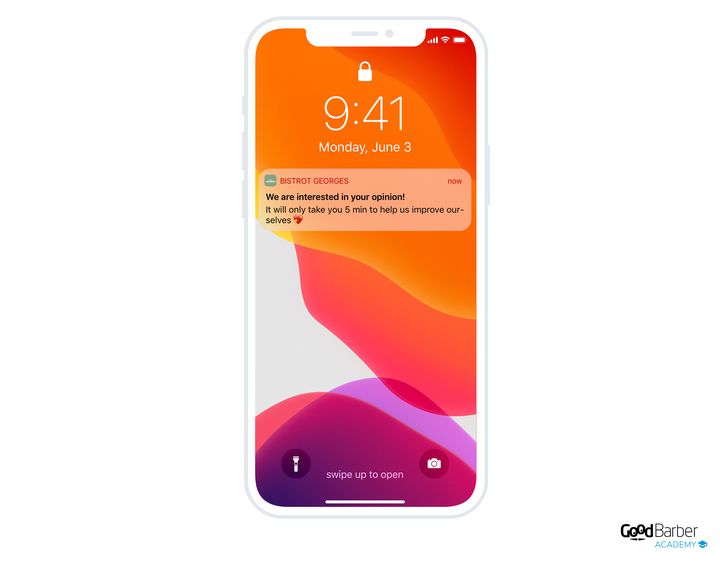
## Shortening the purchase journey
The three tools in this chapter are extensions, to be added to your app before you can set them up. That's good news by design, since your purchase journey only carries what your business calls for, but it's also a step worth knowing: as long as the extension hasn't been added, the matching setting isn't waiting for you anywhere. Their listing, in the Extensions Store, shows the price that applies to your app.
### The quick buy button
Smooth navigation and a fast checkout are the two conditions for a Shopping App's success. Rather than forcing your customers to open every product page, let them buy straight from a list.
Your customers select faster, buy more often, and your conversion rate goes up.
The feature is particularly suited to cheap or everyday products. In a grocery store, your customers know what they want: going into each product's detail before adding it to the basket is of no interest to them.
In cosmetics, your customers often come back to buy items they already know, and don't need to read the page again. A buy button placed directly on the home screen can also trigger an impulse on a featured product.
The underlying value is there: the customer never leaves the page they're on, so they see more products, and their basket grows.
Once the extension is added, the button is applied as a display option of your catalog: it appears in each product's cell in the list, and you decide it at the section design level.
### The cart reminder
When a customer comes back to your app and their basket contains items from a previous visit, a pop-up lets them go straight to checkout. It's the simplest way to bring an already-started purchase to a conclusion.
The feature exists on desktop too. There the customer sees their basket simply by hovering the mouse, and the pop-up opens automatically on their return if the basket contains items.
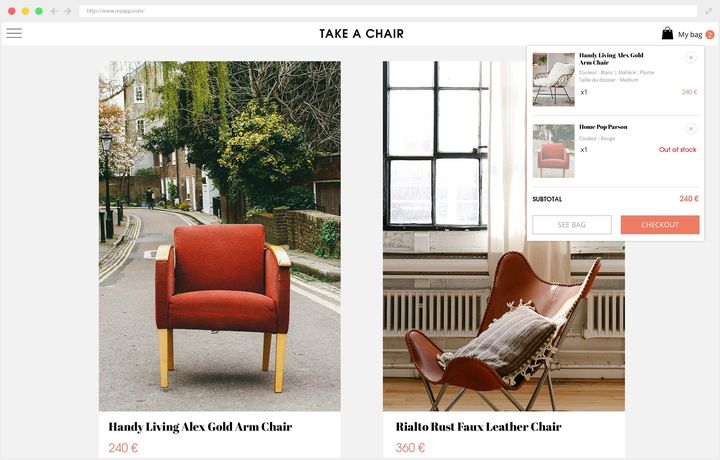
### The "Buy again" button
It adds all the products from an existing order to the basket in one click. Your customers repeat an order without rebuilding it.
It's particularly suited to food businesses and restaurants, where the same order comes back often, and it raises your rate of repeat purchases.
One detail that matters for steering: the button is identified as an acquisition channel in the order history. So you can track repeat purchases and analyze your loyal customers' behavior, instead of simply noting that they come back.
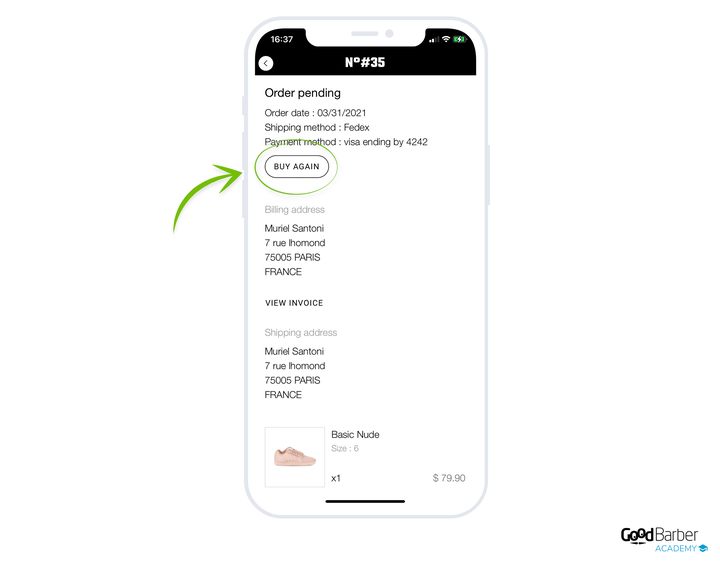
## The loyalty program
### What it does
The three previous levers act on one visit. The loyalty program acts on the next one: your customers accumulate points by buying, and those points turn into a discount. It's the only tool in this guide that works over time.
It's an extension, and its listing shows the price that applies to your app. Once added, it's waiting for you in Marketing › Loyalty › Loyalty program, in two tabs, rules and reward.
### The rules, or how points are earned
The rules tab comes down to one sentence to complete: your customers receive a certain number of points after spending a certain amount. You set both, and you name your points whatever you like. Points, stars, beans: the word belongs to your brand.
The ratio between the two decides the effect produced. One point per euro reads effortlessly. Ten points per euro gives bigger numbers, so an impression of faster progress for exactly the same value. Choose according to what you're after, but keep the maths simple: a customer who has to reach for a calculator doesn't play.
The same tab sets **point expiry**. You choose between no expiry, three months, six months, one year and two years, with a **reminder email** sent one week, two weeks, one month or two months before the deadline.
An expiry isn't a punishment, it's what gives a reason to come back now. In an everyday business, a short deadline keeps the rhythm going. On rare purchases, the same deadline wipes out the program before it has served any purpose: set it against your real purchase frequency, not against a duration that feels reasonable. And if you do set one, keep the reminder email, that's what turns a deadline into a visit.
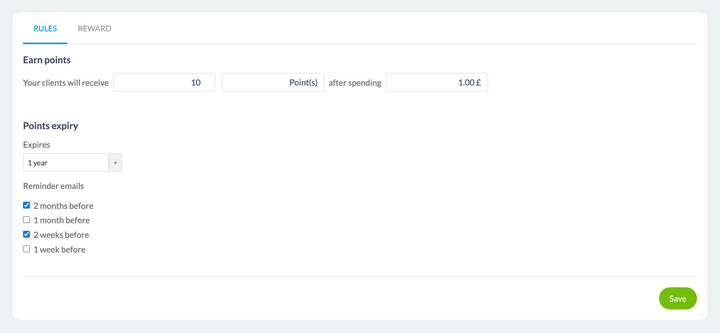
### The reward, or what points are worth
The reward tab decides what the customer gets. You first set the **number of points needed** to generate a coupon, then you describe the reduction exactly as you would a discount code: type of discount, fixed amount or percentage, and what it applies to, the whole order, one specific product, one or more collections, one or more tags.
Two fields serve your administration rather than your customer: a code prefix, which lets you recognize loyalty coupons at a glance, and a name visible only to you.
That's where this chapter meets the first one: the reward is a discount coupon. Everything said above therefore applies here, starting with the trade-off between a percentage and an amount according to your prices.
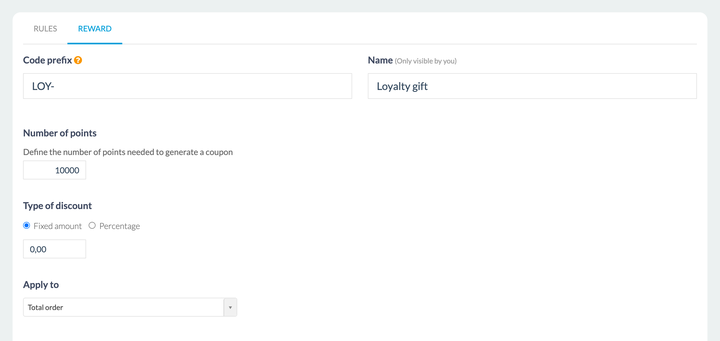
### The setting that decides
Three numbers answer each other: what a euro spent is worth, how many points are needed, and what the reward is worth. It's their ratio that makes the mechanism, never their value taken in isolation.
The useful marker fits in one question: after how many orders does a regular customer collect their first reward? Too early, and you're giving a discount to someone who would have come back anyway. Too late, and nobody reaches the threshold and the program produces nothing. Start from your real purchase frequency and set the first reward against a customer who already comes back: they're the one you're trying to keep.
---
# Managing your orders
Source: https://www.goodbarber.com/academy/orders/
---
title: "Managing your orders"
description: "Tracking your orders, the information sent to the customer at each stage, and recovering abandoned orders."
canonical_url: "https://www.goodbarber.com/academy/orders/"
lang: en
---
Order handling is the moment your customer judges how serious you are. This guide covers tracking the orders you receive, the information sent to the customer at each stage, and recovering abandoned orders.
## Tracking your orders
### The order table
Your orders are gathered in Orders › Orders list, under three tabs:
- **Pending**: all your orders in progress, whether they're new, being prepared, or already handed to the carrier.
- **Closed**: orders that have reached the customer or been collected by them.
- **Canceled**: orders cancelled, by you or by the customer.
Every incoming order lands automatically in the Pending tab. It's then up to you to move its status along, from the **Status** column of the table:
- **Pending**: the order has been confirmed and paid for by the customer.
- **Processed**: the order has been prepared and handed to the carrier.
- **Delivered**, or **Finished** for an order collected through Click & Collect: the customer has their order. The wording follows the delivery method chosen at purchase, and the two sit side by side in the same list.
- **Canceled**: you or the customer cancelled the order.
**The Pending tab and the Pending status are not the same thing**, even though they share a name. The tab gathers everything in progress, including orders already moved to Processed; the status covers only orders that haven't been prepared yet.
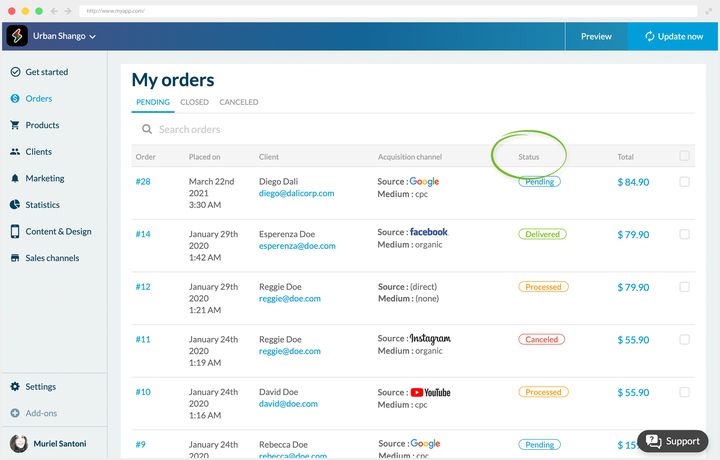
### Acquisition channels
An order's detail also tells you which channel your customer arrived through. Its acquisition channels block carries two lines, first interaction and last interaction, each with its date, its source, its medium and its campaign.
That double reading is what makes the information usable: the first contact tells you what recruits, the last one tells you what triggers the purchase. They're rarely the same campaigns.
### Four habits for handling orders
Order handling calls for precision and regularity, whether you're on your own or in a team.
- Track the number of orders to ship, so you don't get overwhelmed.
- Handle each order quickly, but without rushing.
- Avoid delays, whose repercussions show directly in revenue.
- Look after your strategic customers.
### Handling orders away from a computer
Those habits assume you have the back office to hand, which describes a shopkeeper's day rather badly. In the kitchen, in the shop, in the stockroom, nobody goes back to sit in front of a screen for every incoming order.
**Shop Companion** is the mobile app that answers that. Your orders arrive there in real time, grouped by day, with the collection slot when you offer them.
You'll find the same three tabs as in the back office, so nobody has two systems to learn. Opening an order gives the full detail, and the status is changed from that same screen.
Your stock can be corrected on the spot too, at the moment you notice the shortfall rather than at the end of the day.
That's also what makes tracking workable with several people: whoever prepares the order isn't necessarily the person with back office access, and they no longer need to be.
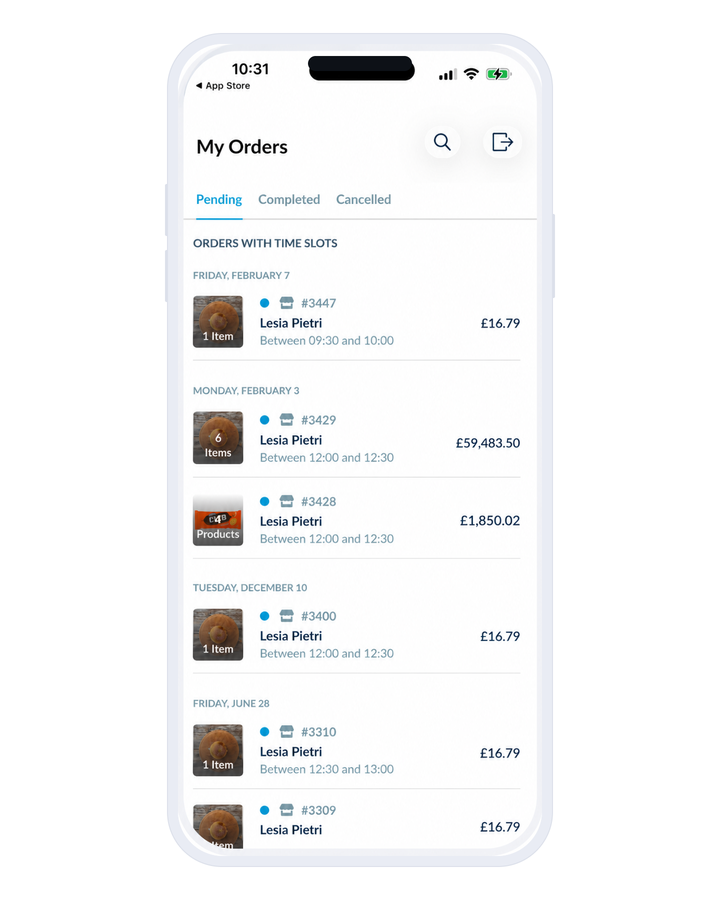
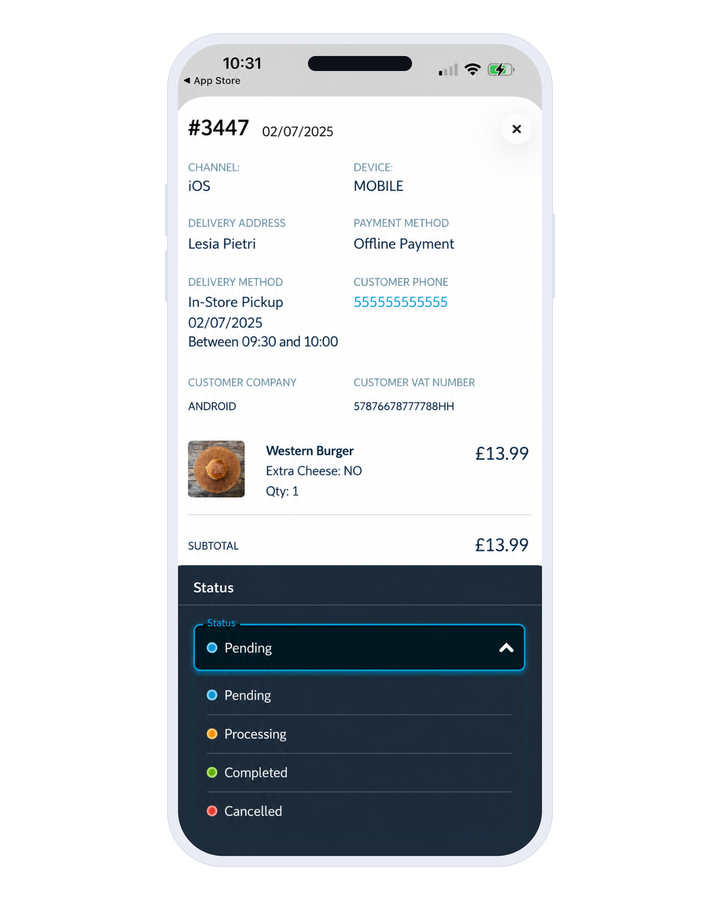
## Keeping your customers informed
Emails and push notifications go out automatically at each stage of the process:
- when the order is confirmed
- when it's processed
- when it's cancelled
The processing message exists in three versions, one per delivery method: carrier, Click & Collect and local delivery by postcode. You're announcing a dispatch, a collection or a drop-off, which don't call for the same words.
These notifications **can't be switched off**, but their content can be edited. So you can customize them entirely and put them in your shop's colors.
Their texts are edited in Settings › Email templates for the emails, and in Settings › Push template for the notifications. Both screens cover the same order events.
Remember the tokens, which let you address each customer by name.
Here's an example email to inspire you.
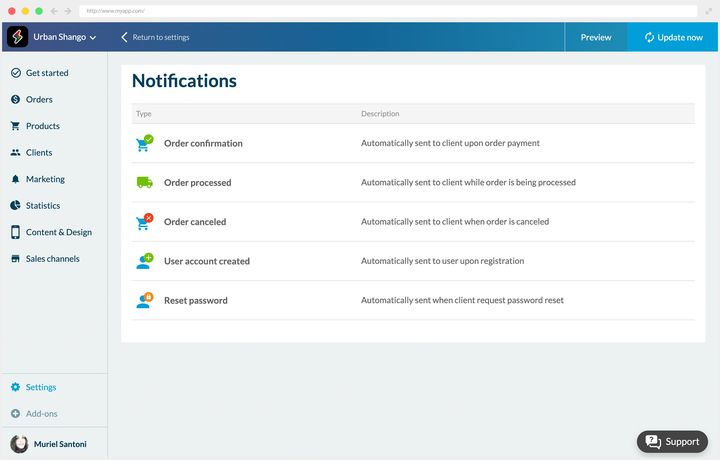
## Abandoned orders
### Why deal with them
When a customer starts an order without completing it, it's recorded in Orders › Abandoned orders.
Three points so you read that list correctly. An order only enters it if the customer **started the payment**: a basket filled and then left aside doesn't appear. The payment session expires after an hour. And the screen shows the **last two months**.
A very large share of online shop visitors never reach the end of the purchase journey. It's frustrating, precisely because those people were interested and close to concluding.
The most common reasons for abandoning:
- they compared your prices with your competitors'
- the shipping costs held them back
- they're still thinking about it
None of those three reasons is a final refusal, and that's what justifies following up.
The **Abandoned Orders Recovery** extension lets you send, from that list, an email, a push notification, or both.
### Making the follow-up work
The messages attached to those actions can be customized, and it's strongly recommended that you do.
**The subject line.** It's what decides whether the message is opened, so take care with it.
- Personalize it for the customer, with their name for instance.
- Refer to at least one product from their basket. It takes longer to prepare, but it's what separates a follow-up from an automated message.
**The content.** This advice applies mainly to email, the push notification being much shorter.
- Recap the basket, with the list of products and the order total.
- Add a button that clearly takes the customer back to their basket.
**The timing.** There's no fixed rule. Some follow up within the minute, others wait several days. Lean on the information in your back office to decide: the customer's purchase frequency, the value of their basket. Experience will sharpen your judgment.
### Two follow-up campaigns
The two examples below show that the right rhythm depends entirely on the business.
**A clothing shop.** At Léonie Apparel, the abandoned order comes from a loyal customer who has ordered several times before. So she knows our prices and our shipping costs: we conclude that she's still hesitating, or that she didn't have time to finish.
First follow-up the same day, by push notification, for its speed and its visibility.
If nothing moves, second follow-up the next day, by email this time. The content is fuller and recaps the whole order, which can revive the impulse.
A third and final follow-up comes after that if necessary.
**A restaurant.** The setting changes completely: the selling window is very short, since the customer was ordering their next meal.
So we send a recap email and a more direct push notification about 30 minutes after the abandonment.
Then a second push follow-up an hour later.
Three days in one case, one hour in the other. The deciding factor isn't the value of the basket, it's how long the need lives.
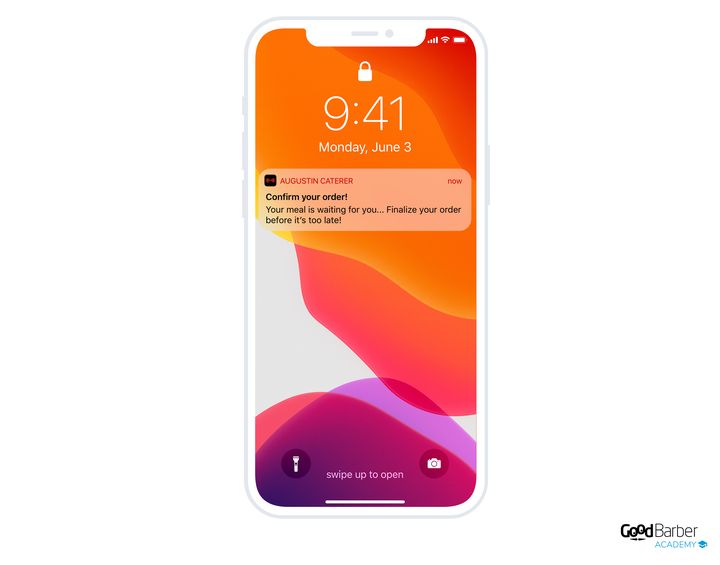
---
# FAQ
Source: https://www.goodbarber.com/faq/
---
title: "FAQ - GoodBarber"
description: "New to creating an app with GoodBarber? Discover our most frequently asked questions."
canonical_url: "https://www.goodbarber.com/faq/"
lang: en
---
# FAQ - GoodBarber
GoodBarber FAQ
# Things to know to create an app with GoodBarber
[Ask your question](https://www.goodbarber.com/faq/#ask)
### What’s a native app?
A Native app is an app built with the native language of the device on which it will be installed. The app is fast, smooth and delivers outstanding user experience. The GoodBarber iOS and Android apps are 100% native.
### What is a PWA?
A Progressive Web App operates within a browser. It combines the best of web concepts and mobile apps. GoodBarber generates Progressive Web Apps with Angular. On mobile, tablet, laptop and desktop, they offer a one-of-a-kind user experience.
### Do I own the content delivered through a GoodBarber app?
GoodBarber is the technology which allows you to create, organize and deliver your content to your audience: images, logo, audio files, text, you name it. You are the sole owner of the content created through our tool and will remain so.
### Does my app function offline?
Yes, the native app as well as the PWA. Upon first launching the app, the content is cached, thus allowing later usage offline. The native app relies on iOS or Android’s SDK features while the PWA relies on the service worker set up in the browser. PWAs work offline in all browsers except for Safari.
### Can I set up a domain name for my web app?
Yes, all domain extensions are managed. You can assign a domain name to your PWA and your users will thus access it through the URL of your choice.
### How can I optimize the SEO of my PWA?
The management interface lets you edit the main html tags for your PWA. Each page also has its own URL and the GoodBarber engineers have designed the code in such a fashion, along with reducing the generation time so that the indexation by search engines is optimized.
### How long does it take to create my app?
A few hours thanks to the models, images, content and other elements ready at your disposal with GoodBarber. It may take longer if you decide to explore the tool further and explore the infinite customization possibilities it offers.
### How long does it take for my app to be online?
For a Play Store publication, you can count on about 24 hours.
The iOS version of your app is built and published by us, under your Apple developer account. In order to ensure that your project complies with the App Store [guidelines](https://developer.apple.com/app-store/review/guidelines/), our teams run a thorough review of your app before getting started with the submission process. This step, which is mandatory before submitting to the App Store, requires human intervention. We are committed to carrying out this step within 72 business hours. Apple may take several days to review your application and publish it in the App Store.
Your PWA will be accessible from your domain name just a few hours after its been set up.
### Will my app still function after my iPhone or Android phone is updated?
Yes, our engineers work to ensure that your app operates seamlessly with each evolution of your phone’s operating system. On your end, you need only to make sure that you update your app with the latest version of the GoodBarber technology.
### Are there any limitations to the number of users I should be aware of?
Many GoodBarber applications have more than a million users. Our technical infrastructure is dimensioned to support high volumes of traffic. There's no limit to the number of users who download and view your app, and each app benefits from a minimum of 10 GB of storage (depending on your offer), far more than the space commonly used.
### How can I make money with my app?
There are several ways to make money from your app.
Advertising: You can display advertising within your content app, either through an external ad network or by using our internal ad server.
Subscriptions: you can monetize your content with our Memberships extension. It allows you to offer premium content reserved to members who purchased one of your subscription packages. You’re in total control and set up the subscription rules that fit your business best.
Paid app: You can also publish a paid app on the App Store and the Play Store. GoodBarber takes no commission on the revenue generated from your app.
Sell products: with our eCommerce solutions, you can sell your products online, locally or worldwide. Perfect for grocery stores, restaurants, retailers and much more, you’ll easily generate revenues thanks to several online payment options as well as offline options. GoodBarber takes no commission on the revenue generated from your app.
### How can I get help creating my app?
You can get in touch with the GoodBarber team whenever you need to, directly from the management interface of your app. In your back office, you can also browse through our user guide, as well as our blog which is full of precious advice to take your app to the next level
### Can I publish my app during the trial period?
You need a subscription to publish your app on the Stores. The free 30 day trial period offer you the opportunity to explore all our features to see if our platform fits your project. During this period, you will also be able to build and test your app.
### Can GoodBarber build custom features for me?
GoodBarber is a Do It Yourself (DIY) platform which means we don’t create apps or build custom features for our clients. However, thanks to your feedback, we constantly improve our product by adding new features.
### Do I need to create 3 different apps: PWA, Android, iOS?
No, you don’t. Thanks to GoodBarber management interface, the back office, you can create your PWA and Native iOS & Android apps from one single tool.
### Can I customize my app?
You have the possibility to add plugins or to add your own code with the HTML section. In your back office, you can browse through the developer section of our user guide or get in touch with the GoodBarber team for more information on how to customize your app.
## Need more information?
### Ask us your questions directly
---
# Support team
Source: https://www.goodbarber.com/support-team/
---
title: "GoodBarber customer support: an answer within one business day, help 24/7"
description: "Write to GoodBarber support in your language and hear back within one business day. Outside office hours, an assistant backed by our online help answers 24/7."
canonical_url: "https://www.goodbarber.com/support-team/"
lang: en
---
# GoodBarber customer support: an answer within one business day, help 24/7
Customer support
# GoodBarber customer support: a real person answers within one business day
Write to us in your own language and we'll answer in it — or in English if it's one we don't cover. Monday through Friday.
We answer within one business day, every time: send a request on Friday evening and you'll have your answer on Monday. Outside office hours, the assistant in your backoffice answers straight away from our online help, and opens a ticket for the team when your question goes further. Every conversation stays in your backoffice, so nothing has to be explained twice.
[Contact support](https://www.goodbarber.com/login/)[Browse the online help](https://www.goodbarber.com/help/)
Support at a glance
Response time
One business dayMonday through Friday, on every request
Languages
Write in yoursWe answer in yours, or in English otherwise
Instant help
24/7An assistant backed by our online help
History
Kept in your backofficeEvery conversation, context included
## Support at a glance
Straight facts: response time, languages, instant help, channels and history.
Response time
**Within one business day**The team works Monday through Friday. Send a request on Friday evening and you'll have your answer on Monday.
Languages
**Write to us in your own language**We answer in it, or in English if it's one we don't cover.
Instant help, any hour
**An assistant answers 24/7**Built into your backoffice, it answers from our online help. When that isn't enough, it opens a ticket with the team.
Channels
**The support inbox in your backoffice**You can also reach us through our online help and video tutorials.
Conversation history
**Saved in your backoffice**Every exchange is kept there, so you never have to explain yourself twice.
Publishing to the stores
**A dedicated team, GBTC**It submits your app to the App Store and Google Play for you.
## Support performance, measured
Figures we measure ourselves, each with the period it covers and the date it was last updated.
Customer satisfaction (CSAT)
93.37%
of support ratings are positive
Based on 2,505 ratings left between March and August 2026 by customers who rated their exchange with support. Last updated: September 2026.
Publishing to the stores
91%
of first submissions rejected by Apple end up approved
GBTC internal figures over the last 12 months. Last updated: April 2026.
## How to reach the support team
Three ways to get help, all included in your subscription.
Fastest
### Support inbox
Log in to your GoodBarber backoffice and open the support inbox. The team answers you right there, and the whole thread stays in your account.
24/7
### Built-in assistant
In the backoffice inbox, the assistant answers straight away from our online help — any hour, weekends included. When your question goes further, it opens a ticket with the team.
Self-service
### Online help
Step-by-step guides and answers, online and available any time, in your language.
Publishing to the stores
## Publishing to the stores: we handle it
Getting an app through App Store and Google Play review is one of the trickiest parts of shipping it. Our GBTC team — GoodBarber Takes Care — submits your app to both stores and handles any rejections until it's approved.
[More about the publishing service](https://www.goodbarber.com/app-publishing-service/)
## Your questions about support
Straight answers to what people ask most about GoodBarber support.
**Need a hand?**
Reach the team from the support inbox in your backoffice, or browse our [online help.](https://www.goodbarber.com/help/)
How fast does GoodBarber support respond?
GoodBarber answers within one business day. The team works Monday through Friday, so a request sent on Friday evening gets its answer on Monday. At any hour, weekends included, the assistant in your backoffice answers straight away from our online help, and opens a ticket for the team when your question goes further. Every conversation is saved in your backoffice, so when the team picks it up the context is already there and you never have to explain yourself twice.
Are customers satisfied with GoodBarber support?
93.37% of customers who rated their exchange with support said they were satisfied, based on 2,505 ratings collected between March and August 2026.
What languages does GoodBarber offer support in?
Write in whichever language you like: we answer in it, or in English if it's one we don't cover. The team itself answers in English, French, Italian, Spanish and Portuguese.
How do I contact GoodBarber support?
Log in to your GoodBarber backoffice and open the support inbox — it's the fastest route, and the thread stays in your account. The built-in assistant answers there right away from our online help, and opens a ticket with the team when things need to go further. Our online help is available any time.
Can I get help outside office hours?
Yes. The assistant in your backoffice answers 24/7, weekends included, from our online help. When your question goes beyond what it can handle, it opens a ticket: the team picks it up and answers within one business day.
Does GoodBarber help publish my app to the App Store and Google Play?
Yes. A dedicated team — GBTC, for GoodBarber Takes Care — submits your app to the App Store and Google Play. When a first submission is rejected by Apple, the team steps in and gets 91% of them approved (internal figures, last 12 months, updated April 2026).
Is support included in my GoodBarber subscription?
Yes. Support and our online help are included in your GoodBarber subscription, at no extra cost.
## A real person will answer you within one business day
Open the support inbox from your backoffice: the assistant answers right away, and the team takes over as soon as it needs to.
[Contact support](https://www.goodbarber.com/login/)[Browse the online help](https://www.goodbarber.com/help/)
---
# How to create an app
Source: https://www.goodbarber.com/blog/how-to-make-an-app/
---
title: "How to Create an App - 7 Steps to Make apps without coding"
description: "How to create an app without knowing how to code, in a very simple and intuitive way. How to make your own app in 7 steps: a step-by-step guide to build Android"
canonical_url: "https://www.goodbarber.com/blog/how-to-make-an-app/"
lang: en
date: 2026-08-29
last_updated: 2026-08-29
---
# How to make an app in 2026
A 7-step guide, from idea to the app stores, with the best no-code app builders, real costs, and timelines compared.
GoodBarber Team
Aug 29, 2026 · 21 min read
*How to create an app*
**Quick answer:** You can make an app without writing a single line of code by using a **no-code app builder** — a visual, drag-and-drop tool that compiles your design into a real iOS app, Android app, and Progressive Web App (PWA). A simple app takes about **3–7 days**; a medium-complexity app, 2–4 weeks. The process is seven steps: **(1)** define your app idea, **(2)** choose native or PWA, **(3)** select a no-code platform, **(4)** build it in the drag-and-drop editor, **(5)** test on real iOS and Android devices, **(6)** publish to the App Store and Google Play, and **(7)** update based on user feedback. Expect about **$25–$500/month** for the builder — versus 6–12+ months and $50k–$500k+ to build the same app with custom code.
To create a mobile app, you need an original project, expertise, time and above all, good reasons. We have found at least 5 reasons that can motivate you to create an app:
- Improve brand visibility and reputation
- Offer specific "ad-hoc" features to your customers
- Generate interactions tailored to your business needs
- Take advantage of the ubiquity of mobile phones
- Improve speed and quality of interactions for your users
Whether you want to create an app to complement your website, reach a new audience for your business or just think you have a great idea for a new app, in this article we will explore each step to make a phone app from scratch, throughout the app building process: from your app idea, through the stores publishing to the maintenance of your app, you will get an easy guide for beginners who want know how to start an app for the first time.
## How to make an app at a glance
|Build method|Best for|Cost|Time to launch|Coding needed|
|---|---|---|---|---|
|**No-code / AI app builder**|Beginners, founders, "citizen developers", content & commerce apps|~$25–$500 / month|3 days – 4 weeks|None|
|**DIY coding**|Experienced developers, people learning to code|Free – $5,000|6–12+ months|Yes (Swift/Kotlin)|
|**Hiring a developer or agency**|Complex, custom logic (games, large marketplaces)|$50k – $500k+|3–9 months|No (you brief it)|
For most people — especially non-developers — the no-code route wins on speed, cost, and risk. The rest of this guide focuses on **how to make an app without coding**, then covers the coding and agency routes for the projects that need them.
## The no-code market in 2026: why this approach is mainstream
No-code is no longer a niche workaround — it's how a growing share of all software gets built. According to Gartner, by 2026 **low-code and no-code technologies will be used in roughly 75% of new application development**, and **about 80% of these tools' users now sit outside traditional IT departments** (citizen developers), up from 60% in 2021. Gartner values the broader low-code development market at around **$44.5 billion in 2026**.
Looking further out, the no-code/low-code platform market is forecast to reach **$187 billion by 2030**, growing at a compound annual rate above 30%. The takeaway for anyone asking "should I build my app without code?" is simple: the tools are mature, widely adopted, and backed by serious investment. (Sources are linked at the end of this guide.)
## How to create an app without coding - 7 steps guide for beginners
### 7 simple tips to create your own app:
1. [Step 1 — Define your app idea](#1-get-your-app-idea-on-paper)
2. [Step 2 — Choose a native app or a PWA](#2-build-a-native-app-or-a-pwa-based-on-your-needs)
3. [Step 3 — Select a no-code platform](#3-make-your-app-by-selecting-the-most-suitable-method-for-your-business)
4. [Step 4 — Build your app using the drag-and-drop visual editor (No-Code)](#4-create-an-app-with-an-app-builder-no-code-option)
5. [Step 5 — Test on real iOS and Android devices](#5-test-your-app-on-ios-and-android-devices)
6. [Step 6 — Publish to the app stores](#6-submit-and-publish-your-app-on-the-stores)
7. [Step 7 — Update and iterate](#7-improve-and-update-your-app-continuously)
[Start an app](https://www.goodbarber.com/create/)
### Step 1 — Define your app idea
In short: before opening any tool, define what problem your app solves, for whom, and sketch the main screens.
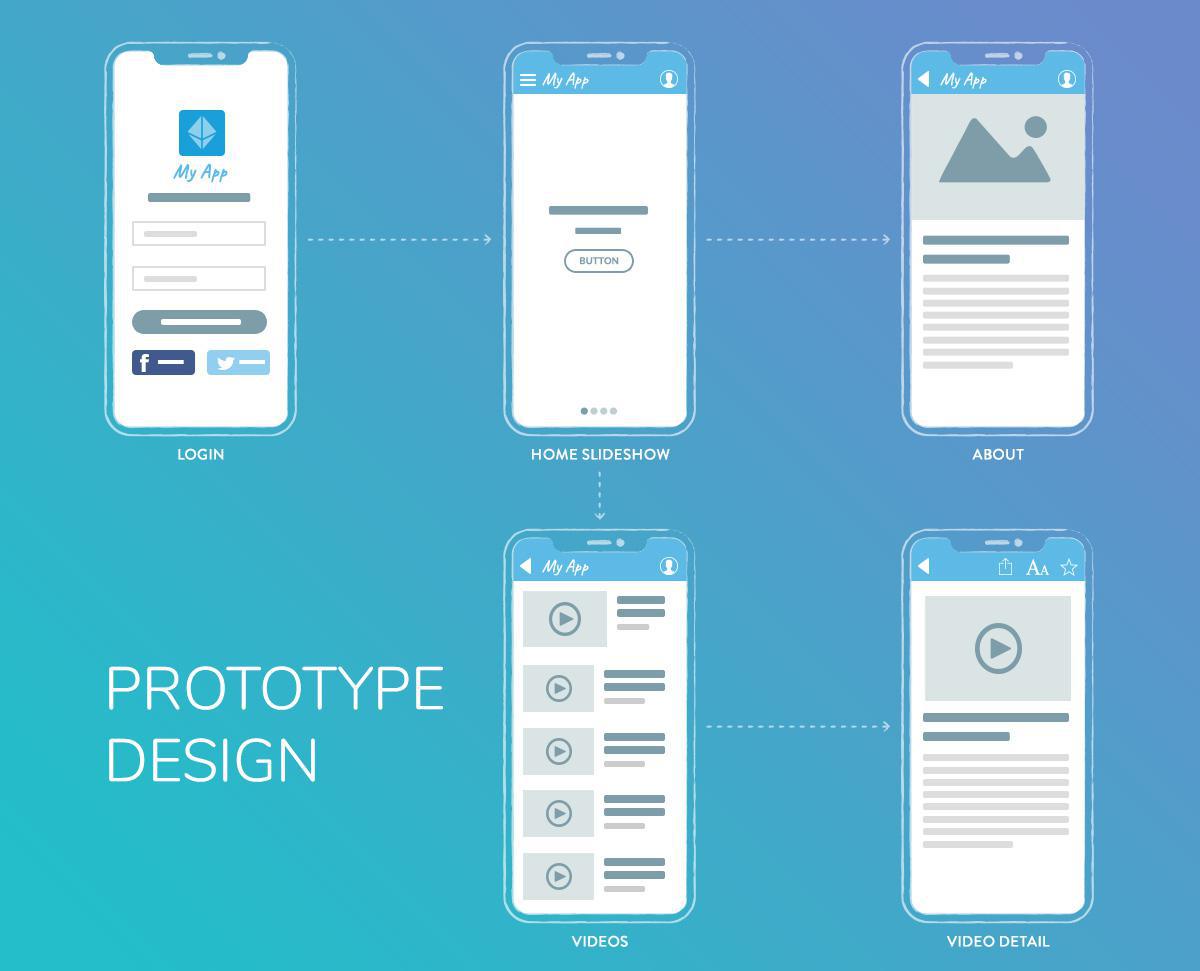
Every successful development process begins with scoping boundaries. Instead of trying to build a fully featured platform on day one, isolate a single core problem for your user base. Define your **Minimum Viable Product (MVP)**—the simplest version of your application that delivers immediate value.
- **Map the User Flow:** Document the exact sequence of actions a user takes from initial signup to achieving their goal.
- **The 3-Click Navigation Rule:** Keep your architectural hierarchy shallow. A user should never have to tap more than three times to reach any primary feature or data view within the application.
Be able to answer five things:
- **Target audience** — who will use it (age, location, interests)?
- **Core problem** — the single issue your app addresses.
- **Key features** — the 3–5 essentials; start minimal.
- **Monetization** — subscriptions, ads, e-commerce, or paid downloads.
- **Competitors** — research similar apps; read their 1- and 2-star reviews for a free list of features users wish existed.
Then sketch a simple storyboard of your main screens. Keep navigation shallow — a practical rule of thumb is the **3-click rule**: a user should reach any key information in about three taps. First impressions form in well under a second, so favor familiar layouts over clever ones.
### Step 2 — Choose a native app or a PWA
In short: native apps (iOS/Android) give the best performance and full hardware access; PWAs skip the app stores and are indexed by search engines.
||Native app|Progressive Web App (PWA)|
|---|---|---|
|App store presence|iOS App Store + Google Play|Web only (URL)|
|Performance & hardware|Best; full access (camera, GPS, push)|Good; some hardware limits by browser|
|Updates|Via app store|Automatic|
|Discovery|App Store Optimization|Search engines + links (SEO)|
|Works offline|Yes|Yes, via Service Workers|
|Cost|Higher (two platforms)|Lower (one platform)|
**Recommendation:** to test an idea fast and cheap, start with a PWA. If you need app-store presence, push notifications, or full device features, go native. Builders like GoodBarber generate a native iOS app, a native Android app, **and** a PWA from a single configuration, so you don't have to choose permanently.
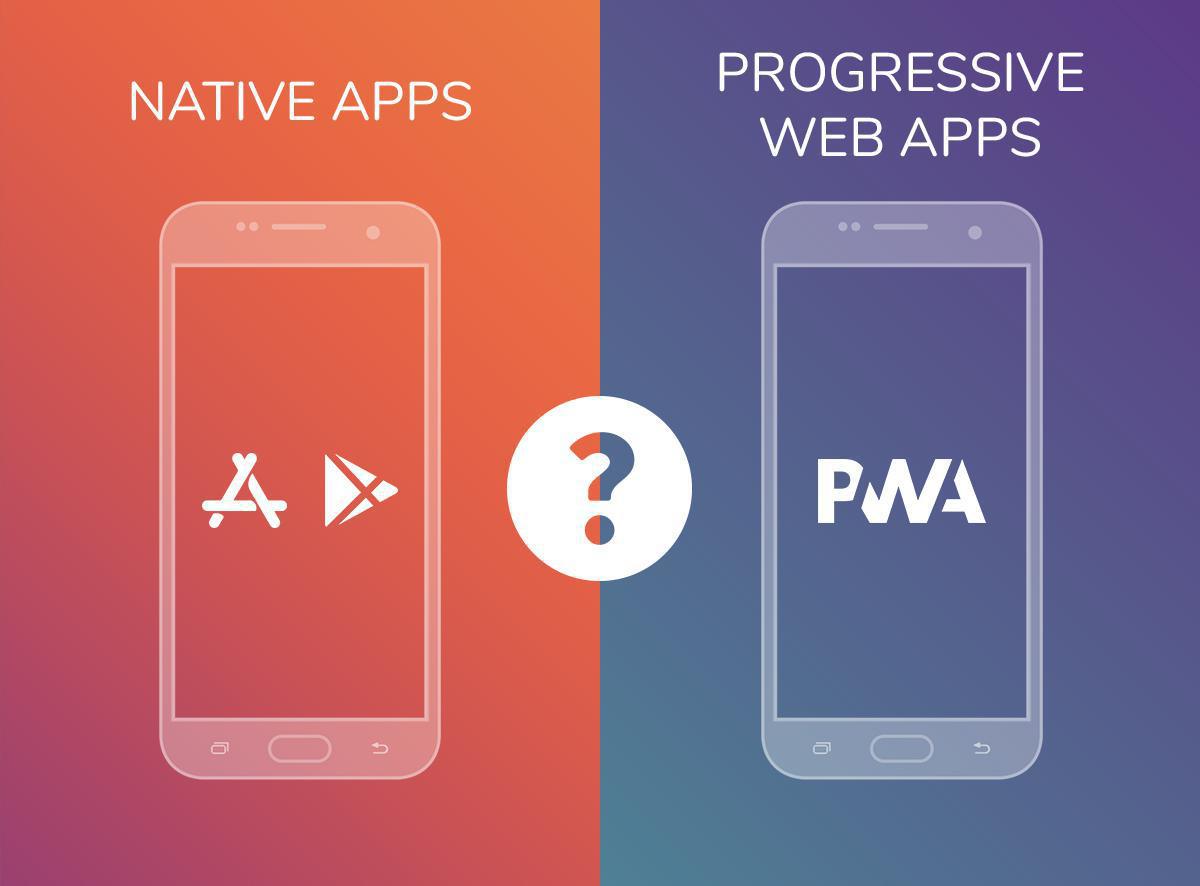
#### **Native apps:**
- A native mobile app is a software application developed to run on a specific type of device and operating system. Because it was designed to run on a given platform, a native app has the ability to use that device's hardware and software resources. Native apps allow for better performance
There are mainly two types of mobile operating systems: Apple's iOS and Google's Android.
- Native technologies have always been at the forefront of mobile development. This is due to the fact that this method offers reliable and high performance products that can access a wide variety of native APIs and features available on smartphones or tablets. To make an app with native coding means that you will be creating independent outputs for each specific operating system, which will help deliver a refined interface for different devices.
**Pros:** Full access to device hardware (Bluetooth, geofencing, advanced biometric authentication, native push notifications); available directly in the Apple App Store and Google Play Store.
**Cons:** Requires explicit approval from app marketplace review teams; mandatory app binary updates.
#### **Progressive Web Apps (PWAs):**
- A Progressive Web App (PWA) is an app that uses web features to give users a very similar experience to a native app. Unlike native apps, PWAs are a hybrid of regular web pages and mobile apps. The term "progressive" refers to the fact that they introduce new features and are initially perceived as traditional websites by users but, progressively, behave more and more like cross-platform mobile apps
- PWA is the perfect combination of web and native technologies. While they have the look and feel of a native app ( for example they can be installed on the Home Screen of the user’s device ), you don’t need to go through the Stores publication process.
- PWA doesn’t require download and adapt to mobile, tablets, and desktop.
- Benefit from SEO and are indexed on search engines
- Thanks to Service Workers PWAs also works offline
**Pros:** Bypasses Apple and Google app store review cycles; instantly discoverable via search engine optimization (SEO); updates deploy instantly without user intervention.
**Cons:** No native app marketplace presence; limited background processing; restricted access to specific device sensors.
### Step 3 — Select a no-code platform
In short: match the platform to your app type — GoodBarber and Adalo for native mobile, Bubble for complex web apps, Glide for spreadsheet-based tools, FlutterFlow if you want to export code later.
Test 2–3 platforms with their free trials (most offer a 14-day trial or a free starter plan) before committing. See the [full comparison table below](#comparison).
Similar in concept to websites builders such as WordPress , a[**No-Code app builder**](https://www.goodbarber.com/blog/what-is-an-app-builder/ "what is an app builder") is a software tool that allows users to create an app without coding and distribute it through different App Stores.
Most app makers provide a visual drag and drop editor in their UI allowing users to preview their app as they build it, in real time.
This is the ideal option to save time and money while achieving a quality app.
Instead of writing Swift or Kotlin, you assemble screens, content, and features with a **drag-and-drop interface**, see the result in a live preview, and let the platform generate and publish the app for you. It's the same idea as a website builder like WordPress or Squarespace, applied to mobile apps. This approach is often called **visual development**, and it's what has turned non-technical founders, marketers, and small-business owners into **citizen developers** — people who build working software [without an engineering background](https://www.goodbarber.com/blog/10-best-no-code-app-builders-for-beginners-a1589/).

**What a good no-code app builder gives you:**
- **A visual, drag-and-drop editor** with a real-time preview on a phone frame.
- **Ready-made templates** and design systems so the app looks professional from the start.
- **Visual data and content management** — add products, articles, or listings without touching a database.
- **Built-in features and integrations** — push notifications, e-commerce, memberships, chat, analytics, payment gateways — switched on in one click.
- **One-click publishing** to the App Store, Google Play, and the web.
**Why people choose no-code:**
- **Speed** — launch a working app or **no-code MVP** in days, ideal for **rapid prototyping** and validating an idea before investing further.
- **Cost** — a predictable monthly subscription instead of a five- or six-figure development budget.
- **Accessibility** — no developer to hire, no code to maintain.
- **All-inclusive** — hosting, database, and updates are bundled, so you don't assemble (and pay for) a separate stack.
### Step 4 — Build your app using the drag-and-drop visual editor (No-Code)
In short: start from a template, then assemble the app visually — design, content, features — and preview it live as you go.
1. **Start from a template.** Most platforms ship 20+ templates — pick the closest to your idea and customize, rather than starting from a blank canvas.
2. **Design.** Set theme, header style, navigation mode, app icon, and splash screen; match your brand's logo, colors, and fonts. Strong builders enforce good design automatically — GoodBarber, for example, was the first app builder to formalize a full design system, so spacing, type scale, and contrast stay consistent across phones, tablets, and desktop.
3. **Connect your content and data.** Add content through visual forms, or connect external sources (RSS, live streams, social feeds, a product catalog). No database queries — you manage everything visually.
4. **Add features & integrations.** Switch on what your app needs from an extension catalog — payments (Stripe, PayPal), push notifications, analytics, loyalty, chat, communities. GoodBarber offers 190+ one-click extensions, so you don't stitch together separate services or write glue code.
5. **Preview & iterate.** Watch every change render live on a phone frame and adjust until it's right — the core of **rapid prototyping**.
**Time estimate:** 3–7 days for a simple app, 2–4 weeks for a medium-complexity app, 1–3 months for a complex one.
A technical point that affects store quality: some no-code builders ship **WebView wrappers** (a website inside an app shell), while others compile **genuine native binaries**. GoodBarber outputs real **Swift (iOS)** and **Kotlin (Android)** code, which is why its no-code apps behave like hand-coded ones in the stores.
### Step 5 — Test on real iOS and Android devices
In short: test on actual phones — both platforms — covering features, screen sizes, and real-world conditions before you submit.
- **Test on iOS *and* Android** — never just one; use a real iPhone and a real Android device.
- **Check every feature** — payments, push notifications, navigation, and data loading.
- **Test multiple screen sizes** — small phones, large phones, tablets.
- **Get user feedback** — share with 5–10 potential users and collect honest reactions.
- **Fix bugs** — broken buttons, slow loading, data errors — before launch.
Recruit **beta testers** for fresh eyes, build an **AdHoc** version to replicate the real store build, and on iOS use Apple's **TestFlight** for pre-release distribution.
Oftentimes, No-Code app builders, such as GoodBarber, provides a test app you can use to run preliminary checks on your app. The most optimal way to test your app, however, is through its AdHoc version, which is the actual file of the app that will be submitted to the stores that you can download onto and run on your device—it’s the exact replica of what your users will see and every aspect of the app can be tested using this method.
For native iOS apps, there is a specific tool provided by Apple: TestFlight. It allowstesting your app before it goes online on the App Store. This alternative is particularly interesting if My GoodBarber solutions or the Ad Hoc version do not meet your needs for previews.
### Step 6 — Publish to the app stores
In short: you need an Apple Developer account ($99/year) and a Google Play account ($25 one-time); Apple reviews every app and rejects many on the first try.
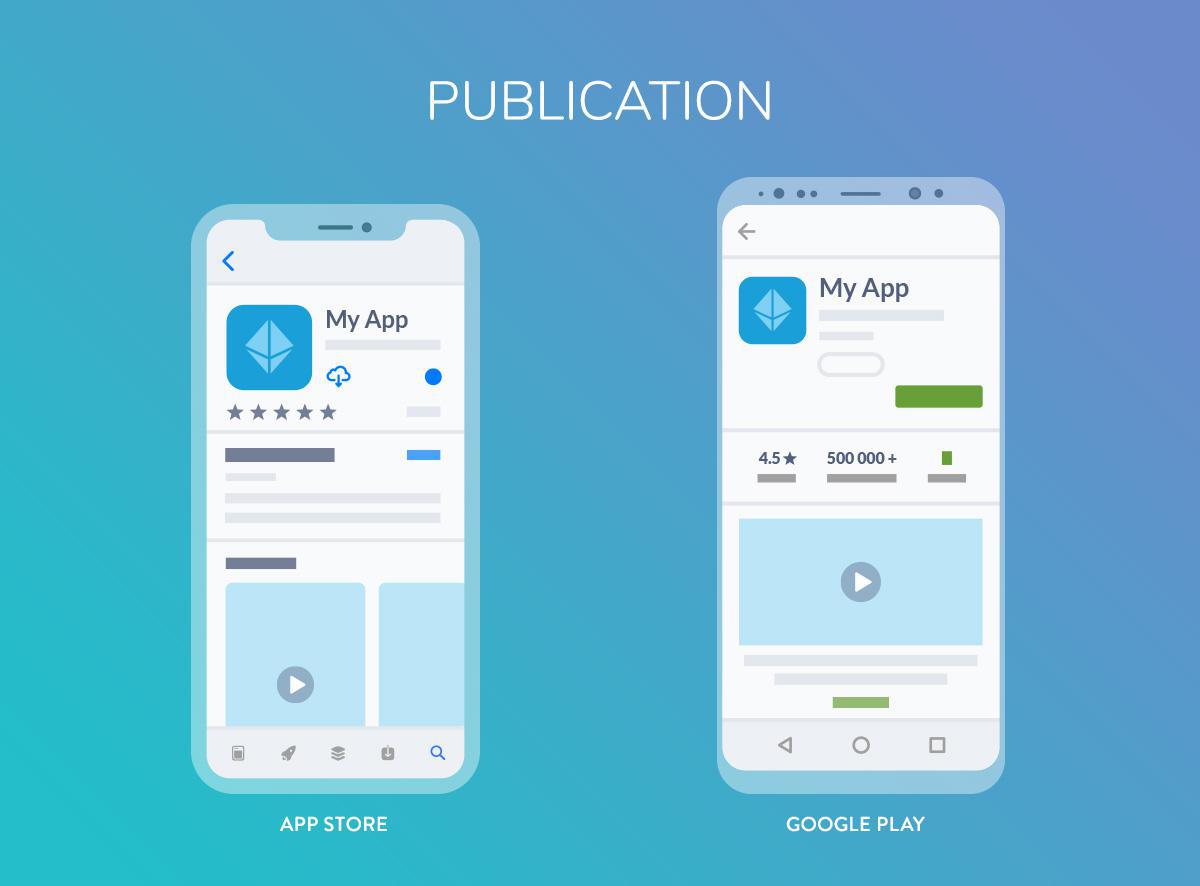
|Store|Account cost|Review time|Requirements|
|---|---|---|---|
|Apple App Store|$99 / year|~2–7 days|Description, screenshots, privacy policy|
|Google Play|$25 one-time|~1–3 days|Similar to Apple|
|PWA|None|Instant|Web hosting + domain|
Expect friction on iOS: **Apple rejects roughly 42% of apps on first submission**, even from experienced teams. This is why managed publishing services exist: GoodBarber's "Takes Care" team, for instance, handles submission for you and **recovers about 91%** of first-submission rejections. A PWA skips all of this: it only needs web hosting and a domain (GoodBarber includes the hosting).
**App Store Optimization (ASO)** — how people find you once you're live:
- Put your main keywords in the app **title** and description.
- Create professional **screenshots** that show key features.
- Write a **benefit-driven description**, not a feature dump.
- Get early users to leave **positive reviews**.
Tip: don't launch every feature at once. Hold some back for your first updates — a steady release cadence keeps users engaged.
[Build an app](https://www.goodbarber.com/create/)
### Step 7 — Update and iterate
In short: ship updates 3–4 times a year, watch your analytics, and act on user feedback.
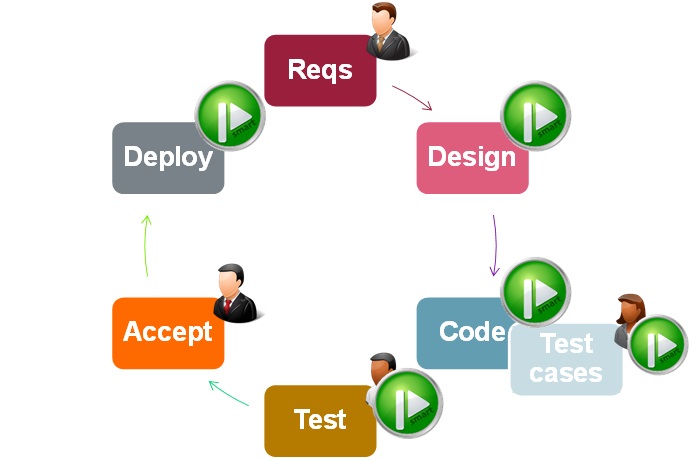
An app is a product, not a one-time launch. GoodBarber's team recommends **3 to 4 updates per year** for new features, bug fixes, and OS compatibility. Track engagement, retention, and drop-off in App Store Connect, Google Play Console, and your builder's analytics; collect feedback via in-app surveys and reviews; and promote the app through social media, content, and partnerships. (PWAs update instantly, with no resubmission — one of no-code's quiet advantages.)
## No-code app builder comparison (2026)
Different no-code platforms are built for different jobs. Here's a fair, factual [comparison of the major players](https://www.goodbarber.com/blog/best-app-builders-for-mobile-apps-a-guide-for-2025-a1419/) so you can match the tool to your project.
|Platform|Best for|Indicative price/mo\*|Learning curve|Key strength|
|---|---|---|---|---|
|**GoodBarber**|E-commerce & content apps, communities, events|from €36 (Content) / €50 (eCommerce)|Easy|Native iOS + Android **and** PWA from one project; 0% e-commerce commission|
|Bubble|Complex web apps, marketplaces, SaaS|~$25–$475|Medium|Visual database + custom logic|
|Adalo|Simple mobile apps, MVPs|~$36–$200|Easy|Drag-and-drop, mobile-focused|
|FlutterFlow|High-performance apps, future code ownership|~$30–$70|Medium–Hard|Exports clean Flutter code|
|Glide|Data-driven apps, internal tools|~$25–$140|Very Easy|Builds from Google Sheets / Excel|
|Thunkable|Educational & IoT apps|~$20–$150|Easy|Cross-platform + Bluetooth/IoT|
*Indicative 2026 entry-to-upper pricing; varies by plan, features, and currency. GoodBarber shown in EUR (its list currency); competitor figures are commonly listed USD ranges — always check the vendor's current rates.
**When to choose each platform:**
- **GoodBarber** — native mobile apps with e-commerce, push notifications, and monetization (iOS + Android + PWA in one platform).
- **Bubble** — a complex web app with custom databases and user authentication.
- **Adalo** — a quick mobile MVP with minimal technical requirements.
- **FlutterFlow** — you need high performance and want to export code later for custom development.
- **Glide** — internal tools or data apps built on existing spreadsheets.
- **Thunkable** — educational apps or apps that interact with IoT/Bluetooth devices.
## No-code vs. traditional coding: an honest comparison
|Factor|No-code|Traditional coding|
|---|---|---|
|Time to launch|Days–weeks|6–12+ months|
|Cost|$25–$500/mo|$50,000–$500,000+|
|Customization|Template-based, within platform limits|Unlimited|
|Scalability|Platform-dependent|Full control|
|Maintenance|Platform handles updates|You manage everything|
|Vendor lock-in|Yes (platform-dependent)|No|
|Learning curve|Days–weeks|1–5+ years|
|Team needed|1 person (non-technical)|Developers, designers, QA|
**No-code limitations to know (so you choose with eyes open):**
- **Customization** is capped by what the platform supports.
- **Subscription costs** accumulate over time versus a one-time build.
- There's some **platform risk** (pricing changes, or, rarely, a shutdown) — favor established platforms.
- **Complex features** may need workarounds or external API integrations.
- **Performance** may not match hand-optimized native code for extremely complex apps.
This is exactly why many founders start with a no-code MVP, validate demand, and only invest in custom development once the concept is proven — and why some pick a builder like FlutterFlow that can export code, or GoodBarber, which delivers compiled native apps rather than a WebView.
## When should you choose no-code (and when not to)?
**Choose no-code when:**
- You're a **non-developer** or small team without engineering resources.
- You need to **launch fast** — a campaign app, event app, store, or content app.
- You're **validating an idea** and want a **no-code MVP** in front of real users this week.
- Your **budget is limited** and predictable monthly cost matters.
**Consider custom development when:**
- Your app depends on **complex, proprietary business logic** no visual tool models well.
- You're building a **3D game** or a **large marketplace** with intricate matching, dispatch, or pricing engines.
- You need **low-level control** over the code, or you must own the source outright.
## How AI accelerates no-code app creation
AI now assists across the whole lifecycle: here's specifically what it does today, not hype.
||Old workflow|AI-assisted workflow|
|---|---|---|
|Process|Build feature by feature|Generate, then refine|
|Decisions|All manual|AI-suggested, human-approved|
|Outcome|Static app|A product that evolves|
|Your role|Builder|Editor / orchestrator|
Concretely, AI can **draft your app architecture** from a description, **generate content** (article drafts, product descriptions, onboarding flows, push copy, plus neural translation for multilingual launches), and **suggest UX** layouts tuned to your category.
Apps are also becoming **agent-operable**. GoodBarber publishes an open-source **Model Context Protocol (MCP) server** and **30 ready-to-use Claude Skills**, so assistants like Claude, Cursor, or ChatGPT can manage an app's products, orders, marketing, and stats by natural language, with the owner still setting the rules and reviewing the work. Think co-pilot, not autopilot.
To go further, we conducted a [specific review of AI app builders](https://www.goodbarber.com/blog/10-best-ai-app-builders-in-2026-a1588/) to help you make your decision when you need a fully AI-based platform to build your apps.
## 6 common no-code mistakes (and how to avoid them)
1. **Wrong platform for the job.** ❌ Using Glide for complex e-commerce. ✅ Match platform strengths to your app type (see the table above).
2. **Overcomplicating the MVP.** ❌ Building 20 features before launch. ✅ Start with 3 core features, validate, then iterate.
3. **Ignoring scalability.** ❌ Designing with no thought for 10,000+ users. ✅ Check platform limits (database rows, API calls, storage) up front.
4. **Neglecting ASO.** ❌ Generic name, no screenshots, weak description. ✅ Research keywords, create professional screenshots, write benefit-driven copy.
5. **Skipping real-device testing.** ❌ Testing only in a simulator. ✅ Test on physical iOS *and* Android devices.
6. **Underestimating ongoing costs.** ❌ Budgeting only for the initial build. ✅ Factor in monthly subscriptions, add-ons, hosting, and API fees.
## Your app-planning checklist
Before you build, you should be able to answer:
1. What core problem does the app solve, and who is it for?
2. Is there validated demand, and who are your competitors?
3. What are the essential features (and what can wait for a v2)?
4. Native, PWA, or both?
5. Which build method fits your budget and timeline — no-code, DIY, or agency?
6. How will you test, publish, and measure success?
7. How will you monetize and maintain it?
## Complete cost breakdown: building an app without coding
**One-time / setup costs**
|Item|Low end|High end|Notes|
|---|---|---|---|
|Domain name|$12 / year|$50 / year|.com, .app, etc.|
|Logo & branding|$0 (DIY)|~$500|Canva vs. a designer|
|App store accounts|$25 (Google, once)|$99/year (Apple)|Mandatory for native|
|Photos / assets|$0 (stock)|~$300|Free libraries vs. a photographer|
**Ongoing monthly costs**
- **No-code builder:** ~$25–$500/mo depending on tier and product line (GoodBarber Content from €36/mo, eCommerce from €50/mo).
- **Add-ons** (push volume, extra storage, premium extensions): $0–$150/mo.
- **External API services** (e.g. Stripe fees, third-party tools): $0–$500/mo depending on usage.
**First-year all-in estimate**
|Path|Typical first-year total|
|---|---|
|DIY no-code MVP|~$500–$2,000|
|Professional no-code app|~$2,000–$10,000|
|Traditional coded app|$50,000–$500,000+|
**Monetization options:** in-app advertising, in-app purchases, subscriptions, paid downloads, and — for commerce apps — selling products directly. Note that GoodBarber charges **0% commission** on e-commerce transactions, unlike marketplaces that take a per-sale cut.
## Prefer to code it yourself? The DIY route in brief
Coding your own app gives maximum control but is the hardest, slowest path — realistically 6–12+ months and a real engineering skill set. If you go this way:
- **iOS (iPhone):** learn **Swift** (modern, recommended) — you'll need Apple's **Xcode**, which runs on macOS only, plus the $99/year developer account.
- **Android:** learn **Kotlin** (Google's preferred language, in Android Studio) or **Java**.
- **PWA:** standard web languages (JavaScript and a framework) plus Service Workers — lighter and easy to update, but with limited hardware access.
For most people building a content or commerce app, the time and cost of DIY coding is exactly why no-code exists.
## Frequently Asked Questions
Can you really build a professional app without coding?
Yes. Modern no-code builders compile your visual design into genuine iOS, Android, and web apps — with native performance, push notifications, and monetization. Millions of live apps are built and maintained this way. The main limits are very complex custom logic and 3D games, which still need traditional development.
What are the best no-code app builders?
It depends on the job. For native mobile apps and mobile commerce, **GoodBarber** (compiled native + PWA, built-in store) and **Adalo**. For flexible data-driven web apps, **Bubble**. For internal tools from a spreadsheet, **Glide**. If you want to export code later, **FlutterFlow**.
How much does it cost to build an app without code?
About **$500–$10,000 for the first year**, depending on platform, features, and design. Monthly builder costs run **$25–$500**, plus store fees ($99/year Apple, $25 one-time Google). That's roughly **one-tenth the total cost** of custom development.
How long does it take to make an app without coding?
A simple app takes **3–7 days**, a medium app 2–4 weeks, a complex app 1–3 months — versus 6–12+ months for traditional coding.
Is no-code the future of app development?
It's already mainstream. Gartner expects low-code/no-code to be involved in about 75% of new application development by 2026, with most users now outside IT. It won't replace custom engineering for the most complex products, but for the majority of apps it's the default starting point.
Can you monetize a no-code app?
Yes — through in-app purchases, subscriptions, ads, a freemium model, or e-commerce. GoodBarber and most major platforms support all of these.
Can no-code apps scale to millions of users?
Yes, with caveats. Established platforms handle tens of thousands of users comfortably. For very large scale you may need an enterprise plan, optimized data, caching/CDN, and eventually custom code for specific bottleneck features.
Can you export your code from a no-code platform?
It depends on the platform. **FlutterFlow** exports clean Flutter code. Most hosted platforms (Bubble, Adalo, Glide) do not. **GoodBarber** doesn't export source either — instead it delivers compiled **native** iOS and Android binaries, so you ship real native apps without managing a codebase.
Is no-code hard to learn?
Mostly easy. Expect to learn the basics in 1–7 days and reach confidence in 2–4 weeks, helped by drag-and-drop editors, templates, tutorials, and community forums.
What is a no-code MVP?
A minimum viable product built with a no-code tool — the smallest version of your app that delivers the core value, launched fast and cheaply to test demand before investing further.
Do I need a Mac to build an iOS app?
To *code* an iOS app, yes — Xcode runs only on macOS. With a cloud-based no-code builder, no: the platform handles compilation, so you can build and publish from any computer.
What kinds of apps are NOT a good fit for no-code?
3D games and large custom multi-sided marketplaces (Uber- or Airbnb-scale logic) usually need custom development. No-code shines for content, media, commerce, loyalty, community, and service apps.
## Sources & further reading
- Gartner — Forecast Analysis: Low-Code Development Technologies, Worldwide ([gartner.com](https://www.gartner.com/en/documents/7146430))
- Gartner forecast: low-code to reach $44.5B by 2026 — InfoWorld summary ([infoworld.com](https://www.infoworld.com/article/2337677/low-code-development-technologies-market-forecast-to-hit-445-billion-by-2026.html))
- Low-Code/No-Code platform market to $187B by 2030 ([globenewswire.com](https://www.globenewswire.com/news-release/2020/11/10/2123468/0/en/Global-187-Billion-Low-Code-Development-Platform-Market-to-2030.html))
- Low-Code Application Development Platform Market Report, 2030 — Grand View Research ([grandviewresearch.com](https://www.grandviewresearch.com/industry-analysis/low-code-application-development-platform-market))
## Conclusions
Learning how to make an app without coding is now accessible to anyone. With modern no-code platforms like GoodBarber, you can move from idea to published mobile app without technical barriers.
The key is not coding—it’s clarity of idea, good design, and consistent iteration.
Remember **why your mobile app really matters**: it can help **increase your brand awareness** and **grow your business overall**.
These are the main goals that should guide you in choosing the no-code platform best suited to your needs and inspire you throughout the steps of creating your application.
[Create an app](https://www.goodbarber.com/create/)
## Related Articles
- [How to create an app for content creators](https://www.goodbarber.com/blog/how-to-create-an-app-for-content-creators-a1119/)
- [How to create an app for online courses](https://www.goodbarber.com/blog/how-to-create-an-app-for-online-courses-a1116/)
- [How to create an app for a Radio station](https://www.goodbarber.com/blog/how-to-create-an-app-for-a-radio-station-a1094/)
- [How to create an app to communicate with your employees](https://www.goodbarber.com/blog/how-to-create-an-app-to-communicate-with-your-employees-a1121/)
- [How to create an app for Newspapers](https://www.goodbarber.com/blog/how-to-create-an-app-for-newspapers-a1093/)
- [How to create a multi-language app ?](https://www.goodbarber.com/blog/how-to-create-a-multi-language-app-a714/)
- [How to create your own Local Delivery + Pickup app](https://www.goodbarber.com/blog/how-to-create-your-own-local-delivery-pickup-app-a1010/)
- [7 Good reasons to create an app with GoodBarber](https://www.goodbarber.com/blog/7-good-reasons-to-create-an-app-with-goodbarber-a940/)
- [Creating a mobile app for the first time - our advice](https://www.goodbarber.com/blog/creating-a-mobile-app-for-the-first-time-our-advice-a702/)
- [How to publish your app on Google Play and the App Store](https://www.goodbarber.com/blog/how-to-publish-your-app-on-google-play-and-the-app-store-a107/)
- [How to choose the perfect name for your app](https://www.goodbarber.com/blog/how-to-choose-the-perfect-name-for-your-app-a696/)
- [How to customize the design of your app](https://www.goodbarber.com/blog/how-to-customize-the-design-of-your-app-a140/)
- [How much does it cost to build an app without coding?](https://www.goodbarber.com/blog/how-much-does-it-cost-to-build-an-app-without-coding-a1487/)
---
# App builder overview blog post
Source: https://www.goodbarber.com/blog/app-builder/
---
title: "No-Code Native App Builder for iOS, Android & PWAs | GoodBarber"
description: "Build native iOS, Android apps and a Progressive Web App from one back-office — no code, no dev agency. A download every 4 seconds across 152 countries."
canonical_url: "https://www.goodbarber.com/blog/app-builder/"
lang: en
date: 2026-10-16
last_updated: 2026-10-16
---
# GoodBarber: Build Native iOS, Android apps and PWAs Without Coding
Building a professional mobile app used to mean hiring a developer, waiting four to six months, and spending tens of thousands of euros or dollars. With GoodBarber, you configure native iOS and Android apps, plus a Progressive Web App, from a single web-based back-office. No code to write, no agency to manage, no separate hosting contract. One platform covers everything from first design to daily operation.
GoodBarber is a complete and extensible platform to build native apps and PWA without coding.
Thanks to its expertise, GoodBarber is recognized as the best No-code app builder on the market in terms of high-quality design and visual appeal of its apps.
Create apps faster and easier without coding, right now.
No code required, no technical skills: everyone can use it!
✅ Use pre-built templates or start a custom app from scratch.
✅ AI-assisted content editor
✅ AI section builder
✅ Build Android, iOS and PWA apps seamlessly.
✅ Create professional apps with stunning design and UX without a single line of code.
✅ Designed for for small and medium businesses, freelancers, and content creators
GoodBarber Team
Oct 16, 2026 · 27 min read
[Start to Build](https://www.goodbarber.com/create/)
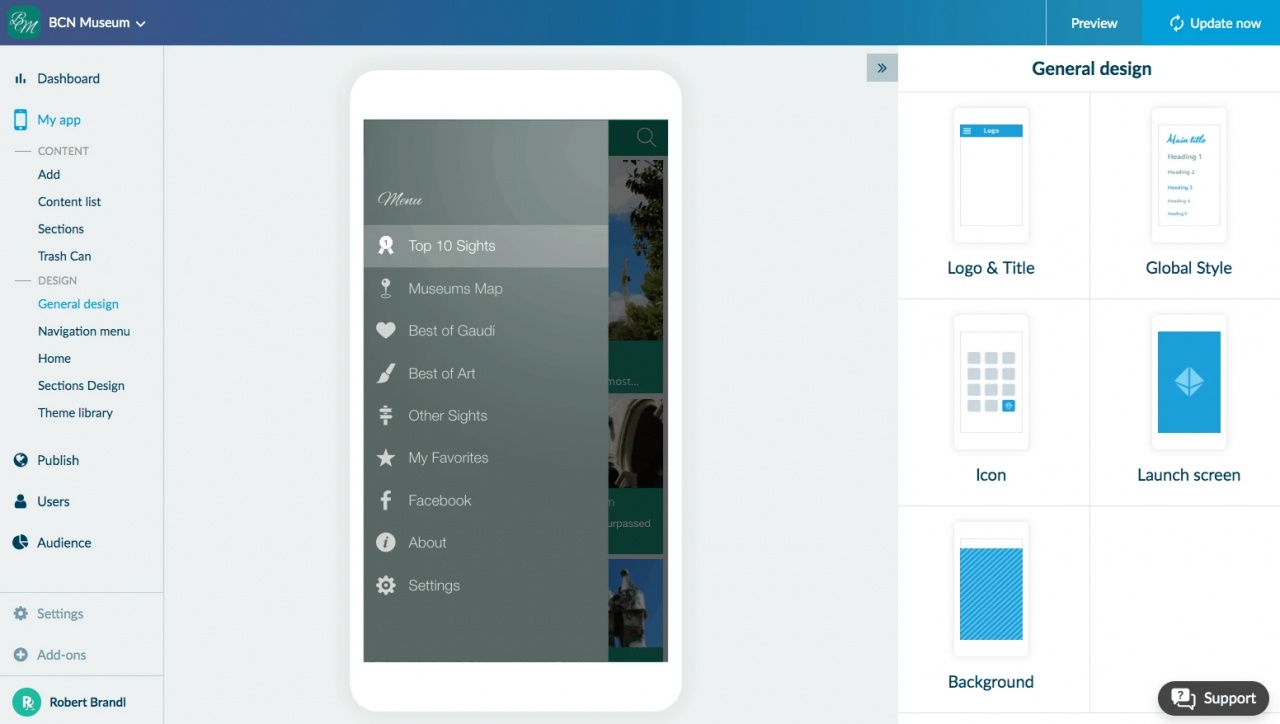
## Get the most out of mobile apps with an app builder
Flexible and reliable mobile app builder, GoodBarber is the tool you need to **build apps faster**, with a **top-notch design out of the box**. You'll benefit from an easy-to-use online tool and outstanding customer support:
- ✓ AI-assisted back-office
- ✓ Drag and Drop Visual Interface
- ✓ Time and Cost saving
- ✓ Integration with Third-party tools
- ✓ Tasks Automation
- ✓ Native app and PWA support
- ✓ Pre-designed templates
- ✓ Customizable UI/UX
- ✓ Real-time app previews
- ✓ Push notifications
## ✅ What Is An App Builder and How does it Work
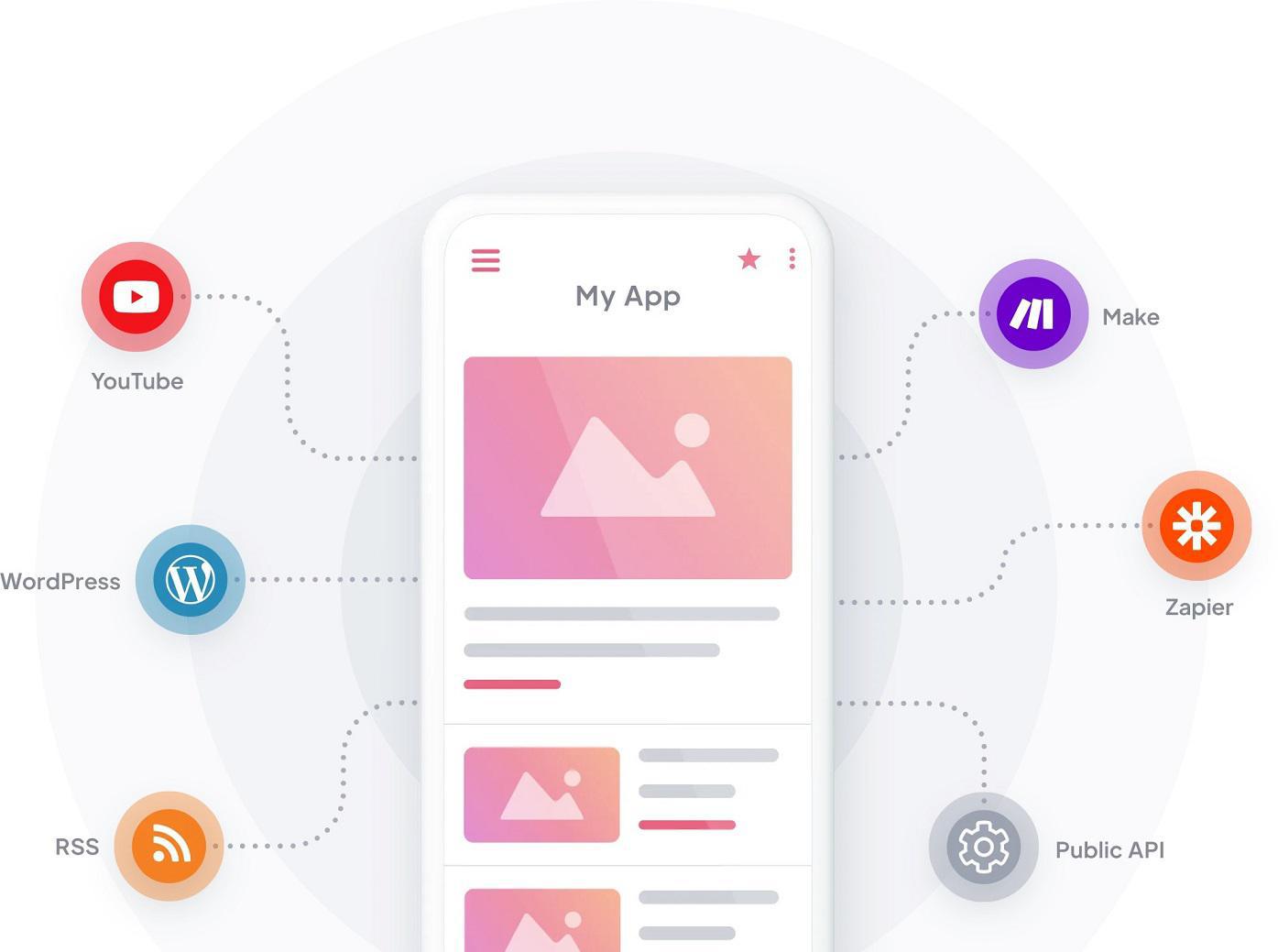
*Screenshot of the cross-platform app builder interface showing the workflow throughout several platforms and tools for content creation*
An [**app builder**](https://www.goodbarber.com/blog/what-is-an-app-builder/) is an online software tool that allows anyone to create and publish apps without any code development. It represents an effective solution to make mobile apps for people who don't have development skills, by using AI-prompts, visual interface and drag-and-drop functionalities. Instead of writing Swift or Kotlin, you use a back-office: you pick a design theme, configure features, add your content, and publish. So then, everyone can create their own app without outsourcing.
Also known as No-Code app builder, "App maker" or "App creator", these tools are hosted on a Cloud platform accessible online 24 hours a day, which guarantees high availability, security appliance and scalability.
Based on automation routines, an app builder doesn't require any programming skills. It provides a very productive design environment to help users make their own apps.
An App Builder can be programmed to perform repetitive tasks faster and accurately: in this sense, an app builder is a smart technology to build mobile apps.
From the User Interface perspective, many app builder platforms provide a WysiWyg visual editor with Drag and Drop features in order to help users visualize their app as they go, in real time, which makes it easier pushing edits and successive iterations.
An app builder is generally designed to deliver cross-platform apps and help users build mobile apps that work seamlessly across all major platforms. Additionally, app builders back-office includes built-in development, testing, debugging, and deployment tools for developers using their own software and hardware to build mobile apps for any platforms. For example: operating through an app builder, you can use an Apple device to create apps for Android, or a Linux device to make an iOS app.
These are concepts and technologies belonging to app builders ecosystem:
- **Platform Types:** Native iOS, Native Android, Progressive Web App (PWA)
- **Editor Features:** No-code, drag-and-drop, WYSIWYG, real-time preview
- **Design:** Templates, UX/UI consistency, design system
- **AI Features:** AI Assistant (GPT-3.5, GPT-4), content generation
- **Integrations & Automation:** Zapier, Make (Integromat), Public APIs
- **Monetization:** In-app purchases, ad networks, ads
- **Team Structure:** R&D, UX/UI Design, Marketing, Customer Success
- **Support:** Cloud-based availability, multilingual customer support
- **Pricing Plans:** Free PWA trial, Standard, Premium, PRO
- **Target Audience:** SMBs, freelancers, content creators, solopreneurs
[](https://www.goodbarber.com/blog/best-app-builders-for-mobile-apps-a-guide-for-2025-a1419/) [**GoodBarber** works differently from most app builders](https://www.goodbarber.com/blog/best-app-builders-for-mobile-apps-a-guide-for-2025-a1419/) : it does not generate a web app wrapped in a mobile shell ("hybrid" or "WebView"). Its three independent compilation engines produce:
- **a native iOS app in Swift**, submitted to the Apple App Store.
- **a native Android app in Kotlin**, submitted to the Google Play Store.
- **a Progressive Web App (PWA)**, accessible in any browser.
All three are generated from the same back-office configuration — design once, compiled natively on three platforms. This is what "no-code native" means in practice.
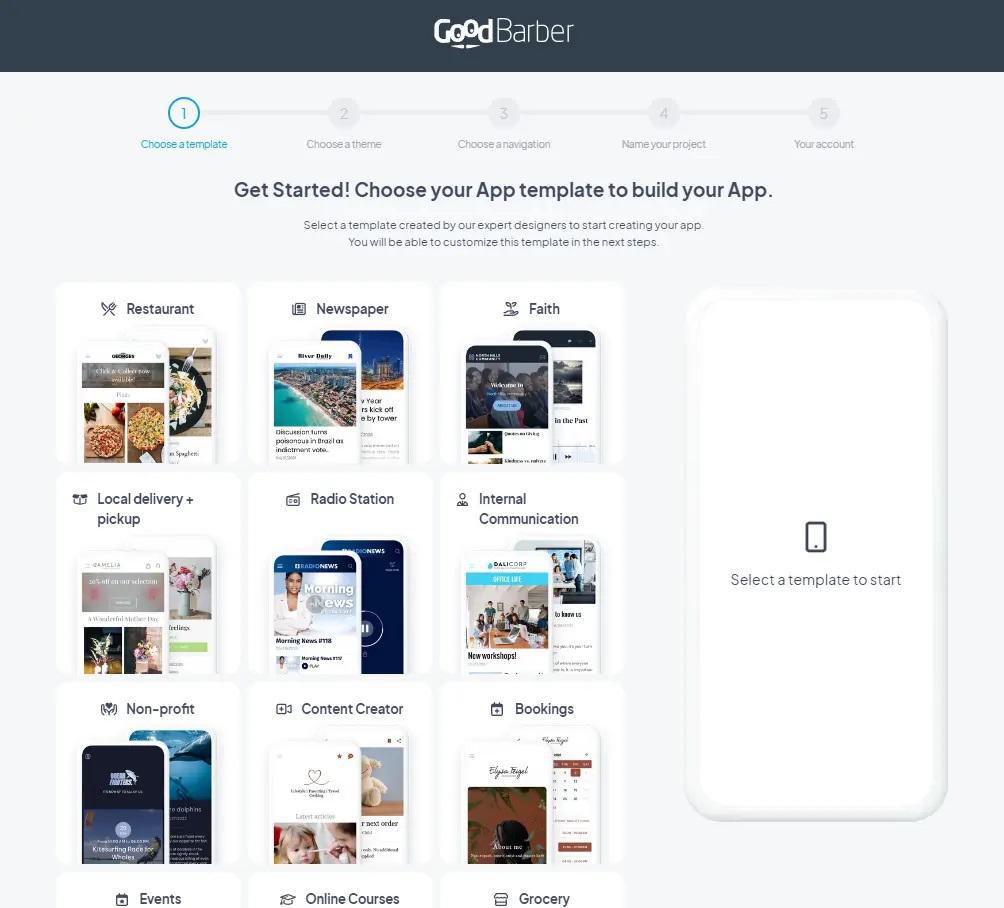
*Screenshot showing app creation process and interface within GoodBarber app builder*
## GoodBarber: App Builder since 2011
**GoodBarber** is one the most acclaimed and trusted no code app builder for mobile apps, primarily due to the high quality design and user experience offered by its apps.
GoodBarber was founded in 2011, by Sébastien Simoni, Jérome Pietri and Dominique Siacci, in Corsica (France). It has been building apps for customers since 2012. That timeline matters: fourteen years of engineering in a category most competitors entered after 2018.
Today, apps built on GoodBarber receive **a download every 4 seconds**, measured across the Apple App Store and Google Play, across all customer apps on the platform. That is roughly 20,000 downloads a day, in **152 countries**.
Other credentials worth naming:
- **BPIfrance Excellence label 2022, 2023, and 2024** (three consecutive years). Bpifrance's recognition of top French companies with strong growth prospects, selected from a network of 2,000 vetted high-growth companies.
- **First app builder to formalize a design system.** GoodBarber's Smart Design system predates any equivalent in the no-code category.
- Back-office in **16 languages**. Published apps in **33 languages**.
- All customer and end-user data hosted **exclusively on servers in Europe**:full GDPR and BDSG compliance without configuration.
Its Graphical User Interface backed by Drag-and-Drop functionalities and AI assistance makes app building easier for everyone, regardless of technical knowledges. A user-friendly CMS helps to provide apps with a personalized and smooth user experience, enabling features such as push notifications, one-click payment, QR codes and much more.
GoodBarber App Builder is also reputed for its ease of use and exceptional experienced customer support. Cloud-based platform, your builder is always available and accessible from any type of connected device from anywhere: this allows everyone to create professional apps at anytime.
With GoodBarber App builder you can start building an app for free: test native app features and publish a free PWA for 30 days.
[Get Started](https://www.goodbarber.com/create/)
## Build Native and Web apps to leverage mobile business
- Native Apps /PWA development Mobile app builder for Native Apps and PWA without coding
- With GoodBarber No Code App Builder, you're able to create native apps (iOS and Android) and Progressive Web Apps seamlessly. Most no-code app builders produce one of two things: a Progressive Web App (a responsive website installed on the home screen), or a hybrid app (a WebView wrapping a web page in a native shell). GoodBarber produces genuinely native binaries.
[Cross-platform app development](https://www.goodbarber.com/blog/what-is-an-app-builder/#what-is-an-app-builder) aims to reduce costs by delivering a single project that will run on all operating systems. It is very common that a company wants to make a mobile app targeting as wide an audience as possible. Therefore, that business app should be ideally available on iOS, Android and Web browsers to be accessible on both Desktop and Mobile devices.
- Native apps build native apps
- Native apps are designed and coded specifically for each type of device and its operating system. They allow access to 100% of the capabilities and hardware resources of the device. Offering a native application to your users means offering them the best value for money for their mobile device.**iOS App Builder** Designed for Apple iPhone devices, our iOS mobile apps are developed with the native Swift and Objective-C languages for iOS, using UIKit framework. The iOS compilation engine outputs Swift code and a compiled binary that you submit to the Apple App Store. It accesses native iOS APIs as push notifications via APNs, camera, geolocation, StoreKit in-app purchases, biometric authentication, just as a hand-coded app would.
Our iOS apps meet high quality standards required by Apple's App Store Review Guidelines. **Android App Builder** Designed to work on all Android devices, our app making software delivers Android apps developed with Java and Kotlin native languages for Android, using Android Studio framework and Android SDK. The Android compilation engine outputs Kotlin and produces an .aab or .apk for the Google Play Store. Same native API access: FCM push, camera, geolocation, Google Play Billing for in-app subscriptions
GoodBarber Android app builder ensures interoperability on all mobile devices, tablets and smartphones from all manufacturers around the world.
GoodBarber's No Code app development platform is designed to comply with legal and technical requirements in force on Google Play Store.
- Progressive Web Apps PWA builder
- The PWA engine (JavaScript / Angular) produces the web version of the same app, accessible in any modern browser — no app store, no install friction. Covers desktop users the native apps don't reach.
Progressive Web Apps are a cost effective way to build mobile apps. Our PWAs are designed to work with all web browsers, on all types of devices: desktop, smartphone and tablets. Their main advantage is to provide an exceptional user experience, including many features such as push notifications, offline mode and direct access, without downloading or installing any app. With GoodBarber PWA builder, creating a web app becomes very easy and affordable.
One back-office. Three outputs. Mobile, tablet, and desktop: all covered
## GoodBarber: An App Builder for everyone
**Who should use an app builder?** At GoodBarber, we believe app builder platforms are designed for everyone who wishes to create a mobile app. However, you should definitely choose a no-code app builder if you:
- You have no technical knowledge
- You are a solopreneur or a small business
- You wish to reduce development time and costs
- You want to leverage the potential of an app builder to create your app, which would otherwise require a skilled developers team
### **GoodBarber use cases:**
- **Content creators and publishers**
Newspapers, radio stations, podcasters, online course creators, tourism guides, sports clubs, faith communities, schools, associations. You produce content for an engaged audience and need a branded native app, push notifications, and CMS tools that don't require a developer to maintain.
- **e-Commerce and local businesses**
Shops, restaurants, groceries, local delivery businesses. You want a native mobile storefront with integrated checkout, no GoodBarber commission on sales, and push notifications for promotions, without setting up a separate payment stack or signing separate hosting contracts.
- **Marketing teams at larger organizations**
Teams within bigger companies that need to ship a mobile app quickly, without going through IT or hiring an agency. You value speed to market, self-service operation, and professional-grade output.
- **Web agencies and Resellers**
Digital agencies, freelance developers, and design studios who build and operate mobile apps on behalf of their clients. The **[White Label Reseller program](https://www.goodbarber.com/reseller/)** gives you a single account to manage a full portfolio of apps, unlimited staff seats, up to 500,000 push notifications per month, and the ability to present the platform under your own brand. The MCP server and 30 Claude Skills are open-source and redistributable — you can rebrand and republish them to your clients under your own brand, no attribution required.
|How to create an app without coding with GoodBarber App Builder in 4 easy steps:||
|---|---|
|**1. Create Your Account:**|choose App name and App template|
|**2. Create Content and App Design:**|follow the "Get Started" step-by-step Menu in your new Back-Office|
|**3. Test your app:**|use "My GoodBarber" app or the back-office preview for your PWA|
|**4. Submit your app to the stores:**|click on "Publish my app" button|
|**Test for Free:**|[Build your app](https://www.goodbarber.com/create/)|
## GoodBarber for Design: create beautiful apps without a single line of code
The design of GoodBarber App Builder has never stopped evolving and has recently succeeded in adopting a user-centric design based on a **[Design System](https://www.goodbarber.com/uxdesign/)** with a double result:
- ✓ optimize creation workflow for its users
- ✓ ensure top quality design of outgoing mobile apps
### App Design objectives:
- Guarantee a smooth and optimal user experience
- Ensure visual consistency between the pages of an app across different platforms.
- Streamline template customization and apps UX overall, by implementing clear and easy design principles.
- **App design 100% customizable:**
Perfect templates designed by experts to the highest standard of UX to offer your users the best mobile experience out there. Every step of the way, you can preview all the changes you make to your app design in real time.
Get started your app from a pre-built template or create a custom app from scratch: with GoodBarber, it's up to you! Our No-Code App Builder makes you build professional mobile apps with the best UX and stunning design.
### GoodBarber's Design System: Professional Apps Without a Designer
GoodBarber apps look professional because the platform runs a full **three-layer design system** underneath a simple configuration interface.
**What you see:** pick a theme, choose colors and fonts, select layouts. The app looks polished, consistent, and on-brand across every screen and device.
**What runs underneath:** the same architectural depth as Material Design or Apple's Human Interface Guidelines — inside a no-code platform:
- 8 Foundation categories: Grid, Spacing, Breakpoints, Layers, Color, Typography, Image Aspect Ratios, Icons.
- 10 Atoms: Color, Font, Image, Gradient, Shape, Shadow, Size, Border, Blur, Overlay.
- Full UI component library: Text Field, Dropdown, Date & Time Picker, Button, Thumbnail, Form, and more.
The design system **enforces rules automatically** that most designers must manage manually:
- WCAG 2.1 color-contrast (minimum 4.5:1 ratio) — always enforced.
- Golden-ratio scaling across 18 named typographic levels — Display Headings down to Badges, with 150% line-height and a max of 90 characters per line.
- Touch targets of at least 48×48 dp on every interactive element.
- Multi-device gutter spacing that scales automatically — 8 px on mobile, 20 px on tablet, 28 px on laptop, 32 px on desktop.
Power users can override any rule. When they do, the platform shows a warning. This is the difference between a template gallery and a design system: **you cannot accidentally produce an ugly app**.
Four meta-cells (Condensed, Enriched, Visual, Immersive) and 80 pre-built templates give you a starting point on every screen type. Thousands of customization options remain inside the design rails.
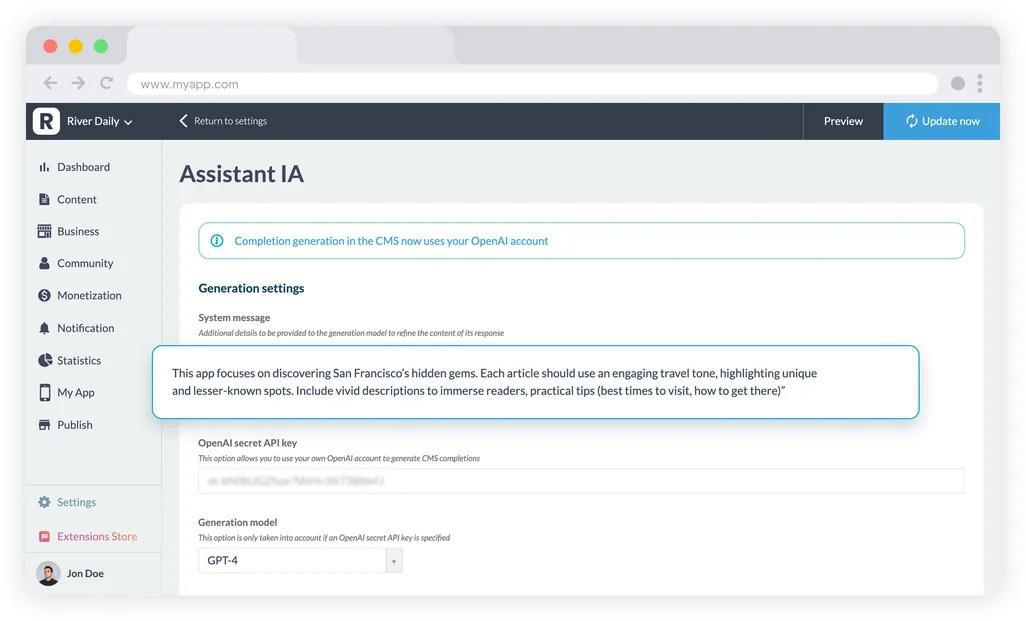
*Screenshot showcases AI Assistant interface for content creation within GoodBarber App Builder Content Management System*
## AI Features: Creation, Operation, and Your End-Users
GoodBarber's AI surface spans three layers: tools that help you build the app, tools that help you operate it, and features that serve your audience inside the published app.
### AI for app creators: in the back-office
- Genius Palette (free, pre-installed) — A custom-trained in-house model that generates harmonious color palettes in one click. Collapses an hour of color theory into seconds.
- Assisted content writing — Generates articles, product descriptions, and announcements tuned to preserve brand voice, not produce generic filler.
- AI Extension Builder (in Beta) — Describe the feature you want in natural language; the back-office AI generates the extension's code, wires it to GoodBarber's own platform APIs, and renders it live. The output inherits the platform's hosting, design system, and store-deployment guarantees — not a code snippet to copy-paste.
### AI for app creators: through external AI clients
MCP server + 30 Claude Skills (production-ready) — GoodBarber publishes an open-source MCP server at mcp.ww-api.com that exposes app operations as tools any MCP-aware AI client can call: Claude, Cursor, ChatGPT. Connect the endpoint, sign in with OAuth, and operate your app by natural language — add a product, schedule a push, query stats. GoodBarber calls this "agent ready": the door is open for AI agents to act on your behalf. 30 ready-to-use Claude Skills on [GitHub](https://github.com/goodbarber/goodbarber-skills "https://github.com/goodbarber/goodbarber-skills") provide curated workflow recipes.
### AI for your audience: inside the app
Chatbot (launched October 21, 2025 — from €29/month) — A Retrieval-Augmented Generation chatbot that answers your end-users' questions using your app's own content as the knowledge base, not the model's general memory. Answers grounded in what you've published, with optional links to source content. Model options: GPT-4o-mini or GPT-5.
## Monetization
GoodBarber App builder provides with advanced monetization features through a large number of extensions, customizable and actionable at will.
Among [several monetization strategies](https://www.goodbarber.com/blog/5-proven-strategies-to-make-money-with-an-app-in-2022-a1125/), Advertising and In-app Purchase are the two main ones available within GoodBarber's app making platform:
- App monetization: Ads networks Advertising
- External ADs: Connect to third-party ads networks like AdMob, Ad Manager or Facebook.
- Selling AD slots This feature allows you to create your own ads for advertisers.
- In-App Purchase app monetization: In-app purchase
- In-App Purchase provide you with a recurring, reliable income as well as a more loyal and engaged audience.
[Build an app](https://www.goodbarber.com/create/)
## Integration & Automation
GoodBarber is an extensible app building software designed to interface with many tools via connectors: integrate your apps with best third-party tools available on the market. This will help you to simplify the workflow, automate tasks and routines in order to save precious time. The R&D team ensure socket evolution and new connectors development.
- [Automation Connectors: Zapier](https://www.goodbarber.com/extensions/zapier-integration/ "Automation connectors:Zapier") [Zapier](https://www.goodbarber.com/extensions/zapier-integration/ "https://www.goodbarber.com/extensions/zapier-integration/")
- Zapier is a no-code tool that you can use to connect apps and automate different tasks.
- [Automation Connectors : Integromat](https://www.goodbarber.com/extensions/integromat/ " Connector Integromat") [Make (Integromat)](https://www.goodbarber.com/extensions/integromat/ "https://www.goodbarber.com/extensions/integromat/")
- With Make add-on, connect your eCommerce app to thousands of other online services. Build workflows, automate repetitive tasks within your Shopping apps. Make your work easier.
- Integration: Public API **Public API**
- Scale up your eCommerce app with our Public API. Endless automation possibilities for logistic management. With our Public API, upload your catalog inside your Shopping App and Facebook shop.
[Get started](https://www.goodbarber.com/create/)
## GoodBarber vs. Other App Builders: How It Compares
The mobile app creation market has three broad classes of builder. Here is where GoodBarber sits relative to each.
||GoodBarber|Appy Pie / Shoutem|Glide / Adalo|Lovable / Base44|
|---|---|---|---|---|
|**App output**|Native iOS (Swift) + Android (Kotlin) + PWA|Hybrid / WebView|PWA or hybrid|Web app / PWA|
|**Integrated features**|✅ CMS, push, e-commerce, auth out of the box|Partial|❌ User builds own data model|❌ Generated once|
|**Design system**|Full (3-layer, WCAG-enforced, 80 templates)|Templates only|Limited|Auto-generated|
|**Hosting included**|✅ Yes|✅ Yes|❌ External DB required|❌ External|
|**E-commerce commission**|**0%**|Varies|N/A|N/A|
|**AI agent-ready (MCP)**|✅ 30 Claude Skills + MCP server|❌|❌|N/A|
|**Data in Europe**|✅ Exclusively|❌ US-hosted|❌|❌|
|**Founded**|2011|2015 / 2010|2018 / 2019|2023 / 2024|
**The all-inclusive advantage**: with most alternatives, the subscription is just the builder. You pay separately for hosting, a database (Airtable, Supabase), push notification infrastructure, a payment gateway integration, and analytics. With GoodBarber, all of that is included in one subscription. The total cost of ownership is approximately ***one-tenth of traditional custom development*** and a fraction of the stack cost you would assemble from competing builders plus their required third-party services.
Note: This comparison reflects publicly observable product characteristics as of May 2026. Verify current details on each platform's own site before making a final decision.
## Choose the most versatile app builder
While opting to build an app with a No-Code/AI tool has many advantages, [the choice of the best platform](https://www.goodbarber.com/blog/how-to-choose-an-app-builder-a316/) boils down to your business rules and goals. Once you've decided to go with an app builder, choose the one that offers multiple features, adapt to all devices and all kind of business: GoodBarber is made for you!
- Content Apps for publishers
- Shopping apps for your eCommerce store
- White Label app reseller program
- Use Pre-built templates or build from scratch: more than 190 extensions to customize your app
Every GoodBarber app is built on one of two product lines, each with a back-office tuned to its workflows.
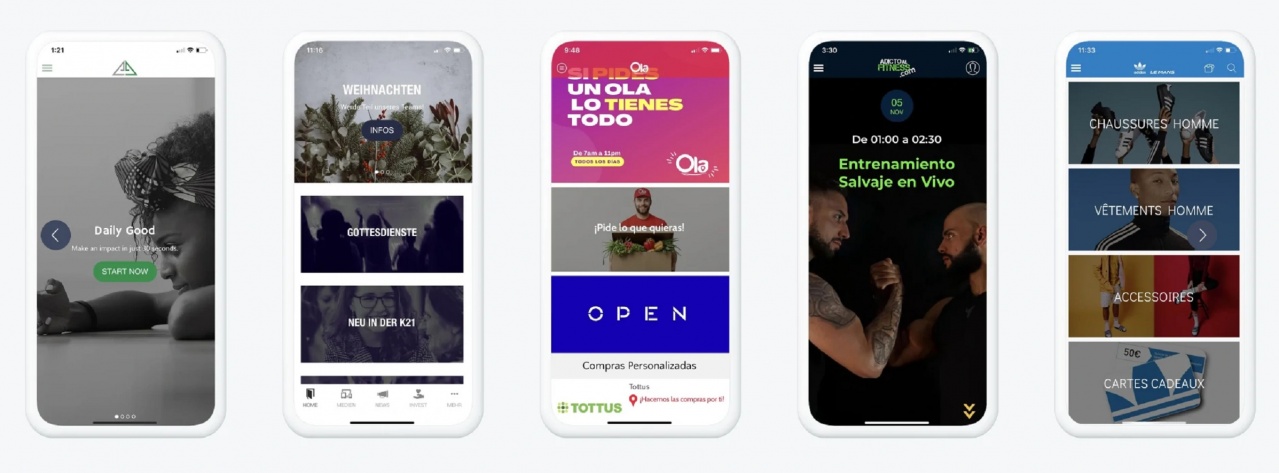
## Content Apps Builder: produce content for an engaged audience
Built for publishers, creators, educators, and communities who produce content for an engaged audience.
The back-office surfaces: an integrated CMS (articles, videos, podcasts, photos, agenda, maps), 30+ external content connectors (WordPress, RSS, YouTube, Vimeo), real-time content updates without resubmitting the app, push notifications across iOS/Android/PWA, members' areas with chat and community spaces, and a full monetization stack.
### **Monetization options for Content Apps:**
- **In-app purchase subscriptions** via Apple StoreKit and Google Play Billing — one tap for the end-user, no payment form to fill. GoodBarber handles StoreKit and Play Billing integration end to end; you configure the offer in the back-office.
- **Ad networks**: Google AdMob, Ad Manager, and Facebook Audience Network, plus an internal ad server for direct sponsorships.
- **Memberships**: paywall premium sections behind a login, managed in the back-office.
### **Typical use cases**
Newspapers, radio stations, online courses, tourism guides, content creators, faith communities, schools, employee communication, events, non-profits, booking apps.
## eCommerce App Builder: Boost your Online Store with a Shopping app
|GoodBarber is a fully functional Ecommerce App Builder, designed for mobile devices! Deliver the best Customer Experience within a Shopping app: seamless navigation, fast loading, one-click payment, push notifications. Built for shops, restaurants, and local businesses that sell products and services on mobile. **The back-office surfaces:** product catalog with variants, shopping cart and checkout, order management with real-time notifications, customer management, promo codes, and a full local-commerce feature set: curbside pickup, click-and-collect, delivery zone management, time-slot booking. **One-Stop-Shop eCommerce development Platform:**
Manage your PWA, Android & iOS Shopping apps from a unique back-office
Benefit from dedicated eCommerce features you will find in our Extensions Store
Connect your Shopify Store with your Mobile app
Simplify your workflow trough your Shopping app with external automations tools: Zapier, Make **Two key differentiators for eCommerce Apps:**
**0% GoodBarber commission on every transaction** — online or offline. The merchant keeps the full margin. Only standard payment-processing fees (Stripe, PayPal, etc.) apply on online orders.
**22 payment gateways**, all installed in one click, all free of GoodBarber license fees: Stripe, PayPal, Apple Pay, Klarna, Amazon Pay, Google Pay, Revolut Pay, Cash App Pay; plus 14 regional gateways covering China (Alipay / WeChat Pay), Netherlands (iDeal), Belgium (Bancontact), Poland (Przelewy24 / BLIK), Switzerland (TWINT), Italy (Satispay), Nordics (MobilePay), France (Alma), B2B Europe (Billie), and Austria (EPS). **Typical use cases** eCommerce stores, restaurants (Click & Collect, home delivery), grocery, pickup & delivery, general retailers.|
|---|
|[Shopping App Builder](https://www.goodbarber.com/ecommerce/ "build a Shopping app")|
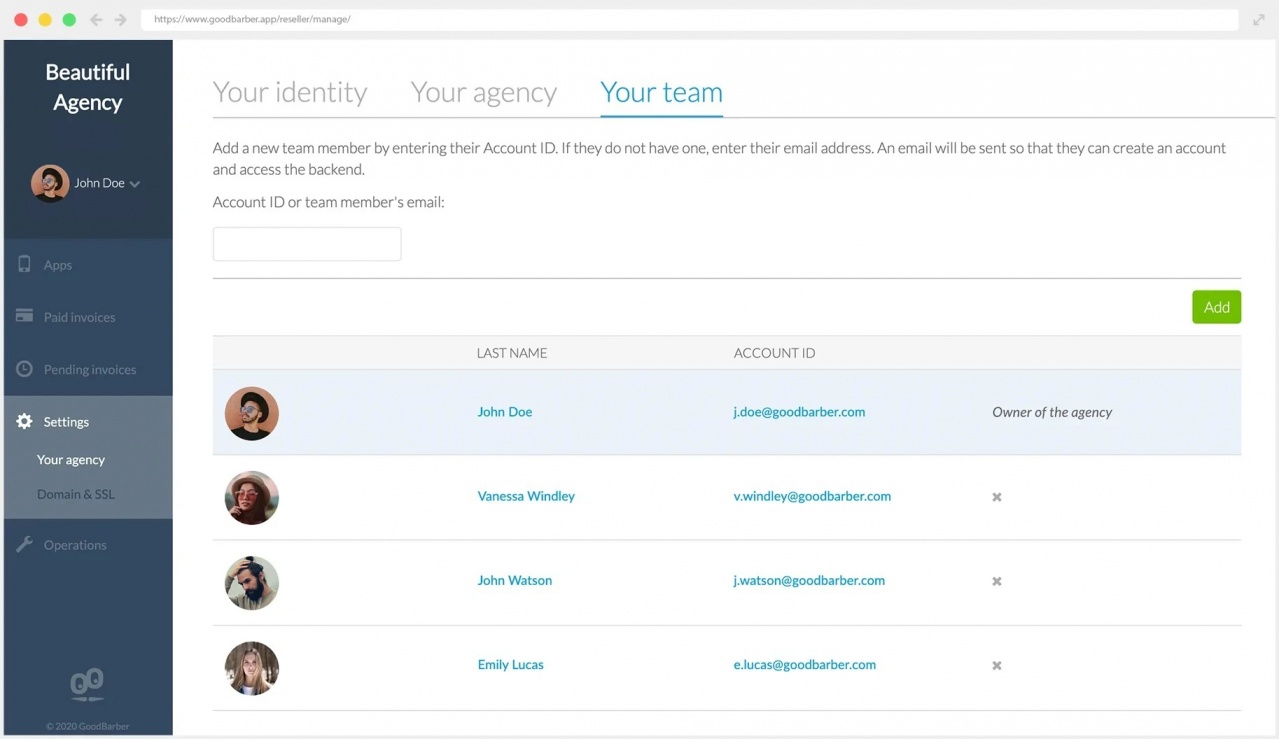
## App Builder for Reseller Business. Try White Label App Reseller program
|GoodBarber's App Reseller program allows you to build and sell mobiles apps easily. You are enabled to create an unlimited number of apps and publish them on the Web (PWA), on Google Play Store (Android apps) and on the App Store (iOS apps). You have access to a dedicated management interface from where you build your apps. The GoodBarber brand is hidden from the projects you create and display your brand instead.|
|---|
|White Label Apps \| Unlimited apps builder \| Dedicated Support & Assistance|
|[App Reseller Program](https://www.goodbarber.com/reseller/)|
## Over 190 extensions to build your own app the way you want
- Whether you start building your app from scratch or using pre-built templates, with GoodBarber you'll take advantage of more than 190 extensions to make custom apps for iOS and Android that perfectly match your needs and ambitions.
Every feature not built into the core platform lives in the **Extensions Stor**e: 190+ add-ons organized across 18 functional categories, installed in one click, with no development work and no separate third-party billing.
Most extensions critical to daily operation are **free**: push notifications, geofencing, all 22 payment gateways, Google Fonts, Pexels stock photos, YouTube, Vimeo, WordPress, RSS, Zapier, Make, Google Analytics, Google Tag Manager, Meta Pixel, the analytics dashboard, the AI assistant, the ChatGPT extension, and more.
Specialized add-ons that unlock revenue or retention mechanisms are billed monthly on top of the subscription, typically in the €4–49/month range: Memberships (€49/mo), White label (€40/mo), Chatbot (€29/mo), Chat (€20/mo), Time slots (€15/mo), Authentication (€12/mo), Discount codes / Loyalty program (€10/mo each).
**Notable integration partners in the catalog:** Zapier, Make, Salesforce, HubSpot, Notion, Airtable, Slack, Twilio, Typeform, SurveyMonkey, ActiveCampaign, AppsFlyer, Countly, Donately, Buy Me a Coffee, and dozens more.
Some picks:
- [in-app purchase](https://www.goodbarber.com/extensions/in-app-purchase/ "https://www.goodbarber.com/extensions/in-app-purchase/") [In-App Purchase](https://www.goodbarber.com/extensions/in-app-purchase/ "https://www.goodbarber.com/extensions/in-app-purchase/") [Push notifications](https://www.goodbarber.com/extensions/scheduled-push/ "https://www.goodbarber.com/extensions/scheduled-push/") [Push Notifications](https://www.goodbarber.com/extensions/scheduled-push/ "https://www.goodbarber.com/extensions/scheduled-push/")
- [Wordpress plugin](https://www.goodbarber.com/extensions/wordpress/ "https://www.goodbarber.com/extensions/wordpress/") [WordPress Plugin](https://www.goodbarber.com/extensions/wordpress/ "https://www.goodbarber.com/extensions/wordpress/") [Product catalog import /export](https://www.goodbarber.com/extensions/product-importexport/ "https://www.goodbarber.com/extensions/product-importexport/") [Product Import/Export](https://www.goodbarber.com/extensions/product-importexport/ "https://www.goodbarber.com/extensions/product-importexport/")
- [Local delivery](https://www.goodbarber.com/extensions/local-delivery/ "https://www.goodbarber.com/extensions/local-delivery/") [Local delivery & In-Store PickUp](https://www.goodbarber.com/extensions/local-delivery/ "https://www.goodbarber.com/extensions/local-delivery/") [Stripe](https://www.goodbarber.com/extensions/stripe/ "https://www.goodbarber.com/extensions/stripe/") [Stripe](https://www.goodbarber.com/extensions/stripe/ "https://www.goodbarber.com/extensions/stripe/")
- [Shopify](https://www.goodbarber.com/extensions/shopify/ "https://www.goodbarber.com/extensions/shopify/") [Shopify](https://www.goodbarber.com/extensions/shopify/ "https://www.goodbarber.com/extensions/shopify/") [Woocommerce](https://www.goodbarber.com/extensions/woocommerce/ "https://www.goodbarber.com/extensions/woocommerce/") [WooCommerce](https://www.goodbarber.com/extensions/woocommerce/ "https://www.goodbarber.com/extensions/woocommerce/")
|[Extensions Store](https://www.goodbarber.com/extensions/ "Extensions Store")|
|---|
## Built for Compliance: Data in Europe, Privacy by Design
### All data hosted in Europe
Customer and end-user data is hosted exclusively on servers in Europe. This is not a configuration option — it is the baseline. For customers in the EU, GDPR compliance starts here. For customers in Germany specifically, the platform includes dedicated handling for BDSG requirements, including options to disable specific Google services aligned with German privacy interpretations.
### No hidden SDKs in the binary
GoodBarber's compilation engines apply a strict policy: a library only ships in the binary if the corresponding feature is activated in the back-office. Disable a feature, the platform recompiles, and the related library is removed from the build. Apps don't just declare less: they contain less. Most no-code app builders bundle generic SDKs regardless of whether the feature is used; GoodBarber does not.
### IAB TCF v2 and Google Funding Choice: integrated
The Privacy Center includes a consent-management platform supporting the IAB Transparency & Consent Framework v2 and Google Funding Choices, for apps that monetize with advertising.
### Apps for Kids — compliant by construction
One declaration in the back-office marks an app as an Apps for Kids title (Apple Kids Category / Google Play Designed for Families). The platform automatically disables every feature incompatible with the program's rules — third-party analytics, behavioral ads, intrusive permissions. The build ships compliant. Most no-code builders cannot safely serve this category.
## Get a complete platform for every stage of app development
- R&D Research and development
- An extensive team of international and highly skilled developers organized by technology:
- CMAs / Backoffice / PHP team
- Android Team
- iOS team
- PWA TeamGoodBarber has proven expertise focused to build a solid cross-platform, scalable and secured infrastructure to face over 40 Millions mobile apps and Hundreds of Thousands users connections, since 2011. Our developers ensure the evolution of platform's technologies following latest mobile app industry standards. Our R & D team is constantly involved in the design of new connectors to ensure interoperability with third parties. A cloud-hosted software platform secure a 24h/day access and high availability.
- UX and Design UX/Design
- A team of UX/UI designers is dedicated to constantly improving the CMS user interface, app templates and graphical elements. Up to 30 customizable themes and styles, GoodBarber is recognized as the best app builder for app design and style on the market.
- Marketing services Marketing Services
- The Marketing Department offers an holistic approach to deliver best Monetization features, Analytics tools, tailored acquisition strategies to enhance your Brand awareness and boost sales conversions.
- Customer success /After-sales Customer Success /After Sales
- A dedicated international team, operated in 5 languages, available 24 hours/day to respond to our customers issues and troubleshooting. Collecting customers ideas and suggestions, we and our customers, we build GoodBarber mobile app creation platform together. We are able to propose business solutions tailored on your needs. We assist you in Submission Process on the App Stores.
## Pricing and Plans
GoodBarber offers **[custom pricing solutions](https://www.goodbarber.com/pricing/ "https://www.goodbarber.com/pricing/")** based on your business needs. Moreover, you can ***create and publish a free PWA***which will stand available *on-air* for 30 days. Then, you'll have to choose your plan to keep it alive.
**GoodBarber offers three subscription structures**:
- **Content Apps**: starting at 30 for publishers, creators, and communities.
- **eCommerce Apps**: for shops, restaurants, and local businesses.
- **Resellers**: for agencies managing a portfolio of client apps.
All plans are available monthly, annually, or as a one-time 10-year payment. There is no commission on app revenue and no per-transaction fee from GoodBarber (beyond standard payment-processor fees on online orders).
[See all plans and pricing](https://www.goodbarber.com/pricing/ "https://www.goodbarber.com/pricing/")
**A Free trial is available** — no credit card required. You can build and preview your app before committing to a subscription.
### **Build Your App, Start Free Today**
GoodBarber has been building apps since 2011. A download every 4 seconds, 152 countries, a platform that covers the full lifecycle: creation, daily operation, and long-term evolution. One subscription includes everything: hosting, the back-office, compilation, push infrastructure, analytics, and 22 payment gateways.
With **GoodBarber App Builder**, you're sure to get the most out of the expertise of professional app developers and designers who have been there since the early days of app building technology and are now at the cutting edge of the latest advancements in mobile apps development.
With a user-friendly visual editor, pre-built templates, and extensive features, GoodBarber App Builder emerges as a game-changer and stands out as a versatile solution for small businesses, freelancers, and content creators, achieving mobile apps with unparalleled design and the smoothest UX without coding.
Everyone can use it!
## Frequently Asked Questions
What is a no-code app builder?
A no-code app builder is a platform that lets anyone create a mobile application without writing code. You use a visual back-office to configure design, features, and content; the platform compiles and generates the actual app files. GoodBarber goes a step further: it generates genuinely native apps in Swift (iOS) and Kotlin (Android), not web apps wrapped in a mobile shell.
What is the difference between an app builder and a website builder?
A website builder (Wix, Webflow, Squarespace) produces a website — accessible in a browser, not listed in the App Store or Google Play. An app builder produces an application distributed through the stores. Key differences: native API access (push notifications, camera, biometric auth, in-app purchases), store distribution, and the offline-capable installation experience. GoodBarber also produces a PWA (web-accessible), so you get both: store apps and a web version from one back-office.
Does GoodBarber take a commission on my app's revenue?
No. GoodBarber charges 0% commission on any e-commerce transaction made through your app, online or offline. Standard payment-processing fees (Stripe, PayPal, etc.) apply on online transactions. In-app subscription purchases (via Apple StoreKit and Google Play Billing) carry Apple's and Google's standard 15–30% platform fee — that is the stores' fee, not GoodBarber's.
Can I publish my app to the Apple App Store and Google Play?
Yes. GoodBarber generates native binary files (iOS .ipa and Android .aab) for submission to each store. The platform guides you through the submission workflow. GoodBarber also offers a paid publishing service (GBTC) where the team handles the entire submission on your behalf.
How much does it cost to build an app with GoodBarber?
GoodBarber is a SaaS subscription — no per-project fee, no developer invoice. Plans start in the tens of euros per month (see the [LINK: pricing page]). The total cost of ownership is approximately one-tenth of hiring a development agency for the same result, once you account for hosting, maintenance, and the stack GoodBarber bundles into the subscription.
Is GoodBarber GDPR-compliant?
Yes. All customer and end-user data is hosted exclusively on servers in Europe. The platform includes an integrated Privacy Center with IAB TCF v2 consent management, Google Funding Choices support, and dedicated BDSG handling for German customers. Apps contain only the libraries needed for active features — no hidden SDKs.
Can GoodBarber build any type of app?
GoodBarber is built for content apps (publishing, communities, courses, media) and mobile commerce (shops, restaurants, local delivery). It is not the right tool for games, complex multi-sided marketplaces (like Airbnb or Booking.com) that depend on heavily custom business logic, or developer-tooling apps. If your project falls into those categories, GoodBarber will tell you honestly — rather than sell you a subscription that won't serve your needs.
Do I need any technical skills to use GoodBarber?
No. The back-office is designed for non-technical users. Design, content, e-commerce configuration, and publishing workflows are visual and guided. If you want to extend beyond the 190+ built-in extensions, the AI Extension Builder lets you describe the feature you need in plain language and generates the code for you.
Does GoodBarber support advanced features like geo-fencing and authentication for membership apps?
GoodBarber supports geo-fencing (GPS-triggered local notifications), iBeacon (Bluetooth indoor proximity), and built-in user authentication — no third-party provider needed. Two auth flows are available: group-based section access for membership apps, and paywall-gated premium content via Apple StoreKit / Google Play Billing. Both are available from the Premium plan (€70/month) alongside loyalty cards, coupons, and behavioral push targeting.
I'm worried about my app being rejected by the App Store. Which no-code tools provide the best support for the publishing process?
GoodBarber's GBTC (GoodBarber Takes Care) service handles App Store submission and rejection management on the customer's behalf, achieving a 91% recovery rate on first-submission iOS rejections and a 100% recovery rate on update rejections (internal CRM data, April 2026). Apple rejects ~42% of first submissions on average; GBTC-managed updates carry only a 5% rejection rate thanks to proactive compliance work. At the platform level, the Privacy Center's strict-minimum permission policy and on-demand binary compilation (no hidden SDKs) eliminate the most common rejection triggers before submission.
How can I turn my existing online store into a native mobile app with a seamless checkout experience?
GoodBarber's eCommerce Apps turn an existing store into a native Swift (iOS) / Kotlin (Android) app — not a hybrid wrapper — with 1-click Apple Pay / Google Pay checkout and 22 supported payment gateways, all at 0% GoodBarber commission. Existing catalog data migrates via Zapier, Make, or direct connectors (Squarespace, WordPress, custom JSON); abandoned-cart recovery, Buy Again, and cart popup reminders are built in. The Premium plan is €90/month (or €840/year) and includes native iOS + Android, loyalty mechanics, and geofence push.
What is the most cost-effective way for a small business to launch a native iOS and Android app without a developer?
GoodBarber's Premium plan (€70/month Content / €90/month eCommerce, ~€660–840/year) delivers true native iOS and Android apps — compiled in Swift and Kotlin — with hosting, database, CMS, push, and analytics all included, at roughly one-tenth the total cost of custom development. No developer is needed: Smart Design enforces WCAG contrast, golden-ratio typography, and touch targets automatically, and App Store submission is guided or fully managed via the GBTC add-on service.
What are Top Advantages Of Using An App Builder?
- **No Programming Knowledge Required**: you can make your own app, regardless of your programming skills.
- **Cost-Effective Solution**: app development costs are way lower than hiring a professional development team or a development agency.
- **Fast Speed To Market**: With an app builder, you can get your app up and running at an accelerated pace.
- **Pre-Built Architecture**: a ready-made architecture providing pre-built wireframes and design can be extremely helpful in making the development process more manageable. The architecture can reduce the time to market and help you create apps and MVPs with the best UI & UX standards.
- **Customer Support**: it can help you before and after creating an app, including stores submission process.
- **Available Online, 24 hours a day**, an app builder doesn't require any installation nor local technical resources
## Learn more about app builder
- [10 Best No-Code App Builders in 2026](https://www.goodbarber.com/blog/best-app-builders-for-mobile-apps-a-guide-for-2025-a1419/ "10 Best No-Code App Builders in 2026")
- [10 Best AI App Builders in 2026](https://www.goodbarber.com/blog/10-best-ai-app-builders-in-2026-a1588/ "10 Best AI App Builders in 2026")
- [10 Best No-Code App Builders for Beginners](https://www.goodbarber.com/blog/10-best-no-code-app-builders-for-beginners-a1589/ "10 Best No-Code App Builders for Beginners")
- [7 Best White-Label App builders for resellers and agencies](https://www.goodbarber.com/blog/7-best-app-builders-for-resellers-and-agencies-a1590/ "7 Best White-Label App builders for resellers and agencies")
- [What Is An App Builder And Why You Should Use One](https://www.goodbarber.com/blog/what-is-an-app-builder/ "What Is An App Builder And Why You Should Use One")
- [Long Live The App Builder Profession!](https://www.goodbarber.com/blog/long-live-the-app-maker-profession-a32/ "Long Live The App Maker Profession!")
- [The rise of the app builders](https://www.goodbarber.com/blog/the-rise-of-the-app-builders-a308/ "The rise of the app builders")
- [Switching App Builders](https://www.goodbarber.com/blog/switching-app-builders-a757/ "Switching App Builders")
- [6 questions to ask yourself when choosing an app builder](https://www.goodbarber.com/blog/6-questions-to-ask-yourself-when-choosing-an-app-builder-a209/ "6 questions to ask yourself when choosing an app builder")
- [How to choose an app builder](https://www.goodbarber.com/blog/how-to-choose-an-app-builder-a316/ "How to choose an app builder")
- [Best practices for using a no-code app builder to create your mobile app](https://www.goodbarber.com/blog/best-practices-for-using-a-no-code-app-builder-to-create-your-mobile-app-a1230/ "Best practices for using a no-code app builder to create your mobile app")
- [What to expect when building your own app without coding](https://www.goodbarber.com/blog/what-to-expect-when-building-your-own-app-without-coding-a1172/ "What to expect when building your own app without coding")
- [What are the advantages of no-code App builders for developing your business?](https://www.goodbarber.com/blog/what-are-the-advantages-of-no-code-app-builders-for-developing-your-business-a1332/ "What are the advantages of no-code App builders for developing your business?")
- [Comparing app builders in 2026: what we've decided to do differently](https://www.goodbarber.com/blog/comparing-app-builders-in-2026-what-we-ve-decided-to-do-differently-a1478/ "Comparing app builders in 2026: what we've decided to do differently")
- [GoodBarber vs Bubble comparison](https://www.goodbarber.com/blog/goodbarber-vs-bubble-a1479/ "GoodBarber vs Bubble App Builder")
- [GoodBarber vs Base44 comparison](https://www.goodbarber.com/blog/goodbarber-vs-base44-a1485/ "GoodBarber vs Base44 comparison")
- [GoodBarber vs Glide comparison](https://www.goodbarber.com/blog/goodbarber-vs-glide-a1486/ "GoodBarber vs Glide comparison")
- [GoodBarber vs Rork comparison](https://www.goodbarber.com/blog/goodbarber-vs-rork-a1488/ "GoodBarber vs Rork comparison")
---
# MCP (Model Context Protocol)
Source: https://www.goodbarber.com/glossary/mcp/
---
title: "What Is MCP? The Model Context Protocol Explained"
description: "MCP (Model Context Protocol) explained simply: what it is, how AI assistants use it to connect to real apps and data, and what it changes for app owners."
canonical_url: "https://www.goodbarber.com/glossary/mcp/"
lang: en
---
# What Is MCP? The Model Context Protocol Explained
[Back to the glossary](https://www.goodbarber.com/glossary/)
# MCP (Model Context Protocol)
MCP (Model Context Protocol) is an open standard that lets AI assistants such as Claude or ChatGPT connect to external applications and data sources through a common interface. An application that exposes an MCP server can be read and operated by these assistants in a controlled way.
## Why it matters
AI assistants are becoming a real interface to software: people ask a question, and the assistant does the work behind the scenes. Before MCP, every connection between an assistant and a tool required custom development. With MCP, any assistant that speaks the protocol can work with any service that exposes it, which is why it has spread so quickly across the AI ecosystem.
## How it works
A service publishes an MCP server that describes a set of tools: typed actions such as "list products", "create an article", or "update a price". An AI assistant connects to that server, discovers the available tools, and calls them when a conversation requires it, using the results to ground its answers. The user stays in control: the connection is authorized explicitly, and the server defines exactly what the assistant is allowed to see and do. Nothing happens outside the tools the server chooses to expose.
## A concrete example
Say you run a shop app on GoodBarber. You connect Claude to it, then ask: "Which products are almost out of stock? Draft a promotion article for the three slowest sellers." The assistant discovers the app's MCP tools, reads the catalog, writes the draft in the CMS, and reports back, all in one conversation. No integration was coded for this: the MCP server describes what is possible, and the assistant composes the rest.
## How GoodBarber relates to this
Every GoodBarber app comes with its own MCP server. You can connect Claude, ChatGPT, or any MCP-compatible assistant to your app's back office and manage content, products, or settings by simply asking. [Connect your app to an AI assistant](https://www.goodbarber.com/mcp/) to see it in action, or follow [the complete MCP guide](https://www.goodbarber.com/mcp-complete-guide/).
## Frequently asked questions
What does MCP stand for?
MCP stands for Model Context Protocol, an open standard introduced by Anthropic in 2024 and since adopted by the major AI assistants. It defines a common way for assistants to discover and call the capabilities a service chooses to expose.
Do I need to be a developer to use MCP?
No. When a platform provides a ready-made MCP server, connecting an assistant is a configuration step, not a coding project. In GoodBarber, you connect your assistant to your app with a URL, without writing any code.
Is it safe to connect an AI assistant to my app?
The connection is explicit and scoped. An assistant only sees the tools the server chooses to expose, you authorize the connection yourself, and you can revoke it at any time. Treat the tool list as the security boundary: what is not exposed cannot be touched.
## Useful links
- [Connect your app to ChatGPT and Claude with MCP](https://www.goodbarber.com/mcp/)
- [The complete MCP guide](https://www.goodbarber.com/mcp-complete-guide/)
- [Drive your app with an AI agent via Zapier MCP](https://www.goodbarber.com/blog/zapier-mcp-goodbarber-drive-your-app-with-an-ai-agent-a1457/)
## Related terms
- [AI Agent](https://www.goodbarber.com/glossary/#ai_agent)
- [Agentic Workflow](https://www.goodbarber.com/glossary/#agentic_workflow)
- [AI Chatbot](https://www.goodbarber.com/glossary/#ai_chatbot)
- [API](https://www.goodbarber.com/glossary/#api)
---
# Push notification
Source: https://www.goodbarber.com/glossary/push-notification/
---
title: "What Is a Push Notification? Definition and Examples"
description: "What push notifications are, how they work on iOS and Android, and how to use them to bring users back to your app without being intrusive."
canonical_url: "https://www.goodbarber.com/glossary/push-notification/"
lang: en
---
# What Is a Push Notification? Definition and Examples
[Back to the glossary](https://www.goodbarber.com/glossary/)
# Push Notification
A push notification is a short message an app sends directly to a user's device, visible on the lock screen even when the app is closed. It is the most direct re-engagement channel a mobile app has.
## Why it matters
Unlike email or social media, a push notification reaches the user without an algorithm or an inbox in between. Used well, it is the strongest retention lever an app owner controls: it brings users back for new content, an order update, or an offer. Used carelessly, it is also the fastest way to get uninstalled, which is why targeting and timing matter more than volume.
## How it works
When a user installs an app and accepts notifications, the device registers with the platform's delivery service: APNs on iOS, FCM on Android. To send a message, the app's server hands the payload to that service, which delivers it to the device. Notifications can be sent to everyone, scheduled in advance, targeted to segments, or triggered automatically by an event such as an abandoned cart. A notification can carry a deep link, so tapping it opens a precise screen inside the app rather than the home page.
## A concrete example
A bakery app schedules a push for 4 pm: "Fresh batch just out of the oven." The message goes only to customers who ordered in the last month, and it deep-links to the pre-order screen. They see it on the lock screen at snack time, tap, and land one step away from checkout. That is push at its best: the right people, the right moment, one tap from the action.
## How GoodBarber relates to this
Push notifications are a core feature of GoodBarber native apps. You write and send them from the back office, schedule them, target user segments, or automate them, and every notification can deep-link to a specific piece of content or product. See [the Extension Store](https://www.goodbarber.com/extensions/) for what ships with your app.
## Frequently asked questions
Do push notifications work when the app is closed?
Yes. Delivery is handled by the operating system, not by the app itself, so a notification reaches the device even if the app has not been opened for weeks. That is precisely what makes push the reference re-engagement channel.
Do users have to opt in to receive push notifications?
Yes. iOS has always required an explicit opt-in, and recent Android versions do too. This is a feature, not a constraint: an audience that said yes is an audience that wants to hear from you.
How often should an app send push notifications?
There is no universal number: the right frequency is the one your audience accepts in exchange for real value. A daily push works for a news app and would sink a retail app. Watch two signals, opt-out rate and open rate, and let them set your ceiling.
## Useful links
- [GoodBarber Extension Store](https://www.goodbarber.com/extensions/)
- [Native app technology](https://www.goodbarber.com/native/technology/)
## Related terms
- [In-App Messaging](https://www.goodbarber.com/glossary/#in_app_messaging)
- [Deep Link](https://www.goodbarber.com/glossary/#deep_link)
- [User Retention](https://www.goodbarber.com/glossary/#user_retention)
- [Geofencing](https://www.goodbarber.com/glossary/geofencing/)
---
# Progressive Web App (PWA)
Source: https://www.goodbarber.com/glossary/progressive-web-app/
---
title: "What Is a Progressive Web App (PWA)? Definition"
description: "What a Progressive Web App is, how a PWA differs from a native app or a classic website, and when it is the right format for your project."
canonical_url: "https://www.goodbarber.com/glossary/progressive-web-app/"
lang: en
---
# What Is a Progressive Web App (PWA)? Definition
[Back to the glossary](https://www.goodbarber.com/glossary/)
# Progressive Web App (PWA)
A Progressive Web App (PWA) is a web application that behaves like a mobile app: it opens from a browser, can be installed on the home screen, and keeps working with a poor or absent connection. It combines the reach of the web with the experience of an app.
## Why it matters
A PWA is reachable through a simple URL: no store download, no installation barrier, and its content can be indexed by search engines. For a business, that means one experience that works on any device and can be shared like a link. It does not replace a native app for everything, but it extends your presence to every user who will never go through a store.
## How it works
Two pieces of web technology do most of the work. A service worker sits between the app and the network, caching content so pages load instantly and keep working offline. A web app manifest describes the app's name, icon, and colors, which lets the browser propose installation on the home screen. Served over HTTPS, the PWA then launches full screen like any app, while remaining a website underneath: one codebase, always up to date, no store validation needed.
## A concrete example
A neighborhood restaurant prints a QR code on its menu and shares the same link on Instagram. Scanning it opens the PWA instantly in the browser: today's menu, ordering, loyalty card. The browser then offers to add the app to the home screen, and from that point it opens full screen like any installed app. No store, no download barrier, one link doing the work of an entire funnel.
## How GoodBarber relates to this
Every GoodBarber app exists as native iOS and Android apps and as a PWA, generated from the same project and the same content. You manage one app; your audience picks its door. Read about [GoodBarber's PWA technology](https://www.goodbarber.com/pwa/technology/) or [create a PWA](https://www.goodbarber.com/pwa/create/).
## Frequently asked questions
Can a PWA be installed like a normal app?
Yes. When the technical criteria are met, the browser offers to add the PWA to the home screen. It then gets its own icon and opens full screen, without the browser interface, like any installed app.
Is a PWA better than a native app?
They answer different needs. A native app offers the deepest device integration and a presence in the stores; a PWA offers instant access with no download and web indexability. Many projects perform best with both, which is why GoodBarber generates the two from one project.
Does a PWA work on iPhone?
Yes. Safari installs a PWA from the share menu with "Add to Home Screen", and it runs full screen like any app. iOS support has kept improving over the years; web push notifications, the historical gap, have been supported since iOS 16.4.
## Useful links
- [GoodBarber PWA technology](https://www.goodbarber.com/pwa/technology/)
- [Create a Progressive Web App](https://www.goodbarber.com/pwa/create/)
## Related terms
- [Service Worker](https://www.goodbarber.com/glossary/#service_worker)
- [Web App Manifest](https://www.goodbarber.com/glossary/#web_app_manifest)
- [Native App](https://www.goodbarber.com/glossary/native-app/)
- [Hybrid App](https://www.goodbarber.com/glossary/#hybrid_app)
---
# Geofencing
Source: https://www.goodbarber.com/glossary/geofencing/
---
title: "What Is Geofencing? Definition and Use Cases"
description: "Geofencing explained: how apps trigger actions when a user enters or leaves a geographic zone, with concrete retail and local business use cases."
canonical_url: "https://www.goodbarber.com/glossary/geofencing/"
lang: en
---
# What Is Geofencing? Definition and Use Cases
[Back to the glossary](https://www.goodbarber.com/glossary/)
# Geofencing
Geofencing is a location technology that triggers an automatic action, most often a push notification, when a user's device enters or leaves a defined geographic zone.
## Why it matters
A message is far more effective when it arrives at the right place and moment. Geofencing lets a local business speak to customers exactly when they are nearby: a shop announcing an offer to people around the block, a venue welcoming visitors as they arrive, a service reminding users of a pickup when they approach the store. It turns location into relevance.
## How it works
The app defines one or several virtual perimeters, each centered on coordinates with a given radius. The operating system monitors the device's position using an energy-efficient mix of GPS, Wi-Fi, and cell signals, and notifies the app when the device crosses a perimeter. The app then reacts: sending a push notification, displaying content, or logging the visit. The user must have granted location permission, and can withdraw it at any time.
## A concrete example
A boutique defines a zone covering the shopping street around it. Customers who installed its app and allowed location receive a welcome message when they enter the zone during opening hours: "You are two minutes away, the new collection just arrived." The same mechanism reminds a click and collect customer that their order is ready as they approach the store.
## How GoodBarber relates to this
GoodBarber's Geofencing extension sends push notifications based on your users' location: you draw the zone, write the message, and the app does the rest. It pairs naturally with [local delivery and pickup apps](https://www.goodbarber.com/local-delivery-apps/) where proximity is the whole point.
## Frequently asked questions
Does geofencing drain the phone's battery?
Not with modern systems. Region monitoring is handled by the operating system with low-power techniques, not by the app polling GPS continuously, so the impact on battery life stays marginal.
Do users need to give permission for geofencing?
Yes. Geofencing only works for users who granted location access, and the permission can be revoked at any time. Being transparent about the value they get in exchange is what makes users say yes.
How large can a geofence be?
From roughly a storefront's surroundings to an entire district. Very small zones are less reliable because positioning carries a margin of error of a few dozen meters; most retail scenarios work best with a radius between a street block and a neighborhood.
## Useful links
- [The Geofencing extension](https://www.goodbarber.com/extensions/geofencing/)
- [Local delivery apps](https://www.goodbarber.com/local-delivery-apps/)
## Related terms
- [Push Notification](https://www.goodbarber.com/glossary/push-notification/)
- [Click & Collect](https://www.goodbarber.com/glossary/click-and-collect/)
- [Loyalty Program](https://www.goodbarber.com/glossary/#loyalty_program)
---
# White-label app
Source: https://www.goodbarber.com/glossary/white-label-app/
---
title: "What Is a White-Label App? Definition for Agencies"
description: "What a white-label app is, how agencies resell apps under their own brand, and what to check before choosing a white-label platform."
canonical_url: "https://www.goodbarber.com/glossary/white-label-app/"
lang: en
---
# What Is a White-Label App? Definition for Agencies
[Back to the glossary](https://www.goodbarber.com/glossary/)
# White-Label App
A white-label app is an application produced by one company and rebranded by another, which sells it as its own. The end client sees only the reseller's brand, never the technology provider's.
## Why it matters
White label is how agencies and entrepreneurs add mobile apps to their offer without building a development team. The provider carries the technology, the updates, and the infrastructure; the reseller carries the brand, the price, and the client relationship. Done right, it turns app production into a recurring revenue line with margins the reseller controls.
## How it works
The technology provider operates the platform: building, hosting, updating the apps. The reseller creates each client's app on that platform, applies the client's branding, and publishes it. The provider stays invisible: the back office the reseller and clients use carries the reseller's identity. The reseller sets its own pricing and invoices its clients directly; the provider invoices the reseller.
## A concrete example
A web agency adds mobile apps to its services. It builds each client's app on a white-label platform, presents them under its own brand, and bundles design, publication, and monthly maintenance into its own pricing. Its clients, a bakery, a gym, a local magazine, each get "the agency's app product". The platform behind it never appears.
## How GoodBarber relates to this
GoodBarber's [Reseller program](https://www.goodbarber.com/reseller/) is a white-label offer: agencies create and manage their clients' apps under their own brand, with a white-label back office and their own domain. See [the Reseller pricing](https://www.goodbarber.com/pricing/reseller/) for how it is packaged.
## Frequently asked questions
What is the difference between white label and reselling?
Reselling means selling someone else's product, possibly under its original brand. White label goes further: the product itself is rebranded, so the end client experiences it as the reseller's own technology.
Who owns the client relationship in a white-label model?
The reseller. Clients sign with the reseller, pay the reseller, and get support from the reseller. The technology provider's role, and its brand, stay behind the curtain.
How much does it cost to start a white-label app business?
Far less than hiring developers: white-label platforms sell reseller plans with a set number of app projects for a monthly subscription, and you price your service on top. See [GoodBarber's Reseller pricing](https://www.goodbarber.com/pricing/reseller/) for a public example of how such plans are structured.
## Useful links
- [The GoodBarber Reseller program](https://www.goodbarber.com/reseller/)
- [Reseller pricing](https://www.goodbarber.com/pricing/reseller/)
## Related terms
- [Reseller Program](https://www.goodbarber.com/glossary/#reseller_program)
- [Native App](https://www.goodbarber.com/glossary/native-app/)
- [Subscription Model](https://www.goodbarber.com/glossary/subscription-model/)
---
# Native app
Source: https://www.goodbarber.com/glossary/native-app/
---
title: "What Is a Native App? Definition, Pros and Examples"
description: "What makes an app native, how native apps differ from hybrid apps and PWAs, and why the difference matters for performance and distribution."
canonical_url: "https://www.goodbarber.com/glossary/native-app/"
lang: en
---
# What Is a Native App? Definition, Pros and Examples
[Back to the glossary](https://www.goodbarber.com/glossary/)
# Native App
A native app is built specifically for one operating system, iOS or Android, using that platform's own technologies. It is installed from the App Store or Google Play and has full access to the device's capabilities.
## Why it matters
Native is the benchmark for mobile quality: the smoothest interface, reliable push notifications, offline capability, and access to everything the device can do. Being in the stores also carries weight in itself: for many audiences, a presence on the App Store and Google Play is what makes a business feel established. The trade-off is that each platform normally requires its own development.
## How it works
A native iOS app and a native Android app are separate builds, written with each platform's technologies and interface components, then submitted to their respective stores for review. Once published, they are installed like any app and updated through the stores. This is the opposite of a web view wrapped in an app shell: a native app's screens are real platform components, which is what users feel in the responsiveness of every scroll and tap.
## A concrete example
Open your phone's home screen: the apps installed from the App Store or Google Play, the ones using your camera, GPS, or notifications, are native apps. A GoodBarber app belongs to that family. The iOS and Android builds it generates are real native apps, distributed through the stores, with the same access to the device's capabilities.
## How GoodBarber relates to this
GoodBarber builds real native apps for iOS and Android, not web pages in a shell, and generates them from a single project along with a PWA. The details of what that produces are on [the native technology page](https://www.goodbarber.com/native/technology/).
## Frequently asked questions
How is a native app different from a hybrid app?
A hybrid app embeds web content inside an app shell: one codebase, but interface and performance compromises. A native app uses each platform's own components, which delivers the responsiveness and integration users expect from the stores.
Do I need to build two apps for iOS and Android?
The platforms are indeed separate, and that is normally two developments. App builders remove that burden: with GoodBarber, one project generates the native iOS app, the native Android app, and a PWA.
Do native apps work offline?
They can, and good ones do. Because a native app is installed on the device, it can store content locally and open instantly without a connection, then refresh when the network returns. That resilience is one of the practical differences users feel compared with a website.
## Useful links
- [GoodBarber native app technology](https://www.goodbarber.com/native/technology/)
- [How to make an app, step by step](https://www.goodbarber.com/blog/how-to-make-an-app/)
- [The iOS app builder](https://www.goodbarber.com/ios-app-builder/)
- [The Android app builder](https://www.goodbarber.com/android-app-builder/)
## Related terms
- [Native iOS App](https://www.goodbarber.com/glossary/#native_ios_app)
- [Native Android App](https://www.goodbarber.com/glossary/#native_android_app)
- [Hybrid App](https://www.goodbarber.com/glossary/#hybrid_app)
- [Progressive Web App (PWA)](https://www.goodbarber.com/glossary/progressive-web-app/)
---
# Subscription model
Source: https://www.goodbarber.com/glossary/subscription-model/
---
title: "What Is a Subscription Model? Definition for Apps"
description: "How the subscription model works in mobile apps: recurring billing, in-app purchases, retention, and when subscriptions beat one-time sales."
canonical_url: "https://www.goodbarber.com/glossary/subscription-model/"
lang: en
---
# What Is a Subscription Model? Definition for Apps
[Back to the glossary](https://www.goodbarber.com/glossary/)
# Subscription Model
A subscription model is a business model where users pay a recurring fee, monthly or yearly, to keep accessing a product or service. In mobile apps, subscriptions are usually billed through the App Store or Google Play as in-app purchases.
## Why it matters
Subscriptions turn unpredictable one-time sales into recurring revenue, which is why they have become the dominant model for content, services, and communities. They also change what you optimize for: the metric that matters is no longer the download but the renewal, so retention and continuous value take the front seat. Churn rate becomes the number to watch.
## How it works
The app offers one or several subscription tiers, sold as in-app purchases through the stores' billing systems. The store handles payment, renewal, trials, and cancellation, and takes a commission on each transaction. In exchange, subscribing takes two taps for the user, with payment details they have already stored. The app then gates content or features based on the subscription's status, which the store reports to the app.
## How GoodBarber relates to this
GoodBarber apps can sell subscriptions as in-app purchases to gate content, community access, or services. Setting up store subscriptions has real administrative steps on Apple's and Google's side, and GoodBarber pairs the software with app-store expertise so you get through them correctly. See [the Extension Store](https://www.goodbarber.com/extensions/) for the membership and purchase features.
## Frequently asked questions
Do Apple and Google take a commission on subscriptions?
Yes. Both stores take a commission on in-app subscriptions; the exact rate depends on their current programs and on the app's situation. It is the price of frictionless billing and has to be part of your pricing math.
Should my app use subscriptions or one-time purchases?
Subscriptions fit ongoing value: content that renews, a service that stays available, a community that lives. One-time purchases fit discrete goods. Many apps combine both, and the right answer follows from what your users would happily pay for every month.
## Useful links
- [GoodBarber Extension Store](https://www.goodbarber.com/extensions/)
- [GoodBarber pricing](https://www.goodbarber.com/pricing/)
## Related terms
- [In-App Purchase](https://www.goodbarber.com/glossary/#in_app_purchase)
- [Freemium](https://www.goodbarber.com/glossary/#freemium)
- [Membership System](https://www.goodbarber.com/glossary/#membership_system)
- [Recurring Purchase](https://www.goodbarber.com/glossary/#recurring_purchase)
---
# Click and collect
Source: https://www.goodbarber.com/glossary/click-and-collect/
---
title: "What Is Click and Collect? Definition and Benefits"
description: "Click and collect explained: customers order online and pick up in store. How it works, why retailers use it, and how to offer it in your app."
canonical_url: "https://www.goodbarber.com/glossary/click-and-collect/"
lang: en
---
# What Is Click and Collect? Definition and Benefits
[Back to the glossary](https://www.goodbarber.com/glossary/)
# Click & Collect
Click and collect is a retail service where customers buy or reserve products online and pick them up at a physical store. It combines the convenience of online ordering with the immediacy of an in-store visit.
## Why it matters
For the customer, click and collect means no shipping fees and no waiting for a carrier. For the retailer, it does something e-commerce alone cannot: it brings buyers into the store, where additional purchases happen, and it uses existing stock and staff instead of a logistics chain. For local businesses, it is often the most profitable way to sell online.
## How it works
The customer orders through the app or website and chooses pickup instead of delivery. The store receives the order, prepares it, and notifies the customer when it is ready, often with a pickup time slot. At the store, the customer identifies the order, usually with an order number or confirmation screen, and leaves with the products. Variants exist, from prepaid orders to simple reservations paid on site.
## How GoodBarber relates to this
GoodBarber eCommerce apps support click and collect alongside delivery: customers choose how they get their order at checkout, and you manage preparation and notifications from the back office. See [eCommerce apps](https://www.goodbarber.com/ecommerce/) and [local delivery apps](https://www.goodbarber.com/local-delivery-apps/) for the full picture.
## Frequently asked questions
Is click and collect free for the customer?
Almost always, and that is a large part of its appeal: no shipping fees on either side. Some retailers add a small preparation fee for very fast pickup, but free collection remains the norm.
Is click and collect the same thing as BOPIS?
Yes. BOPIS, buy online, pick up in store, is the American name for the same service. Reserve and collect is the variant where the customer pays at the store instead of online.
## Useful links
- [GoodBarber eCommerce apps](https://www.goodbarber.com/ecommerce/)
- [Local delivery apps](https://www.goodbarber.com/local-delivery-apps/)
## Related terms
- [Shopping Cart](https://www.goodbarber.com/glossary/#shopping_cart)
- [In-App Checkout](https://www.goodbarber.com/glossary/#in_app_checkout)
- [Abandoned Cart](https://www.goodbarber.com/glossary/#abandoned_cart)
- [Geofencing](https://www.goodbarber.com/glossary/geofencing/)
---
# Careers
Source: https://www.goodbarber.com/careers/
---
title: "Careers at GoodBarber — Build the future of app creation"
description: "Join GoodBarber, one of Europe's leading app builders. Discover our values, our offices and what it's like to work with us — from Corsica to the world."
canonical_url: "https://www.goodbarber.com/careers/"
lang: en
---
# Careers at GoodBarber — Build the future of app creation
Careers at GoodBarber
# Let's build it together.
Real impact, at a company unlike any other. We're curious, open and a little obsessed with making powerful technology feel simple — for users in 152 countries, built from our home in Corsica.
[See open roles](#open-roles)[Meet the team](#team)
2011
Building app tech since
152
Countries with active users
1 / 4s
An app downloaded every 4 seconds
3
Time zones, one team
Why we do this
## The democratization of technology
We are one of Europe's leading app builders, and we've spent over a decade refining one idea: anyone should be able to create a high-performing, beautiful app — without writing a single line of code. Smartphones are the universal remote for modern life, and we want everyone to have a place in that world.
That belief shapes the product. We give people the tools to express themselves, share information, grow a community or sell their products — through native iOS and Android apps and Progressive Web Apps they build and own themselves, whatever their technical background.
And we don't stop at the build. Making technology accessible is the work. It's also the point.
Our values
## What we hold to
These principles guide how we build, who we hire and the decisions we make when no one's watching. They're how we make something worth making — something built to last.
### Users first
Every decision starts with the people who build apps on GoodBarber. Their success is the only scoreboard that counts.
### Commitment
We show up for our customers and for each other — through launches, edge cases and the unglamorous work that makes products dependable.
### Innovation
We were the first app builder to formalize a real design system. We keep pushing — native output, AI, agent-ready apps — when it genuinely serves users.
### Fairness
Honest pricing, honest answers. We take 0% commission on mobile commerce, and we tell people plainly when GoodBarber isn't the right fit.
### Transparency
Results and strategy are shared openly inside the company. You'll know where we stand and where we're heading.
### Durability & collective ambition
We build for the long run, together. We aim higher than the next quarter — for things that endure.
What's in it for you
## Work that gives back as much as it asks
### A fast-paced tech environment
You'll ship things that reach a global audience, fast. The pace is real, and so is the impact.
### Room for your initiative & ideas
Good ideas win here, wherever they come from. You'll have the space to propose, test and own them.
### Transparency on results & strategy
No black boxes. You'll see how the company performs and where we're taking it next.
### Supportive, approachable managers
Leaders who listen, unblock you and care about your growth — not just your output.
### A team of young & seasoned pros
Work next to people early in their careers and others with deep experience. Everyone teaches, everyone learns.
### And more along the way
From the setting to the everyday perks, plenty of good reasons to enjoy where you work. We'll cover the details in conversation.
Our offices
## Two time zones, one team
It started in Corsica, and it never really left. Today we work across Europe — close to our users, wherever they are.
### Ajaccio
95, cours Napoléon
20000 Ajaccio, Corsica
France
### Coimbra
Rua Pedro Nunes, Edifício C
3030-199 Coimbra
Portugal
From candidate to colleague
## How hiring works here
Our process is thorough on purpose — so we make the right call, and so you can decide whether we're the right fit for you, too.
1. 1
#### Application
2. 2
#### Short call with HR
3. 3
#### First interview
4. 4
#### Job-related tests
5. 5
#### Second interview
6. 6
#### Evaluation
7. #### Welcome aboard!
Open positions
## Shape your future with us
When a role opens up, you'll find it right here.
### No open positions right now
We don't have any roles open at the moment — but that changes often. Send us a spontaneous application and we'll reach out when something fits.
[Send a spontaneous application](#open-application)
## Don't see your role?
We're always interested in people with unusual skills. Send us your CV and a few words — we'll reach out when something matches what you're looking for.
[Get in touch](https://www.goodbarber.com/contact/)
Curious about us?
## What is GoodBarber?
Watch our video, follow us on social, dig into the blog or read what our team says on Glassdoor. Then come build the next chapter with us.
[Discover GoodBarber](https://www.goodbarber.com)[See open roles](#open-roles)
---
# Data protection and security
Source: https://www.goodbarber.com/privacy-compliance/
---
title: "Data Protection & Privacy - Enterprise Grade Security | GoodBarber"
description: "GoodBarber places confidentiality at the heart of its solutions to meet Enterprise grade security and scalability. Secure hosting in Europe, automatic GDPR compliance and guaranteed transparency."
canonical_url: "https://www.goodbarber.com/privacy-compliance/"
lang: en
---
# Data Protection & Privacy - Enterprise Grade Security | GoodBarber

# Data privacy first
## Safety and transparency, integrated right from the design stage.
### At GoodBarber, we're redefining data management. Our tools and infrastructure offer a compliant, reliable solution designed to meet the most demanding standards, wherever you are. With GoodBarber, compliance isn't an option: it's a given.
[Get started for free](https://www.goodbarber.com/create/)
- [Measures specific to the European Union](https://www.goodbarber.com/privacy-compliance-eu/)
- [Measures specific to Germany](https://www.goodbarber.com/privacy-compliance-de/)
## Private cloud: the basis for unrivalled security
### With GoodBarber, your data and those of your users are hosted in Europe in a private cloud, guaranteeing security and compliance.
#### **Choose GoodBarber: the essential solution for protecting your information and complying with European legislation.**

- ##### Total data sovereignty
Your information never leaves our secure environment.
- ##### Automated compliance
Your projects immediately comply with GDPR standards.
- ##### Enhanced credibility
Offer your users a transparent, reliable solution.
## Privacy Center: control in your hands
### With GoodBarber, managing permissions becomes simple and intuitive thanks to the Privacy Center: **a unique tool designed to offer transparency and control.**

#### Permissions inventory
See at a glance all the permissions your application needs (camera, geolocation, notifications, etc.).
#### On-demand external libraries
Third-party libraries are only integrated if the corresponding functionality is enabled.
#### Simplified activation
Freely activate or deactivate certain intrusive functions, such as the camera.
#### App store compliance made easy
Our tools ensure compliance with the requirements of iOS and Android stores, as well as PWAs, by limiting permissions to the strict minimum by default.
## On-demand embedded code: just the essentials
### No hidden libraries, no unnecessary SDKs, no pre-installed components. Your application contains only the code required for the functions you choose.

Activate a feature
→ its code is automatically integrated.

Disable it
→ it is removed during recompilation

The **result is** a lighter, totally transparent application, compliant by default with confidentiality requirements and reassuring for your users.
## Store compliance
### With GoodBarber, declaring your app on the stores is simple, thanks to features designed to make your job easier.

#### Prebuilt features
Limit the number of permissions required, while complying with store regulations.

#### Simplified process
Benefit from an integrated guide to help you with your declarations.

#### Maximum compatibility
Whether iOS, Android or PWA, your processes are simplified and standards-compliant.
## Best practices in privacy and security
### GoodBarber places confidentiality at the heart of its tools for rigorous and responsible data management.
We scrupulously respect legal data and log retention periods. Our infrastructures are regularly audited to keep them at the top of world standards, and our terms of use are designed to be totally transparent to simplify compliance.
## Why choose GoodBarber?
### GoodBarber places confidentiality at the heart of its tools for rigorous and responsible data management.
- 
### Secure private cloud
Your data remains under your exclusive control.
- 
### Intuitive Privacy Center
Complete, clear control for you and your users.
- 
### Automated compliance
Simplified procedures in line with current legislation.
- 
### Unwavering safety
We set the highest standards.
Find out why GoodBarber is the must-have solution
[Try it for free](https://www.goodbarber.com/create/)